


Recently, foreign media discovered that the Gboard input method, which has replaced the original Google input method, has begun to focus on customized functions related to fonts. It will support adjusting the font style of the keyboard input method, providing the latest setting options that better meet user needs. Continue reading Not happy with the font style? Set up Gboard’s new font adjustments to report content.
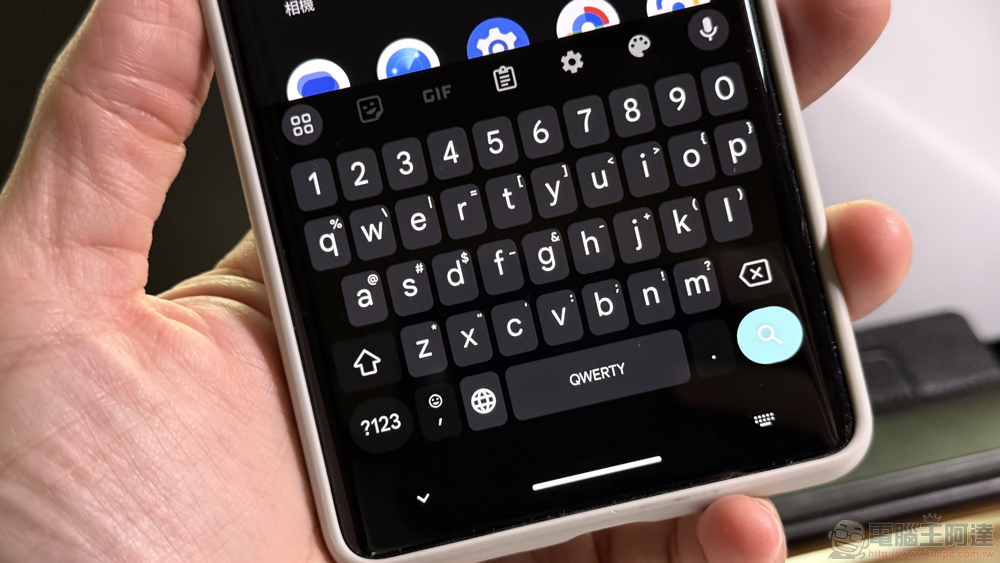
Not happy with the fonts? Set up Gboard’s new font adjustments
Although Google just launched a creative new physical “double-sided Gboard physical keyboard” that is quite funny and makes people think that April Fools’ Day has come early (see more:Google launches “double-sided Gboard keyboard”! It supports multi-person input, is more convenient to carry, and can also be used as a trendy decoration, bringing a revolutionary typing experience.). However, the pace of their updates to Gboard, which is actually used on smartphones, is in sync with the active evolution – certainly not the funny part.

▲Image source: Google
Recently, foreign media discovered that the Gboard input method, which has replaced the original Google input method, has begun to focus on customized functions related to fonts. It will support adjusting the font style of the keyboard input method, providing the latest setting options that better meet user needs.
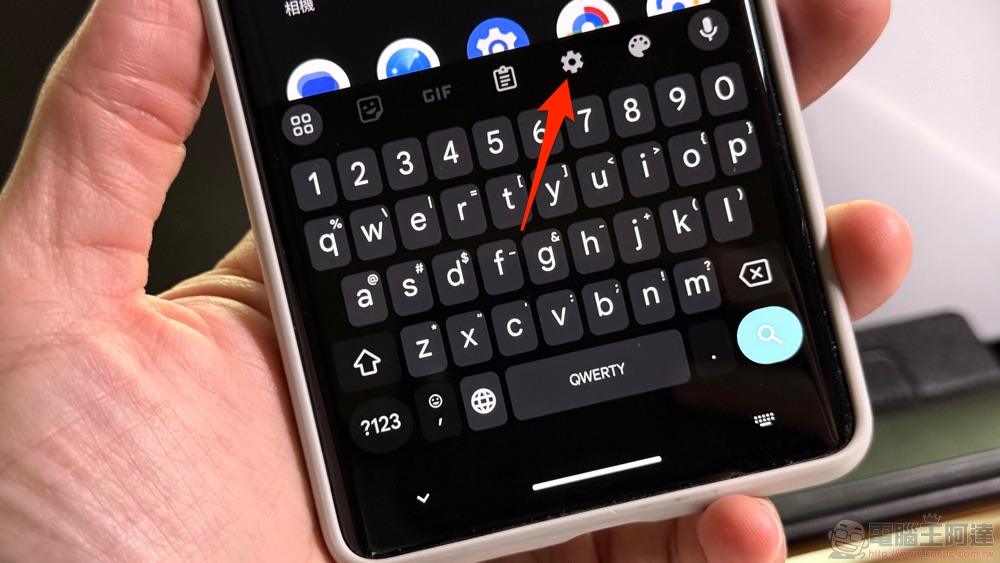
This feature will be found in Gboard’s Settings. After the update is added, you can find the “Font” option in “Preferences > Appearance” – if it has not been updated yet, it seems that there is no “Appearance” sub-item.
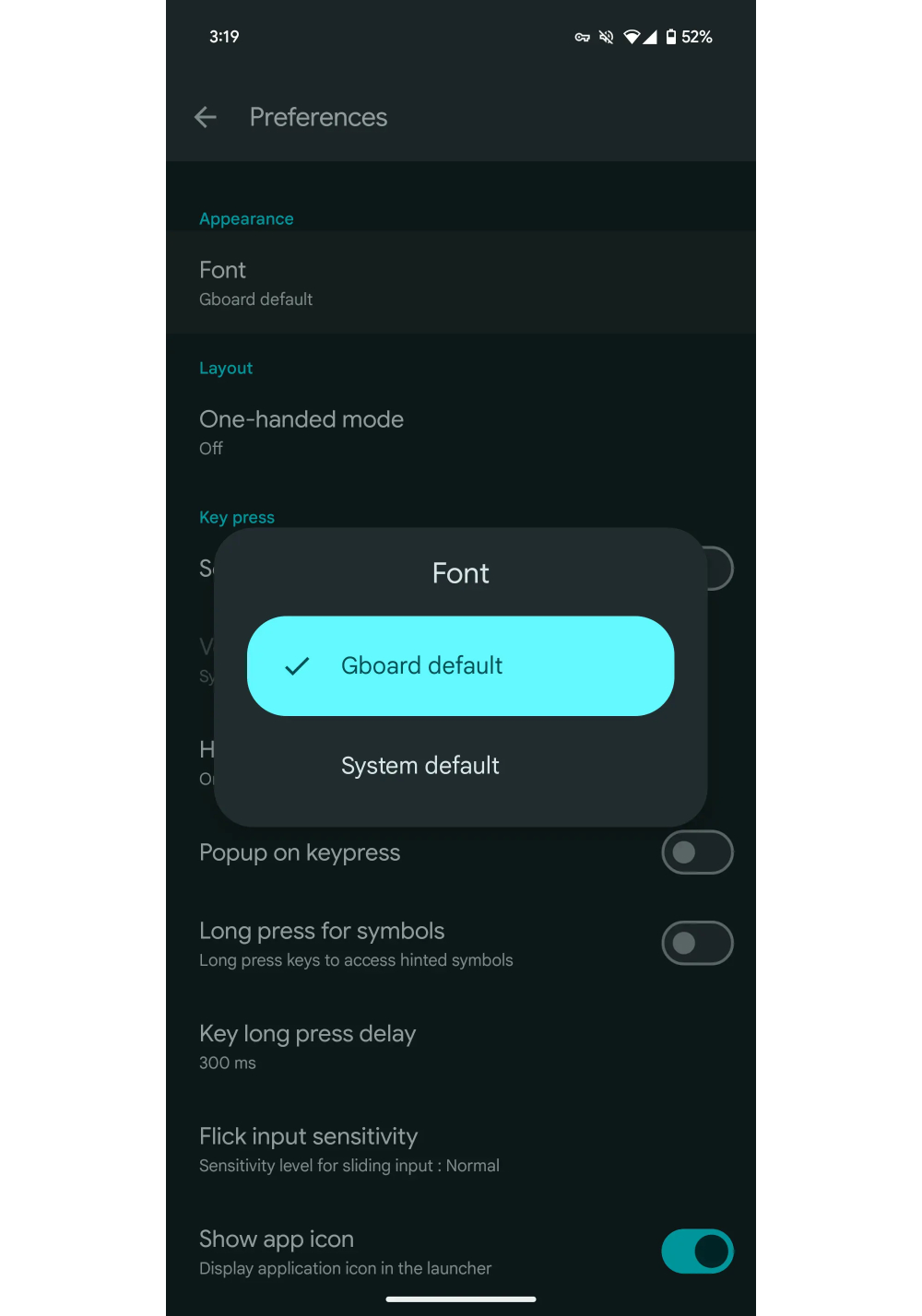
▲Image source: 9to5Google
After clicking it, you can choose the font used by the Gboard keyboard. At this stage, the system provides a default Google Sans Text for Gboard, which can also be set as the system font – for Pixel, for example, it is the Roboto font.
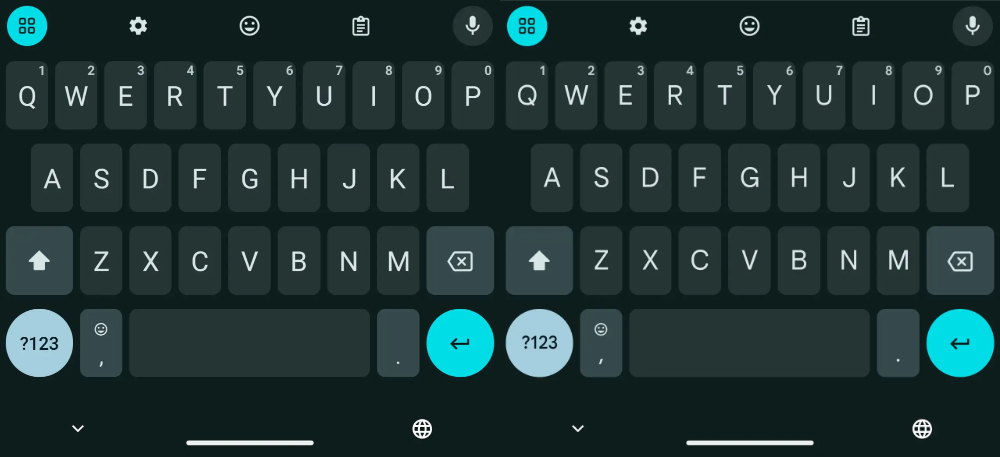
▲Image source: 9to5Google
This feature has been launched in the v14.7 beta test version at this stage, and the models currently reported to be playable include Pixel and some Samsung devices. Although the official version has come to the same version, it is reported that it has not been officially launched yet. But this feature should basically be pushed to the official version slowly. Everyone can wait patiently.
Download Gboard (Google Play)
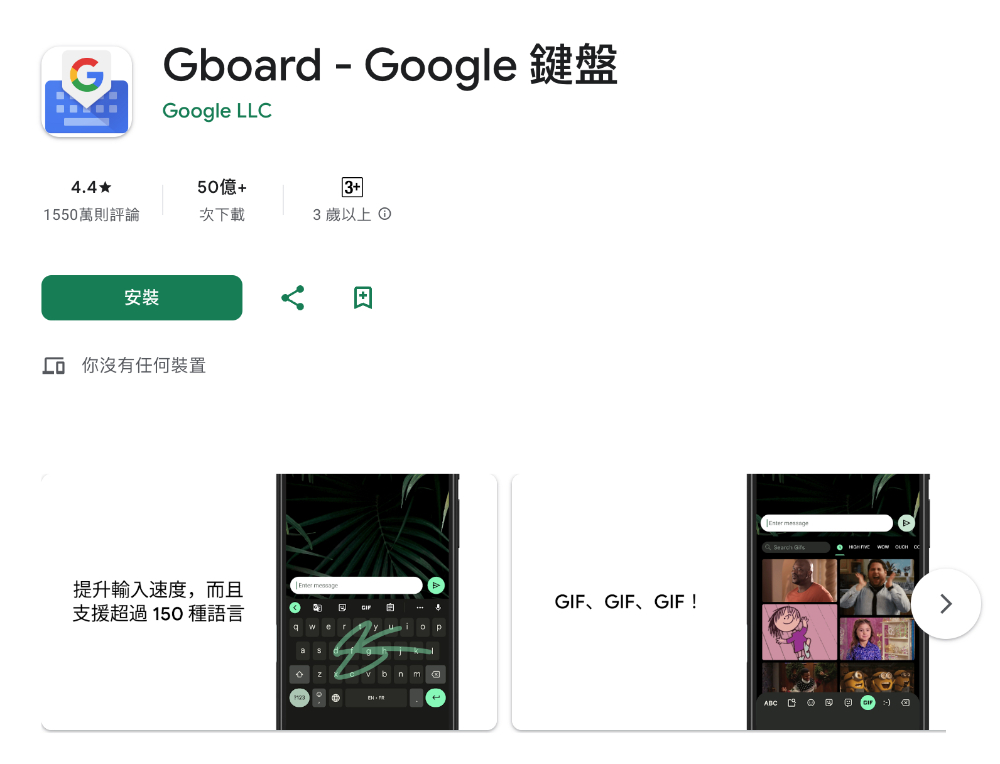
Gboard is a powerful smart keyboard that combines multiple input methods such as glide input, voice input, and handwriting, allowing you to enter text in the fastest and most intuitive way. Whether it’s fast typing, lengthy input, or complex content, Gboard can meet your needs. It also has intelligent functions, such as automatic correction and vocabulary suggestions, making your typing experience smoother.
Quote sources:9to5Google|
Further reading:

Source: KOCPC Chinese