


Almost everyone in Taiwan uses it.LINE, and almost all will send various kinds of messages during the conversation. LINE stickersTo express their mood, but the stickers everyone uses may not be to their liking, which makes some people want to create their own LINE stickers using themselves, family members, or even pets. However, making your own LINE stickers used to be extremely difficult, requiring professional artists to draw for you. Later, after Nano Banana appeared, various useful LINE stickers… AI The emergence of tools greatly reduced the difficulty, but at that time Chinese characters still couldn’t be produced properly and had to be post-processed manually. But now, ever since there is… Nano Banana Pro Now that we’ve basically overcome all the obstacles to making custom stickers, today Ada will show everyone how to…Make your own LINE stickers with AIand put them on the shelves for sale.
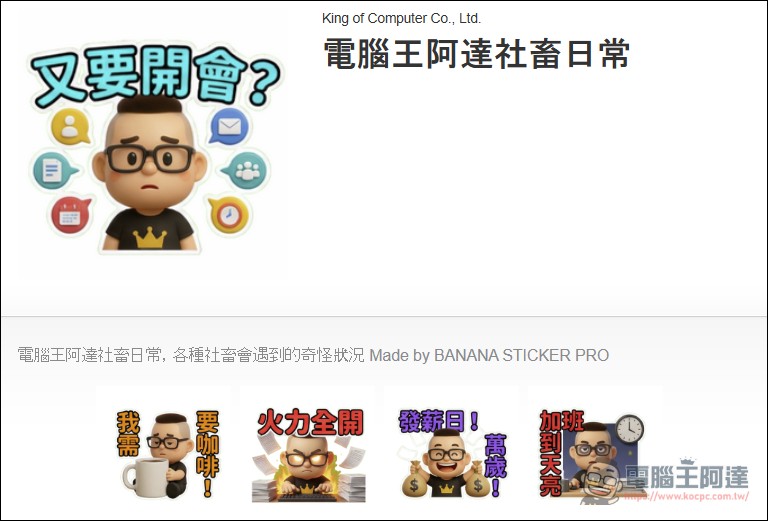
Making your own LINE stickers with AI is super easy
Making stickers with Nano Banana Pro is quite simple. Here are a few methods I’d like to share. The first one is to enter prompts directly in Gemini or AI Studio. If you don’t know how to use Nano Banana Pro yet, or if the Chinese text in your stickers always comes out garbled, please watch the video below first:
1. Use Gemini or AI Studio
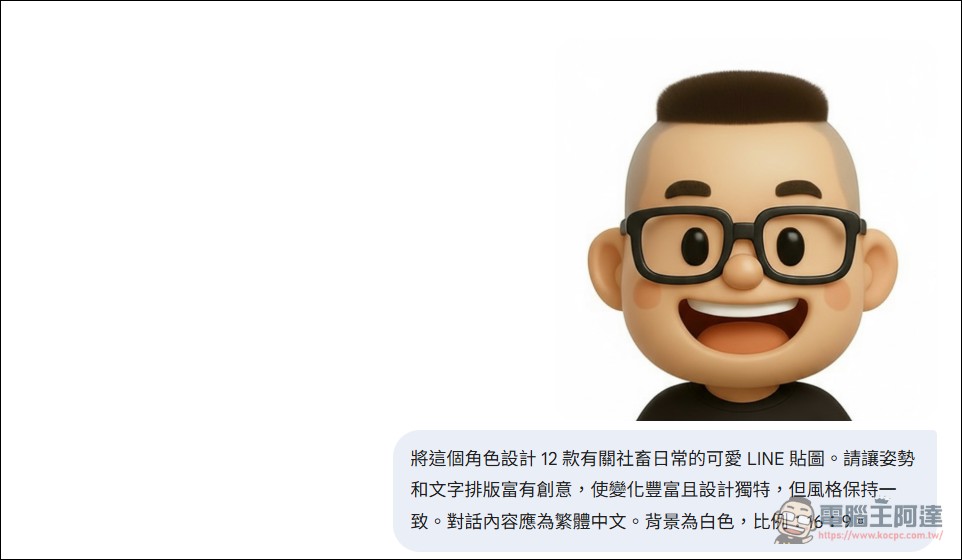
Then for making stickers, I personally recommend AI Studio, because the image resolution is higher and the Chinese characters are also more normal, but it requires a paid API key. Everyone canRefer to this video.Not going into detail here, Gemini 3 Pro can also do it. If you haven’t bought an AI Pro membership, you can make three cards a day for draws. First upload an image and enter the prompt: 「Design 12 cute LINE stickers featuring this character’s daily life as an office worker. Make the poses and text layouts creative, with rich variety and unique designs, while keeping the style consistent. The dialogue content should be in Traditional Chinese. Use a white background with a 16:9 aspect ratio.Please feel free to modify as needed.
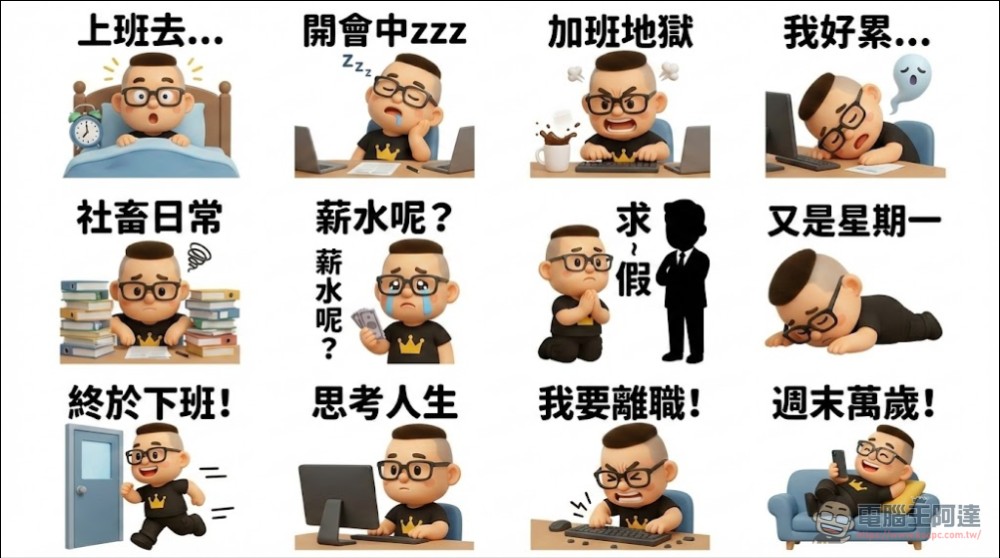
The finished product is quite cute. If you’re not satisfied, everything can be redone. However, this image hasn’t been through background removal and cropping yet, so it can’t be listed directly:
Then you can go check out what Ada vibe-coded himself.Sticker Cutting Website (Click Me)After uploading the image, it will automatically crop when executed (everyone is welcome to buy Ada a coffee XD):
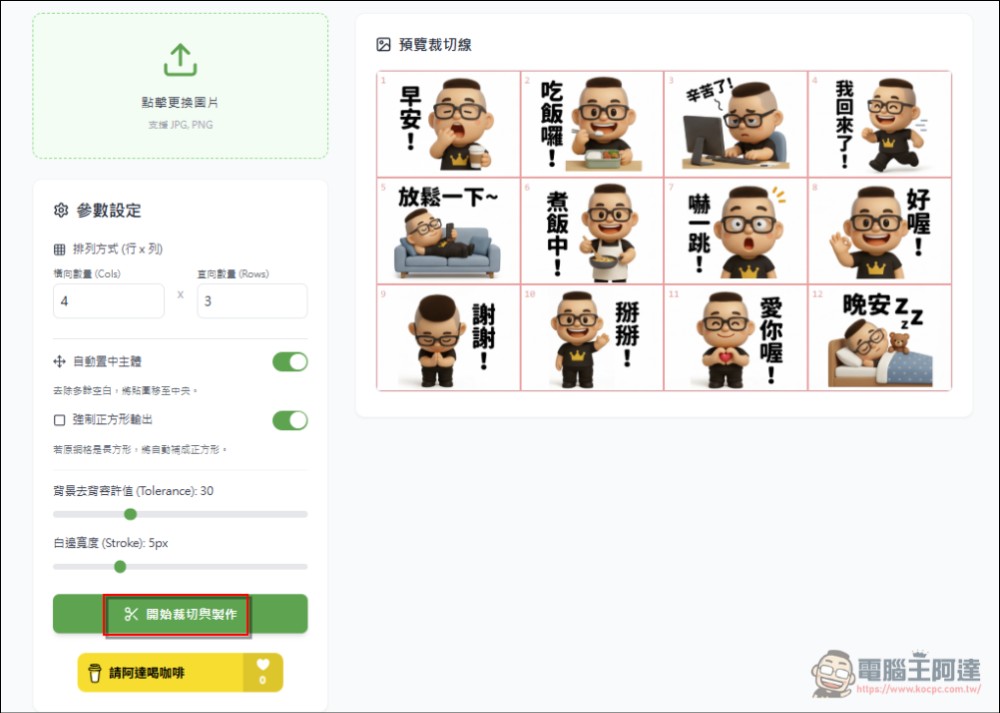
Sticker Cutting Website (Click Me)
Once cropping is done, the background will be removed automatically, and then you can download the sticker archive and upload it to the platform yourself via your phone:
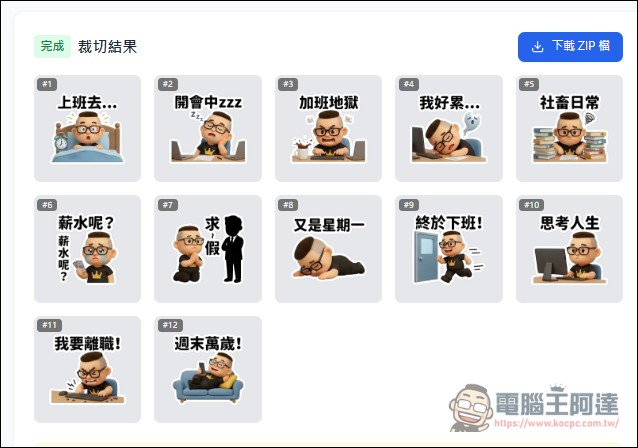
Next, please transfer the images to your phone and use the LINE 拍貼 App to publish them yourself, okay?Refer to this tutorial article.This method only works when uploading from a phone, because LINE’s sticker feature on desktop is very limited. Stickers we make that way always get rejected for not meeting the specifications.
2. Use BANANA STICKER PRO to make stickers (Recommended)
BANANA STICKER PRO is a product developed by the previously introduced “One Click StickerThe new program the author developed based on my suggestions (thanks for that) can almost generate LINE stickers with a single mindless click, and it even meets all the requirements for the official LINE marketplace listing page. However, its only limitation is…(Because Nano Banana Pro doesn’t generate images for free), if you don’t want to (or are unwilling, or can’t manage to) enter an API Key, then use my method above to create images:
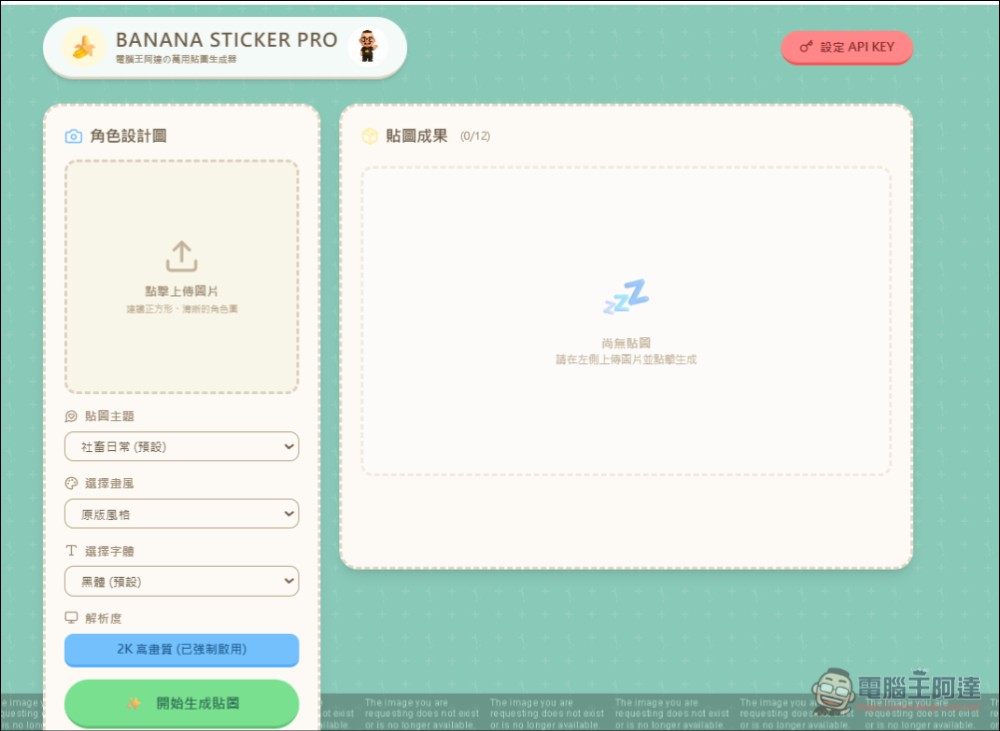
BANANA STICKER PRO Please click me
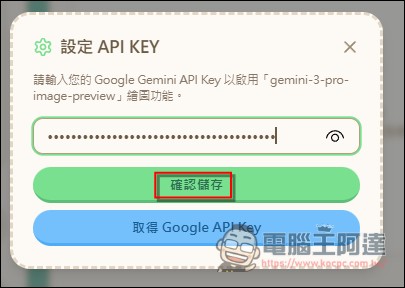
First, click “Set API KEY” in the top-right corner and enter your own API KEY. If you don’t know how to do it, you can…Watch this tutorial.:
Next, upload the character image you want to create (photos also work), then you can set the sticker theme, art style, and font:
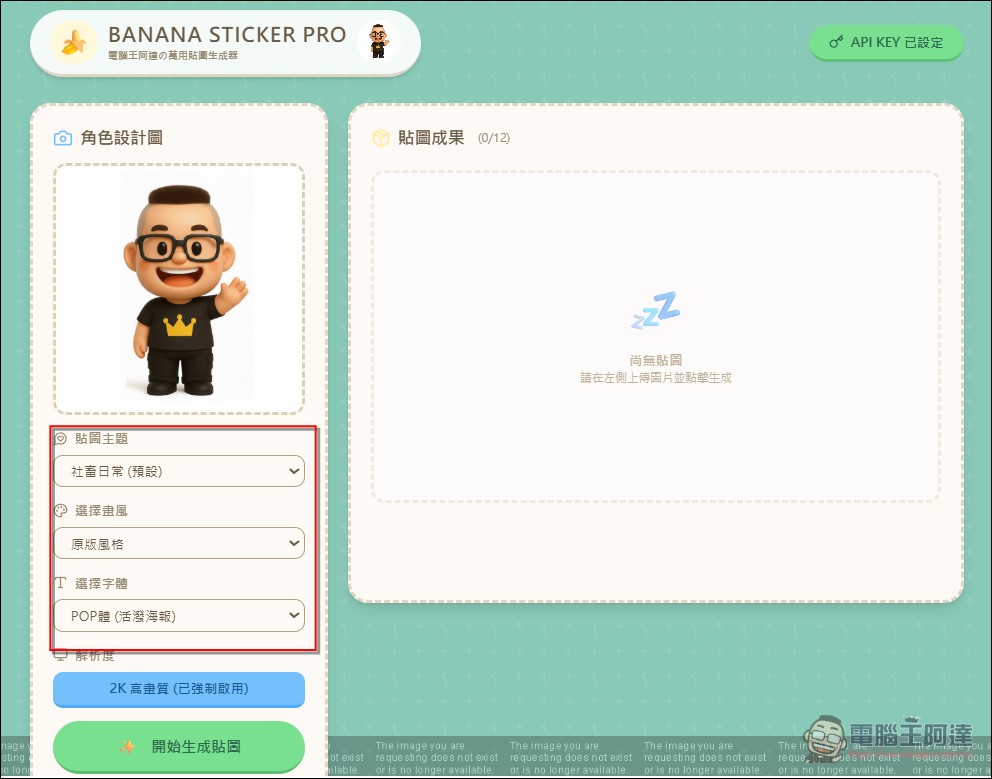
Actually, this just adds these keywords to the prompts from Ada above. You can do it yourself if you’re interested. Currently, these style and font options are available:
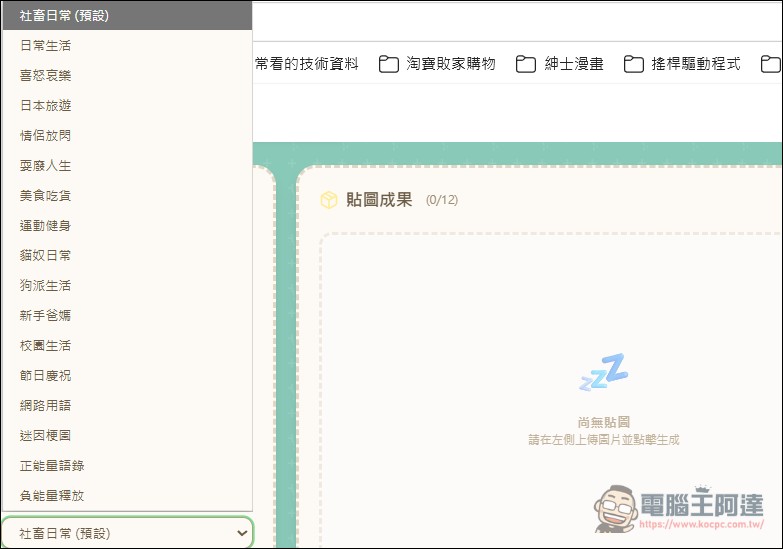
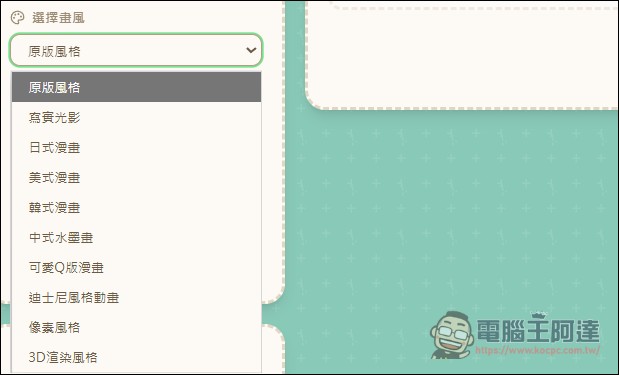
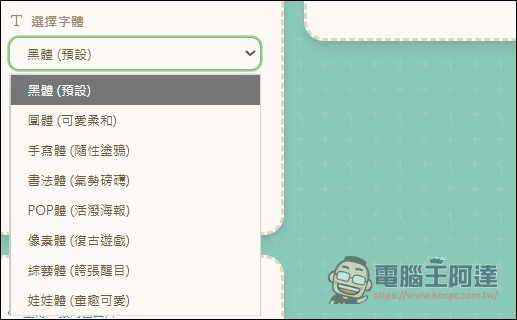
Once settings are done, you can start creating. The strongest feature of this generator is that besides handling splitting, background removal, and compression, it also includes a “Convert to LINE Stickers” option:
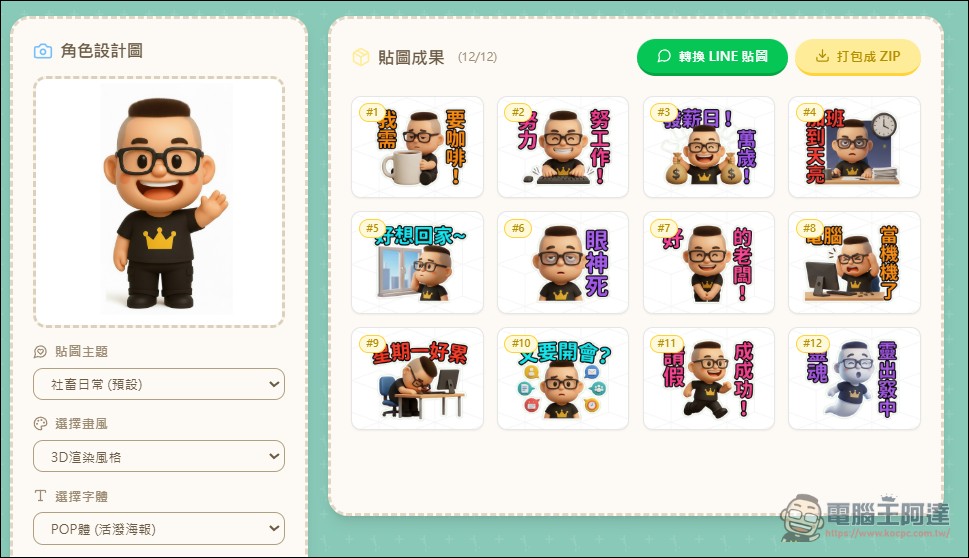
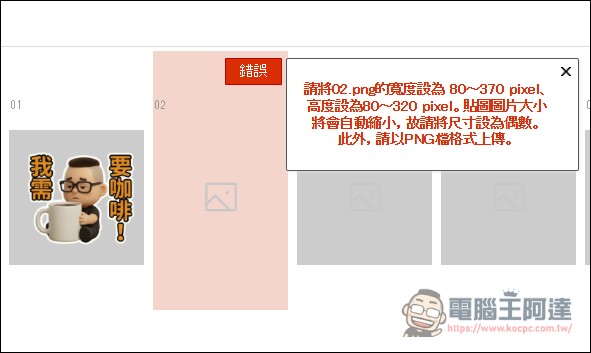
Why would you specifically convert LINE stickers? The main reason is Web version of LINE Sticker StoreThe regulation is very peculiar; it requires imagesIt must be a PNG file with the specified dimensions (370*320)., even a minor difference will trigger an error, and if you use AI to do it directly, the cropped texture size will not match his specifications:
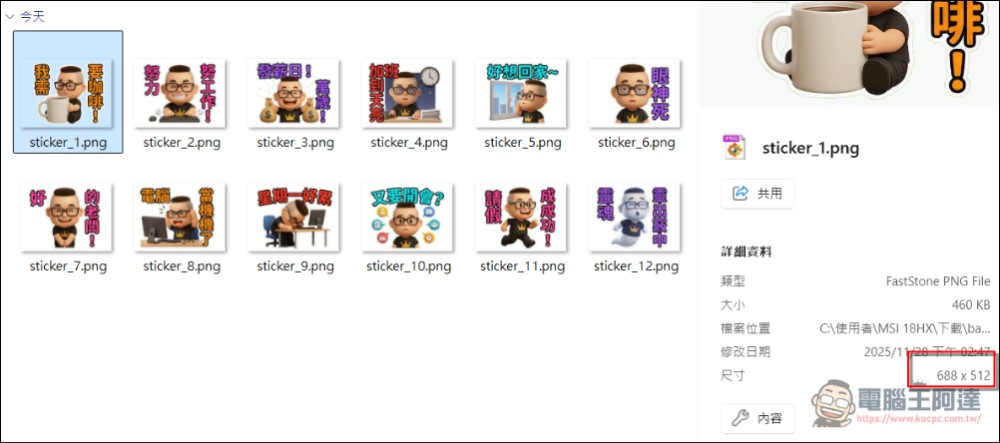
andThe mobile version of the LINE拍貼 app lets you resize, but the desktop version doesn’t.(Actually, I don’t see what’s so hard about it):
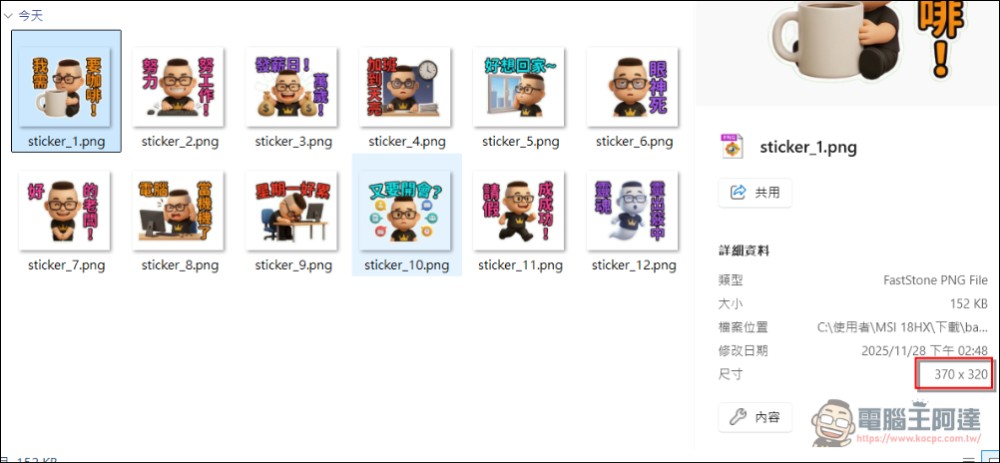
And the conversion function of BANANA STICKER PRO will automatically change the cut images to the specified size (370*320), so you can list them directly on the computer (but there are two images you still need to adjust yourself). If you’re used to using your phone, you don’t need this step:
3. Publishing Stickers on the LINE Sticker Store
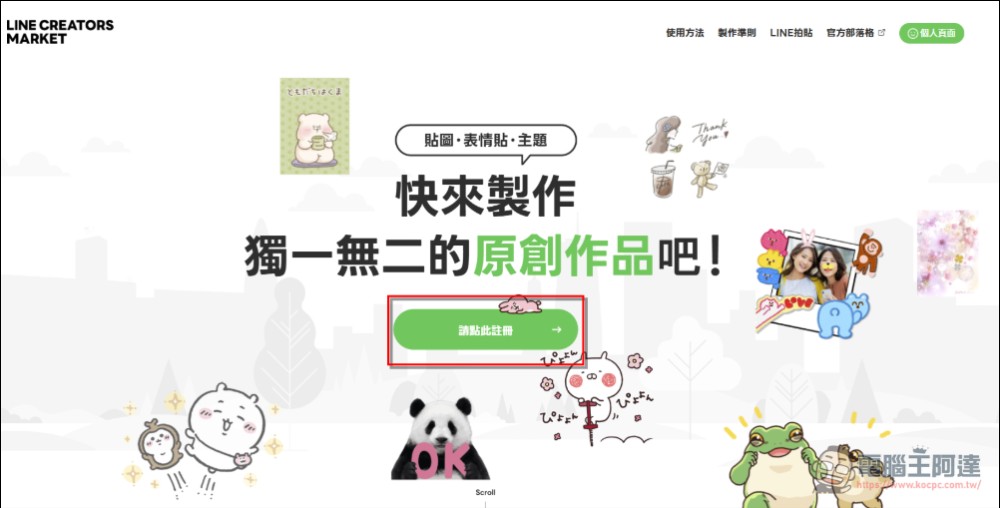
Desktop version LINE Sticker Marketplace Upload Page (LINE CREATORS MARKET)I won’t go into detail about that part—just register and follow the prompts along the way. I’ve already done it and can’t reproduce it. In short, the desktop version will be faster if your materials meet the specifications, but… APP versionMore convenient and simple, and not long-winded, everyone chooses which one suits themselves:
The content to fill in for listing is the same as the app version, nothing much to say about it. My personal advice is to honestly admit it’s AI-made and that no photos were used.
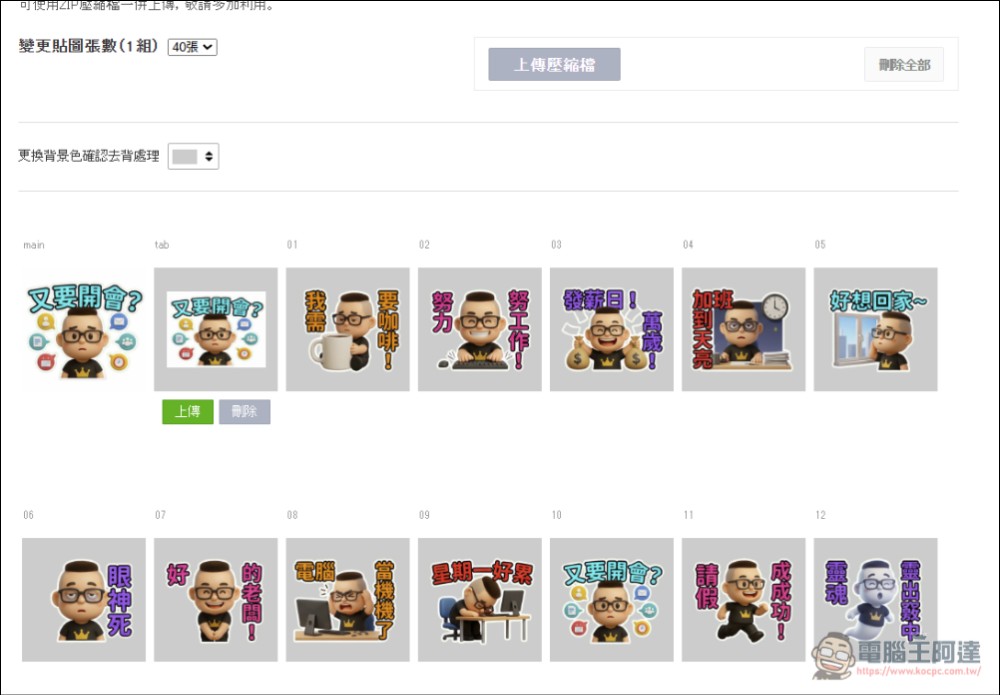
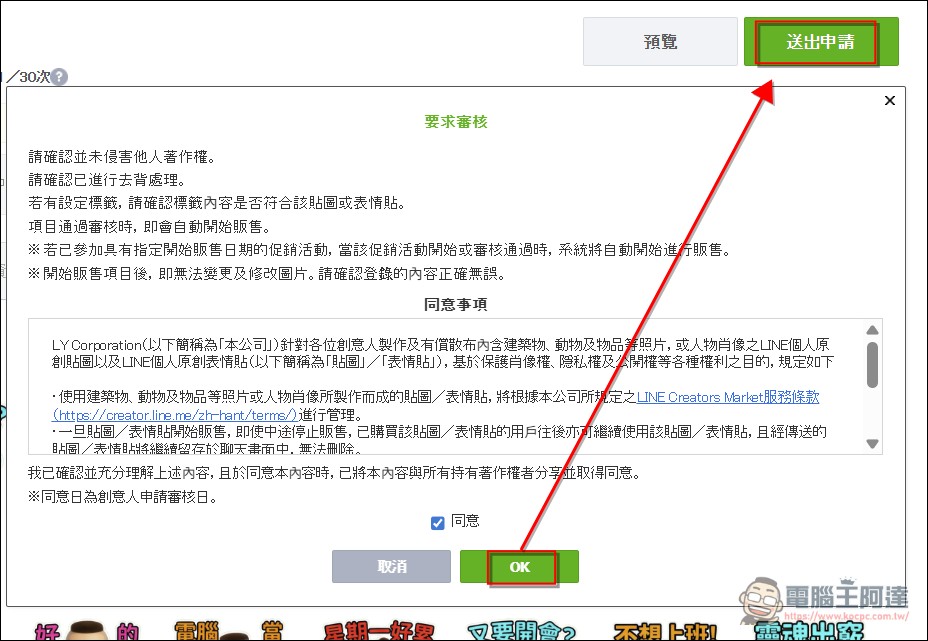
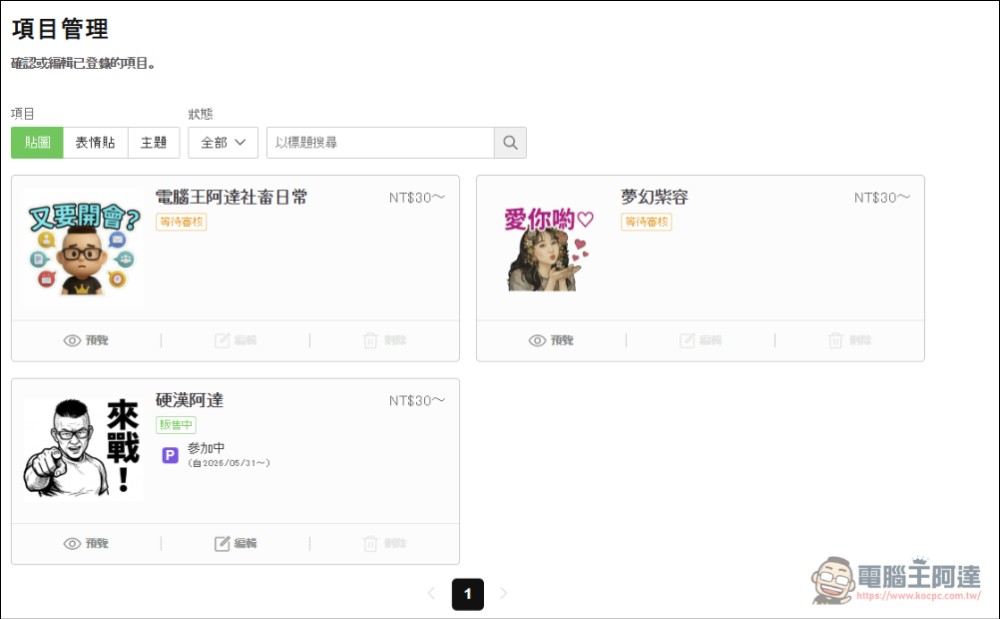
After that, it’s just waiting for a LINE message to see if it’s been approved for listing. My tough-guy Ada got through in three days:
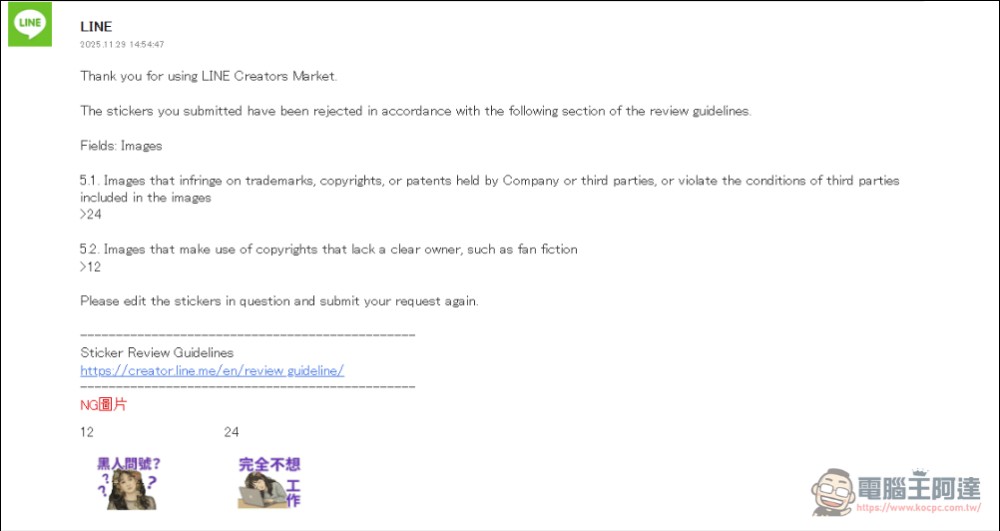
If it gets rejected, just see what changes are needed, fix them, and resubmit:
Finally, I’d also like to remind everyone that making LINE stickers with AI is mainly for “fun” and “personal use.” It’s hard to make money from LINE stickers because there are too many talented human creators out there. The stickers I make are mainly for personal use or for future giveaway prizes—I’ve never thought about profiting from them (if they sell well, I’ll donate the earnings to the Children’s Home Foundation after settling accounts each year). I’ve heard from netizens that for a NT$30 sticker pack, creators only get NT$3, and even if you want to use them yourself, you still have to pay. So making them for fun is fine, but expecting to make money is probably wishful thinking.
Hard Guy Ada Stickers / Corporate slave daily life
Source: KOCPC Chinese