


Although many people now have cloud space, if they want to share large files of more than 50GB, most people will not use their own cloud. Maybe the space is not enough. This article will recommend a high-security free file sharing space “SEND” that supports up to 100GB of single sharing. It can be used without registration, but registering as a free member will get the benefit that will be automatically extended as long as someone downloads it within 30 days.
The representative said that if people keep downloading the file, the file will not be deleted, and they also provide the function of adding a password.
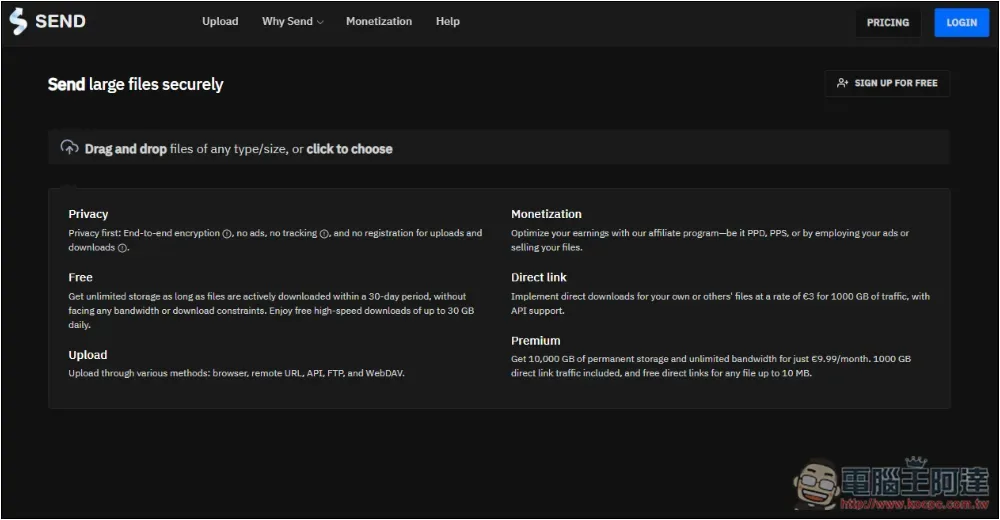
Introduction to SEND free file sharing space
In addition to the 30 days and 100GB mentioned above, SEND has other features, such as very good security, end-to-end encryption, no ads on the website (which is amazing), no storage space limit, and 30GB of high-speed downloads per day. For people who often share files, this website is quite good.
Of course, it also offers a paid version, which offers 10TB of storage space, no bandwidth limitations, and more.
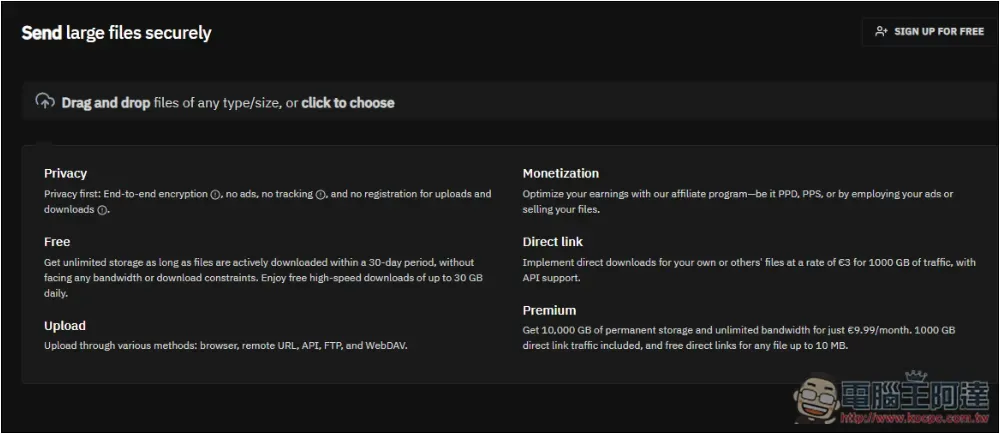
After clicking the link above to enter the website, if you do not want to register and you can accept that it will be automatically deleted if no one downloads it for 15 days, then you can start uploading files. You can click to choose to select manually, or drag directly into the window:
You can share multiple files at one time, that is, a maximum of 100GB can be shared at a time. There are also words above that remind you that if no one downloads it within 15 days without registration, it will be deleted. If necessary, you can also turn on email notifications and use file encryption functions. The expiration date on the right is defaulted to 15 days, which can be shortened but cannot be extended. You can also limit the number of downloads. For example, if you download once, it will be automatically deleted like this:
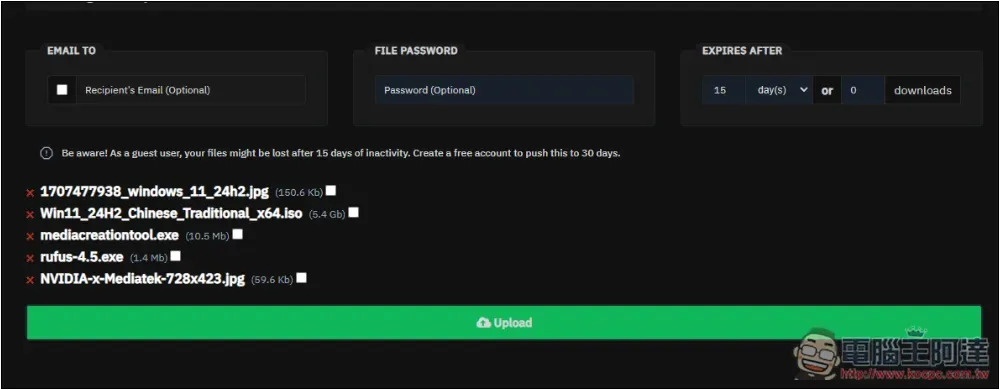
It’s really nice to be able to set the number of downloads. If you are sharing a private file, after setting the number, you don’t have to worry about whether the file will always be shared.
It should be noted that for important files, it is still not recommended to use this type of file sharing space. It is better to use more famous clouds such as Google Cloud, OneDrive, Dropbox, and pCloud.
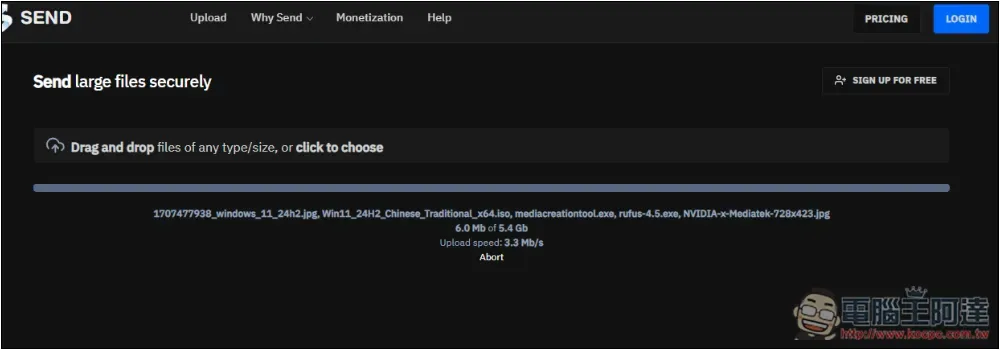
Pressing Upload will start uploading. Although the download speed is 30GB per day, the upload speed does not seem to be there. It is a bit slow. It may also be because I have not registered a membership:
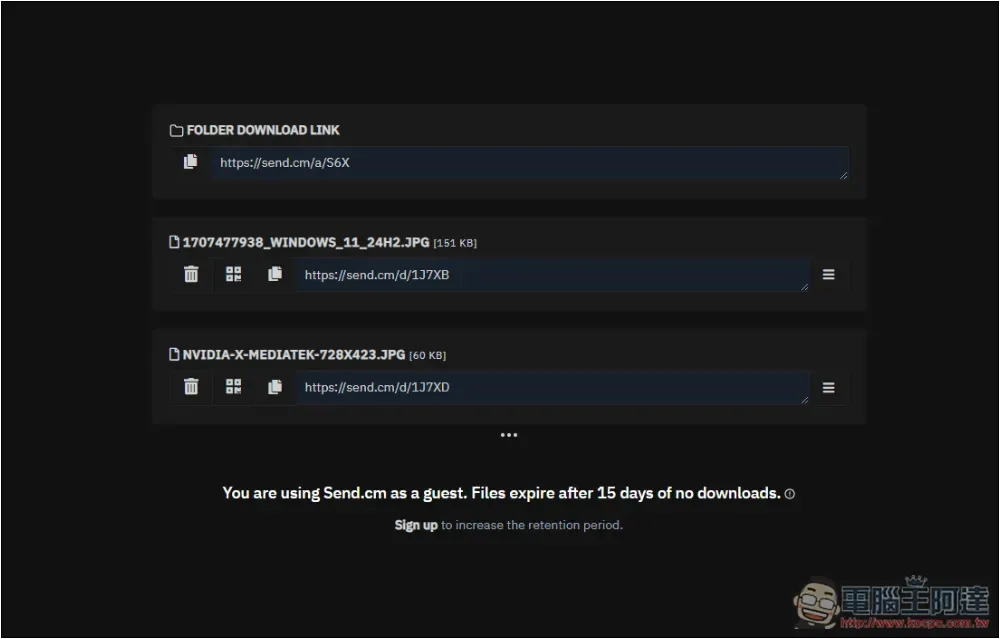
After uploading, in addition to sharing links for all files, a sharing link for a single file will also be provided. What is really cool is that each file has a delete link. If you want to delete it manually, remember to copy it first (the one with the trash can symbol, pressing it will copy the delete link to the clipboard and will not delete it directly):
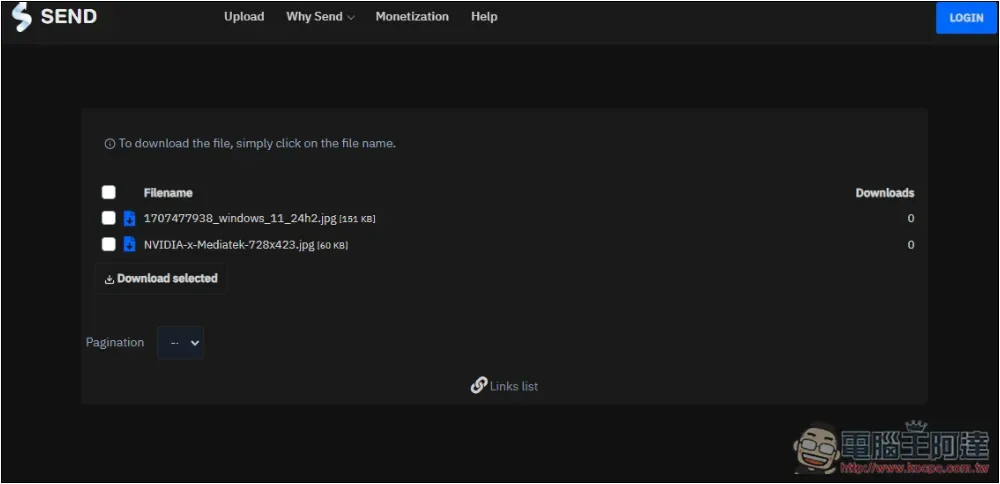
Even if it is a shared link for all files, the other party who opens it can still decide which files to download. The number of downloads is recorded for each file:
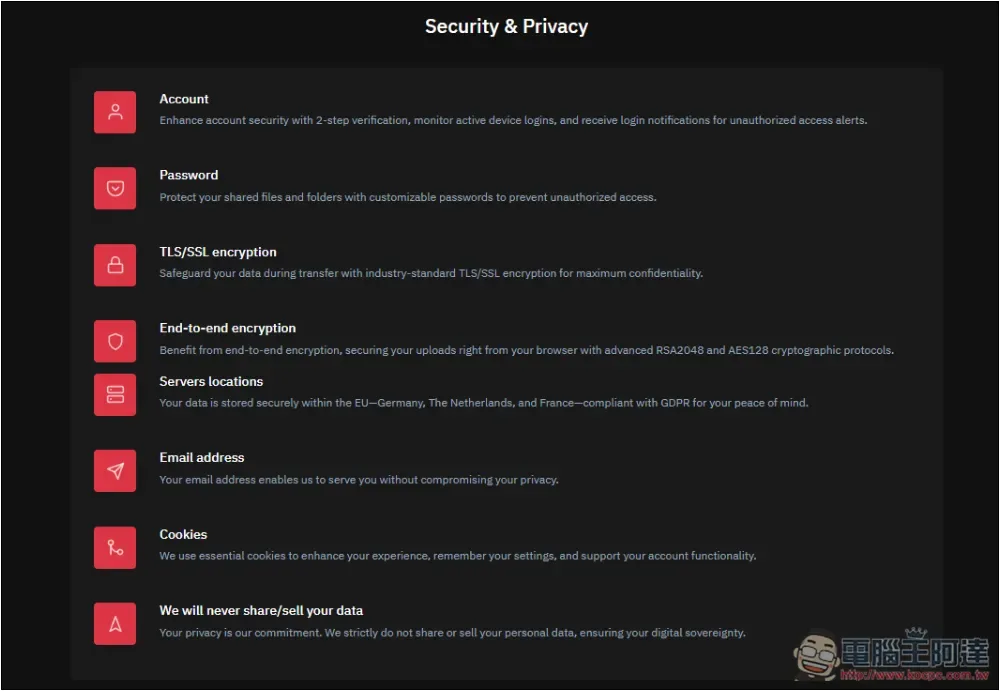
On the Our Features page, there is a detailed description of the features of each feature, including the security section, including passwords, TLS/SSL encryption, peer-to-peer, servers located in Germany, New Zealand and France, never sharing or selling user data, etc.:
In addition to this website, we have previously introduced other good file sharing spaces, such as SendBig、BUZZHEAVIER、DepositFiles Wait, you can refer to it.
Source: KOCPC Chinese