


Although AI chatbots like ChatGPT can now perform OCR functions and extract text from images, the speed is a bit slow now. I recently discovered this free online tool “OCRify”. Not only is it completely free, but the recognition speed is also very fast. It takes almost 5 seconds (or even less) after uploading to get the results. I checked that the accuracy is quite high, and there is no problem with Chinese recognition. I recommend it to people in need.
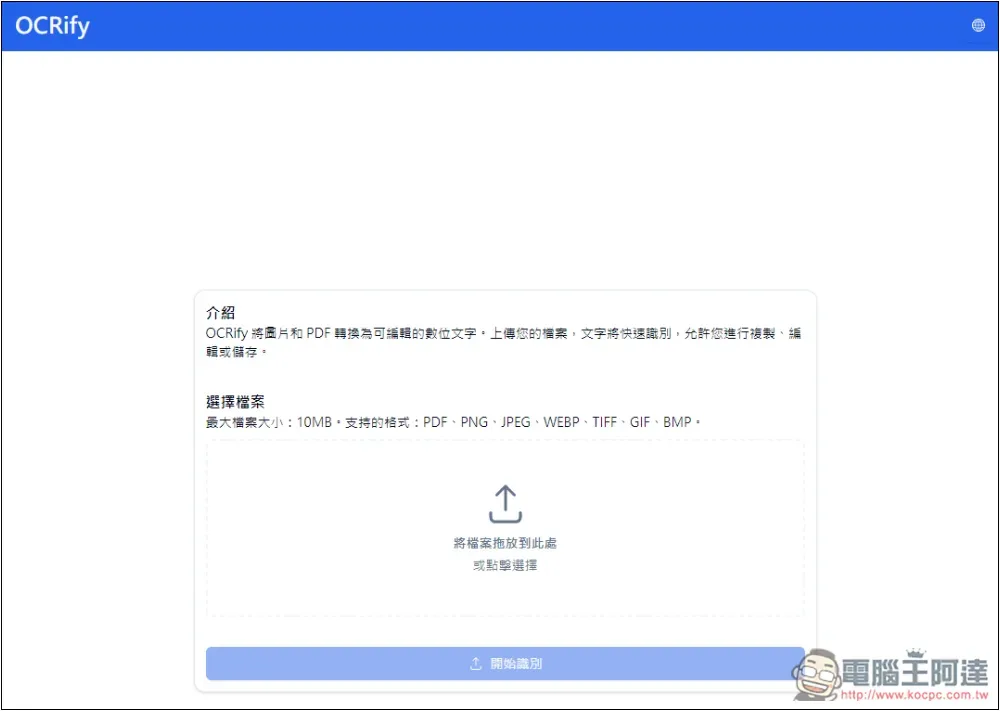
OCRify is a completely free OCR image to text tool
OCRify is a completely free OCR image to text tool that supports multi-language interfaces and can be switched through the globe icon in the upper right corner.
Although it is free, there are still some limitations. For example, the maximum file size can only be 10MB, but it should be enough. It is not easy to find pictures that exceed 10MB.
There are quite a lot of supported formats, including PNG, JPEG, WEBP, TIFF, GIF and BMP. It can also upload PDF files. However, I have not tested the effect. Those who need it can test it by themselves.
The method of use is very simple. After clicking the link above to open OCRify, select the image you want to recognize, or drag it in directly:
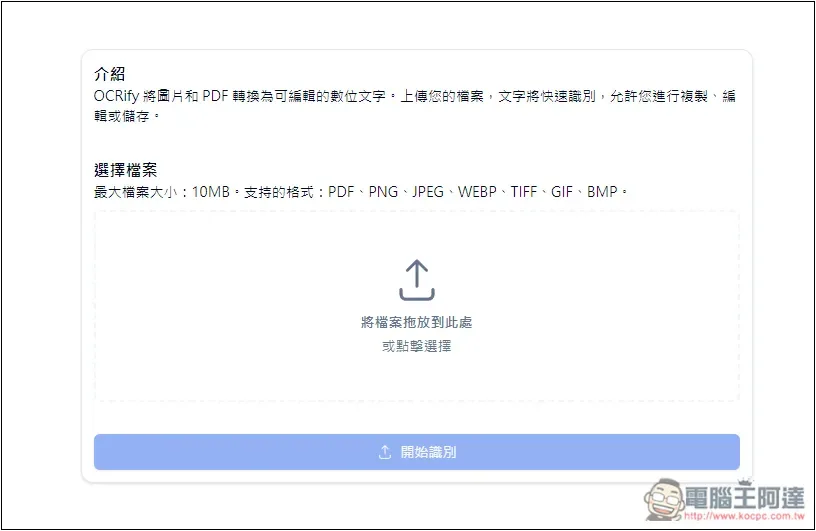
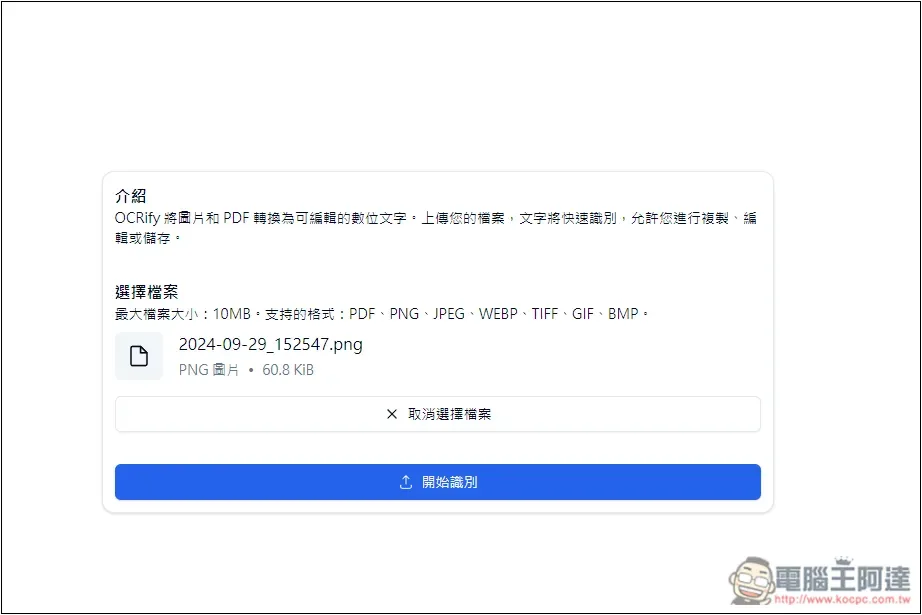
After dragging it in, you will be given a preview of the file name and file size. If you click “Start Recognition”, OCR will be performed. Only one image can be processed at a time, batches are not supported:
After processing. You will see two modes, the first is “picture + text” and the second is “text only”. If you only need all the text, switch to text only. In picture + text mode, you can click the red box on the screen, and all the text in that block will pop up, allowing you to copy it with one click. It is suitable for situations where there is a lot of text in the picture, and you can quickly get the content you want:
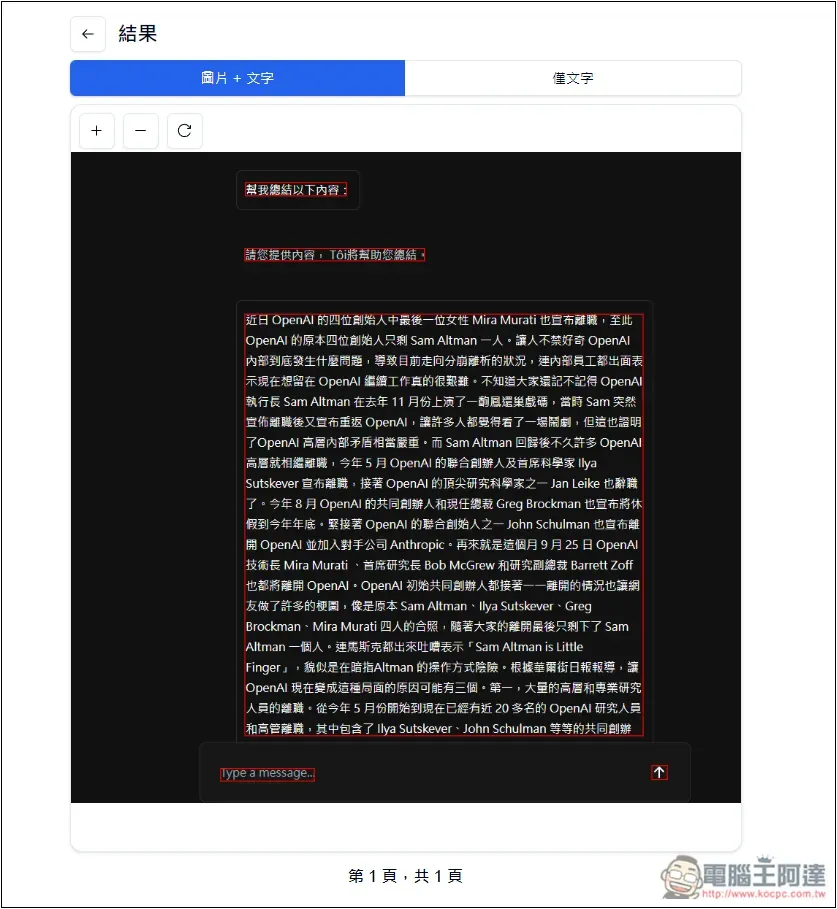
You can get all the text on the picture. As long as it is like text, it will recognize it. For example, the Type a message at the bottom of my picture is not actually needed, but it is still recognized. Click the copy icon in the upper right corner to copy to the clipboard:
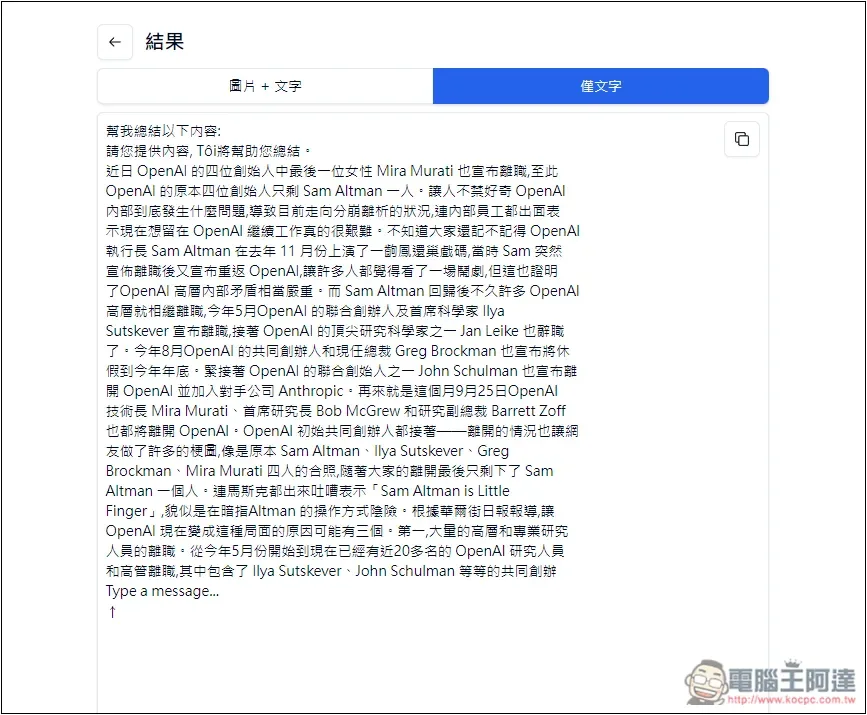
It’s a pity that the online text editing function is not supported, so you can only copy it to other places for modification.
I tested that the mobile version can also be used. You don’t have to use a computer. The method of use is the same as that of a computer. It just changes to selecting the pictures you want to COR from the gallery and files of your mobile phone:
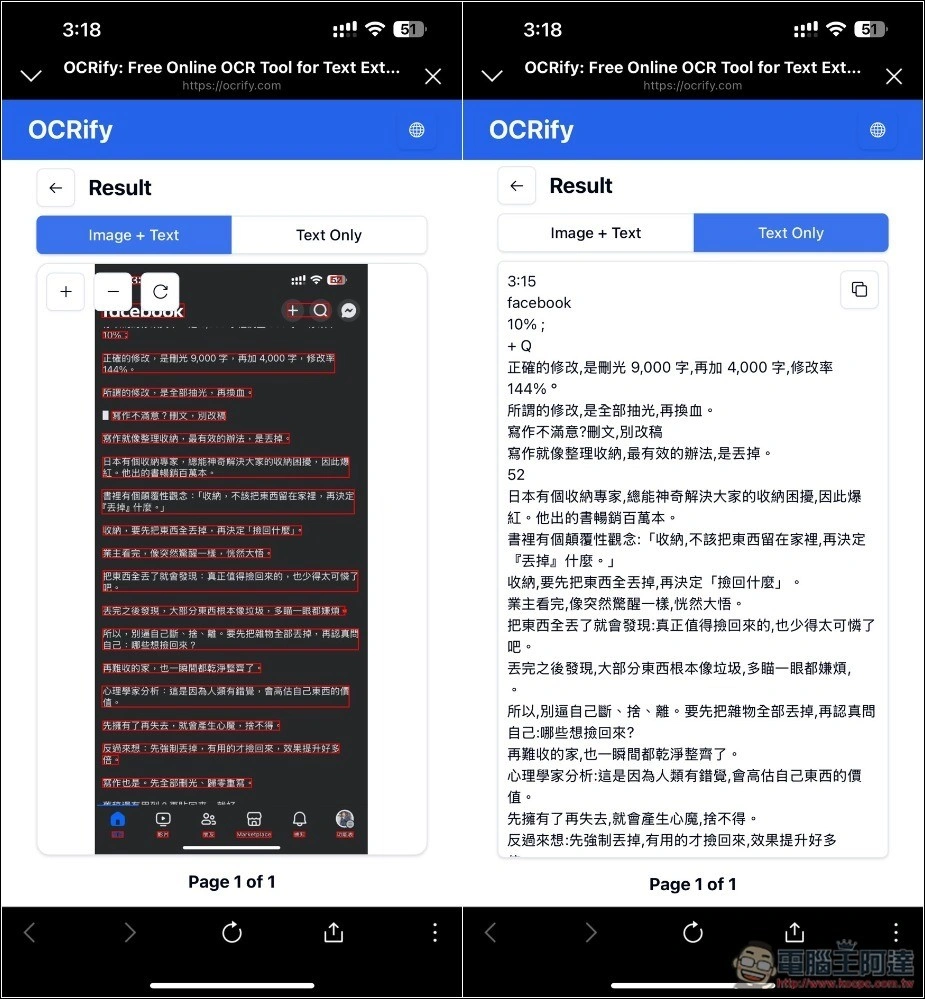
Things to note when using
Although the recognition speed of OCRify is very fast, it seems to get stuck after I tested a few recognitions. For some reason, I restarted the computer and used VPN, but it couldn’t improve it. I waited for a while and used it again, and the recognition was normal again.
If this happens to you, try again later.
Another thing to note is that although I have tried this product on 4 to 5 pictures, and the content has been recognized correctly, and the accuracy seems to be quite high, it is still recommended to check it after each recognition to avoid sudden errors. Don’t trust it too completely.
Other OCR free tool recommendations
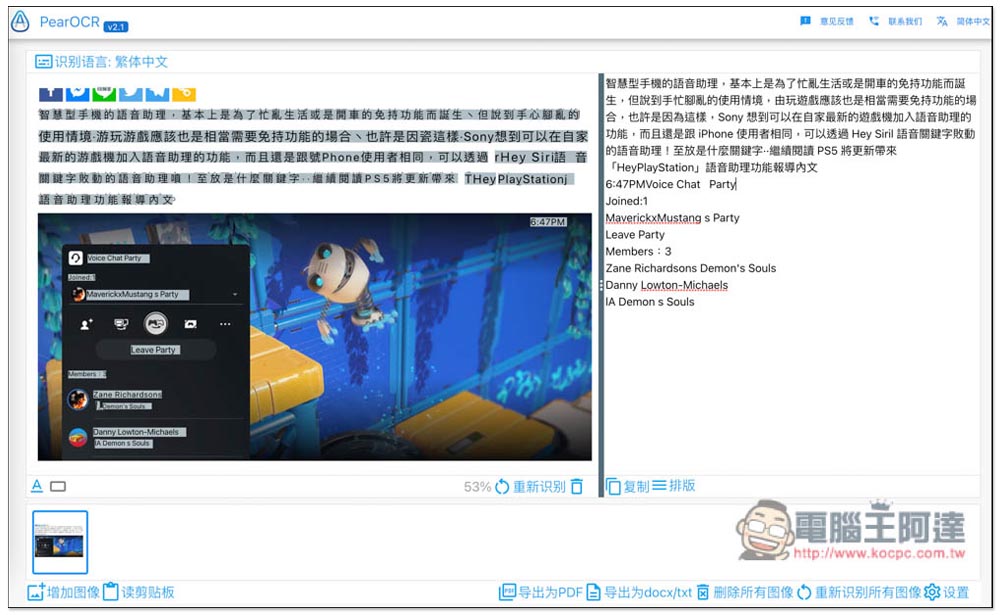
In addition to OCRify, we have also introduced several OCR online tools that are also useful, such as OLOCR、PearOCR, all support Traditional Chinese, and can recognize images and PDFs. You can try it out to see which one best suits your needs:
Source: KOCPC Chinese