


Apple launched its first 9.7-inch iPad in January 2010, filling the gap between Mac and iPhone. There was a time when the iPad was only used to play children’s songs and animations on YouTube to calm children down. As time goes by, this has changed. Fast forward to today, and the iPad is no longer just a larger version of the iPhone. From helping students around the world go paperless to being a MacBook replacement, the iPad has come a long way, and even the latest iPads and Macs use the same Apple Silicon chip.

How long is the lifespan of an iPad? What are some tips to extend the shelf life?
Depending on the model and capacity you are considering, the price of the iPad may be relatively high, which may also cause you to think deeply, does the high cost ensure durability? After how many years does it take to buy a new one? There’s no one-size-fits-all answer to how long an iPad typically lasts. A lot of the answer to durability depends on which iPad you have, how you treat it, how often you use it, the type of work you perform on it, and generally a bit of luck. So, whether you’re thinking of getting an iPad as a gift for your child’s birthday or wondering if your current iPad will be enough to last you through school, let’s take a look at how long an iPad typically lasts and what you can do to ensure it reaches its full potential.
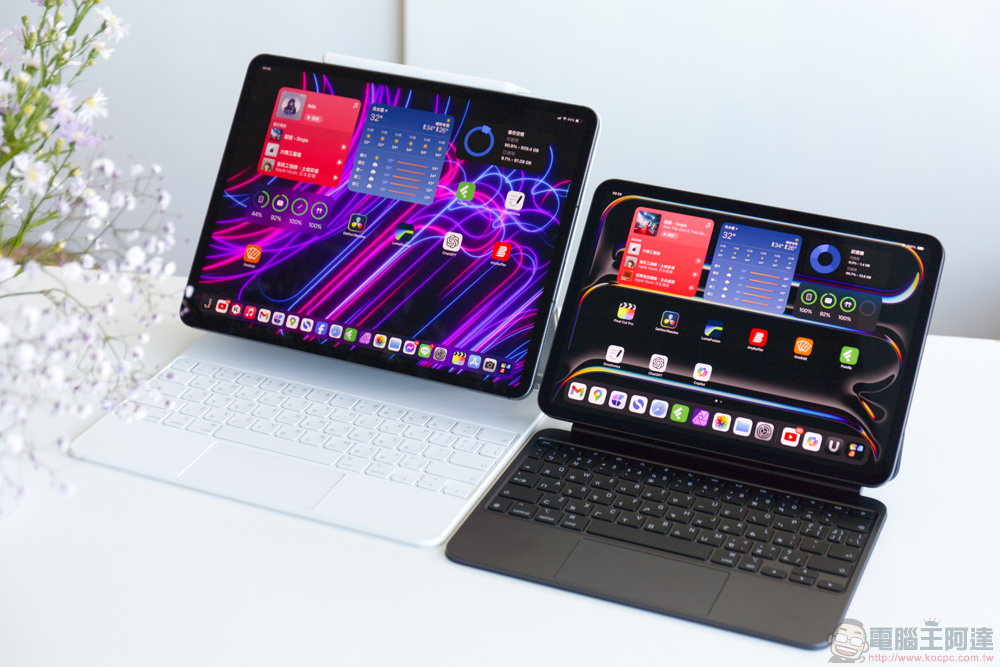
How long does an iPad typically last – Apple and experts say
Asurion ’s experts claim that while a regular iPad should usually last users at least 5 years, it’s entirely possible that it will last longer than that, considering you don’t use it for intensive tasks and it’s well maintained. While Apple hasn’t explicitly stated what the ideal lifespan of an iPad should be, we can make an educated guess based on clues in its policy.
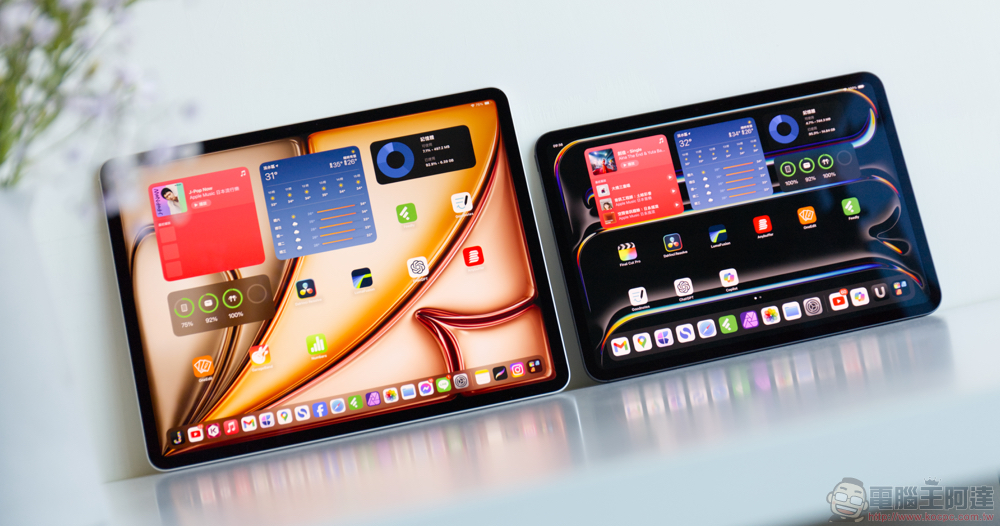
Products that have been on the market for more than 5 years and have been removed from the shelves within 7 years are considered “old products.” So far, 16 different iPad models have been listed, the most recent of which is the fifth-generation iPad launched in 2017. This trend also shows that Apple is calculating that the functionality and relevance of the iPad will continue for at least 5 to 7 years. Likewise, products that Apple has discontinued for more than seven years are classified as “obsolete products,” and the company will stop providing all hardware services for obsolete products. As of September 2024, 31 different iPad models have fallen into the obsolete category, with the most recent model being the 2016 iPad Pro 9.7-inch. This means that while outdated devices may still work, Apple does not guarantee compatibility with new software and does not provide customer support. This is in line with Apple’s typical firmware support schedule, for example, the 12.9-inch iPad Pro (2nd generation) launched in June 2017 received iPadOS 17, but seven years later, it will not get iPadOS 18, released in September 2024.
How Long Does an iPad Typically Last – What Users Say
Apple’s removal of software update support for specific iPad models in no way means that the iPad models have fully reached the end of their journey. The author has an iPad Mini 2 launched in 2013. Although the last update it received was iOS 12.5.7 in January 2023, it is still fully functional. I can always give it to my kids as an entertainment device, or simply use it as an e-reader.
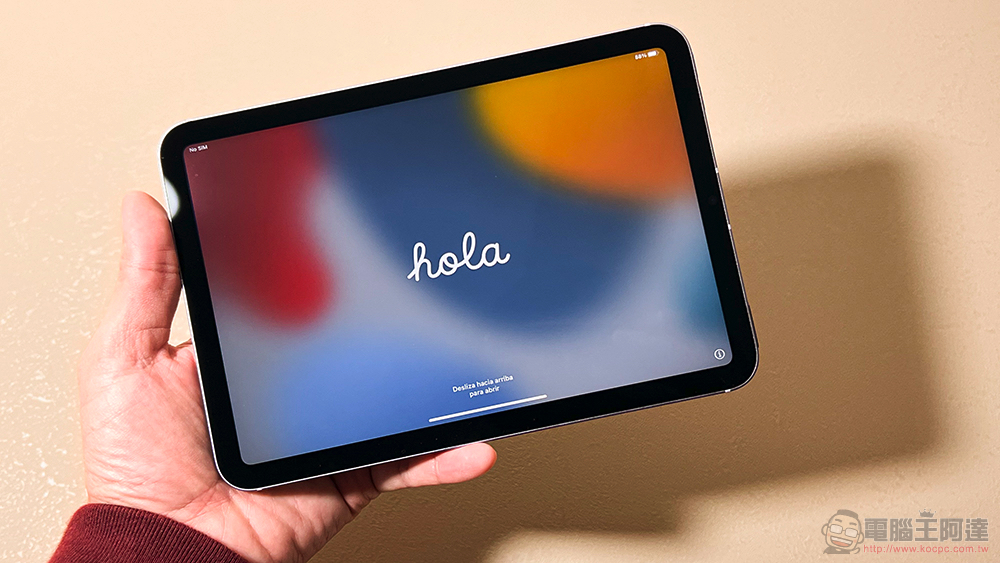
While, it’s true that the iPad Mini 2 has a degraded battery and most apps can no longer be updated, the fact that 11 years later it’s still running and somewhat usable is impressive. Additionally, many users on Reddit mentioned that their iPads are still going strong after 5 to 7 years, which is consistent with what we concluded based on Apple policy.
How to extend the life of your iPad – appearance aspects
Apple devices are built to last, and your iPad can last for many years with proper care, one of which is protecting the iPad’s hardware. The easiest way to keep your device looking like new after many years of use is to purchase high-quality protective cases and screen protectors, and choose products such as glass or matte protectors according to your needs.
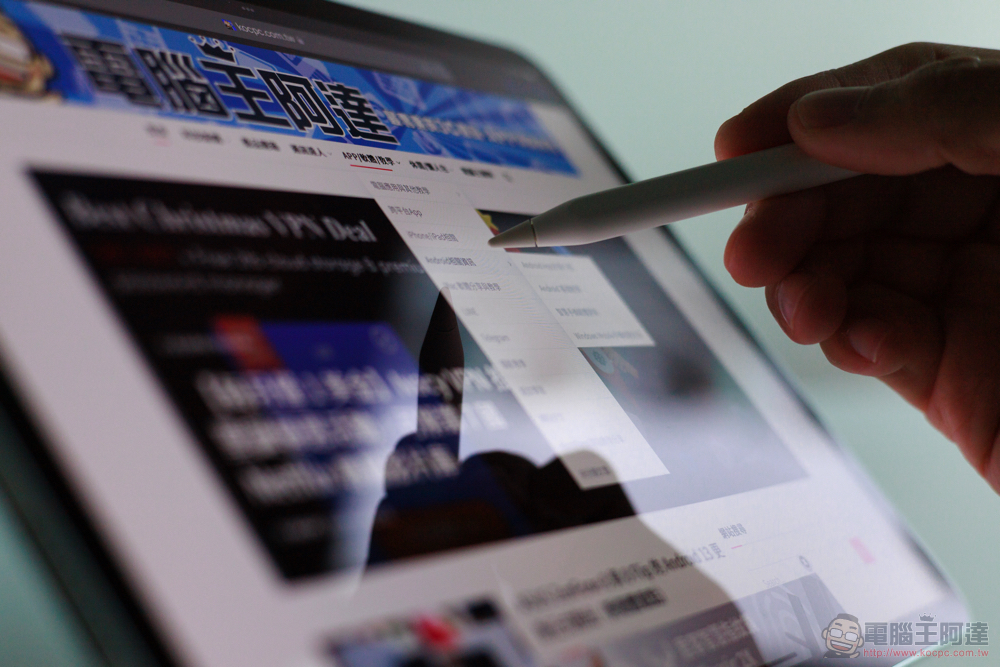
While the flagship iPhone has IP68 water and dust resistance, the iPads don’t have an official water and dust resistance rating, which means they’re water-resistant and prone to damage from liquid penetration. So while it’s best to avoid using it in places where it might get wet, a waterproof case is also a worthwhile investment if you travel a lot and throw your iPad into a backpack to take with you.
How to extend the life of your iPad – the internals
Protecting the outside of your iPad is important, but those efforts will be in vain if you neglect the health of your interior. While Apple doesn’t always have the best reputation for ensuring that software updates don’t slow down devices, it’s still crucial to keep your iPad updated to the latest software, and Apple regularly rolls out updates to fix bugs and ensure the device is protected from vulnerabilities. Another factor that determines the lifespan of an iPad is its battery life, and whether you are willing to replace the battery when the battery is seriously degraded. Similar to the iPhone and MacBook, the iPad is powered by a lithium-ion battery, and its power will decline with age. When your device’s power is too low to cope with your use, and it has long exceeded the warranty period, you can seek help from a third-party repair center to replace the battery at a cheaper price to ensure that it continues to be strong.
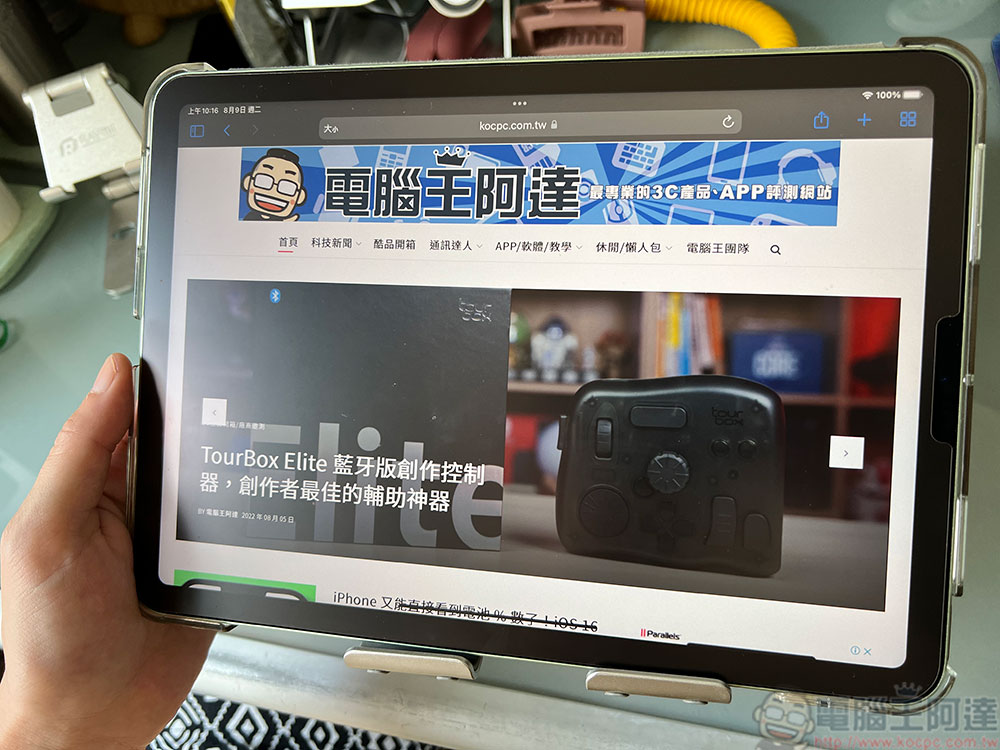
Temperature and charging mode are two factors that affect the chemical aging of iPad batteries. This means you’d better avoid exposing your iPad to extreme temperatures. Maximize iPad battery life by not leaving iPad in a hot car. While Apple says it’s safe to leave your iPad charged overnight, the battery gets hot while charging, so it’s ideal to unplug your iPad once it’s fully charged to reduce battery wear. If you have a newer iPad, such as the M4 iPad Pro or M2 iPad Air, you can cap the charge at 80%, which is also a neat aid.
◎Data source:Slash Gear
Source: KOCPC Chinese