


Previously, Google NotebookLM announced that it would add the function of converting files into podcasts. I believe everyone who has heard it will be very surprised. It sounds really good. It is not only natural, but the content is also accurate. However, this function currently only supports English. Even if you upload a Chinese file, it will still be converted into an English podcast.
This article will recommend another alternative tool “PDF to Audio”, which can convert PDF files into podcasts and supports multiple languages, including Chinese, which means that Chinese podcasts can be generated, and the effect is pretty good. At the end of the article, I will also share the audio files I tested for your reference, including the NotebookLM version.
In addition, this tool is built on Hugging Face, and the project is also shared on GitHb, so it can be deployed locally.
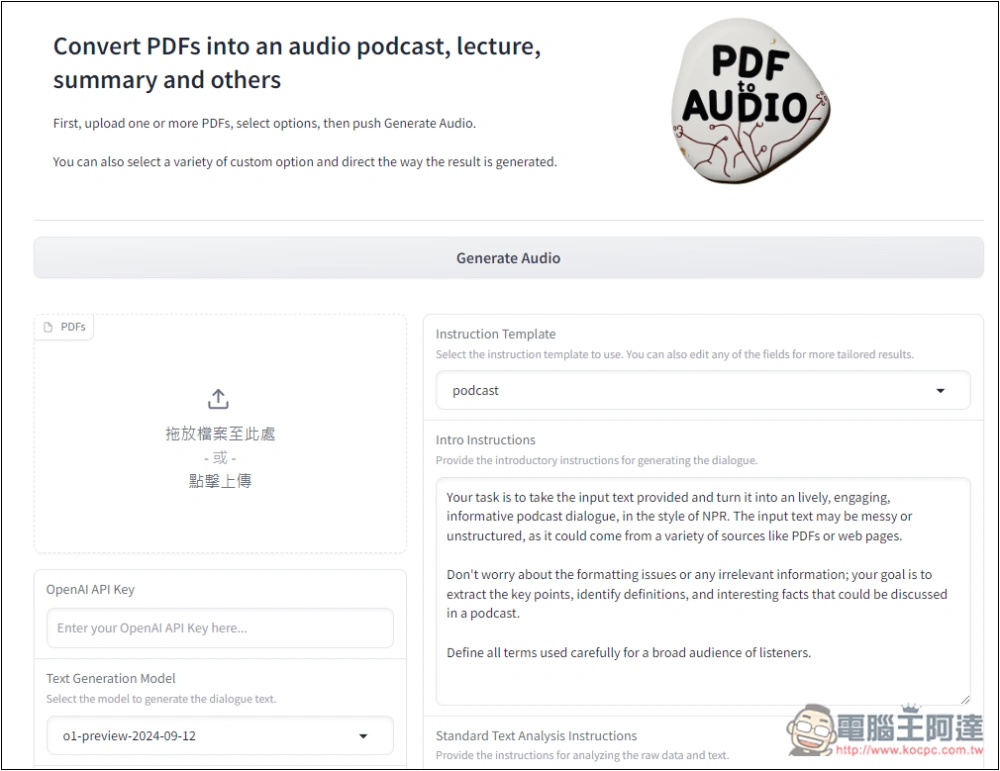
PDF to Audio usage tutorial, how to convert PDF to Podcast
The use of PDF to Audio is very simple. Click the link above to enter the tool page, upload your PDF file, fill in the OpenAI API, select the dubbing sound, and start generating.
PDF generates podcast dialogue text and dubbing through the OpenAI model, so an API Key is required.
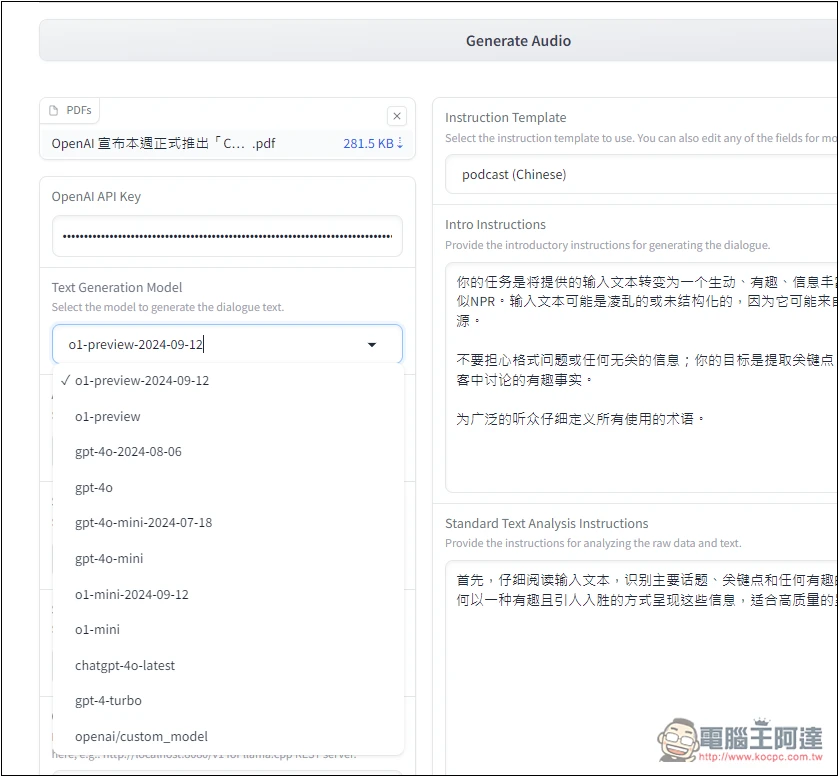
There are many choices for the model part. Almost all OpenAI provides them. It depends on which one you want to use. It is recommended to use gpt-4o-mini. Not only is the price very cheap, but the generation quality is also good. There are two dubbing models: TTS and TTS HD. The former is half the price of the latter, but the HD version has better quality.
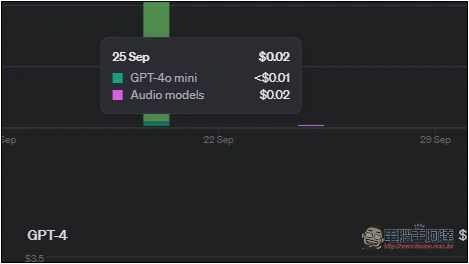
This is the cost for me to convert an article into a podcast of more than 3 minutes, which is less than 0.03 US dollars, not even NT$1. But remember that I am using gpt-4o-mini. If you choose GPT-4, GPT-4o, etc., it will be very expensive:
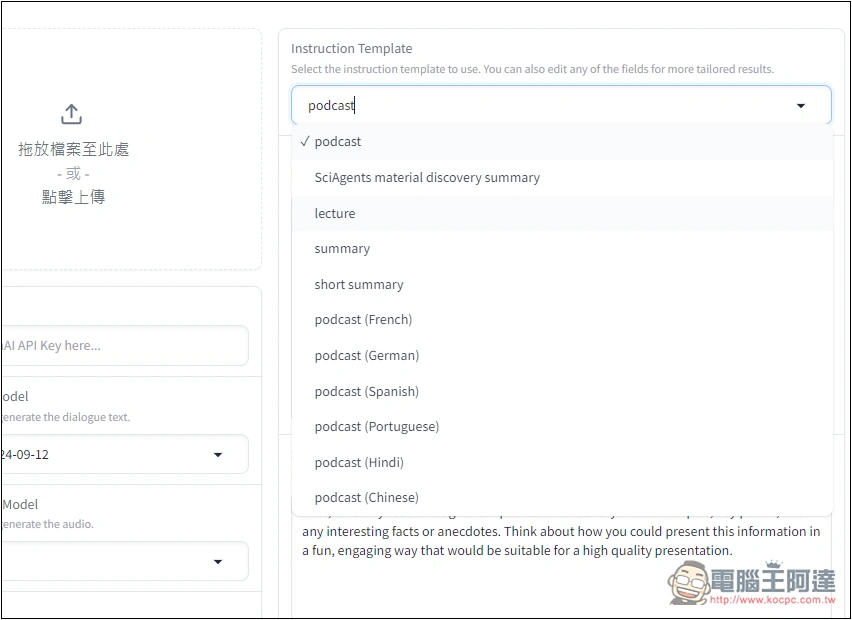
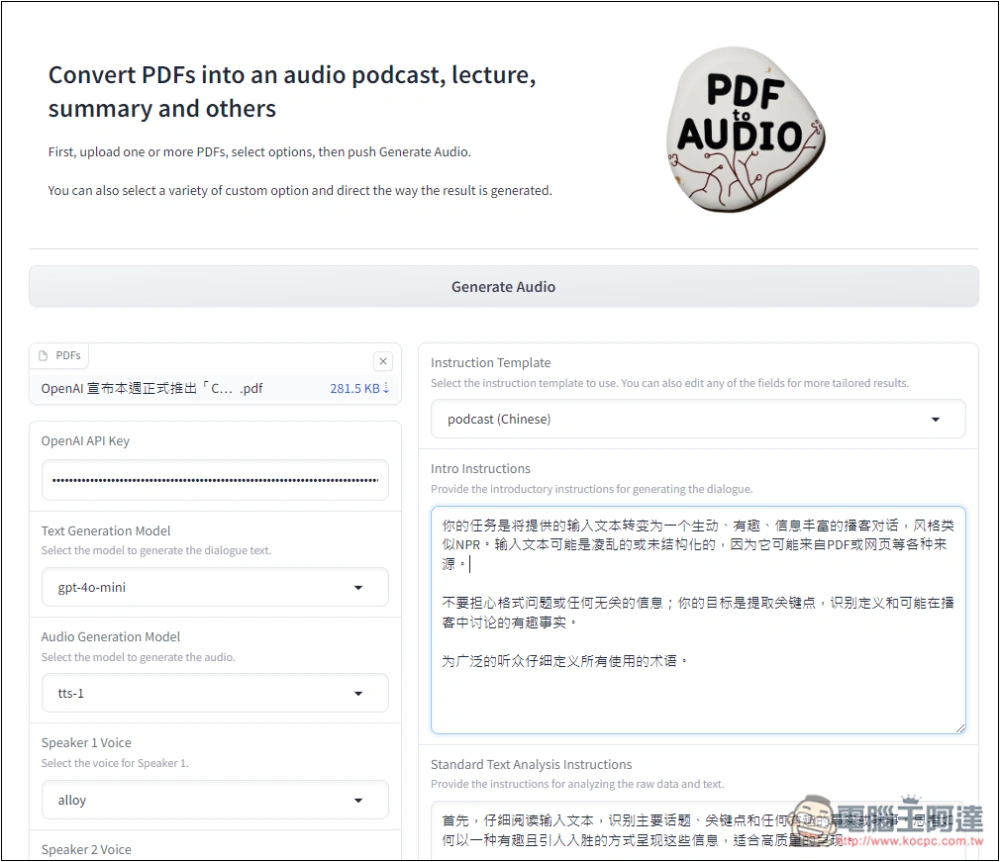
After entering the tool page, Instruction Template select the language you want to convert. The Podcast (Chinese) at the bottom is Chinese:
Upload the file you want to transfer in the PDF section. I am using OpenAI, which announced its official launch this week.ChatGPT advanced voice mode“This article is about a thousand words long. Text Generation Model Just choose the model you want to use. Do not choose o1. o1 is a model developed for inference:
Sound model, if you want to know the price of each model of OpenAI, you can go to OpenAI Prcing Page view:
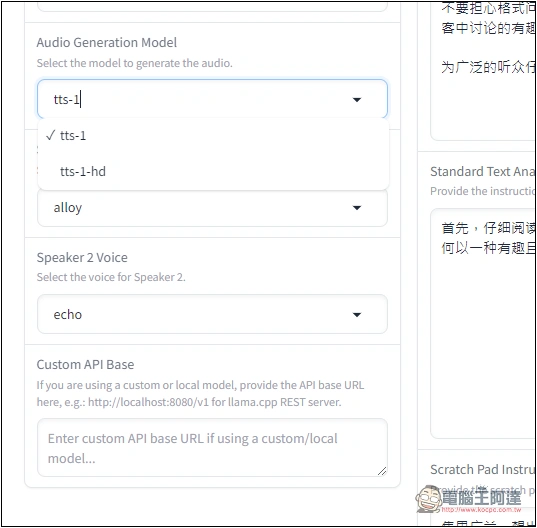
The sound part is the 6 provided by TTS. This tool does not provide audition, but you can OpenAI official websiteTo listen, slide the webpage to the video option block below to find:
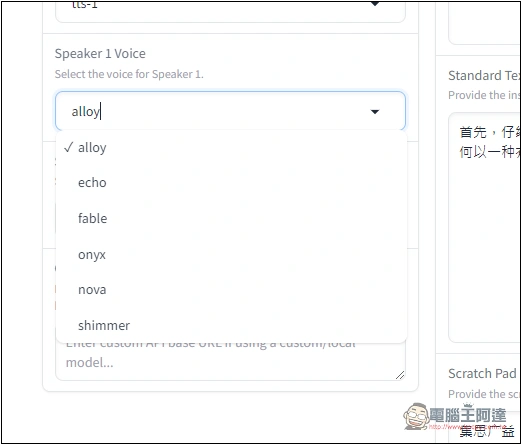
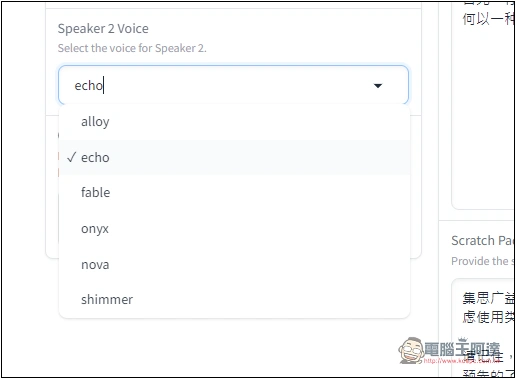
Remember to set different voices for Spkeaker 1 and Speaker 2 so that they have a conversational feel:
The Prompt on the right has been set. You can also modify it to what you want, or convert it to Traditional Chinese. After modification, click Generate Audio above to start generating. The generation process will be at the bottom of the web page:
The conversion speed is quite fast. It only takes less than a minute for my file. I can then play the preview and the transcript will also display the conversation content. Click the download icon in the upper right corner to download the MP3 file:
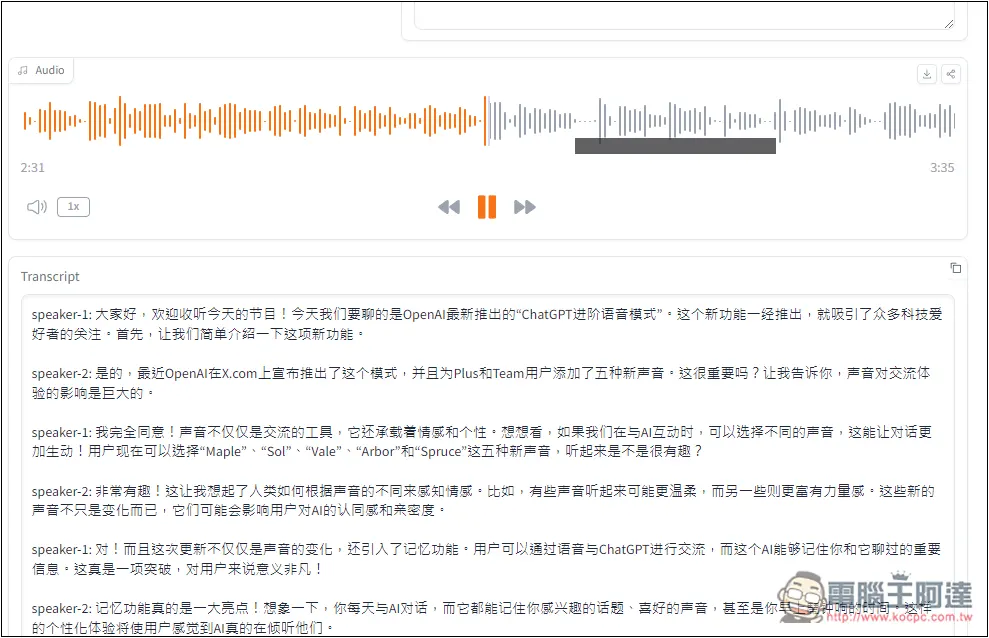
This is the podcast audio file I generated using PDF to Audio:
This one is a podcast converted using Google NotebookLM. It takes a long time, reaching more than 6 minutes, which is almost twice as long as PDF to Audio. However, it currently only supports English:
Source: KOCPC Chinese