


NAS devices have always been popular with users who want to store all their data on their home network. Owning a media server, replacing dependence on Google Photos, or setting up a home monitoring system may be reasons for purchasing. If you already own a NAS, you might also want to look into encryption further, as encryption is known to add a layer of security to prevent someone from snooping or leaking your data. But before exploring encryption solutions, there are a few other things to think about.
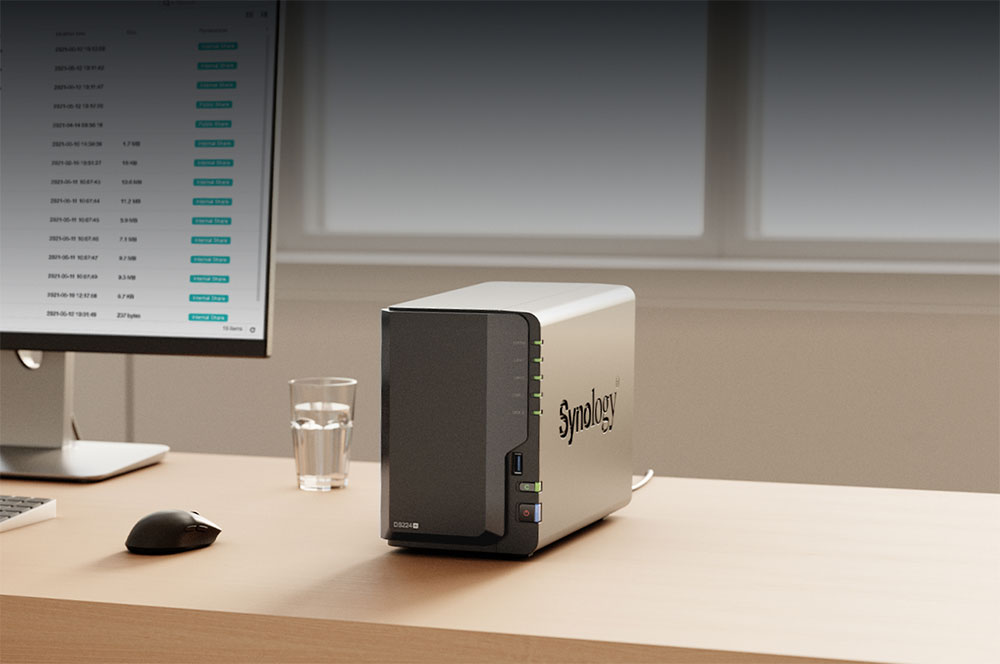
Do you need to encrypt your NAS?
Encryption is a method of preventing unauthorized parties from accessing your data. By using various encryption methods, you can scramble the data into unreadable gibberish. If someone needs to decipher it, they must use a decryption key, which is ideally inconvenient. Whether you should use additional encryption depends on what you store on your NAS. If your NAS is only for home use, it is likely to store a large number of movies, TV shows, important but non-sensitive backups, etc., and in some cases also store important financial information or health records. The last item requires data encryption to prevent your sensitive data from being abused, disclosed, or used for blackmail and other unpleasant situations.
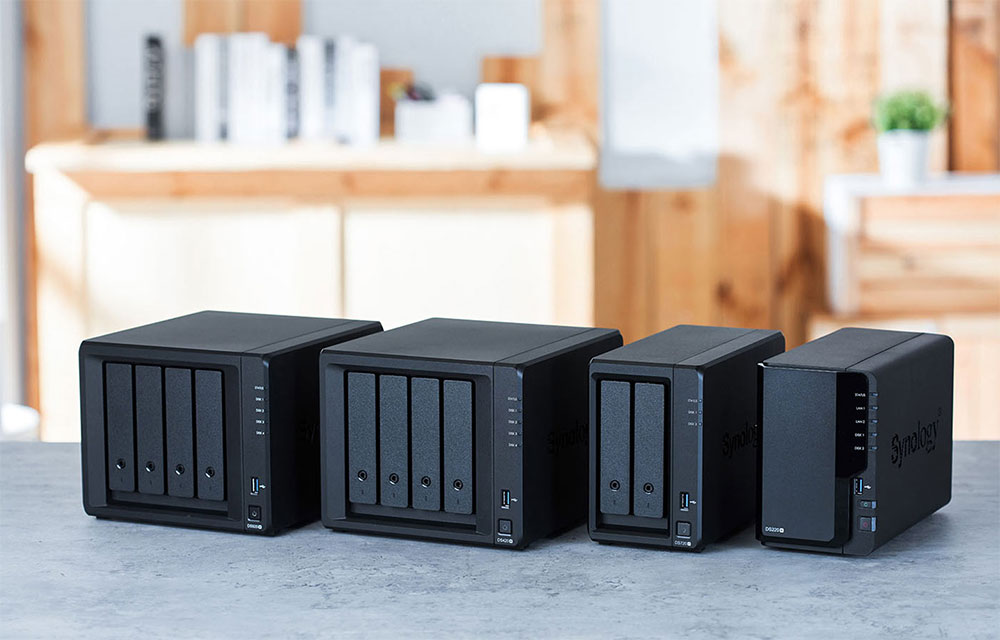
Even if you only have years of family photos or videos on your NAS, you probably don’t want anyone accessing them. If someone gains access to your NAS hard drives or physically steals them, encrypting the NAS using the default software provided by the NAS manufacturer or other third-party tools will come in handy. Encrypting a NAS volume or specific folder means you need to enter the key every time you boot the NAS, or you can use various methods to automate the process so you don’t have to manually enter the decryption key each time. However, this defeats the purpose of encrypting your archives in the first place, especially if you feel the likelihood of someone breaking into your home and stealing your shiny NAS is high.
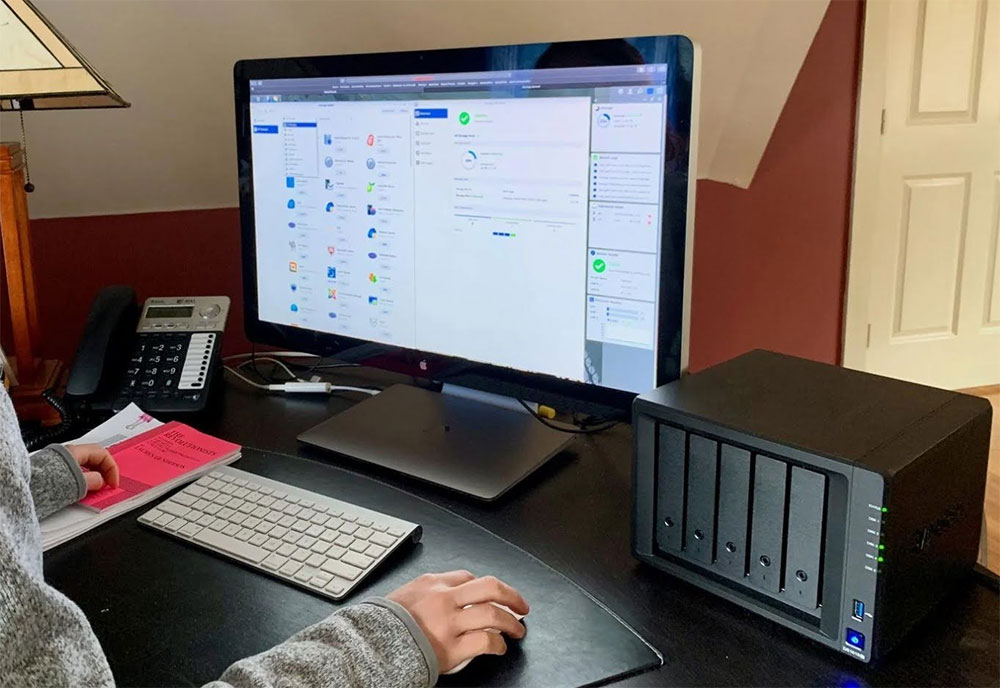
Encryption may give you a sense of peace of mind, but it is not a 100% secure way to protect your data. Many encryption solutions have the option to store the decryption key locally on the encrypted hard drive, which is significantly less secure than storing it on a separate hard drive, server, or cloud. Unsuspecting users may choose this option during the encryption process, making the NAS less secure than expected.
Another problem with encryption is that you can lose the key and have to give up all your data. If you store your key somewhere other than an encrypted drive, you need to make sure it’s accessible to you but difficult for others to find. If you accidentally lose the key, the possibility of restoring access is almost non-existent. This is not to discourage everyone. If encryption makes sense for your needs, then you shouldn’t give up entirely, but if you don’t actually need encryption, you should focus on protecting the NAS with a secure administrator password or physical security to make it harder for thieves to take it away. Aside from businesses and government organizations that handle large amounts of sensitive information or financial data, NAS encryption isn’t necessary for the average user, unless of course you store highly sensitive information in it.
Source: KOCPC Chinese