


When you’re planning to build a new computer, unless you have an unlimited budget, you should decide on the total amount of money you want to spend before shopping around for parts. Therefore, it makes sense to optimize your gaming PC budget so that you avoid a trade-off situation and, more importantly, don’t waste your budget on something that has a small impact on performance.
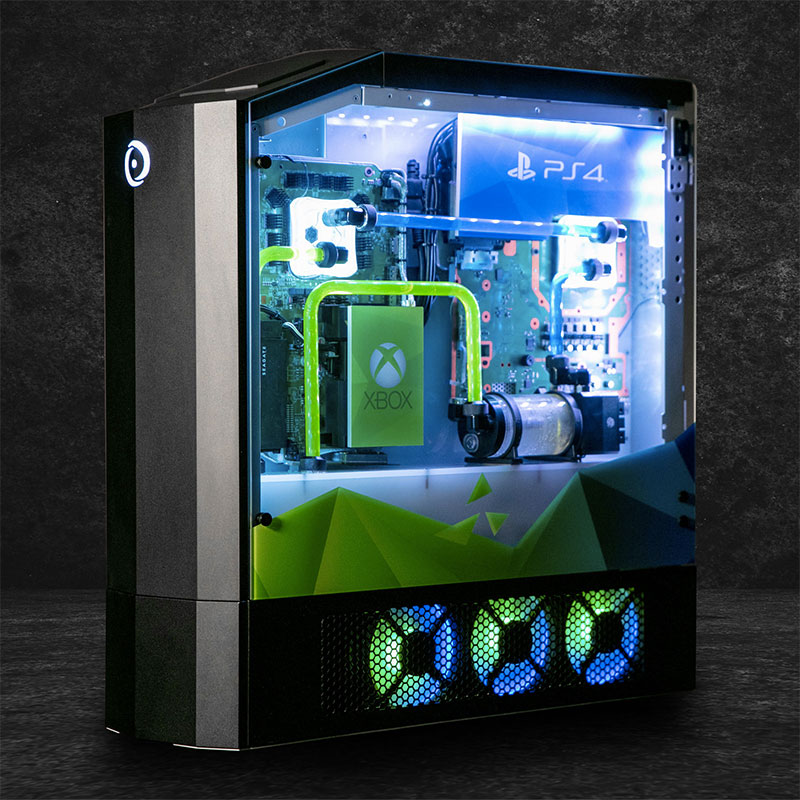
5 components you can easily overspend on when building a computer
You probably know that the bulk of your budget for building a gaming computer should be spent on the CPU and GPU, however, it’s easy to get swayed by expensive high-end motherboards, power supplies, cases, and coolers, and spend more money on these parts than you expected. Specifically, there are 5 components you shouldn’t overspend on when building a gaming PC.
1. Computer case
Cases are an important component of any build and naturally shouldn’t be frugal, but this can quickly lead to spending too much money on a set of the best computer cases. Even if you have the budget, a case that’s too expensive can cost a lot of money. Considering that a chassis is all about performance and everything you want, including plenty of airflow, plenty of connections, cable management, aesthetics, RGB lighting, and more, it’s prudent not to waste your precious money on features you’ll never use.
Deciding on a case will affect your computer’s overall appearance, component compatibility, and future upgradeability. However, you can easily get something that performs well at a cheaper price, and then save the remaining money for a CPU and GPU.
2. Chassis fan
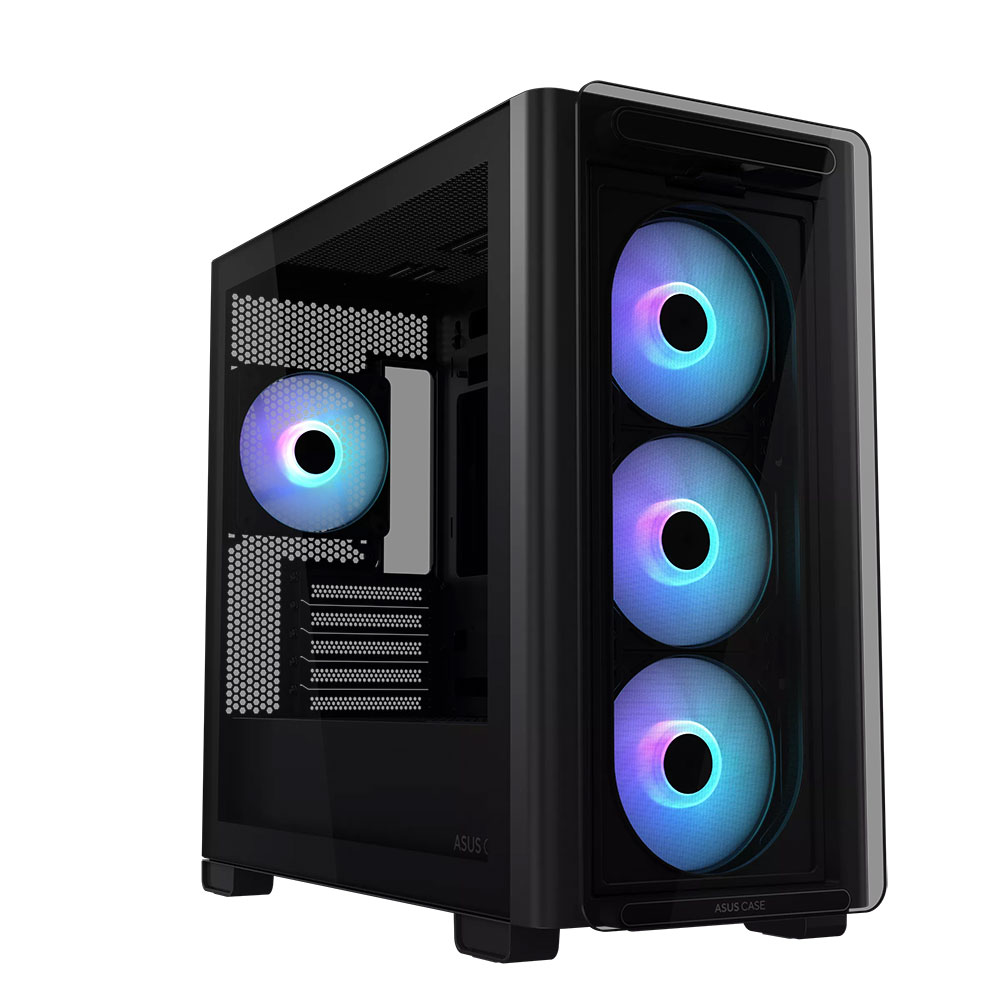
Another area that’s prone to impulse shopping is case fans, with brands like Lian Li and Corsair offering customizable LCDs and tandem for fans, you may decide to spend more on case airflow to get more airflow. If you purchase a case without fans pre-installed, you may need to purchase 3 to 6 additional case fans.
Most users don’t need a fan that comes with a display that displays speed and temperature information and can be connected to each other using wires. Although it is more convenient to integrate the fans together, do you really want to spend so much money to get this feature? In retrospect, you could have gotten some better cases for less.
3. CPU cooler
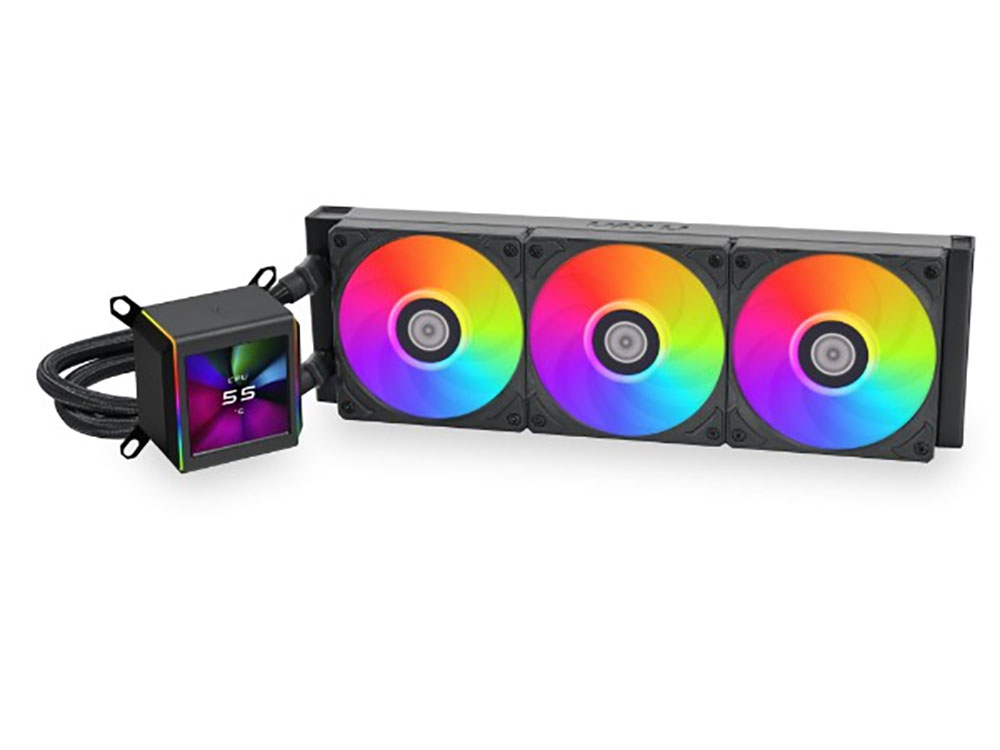
If you’re using a power-hungry modern Core i9 or Ryzen 9 processor, advanced cooling is a must. Today, even non-flagship models require better cooling systems to reach their maximum potential. However, this shouldn’t make you waste money on overpriced items. Even the affordable liquid cooler comes with a 360mm radiator, best-in-class cooling performance, and a great RGB design. There’s incredible value when you’re trying to spend more money on a high-end GPU and a powerful CPU. Also, if you’re buying a 6-core or 8-core processor for gaming, you don’t need the fanciest fancy cooler to keep it cool.
4. Power supply
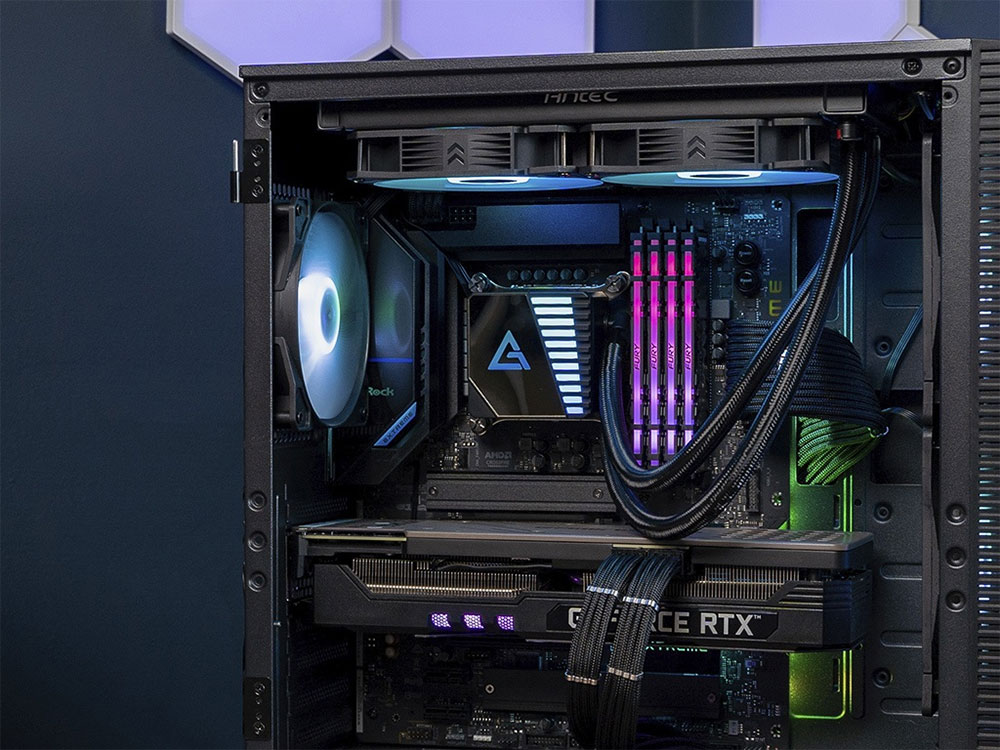
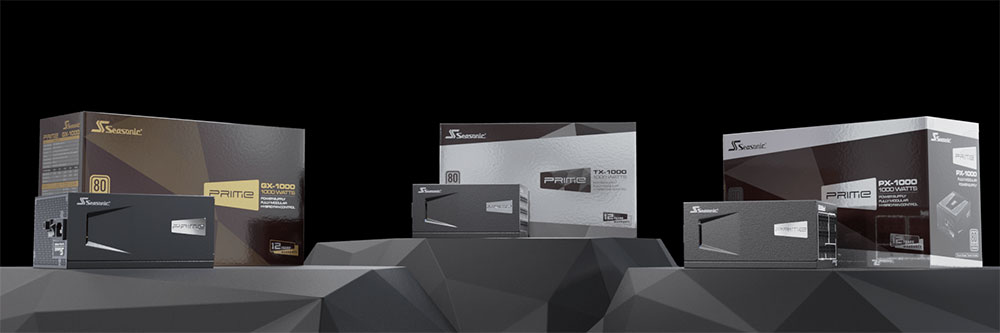
Many people still overspend on power supplies when building a PC, buying a device rated at 1600W when the total power requirements of the computer are well below 1000W. Even accounting for temporary spikes and future upgrades, most gamers will need the 80W Gold 850W power supply, while the 1000W power supply only makes sense for PCs with RTX 4090 and Core i9-14900K.
The best power supplies on the market are well-made, rigorously vetted, and come with a warranty of up to 10 years. You don’t need to over-spec just to ensure reliable power for other valuable components. Although it is not recommended to save too much money on power supplies, going to the other extreme is not something users should do.
5. Motherboard
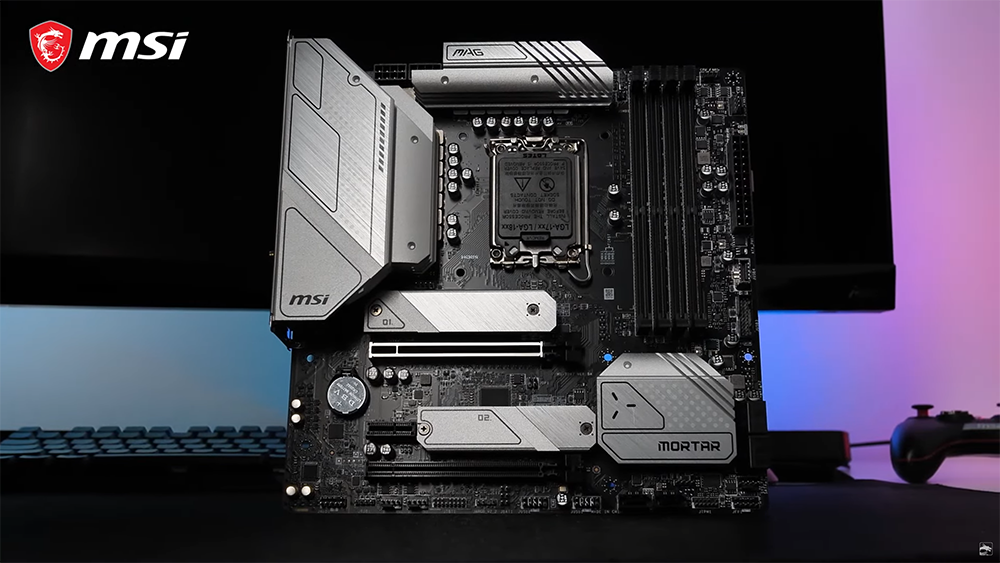
By far the biggest budget blowout is the motherboard. Despite the modest performance difference, gamers are still spending too much money on motherboards and getting unnecessary features, overly flashy designs, touchscreen displays, and extreme VRM solutions. Even if you overclock the CPU, connect a dozen USB devices, and use dual Gen5 SSDs, you’re unlikely to need to spend much money on a motherboard. You can even buy the best white motherboards for around $250, so there’s no reason to sacrifice your precious funds for a quality motherboard.
Whether it’s a solid VRM solution, integrated heatsinks, PCIe 5.0 M.2 connectivity, or enough PCIe lanes for GPUs and NVMe SSDs, you get it all in a decent mid-range motherboard. The money you save can be spent on fast DDR5 RAM, quality gaming SSDs, and of course, better CPUs and GPUs.
Building a gaming PC is often a very personal endeavor and you should spend all your money buying the components of your PC that you actually want, however, this can be done without blowing a hefty component budget. The best advice for those on a budget is to allocate the majority of your budget to a high-end GPU, a powerful CPU, fast RAM, and plenty of storage, and then you can decide if you have enough room for the essentials.
Source: KOCPC Chinese