


If you frequently use Taobao, JD.com, bilibili, etc., these other services, and every time you use Google to search for the keywords you are looking for, the rankings of these websites may not necessarily be at the top. Unless you type Taobao, Jingdong, bilibili, etc. after the keyword, the first page of the search will basically be Traditional Chinese pages. After all, our area is in Taiwan, and we will give priority to Traditional Chinese pages to recommend to you!
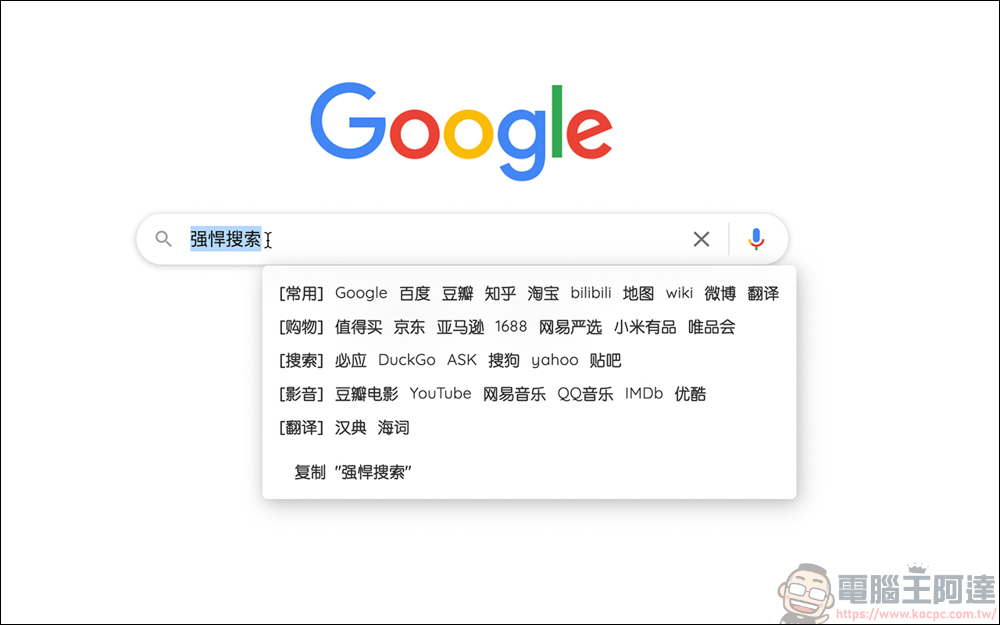
If you want to search websites like Taobao, JD.com, bilibili, etc. more quickly, the Chrome plug-in “Powerful Search” introduced today is a very useful search tool. It adds a search bar to the original Google search, which can more accurately jump to the website directly using specified keywords. However, since this set of plug-ins is written by developers from the other side, of course the designated websites are also from the other side, so if you often use services such as Taobao, JD.com, bilibili…, this plug-in can provide a more convenient search method:
(Image source: Chrome Store)
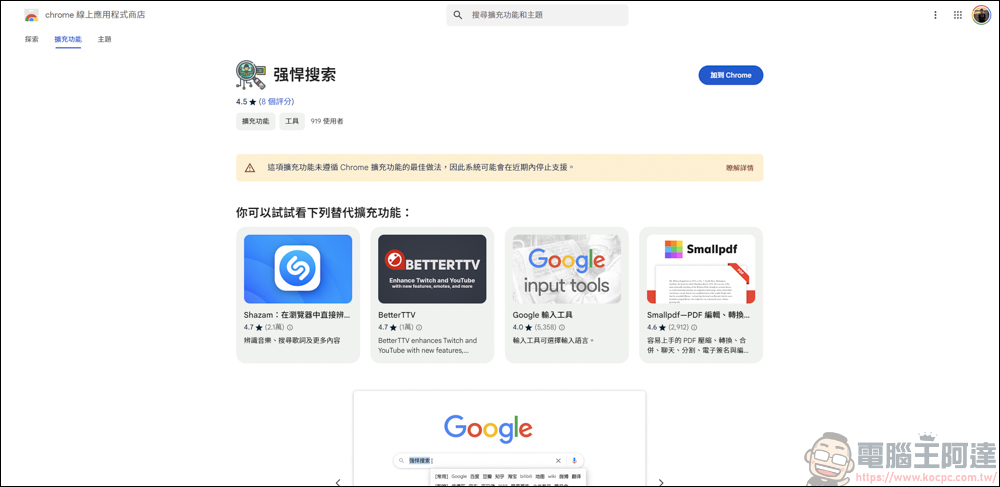
Chrome Plug-in – Powerful Search Download
Download addressplease click me, it should be noted that the page says that this extension does not follow the best practices for Chrome extensions, so the system may stop supporting it in the near future. But I have no problem using it so far. Readers who are worried can just read the article for reference:
Chrome plug-in – powerful search methods
The method of use is very simple, first open your Google page:

Type the keywords you want to search for in the search bar:

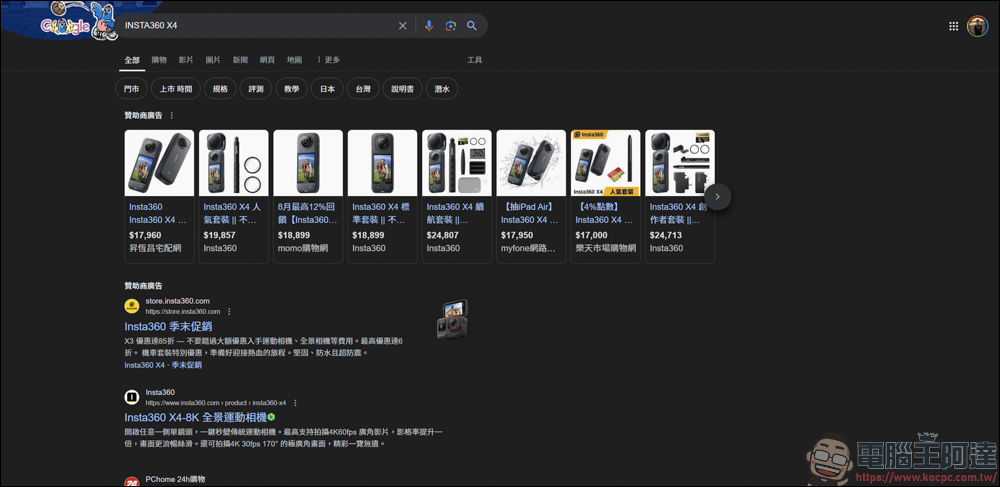
Generally speaking, when you type in the keyword and press search, Google will basically give you priority on Taiwanese web pages, which are nothing more than Chinese official websites or some shopping websites. Suppose I want to buy Insta360 X4 on Taobao or JD.com, I have to type Insta360 X4 Taobao or JD.com in Google to run out of this page:
However, things are different after installing Powerful Search. In the original Google search, as long as you highlight the text, the Powerful Search function will appear. You can directly click on some commonly used cross-shore websites, such as Taobao, JD.com, bilibili… etc. As long as you click on the website, the webpage will jump directly to the page:

Taking JD.com as an example, after clicking on the JD.com page, it will jump directly to the JD.com page, and the page is already the search page of Insta360 X4, saving you a lot of search time: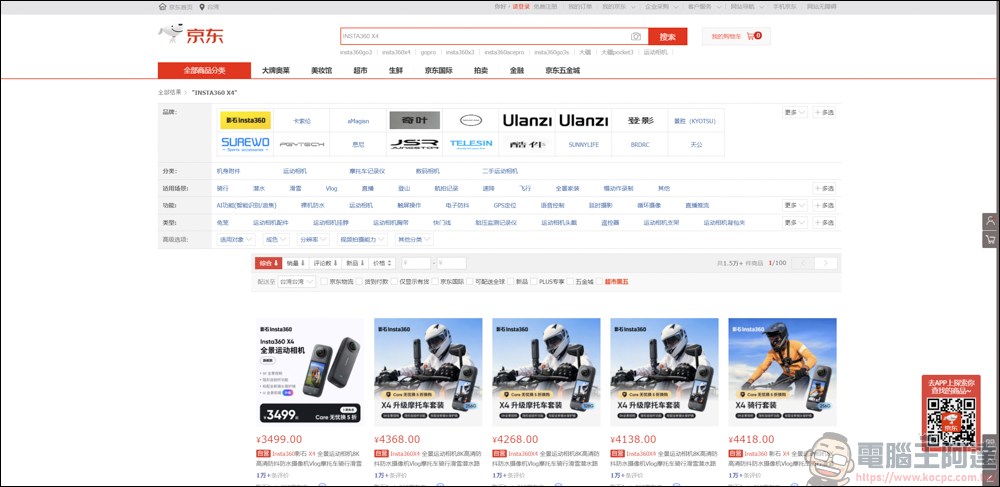
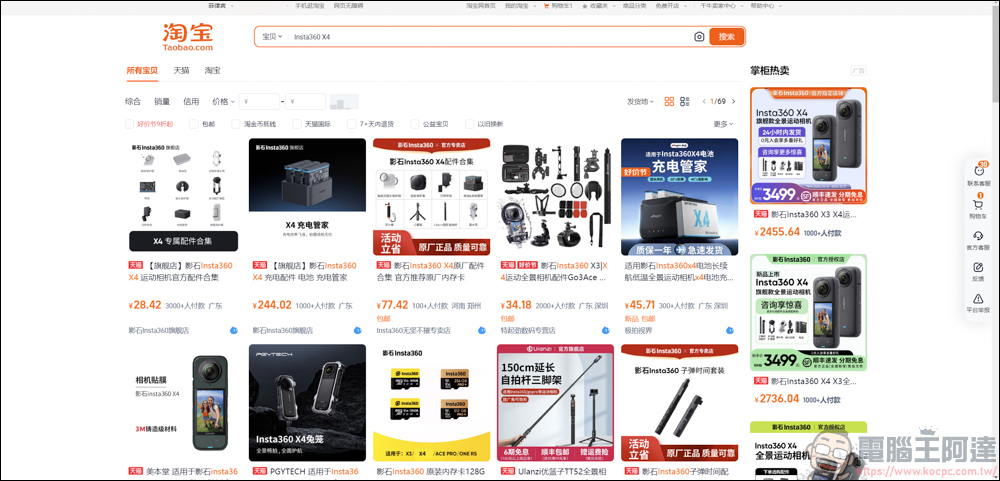
You can also go directly to Taobao quickly:
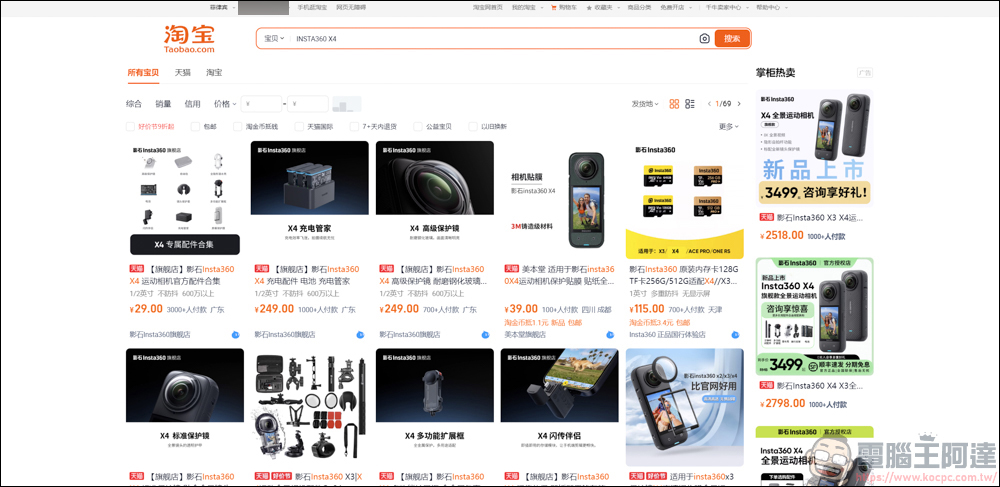
bilibili is no problem either:

Powerful search is not only available in the Google search bar. You can also use this function by installing this plug-in and highlighting the text you want to search for. If you don’t want to use this feature, click Shift to close the Power Search window:

After highlighting the text and pressing the bilibili option, you can also use this keyword to search directly on bilibili:

The same goes for other pages. If you want to see if Taobao sells it cheaper, just highlight the text and click on Taobao or JD. It’s very convenient!
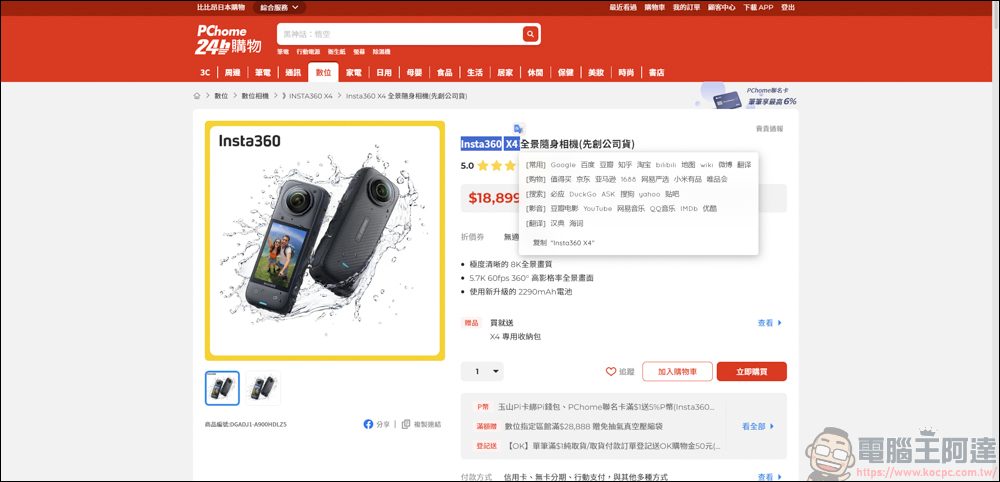
Through the powerful search function of this plug-in, you can easily directly search for the keywords you want to search on Taobao, JD.com, bilibili… and other websites, without having to type in specified keywords to go to these websites. It is recommended to readers in need for reference.
Source: KOCPC Chinese