


Modern quilts often come with tons of software you don’t really need, and Windows 11 is no exception. In fact, it’s one of the worst examples of this. Windows includes many apps that don’t need to be preinstalled, and even the ones that make sense aren’t always necessary. Considering that many people lack technical skills and are worried about deleting the wrong applications and affecting the system, we have listed 12 applications that come with Windows that can be safely uninstalled. Don’t be afraid to delete them!
12 Windows-included apps you can uninstall with confidence
1. Spotify, McAfee and other third-party apps
Let’s start with the obvious. Some apps that come with Windows aren’t even made or owned by Microsoft, apps like McAfee don’t actually install in a clean Windows installer, but we want to cover third-party apps in general here, with Spotify being the most obvious example as it’s included in a clean version of Windows installers.
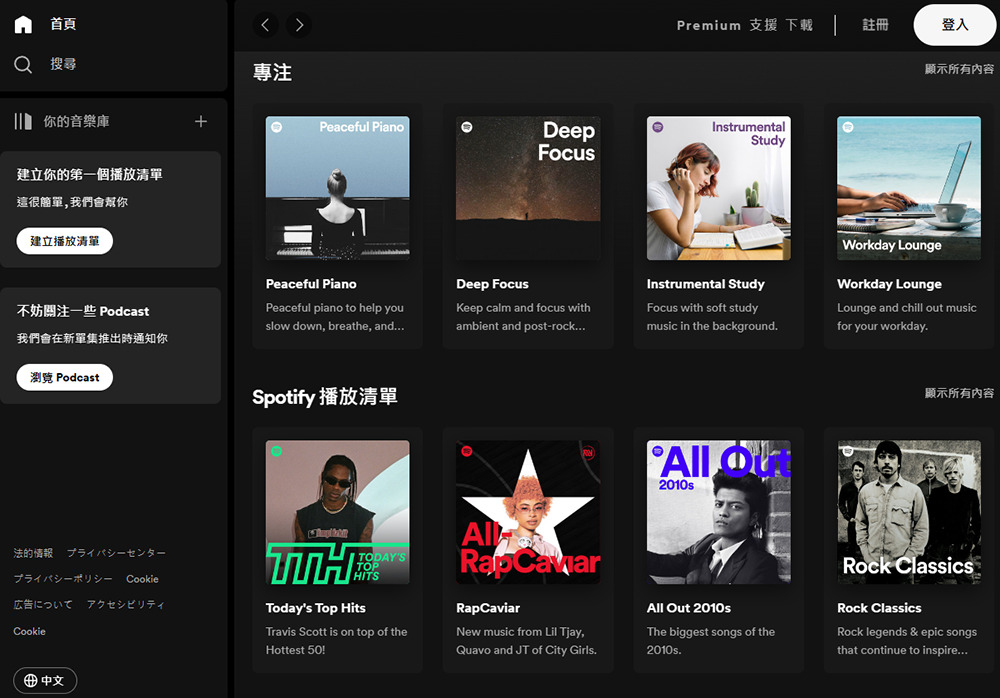
It’s a music streaming service that’s not even owned by Microsoft, but it’s been forced on users due to some business deals. Believe it or not, things have actually been worse since Windows 10 also includes a slew of King’s games, such as Candy Crush Saga. All things considered, Spotify isn’t the worst, as it’s a fairly popular service, but it’s still completely unnecessary to include in Windows, and it’s a perfect example of a company going out of its way to monetize, often at the expense of user experience.
2. Solitaire Series
Of course, another obvious choice is the Microsoft Solitaire Collection. Card games have been included in Windows for a long time, and in the past most people wouldn’t have considered uninstalling them because it was fun and could pass the time, but Microsoft ruined them by “modernizing” these games because they contained a lot of ads and were too gimmicky, both visually and literally.
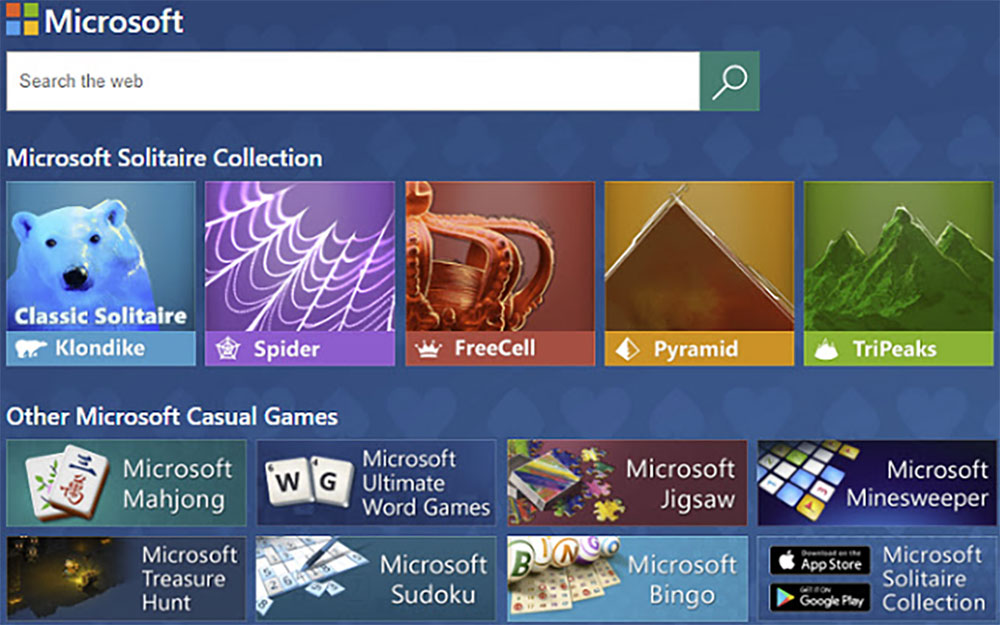
Thankfully, Solitaire Collection is now only an app in the Microsoft Store, so you can uninstall it without any repercussions and install it back at any time.
3. Cortana
Cortana has been mostly useless since Windows 11 launched, but that hasn’t stopped Microsoft from incorporating it into the operating system over the past three years. Even if it’s technically functional, the app makes no sense here, and now that Microsoft has discontinued it, there’s absolutely zero reason to keep it around. Regardless, Microsoft may remove the app in a future update, but if you don’t want to wait, you can do it yourself.
4. Mail and Calendar (and Outlook)
One set of apps included in Windows 11 is the collection of Mail and Calendar, which is being replaced by the new Outlook app, and in fact, all of them can be uninstalled without any problems. Mail and Calendar are listed separately, but they’re actually one app, and that app is being phased out this year as the new Outlook on the web app replaces it.
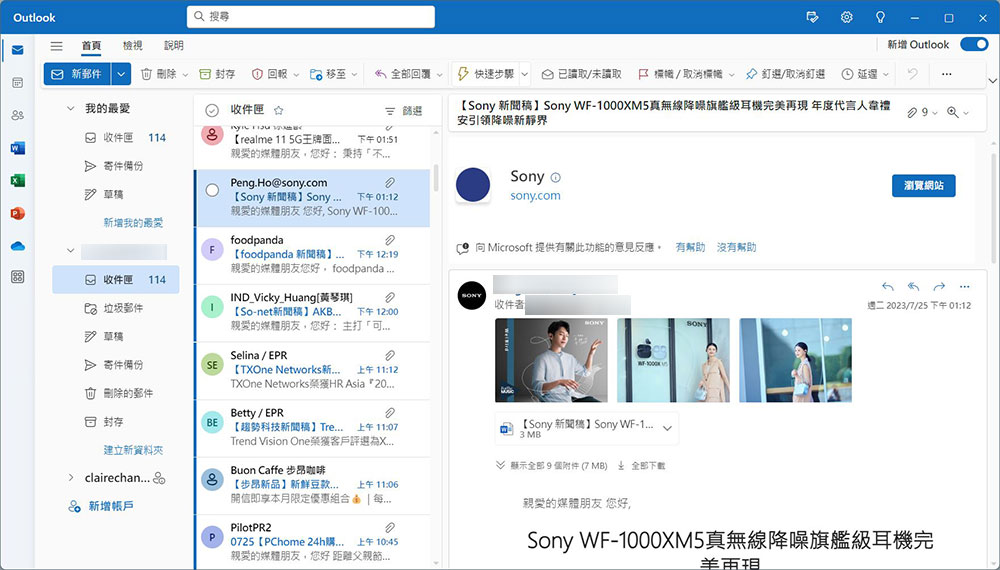
But even the Outlook app is worthless. It’s not the best email client you can choose, so even if you do want easier access to email, you may want to use other options or just use the web version of email. It doesn’t really do anything you can’t do elsewhere.
5. Camera
The camera is one of the essential apps for using devices like smartphones and tablets, but the vast majority of Windows PCs don’t come in any of these form factors. Even if you have a laptop and don’t use a webcam to take photos or videos of yourself, if you live stream on YouTube or Twitch, programs like OBS can access your webcam without a camera app. If you have a tablet like the Surface Pro 11, the camera app can be useful, but for most people, the camera app is completely useless.
6. Weather
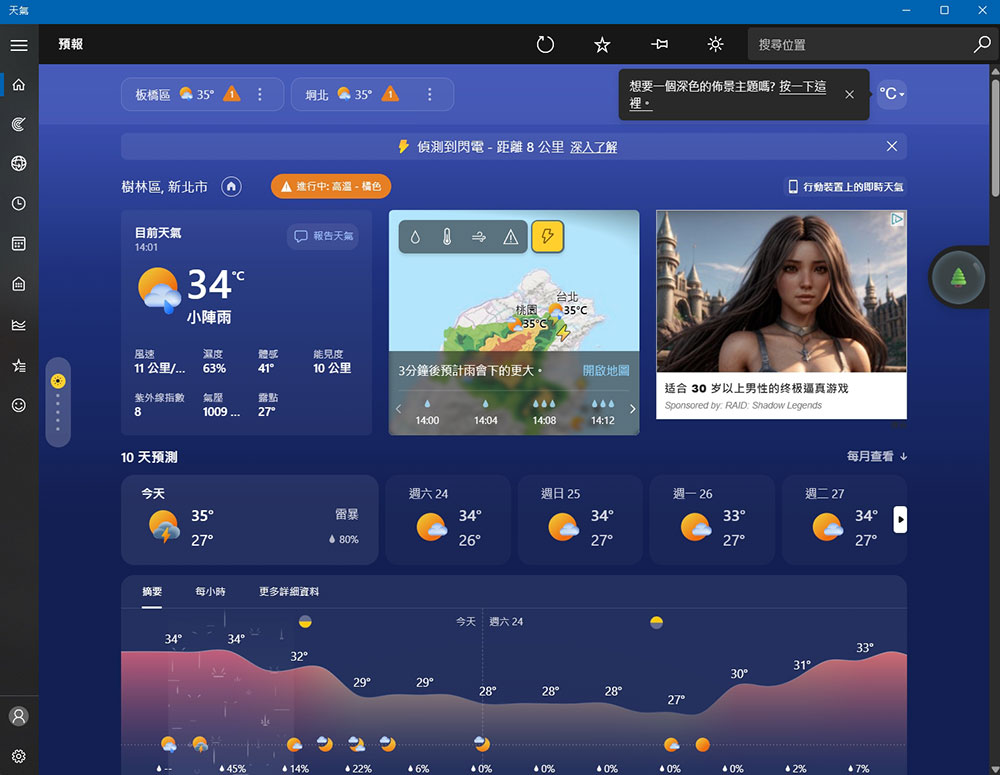
Another app included in Windows 11, which is also a mobile staple, is the Weather app. This can be a pretty useful app, but on a computer it’s much easier to visit a website where you can see all the same information. Even the Gadgets panel in Windows 11 has independent weather information independent of apps. Weather is an app that you can keep, but basically you won’t open the app and you won’t lose anything.
7. Map
On smartphones, it’s important to have navigation apps, so services like Google Maps and Apple Maps are completely necessary. Microsoft’s Maps app was useful when Windows Phones were popular, but now that doesn’t really make sense. On the other hand, any information on the Maps app is almost certainly likely to be out of date compared to Google or Apple products. Also, no one will actually use a Windows computer for tours. If you really need real-time directions, you will 100% use your phone and get more information.
8. Message
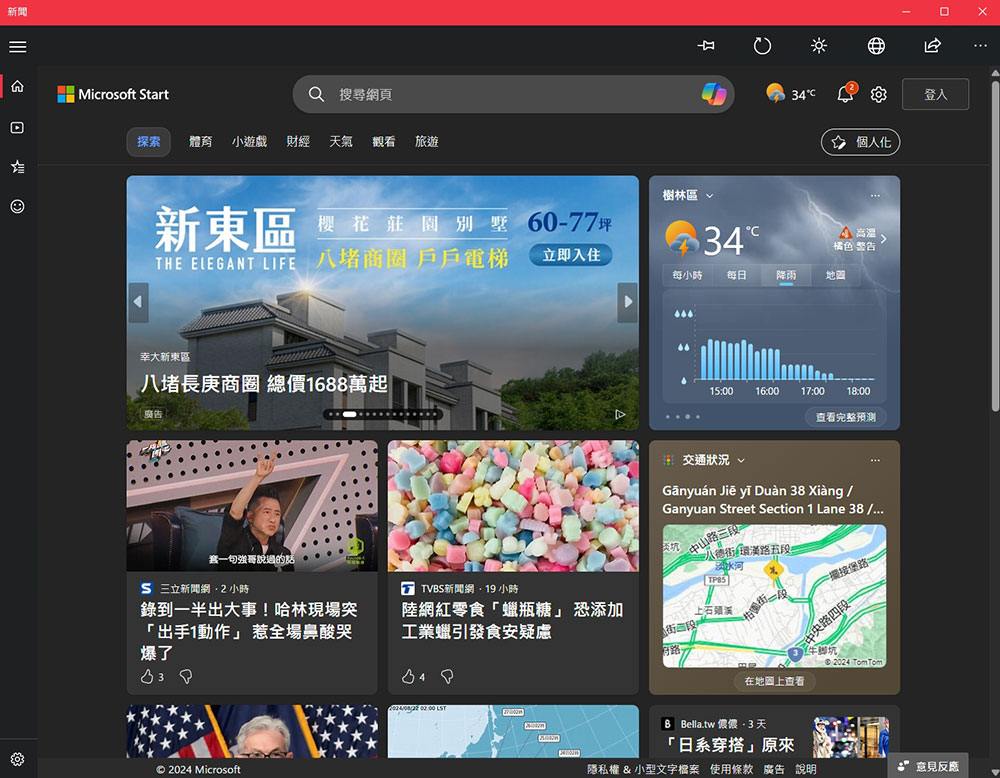
A news app built into Windows isn’t necessarily a bad idea, but it’s definitely not a necessity. In fact, the News app is a poor source of news. The app is powered by Microsoft Start and collects news from various sources, but these are all visible in the gadget. Beyond that, it’s essentially a web variant of Microsoft Start, and you have no reason to keep the app around, so deleting it has no impact.
9. Microsoft 365
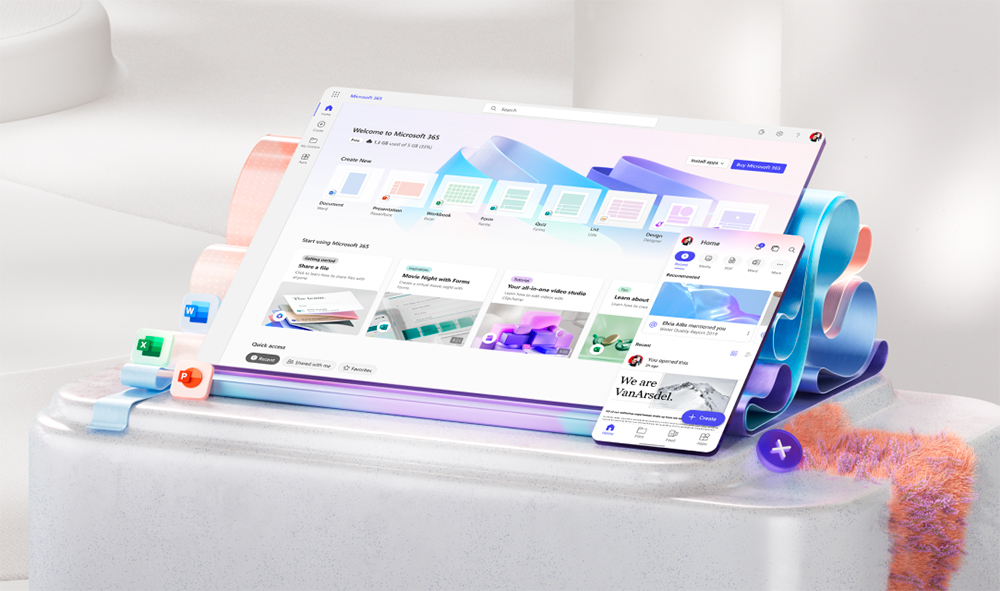
Of course, Microsoft products like Windows will include some promotion of the company’s other products, but Microsoft 365 is something special. It basically lets you access the web version of the Microsoft 365 portal (which you can access from any browser) and use the web version of apps like Word and PowerPoint from there. But these web apps can also be opened in a browser, so the dedicated app is ultimately just a portal and nothing else.
10. Clipchamp
It took Microsoft a long time to finally offer a reliable video editor in Windows to compete with Apple’s iMovie. Clipchamp achieves this goal and is a great basic app for content creators that you can easily create some cool videos on with multi-track support, effects, animations, and more. The thing is, while Clipchamp is great, not everyone is going to want to make videos, so you can delete it if you don’t need it.

11. Audio recorder
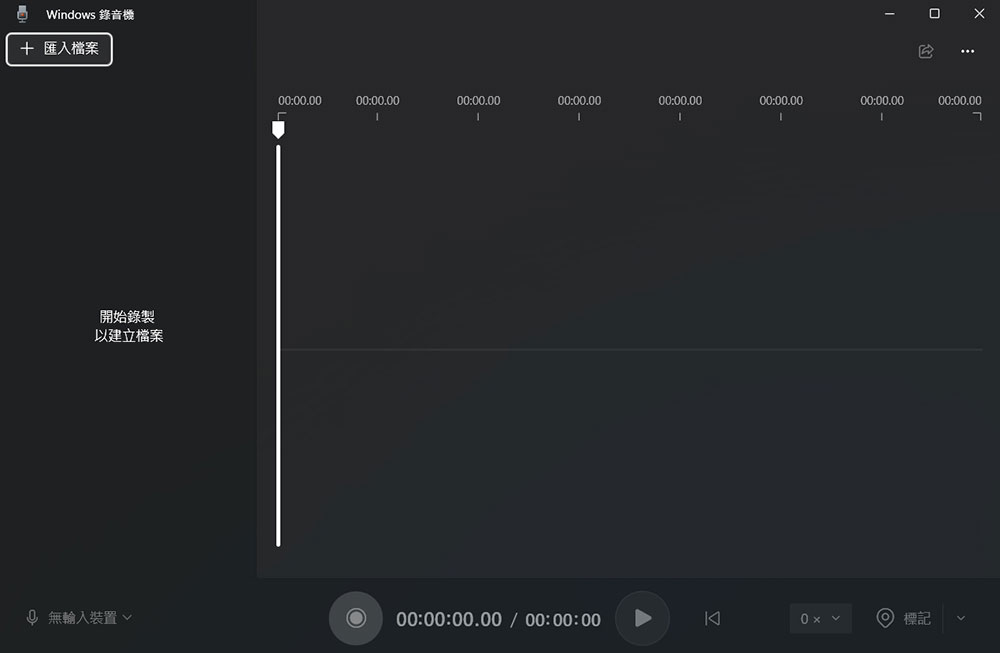
Windows 11 Voice Recorder is a good enough app that can record your voice clips, but it’s not used that often. If you just want to record sound, there are much better apps, such as Audacity, with more features and functionality. As with everything else, recording microphone functionality is already built in, and most calling software will have a recording option, so the usefulness of voice recorder applications on computers is limited.
12. Self-adhesive notes
Self-adhesive notes are useful in Windows 11, but that doesn’t mean you need them. You can write notes in Notepad, which are automatically saved, or if you need more complex notes, you can use OneNote to write them down and sync them across devices. The Sticky Notes app doesn’t offer any integration with Windows 11, so if you don’t use it, you can just remove it.
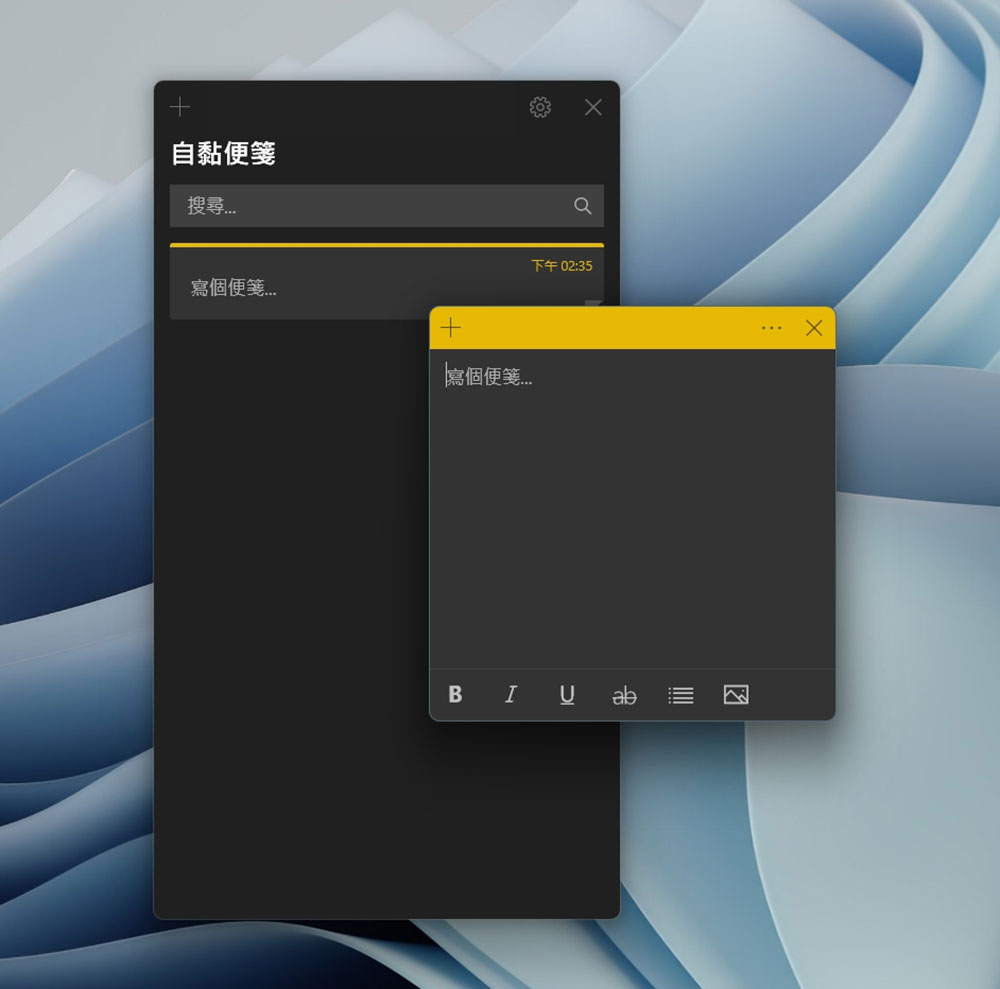
All of these apps are probably not that useful to most people, except maybe for self-adhesive notes (which some people might use). But ultimately, this list just goes to show how much useless stuff Windows contains. There are actually more apps you can uninstall, like Clock or even Painter, but these apps have more legitimate use cases and we don’t necessarily recommend uninstalling them unless you know for sure you don’t need them.
Source: KOCPC Chinese