


When picking out hardware for a new computer, you’ll naturally want to buy the latest and greatest components. When choosing the best SSD for your setup, based on specs alone, you’re probably going to go for a PCIe 5.0 SSD with the highest transfer speeds, and we’re here to tell you, you probably don’t need it. Unless you perform specific tasks that require a lot of continuous read and write speeds on a daily basis, you can save a little money and buy an SSD that fits your budget and get a not-so-bad experience in day-to-day use.
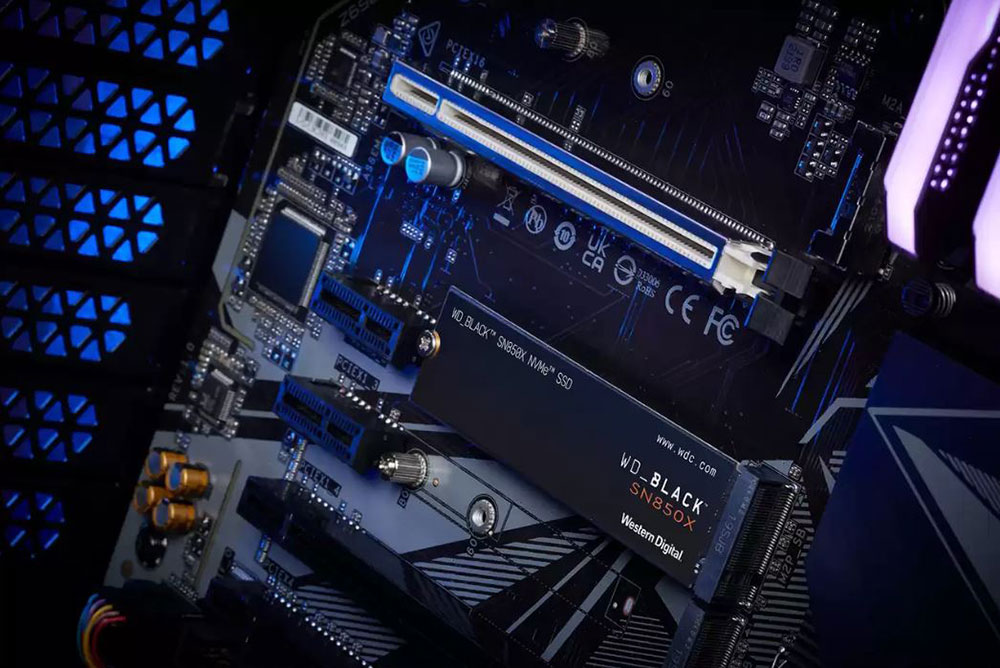
Should I buy the latest super-fast SSD? 3 reasons why you probably don’t need it
Games only use speed to a certain extent
If you’ve only ever played games on a slow HDD, switching to an SSD will feel like a huge improvement, but today almost every SSD is fast enough for gaming because the only time a game needs faster transfer speeds is when loading resources. However, even the fastest PCIe 5.0 SSD performs similarly to a PCIe 4.0 SSD when it comes to loading screens, with the difference being measured in seconds rather than anything substantial that affects gaming. As DirectStorage is slowly being adopted by games without it having much of an impact on the games being released, you don’t actually need the fastest SSD to play games.

Even when switching between PCIe Gen 3, Gen 4, and Gen 5, you won’t notice a noticeable difference in gaming. Likewise, switching between the Steam Deck’s PCIe 3.0 interface and the Legion Go or ROG Ally’s PCIe 4.0 won’t have much of an impact on gaming. When installing games, the limiting factor is usually the speed of the network, not the speed of the SSD you’re installing the game on.
In daily use you won’t notice the speed
In the vast majority of cases, you won’t notice much of a difference between a SATA SSD and the latest NVMe SSDs; your operating system will still load just as fast, games and apps will open quickly, and searching the drive will be quick. You don’t need a super-fast SSD to browse the web, work on documents, or give presentations. Sure, they help a little, but probably more on a psychological level than any real substantive help.
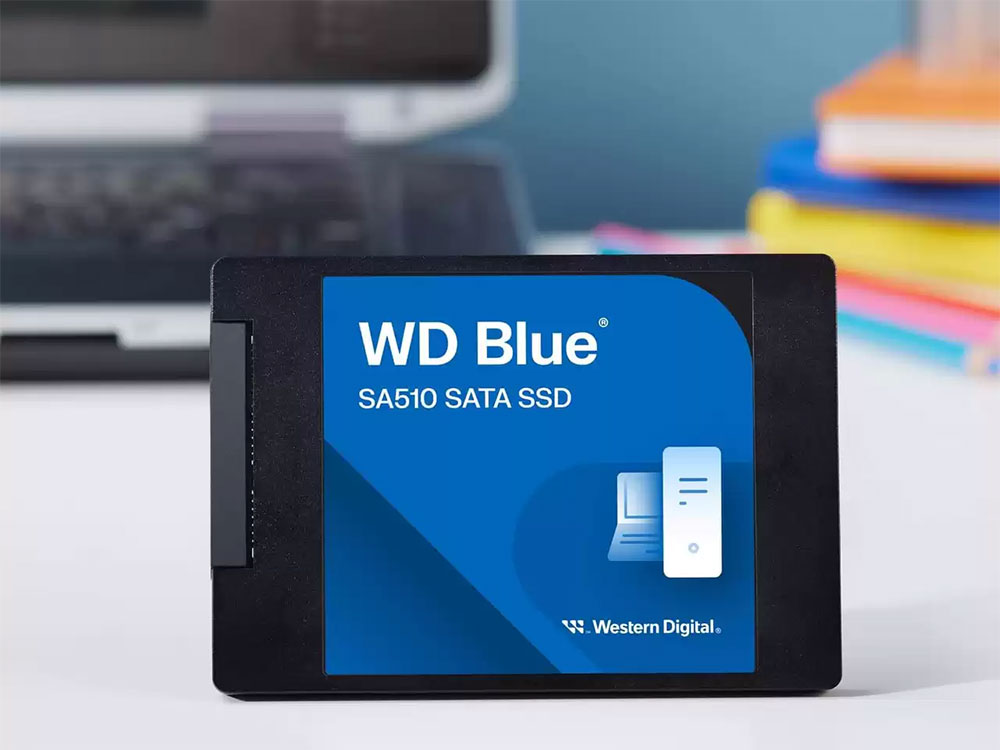
That’s not to say you shouldn’t buy an NVMe SSD, especially when it’s about the same price as a SATA SSD, and even the slowest PCIe 3.0 SSD is 4x faster than SATA’s maximum speed, so why not go with NVMe? But that’s all you need to look at, and even though speeds of up to 14,000MB/s are tempting, you still don’t need PCIe 5.0. This only applies to sequential data transfers, such as when you copy an old hard drive to a new hard drive. When it comes to moving or accessing smaller files in day-to-day heavy workloads, there’s not much difference between a Gen 5 SSD and a Gen 4 or Gen 3 SSD. You don’t need to spend extra budget to buy the latest version of NVMe SSD, because every NVMe you can buy on the market today is perfect for daily use.
Even professional work like video editing struggles to maximize the speed of an SSD
While using an SSD for video editing does help, you probably don’t need to get the fastest, newest product on the market. Even a SATA SSD with a speed of 500 – 550MB/s is sufficient for most video editing tasks, and you can use the saved budget to purchase a higher capacity SSD, which will bring more benefits in comparison. This is because there are advantages to storing all your work material on an SSD rather than having the high transfer speeds of the latest NVMe SSDs.
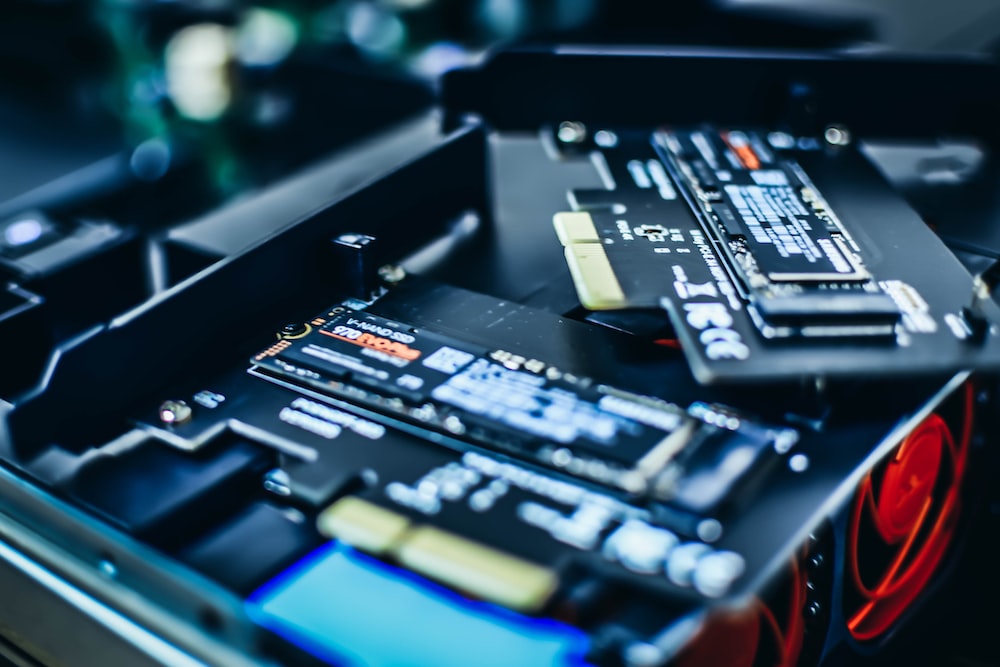
You may notice a difference in rendering times when you first import a video file for processing or after you finish editing and export the final product, but even then the difference is small. If you only export video files occasionally, you can choose a slower SSD. For professionals who export videos every day, every second of your time is precious, so you can’t afford to skimp on the latest and fastest SSD.
Upgrading from an HDD to an SSD in an older device will instantly give you better performance for your day-to-day work, and perhaps save the device from becoming e-waste. If you find yourself wanting an SSD with faster transfer speeds than SATA, any PCIe 4.0 SSD will give you plenty of speed while costing far less than the latest PCIe 5.0. Additionally, PCIe 4.0 SSDs can be purchased in capacities up to 8TB, giving you plenty of ultra-fast SSD storage space.
Source: KOCPC Chinese