


Here. AI The era, for those who have experienced browsers AI agentfunctional PC For users, they must be very much looking forward to it. Windows 11 The arrival of AI agent functionality, although previouslyMicrosoftIt’s been confirmed that it will definitely happen, but when it will launch is still unknown. However, in the latest beta version, foreign media have already spotted traces of the AI agent feature, suggesting that testing will likely open soon.
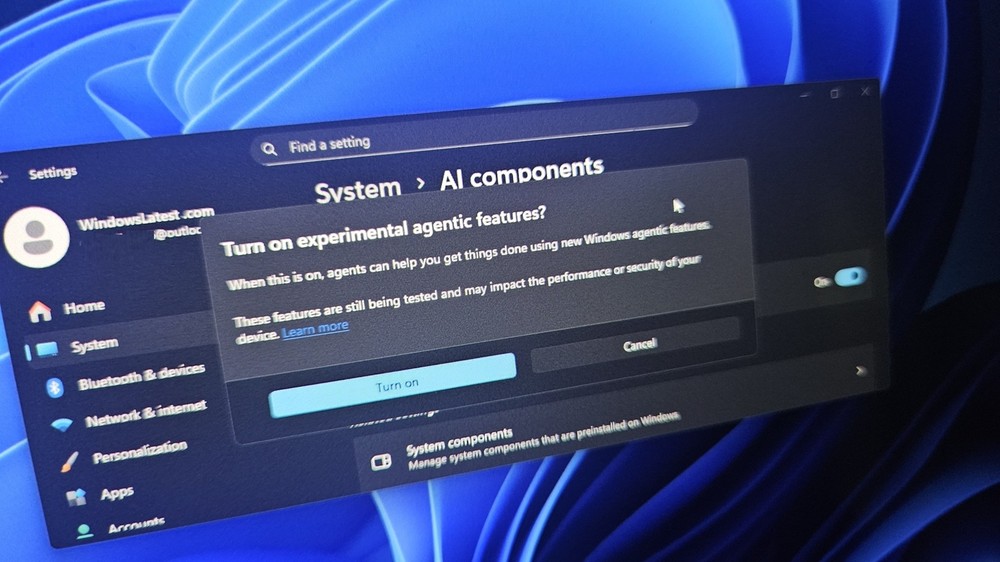
Image source: Windows Latest
Windows 11’s AI agent feature officially debuts! It will automatically run in the background.
According to a report by foreign media Windows Latest, when they installed Windows 11 Build 26220.7262, they found a new item in the System -> AI Components menu in Settings, named “Experimental agentic features (實驗性 AI 代理功能).”
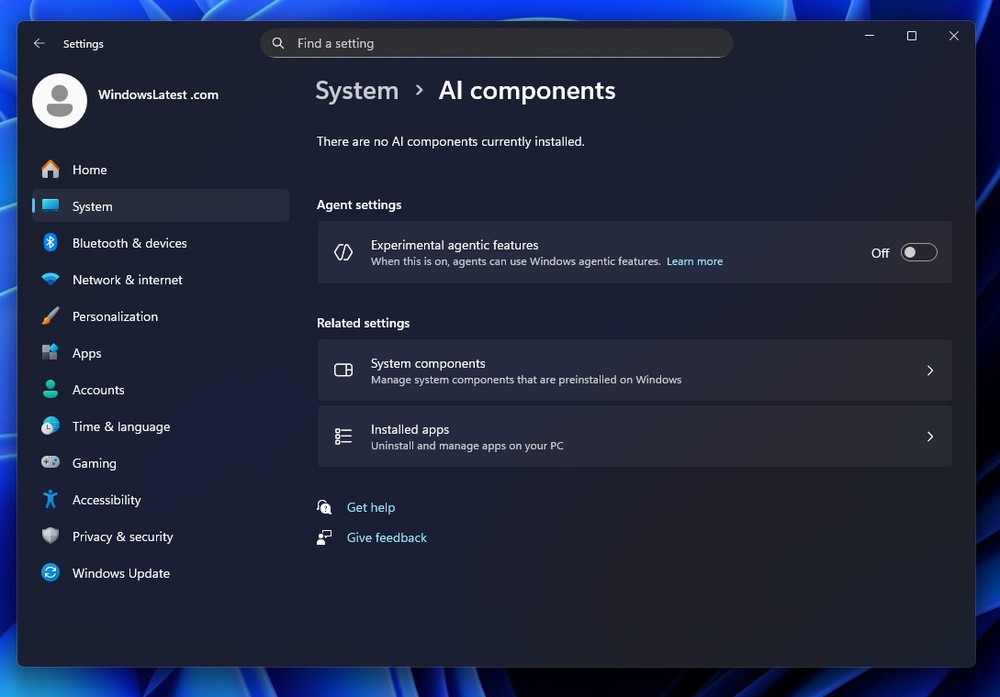
Image source: Windows Latest
After enabling it, the “Agent Workspace” feature will be activated, but it cannot be used at this stage, meaning Microsoft has only included this feature in the settings for now, and it is expected to officially open for testing in the near future.
And this Agent Workspace feature, just like the AI agent features you’re familiar with, will automatically execute the tasks you request—you don’t need to do anything during the process.
Windows Latest added that Microsoft wants to make Windows 11 an “AI-native” operating system, so this Agent Workspace will have an independent Windows execution environment. In simple terms, just like ChatGPT Agent, you can continue using your computer while the AI runs, without being affected by it.
You can think of it like a virtual computer. The tasks you request will be completed by Windows 11’s AI Agent within this virtual computer, without affecting you.
Based on the introduction from Windows Latest, this virtual computer should be a copy of the original computer, including all installed applications and files.
AI agents can click, type, open apps, and even manage your files in the background on your behalf, all while you continue using your desktop normally.
More notably, Windows 11’s AI agents seem to be able to launch multiple instances, with each agent able to have its own Workspace and its own set of permission rules without affecting each other.
In other words, what one AI agent can do is not automatically authorized to other AI agents, and you can maintain control at any time.
In the future, it might be possible to have multiple AI agents work in sync on different tasks, which is really great. For computer workers, it will definitely boost efficiency significantly.
The report also mentioned that when this feature is enabled, users will need to allow the AI agent to use applications and local folders, such as Desktop, Music, Pictures, and Videos.
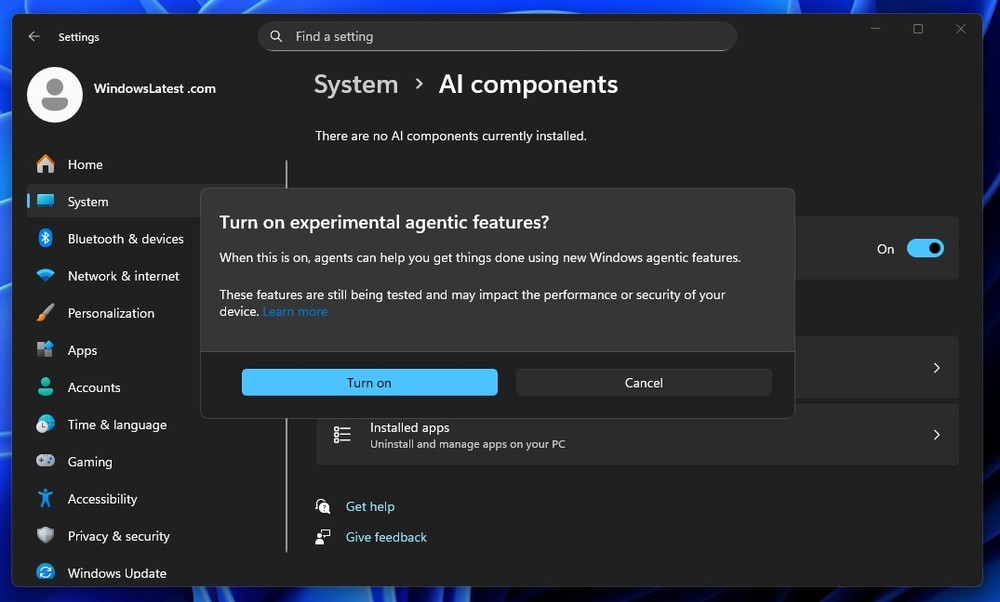
Image source: Windows Latest
Because AI agents run continuously in the background, using RAM and CPU based on their activity, they will affect performance to some extent. However, Microsoft’s early testing indicates that they won’t truly bog down the PC.
Microsoft says AI agents will have limits on RAM and CPU usage, but hasn’t detailed exactly what those “limits” are. It’s speculated that users will be able to customize this in the future, with higher usage corresponding to faster completion times.
As for when it’ll officially launch, I don’t think it’ll be anytime soon, and barring any surprises, it’ll likely only be available to Copilot Pro users at first.
Source: KOCPC Chinese