


Google Update NotebookLM The pace of feature development shows no signs of slowing down, as two highly anticipated features were added once again earlier: “Deep Research” and “FilmThe “summary style options” means you can do deep research directly in your notes, and the completed report is saved right there in the note, making the content richer and more complete—that’s genuinely impressive. Video summaries can finally be customized with different styles too, so you can generate summary content that better fits your needs or the topic at hand.
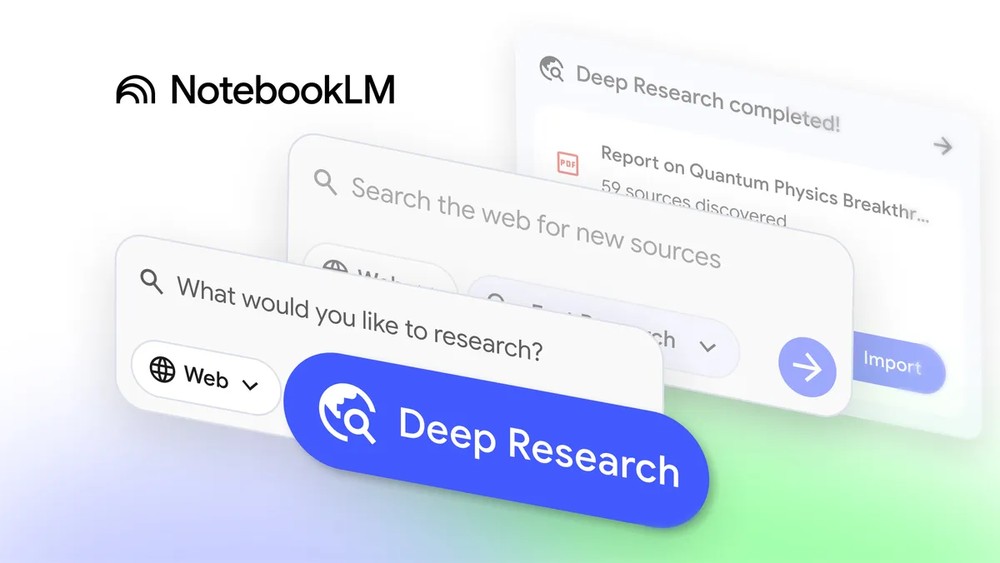
With the Deep Research feature, NotebookLM makes it easy to build a complete knowledge base in your notes.
Now open a notebook in NotebookLM, and on the left side you’ll see a new list of options with two types: “Fast Research” and “Deep Research,” both of which search the web and organize the content you need:
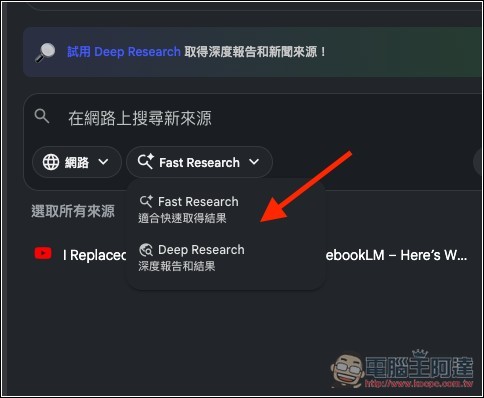
Fast Research is quick research, suitable for finding quick answers,AI It scans information at high speed, letting you instantly browse and import sources. Deep Research, on the other hand, is more in-depth: the AI browses hundreds of websites, continuously adjusts its research direction based on search results, and then generates a well-organized, insightful, and fully sourced report.
With the Deep Research feature, you will be able to do the following:
- Research reports and cited sources are added directly to your notebook.
- When Deep Research is enabled, it automatically runs in the background, and you can continue adding sources.
- Easily build a complete knowledge base in the notebook.
- Use features like NotebookLM’s audio or video summaries to help understand the topic.
NotebookLM’s video summaries now offer 8 style options, and you can even customize them.
Previously, NotebookLM’s video summaries only had one style, so when shared with others, it was obvious they were AI-generated by NotebookLM with no uniqueness. Now, you can finally customize the style of each generated video summary based on your needs or preferences.
Now in the editing settings for video summaries, you’ll see the newly added visual style options at the bottom, including Custom, Classic, Whiteboard, Cute, Anime, Watercolor, Retro Print, Classical, and Paper Craft — 8 preset styles in total, plus a setting that lets you decide the style yourself.
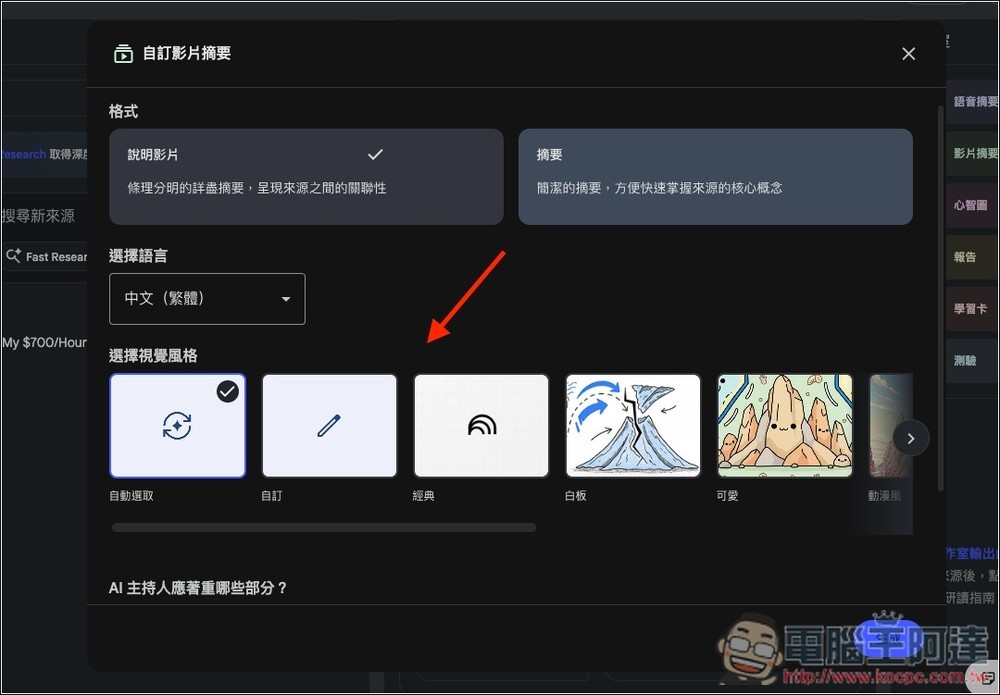
The image below shows the custom visual style settings screen, where you can enter the style you want:
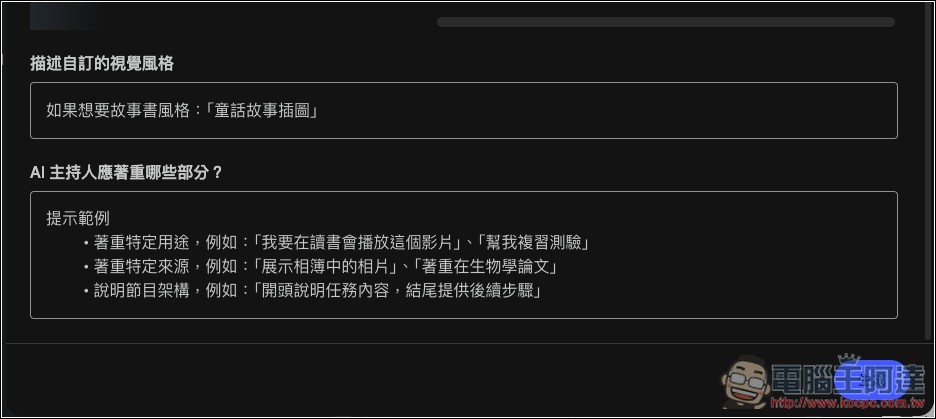
Each note can generate multiple video summaries, so if you don’t know which one to choose, you can generate them all and see which works best. However, generating will take some time to wait.
In addition to the two above, Google also announced in an official article that NotebookLM now supports more formats, including: Google Sheets, Google Drive file URLs and PDF, images, and Microsoft Word (.docx).
As for the release timing, Google said all new features will be rolled out to all users over the next week, meaning the free version gets them too. If you haven’t seen them yet, just wait a few days and they should show up.
Source: KOCPC Chinese