


For computer workers, they will definitely hope to know more about their commonly used software shortcut keys to improve work efficiency. However, it is not easy to find the shortcut keys for every set of software. This article will recommend a super easy-to-use website called “Shortcut Key Memo”, which collects shortcut keys for commonly used software and online services on the market. It is also very rich. For example, Photoshop has more than 1,500 shortcut keys. Many functions you can’t imagine also have shortcut keys.
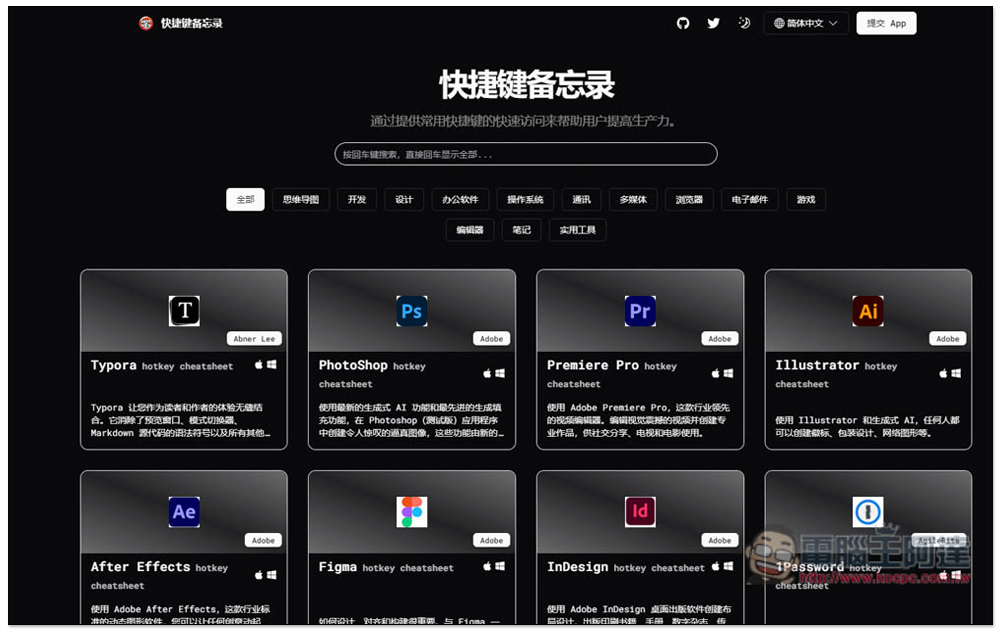
“Shortcut Key Memo” can easily check the commonly used shortcut keys of major software to improve your usage efficiency.
“Shortcut Memo” is an open source project that is not only shared on the GitHub website, but also supports multiple languages, including English, Chinese, Japanese, French, etc. There are also no ads on the site, so the page is very clean and can focus on the shortcuts you are looking for.
There is a built-in search function. In addition to searching the software, you can also search for the shortcut keys you are looking for in the software, so it is easy to find. The only regret is that it currently only supports Simplified Chinese. If you input Traditional Chinese, there is a chance that you will not be able to find the shortcut keys you are looking for.
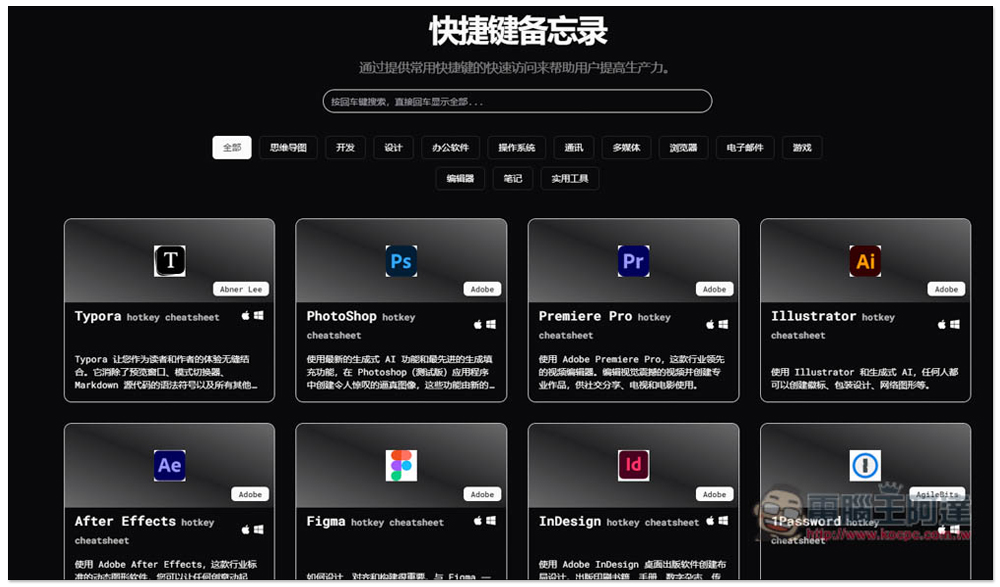
After clicking the link above to enter the shortcut memo website, the homepage will list several commonly used and well-known software, and provide categories, including: mind mapping, development, design, office software, operating system, communication, multimedia, browser, email, game, editor, notes, and practical tools. Yes, there are even games, but currently there are only three games: “Grand Theft Auto V”, “Red Dead Redemption 2”, and “Elden’s Ring”:
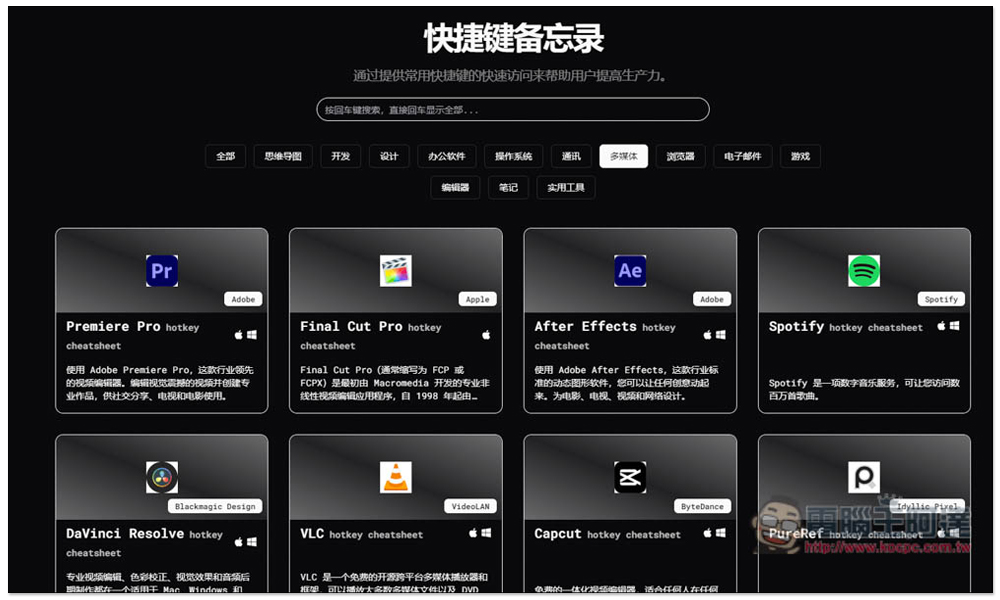
There are many software categories in other categories, such as the multimedia section, including Premiere Pro, Final Cut Pro, After Effects, Davinci Resolve, VLC, Spotify, etc. The lower right corner of each software will indicate which operating systems it supports:
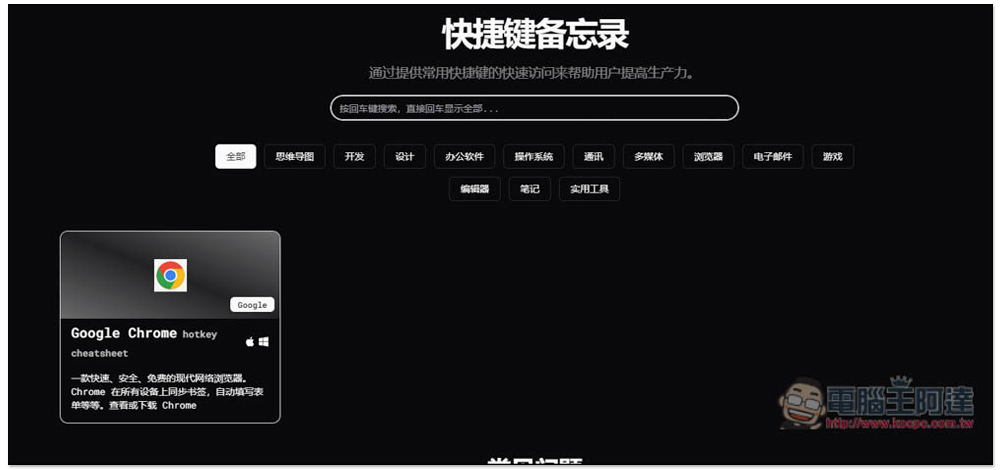
Because there are a lot of software, it is recommended that direct keyword search will be much easier. For example, after I type Chrome and press the Enter key, I can quickly find Google Chrome:
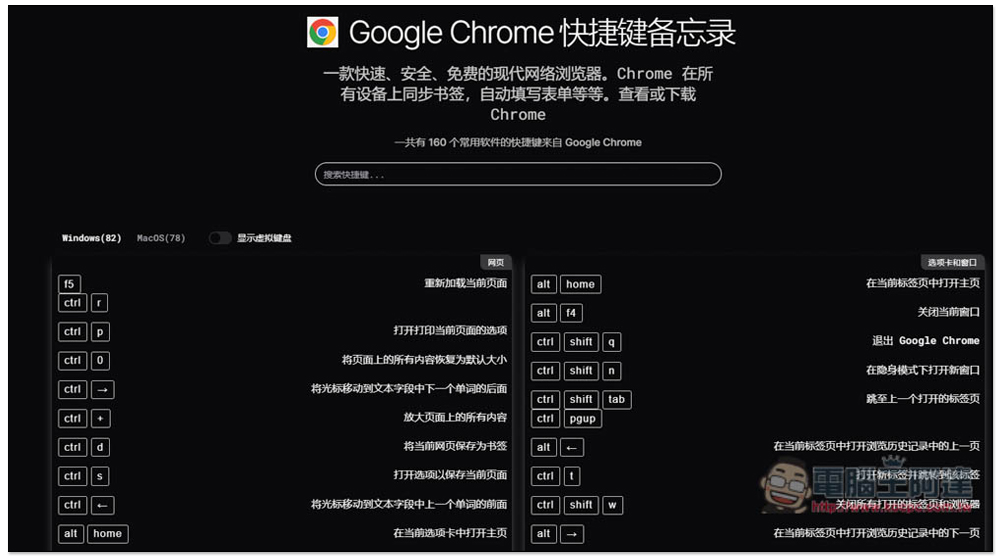
After clicking it, all shortcut keys will be listed below. To be honest, I didn’t expect that Chrome has as many as 160 shortcut keys. If you memorize them all, the efficiency of using Chrome will become extremely high, and you can complete many operations with the keyboard. If you are using a Mac, remember to switch the operating system in the upper left corner to macOS:
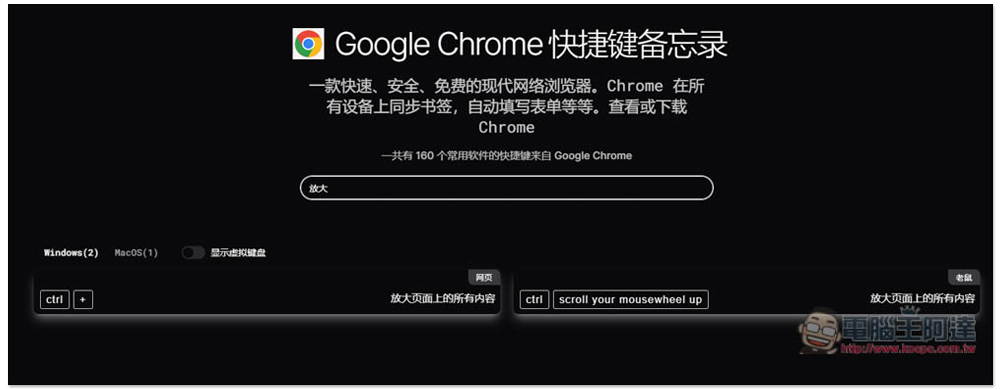
If you feel that there are too many shortcut keys and you can’t find the one you want to use, you can directly enter keywords in the search box above:
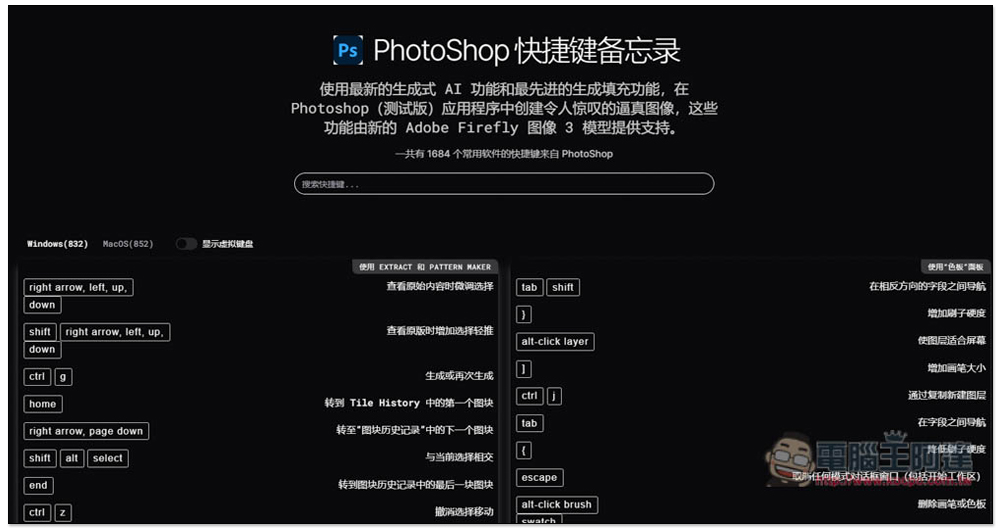
The number of Photoshop shortcut keys mentioned earlier really scares me. More than a hundred is already scary. I didn’t expect that Photoshop has as many as 1,684 (the total number of Windows and macOS combined). There are shortcut keys for functions you know and functions you don’t know:
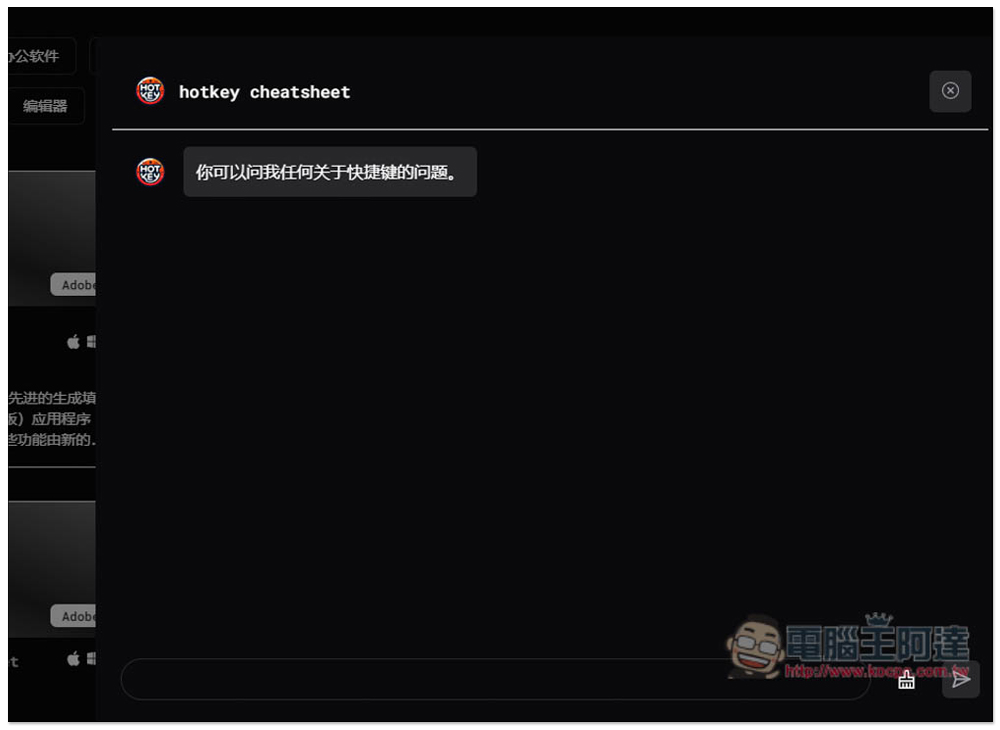
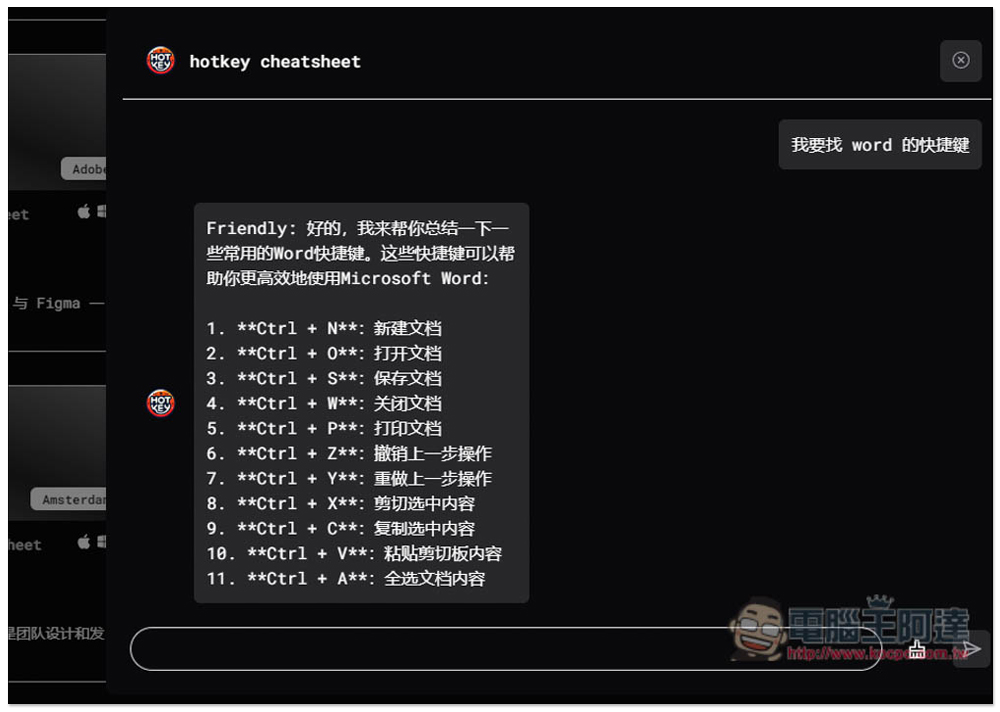
This website also provides an AI chatbot, you can ask it any questions about shortcut keys, including queries:
Unlike your own query, this AI chatbot will summarize and only list the shortcut keys for basic commonly used functions, not all. If you don’t know which shortcut key to remember, you can first remember these common shortcut keys:
Source: KOCPC Chinese