


There are many free spaces for file sharing on the Internet, and we have introduced many of them before, such as:SendBig、DepositFiles、File Dropper Wait, but there is no one as powerful as BUZZHEAVIER. Not only does it have no file capacity or storage space limit, it can be saved permanently, and there is no need to worry about expiration. More importantly, it is completely free and anonymous, and there are no ads. It seems like a completely Buddhist service.
Of course, even though BUZZHEAVIER says that they are very safe and anonymous, it is still not recommended to store important files on it, and is only recommended for sharing unimportant files.
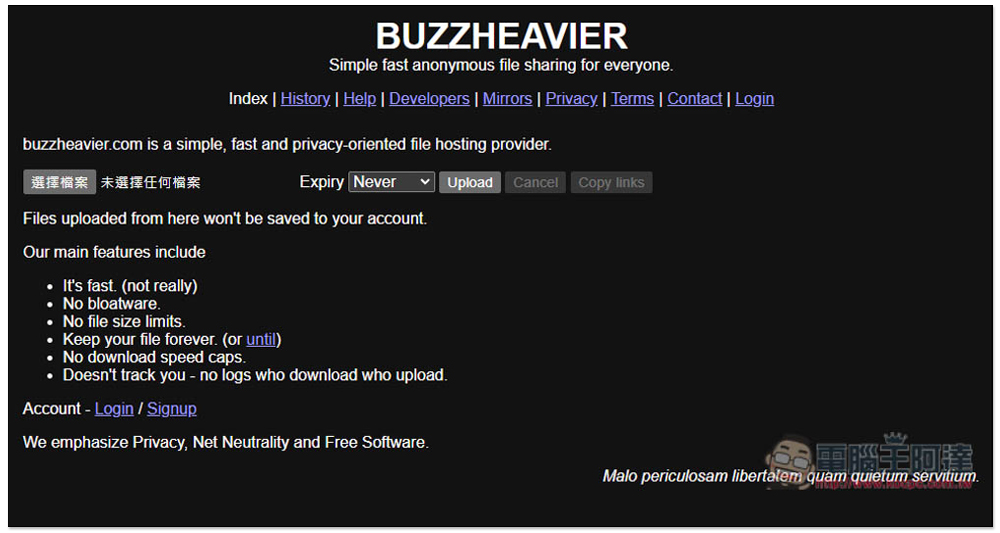
BUZZHEAVIER is a free file sharing service that boasts high speed, no capacity limit, permanent storage, and anonymity.
BUZZHEAVIER focuses on many features, including: high speed (but not really fast), not bloatware, no file size limit, permanent file retention, no download speed online, no tracking and no logs (no idea who downloads and uploads). They attach great importance to user privacy, network neutrality and free software.
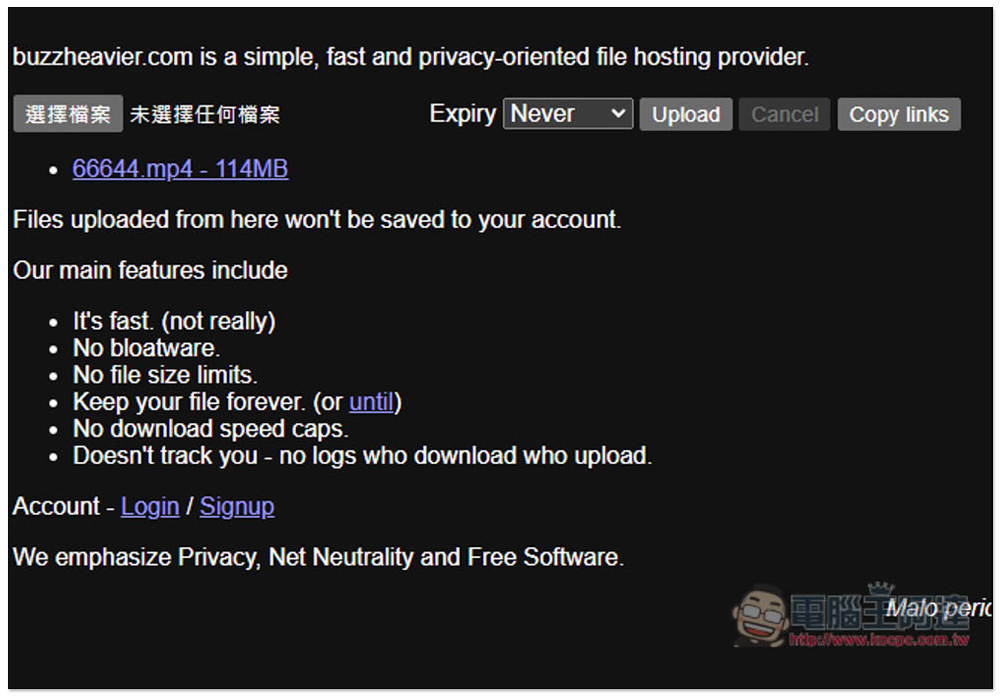
Although there is no Chinese interface, it is very simple to use. Once you enter the website, you can upload the files you want to share. It also supports batches and can upload multiple files at one time. After creating an anonymous account, you can manage files shared in the past, such as deleting and obtaining download links.
Click the link above to enter BUZZHEAVIER and click Select File to upload the file you want to share:
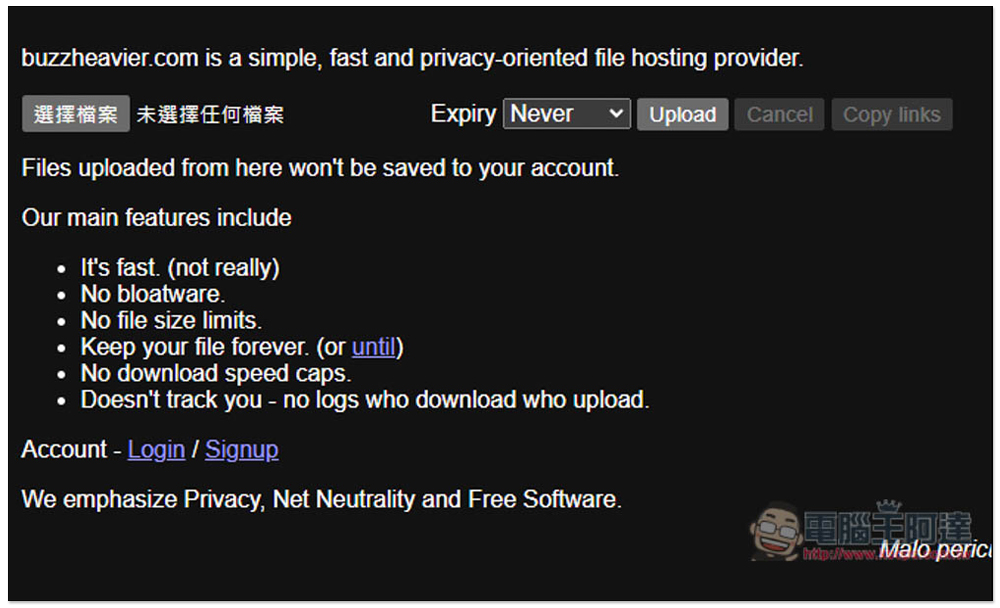
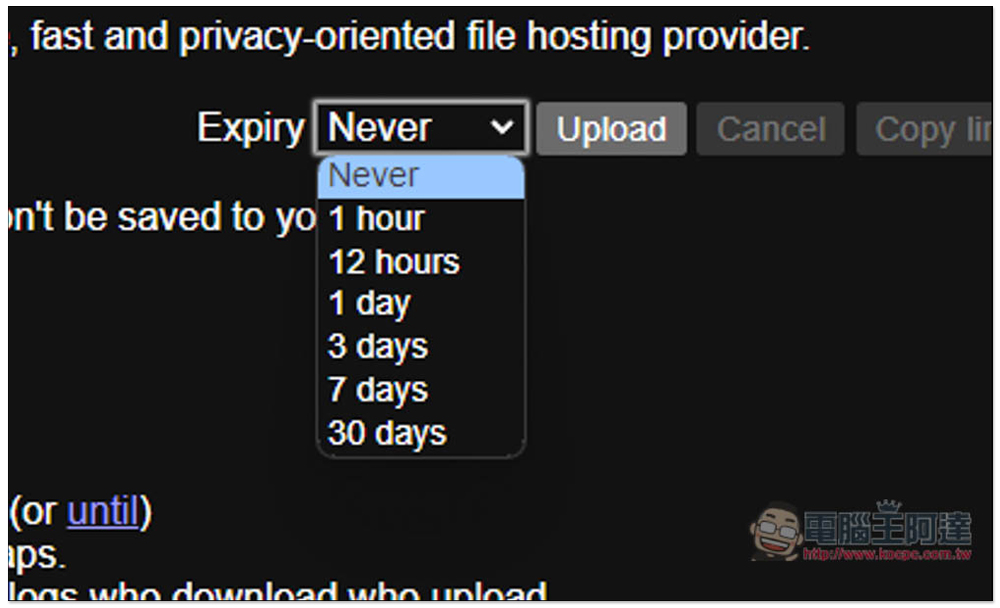
The default retention period is Never, and it can also be changed to have a period, such as 1 hour, 12 hours, 1 day, 3 days, 7 days and 30 days. After setting, press Upload to start uploading:
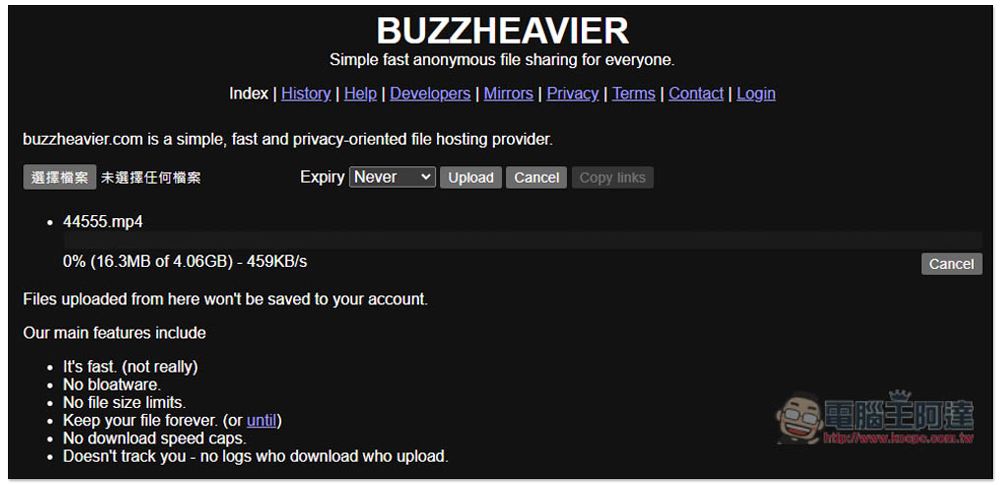
I tested even 4GB files with no problem, but the upload speed is not very fast, around 500KB/s, so if you share a large file, you need to wait for a while to upload:
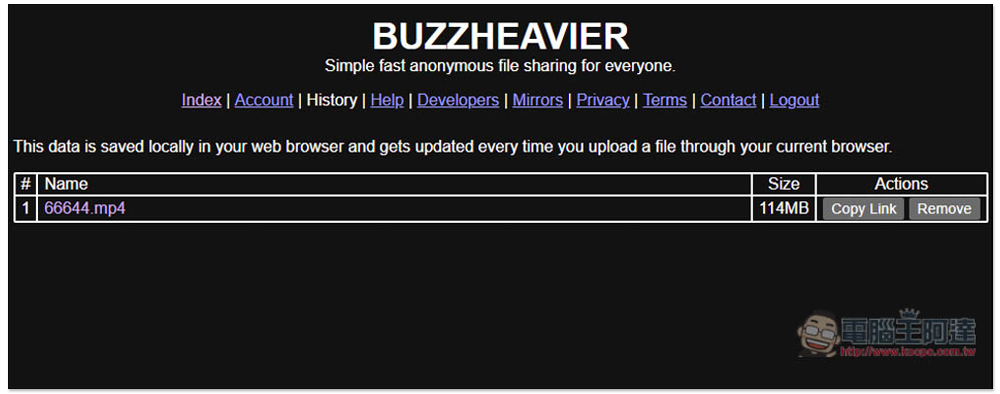
After uploading, click Copy links on the right to get the download page link for this file:
Paste it like this, it will display the file name, file size, how many people have viewed it, how many people have downloaded it, there are direct download links, and there are also torrent files. If you want to let others download them directly, copy the Direct Download link and share it with others:

If you want to manage shared files, please click Signup next to Account. Then you will enter this screen, click Signup again:
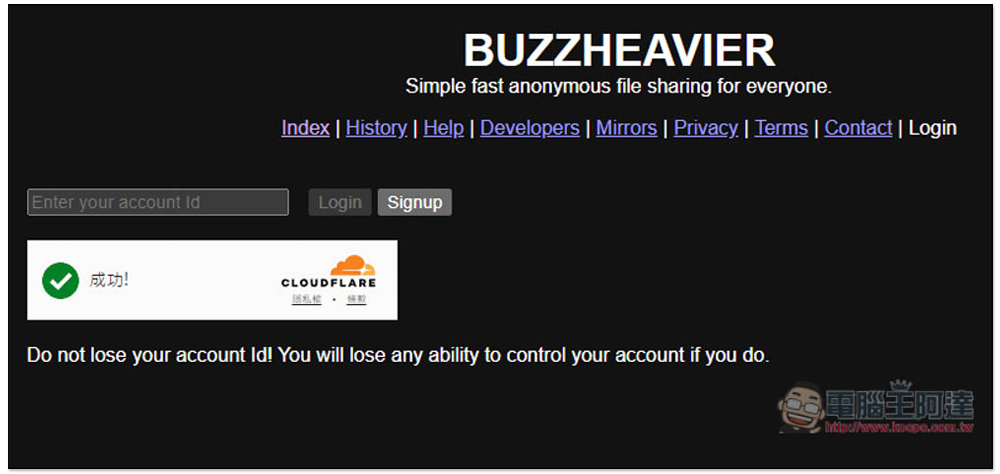
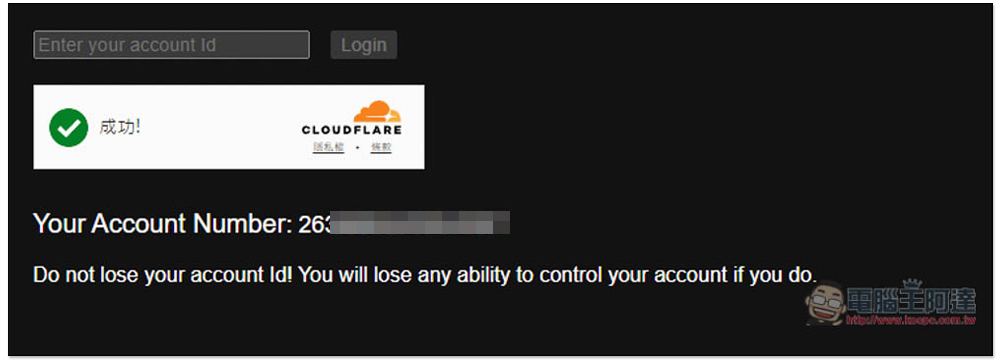
You will get a string of account numbers. This is your account number. Please note it down elsewhere. In the future, as long as you log in to this string of account numbers (no password required), you can manage all shared files:
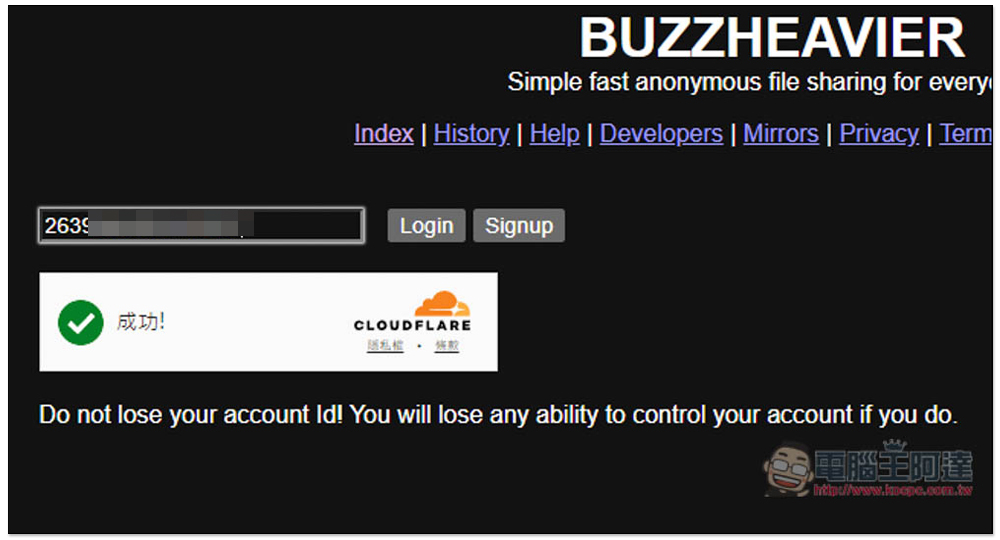
As shown in the figure below, fill in the account number and press Login:
Go to the History page and you will see files that have been shared in the past. Click Remove on the right to delete them immediately:
From the privacy policy,BUZZHEAVIER It is indeed quite safe, and it is even recommended that users use Tor or VPN to hide their true identity to use their services. In addition, they do not log traffic, DNS requests, IP addresses, or user bandwidth.
Source: KOCPC Chinese