


Although third-party apps offer advanced features not available in the operating system, downloading malicious apps can be harmful. To ensure your safety, we often urge users not to download and install third-party applications casually, but if it is still necessary, be sure to consider a few questions before downloading any application, which may enlighten you or help you find a safer alternative.
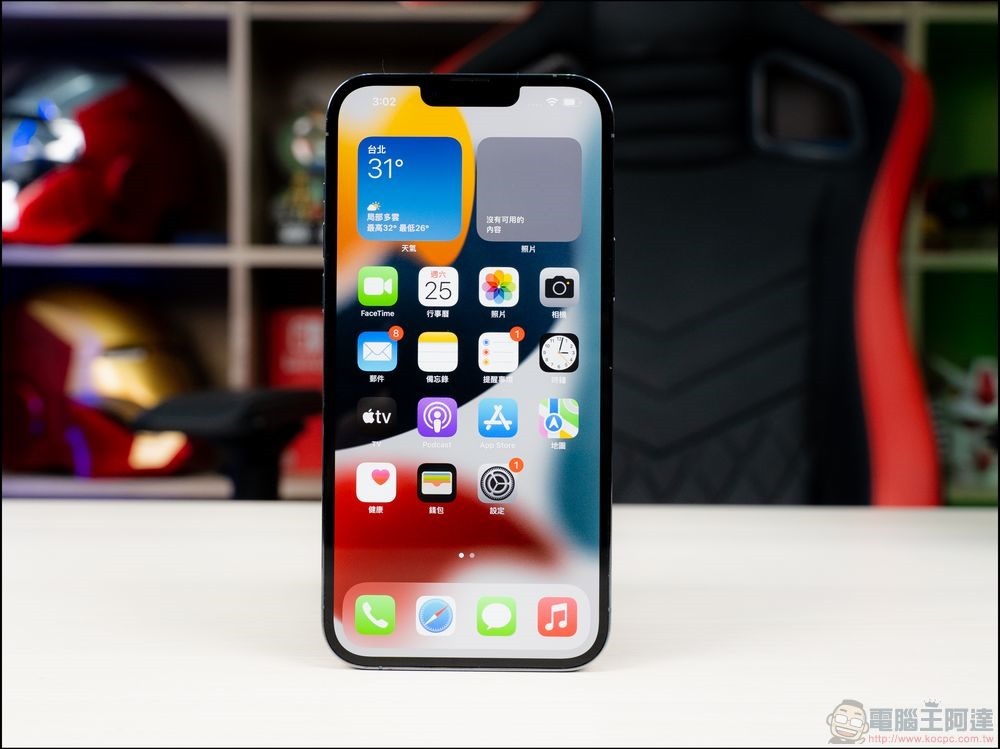
8 key questions to ask before installing a third-party app
Do I really need this app?
Before downloading any third-party app, consider whether you actually need it. Research whether the operating system already provides the functionality you are looking for in the application, as there may be built-in functionality that you are not aware of. Also, check to see if other third-party apps you already use offer similar functionality.
Then, ask yourself if the app is absolutely necessary, or if you just want it to enhance your experience. If the operating system or installed application has this feature, there is no need to download additional applications. However, if the app is essential and you regularly rely on it for other work or other activities, then you need to ask yourself more questions.
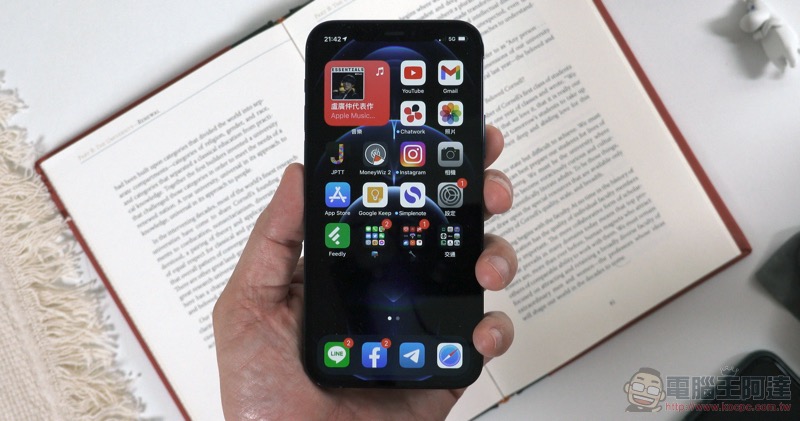
Is there an official alternative?
If you really need the app, don’t rush to install it right away. First, thoroughly research whether there are alternative official apps available from Microsoft, Apple, Google, or other reputable providers that serve the same purpose as third-party apps. Official apps from reputable companies are generally safer and more reliable.
These companies regularly update, address security vulnerabilities, and reduce privacy and security risks associated with third-party applications. If you find a reputable app that meets your needs, it’s better to download that app rather than the third-party app you were most interested in getting. If no official app is available, continue to the next step.
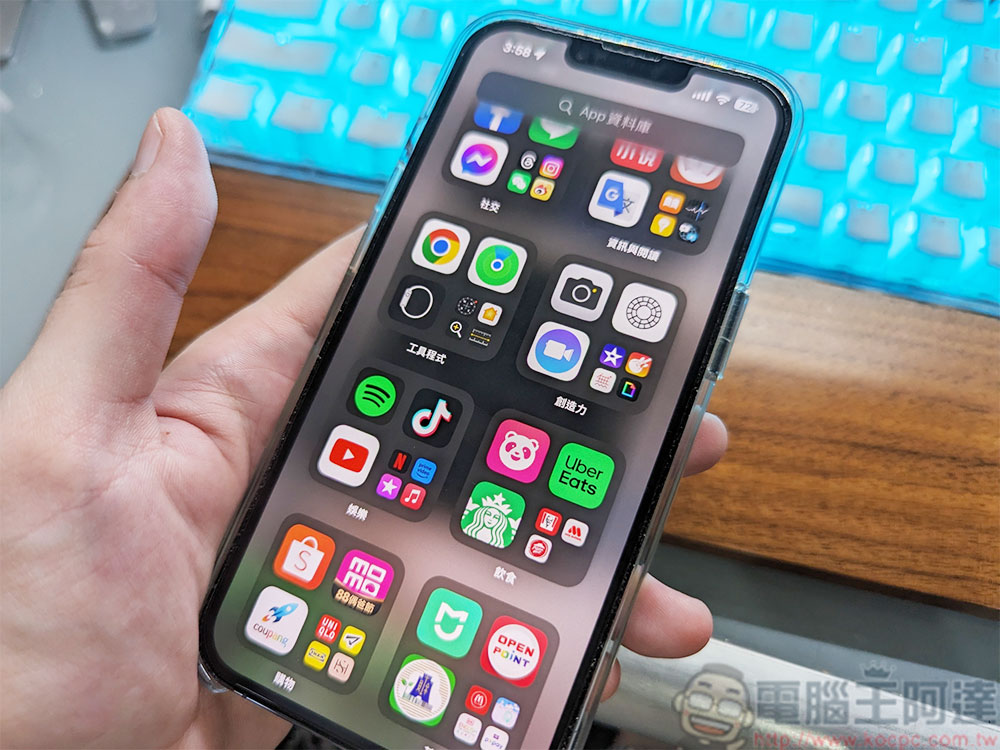
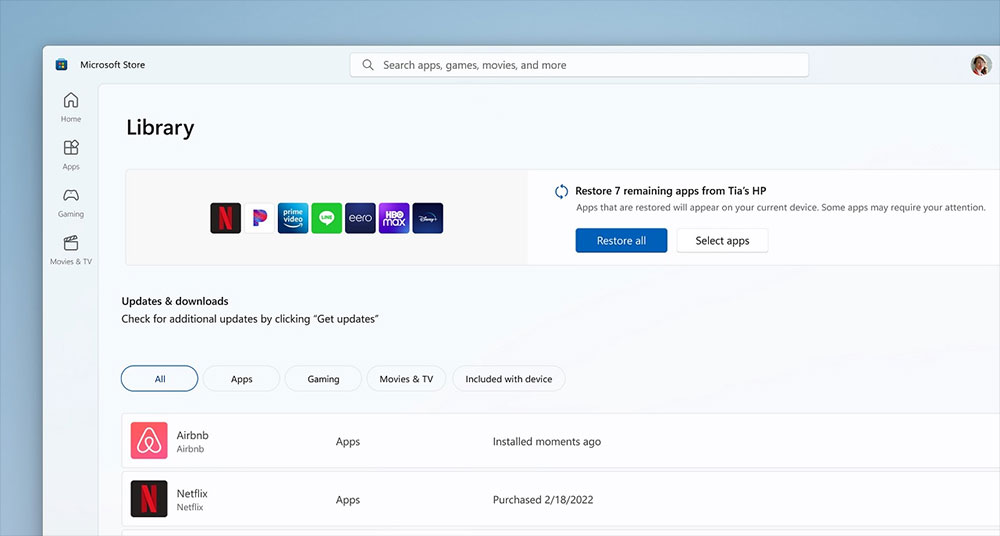
Is the app available on the official store?
Official app stores set safety and quality guidelines that developers must meet before their apps can be listed on the market. Therefore, although there are some exceptions, most of the available apps are likely to be safe and spyware-free. Check whether the third-party application you want to download is available from the official store. If so, it is best, which means your download is more secure.
However, if the app isn’t listed, that’s a subtle warning sign. While the developer may not have chosen to list it on the official store, the app may also have security vulnerabilities or improvements that would prevent it from being listed. To avoid these risks, please check the official store for other third-party alternatives that serve the same purpose, as it will be reviewed before listing. If you can’t find any third-party apps with similar purposes in the official store, continue to the next step.
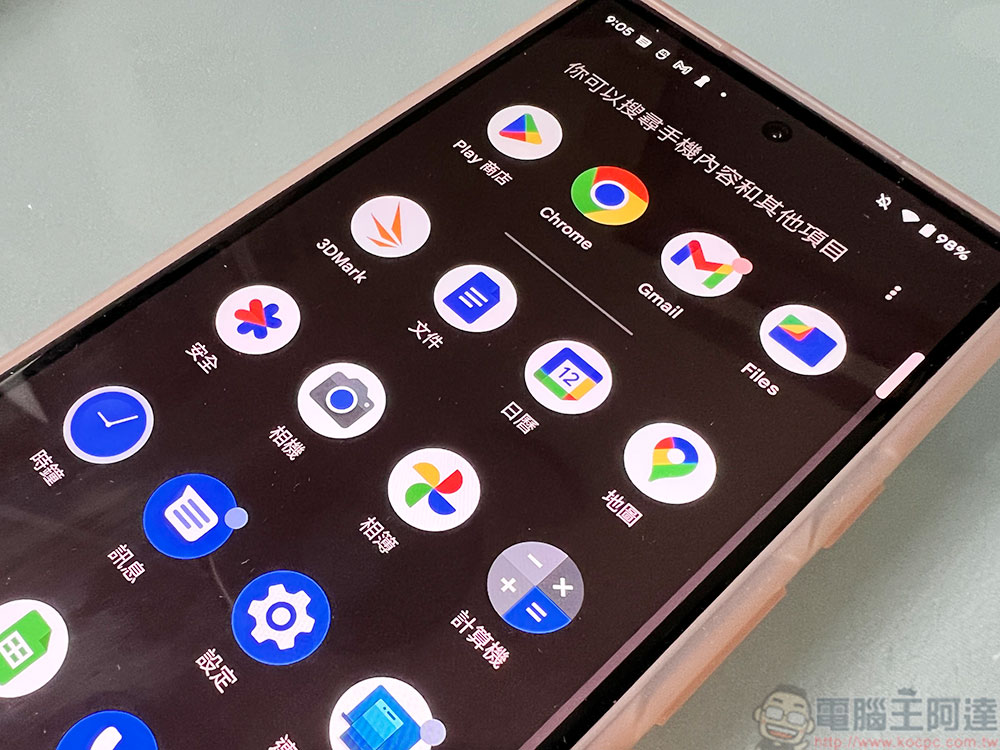
Research on application developers
If your only option is to download the app, take a few steps to assess trustworthiness before proceeding, starting with exploring the developer’s details. Check if the app is from a reliable developer and see if they have an official website that provides information about the app, including its features, privacy policy, and terms of service. A forum where users can report bugs and provide feedback is usually a good sign, especially if the developer responds proactively and quickly.
Additionally, read online reviews and explore discussions about the app on public forums to confirm that it comes from a reliable source. If you cannot find any details about the developer and there is no official website, it is best to avoid such apps as they may contain spyware or other malware that can infect your device. But what if the app is from a trustworthy developer, has good reviews, but lacks an official website? Next, check that the source of the listed app is safe.
Is the download source reliable?
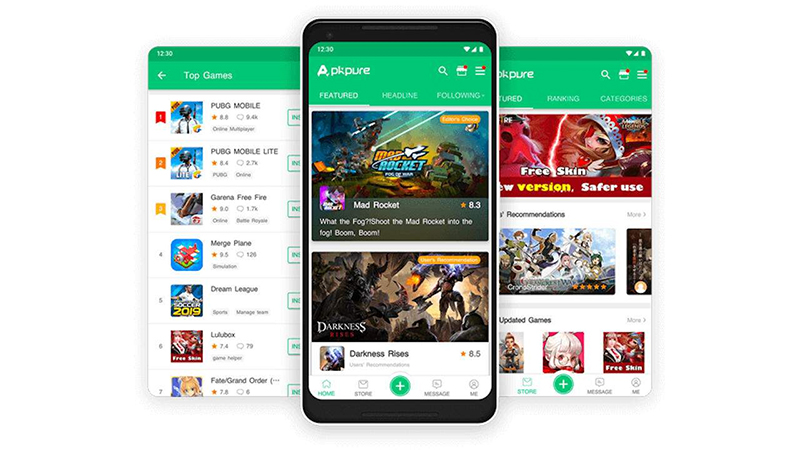
If the app lacks a dedicated official website and is faked on third-party platforms for better visibility, you should check if the download source is trustworthy. While downloading apps from unofficial sources is generally not recommended due to potential security risks, if this is your last resort, take some steps to verify the authenticity of the source.
use Who.Is Tools like this one can determine how long a website has been up, see how often app versions are updated and explore other users’ reviews of the site to assess its reliability. If the site is trustworthy, complete, has its app list updated with the latest versions, and has positive user feedback, then this is a pretty positive sign. It is also important to note thatGitHub and SourceForge While the website itself is safe and reputable, there is no guarantee that the projects found there will be safe.
However, please proceed with caution and check the source of the app for malware before downloading.
Is this app safe to download?
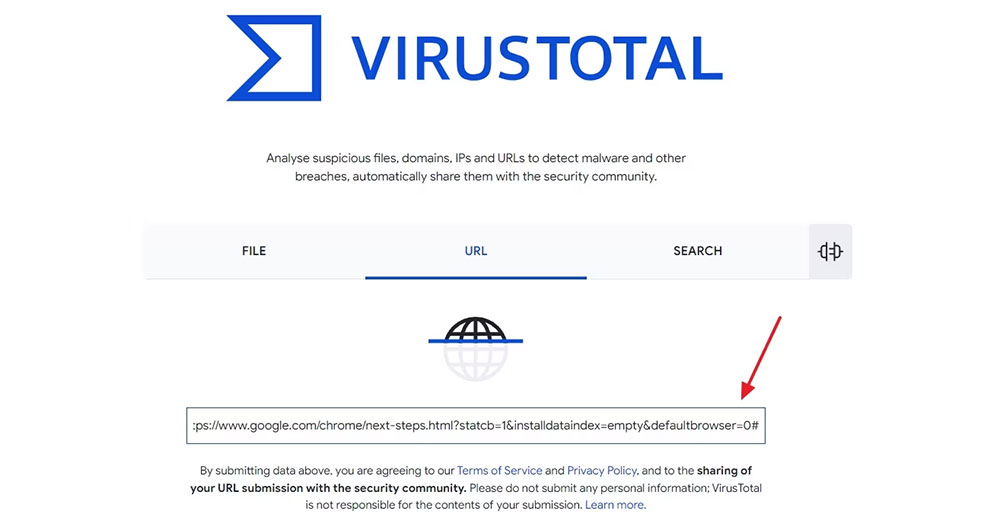
It’s important to ensure that your apps are free from spyware or other malware, especially when downloading third-party apps from unofficial sources. VirusTotal is a great tool for this purpose, you just paste the download link for the application and VirusTotal will analyze and report back any malicious content it detects.
To use VirusTotal, copy the application’s download link, visit VirusTotal’s official website, select the URL menu, paste the copied link, and press Enter. If the result is clean, you can continue downloading. If VirusTotal detects any issues with the download source, it is best to avoid downloading the application.
Are the downloads bundled with other software?
Even trusted app brands sometimes work with lesser-known developers and bundle their apps with their software so that when you install the main app, the bundled apps are automatically installed on your device. Some developers allow you to omit installation of a bundled app, while others install it without your consent.
To avoid this, don’t blindly click Next in the installation window to ensure you don’t inadvertently allow the installation of bundled apps. Also, it’s best to avoid using apps that are known to be bundled with other apps.
Is the app free or paid?
While this isn’t a mandatory step, it’s worth checking if the app is free to use or offers a free trial, especially if you don’t plan on paying for a subscription. Also, make sure the free or trial version includes the features you need to use. If you don’t verify this beforehand, you might waste time downloading and installing apps that, although free, don’t offer the necessary functionality, and you’ll end up looking for alternatives, so it’s best to verify this in advance.
Source: KOCPC Chinese