


Bad Wi-Fi can ruin a good movie with frequent buffering, interrupt a gaming streak with lag, or make a stressful workday longer and harder. It is not unreasonable for many people to believe that AI can improve network conditions, but so far, the application of AI in router technology has been lackluster, and has not even been paid attention to by consumers. If you’re looking to upgrade your home network with a new router, AI should be at the bottom of your priority list, so don’t let any marketing talk fool you.
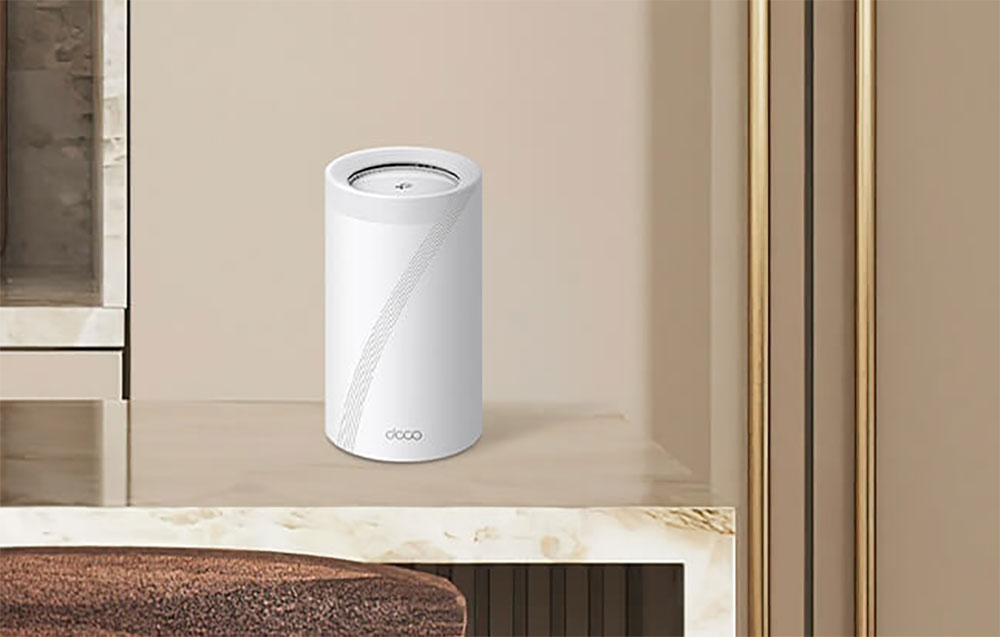
Do you really need a so-called AI router?
Mesh router has optimized network connection
If you’ve used a Wi-Fi extender before, chances are your experience wasn’t perfect, with devices often failing to connect to the correct access point and performance erratic. Router manufacturers are quick to label Mesh routers with AI, and TP-Link calls its optimization AI smart roaming technology, which uses algorithms to determine the best connection sources for network nodes to tell which devices should use which nodes.
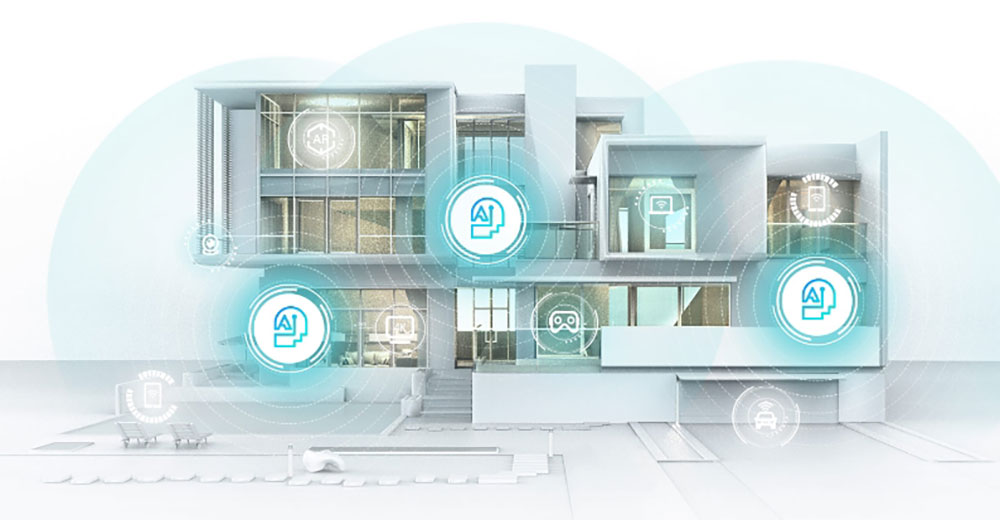
Mesh routers of the past few years have come with the software needed to establish the best connection to the main router; Eero, for example, uses its own TrueMesh technology to determine which wireless band is best for backhaul speed and latency. Some are even starting to use multiple bands simultaneously; Netgear, for example, on its 6GHz-capable Orbi systems can use 6GHz for downloads and 5GHz for uploads to keep ping times as short as possible.
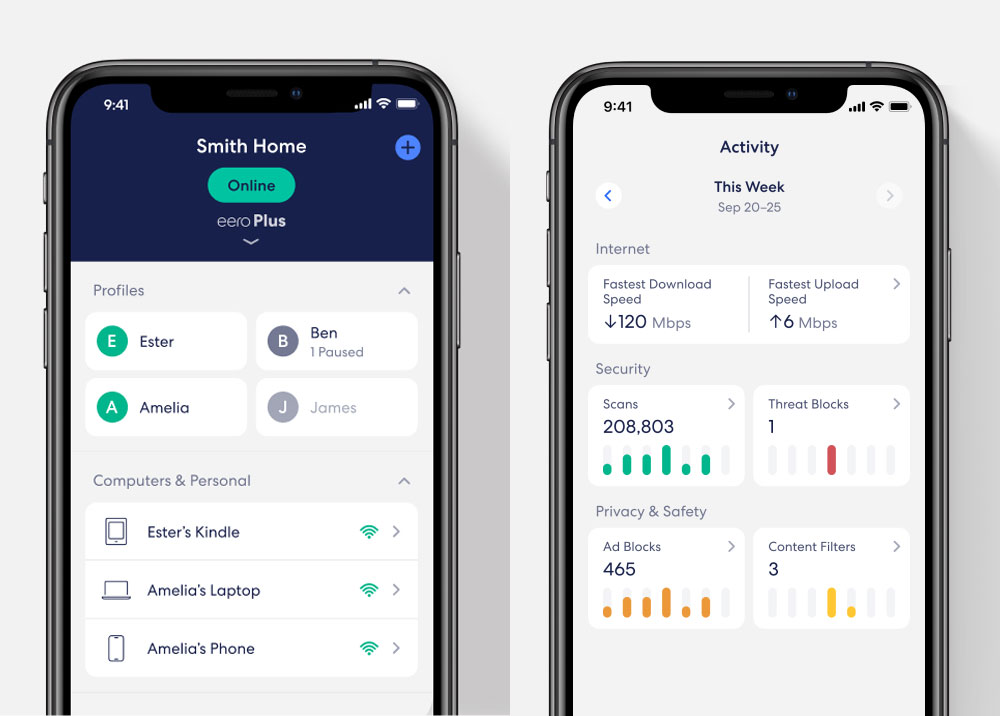
Hardware layout is the most important aspect when optimizing a grid system. Each mesh node needs to be able to communicate with other nodes and have a reliable path back to the main router. While clever software can help find areas with the highest vacancy rates, it can’t change the physical properties of interior walls.
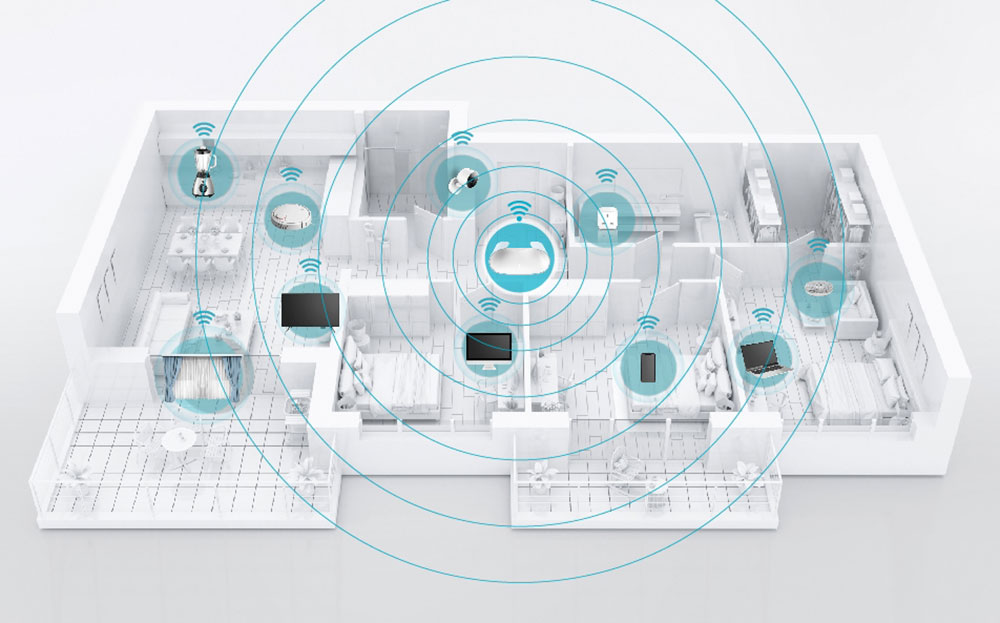
Do you really want to talk to your router?
To most people, a Wi-Fi router is not a very interesting product, in fact it would be pretty inconspicuous if it was functioning normally all the time, but that hasn’t stopped software designers from adding voice assistants to the accompanying software to make controlling the router easier than in the past. In most cases, these software simply integrate several preset services available, such as Alexa and Google Assistant.

While quickly opening your router’s app may be faster and easier than talking to your smart speaker, you can command it to do things like set up a guest network or pause the network for a specific user. If you set up parental control settings, it will be helpful for parents who want to limit the time their children spend online. The voice assistant can also perform actions on command, such as turning off the router’s lights if they distract you in a dark room. Some routers can also support voice commands to change QoS, such as optimizing a game before starting a Discord with friends.

At the end of the day, there’s usually not that much a voice assistant can do and what you want it to do, and if you want to control your router, an app or web browser will give you more helpful information and tighter control than a voice assistant.
Your router already has QoS
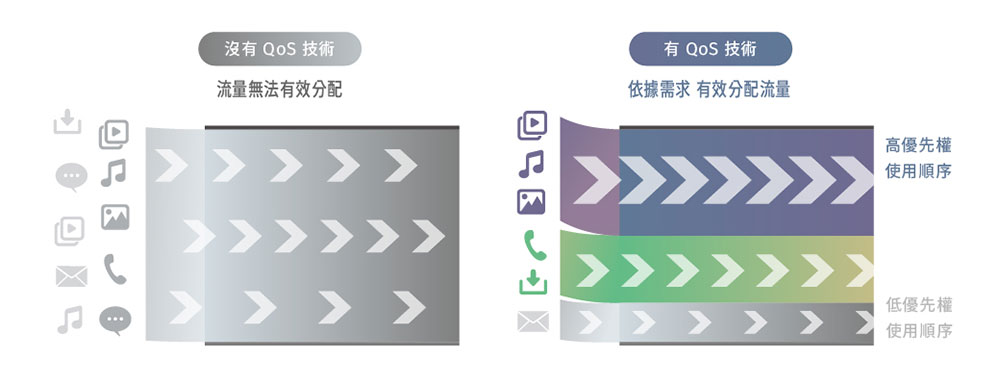
Quality of Service (QoS) software is primarily used to prioritize certain devices and services on a network over others. While some QoS solutions are very simple, with only basic routing for prioritizing devices, others are more advanced, such as the ability to identify traffic and optimize it, such as streaming. One example is D-Link’s AI Traffic Optimizer, which automatically detects and prioritizes network traffic.

Still, many routers from the past few years have come with powerful QoS features that can be programmed to prioritize certain types of content. For example, the Asus RT-AX88U Pro can set a priority application type list in QoS. While it’s not AI, it’s easy to set up and understand a simple hierarchy of traffic types.
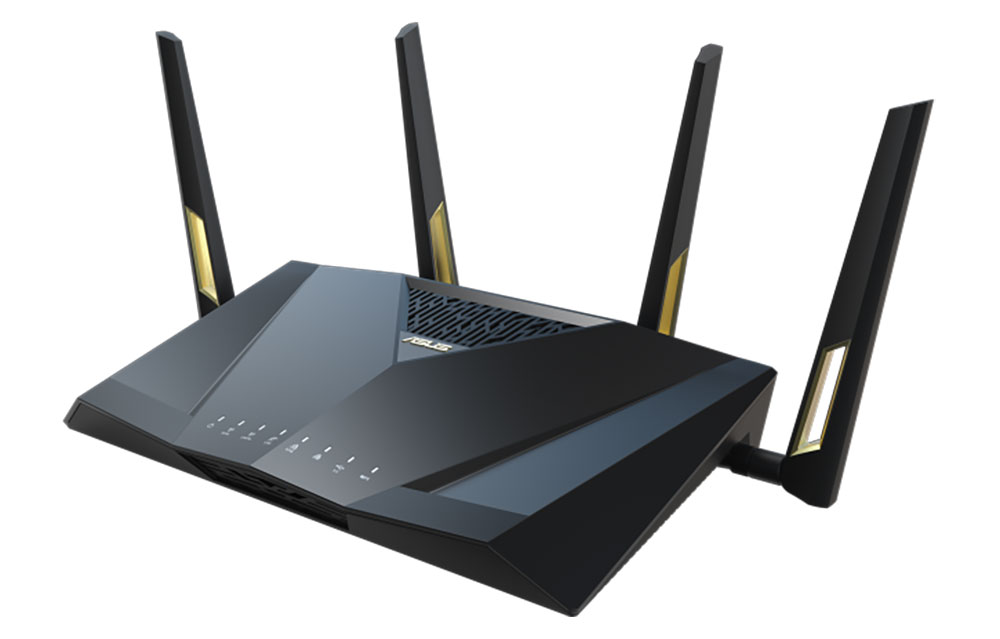
Another thing to consider is that sometimes the best way to manage a large number of devices on your network is to use a router with a large bandwidth. If your router is a few years old and it can’t keep up, you might just be ready for better hardware to meet the growing demands on our networks from new applications and services.
Is AI just a buzzword for home networking?
While AI isn’t a good enough reason to upgrade your router so far, hopefully we’ll see it bring more novel features to routers over time. Our home networks continue to become more complex, with more devices than ever requiring network connectivity, and a major reason for this expansion is smart home technology. Some routers have begun integrating smart home gateways from Zigbee and Matter, while many other smart home technologies use Wi-Fi for connectivity.
The last important factor is power. Powerful AI intelligence tools like Microsoft Copilot+ rely on powerful hardware features like the NPU in new Windows laptops like the Samsung Galaxy Book 4 Edge. Existing routers are typically powered by fairly low-power SoCs like Broadcom or Qualcomm, which don’t have the above capabilities, so any heavy lifting an AI router might do will need to be done on more powerful hardware.
Source: KOCPC Chinese