


When registering for new services or free software, you need to fill in your email address. If you don’t want to use the one you usually use, you can consider Inboxes, a free temporary email service that can be used without registration. Currently, it provides up to 19 domain options, and more importantly, you can create up to 10 temporary email addresses. Definitely enough for you.
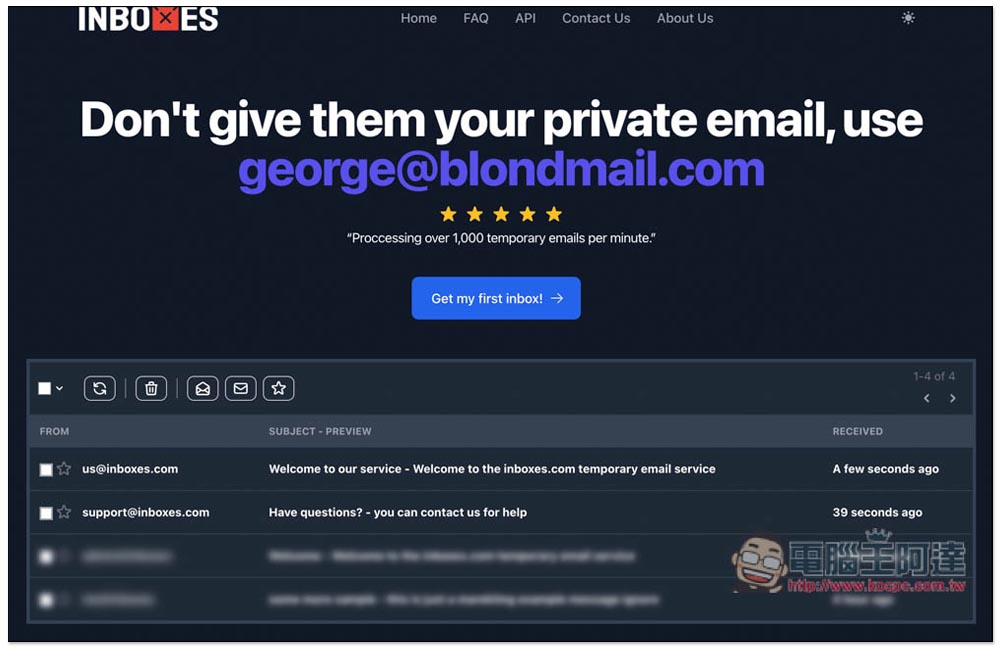
Inboxes is a free temporary email service with over 15 domain options and the ability to create multiple at once
- try out Inboxes
Inboxes is a foreign free temporary email service. Although it does not have Chinese, the operation is very simple. After entering the website, you can start to create your temporary email. As long as the browser cookies are not deleted and the website does not stop the mailbox domain, then every time you enter this website, the temporary email you applied for before will be there and will not be deleted.
However, letters in the mailbox can only be saved for a maximum of 7 days, and they will be automatically deleted after that. Please note this. In addition, this kind of temporary email box can only receive mails, but has no sending function. Remember not to use it to register your important services. After all, the website may delete the mailbox domain in the future. As long as you delete it, you will not be able to receive mails.
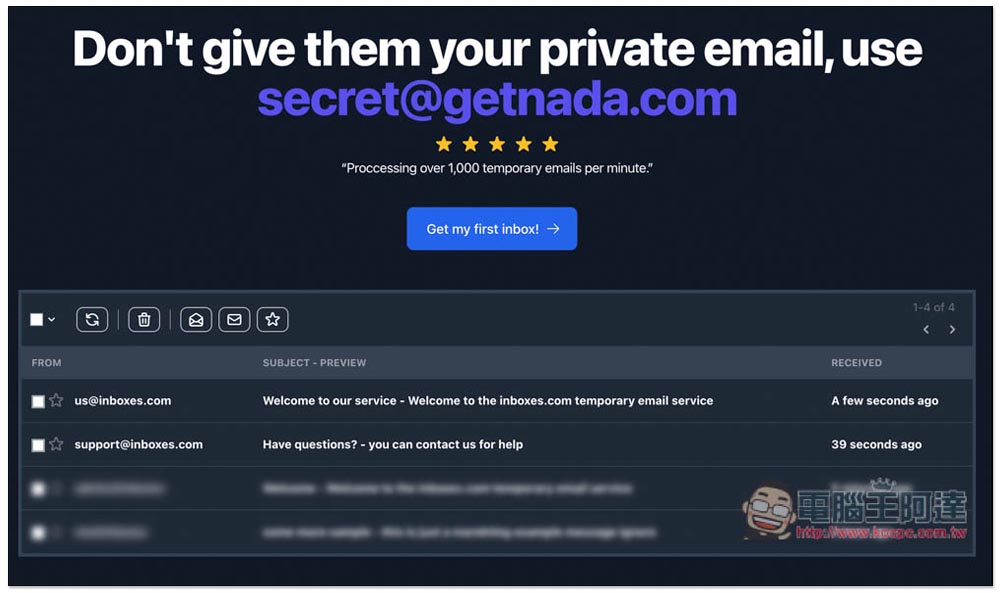
Click the link above to enter the Inboxes website and click the Get my first inbox -> button:
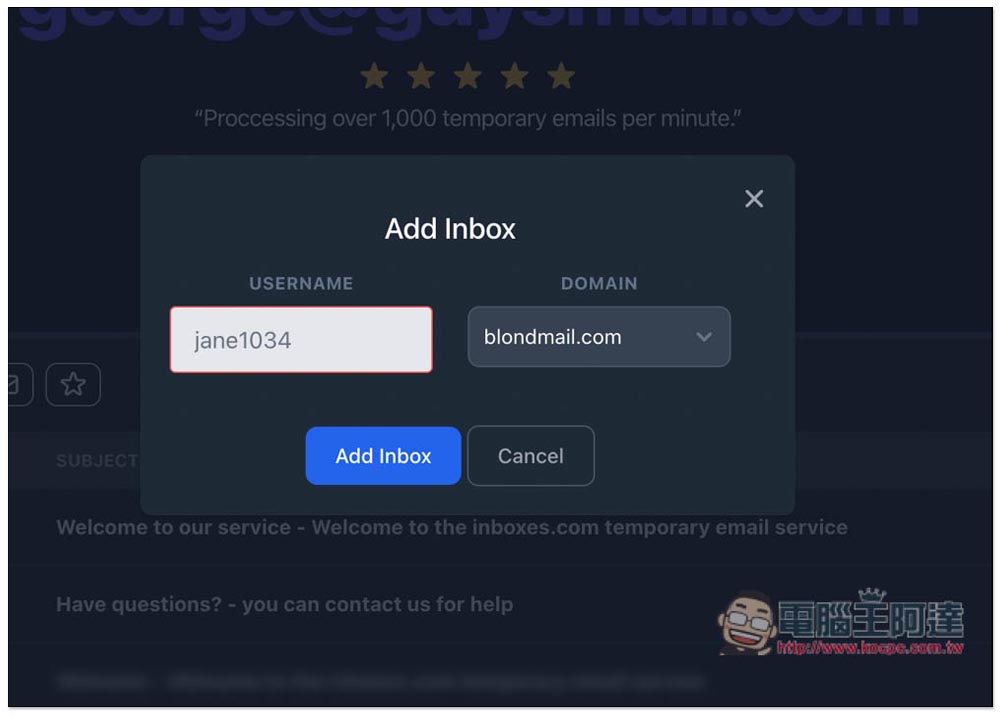
Then you can start to create a temporary mailbox. Enter the USERNAME you want. On the right is the mailbox domain. There is already a default blondmail.com. If you have no special requirements, you can also directly click Add inbox to create:
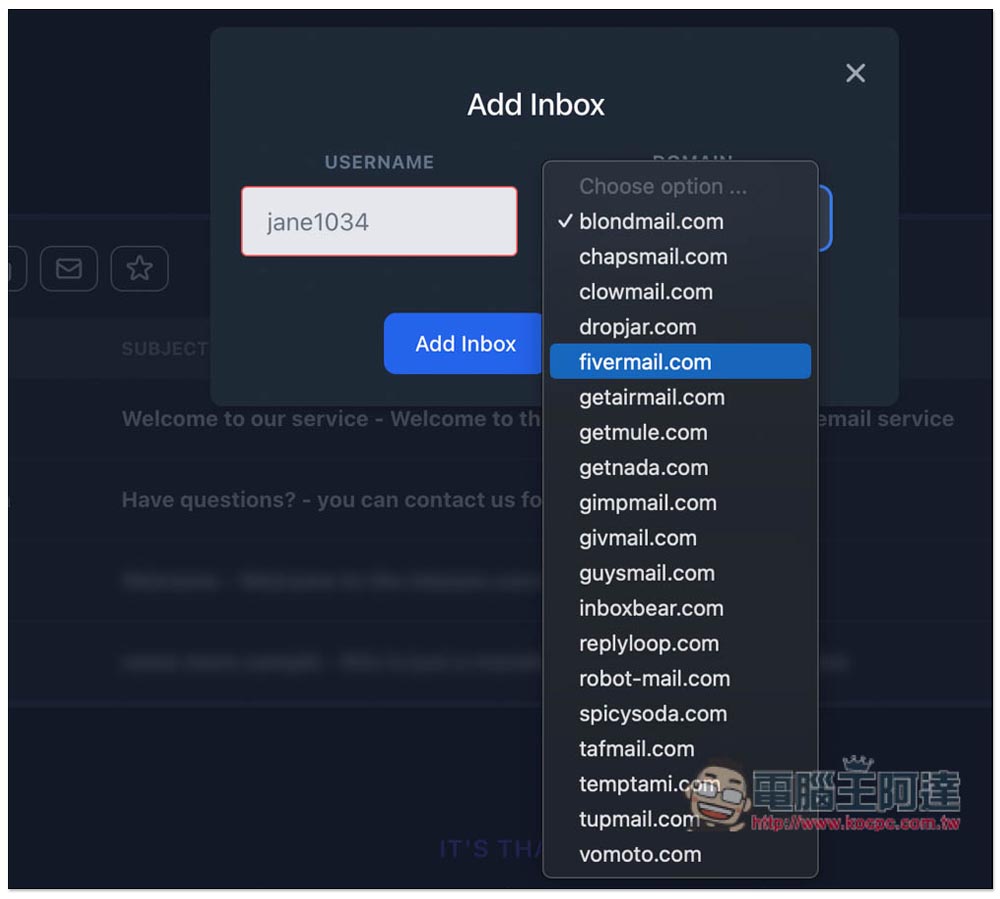
There are currently 19 domains provided, and many of them have mail, such as: chapsmail, clowmail, fiemail, getairmail, gimpmail, givmail, guysmail, etc., but unfortunately, they all end with .com, without .edu and the like:
As shown below, after USERNAME and DOMAIN are set, click Add Inbox:
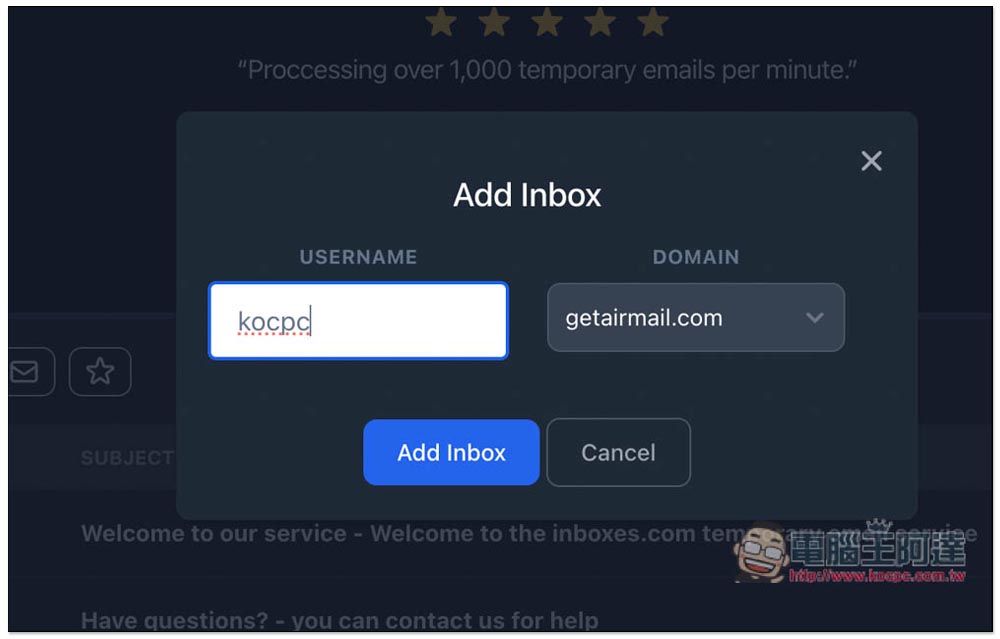
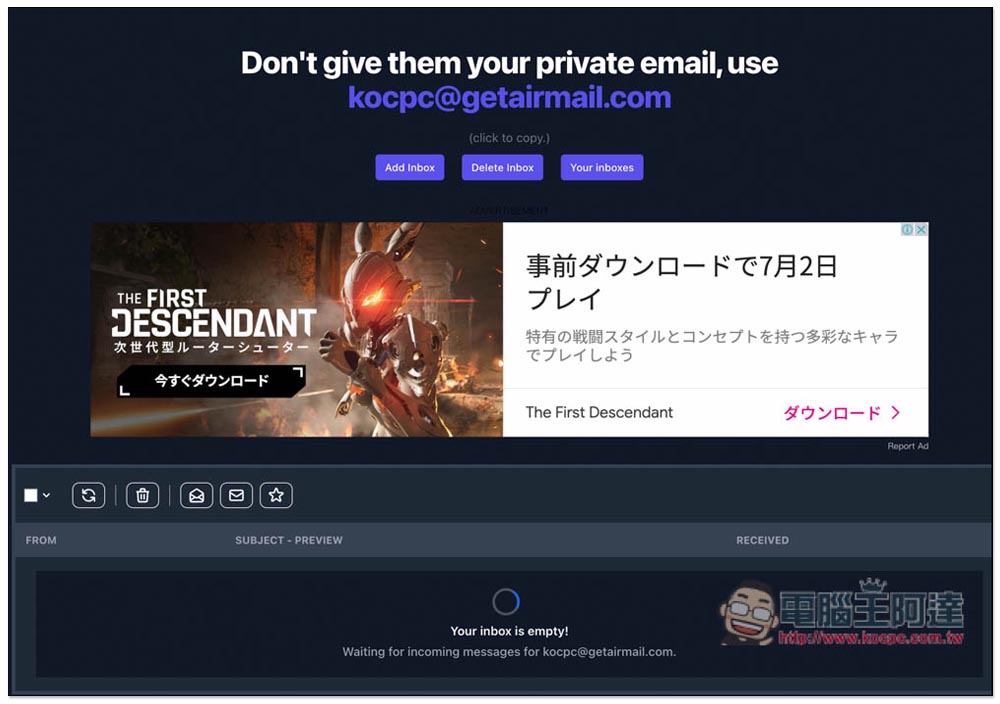
This is done. Your temporary email address will be displayed at the top. Click to copy it. If you want to create more temporary mailboxes, click Add Inbox. Delete Inbox will delete this temporary mailbox. Your Inboxes can switch to other temporary inboxes:
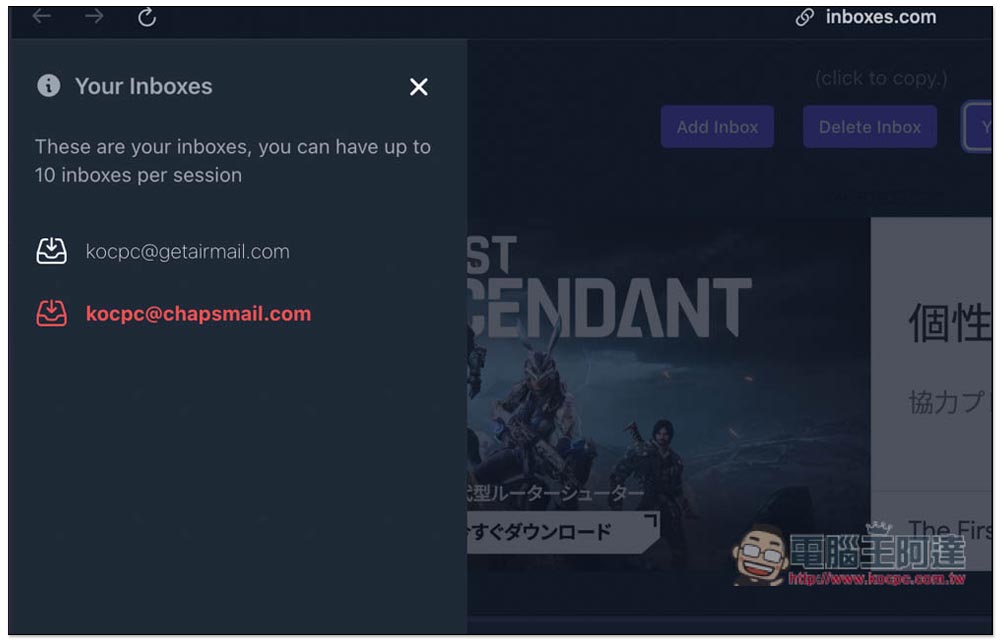
For example, I have created two temporary mailboxes. Open Your Inboxes to switch between temporary mailboxes:
I tested and confirmed that I can receive the letter, and the speed is quite fast. It will be displayed here within a few seconds after it is sent. If you haven’t received a mail when using it, it may be that the service you are using blocks this temporary mailbox. It is recommended to try to create another mailbox domain:
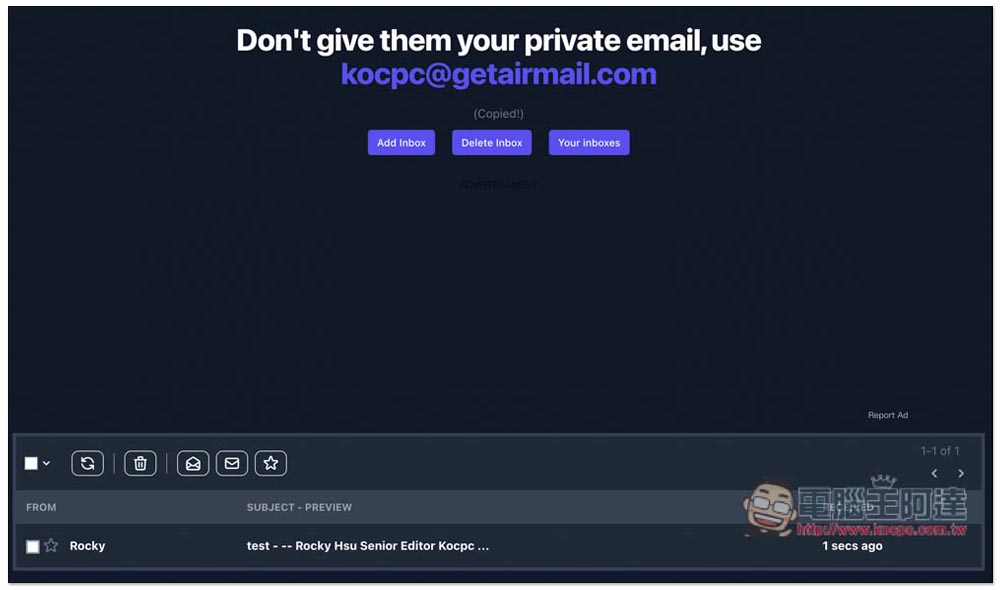
I can open the letter and read the content, but I can’t reply:
According to the website description, “As long as the domain is still there, the mailbox will not be deleted and can continue to be used. However, please note that the domain will be recycled regularly, and a month’s notice will be given before the domain is deactivated. Individual messages will be deleted after 7 days.”
This website also provides a temporary email API, those who need it can try it.
Source: KOCPC Chinese