


We have introduced many YouTube download tools before, such as YTMP3.GG、VidsSave.com、Downloaderto Etc. Everyone who has used it knows that such tools sometimes suddenly fail and cannot be downloaded, so the more pocket lists the better. This article will recommend another free tool, YTDown, which can download YouTube MP4 videos and MP3 music, and the download speed is quite fast. Unfortunately, it can only download up to 1080p. In addition, this tool can only download YouTube and does not support others.
remind: Please confirm whether the content on YouTube or other websites is legally authorized before use, such as: uploading works by yourself, creating and using CC authorized content or public domain materials. If it is a music or audio-visual work protected by copyright, downloading or converting it without the consent of the rights holder may involve copyright risks and may also violate the terms of service of the original platform.
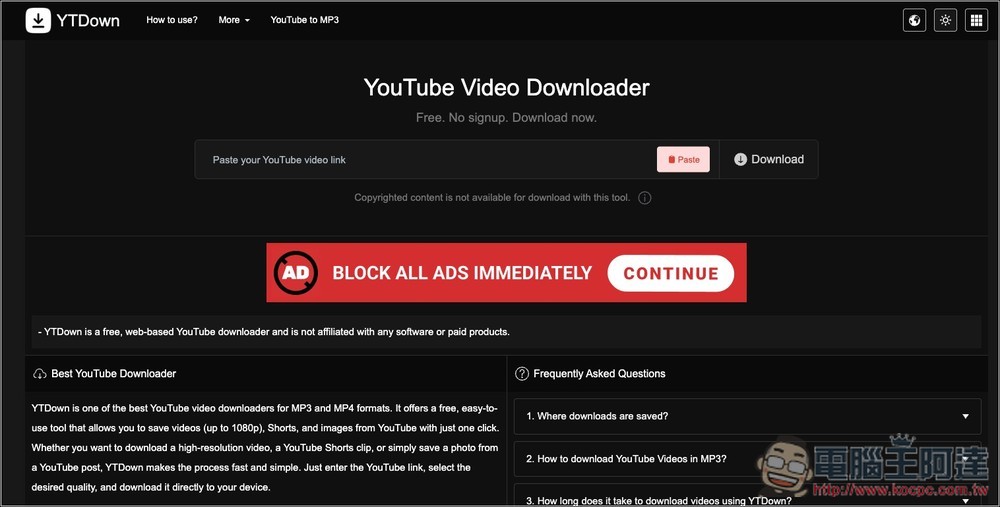
Introduction to YTDown, a free tool for downloading YouTube videos and music
YTDown YouTube Video Downloader is a simple, free, and registration-free online YouTube video download tool. It is very intuitive to use. Just paste the YouTube video link into the input box and click Download to download according to the format and quality options provided on the page. There is no need to install additional apps or create an account, just open the webpage and use it.
In addition to regular YouTube videos, it also supports Shorts. You can also choose MP4 or MP3 format according to your needs, and can support up to 1080p image quality. It can be used on different devices such as Android, iOS, and computers, so whether it is a mobile phone or a desktop computer, the operation can be completed through the browser. Once the download is complete, the file is usually stored directly in the device’s default “Downloads” folder.
Featured List
- Free to use, no need to register an account
- Web version tool, no need to install additional software
- Supports YouTube videos and Shorts downloads
- MP4 video, MP3 audio and other formats can be selected
- Supports up to 1080p HD image quality
- Can be used on Android, iOS, and computer browsers
- The operation is simple, just paste the link to get started
- Suitable for personal, non-commercial use and offline storage needs
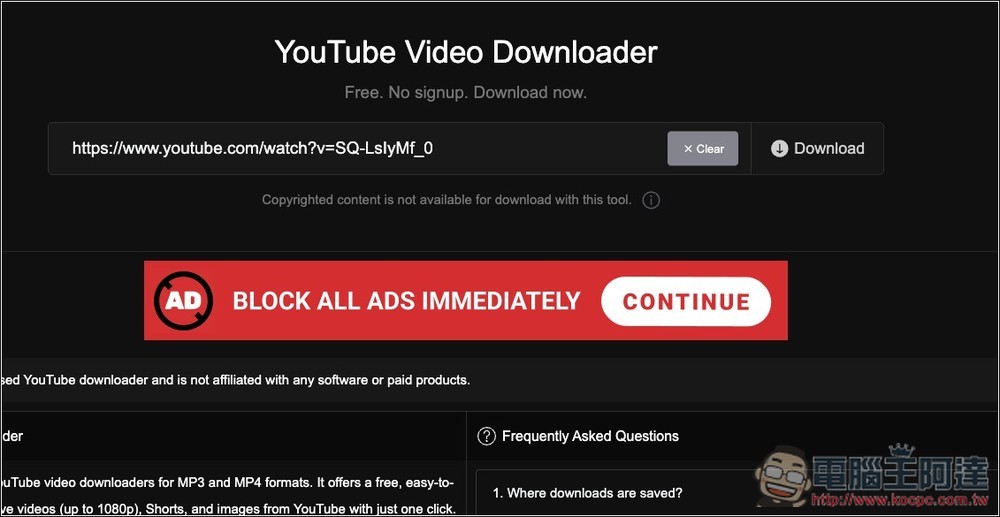
The use of YTDown is very simple. After clicking the link above to enter the website, paste the URL of the YouTube video you want to download and click Download on the right:
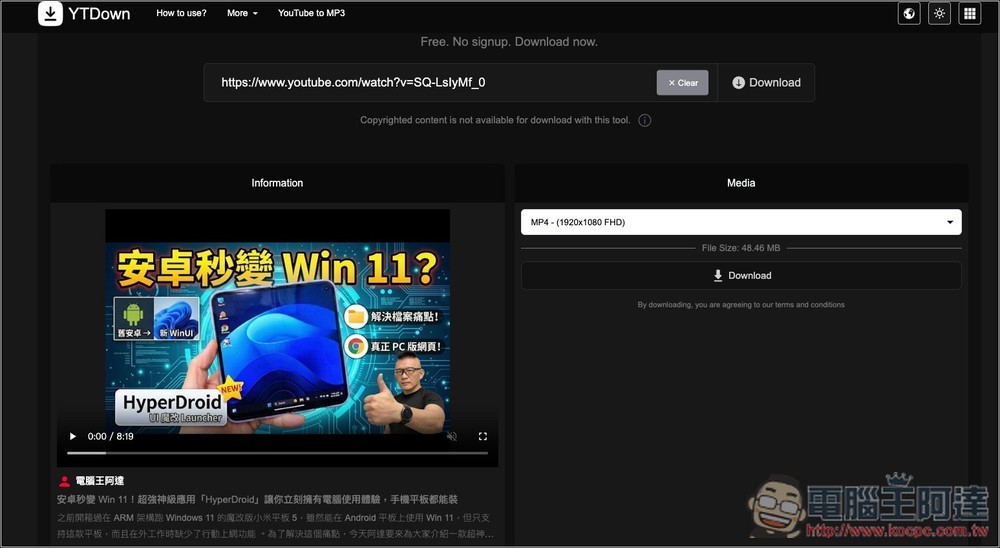
Then the video playback interface will appear on the left, and there is a description below, allowing you to check whether it is correct. If there is no problem, you can select the format on the right. The default is 1080p MP4 format:
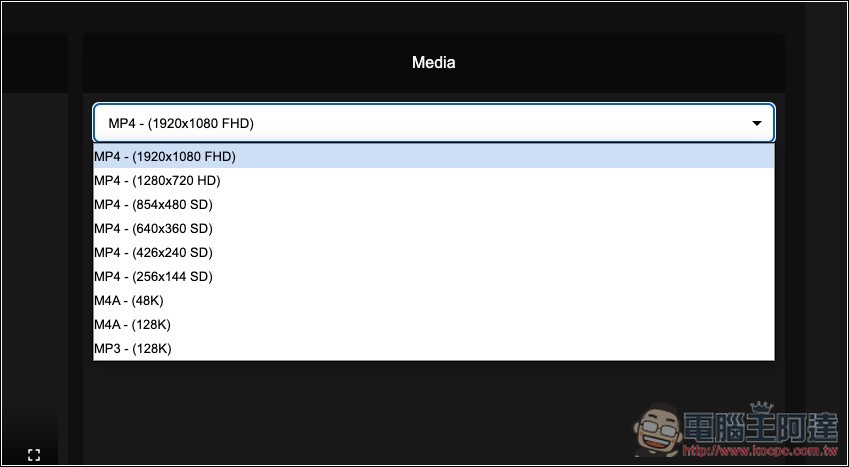
You can also download lower resolutions, such as: 720p, 480p, 360p, etc. In addition to MP3, the audio section also has M4A:
After selecting the format, press Download and the download will start. An advertising window may pop up, which can be closed directly.
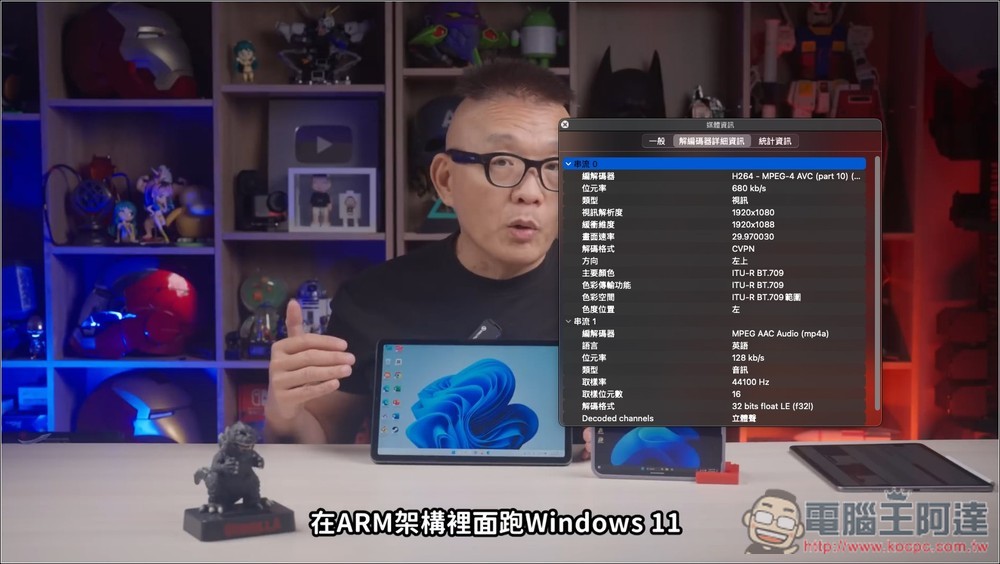
I checked after downloading and it is indeed 1080p resolution:
Source: KOCPC Chinese