


Recently, there is a Mac application “Bananabin” that is undergoing free beta testing. It tries to use a very cute but effective way to make you easily feel that the files in the Mac system trash have been left for too long and have a bit of a “smell” (pinch your nose) – Okay! In fact, it won’t have a real taste. However, Bananabin uses a more intuitive way to let users know that the garbage waiting to be cleared has accumulated to a certain extent by adding a fly-flying animation to the trash can in the Mac Quick Dock taskbar. Continue reading This app has flavor! ? The Mac app that makes you feel the “consequences” of leaving the trash can for too long is here to report.
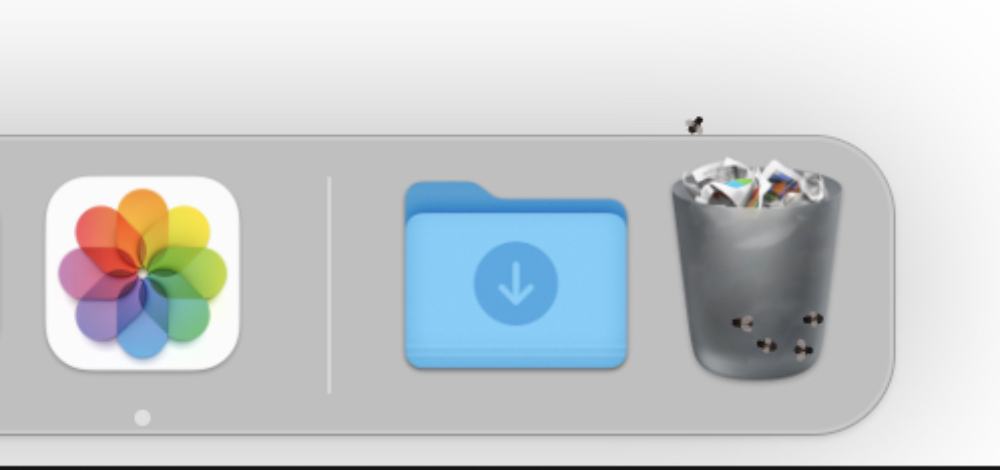
▲Image source: Bananabin
This app has flavor! ? The Mac app that lets you feel the consequences of not clearing the trash for too long is here
Modern people’s warning of “insufficient storage capacity” can basically be said to be a bit numb because they don’t want to look at it anymore (for example: Gmail or Internet space, etc.).
This situation also seems to cause everyone to ignore that the “trash” on the local computer has actually accumulated for a long time – but it usually just stays silent, waiting for you to install an apparently small app or transfer files, only to find that the entire computer has been in an inefficient state with extremely low capacity for who knows how long.

Recently, there is a Mac app that is in free beta testing “Bananabin“, try to use a very cute but effective way to make you easily feel that the files in the Mac system trash have been left for too long and have a “smell” (pinch your nose), and prompt you to empty the trash more actively.
OK! In fact, it won’t have a real taste. However, Bananabin uses a more intuitive way to let users know that the garbage waiting to be cleared has accumulated to a certain extent by adding a fly-flying animation to the trash can in the Mac Quick Dock taskbar – it can be customized.

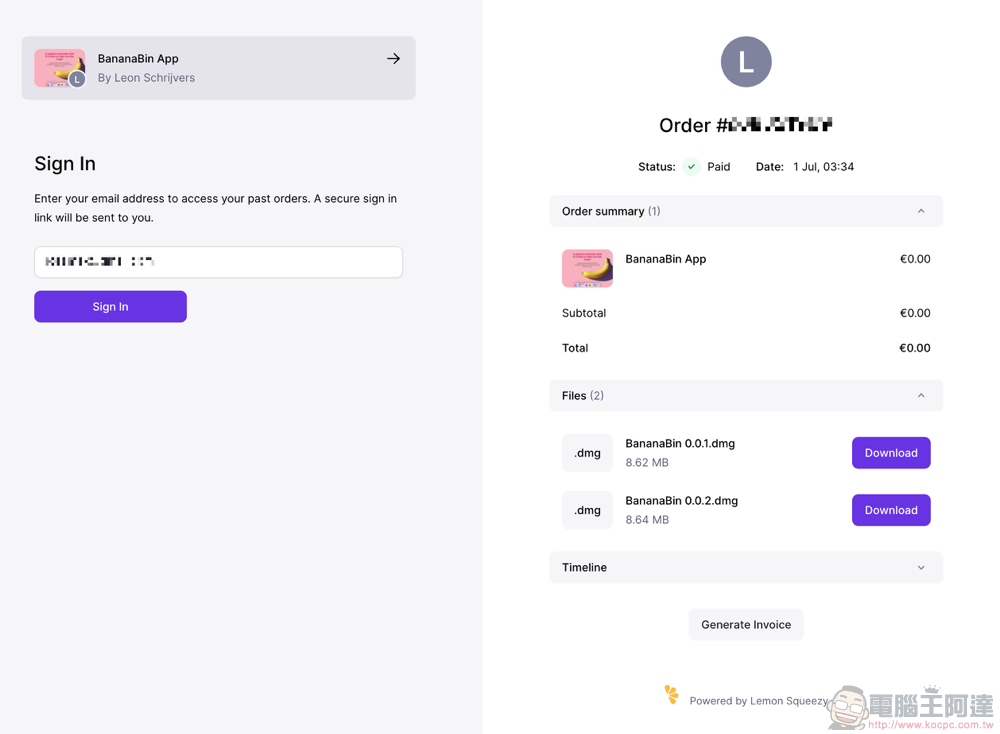
The Bananabin app, which has an app icon that looks like a banana and a name that has its own meaning, is still in testing, so the developers have made it available for everyone to download and use for free. Basically, you can select “Get it now” on the official website and enter your email to get the download link.

It is still recommended that everyone confirm whether it remains free to avoid problems caused by possible charges in the future (but it will also jump to the payment page at that time, everyone will notice it, right?).
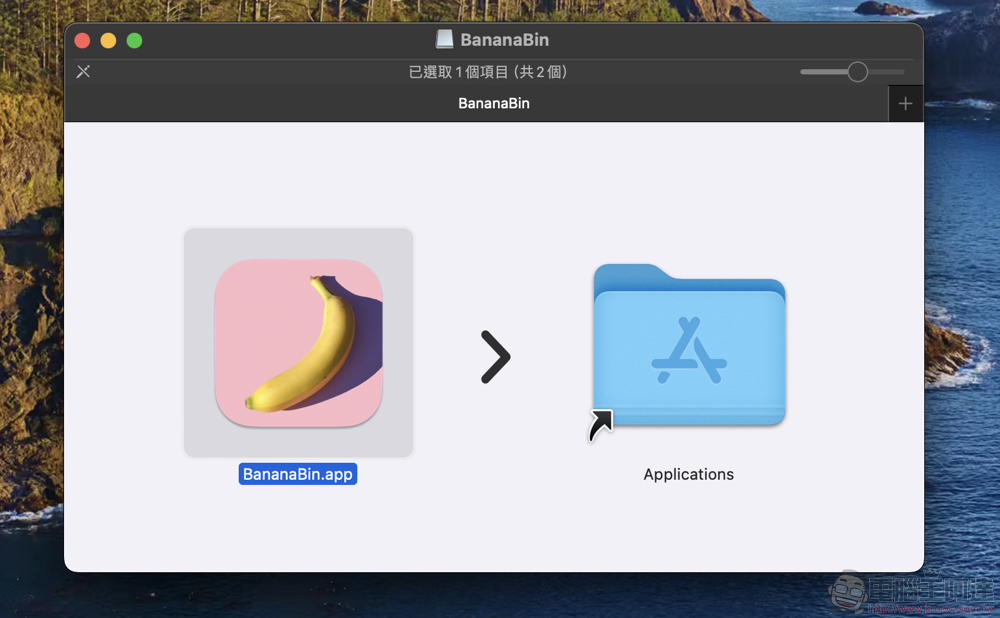
Installation is fairly simple. Just drag and drop it into the application folder.
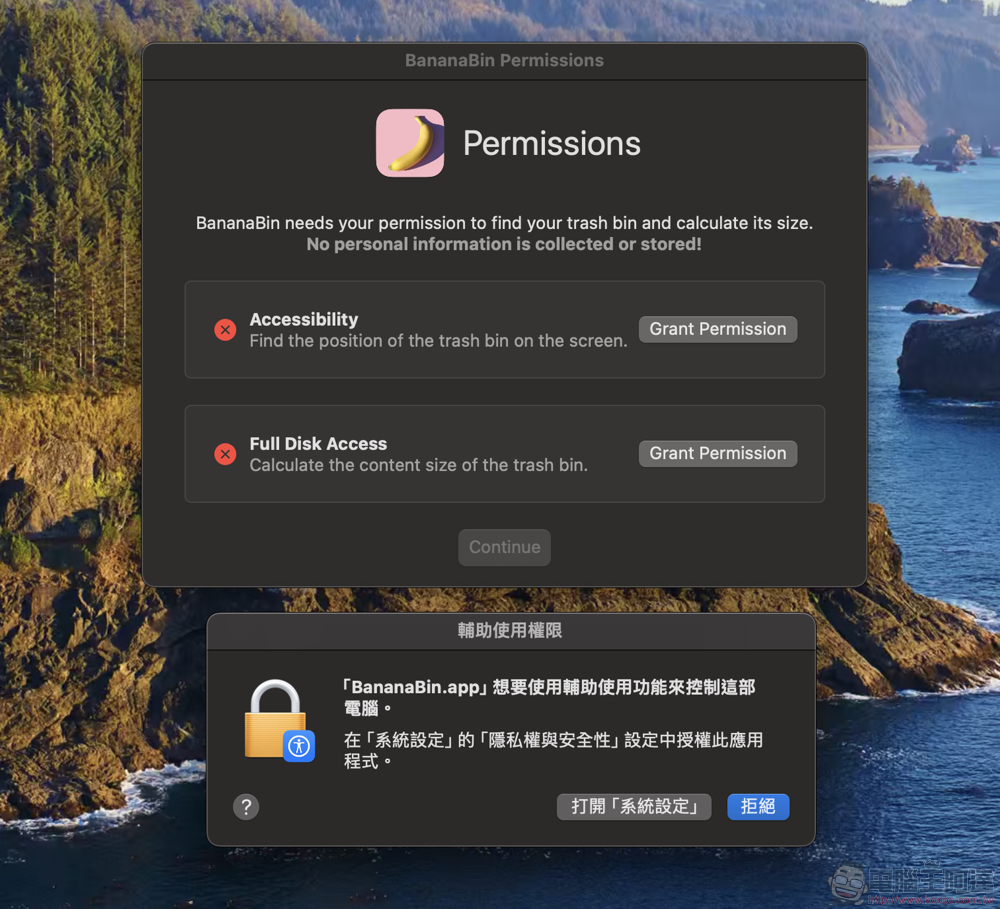
Opening the app will initially ask for accessibility options and access to the hard drive.
If installed normally, you can see a banana appearing on the status bar (quite cute). Here, you can set the timing (capacity) of flies through the quick menu.
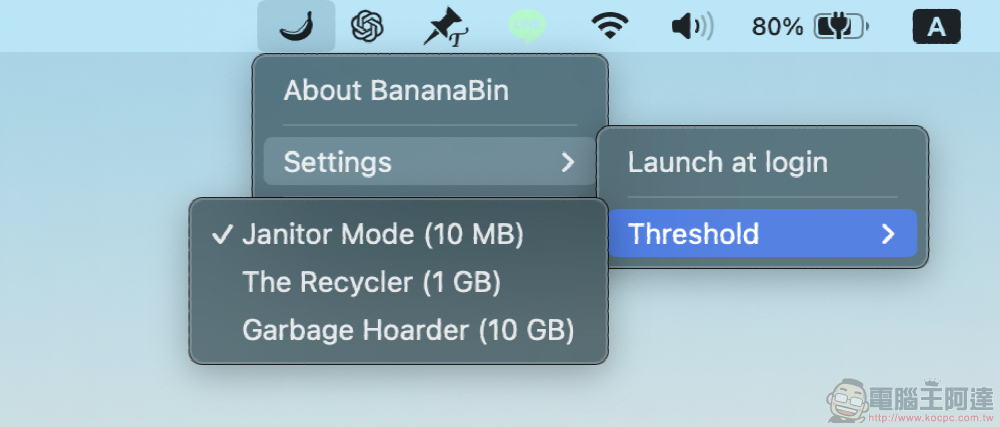
That is to say, after the installation is completed, the app keeps crashing on my MacBook Pro for some reason (the same for both versions). However, since I saw that the foreign media has successfully installed it, and the application itself is currently free, I recommend that everyone try this interesting application if necessary!
Further reading:

Source: KOCPC Chinese