


Nowadays, due to the popularization of computer hardware prices and the improvement of performance, a computer with a cost of 10,000 to 20,000 units can already meet the needs of paperwork, watching videos and browsing the web. When it comes to browsing the web, I believe many people have “hamster disease” and like to keep opening new tabs. Even if the web page is not used, they are reluctant to close it.
For example, a while ago there was a female engineer abroad who was very hamster-like. In the past 2 years, she had opened a total of 7470 paginations in her browser (this computer is really powerful) and never closed it. As a result, she accidentally closed all the pages overnight, causing her to go online to seek help. In fact, similar cases have emerged one after another. However, the cost of opening so many pages on a web page is that it will occupy a large amount of computer memory, causing your other programs to run very slowly.
The web plug-in introduced today “OneTab”, no matter how many paginations you open, it can help you condense it into one page, and at the same time, it can also help you release a lot of memory for opening new pages. It can be said to be one of the must-have god-level plug-ins for all web hamsters!

Introduction to web plug-in OneTab
OneTab is available at Chrome & edge Use it on Chrome, here we use Chrome as an example:

Whether they are looking for information, watching videos, listening to music, etc., many people have the habit of opening a lot of pages like this and waiting until they think of it before taking a look. He is reluctant to close even useless web pages:

If you have this habit, you might as well open your work manager and see how much this behavior consumes your computer performance. certainly! It’s another matter if your computer is very powerful:

With this method, my 32G memory will be consumed by about 23G. If I still use the computer to edit and edit photos, it will basically be overloaded:

OneTab use
OneTab is very simple to use. After you install it, find this function on the plug-in and click it. It will ask for permission to view and manage paging groups. Just click Allow here:

After pressing it, something magical happened. A large number of tabs that I had just opened were instantly condensed into the OneTab page. You can see from it that I opened a total of 54 tabs (the female engineer who opened the 7470 tab is really a computer genius):
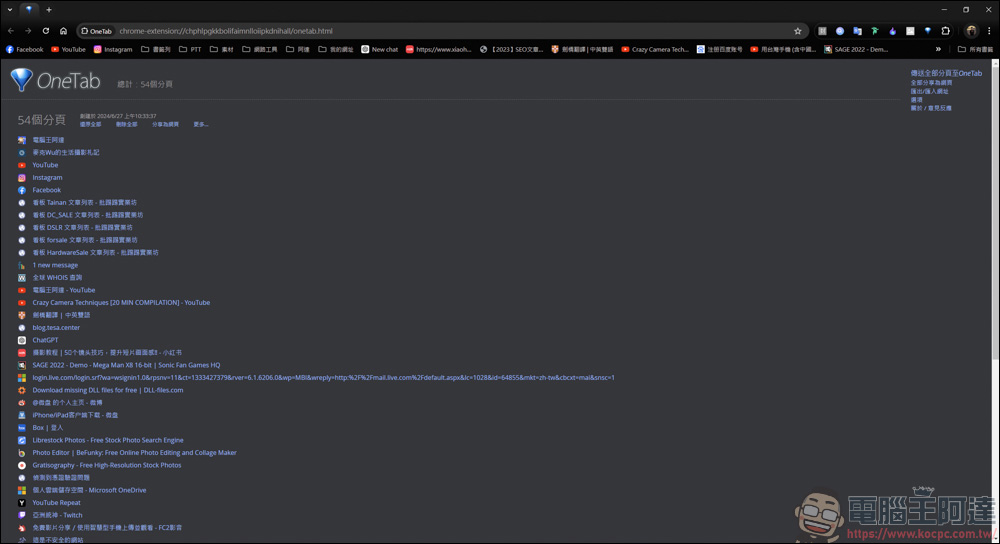
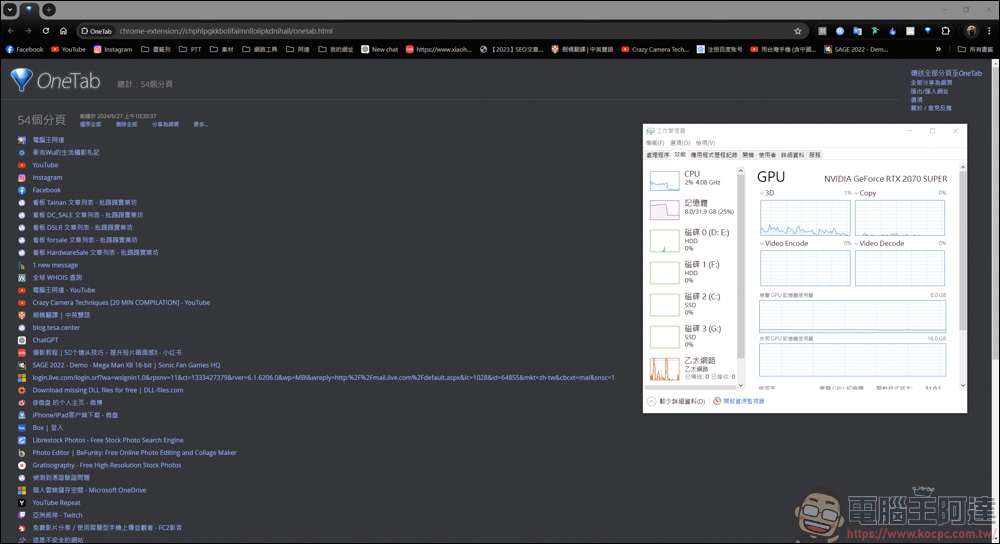
In addition to helping you condense all paging, OneTab also helps you greatly save memory space. You can see that from the original 23GB → 8GB, it can release computer performance very effectively:
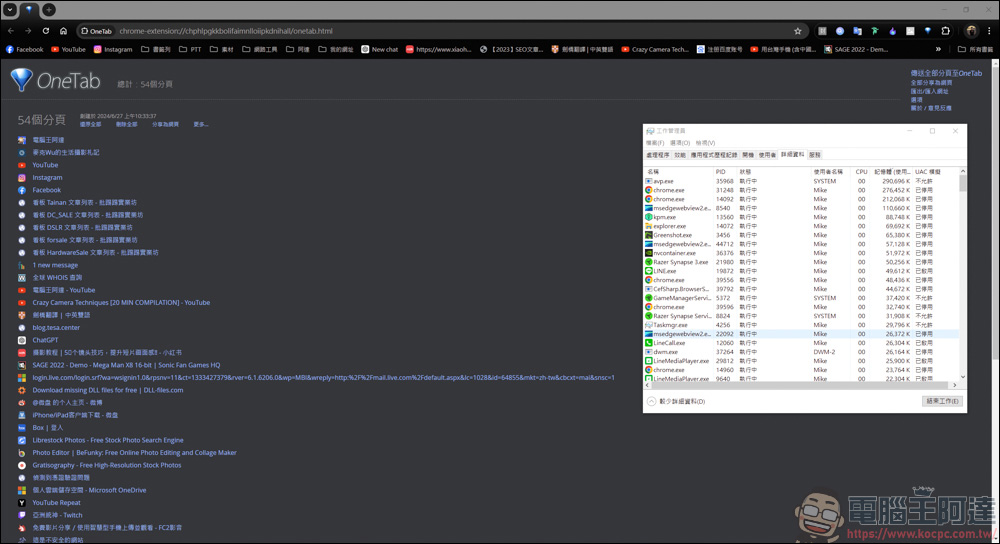
Through a management method like OneTab, you don’t have to search for the webpages you want to watch among the dense pages. OneTab has already listed them all for you. Which page you want to cancel or watch can be easily managed with just one click:


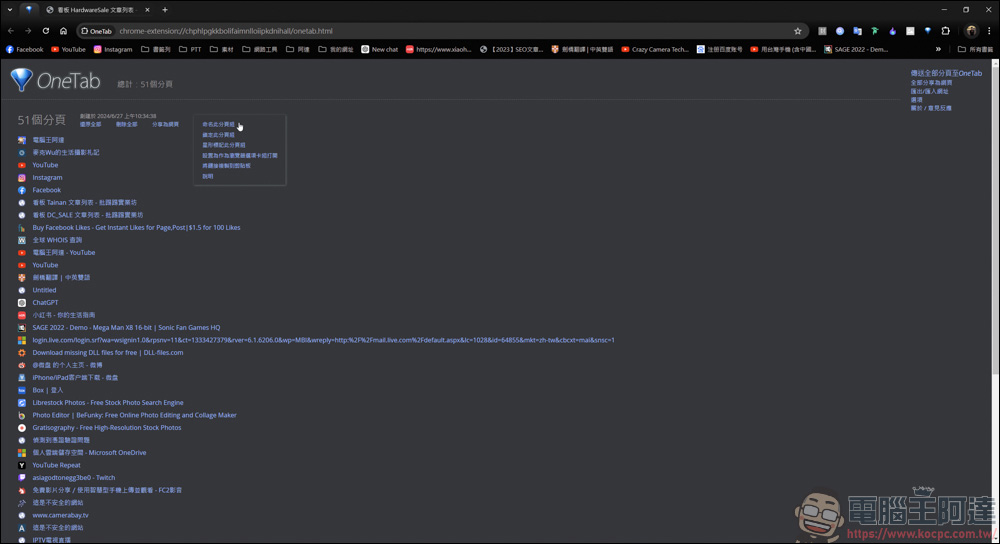
In addition, you can also name this paging group, so that you can quickly find the web page you want to view, which is a very convenient function:
OneTab simple experience
OneTab is a very practical browser extension to use. Its main purpose is to save memory and reduce the clutter of multiple pages. When you have too many tabs, just click the OneTab icon to convert all the tabs into a list. However, although it seems convenient, it still has its inconvenience. When you condense these pages and open them again, it will reopen the page with a new connection. So if you are writing a manuscript or editing something, if you accidentally press OneTab and then do not save it, the data will most likely disappear and you will have to start over. Please pay special attention to this\
Source: KOCPC Chinese