


MOV is a quicktime file format. Although it is already very common, MP4 has better support and can be played natively on more devices. Therefore, you may want to convert mov to mp4 format. This article has compiled ten of the best video conversion software currently available.

10 super easy-to-use video conversion software recommendations for MOV to MP4【2024】
1. Movavi Video Converter
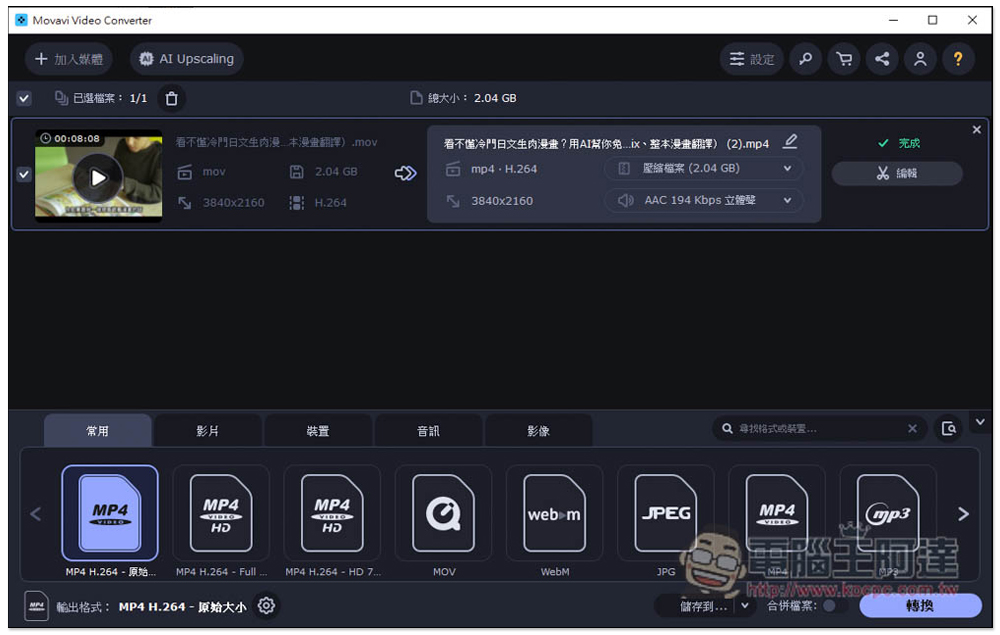
Movavi Video Converter is our most recommended conversion software for mov to mp4. It is available in PC and Mac versions. The operation interface is not only simple and easy to use, but also supports Chinese. It can convert more than 180 formats. Drag in the mov video you want to convert, then select the format you want to convert (such as mp4) below, and click Convert to complete.
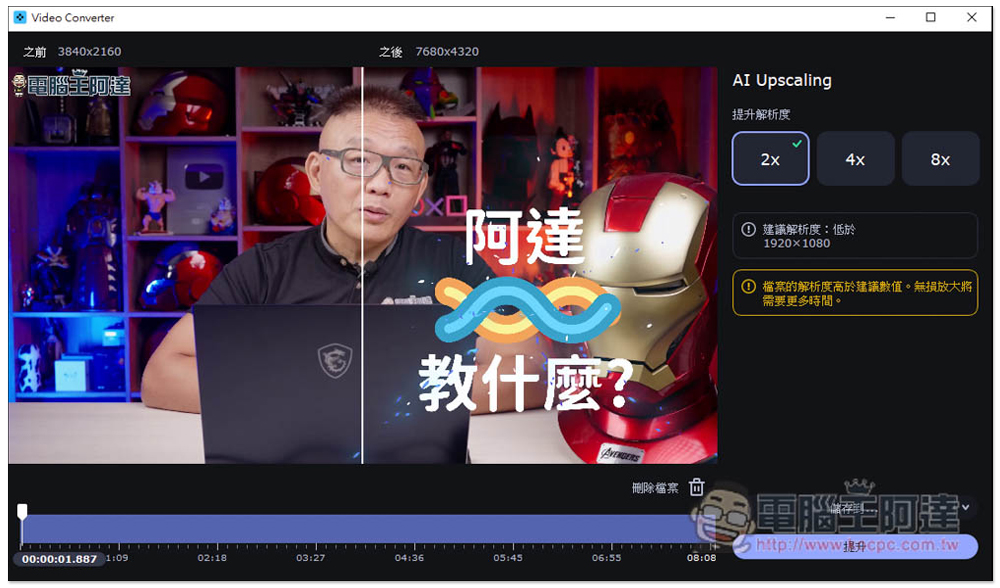
It has a built-in video editing function. If necessary before converting, you can edit the clips to be retained, adjust the audio, add subtitles, or adjust the brightness contrast. It also provides a very lazy AI Upscaling function that uses AI to improve the resolution without reducing the video quality. There are three options: 2x, 4x, and 8x. If your video has a low resolution, you can use this function to improve it:
It supports hardware acceleration and provides exclusive SuperSpeed conversion technology, which ensures that the original quality of the video will not be affected when converting, and accelerates the conversion speed, which is up to 79 times faster than ordinary conversion. I have actually tested it. It is really exaggerated. An 8-minute 2.04GB mov format 4K video is not compressed at all and has the same original quality. It only takes 2 seconds to convert to mp4, so if you don’t change the video quality, it will be fine in an instant.
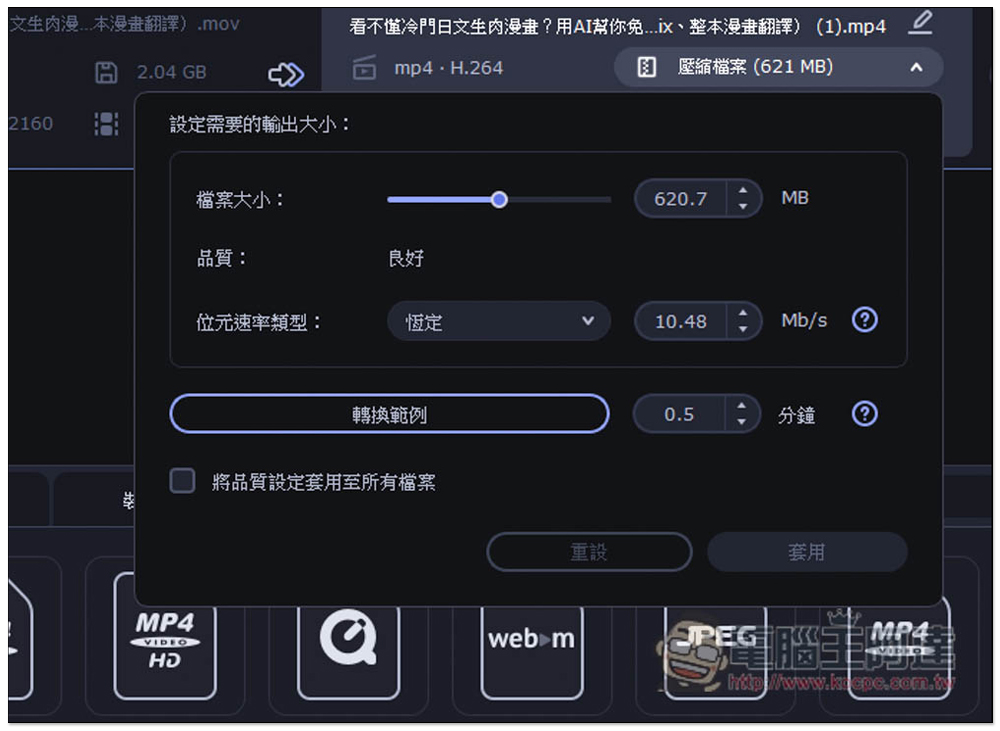
Of course, since they are converting, many people will want to reduce the file size. I tested converting to mp4 1080p and the file size became 621MB. It was also very fast. It only took 1 minute and 20 seconds to complete. This speed is really satisfying.
I also like that this software allows you to know the file size after conversion, so you can determine the compression ratio according to your own needs. It is very convenient and you no longer have to worry about the video file being too large and taking up too much hard drive space:
2. Hitpaw Video Converter (HitPaw video conversion software)
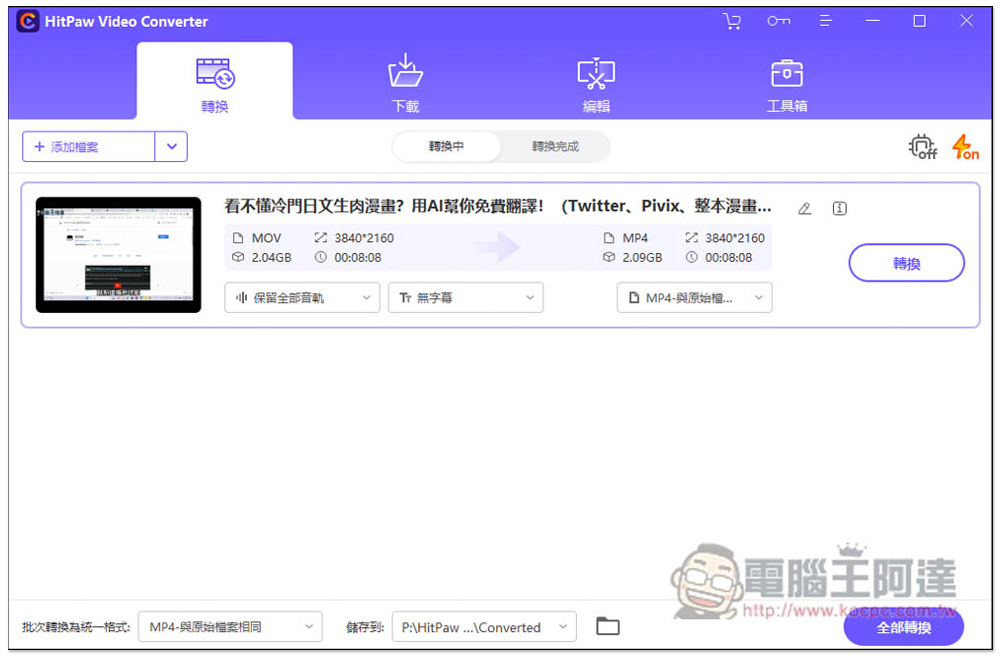
Hitpaw Video Converter is also a good video conversion software. It mainly provides 120 times speed video conversion. The operation interface is exquisite and simple. It supports more than 1,000 formats, including quicktime mov. Conversion also has built-in video editing and online video downloading functions. However, the editing function is a separate menu. If you need to modify the video, you need to switch to this menu to operate. It cannot be used directly in the conversion function menu. It is a bit strange to separate it. In fact, it can be merged and the operation will be smoother.
The paid version of this one is also more expensive. Although it is good to download more online videos, it is a conversion software after all. Compared with other download software, the support and functions are still poor.
3. Apowersoft Video Converter (King of Video Conversion)
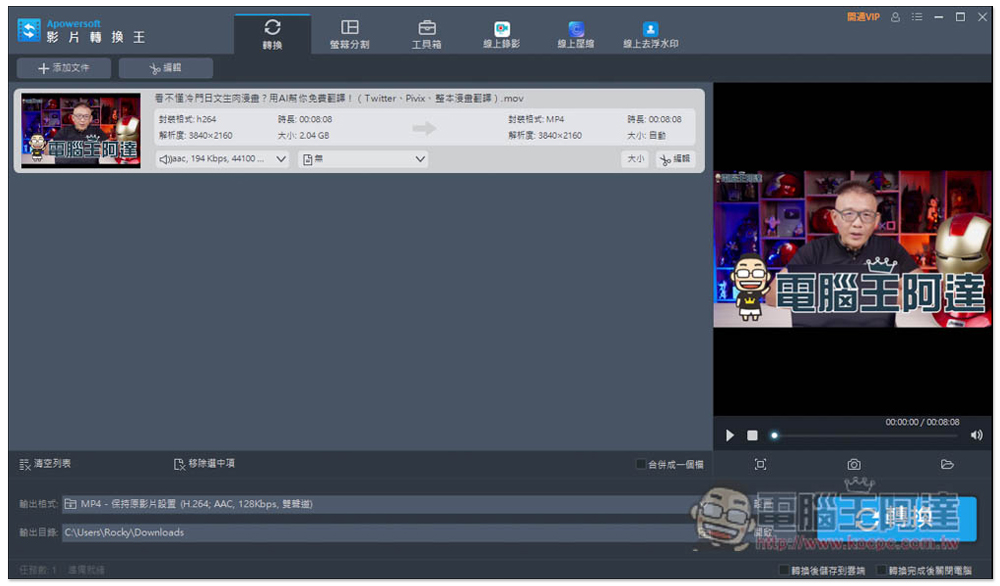
Apowersoft Video Converter, also known as the king of video conversion, can convert common video and audio formats. Compared with other conversion software, it supports slightly fewer formats. It is no problem to convert mov to mp4. It also has Chinese. The conversion speed is moderate, not too fast or too slow. It has a built-in video editing function.
What I don’t like the most is that this model includes many other Apowersoft software and services that are not built-in functions. Every click will open a separate browser webpage. Sometimes I have to manually close the webpage if I accidentally click on it. The user experience is not very good.
Go to Apowersoft official website
4. AVS Video Converter
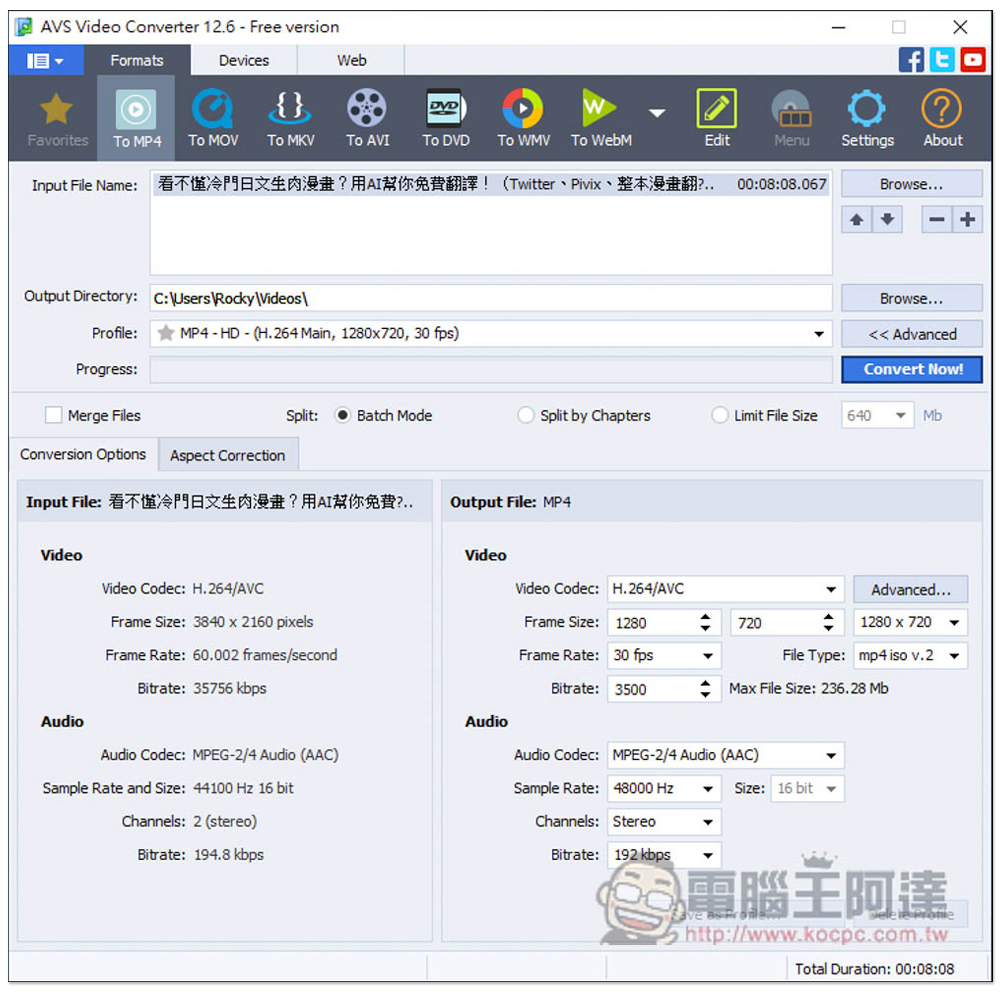
AVS Video Converter is a quite old video conversion software. I believe many people have heard of it. It only supports PC and can convert more than 150 common formats. The operation interface is very simple. When you need to convert mov files, just pull in the video file, then select TO MP4 and click Convert. There are also some advanced settings that can be adjusted.
It is a pity that as far as 2023 is concerned, the interface design of this product is substandard, making it feel like a software from 5 to 10 years ago. I also think the conversion speed is a bit slow. It is probably the slowest among the desktop software here, and there is no Chinese language.
5. VideoSolo Video Converter Ultimate
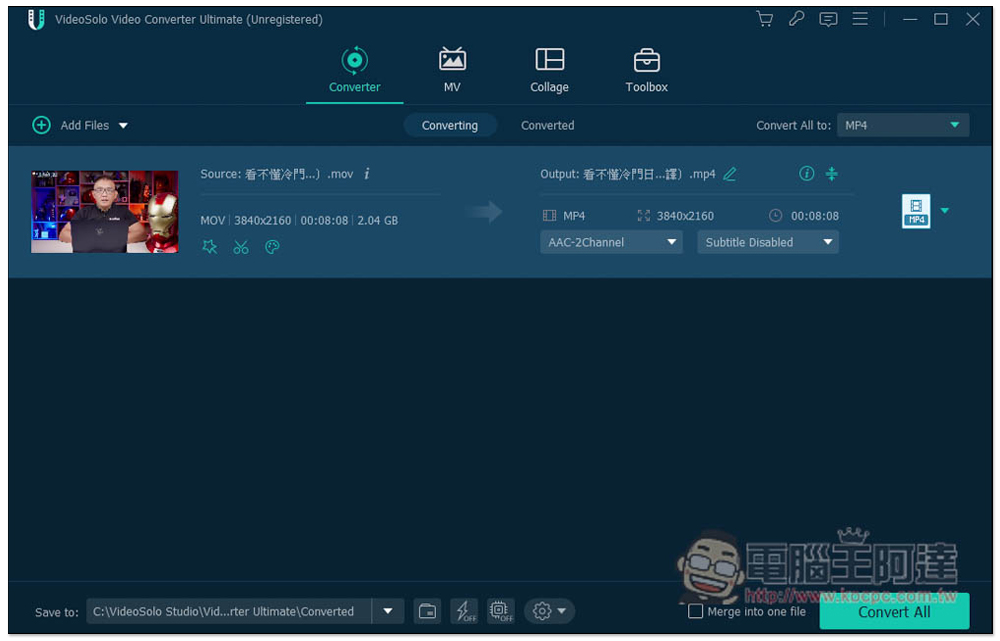
VideoSolo Video Converter Ultimate video conversion software claims to provide a fast and low-loss experience, supports hardware acceleration, and can convert more than 300 formats, including MOV to MP4. It provides a device menu so that you can specify the name of the device to be converted without worrying about wrong conversions.
Although there are many functions, it currently does not support Chinese, so it is only suitable for people who are accustomed to English software interfaces. Otherwise, it may take you some time to understand how to use each function.
Go to VideoSolo official website
6. Convertio
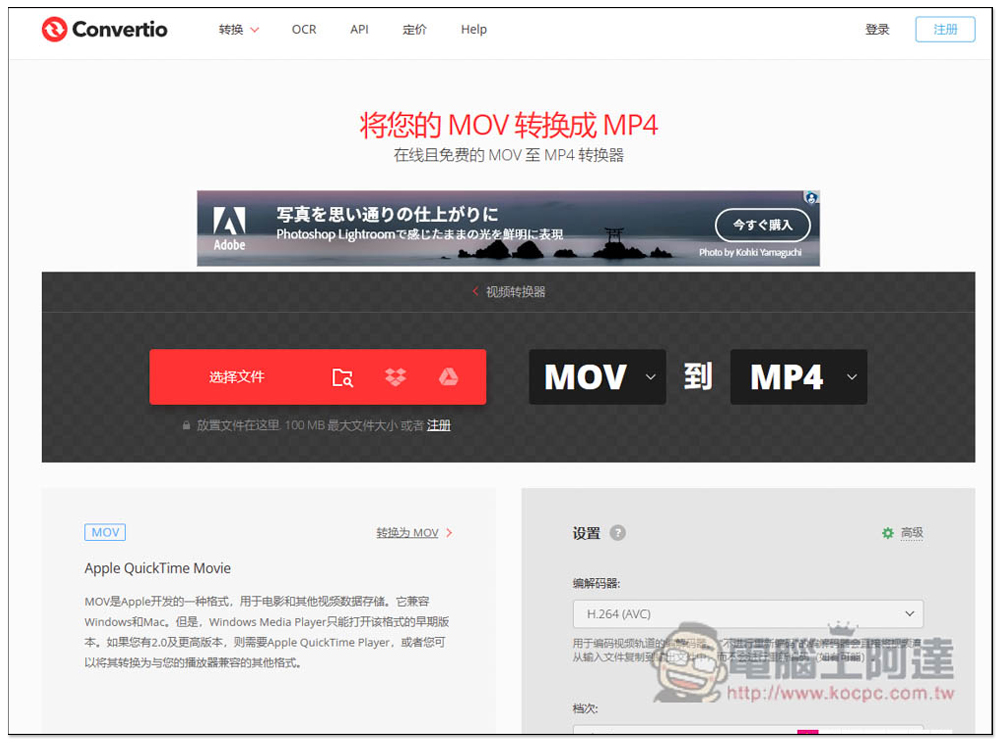
Convertio is a free online tool for converting MOV to MP4, which means you don’t need to install it on your computer. You can use it by opening a browser. This is very convenient. It provides Chinese language and some advanced settings, such as image quality, size, frame rate, etc.
Since it is an online conversion, the conversion time must be longer than the desktop version of the software, and files must be uploaded. You may be worried about the security part. If the network speed is slow, it will take longer. The maximum single file only supports 100MB. If the file is too large, you cannot use this.
7. Zamzar
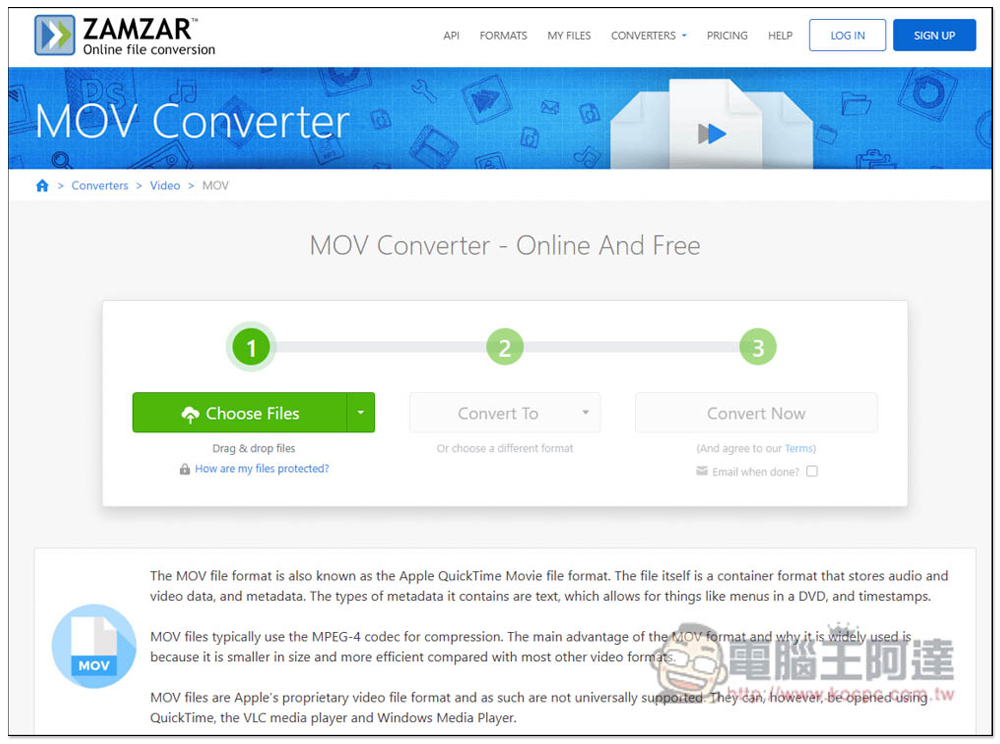
Zamzar is also an online mov conversion tool that does not need to be installed on the computer, but it does not provide Chinese, so for people who are not good at English, they may not understand it. The advantage is that there are no ads at all. In addition, the free version has some limitations. It can only convert 2 files in 24 hours, and each file can be up to 50MB, which is only suitable for small files.
8. MiniTool Video Converter
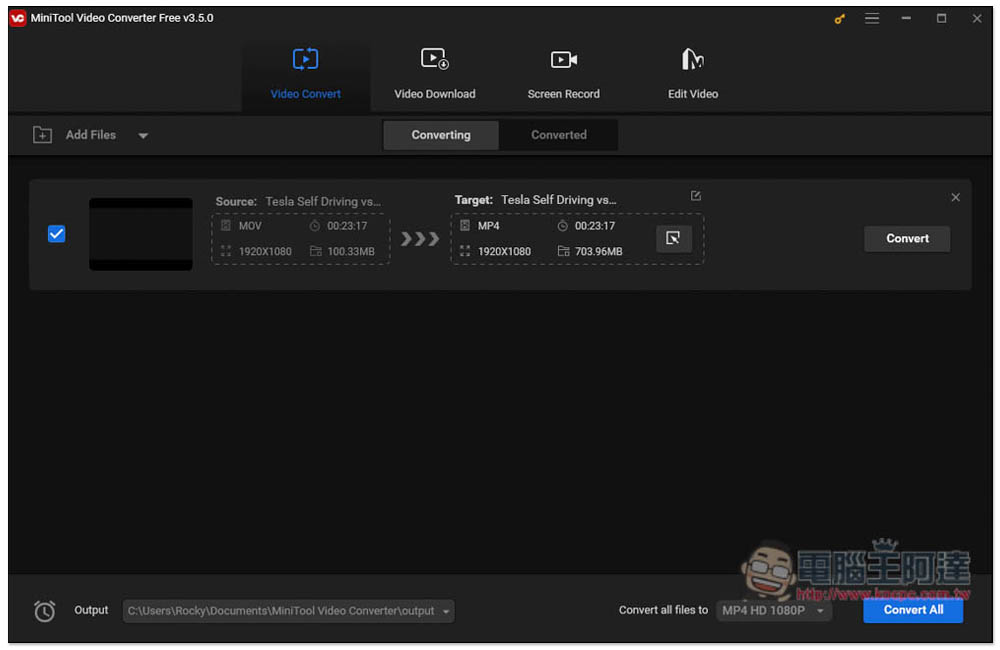
MiniTool Video Converter is a multi-functional video and audio conversion software that also provides video downloading, screen recording, and video editing functions. It supports converting more than 1,000 popular formats, basically everything you need, and also has hardware acceleration function, but there is no Chinese interface yet.
I think the location of the conversion settings needs to be improved. When selecting the conversion format, it must be set together. The operation is not so intuitive, and the compression size cannot be specified, making it difficult to grasp the file size after conversion.
Go to MiniTool Video Converter official website
9. Flexclip
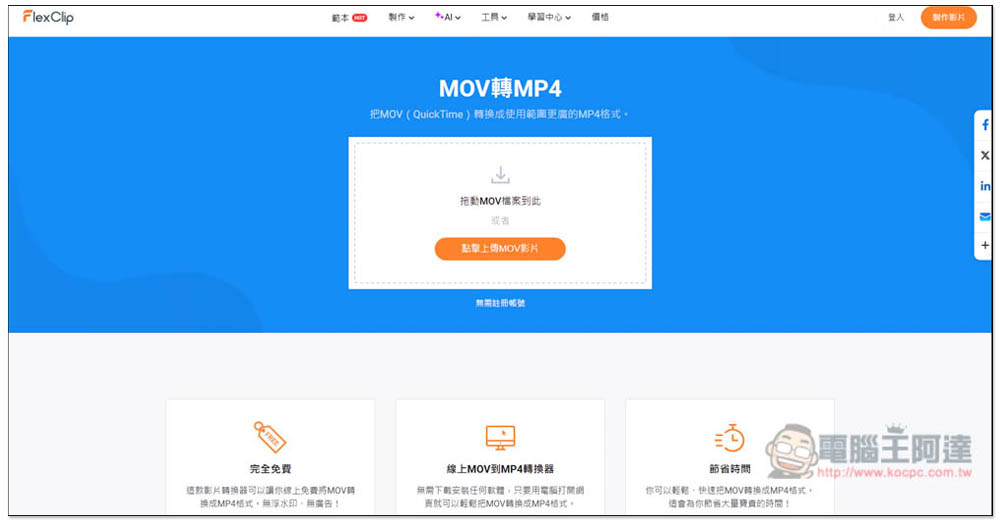
The Flexclip online conversion tool has a Chinese interface, so it is easy to operate and does not require many settings. However, videos exceeding 100MB will not be converted. Please make sure your MOV videos do not exceed this limit first.
But please note that this tool will occupy device resources. When you start converting, you will notice an increase in CPU usage, the browser will become very stuck, and other web pages will sometimes turn black, which means that you will not be able to view other web pages while converting.
10. Videoconverter.com
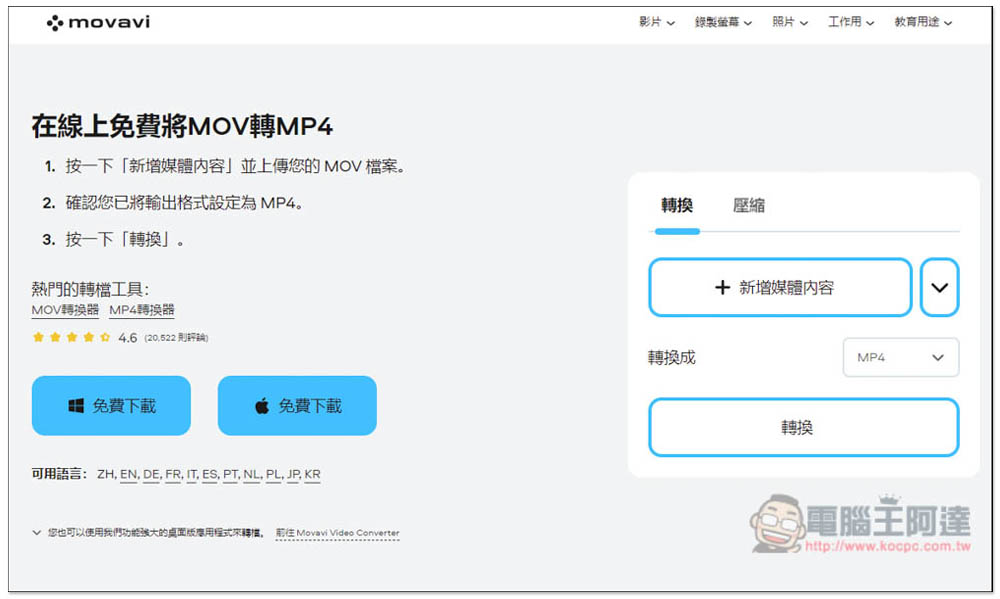
The online conversion service provided by Movavi supports the conversion of many formats, including MOV to MP4. In addition to setting the resolution and sound quality during conversion, you can also specify the desired time point without converting the entire video, which is good.
However, it only supports files under 100MB, so if your MOV video exceeds that, it is recommended to choose a conversion software.
Go to Videoconverter.com online tool
Summarize
The above is currently the best mov to mp4 video converter. It is highly recommended to buy the paid version of Movavi Video Converter directly. There is an easy-to-use audio and video converter. In the future, you will no longer have to worry about converting files, and you can even use it for subtitles and editing.
Source: KOCPC Chinese