


OpenAI of Sora 2 When it first launched, it was restricted to users in the US only, requiring a VPN and an invitation code. Starting today (2025/10/30), users in Taiwan can access it via web or app without a VPN or invitation code. Here’s a quick tutorial based on the latest content.
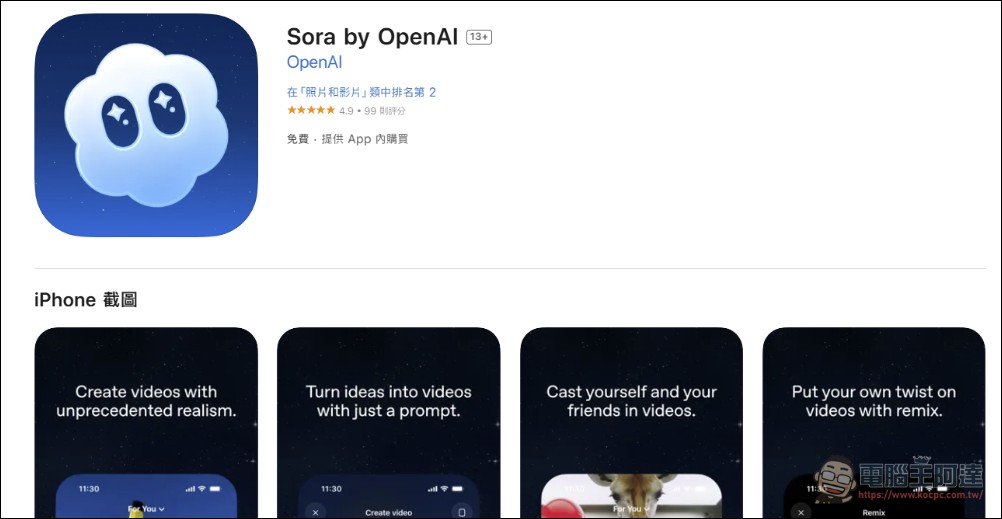
If you’re an iPhone user, just go to the App Store and download Sora for OpenAIPlease click me.) Now you don’t need a US account or VPN anymore—just download it directly. There are a lot of fake apps out there, so be careful not to grab the wrong one:
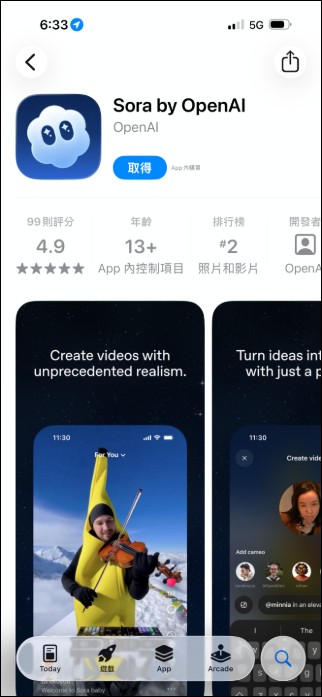
Sora 2 App Download iOS / Android
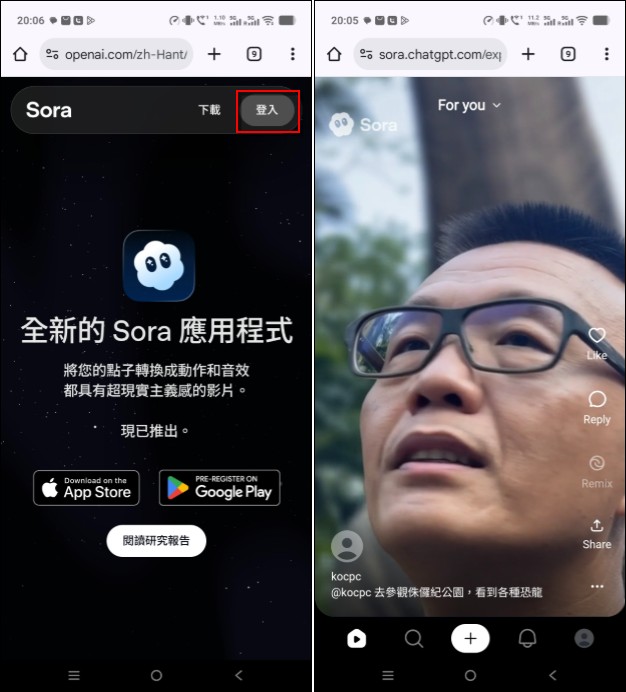
Surely someone will ask, “Android isn’t available yet?” The Android version hasn’t been released yet (still in pre-registration).Update:Android version also launched.Well, I’ve also tested it, opening it on my phone. Sora webpage (click me), you can also just log in with your ChatGPT account (if you don’t have one, register and log in with your Google account) and it works the same way:
Any regular computer or tablet can also do the same as long as it can open web pages:
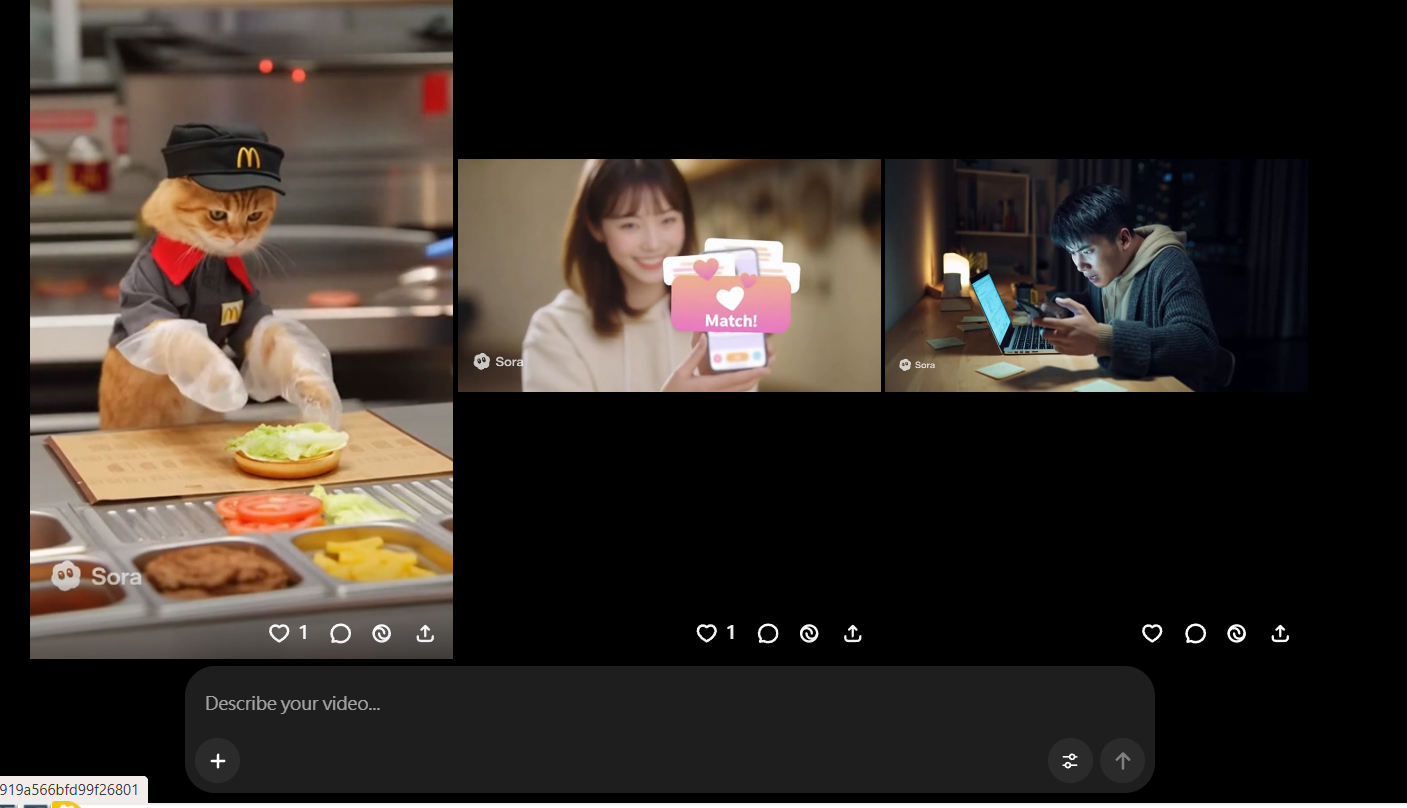
The main difference between the web version and the app version is that the app lets you use your own avatar to make videos, so Android users will just have to make do with that for now. As for how to make videos with Sora, you can check out Ada’s video here for a direct tutorial—just hit play and you’ll get the instructions. Feel free to join us in the world of Sora:
Sora 2 currently isn’t like Google Veo3, where you have to buy Google Pro membership to use it — right now it’s completely free (though I suspect they’ll eventually require at least a ChatGPT Plus membership). Everyone, hurry up and try it while it’s free! If you don’t know how to make videos, you can also check out the article below to create them or remove watermarks!
Source: KOCPC Chinese