


Google Recently, another quite powerful experimental free tool has been launched: “Pomelli”, just need to drop inBrandURL, it will automatically analyze the fonts, colors,Image, value, aesthetics, as well as tone, and then through AI It automatically generates multiple “brand asset images,” and then you can input any marketing content to let AI generate the marketing ad images you need, each of which is of quite good quality.
Introduction and tutorial for Google’s latest experimental tool “Pomelli”
Pomelli is a Google Labs and DeepMind A collaboratively launched experimental AI marketing tool designed for enterprises, primarily aimed at providing fast, easy generation of high-quality marketing materials that align with brand tone.
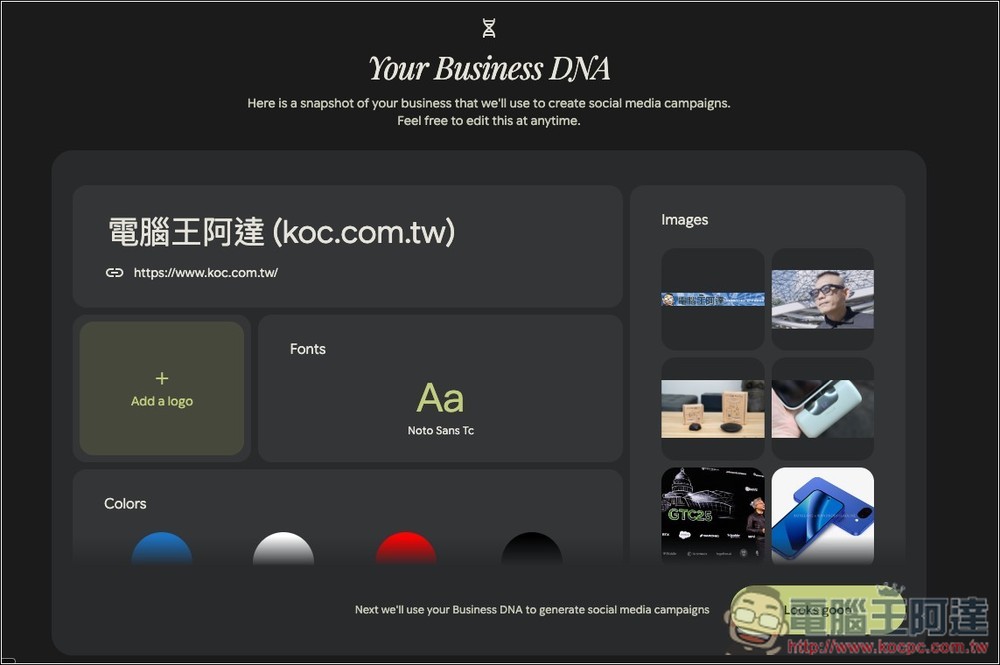
Using it is simple: just provide the company’s official website URL, and Pomelli will activate AI to analyze all public content on the site, including company profiles, product descriptions, blog posts, images, and even video materials. Through deep learning technology, it accurately captures the brand’s style, automatically extracts key elements such as tone, color palette, fonts, and image style, and finally creates a unique “Business DNA” asset.
Based on this brand asset file, Pomelli can automatically generate a variety of marketing campaigns, social media posts, and ad creatives.
One thing to note is that since Pomelli is an experimental tool, it’s currently only available in the United States, Canada, Australia, and New Zealand. If you’re not in these regions, you can use a VPN to bypass the restriction.
Key Features
- Establish “Business DNA”: Just provide the website URL, and AI will automatically scan and analyze the brand style.
- Intelligently extract brand elements: precisely identify and extract a brand’s tone, color palette, typography, and image style.
- AI content generation: automatically produce diverse marketing materials.
- Natural language editing: Using natural language prompts, you can instantly modify the generated content.
- Shorten workflow: reduce the production time of marketing materials from several days to just a few minutes.
After clicking the link above to go to Pomelli, click “Let’s get started” below:
There are quite a few users right now, so AI generation time might take a bit longer. In my testing, it was fine—didn’t have to wait long:
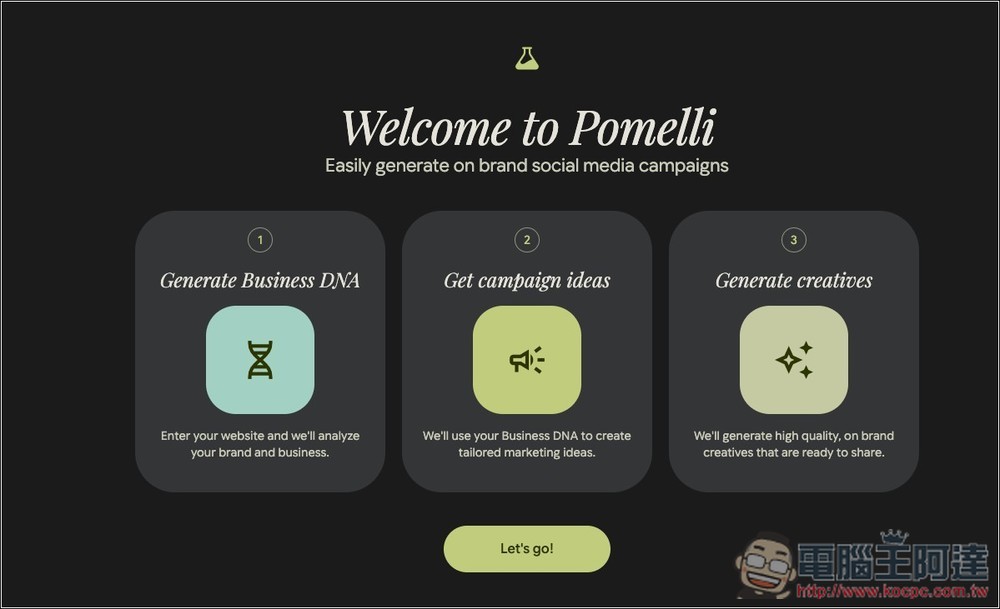
Then you can start using it. There are mainly three steps: generate Business DNA, get marketing inspiration, and generate creative ideas. Click “Let’s go!”
Paste your company’s URL, and I’ll paste 電腦王阿達’s URL:
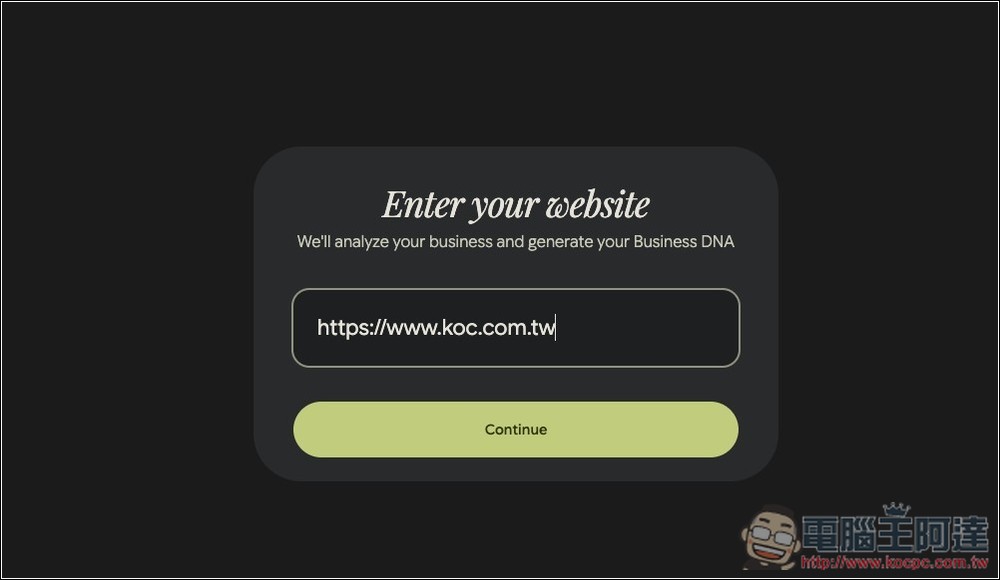
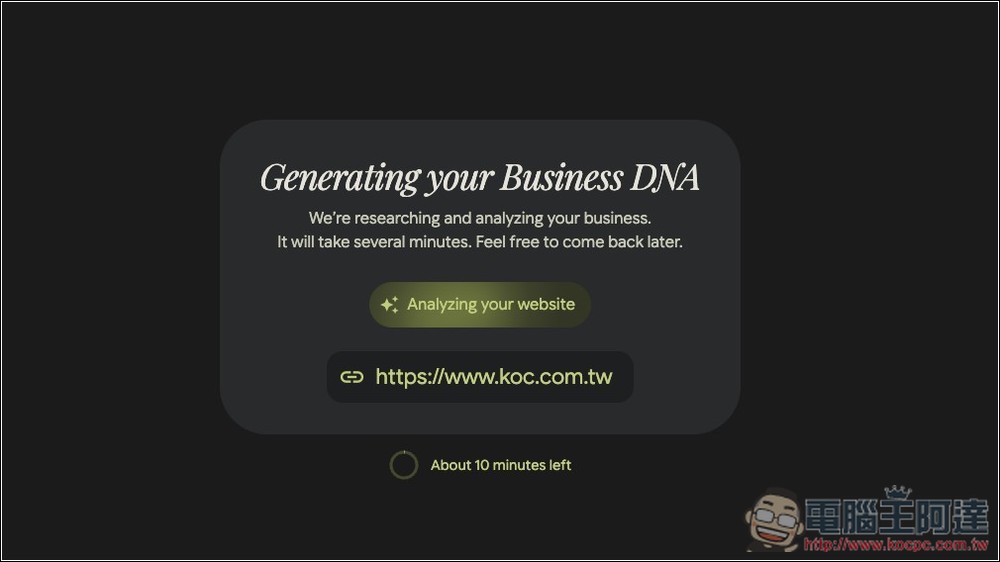
Waiting for AI analysis to complete. Although it says 10 minutes below, my testing didn’t take that long—it was done within 5 minutes.
You will receive a Business DNA report like this, with the website name, URL, fonts, and colors on the left, and images on the right. The logo section can be added as you see fit:
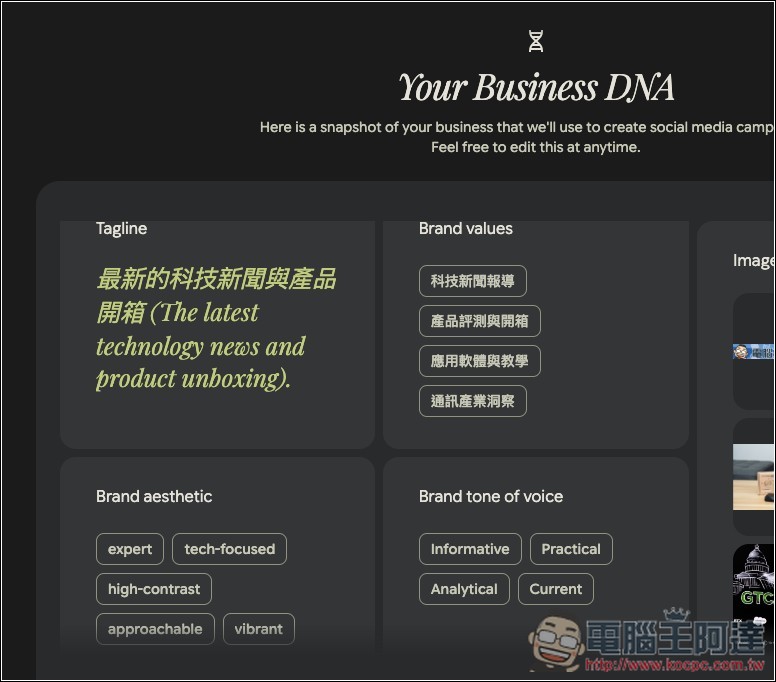
At the lower left side, there are also slogans, brand values, brand style, and brand tone:
Once you’re satisfied, click Looks Good, and you’ll be taken to the screen shown below, where there will be some AI-generated assets at the bottom.
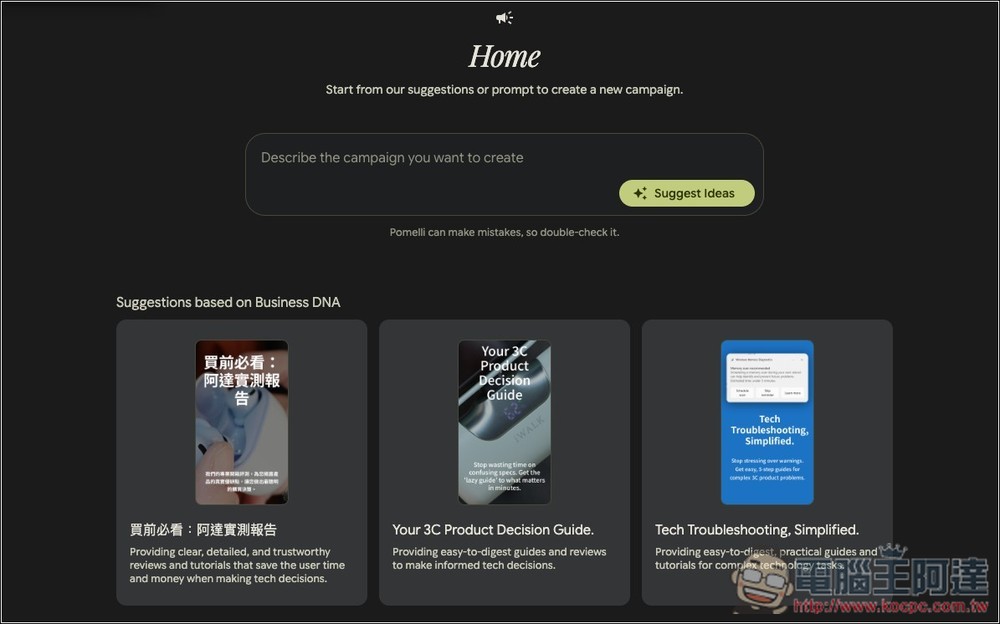
You can click in to browse around and see if there’s anything you like. If not, or if you want to generate image assets for a specific marketing campaign, just go back to the main screen we were on earlier:
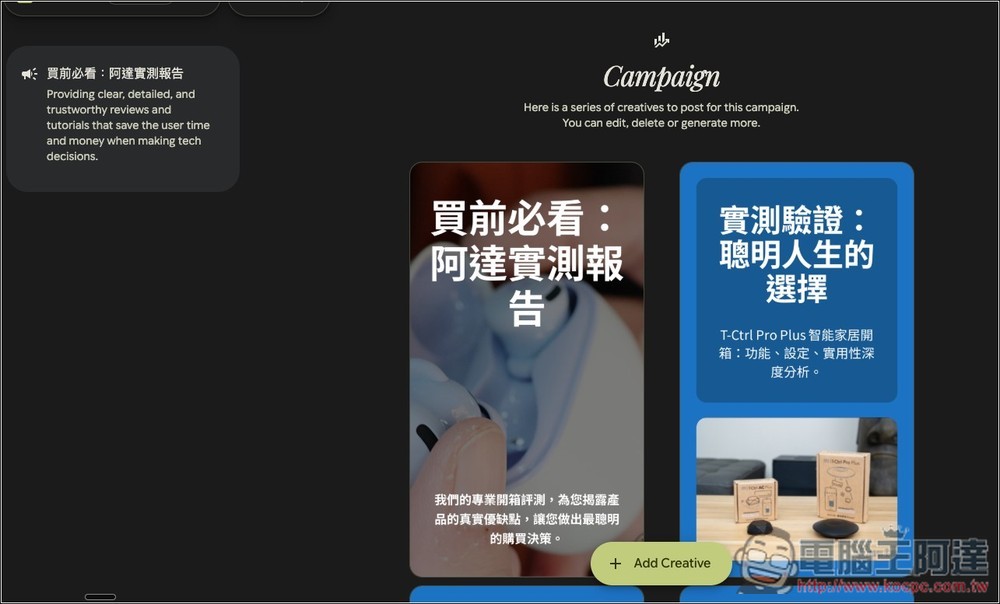
Enter your marketing content, and I’ll use what Ada recently shared. AIFA i-Ctrl Pro Plus Products, turn old appliances into smart appliances, click Generate Ideas below:
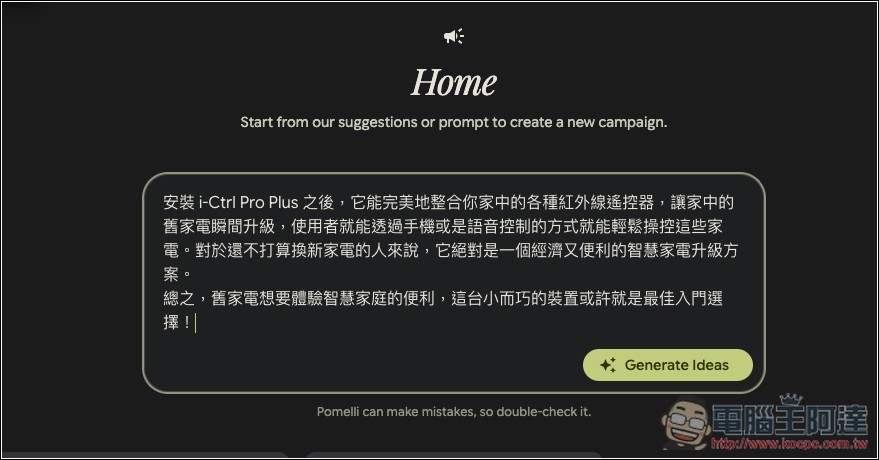
Wait a few seconds, and the AI will generate marketing assets matching this content. You may notice the text is all in English—don’t worry about that, I’ll show you how to edit it in a moment.
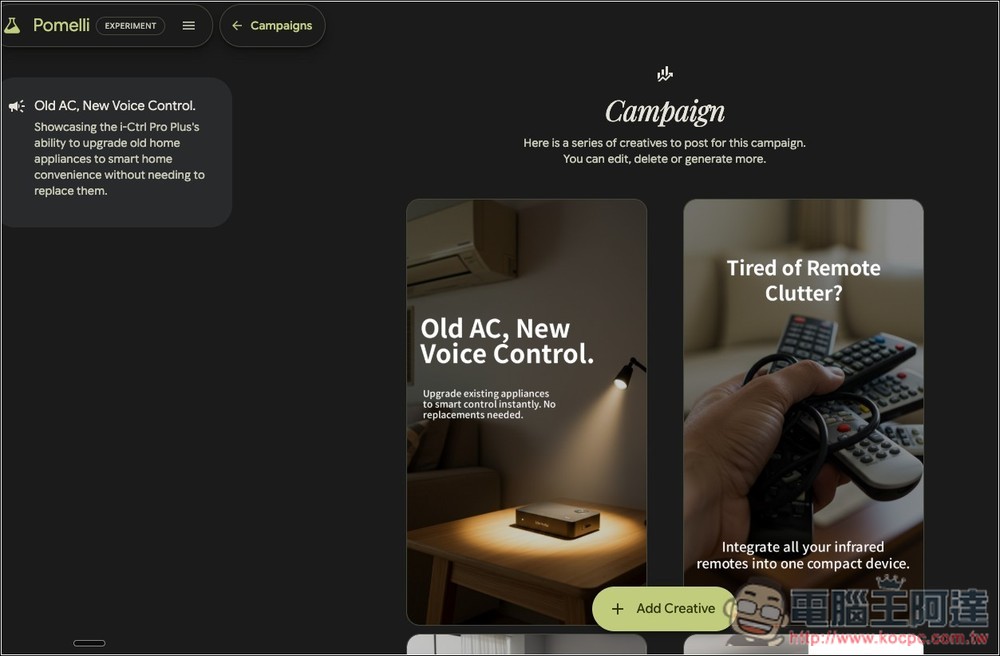
After you find an image you like, there will be an editing function on the right side of the inner page:
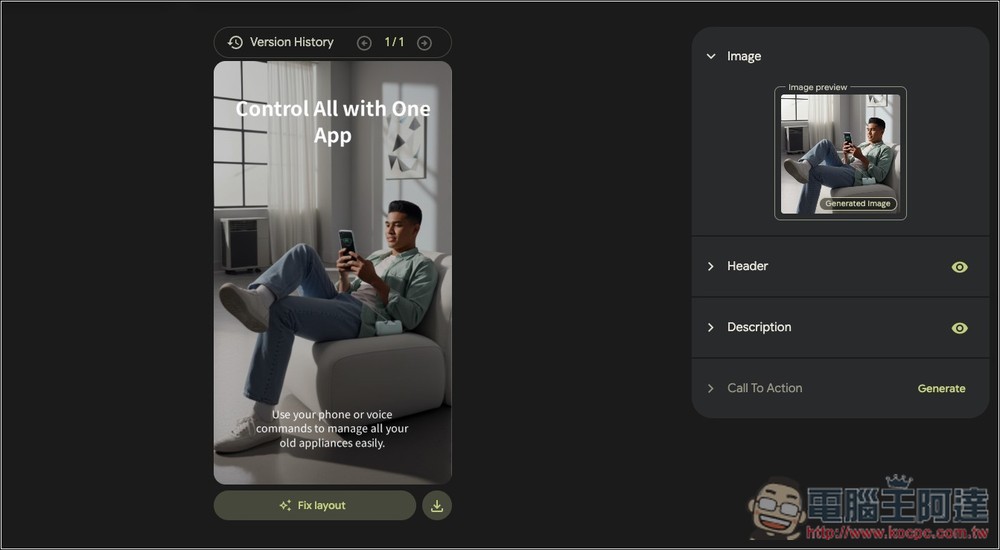
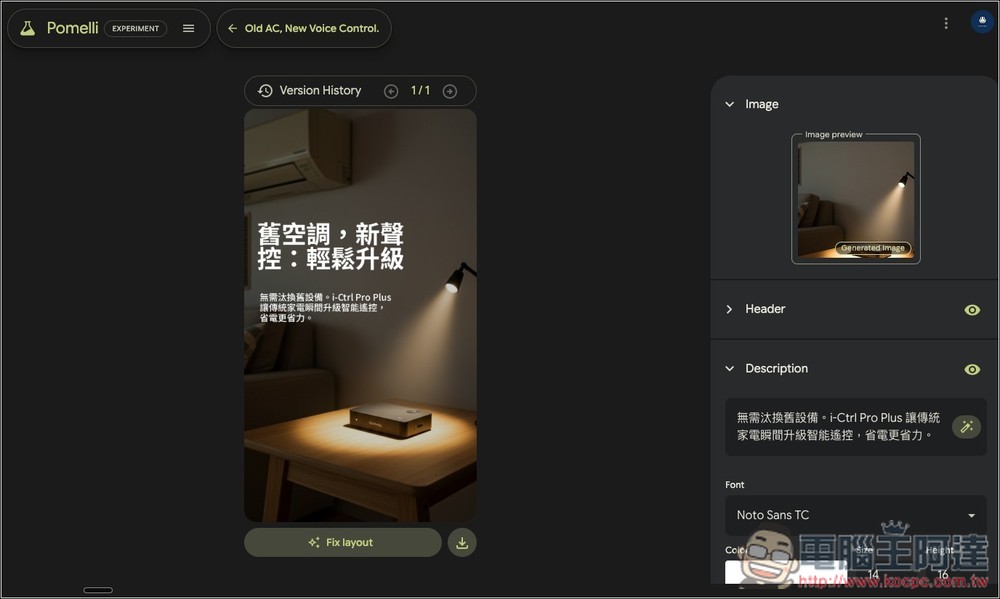
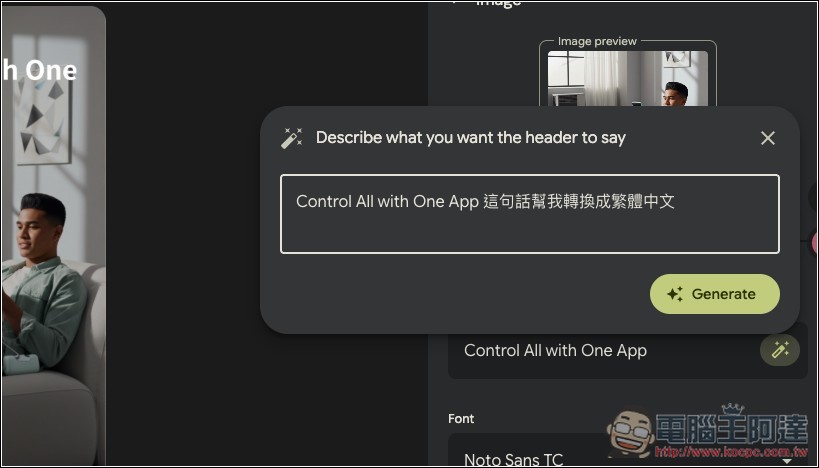
This editing function is quite special—it requires AI to edit rather than directly modifying the text, so I asked the AI to convert this sentence into Traditional Chinese.
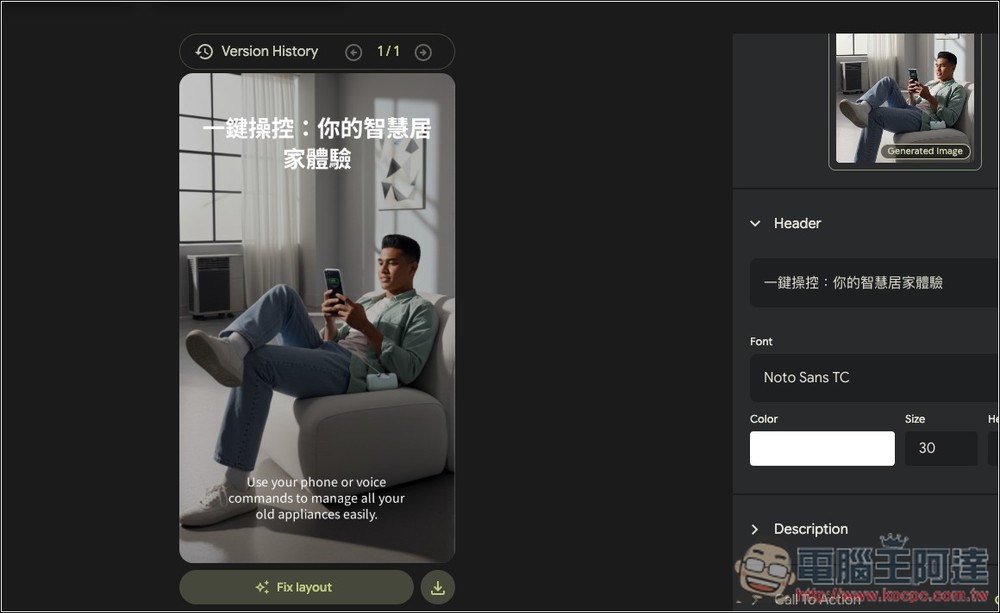
The text above becomes Chinese, and the same goes for below:
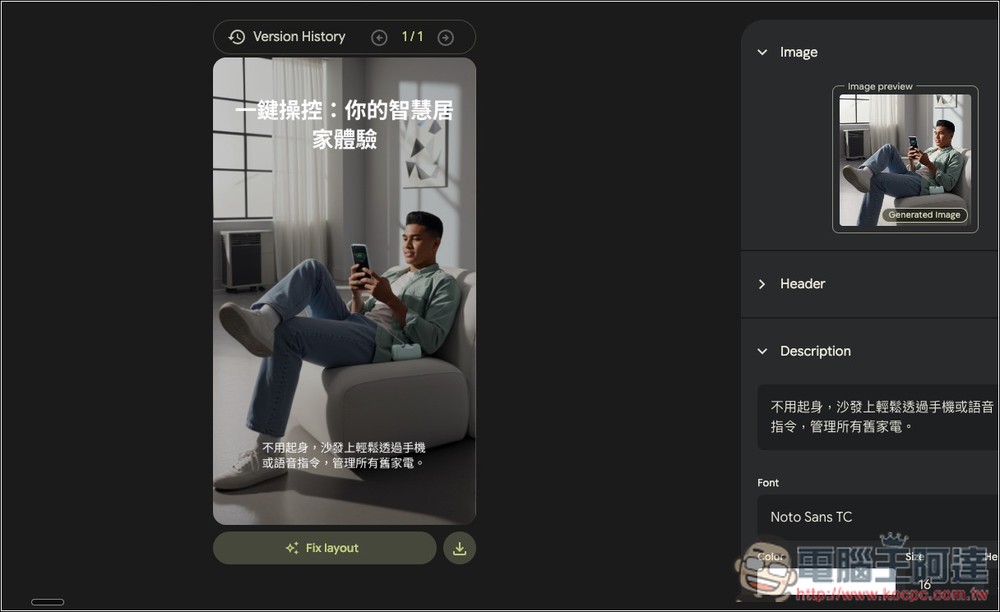
Like this, the original English content all turned into Chinese. The font color and layout can also be modified:
Source: KOCPC Chinese