


Apple’s Mac series has a lot of options, including iMac, Mac Pro, Mac Studio, Mac mini, MacBook Air, MacBook Pro, etc. For those who have never used a Mac or don’t know much about computers, they may face difficulty in choosing. For this reason, Apple recently launched a new “Help Me Choose”. Click on your needs and it will recommend the most suitable Mac for you to help you find it quickly.
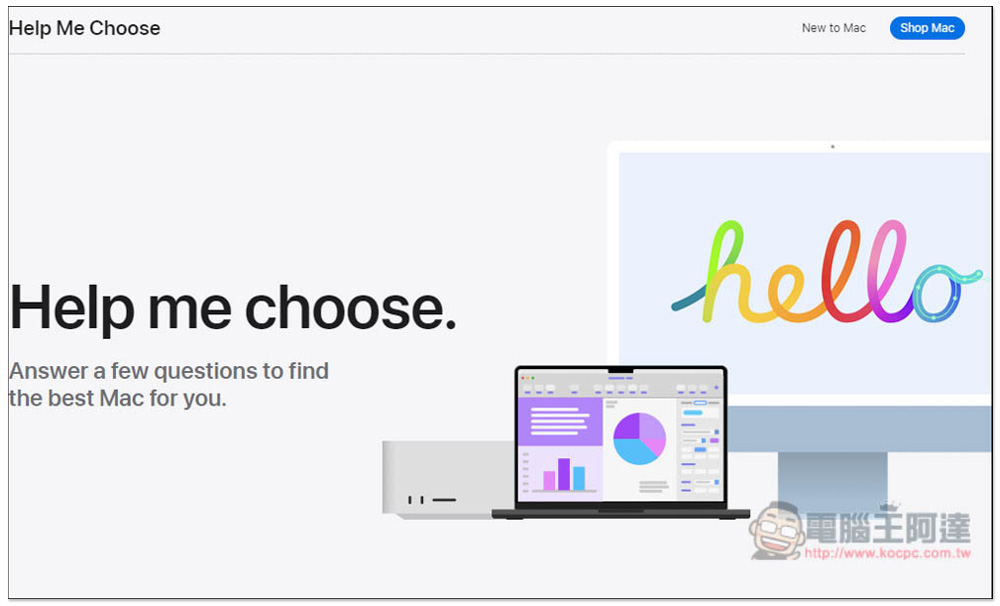
Apple launches “Help Me Choose” to help you quickly find the right Mac
Help Me Choose is currently only available on the US official website, so the interface is in English, but the questions are very simple, such as asking what your Mac is mainly used for, the environment in which it is used, and your budget. The whole process can be completed in one minute.
However, there is a situation in my testing. If the budget you choose is relatively high, Apple usually only recommends high-priced Macs and will not list low-priced Macs. For example: if I set the price to 2,500 US dollars, there will only be Macs between 2,000 and 2,500 US dollars, and no Macs priced below 1,500 US dollars.
But if you choose a relatively low budget, you will end up with high-priced recommended Macs that exceed your budget. It feels like Apple wants to sell a more expensive Mac, but it doesn’t really recommend a Mac that meets the needs.
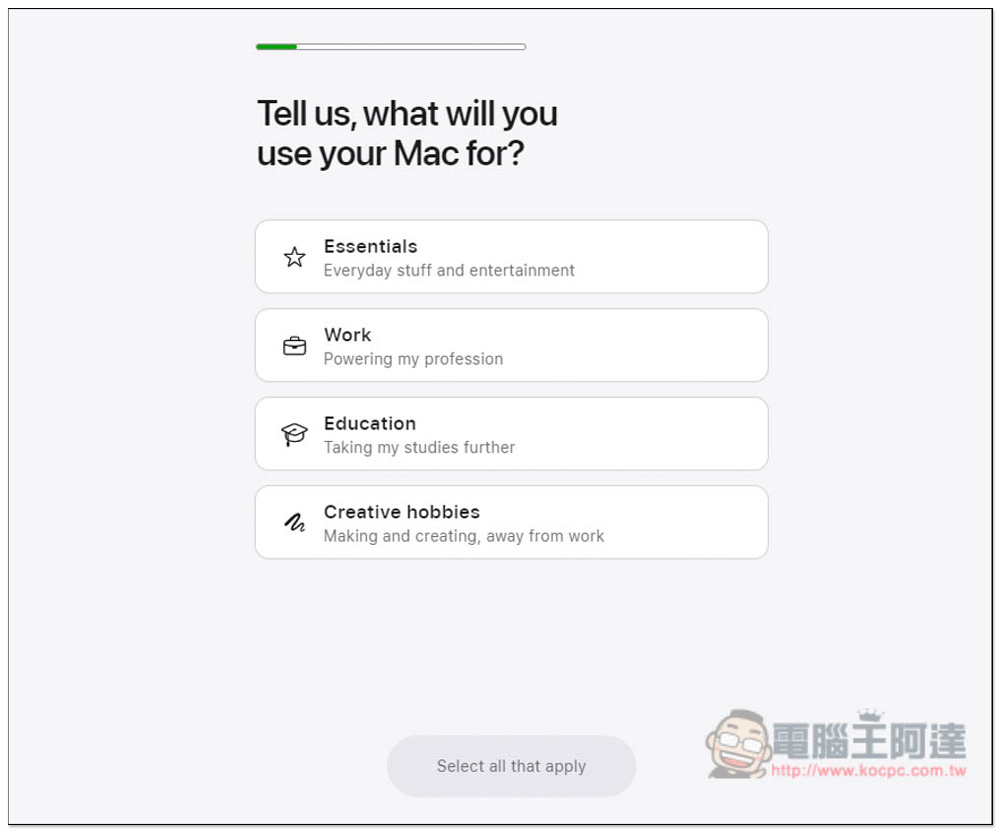
After clicking the link above to go to the Help Me Choose page, scroll down to start answering questions. First, you will be asked what the purpose of this Mac is. There are “Daily Necessities”, “Work”, “Education” and “Creativity”. You can check the answer to almost every question:
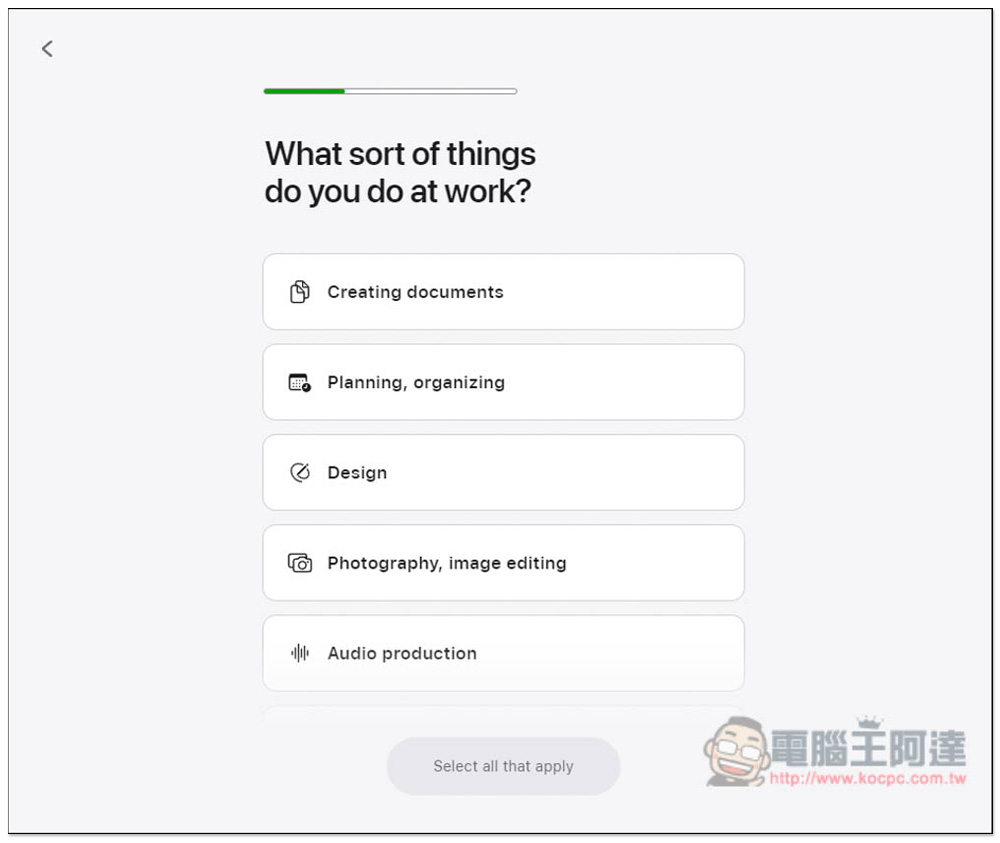
The job I chose, so the next question will be related to work, asking what my job content is, including “creating documents”, “planning and management”, “design”, “photography and picture editing”, “music production”, “video production”, “programming and calculation”, “3D design” and “others”:
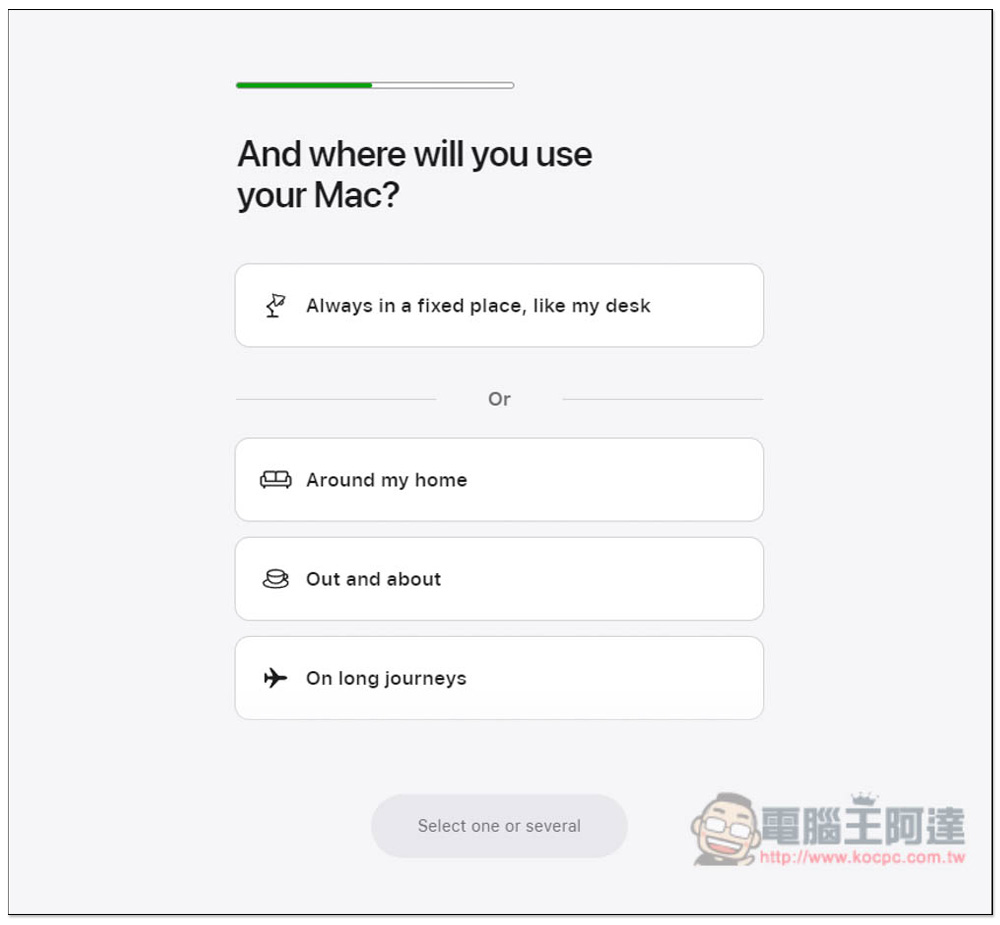
The third question asked where the Mac is used. There were four options, including going out or traveling long distances. I chose “Always in a flixed place, like my desk”, which is basically a fixed point. I originally thought I would recommend an iMac, but I didn’t expect it:
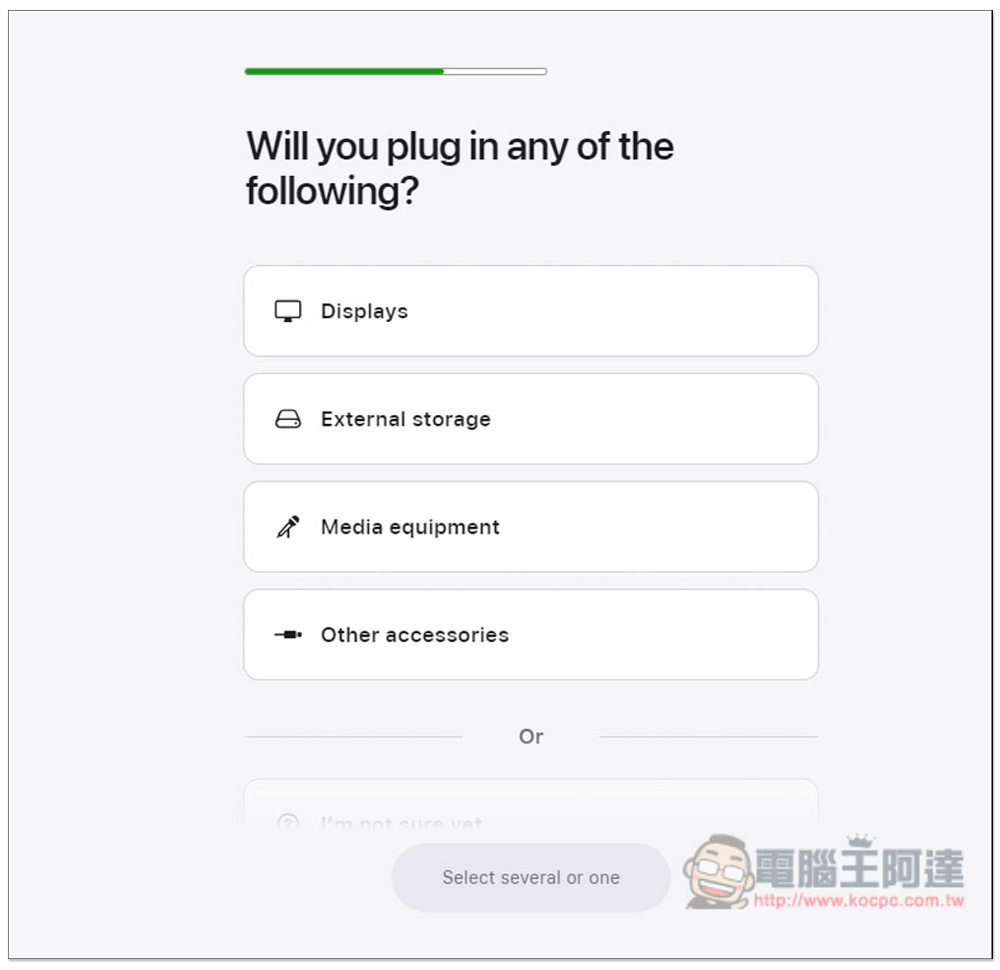
The fourth question asks whether other external devices will be connected, such as monitors, storage devices, media tools, other accessories, etc.:
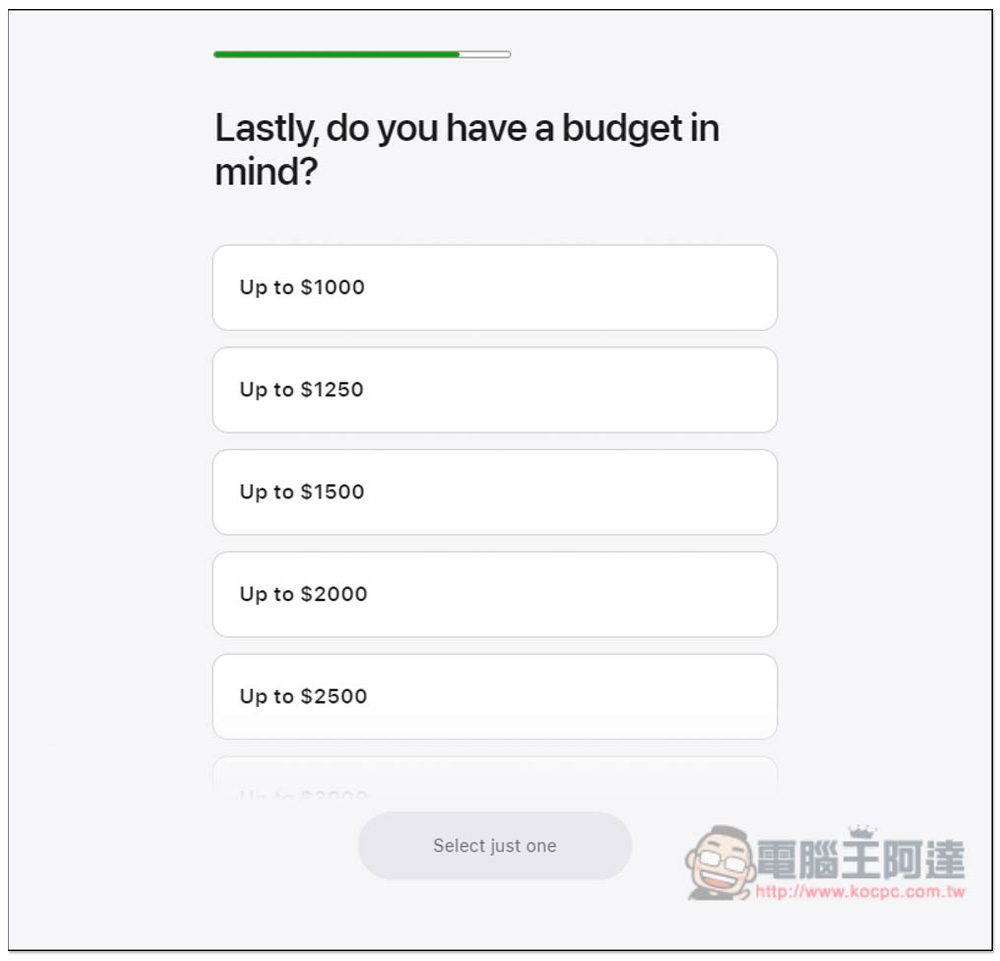
The budget part starts from $1,000 and goes up to more than $3,500. I chose $2,500:
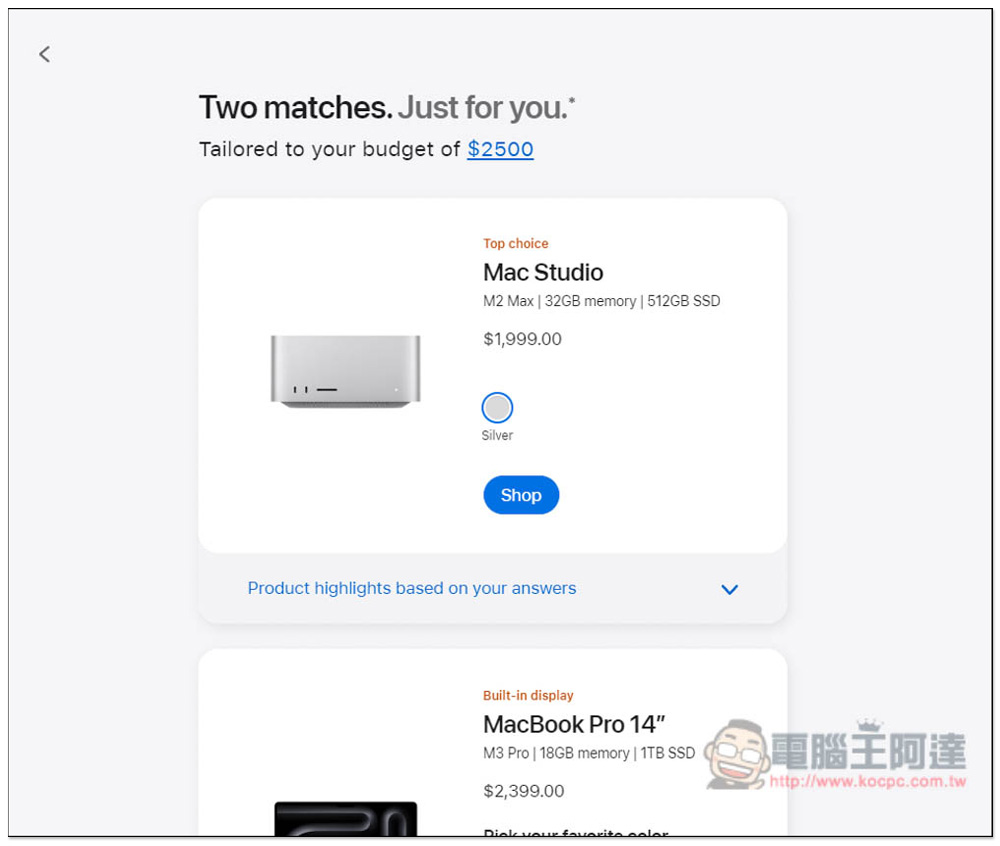
Then wait for Apple’s search results, which will be completed in a few seconds, but it won’t take too long:

As I mentioned before, I choose to use it in a fixed place and have a budget of US$2,500. I think there is nothing wrong with recommending Mac Studio. However, the list only includes Mac Studio and MacBook Pro 14, without any iMac. This is not right. Even if iMac is cheaper than these two machines, it should be more normal to list them:
After I lowered my budget to $1,500, I considered iMac, but in the end I still insisted on recommending Mac Studio, which was beyond my budget:
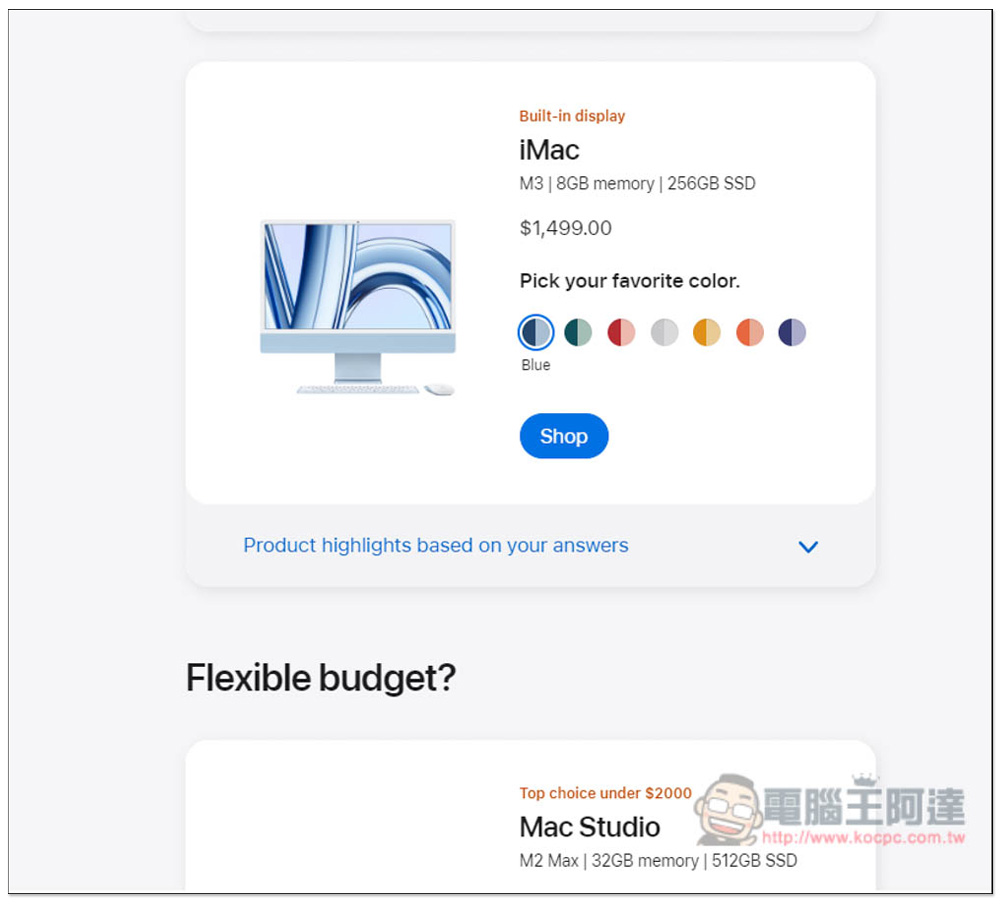
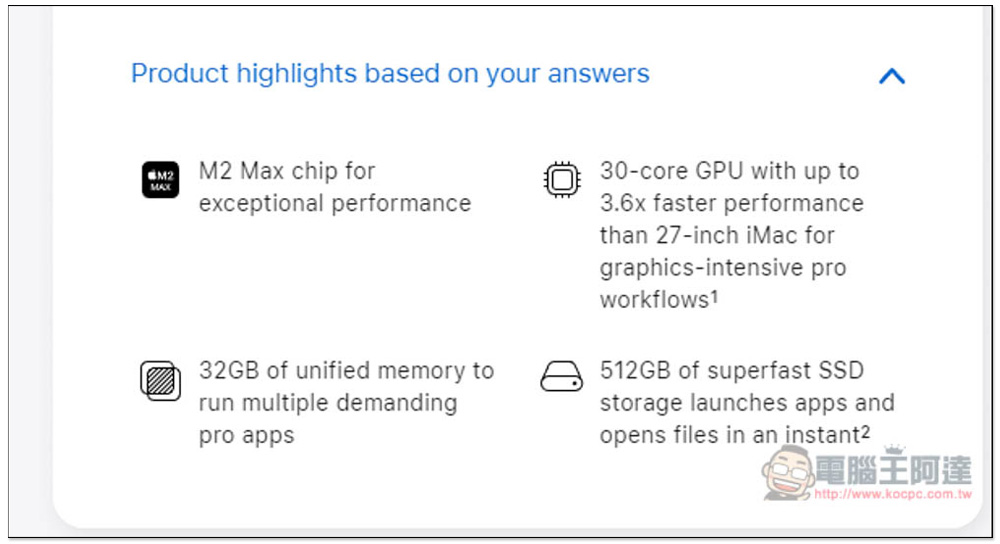
For each recommended Mac, you can open the menu below (Product highlights based on your answers) to see what features and hardware specifications it has:
Source: KOCPC Chinese