


Although there are many free cloud spaces nowadays, the capacity provided is very small, at most about 10GB, which must be insufficient for most people. If you use an iPhone, there is good news. “HashCloud Drive” is currently launching a limited-time free event of 100GB lifetime capacity. As long as you get it before 6/14, you can use 100GB permanently.

HashCloud Drive lifetime 100GB cloud sharing space is free for a limited time! Only available until 6/14 (iPhone)
HashCloud Drive is a rather unique cloud space that mainly uses #hashtags to manage files. In addition, its target users are “sharing files” rather than “backing up files”, so it does not have any backup function and files need to be uploaded manually.
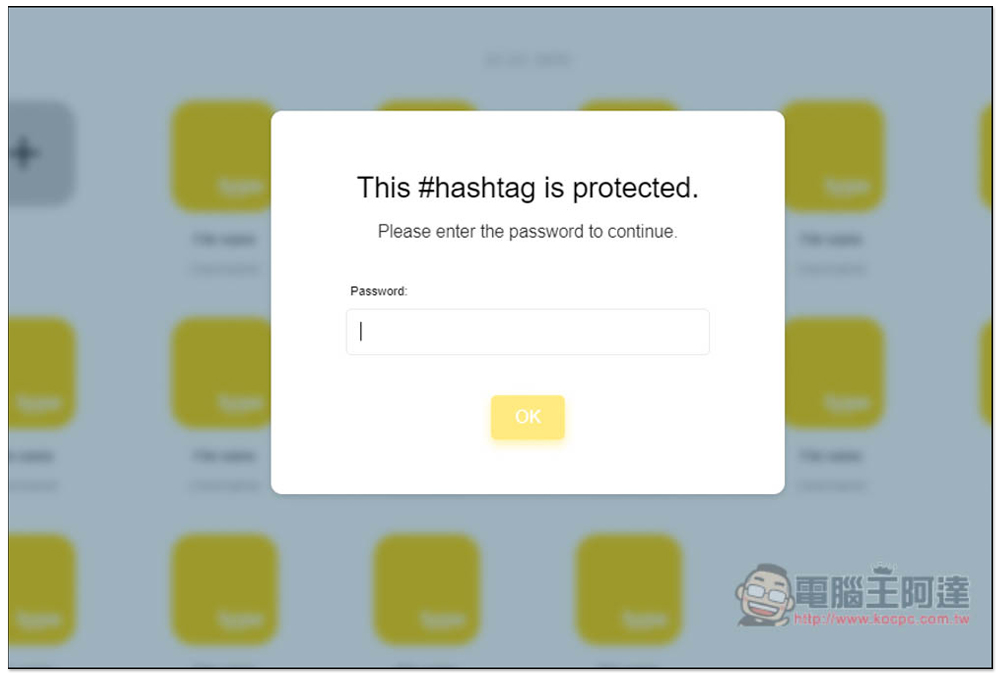
Through #hashtags, you can quickly create sharing links so that others can download or upload files. It also provides the function of locking the password. Once locked, you don’t have to worry about being stolen by people without permission.
In addition, it is not a well-known cloud service, but it advertises that the server is hosted in Germany and is subject to GDPR. However, it is still recommended not to put important files on it. After all, it is not sure how long HashCloud Drive will survive.
- App Store:HashCloud Drive
- HashCloud Drive web version
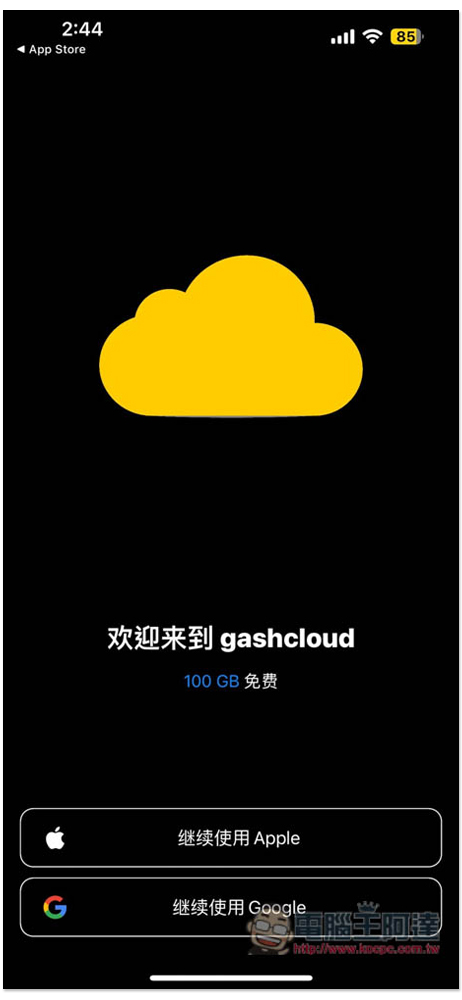
Click the link above to go to the App Store to download HashCloud Drive. After opening it and entering the main screen, you will see the 100GB free offer. You need to register an account before using it. You can use an Apple ID or Google account:
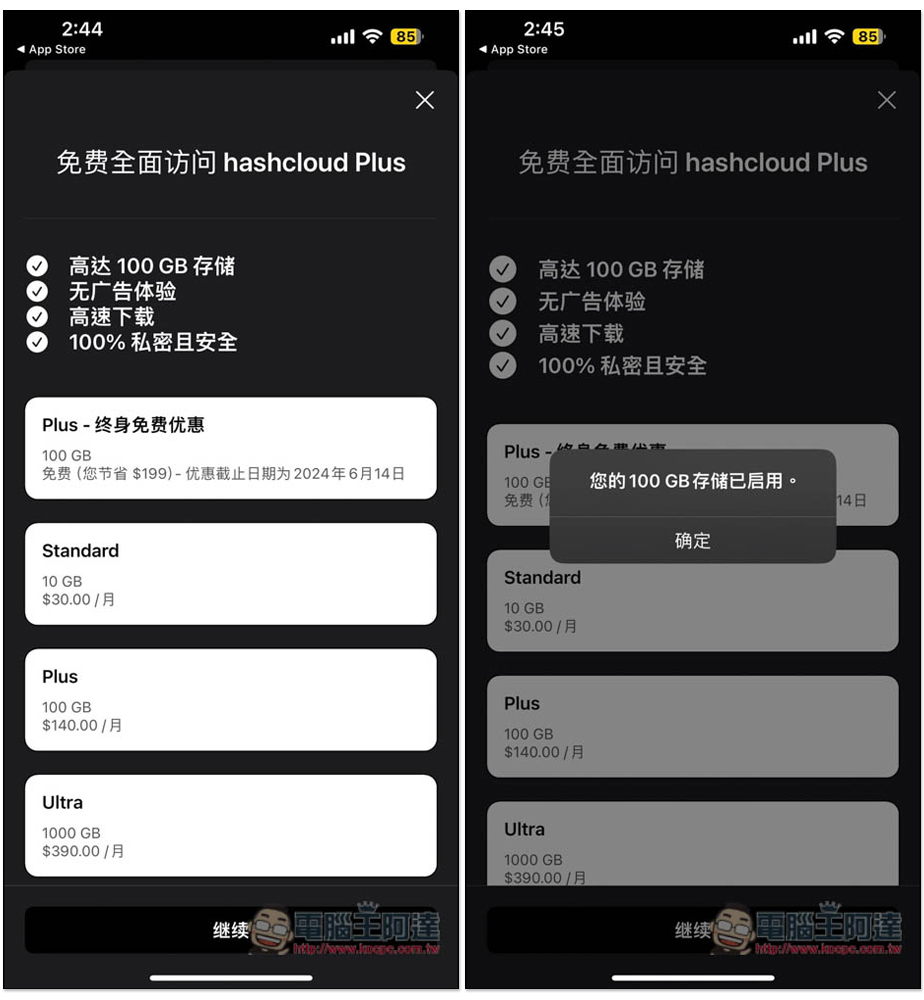
After creating an account, if you see the Plus – Lifetime Free offer, it means it is still limited and will end on June 14, 2024, but you are not sure when it will end. At this time, just click below to continue, and “Your 100GB storage has been enabled” will pop up:
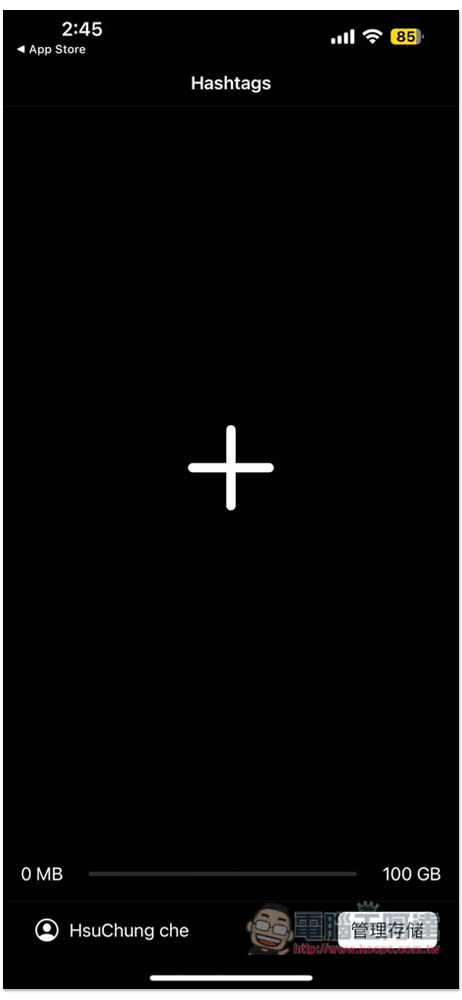
The interface design is super simple, with only a + symbol. Before uploading files, you need to create #hashtags and press + to create them. The bottom will show how much capacity is left:
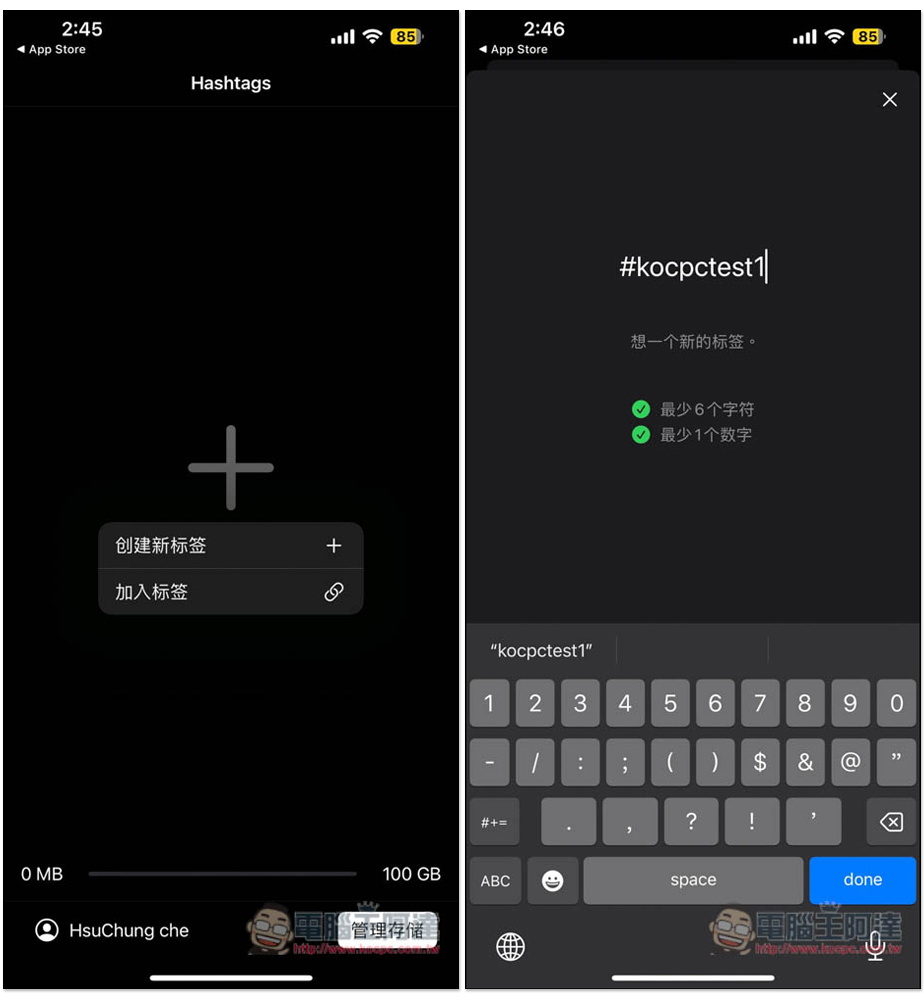
Creating new #hashtags requires 6 characters and 1 number. If you want to download or upload someone else’s HashCloud Drive file, click Add Tags and enter the other person’s #hashtags:
The created #hashtags will be displayed on the main screen. After entering the inner page, you can see the “Add New File” function:
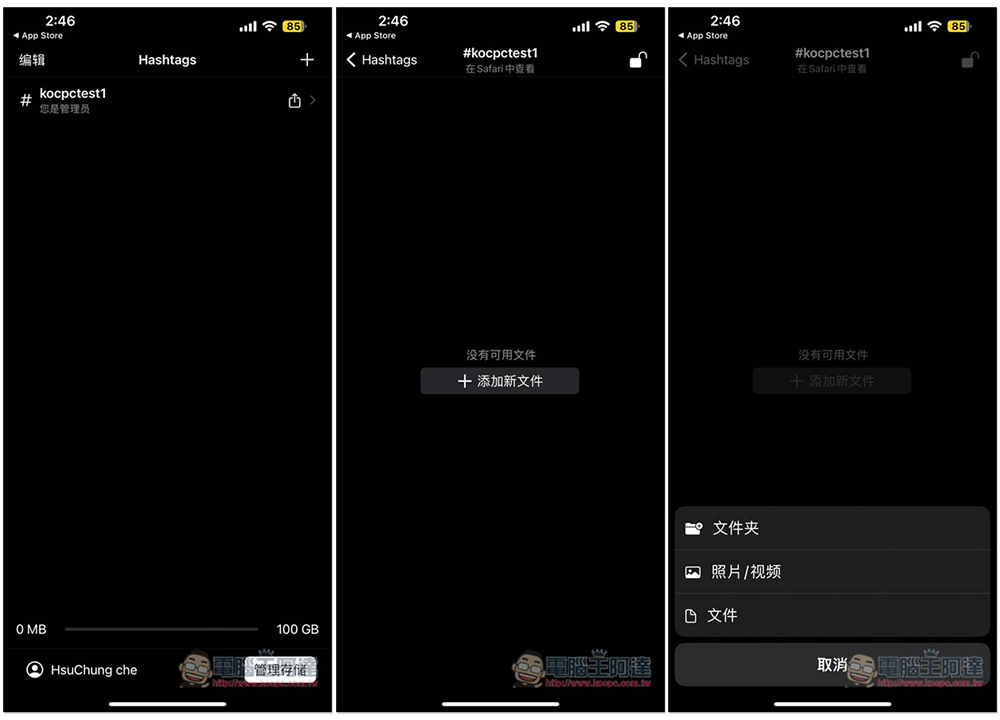
Just upload the files and photos you want to put on this #hashtags. Click “View in Safari” above to quickly get the shared URL:
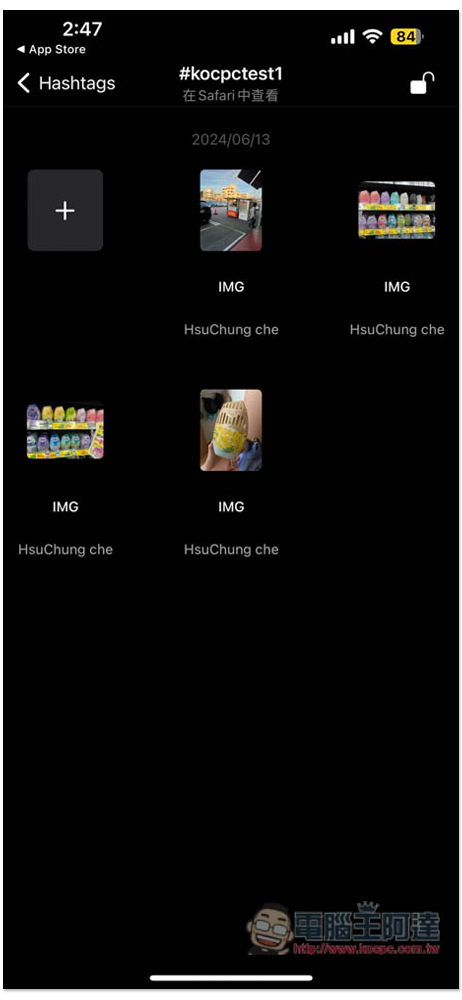
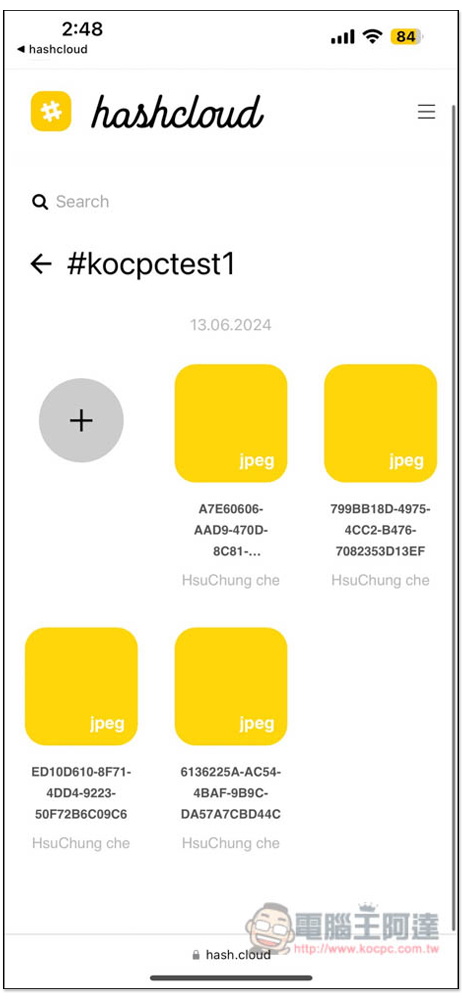
Safari will open, and you can copy the URL and share it with others. The URL is actually very simple, it is https://hash.cloud/your hashtags (remember to remove the # sign). When unlocked, anyone can access the files in this hashtags, so remember to add the password:
Press the lock in the upper right corner of the app to create a lock password:
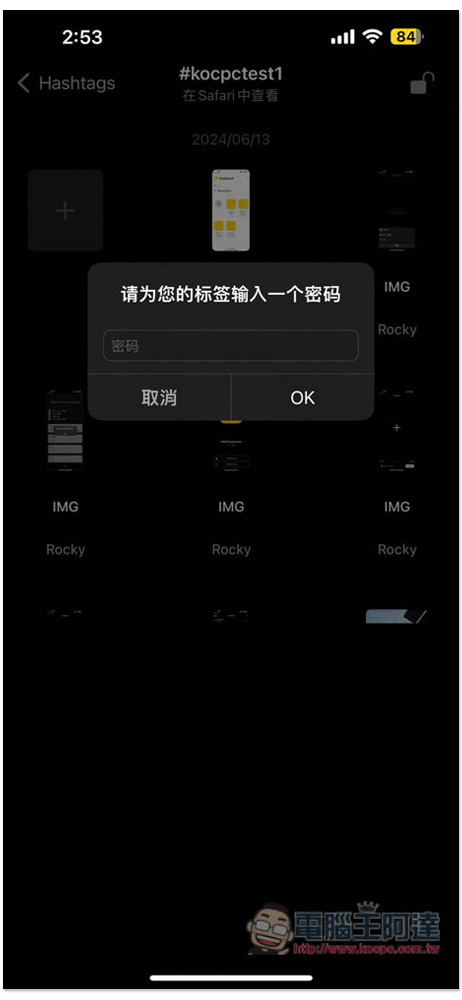
Then you need to enter the password to unlock:
Source: KOCPC Chinese