


Generative AI is permeating every corner of Windows, and now even Paint is no exception. Microsoft is adding another AI feature to Paint in Windows 11 that can help you redesign images in various styles. The feature is now rolling out to Windows Insiders in the Canary, Dev, and Beta channels of Windows 11 through an update.
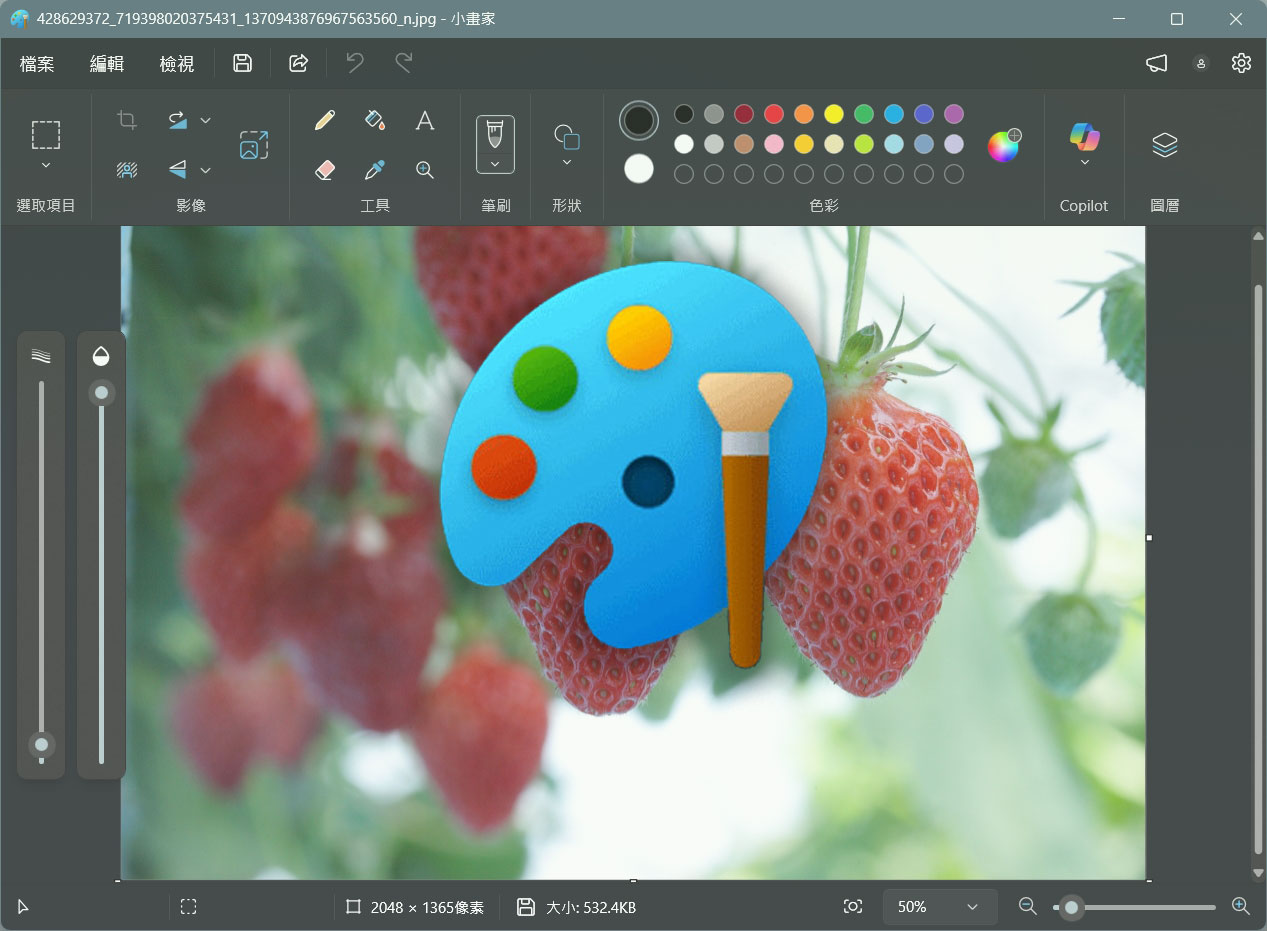
Paint’s Restyle feature is rolling out to Windows Insiders.
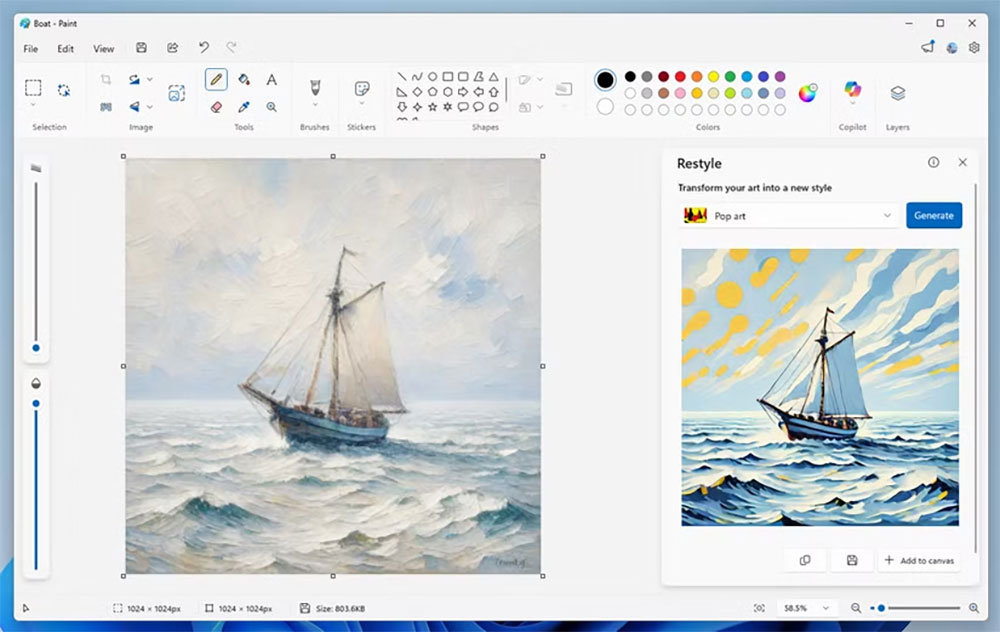
In Microsoft Paint version 11.2509.441.0, there is a new feature called Restyle that uses AI to create new images based on the design of the opened image. Restyle is a new option in Paint’s Copilot menu. First select a style, then click the generate button, and you get a brand-new image, which you can add to the canvas or save as a new file. Although Microsoft doesn’t provide a complete list of styles, one of them is Pop Art.
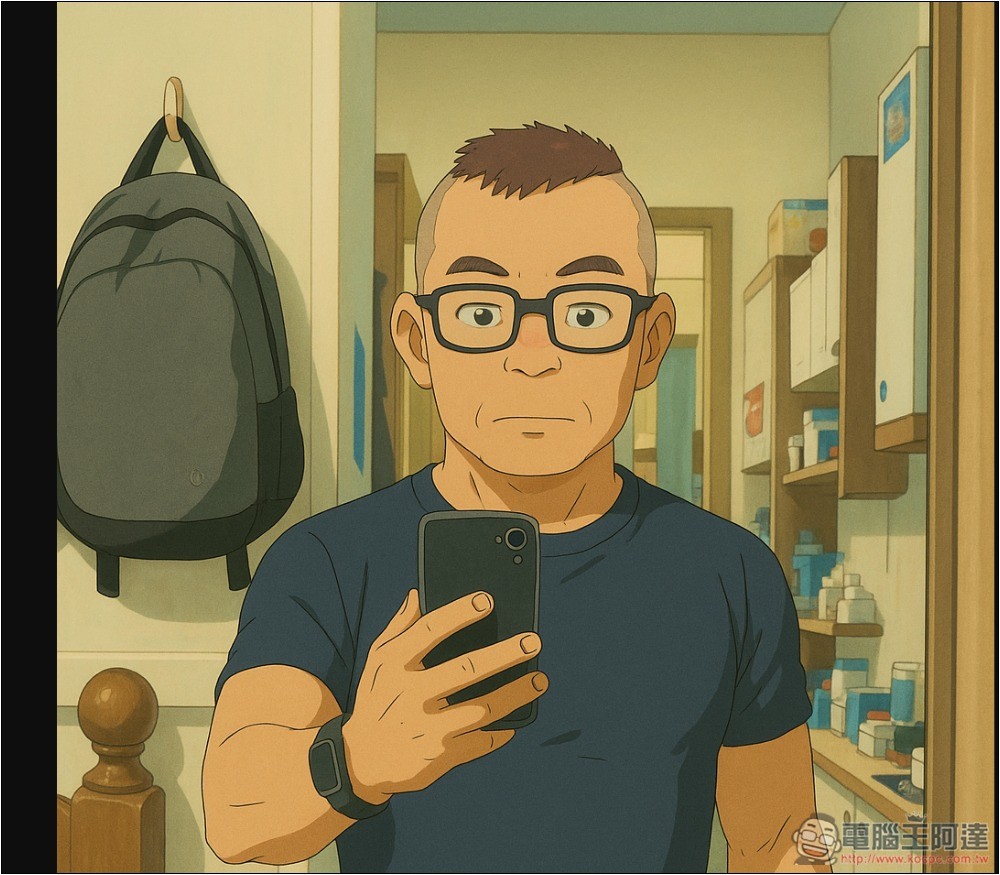
We’ve seen many other tools adopt similar patterns online, such as ChatGPT Plus. You may remember the flood of Studio Ghibli-style images that went viral on social media earlier this year. The Image Playground feature in Apple Intelligence can also redesign images you provide in various styles.
Microsoft, in a blog postIt explained that this update introduces Restyle, an AI-powered feature that lets you change the artistic style of images on the canvas. First, open Paint and click the Restyle option from the Copilot menu. Choose from the default style list, then click the Generate button. After the image is generated, you can click to add it to the canvas, copy it, or save it for later use. Restyle will be available on Copilot+ PCs with Snapdragon, and using it requires signing in with a Microsoft account.

Now, Microsoft is building this feature into Paint, so people who want to use it don’t necessarily need to open ChatGPT or other similar tools. However, for most people, this is just another unnecessary AI feature in Windows. Paint has received many major updates in Windows 11, such as more brushes and layer support, but the AI generator is far less useful, leading Microsoft to push it on users through pop-ups and other reminders.
Source: KOCPC Chinese