


For those who have come into contact with video downloading tools (whether online or on the desktop), they should have heard of the powerful yt-dlp more or less. The “Stacher” I will introduce in this article is a GUI version based on yt-dlp. It is free to use, which means that you do not need to know any instructions to easily download videos and videos from all websites supported by yt-dlp, such as YouTube, Facebook, Bilibili and more than a thousand websites.
If you are looking for a useful video downloading software, Stacher is definitely worth a try.
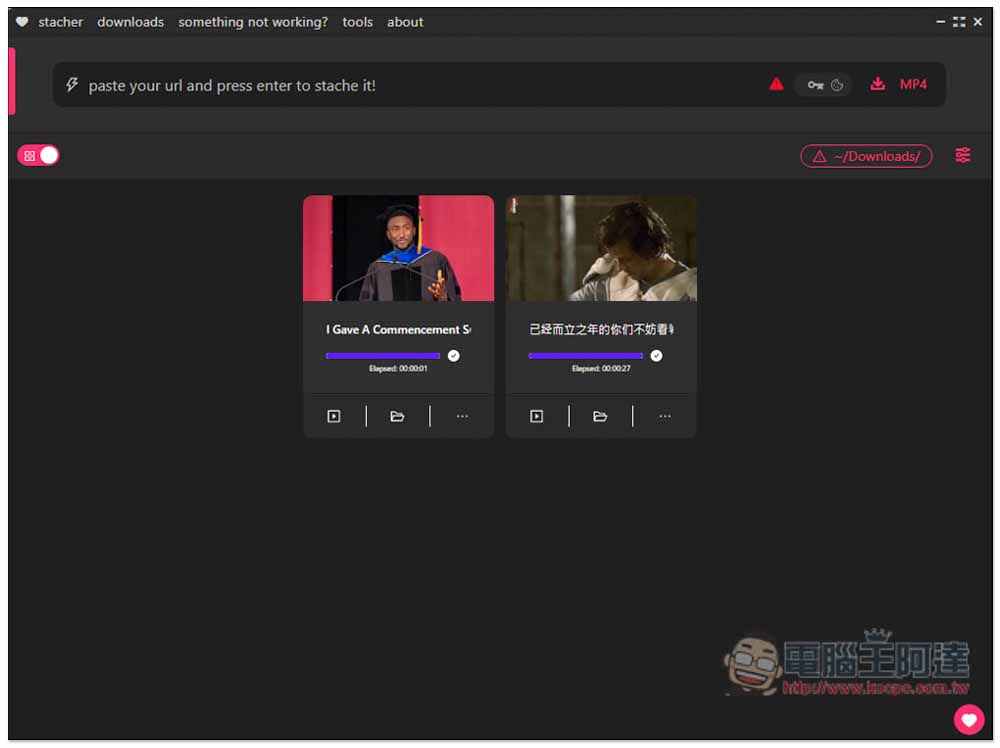
Stacher is the best free video download software for Windows and Mac, supporting thousands of websites such as YouTube and FB.
Stacher is available in Windows, Mac and Lunix versions. No installation is required after downloading, you can open and use it directly. Although there is currently only an English interface, the operation is very simple. Just paste the URL of the video you want to download and the download will start. Basically, there is no need to set anything.
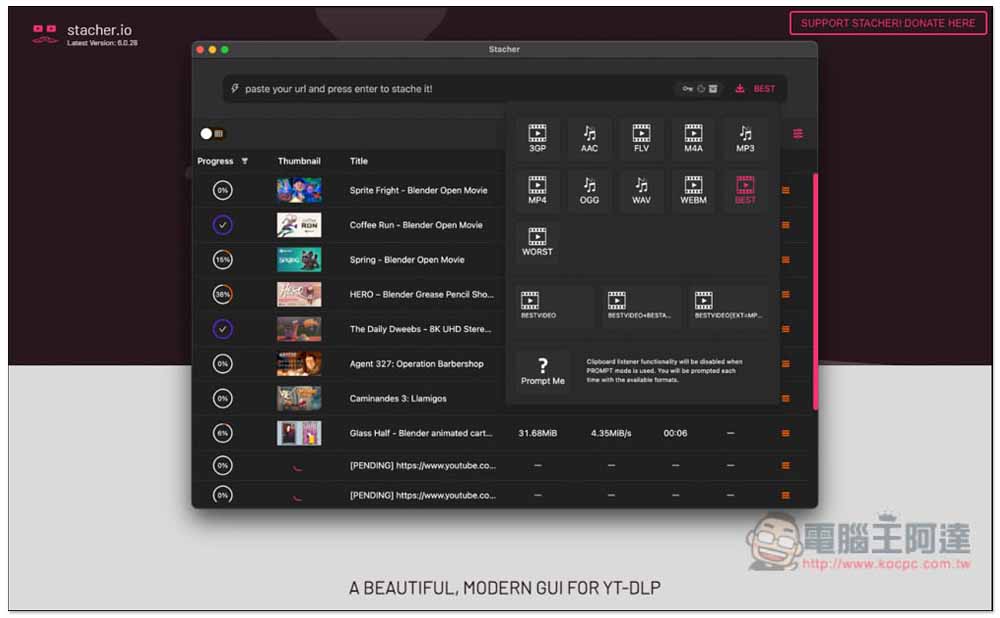
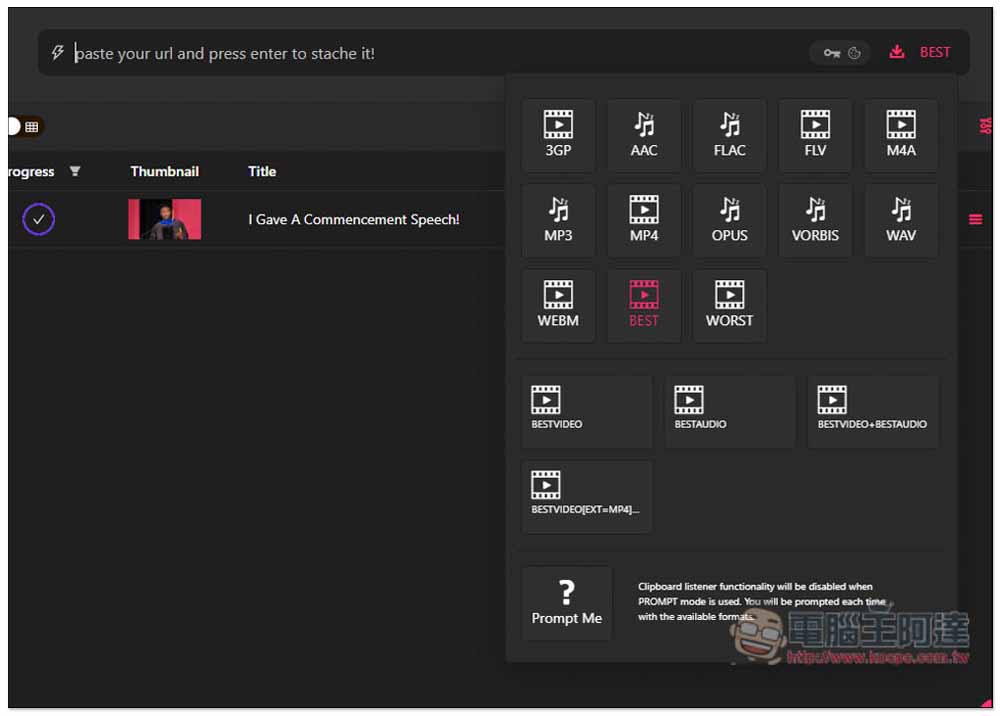
There are also many download formats supported, including AAC, FLAC, MP3, OPUS, VORBIS, and WAV for audio. The video section includes 3GP, FLV, M4A, MP4, and WEBM. There are also options to download BEST, the highest quality, and WORST, the worst quality. If there are no special requirements, basically set it to BEST, and the highest quality video supported will be downloaded directly.
Click the link above to enter the Stacher official website and click the “JUMP TO DOWNLOAD SECTION” button:
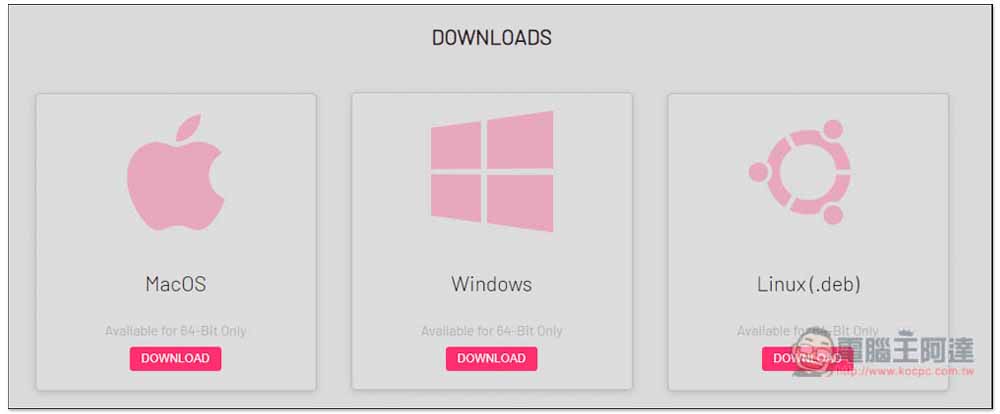
It will jump to the download screen of the software. I am taking Windows as an example:
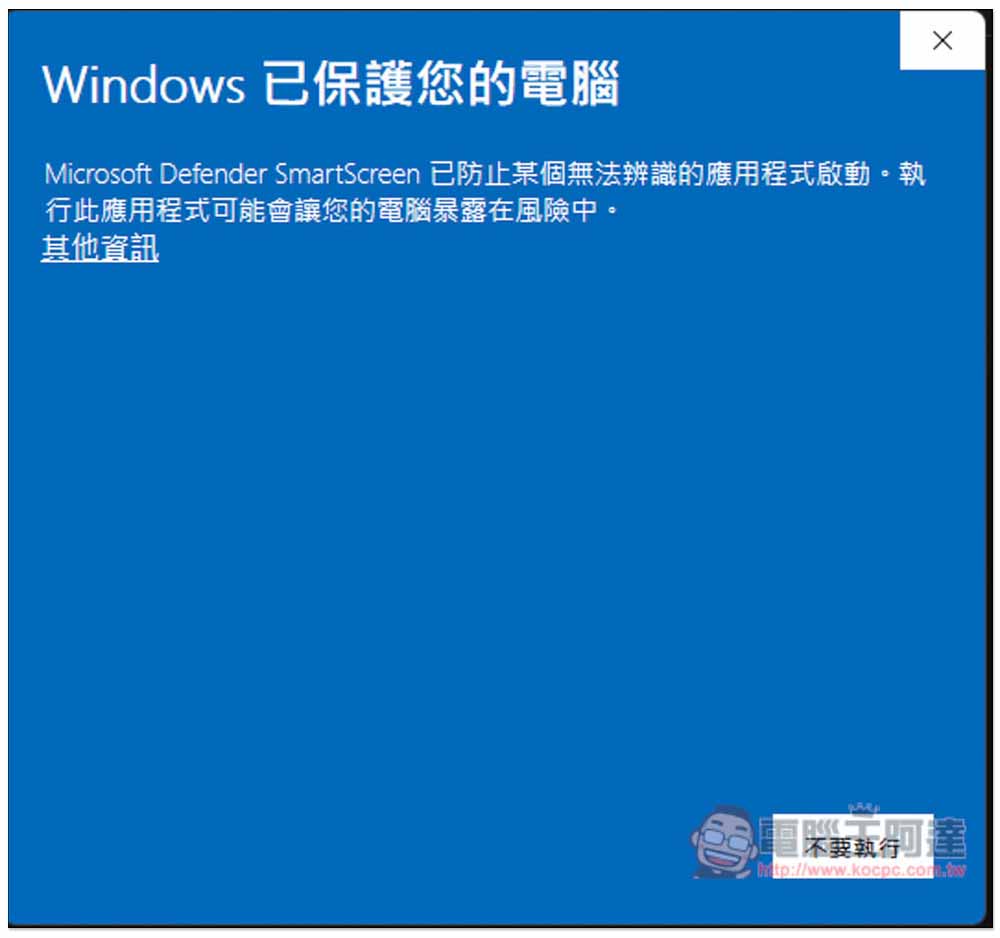
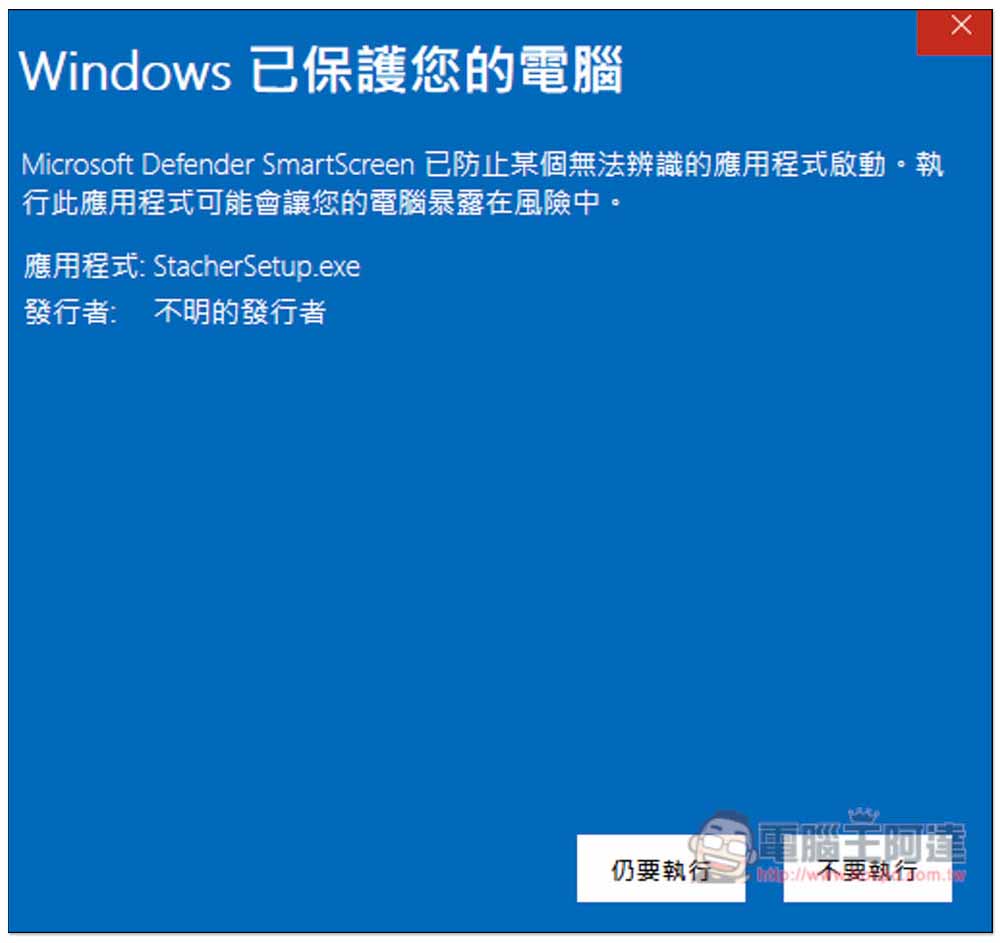
When Windows is opened for the first time, a warning screen “Windows has protected your computer” may pop up. Click “Additional Information” above:
A “Run Anyway” button will appear:
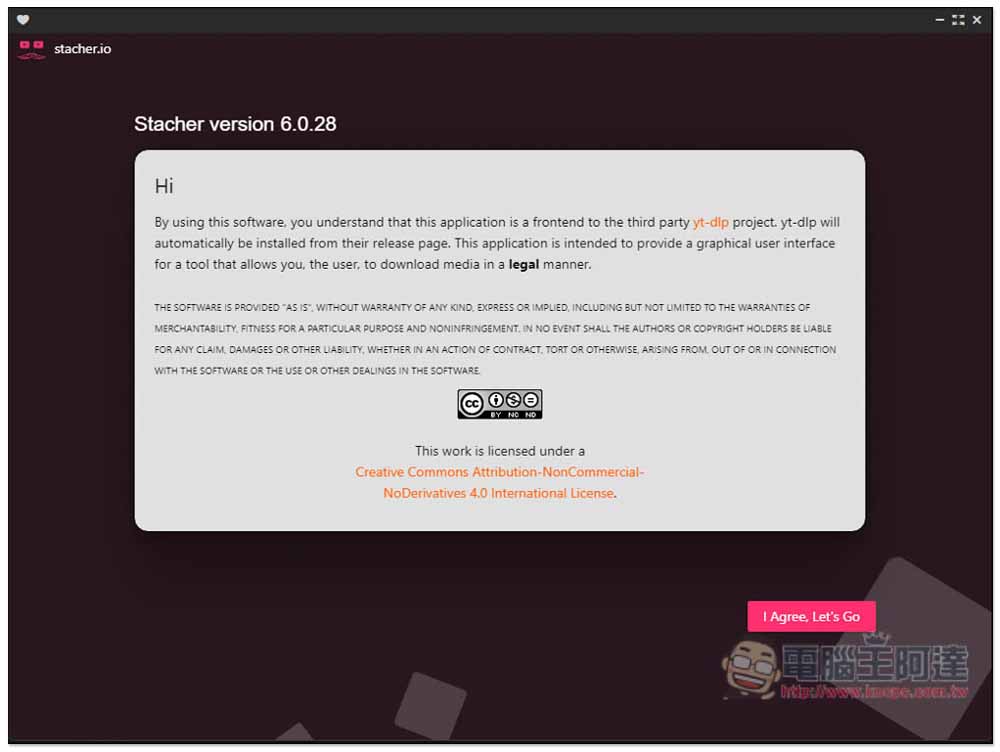
It will then open. You need to agree to the policy at first. Click “I Agree, Let’s Go”:
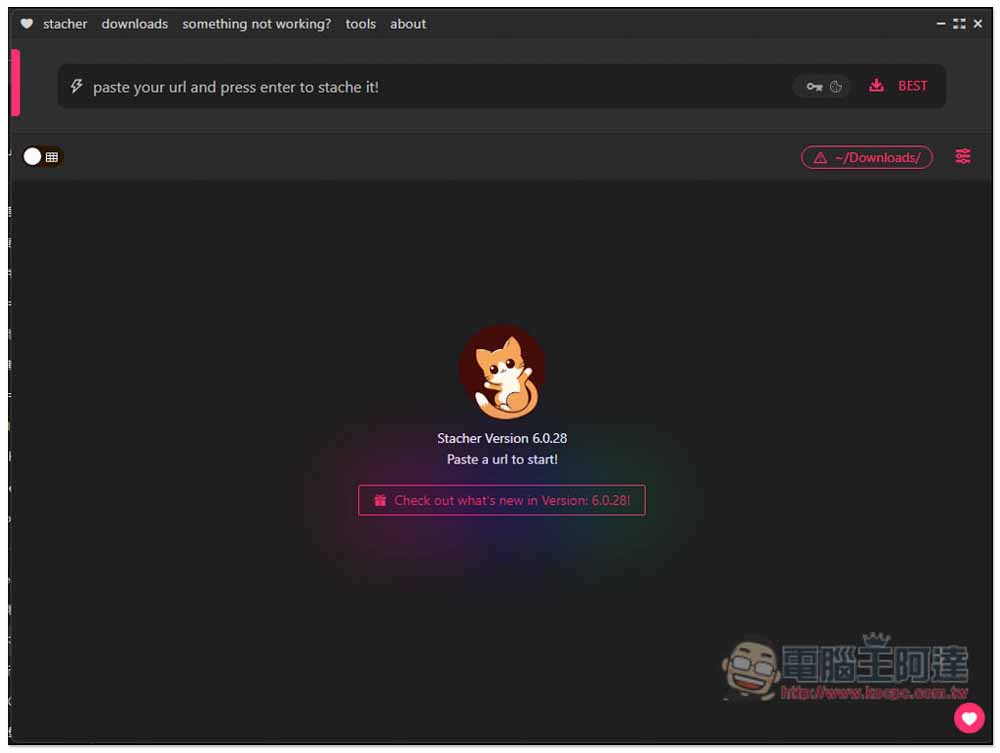
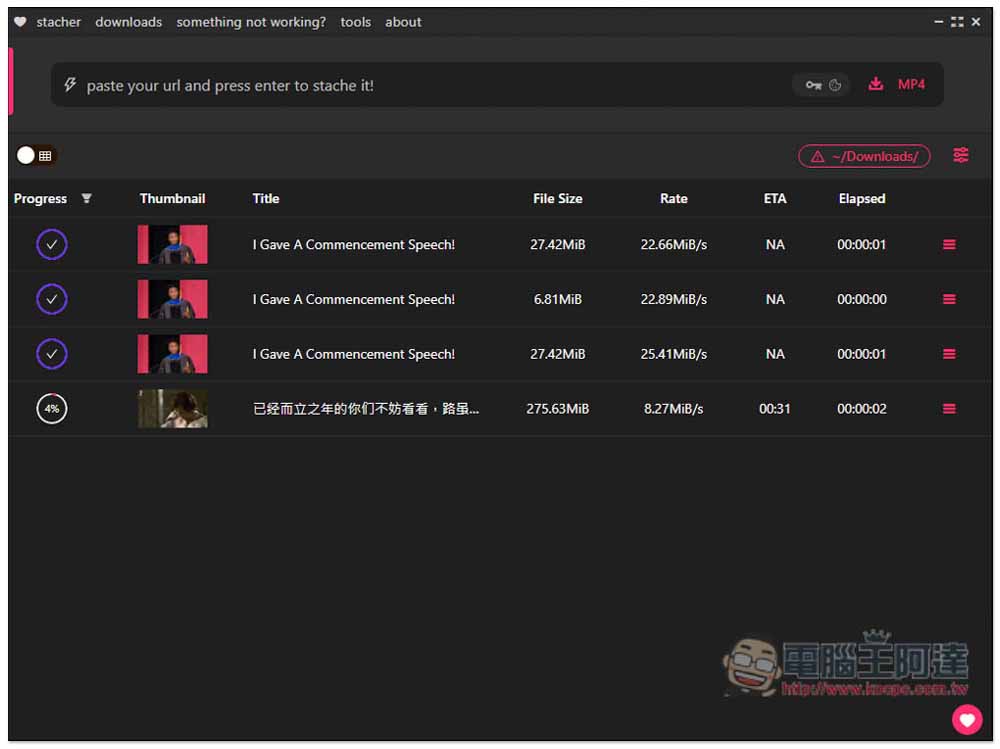
You will enter the software interface. Paste the URL of the video you want to download in the search box above, press Enter or the download icon, and the download will start immediately. Default is BEST best quality video:
I’ll test YouTube first:
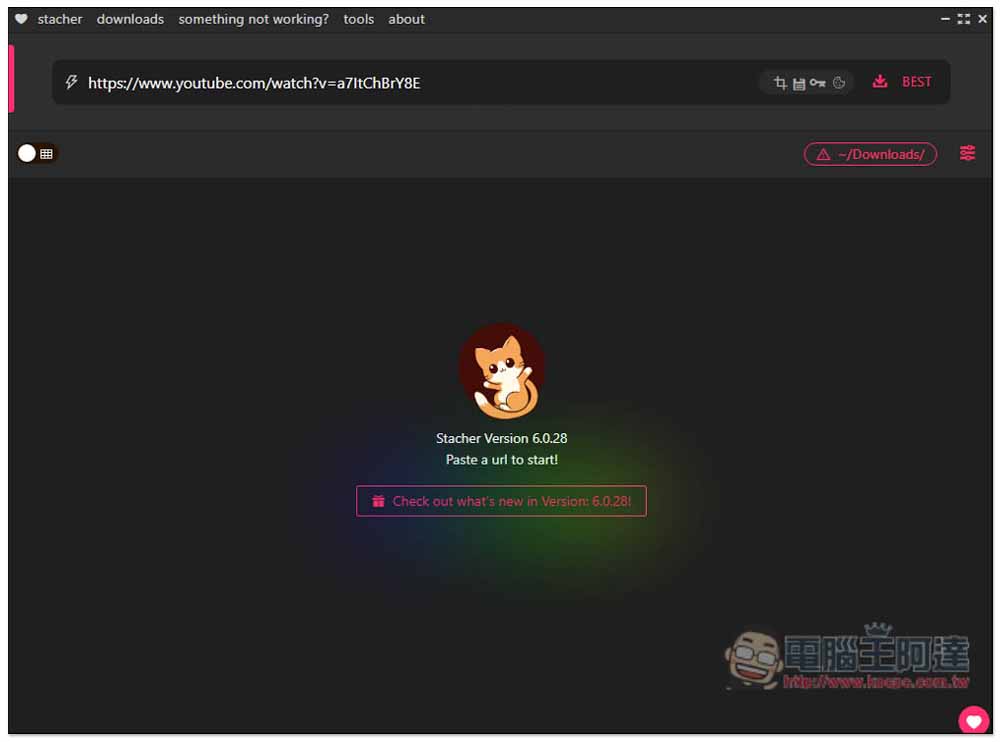
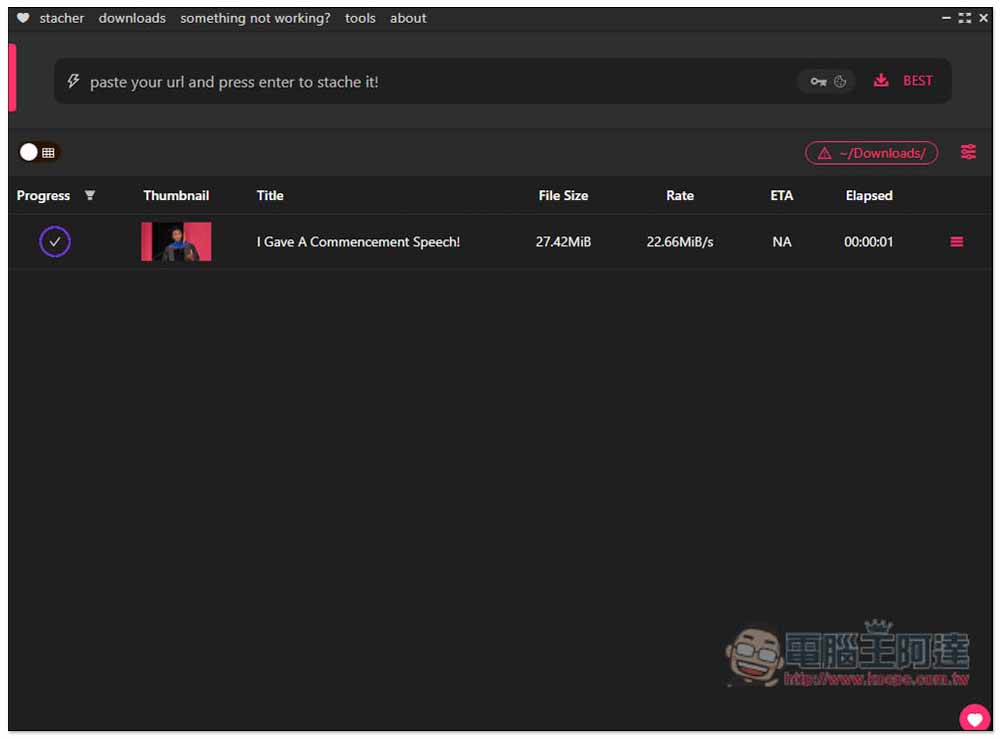
The download speed is super fast. After I pressed the Enter key, it only took a few seconds for the download to complete. It really took a split second:
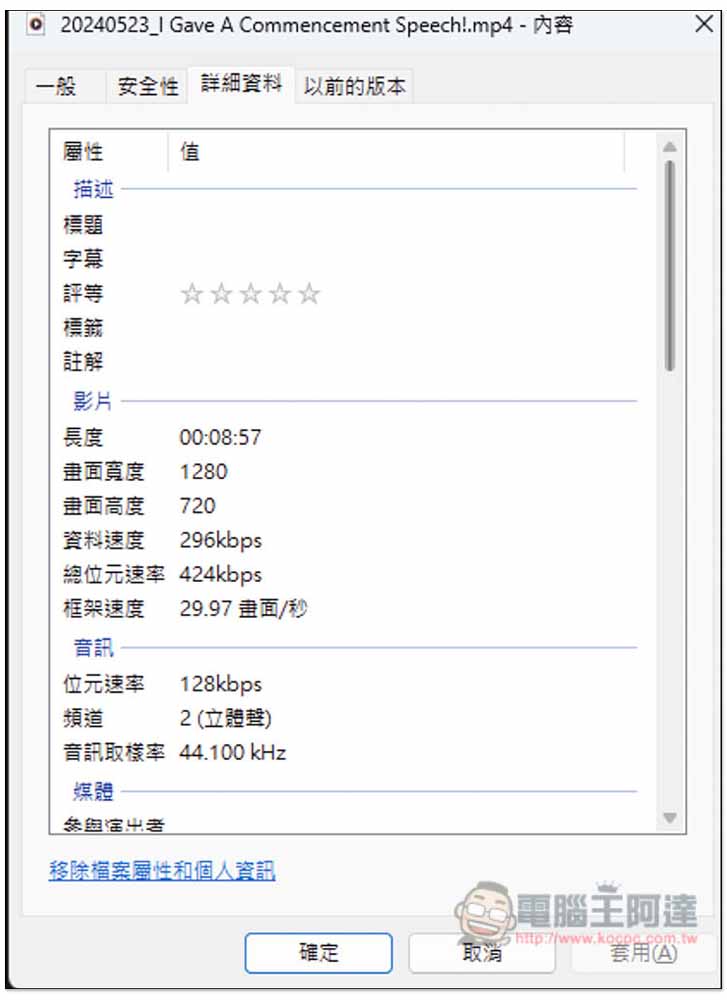
However, I checked the video resolution and found that it is reasonable to be so fast, because the YouTube MP4 format can only download up to 720p quality:
The menu to the right of the download icon opens and you can change other formats. Below there are options such as BESTVIDEO, BESTAUDIO, BESTVIDEO+BESTAUDIO:
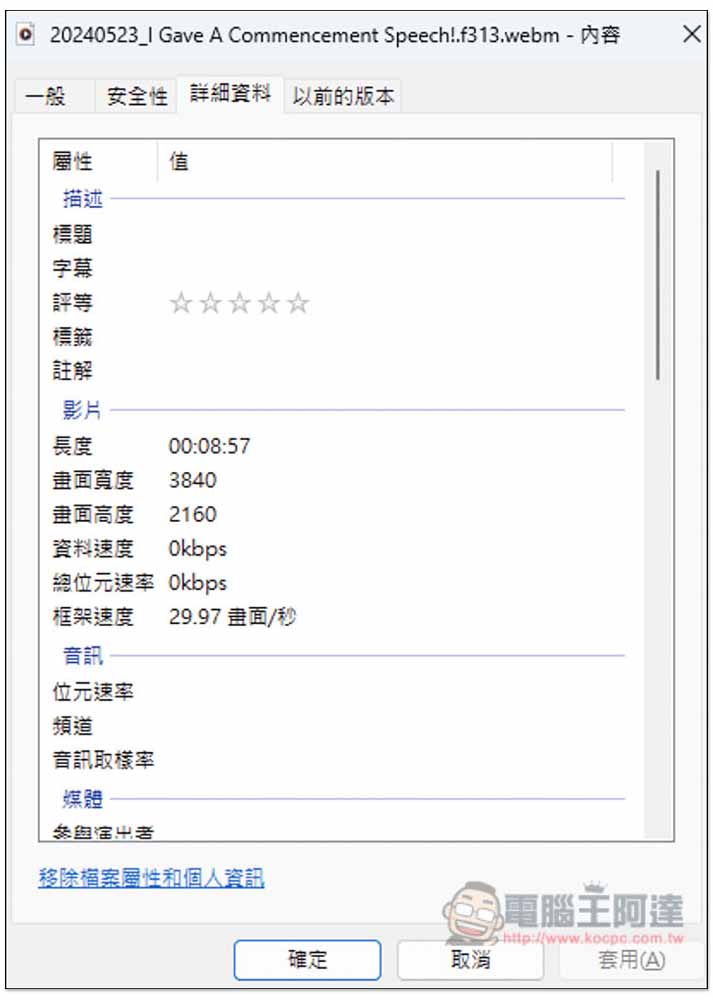
I have tested BESTVIDEO+BESTAUDIO. When downloading a YouTube video, it will download the highest resolution provided by the video (like mine is 4K), but there will be no sound, and the format is WEBM. In addition, the YouTube audio file will also be downloaded simultaneously. In other words, BESTVIDEO+BESTAUDIO will download the highest quality YouTube video + the highest sound quality audio at one time:
I tested Facebook videos with success:
As for what websites are supported in total? can arrive yt-dlp support listIf you search in the website, any listed website can be downloaded through this software.
Source: KOCPC Chinese