


There are many ways to download videos on the Internet, and Computer King Ada’s webpage has already introduced quite a few ways to use them! The “GetinDevice” platform introduced today can download videos and pictures from platforms such as Instagram, Facebook, Pinterest, Twitter (X), TikTok, Reddit, Linkedin, and Twitch.
After actually using it myself, I found that all these platforms can be downloaded, and the anti-virus software does not pop up warning notifications. The most important thing is that there are no ads on its page. This alone is worth recommending to everyone:
GetinDevice download platform introduction (please click me)
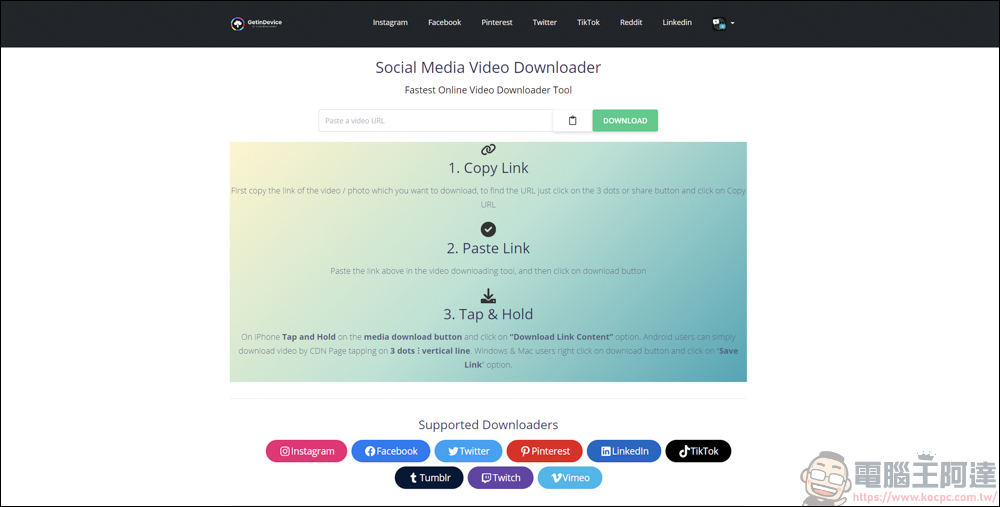
On the GetinDevice homepage, you can directly paste and download the supported platform links. For the more commonly used platforms in Taiwan, Instagram, Facebook, Twitter (X), TikTok, Reddit, and Twitch are all supported. Unfortunately, YouTube is not supported:
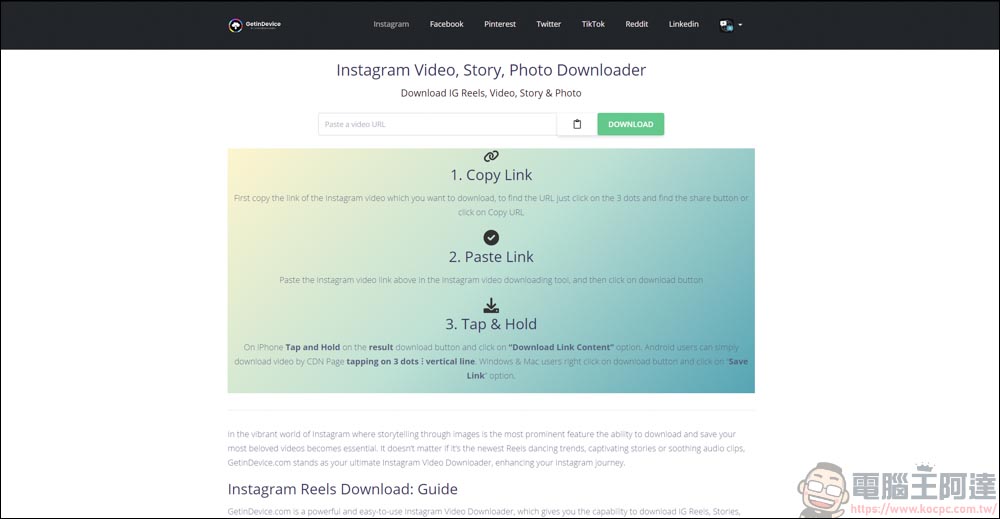
Instagram as an example
GetinDevice can download IG videos, photos and Reels. It should be noted that in order to download these videos and pictures, the content posted by the other party must be public. If it is private, it cannot be downloaded:
Here is the example of the red-haired Anna who is very popular recently (ig: anna0205chen_):
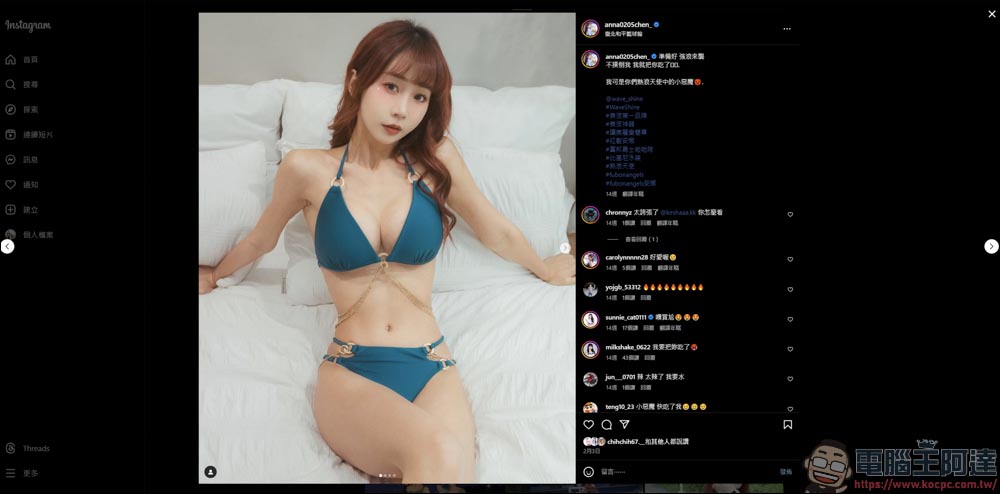
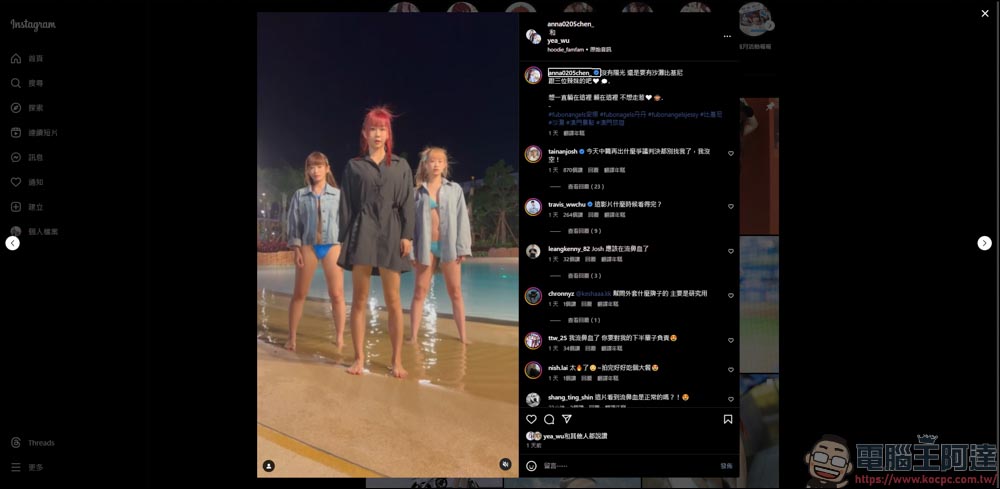
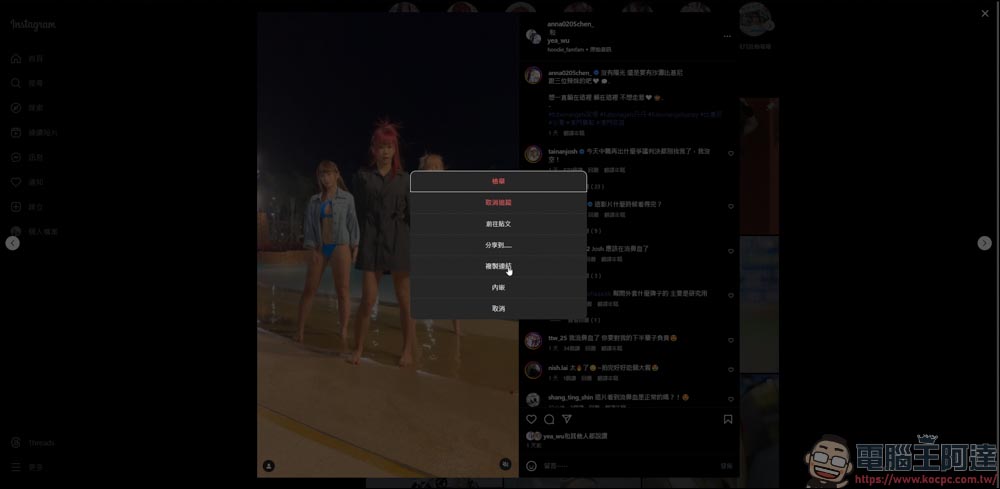
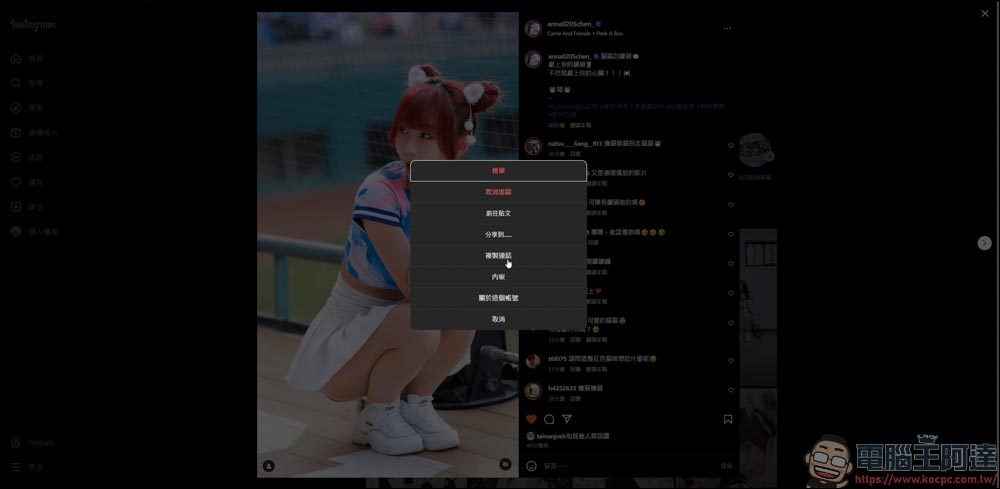
You can directly copy the link to the image or click… on the upper right side of the image, and then copy the link:
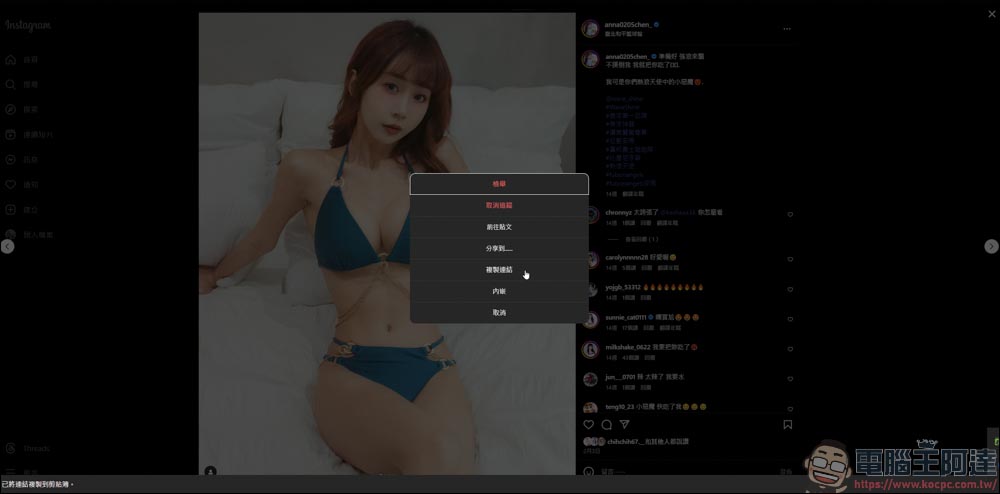
Go back to GetinDevice and paste:
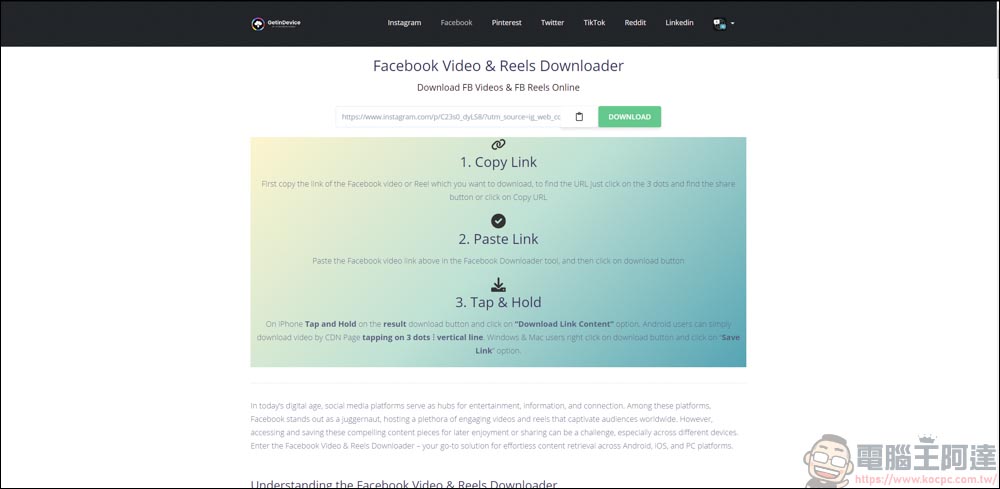
This way you can easily download images from IG:
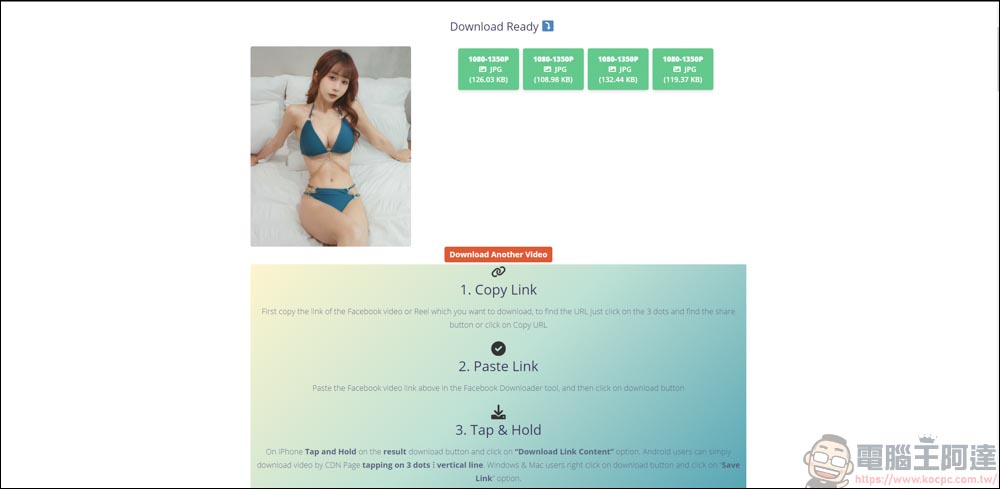
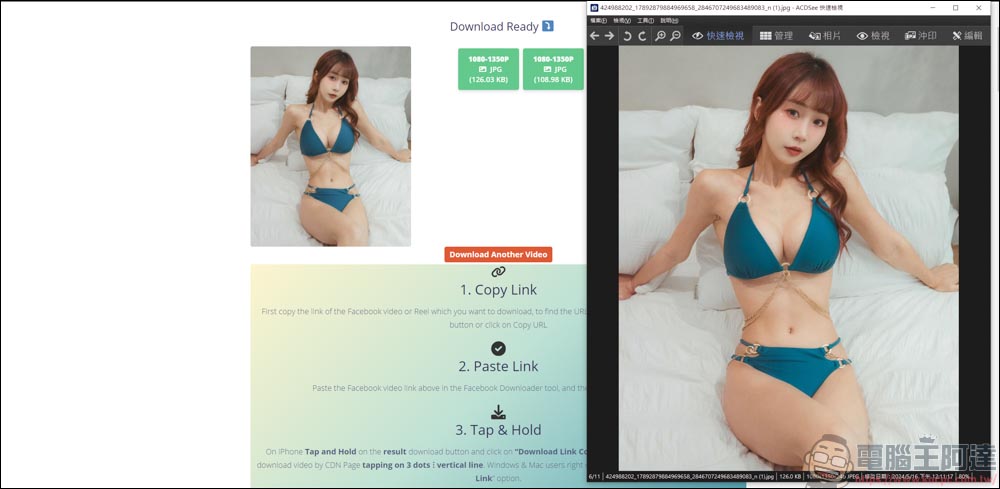
Select a link with a larger file and enter another page to display the image:

Right-click to save image:
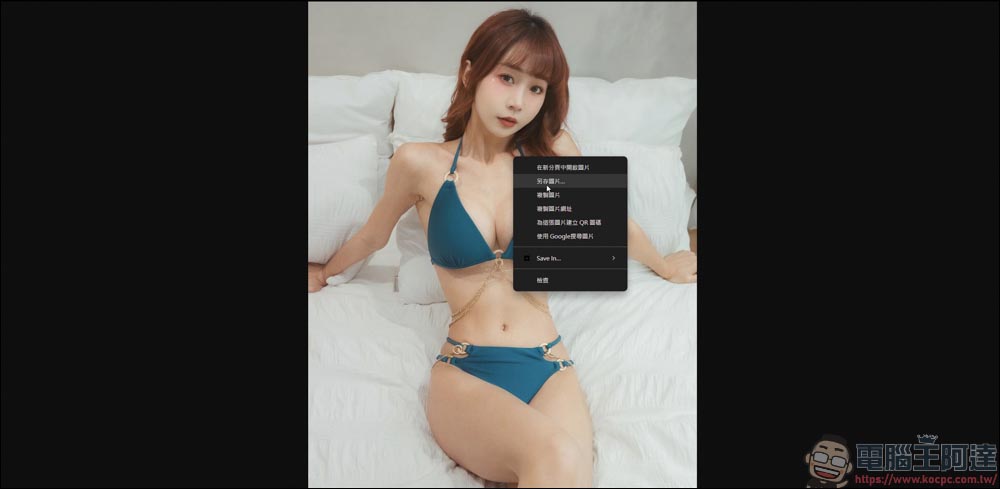
In this way you have successfully downloaded IG pictures:
 ‘
‘
Downloading IG videos is the same as downloading pictures above:
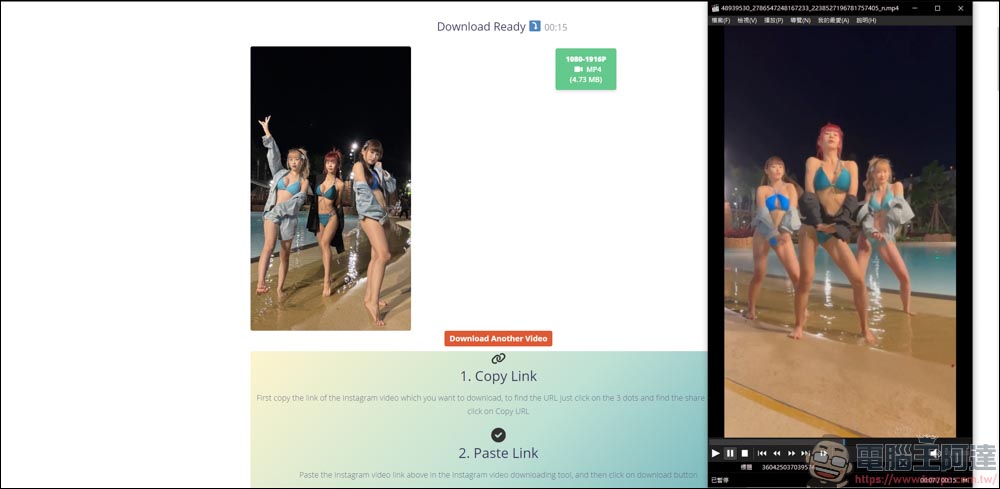
Go back to GetinDevice and paste the link to download:
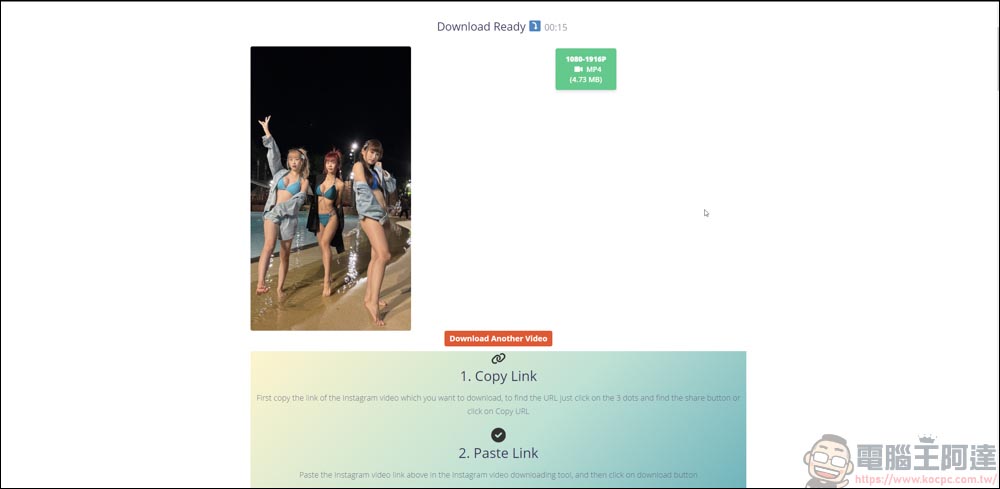
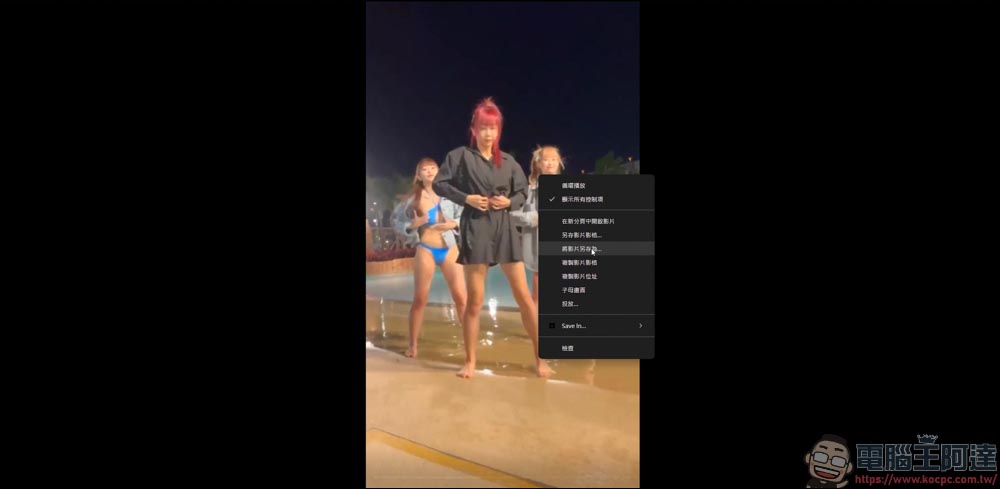
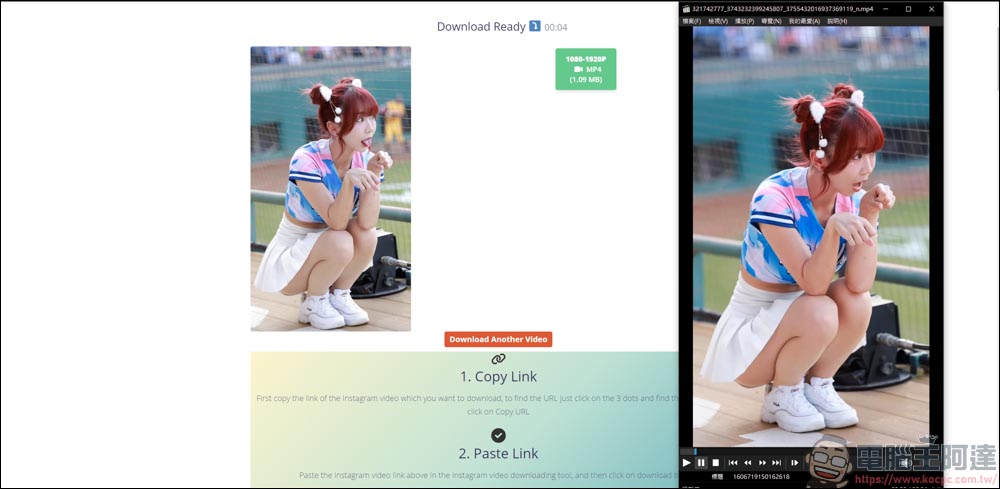
In this way, IG videos can be easily downloaded:
IG’s Reels also copy and follow the link in the same way:
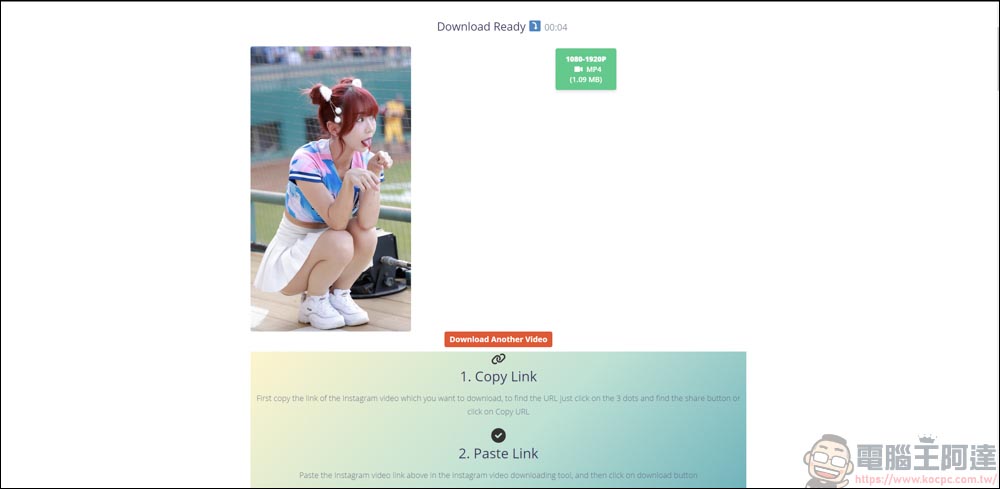
IG Reels videos can be downloaded normally:
Take Facebook as an example
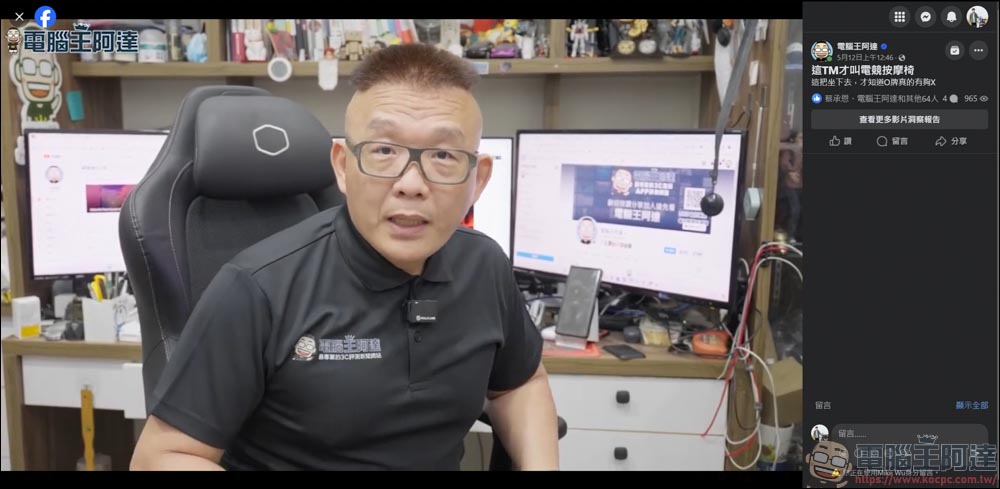
The same is true for FB video downloading, as long as it is a public video, you can download it:
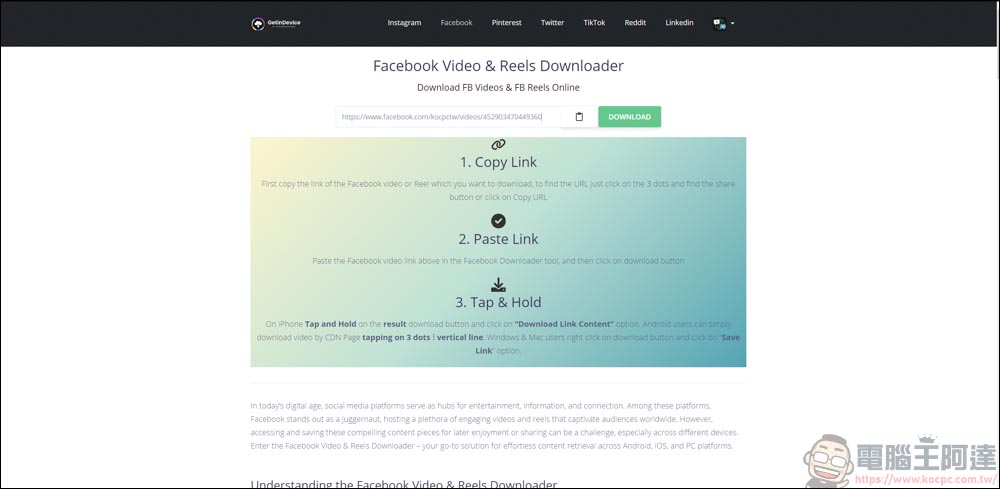
Paste the video link back to GetinDevice:
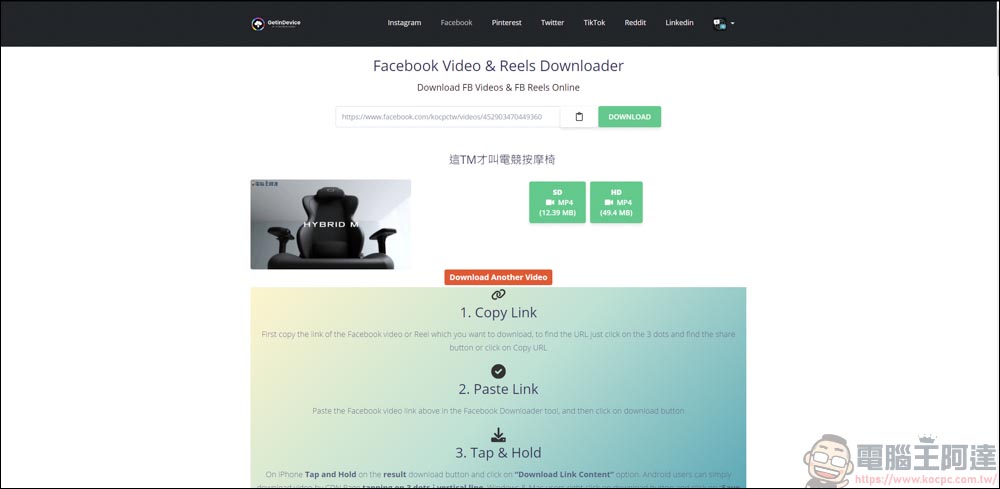
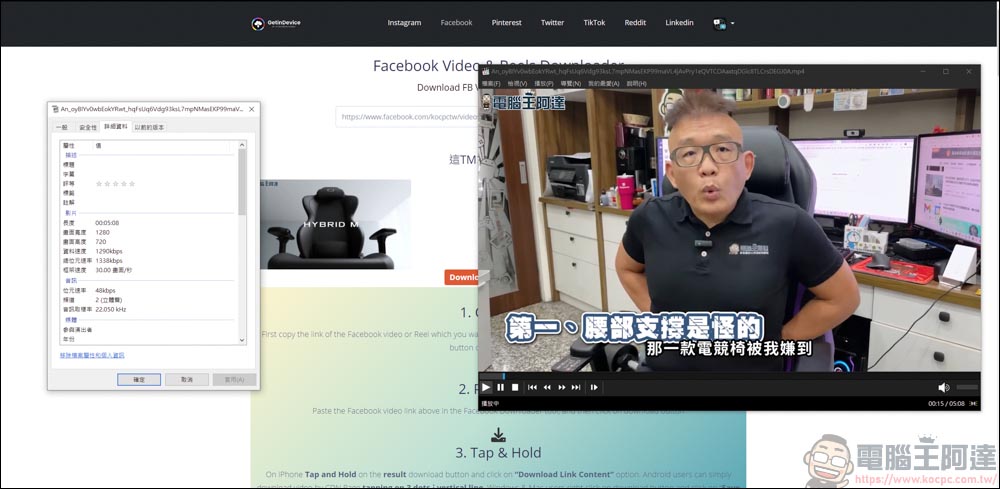
FB can download videos up to 720P HD:
Downloaded video playback and sound output are normal:
Take X as an example
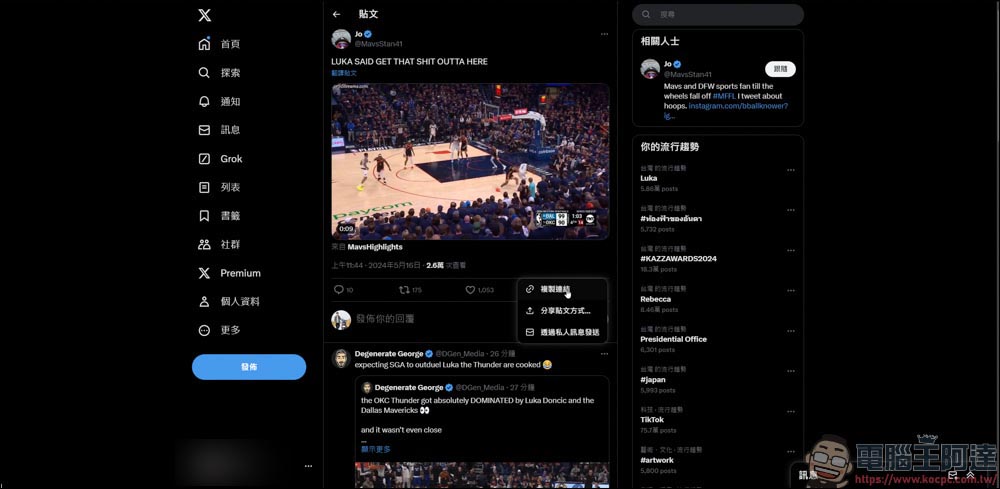
Find the video you want to download on the X platform and copy the link:
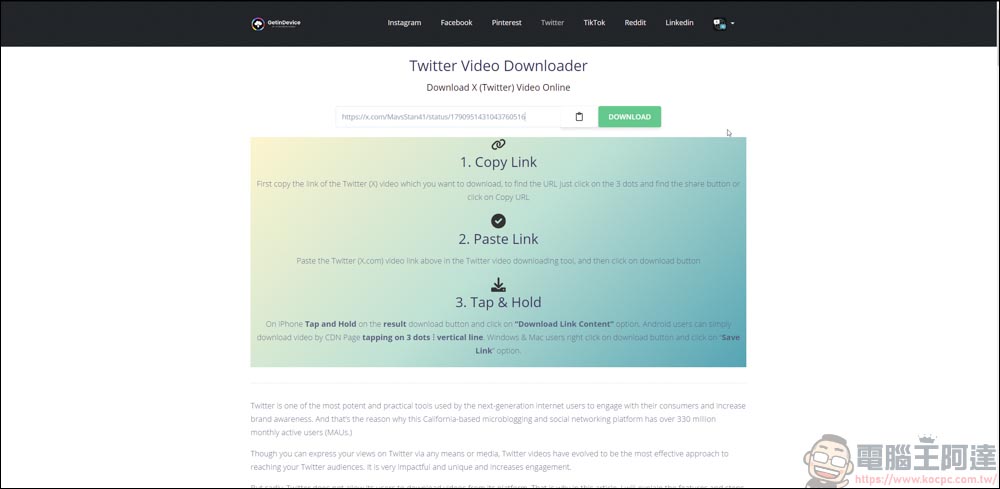
The same goes back to GetinDevice and pastes:
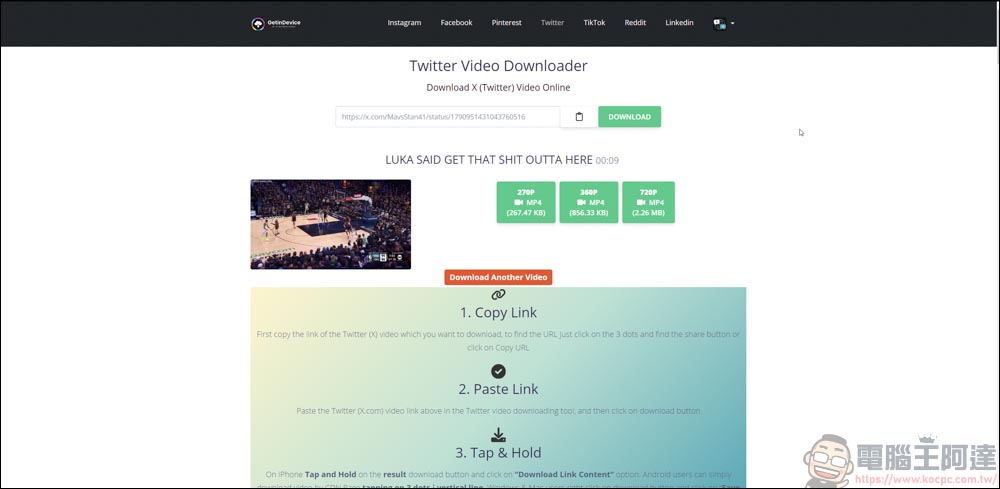
The highest quality of X can only be downloaded at 720P:
The picture and sound playback can also be viewed normally:
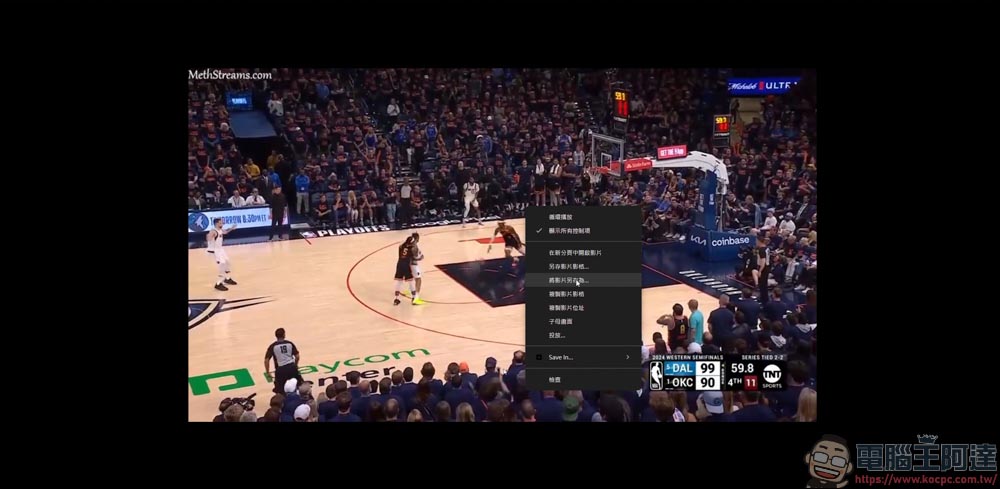
Take TikTok as an example
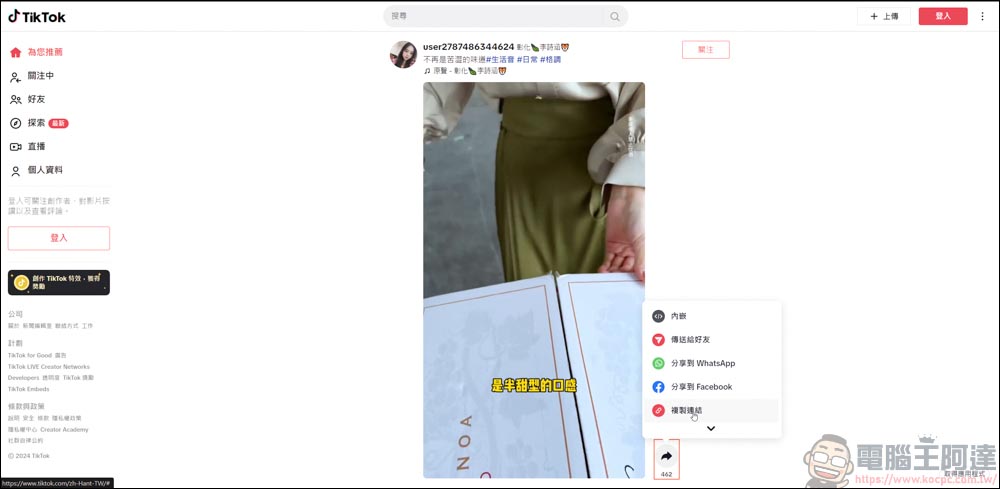
Find the video you want to download from TikTok, and copy the link first:
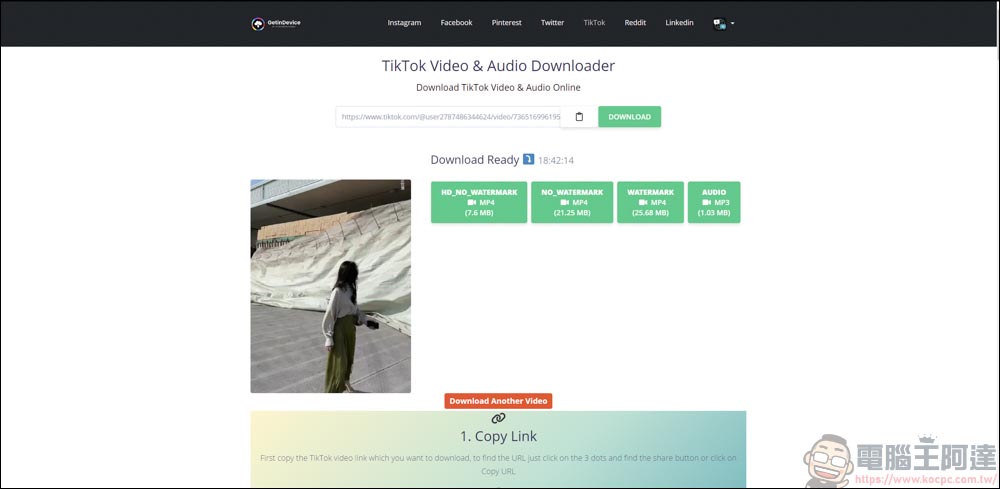
Back to the GetinDevice post, the way to download TikTok videos is a little different. There are versions without watermarks, versions with watermarks, and pure audio files:
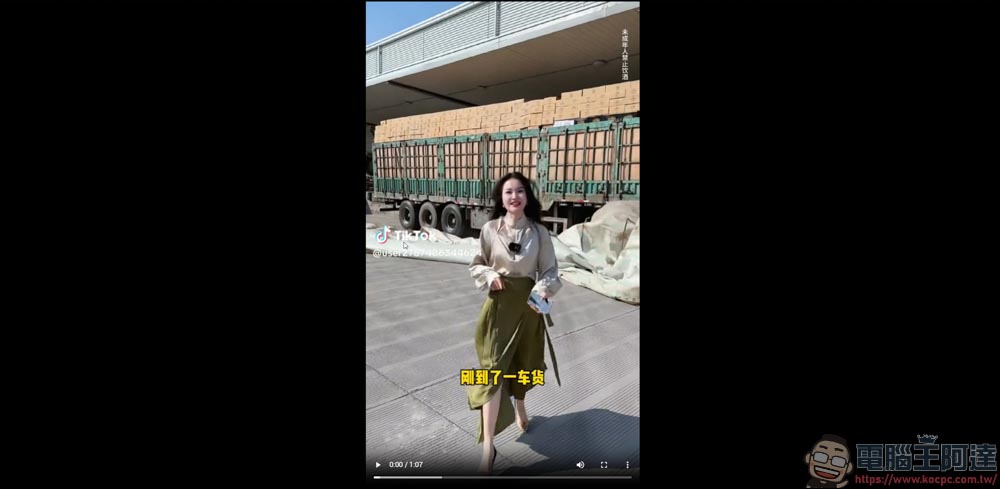
The watermarked version of the screen will have the TikTok logo and the channel’s account name:
If there is no watermark, nothing will appear. This is very practical:

Take Reddit as an example
Videos on Reddit, a well-known foreign forum, can also be downloaded. Just copy the link first:
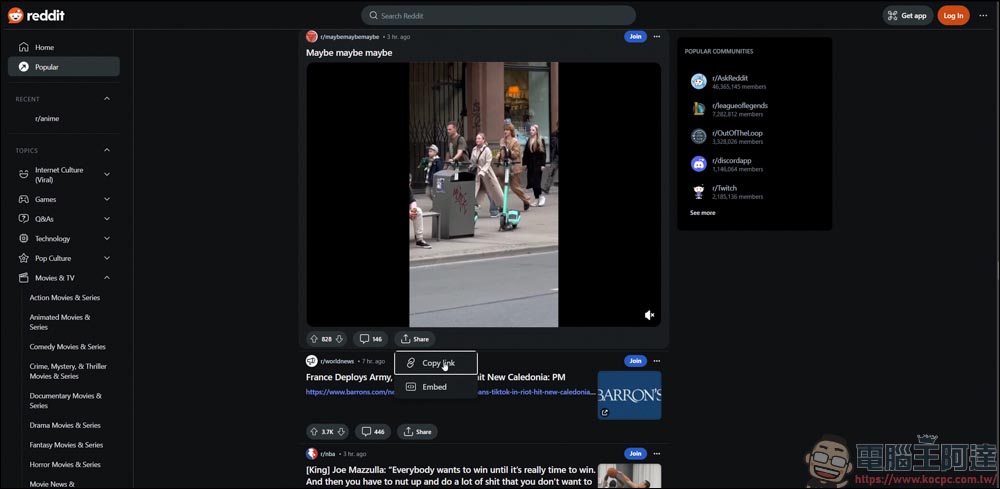
Post it back to the platform and you can download it directly:
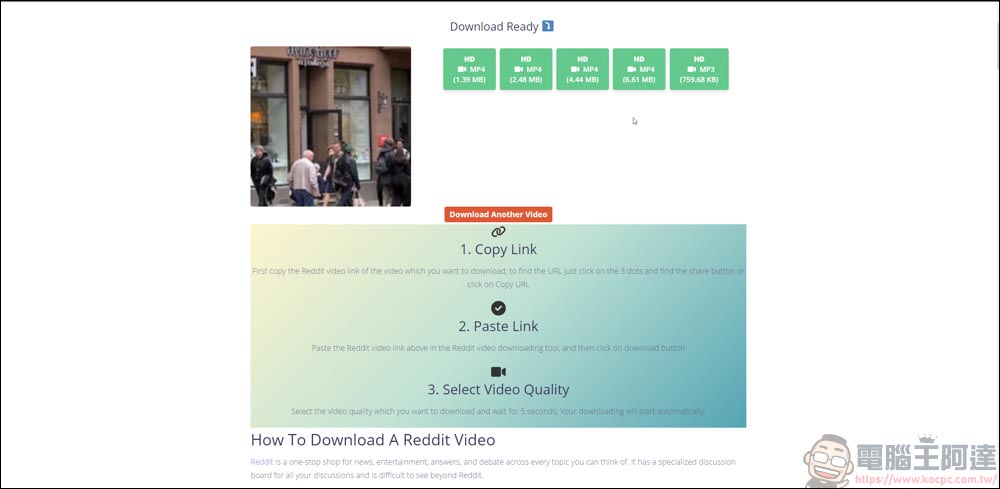
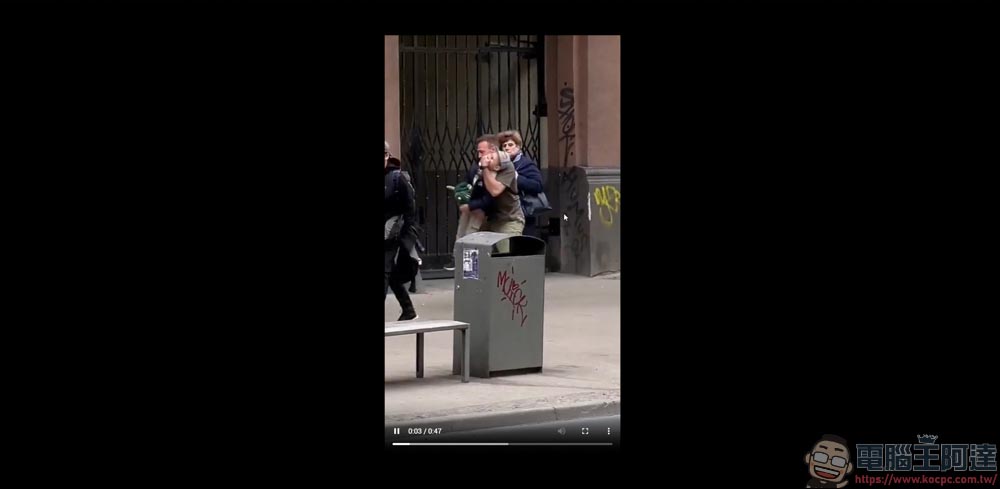
The video can be downloaded and played for sure:
Take Twitch as an example
Finally, there is the Twitch platform. First find the video you like and copy the link:
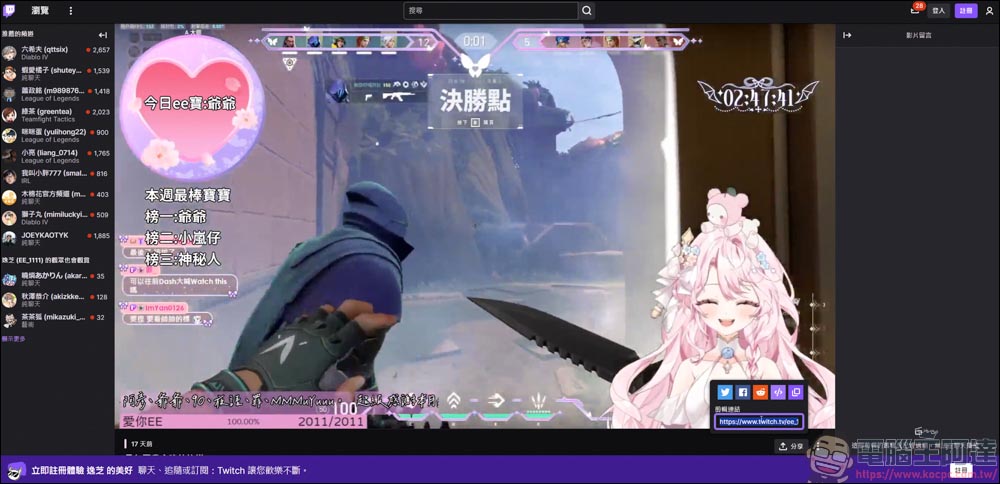
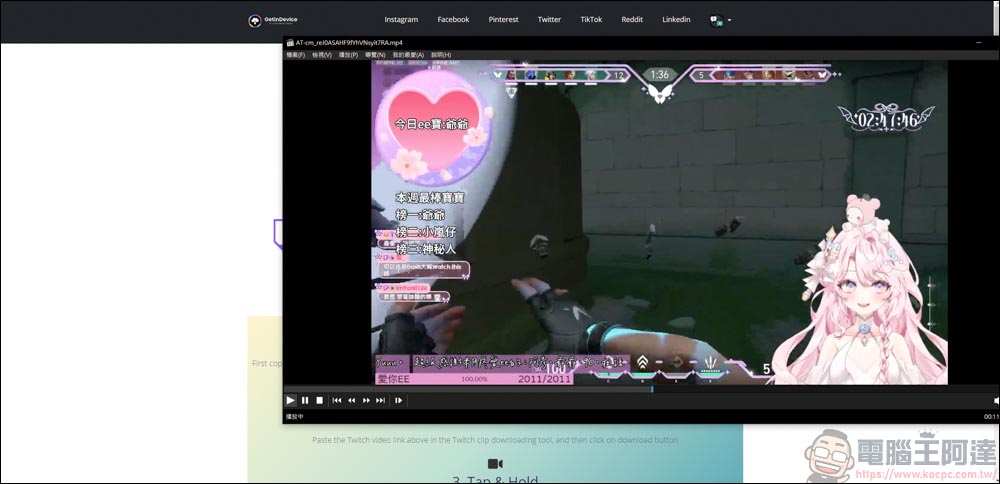
You can download it by posting it on the platform. Twitch can download videos up to 1080p:
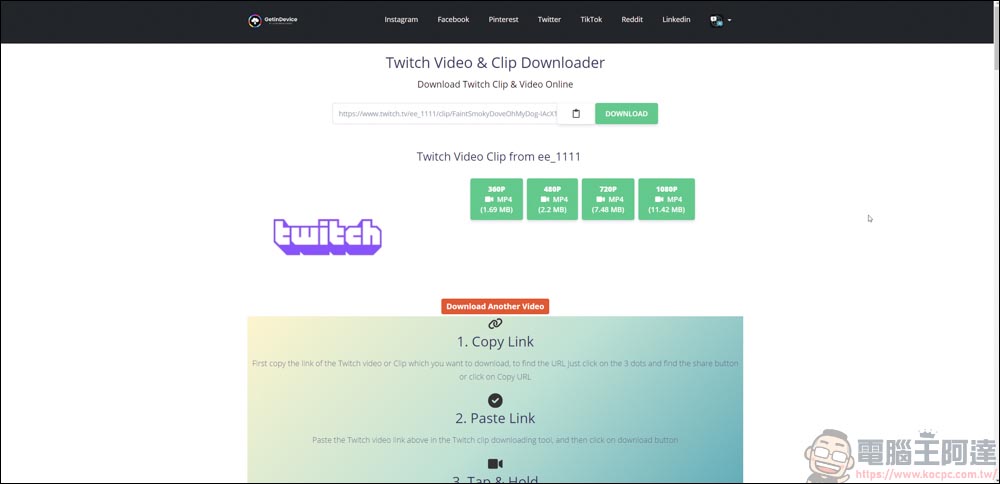
In this way, it is very convenient for you to save or re-create the video (please ask the author for permission):
GetinDevice usage experience
Simply put, if you need to download videos/images from platforms such as Instagram, Facebook, Pinterest, Twitter (X), TikTok, Reddit, Linkedin, and Twitch, GetinDevice provides integrated downloads that are very convenient. Moreover, there are no ads or pop-up ads on the entire page. The interface is very simple and clean. I recommend it to everyone!
Source: KOCPC Chinese