


In the process of using a computer, it is more or less likely that you will accidentally delete the wrong file or lose the file. Although there are some free file rescue software on the market, sometimes it may not be possible to retrieve it, and you should want to try more rescue software. Wise Data Recovery PRO is a fairly well-known professional file rescue software. It does not provide a lifetime version on its official website. It only provides an annual subscription. The good news is that there is a limited-free promotion of the lifetime version on the limited-free website recently, which means that once you obtain it, you can use it for life. It is highly recommended that you collect it.
The well-known Wise Data Recovery PRO file rescue software is free for a lifetime and can retrieve deleted data
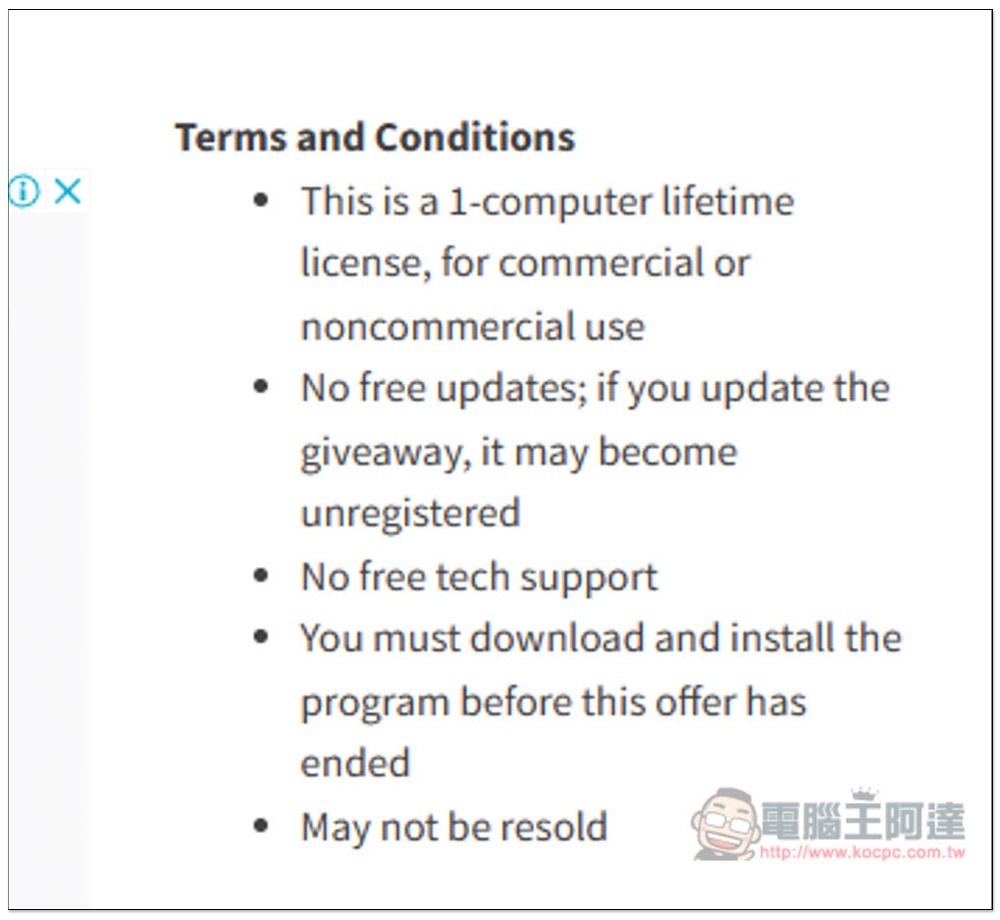
The picture below is the information of this limited free event. It is indeed a lifetime version and can be used for both commercial and personal use. However, it should be noted that there is no free upgrade, which means that if a new version is launched in the future, do not upgrade to it. After the upgrade, the original limited free lifetime version will become invalid:
There are currently more than one day left for the limited free promotion, click DOWNLOAD WISE DATA RECOVERY PRO NOW below. In addition, after obtaining it, remember to complete the installation before the limited time is over, otherwise it may be useless:

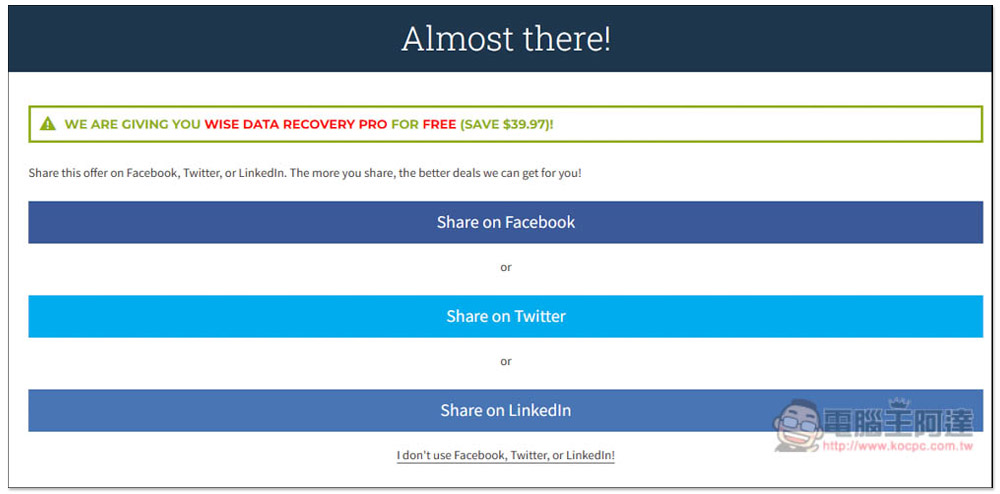
If you don’t want to share to social networking sites, just click I don’t use… below:
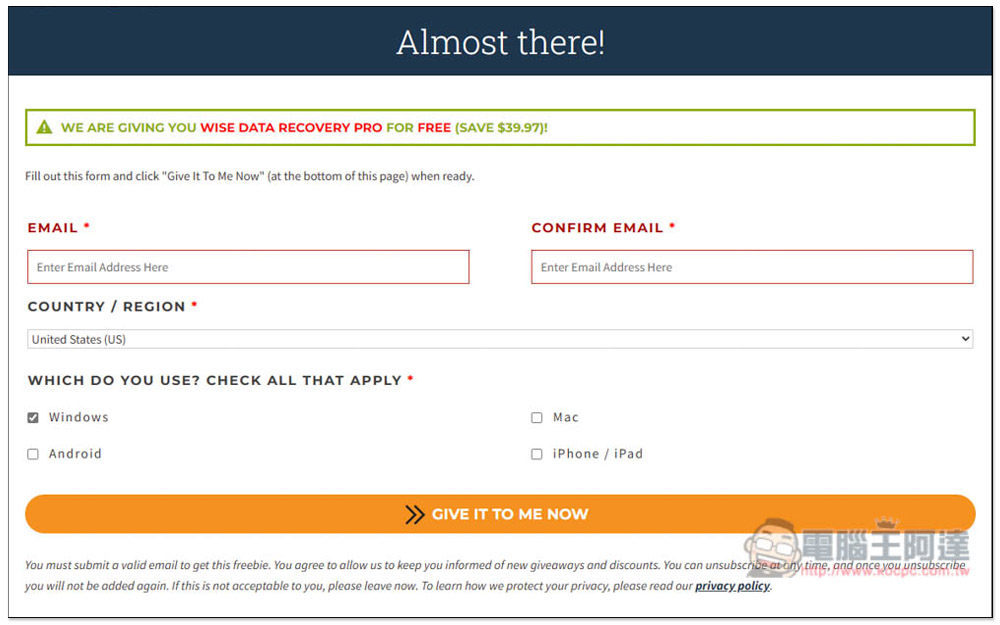
Enter EMAIL and related information, and the software installation file will be obtained on the next page, and it will be automatically activated after installation. There is no need to enter the serial number, so those who do not want to use a real EMAIL can enter it as desired:
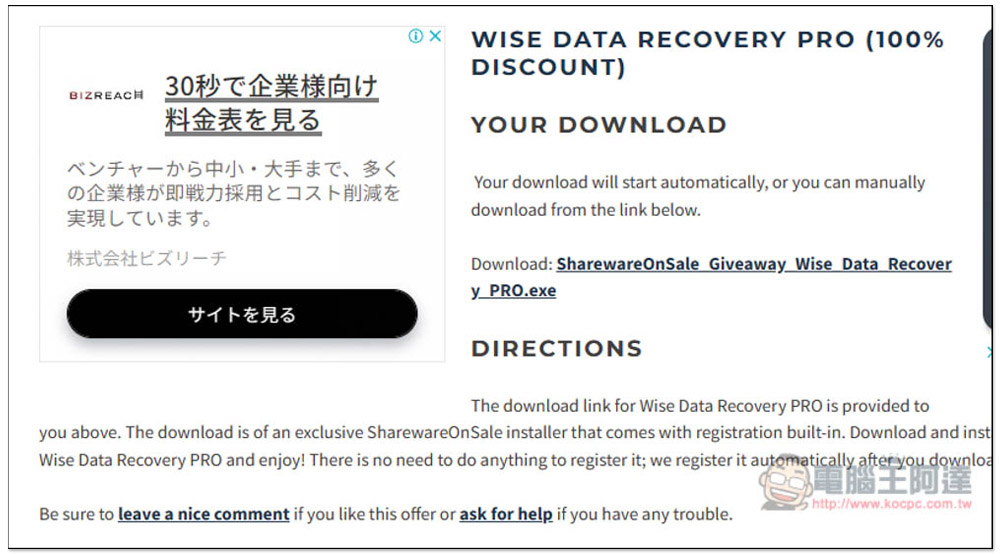
Click the link above to download the installation file:
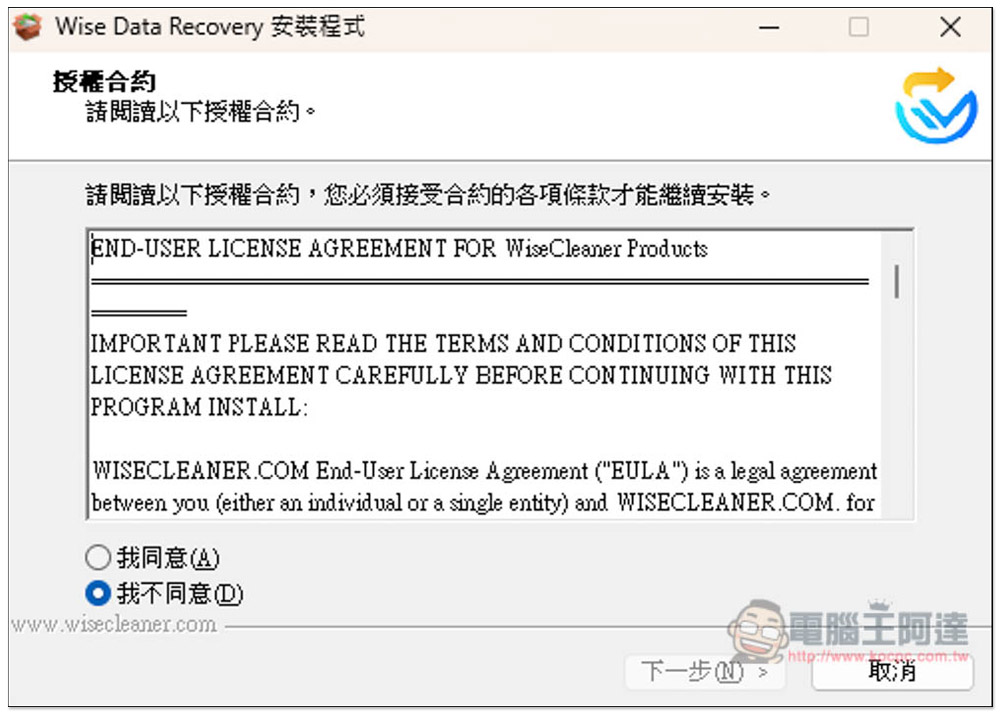
If there are no special requirements, just click Next to install:
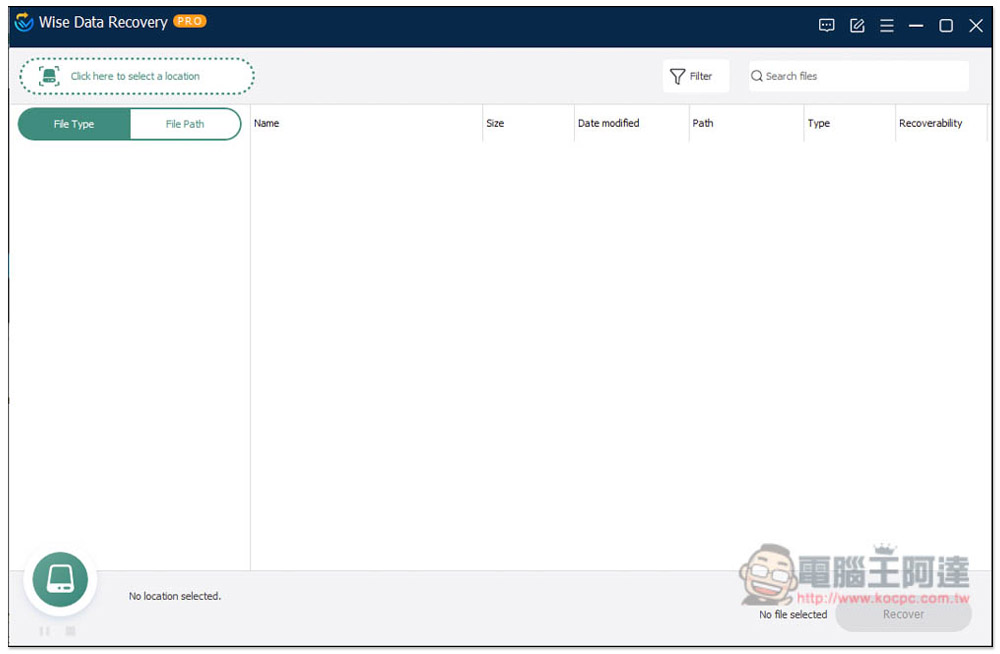
After installation, open it and you will see that the PRO version is displayed above. The default is English interface. If you want to change it to Chinese:
Open the menu in the upper right corner and change to Simplified Chinese in the Languages option:
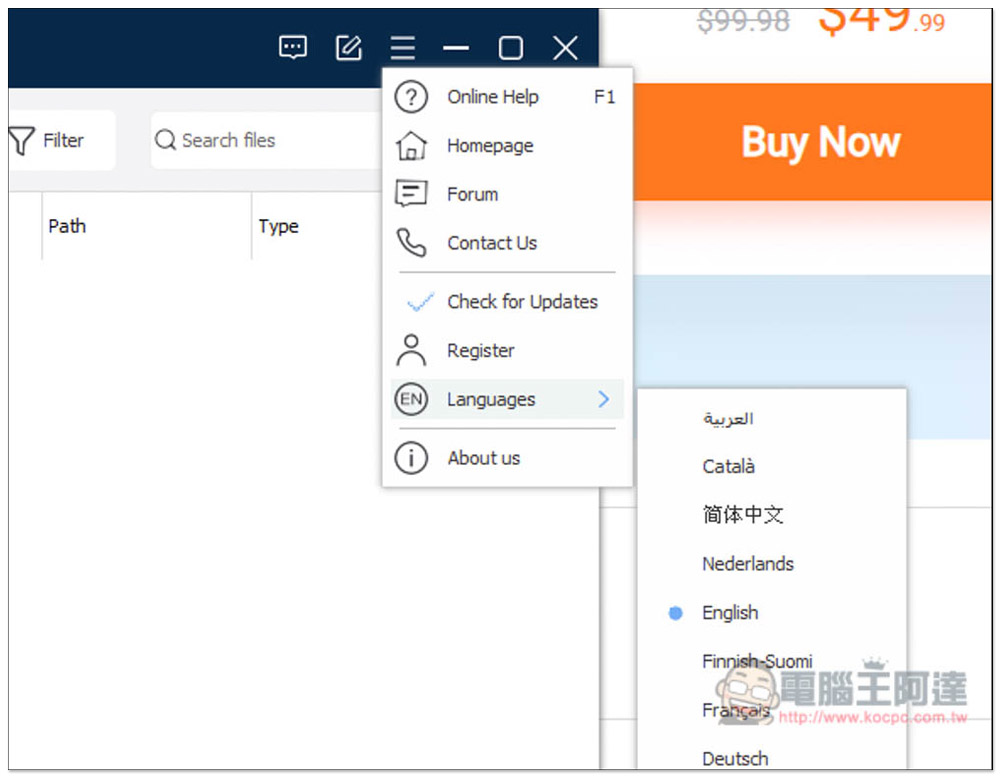
In this way, the interface will become Chinese. Remember to restart the software to avoid errors in some places:
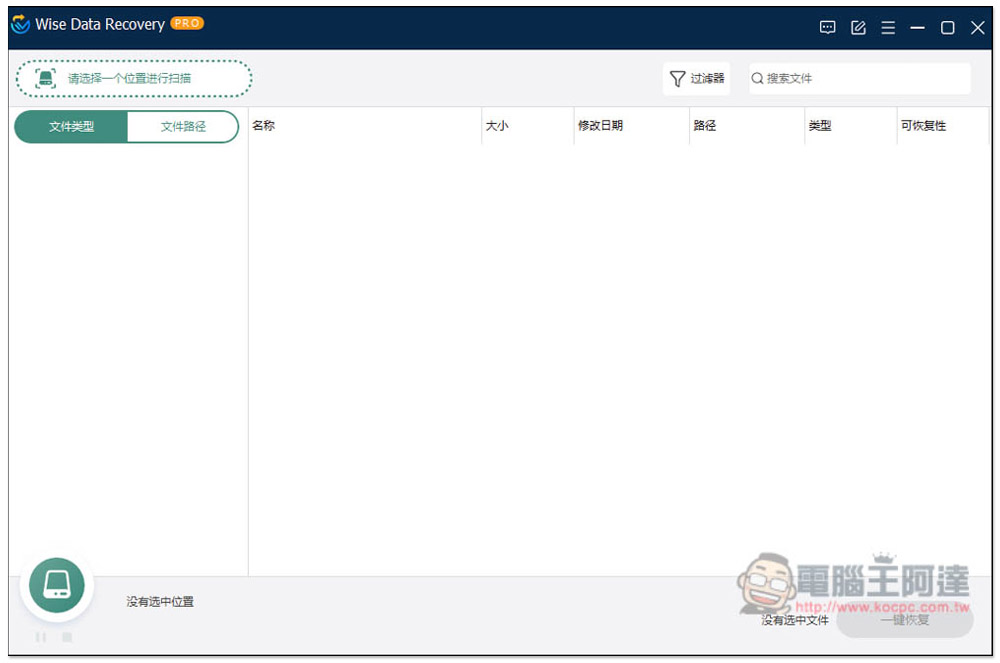
I also checked the software version again, and sure enough, the status showed “Activated” without any time limit. The version part is 6.1.6.498:
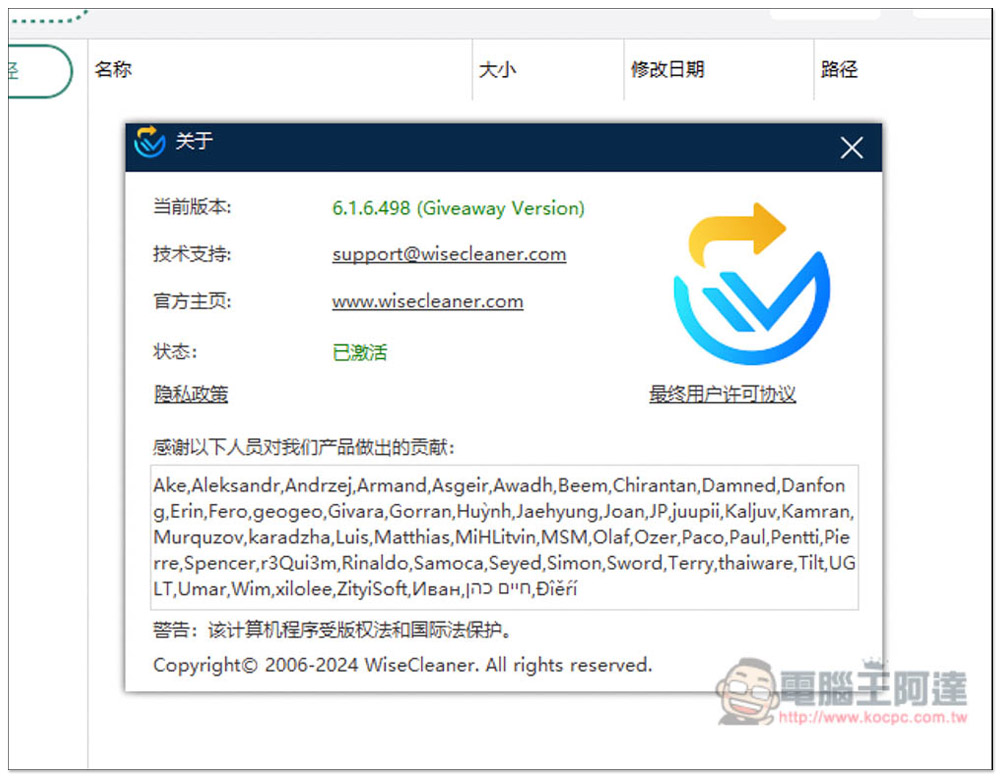
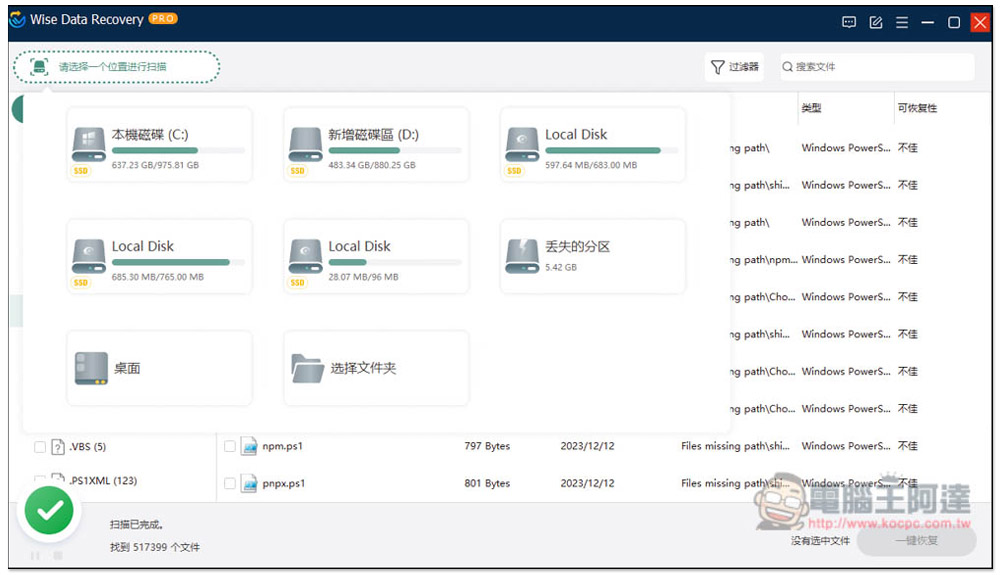
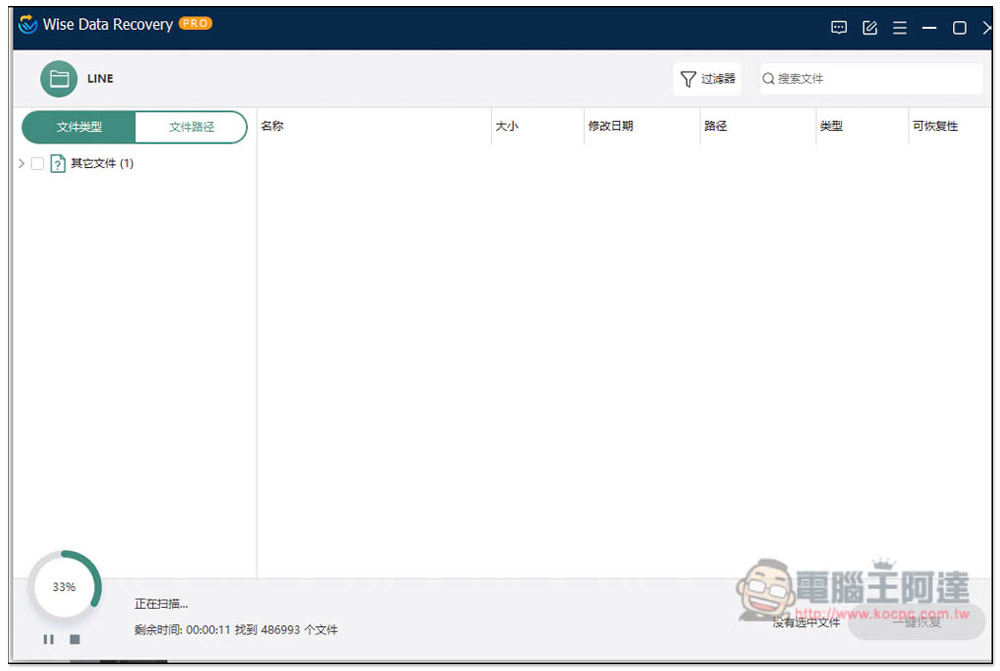
The method of use is also very simple. Click “Please select a location to scan” in the upper left corner and specify the folder and hard drive you want to recover, and the scan will start:
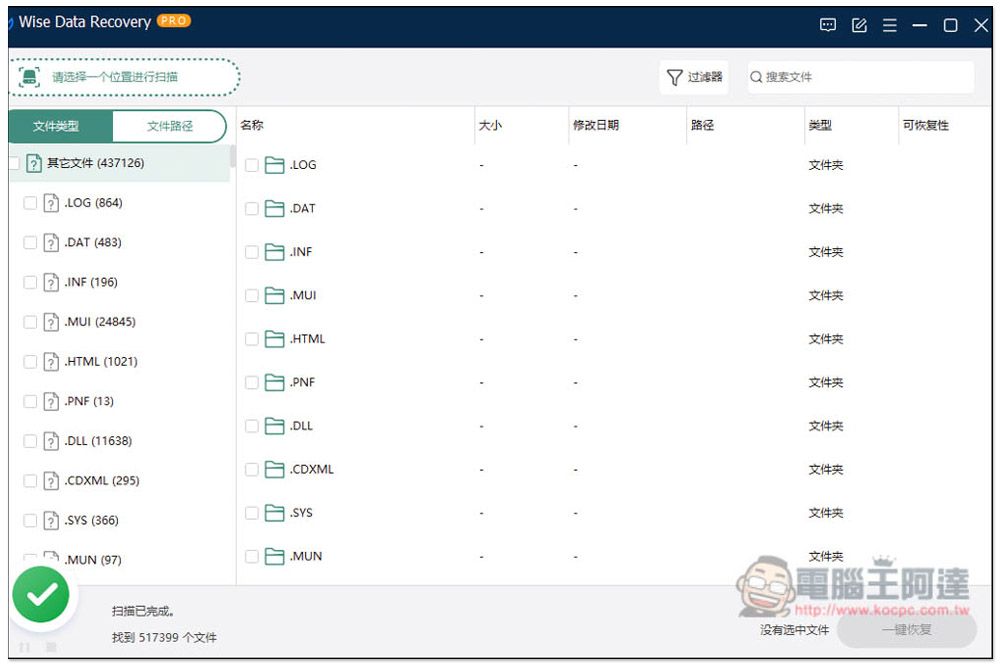
After scanning, it will be divided into two types: “file type” and “file path”. I recommend that it is easier to find it from the file path. There are too many file types and it is too confusing:
The file path can directly open the folder where you are looking for lost files. Each file will be marked with “recoverability”, which means it is not easy to recover. I think this is a good reference, because even if the display is good in my test, the file may not be restored to its normal state:
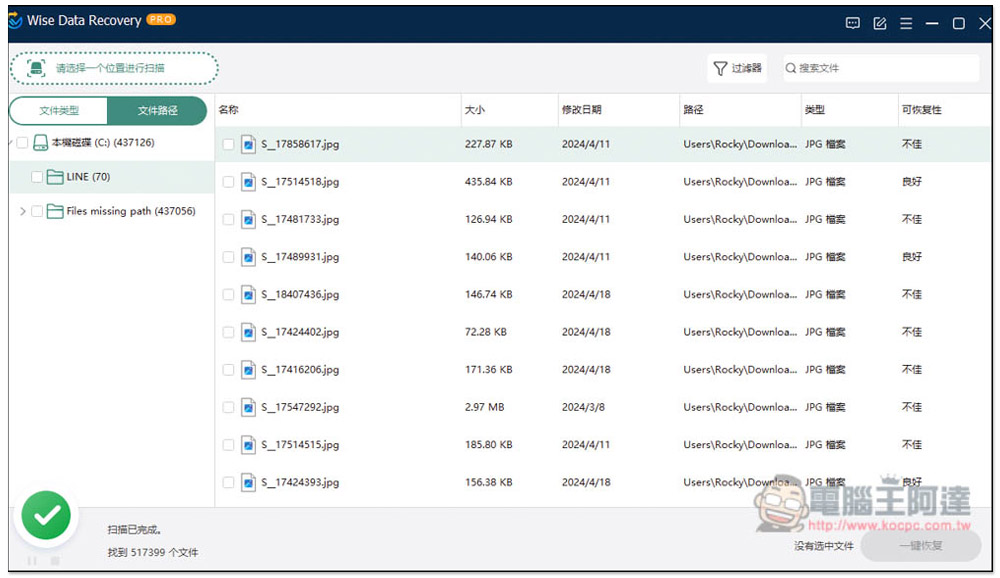
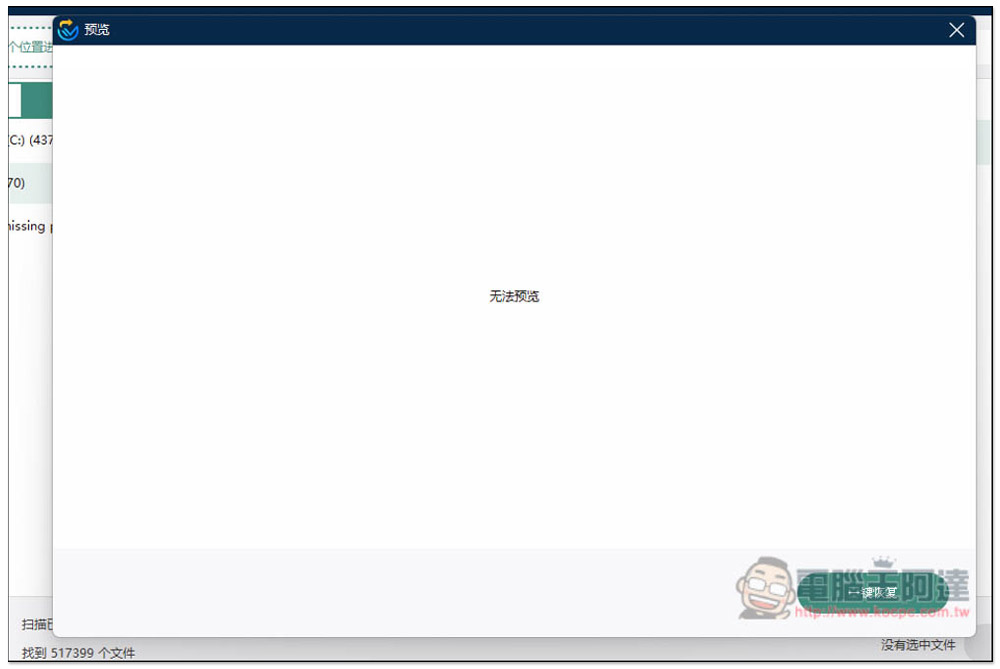
There is also a file preview function, but in most cases it cannot be previewed:
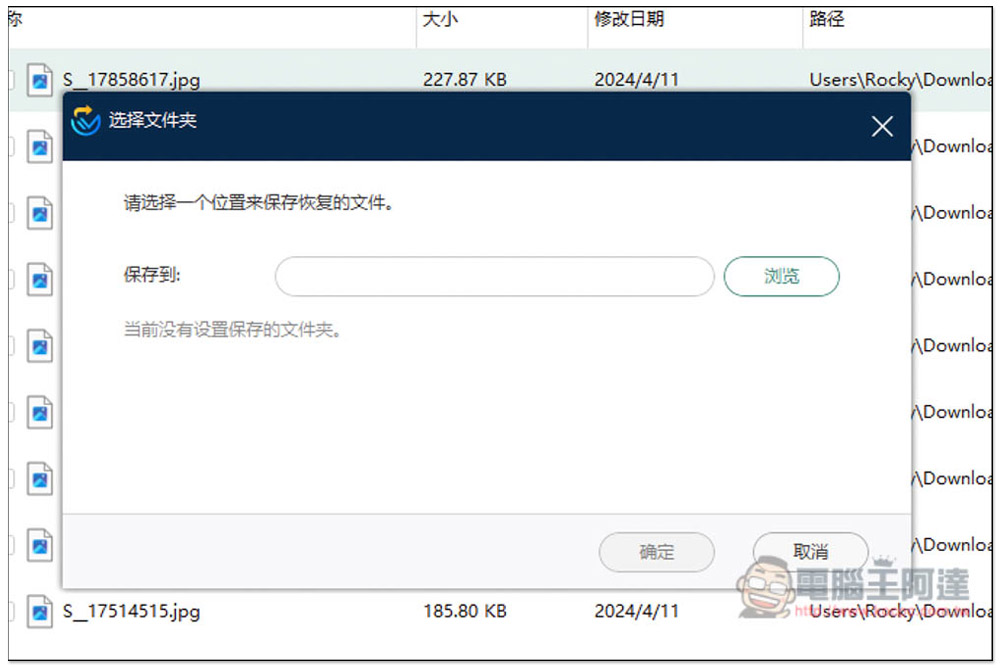
After selecting the file, press the one-click recovery button in the lower right corner, and then you will be asked to select a save location, which must be a different hard drive:
Not sure if I’m just unlucky, but I tried to recover all the deleted pictures in a folder on my computer. Among the nearly 100 pictures, only single-digit pictures were successfully recovered. Others couldn’t preview the pictures, only the files:

Source: KOCPC Chinese