


Recently through Nano Banana GeneratestickerThere are more and more tools, besides the ones we introduced earlier. One Click Sticker、Gem StickersRecently I also came across this “AI sticker generator” — it offers quite a few options, letting you generate three styles: cartoon, realistic, and animal. This means you can even make some for your pets at home. LINE stickersAnd you can also set it to generate up to 40 images with a single click.
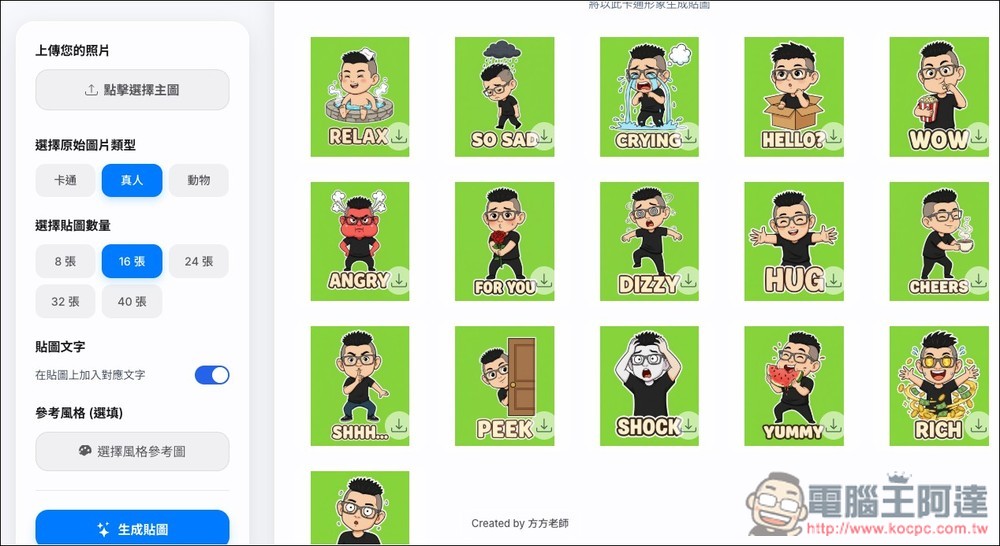
“AI Sticker Generator” Intro: Generates 40 stickers in one click.
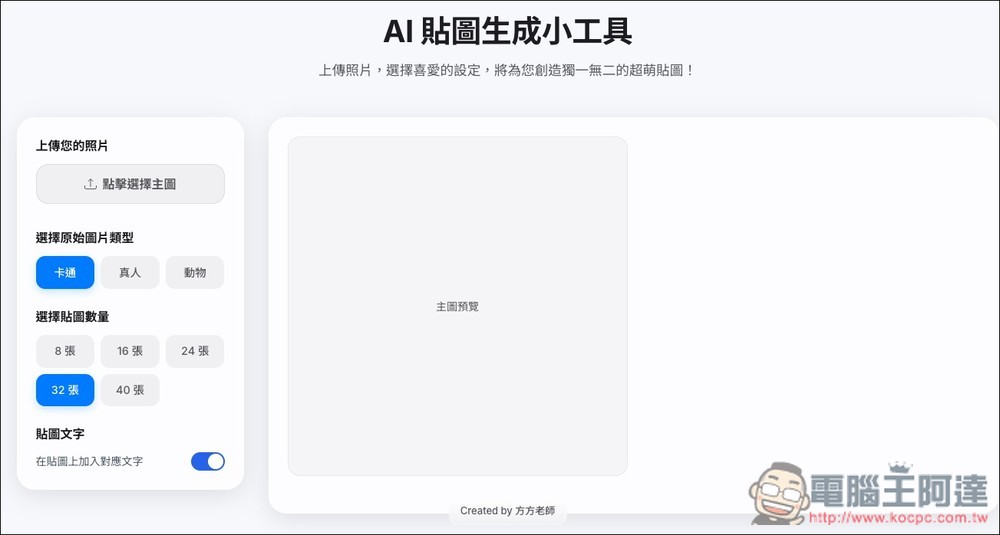
“AI Sticker Generator” is a tool that utilizes Google Powerful Gemini AI model (Nano Banana) transforms user-uploaded photos into a series of lively and amusing Q-version cartoon stickers. After uploading a photo of a real person or pet, the tool first performs “character cartoonization,” rendering the subject in the photo as an adorable, clearly outlined cartoon. What’s even more special is that you can also upload an additional “style reference image” to let the AI Mimic a specific art style to generate characters that better match your preferences.
After generating the character, it will then use that as a base and, according to dozens of built-in situational commands such as happy, angry, grateful, and surprised, batch-generate multiple stickers at once, with a maximum of 40.
Like One Click Sticker, after the stickers are generated, it also provides a “one-click background removal” feature that can directly make the background of all stickers transparent, making it convenient for your subsequent editing.
Main features
- AI Character Conversion: Automatically convert photos of real people or animals into style-consistent chibi cartoon characters.
- Style reference feature: allows uploading sample images so the AI can learn and imitate their artistic style.
- Batch sticker generation: can generate 8 to 40 stickers in different scenarios at once.
- Smart text addition: Option to automatically add contextually relevant English text to stickers. (Chinese not supported.)
- One-click image background removal: quickly make all sticker backgrounds transparent.
- Download as a compressed archive: The entire sticker set can be packaged into a ZIP file.
After clicking the link above to open the “AI Sticker Generator Tool”, first upload your main image, then choose the image type: “Cartoon”, “Realistic”, or “Animal”. Next, select the number of stickers, with options of 8, 16, 24, 32, or 40. Sticker text is enabled by default, so if you don’t want it, remember to turn it off manually.
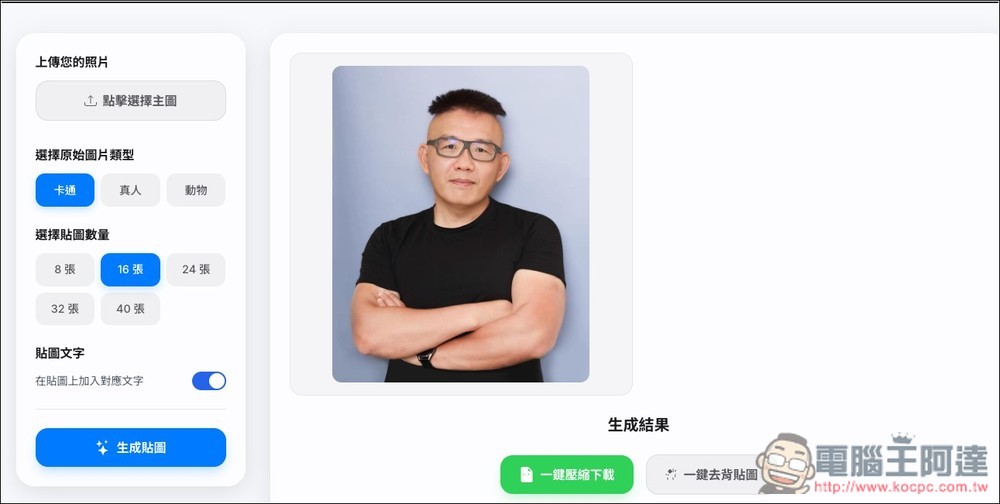
I used this image of Ada, set it to cartoon, 16 images, and then pressed “Generate stickers”:
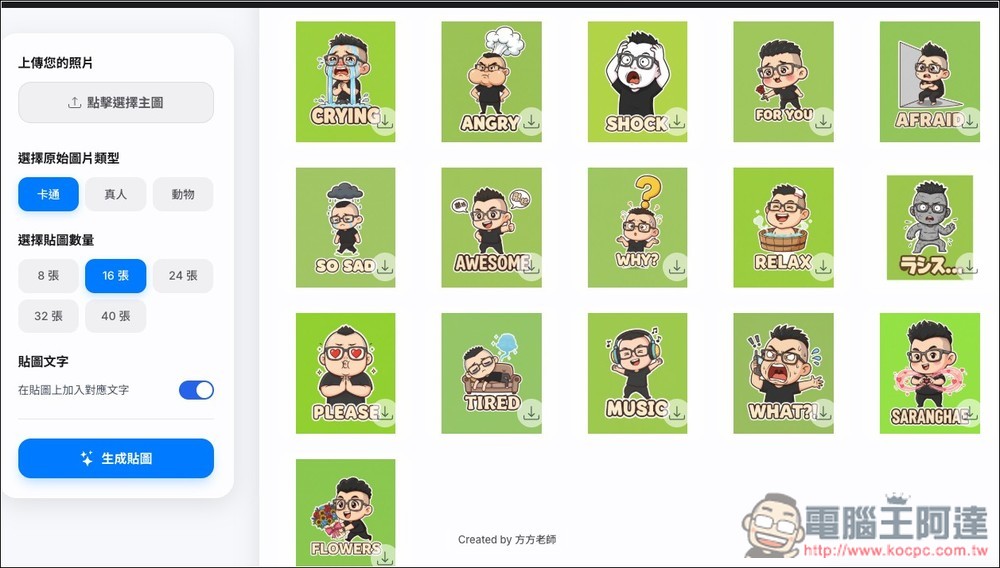
Gemini will generate them one by one. Once they’re done, scroll down and you’ll see all the stickers—each one is pretty adorable. However, you might notice that the English text is mostly fine, but for some reason, one of mine came out in Japanese (middle on the far right), and the Japanese was wrong. So, if your generated stickers also contain non-English text, it’s best to double-check the meaning.
Besides, testing the real person is actually not bad; the chibi character in this version seems to be closer to the person himself:
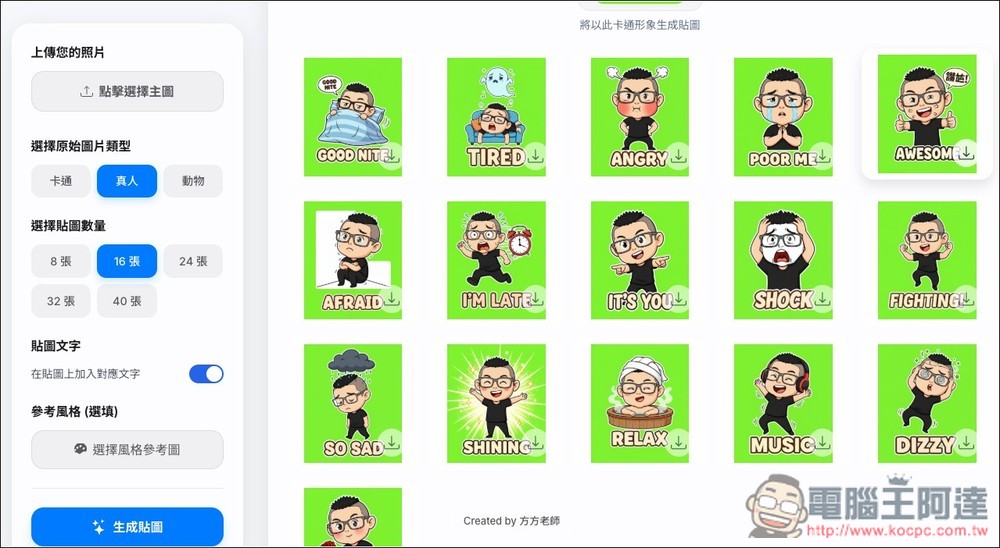
The image below is a pet sticker. I generated one of my cat, and it’s pretty cute too. If you need to remove the background, just click the “One-click Background Removal for Stickers” button above to remove the backgrounds all at once:
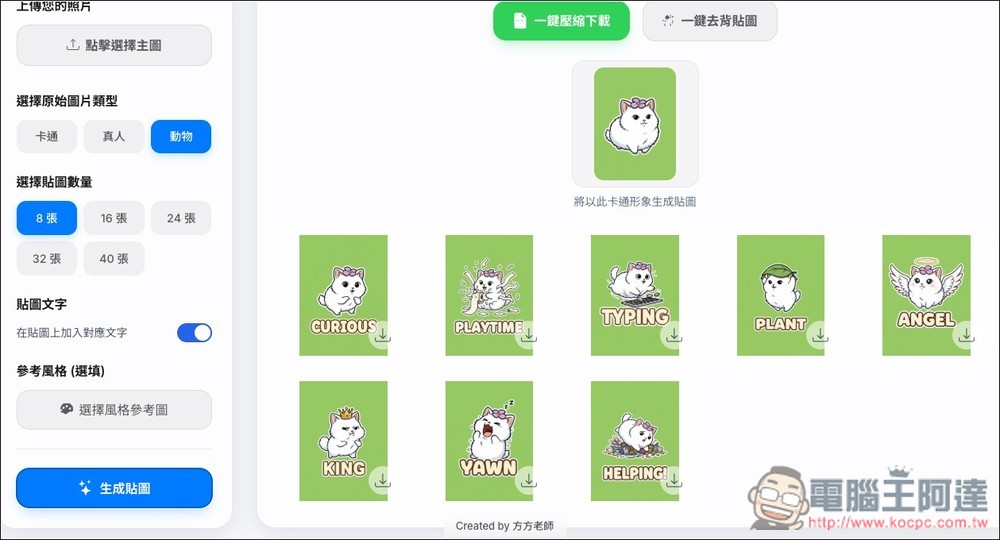
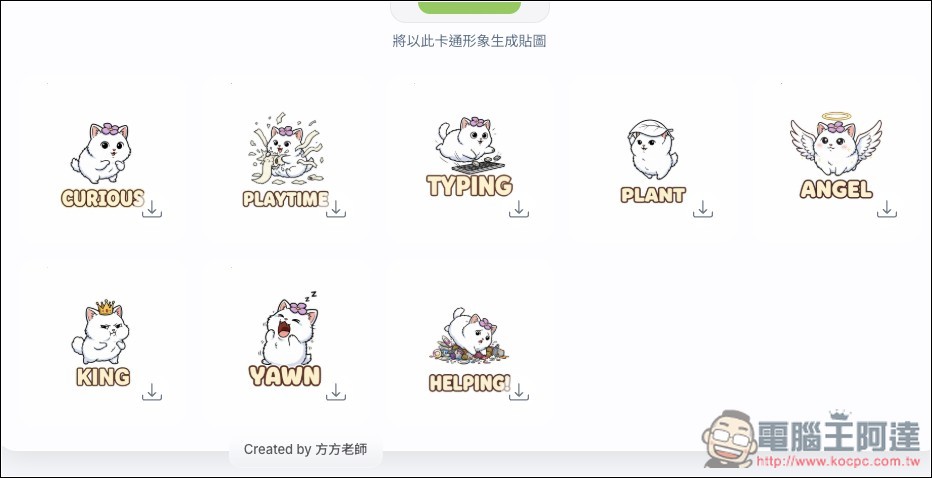
Like this, the originally green backgrounds have all disappeared:
Source: KOCPC Chinese