


When it comes to computer games, the most important thing is performance. Gamers will do almost anything to ensure they get the smoothest experience and highest frame rates, even unplugging a second monitor while gaming to achieve this goal. Don’t leave PC gamers looking for all the GPU settings that ruin their gaming experience, there’s one setting that continues to be a huge problem: vertical synchronization (V-Sync). What exactly does it do? Does it improve or hinder performance? Should you turn it off?
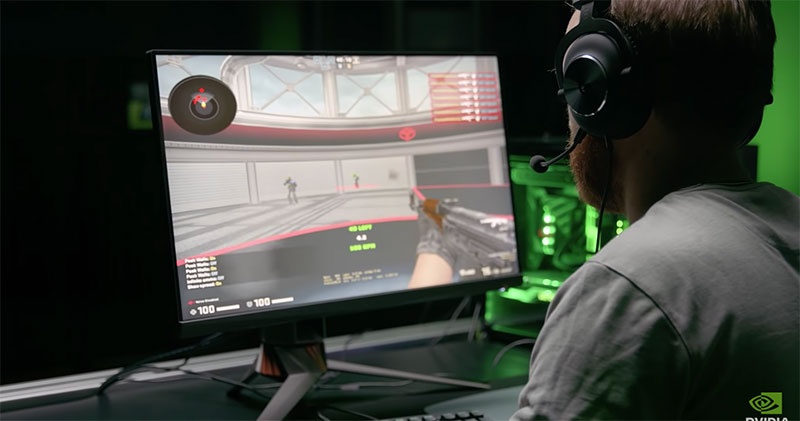
What is vertical synchronization (V-Sync)? Should you turn it off?
V-Sync, short for Vertical Sync, is a graphics feature that synchronizes a game’s frame rate with the monitor’s update rate to reduce screen tearing in any graphics-intensive application (usually games, but can also be any 3D-related application). Tearing occurs when the screen and GPU are out of sync and portions of multiple frames are rendered simultaneously, resulting in a noticeable, off-center horizontal split on the display.
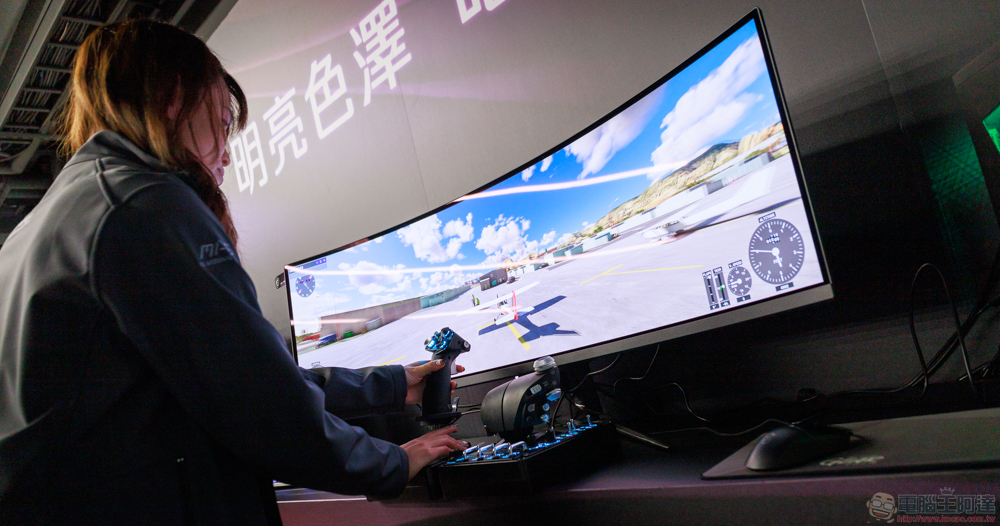
If you enable V-Sync (either through the GPU or in-game settings), your computer will hard-limit the frame rate to the monitor’s refresh rate. For example, if your monitor has a refresh rate of 60Hz it will only display 60FPS, 144Hz will display 144FPS, and so on. Ultimately, V-Sync is a feature designed specifically to prevent screen tearing, it doesn’t improve graphics or performance, and in some cases may have a negative impact on your computer’s performance, leading to the inevitable next problem.
Should you turn off V-Sync?
The short answer as to whether you should turn off V-Sync: Yes, but it depends on a few factors. V-Sync sounds like a beneficial feature that would make your computer’s display smoother, and it probably is. However, it can also limit frame rates and cause input lag, which can negatively impact your overall performance.
No two computers are the same, so the best way to determine if you need V-Sync is to test it repeatedly on your computer. If you notice frequent screen tearing when playing games or using other 3D applications, no matter what hardware you use, turn on V-Sync. On the other hand, if you enable V-Sync and notice severe input lag or lower than normal frame rates, turn it off. However, you most likely don’t need to turn on V-Sync, as tearing can occur when games and apps run at a higher frame rate than your monitor can handle. However, most monitors today, especially gaming monitors, have high refresh rates, and monitors with 144Hz, 160Hz or even 240Hz refresh rates are now not uncommon.
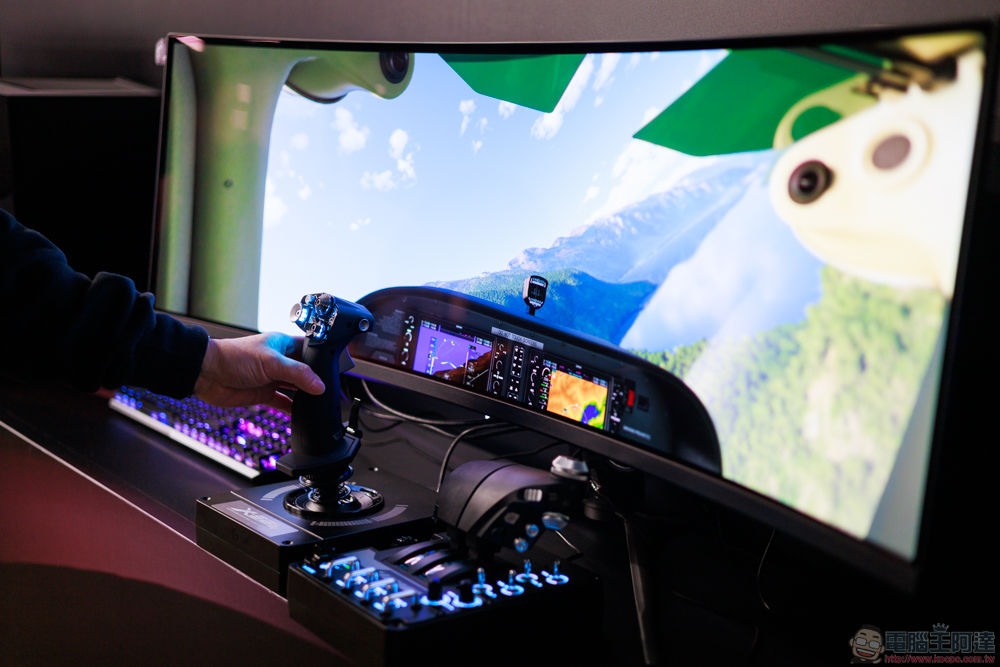
If you have a high refresh rate monitor, you should turn off V-Sync because your monitor can handle drawing frames, so the only thing V-Sync does is limit the frame rate. However, if your monitor has a low refresh rate, V-Sync is a useful tool for reducing screen tearing, so you should turn it on or consider using a similar feature like Nvidia G-Sync.
Source: KOCPC Chinese