


Although there are many video downloading tools on the Internet, many people will definitely want to find one that is very safe, stable and supports high image quality. Recently, I discovered this free download tool Cobalt.tools, which has been recommended by many people in foreign forums. I have used it and found it very good. It supports dozens of websites, and can download some YouTube videos and music. Moreover, the video supports up to 8K image quality, which is really rare.
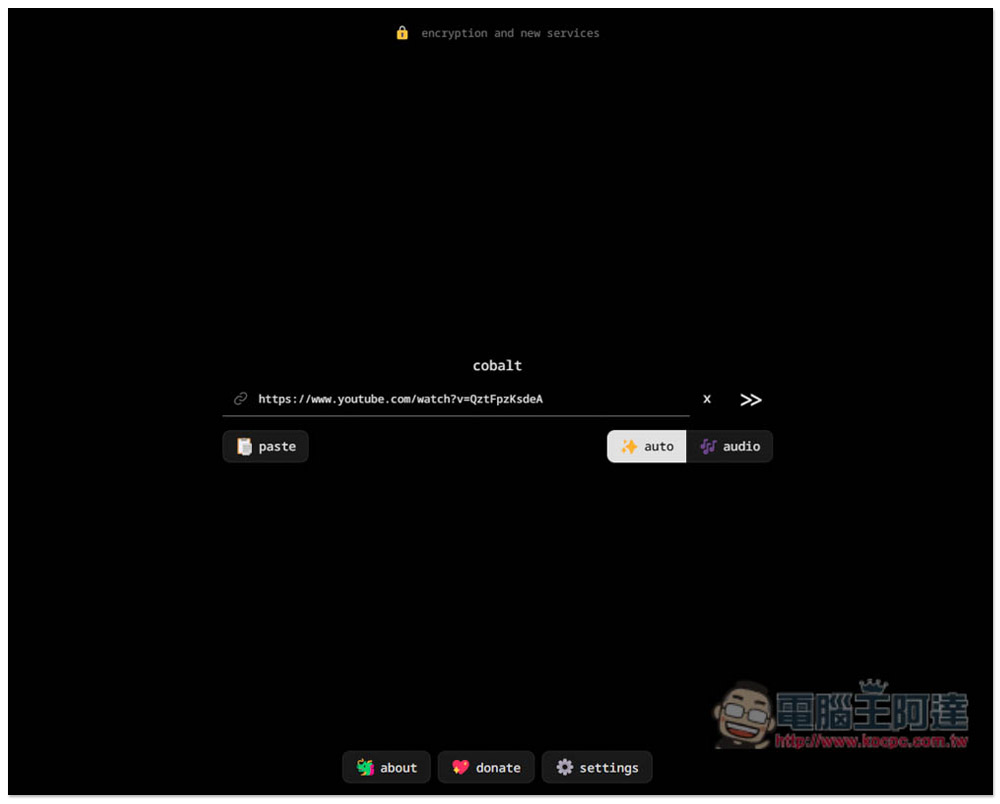
Cobalt.tools is the cleanest and most useful one-click free tool for downloading YouTube videos and music, supporting up to 8K H.264
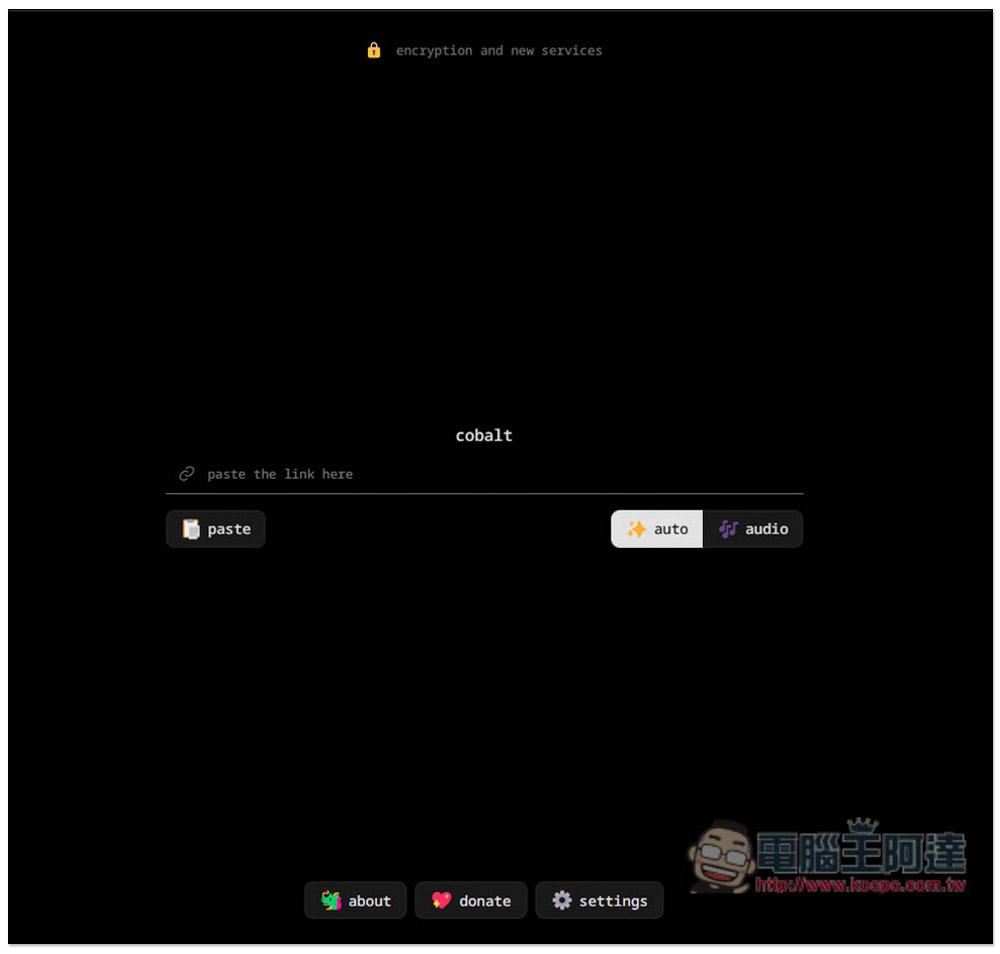
The usage of Cobalt.tools is very different from other download tools of the same type and it supports many websites. In addition to YouTube, there are also Bilibili, Dailymotion, Instagram, Pinterest, Reddit, SoundCloud, Vimeo, Twitter, TikTok…etc. For YouTube, you only need to paste the URL and press submit, and the video will start downloading without selecting the resolution or format. There are no ads on the entire website, and it is continuously updated and will add support for other websites. This is quite good. Even the update log is provided. It is rare to see download tools updated so diligently.
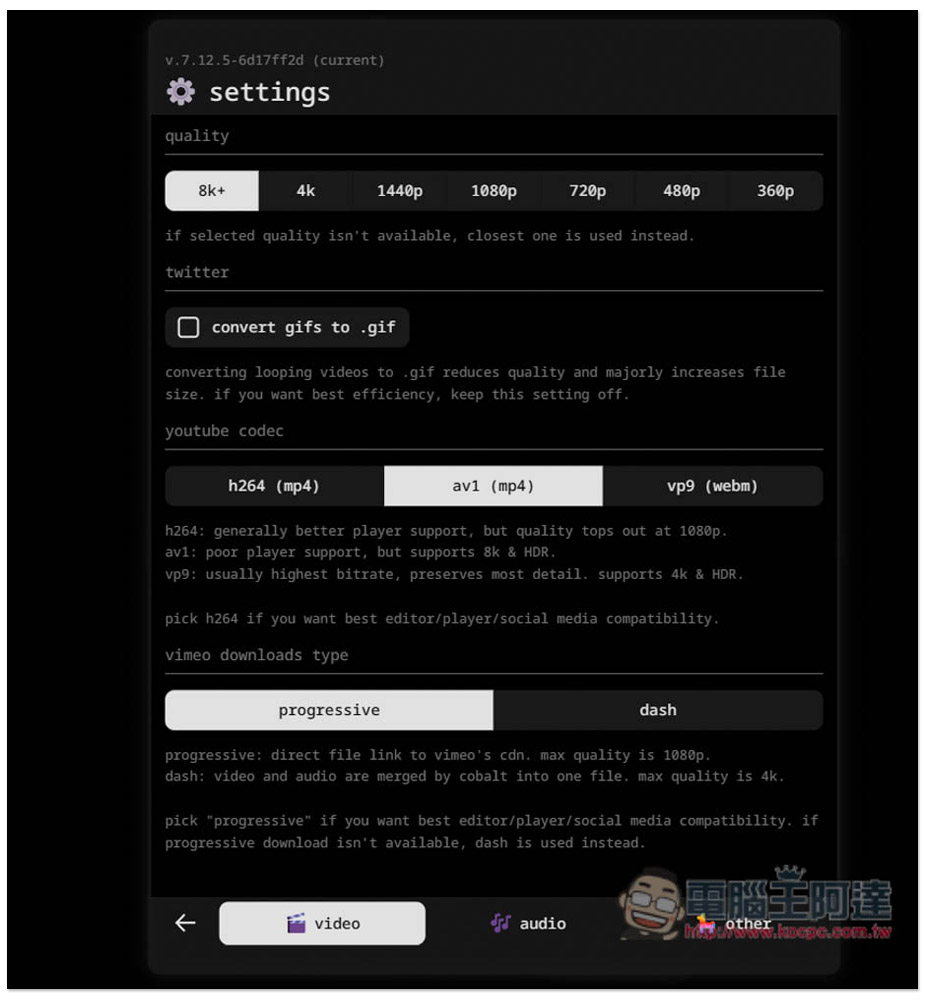
After clicking above to enter the Cobalt.tools online tool, before pasting the video link, please click the settings at the bottom to adjust the resolution and format you want:
The video quality is supported up to 8K (still 8K+), and there are also 4K, 1440p, 1080p, 720p, 480p and 360p options. The format MP4 is also divided into H.264 and av1. It depends on which one you want to use. I personally recommend using av1, as the downloaded video will be more error-free. Also available in webm format:
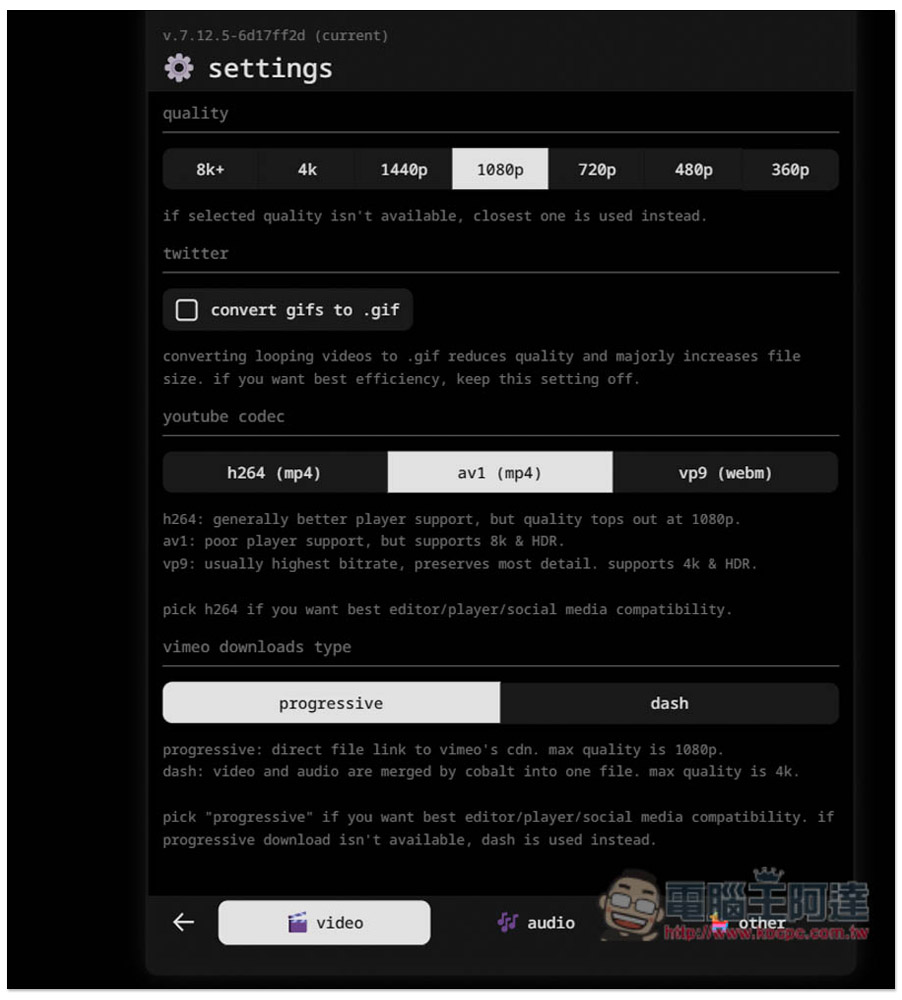
For those who do not pursue the highest and most extreme picture quality, the recommended setting is 1080p + av1 (mp4). This one I tested is the most stable for downloading, and there will be no problems with the downloaded video image. H.264 may sometimes be distorted due to too slow transmission:
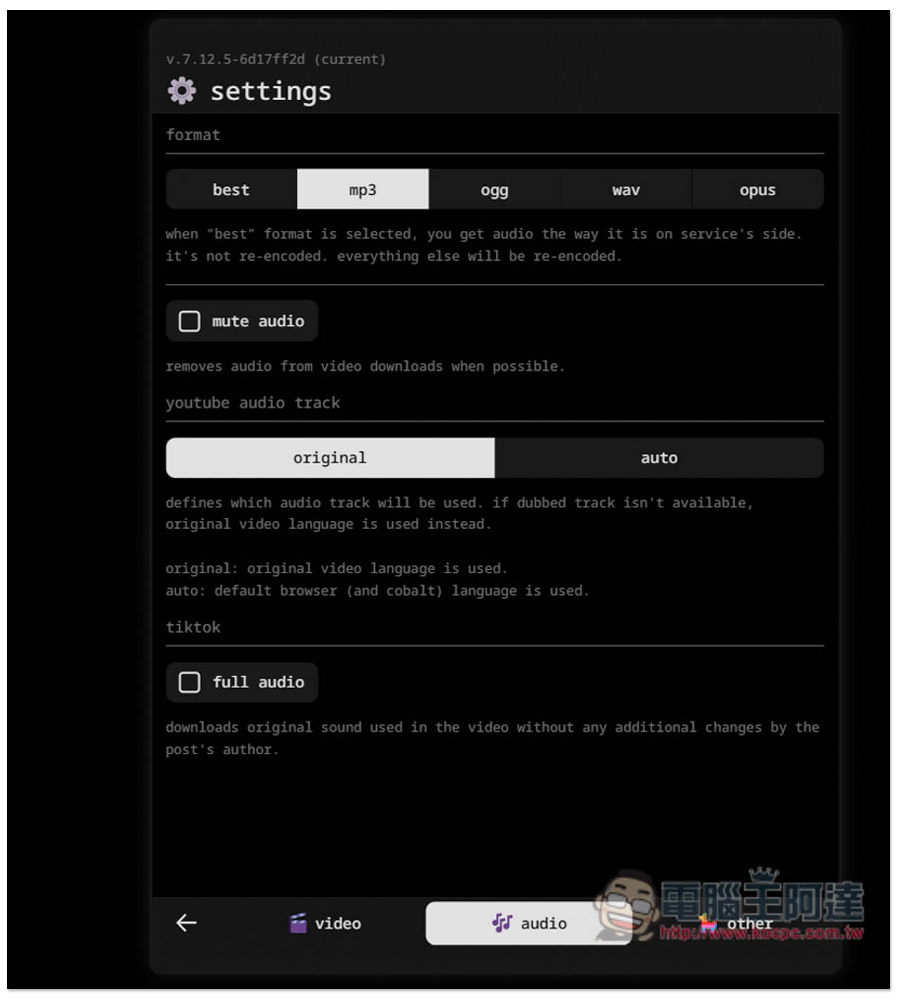
The music part supports MP3, ogg, wav and opus formats:
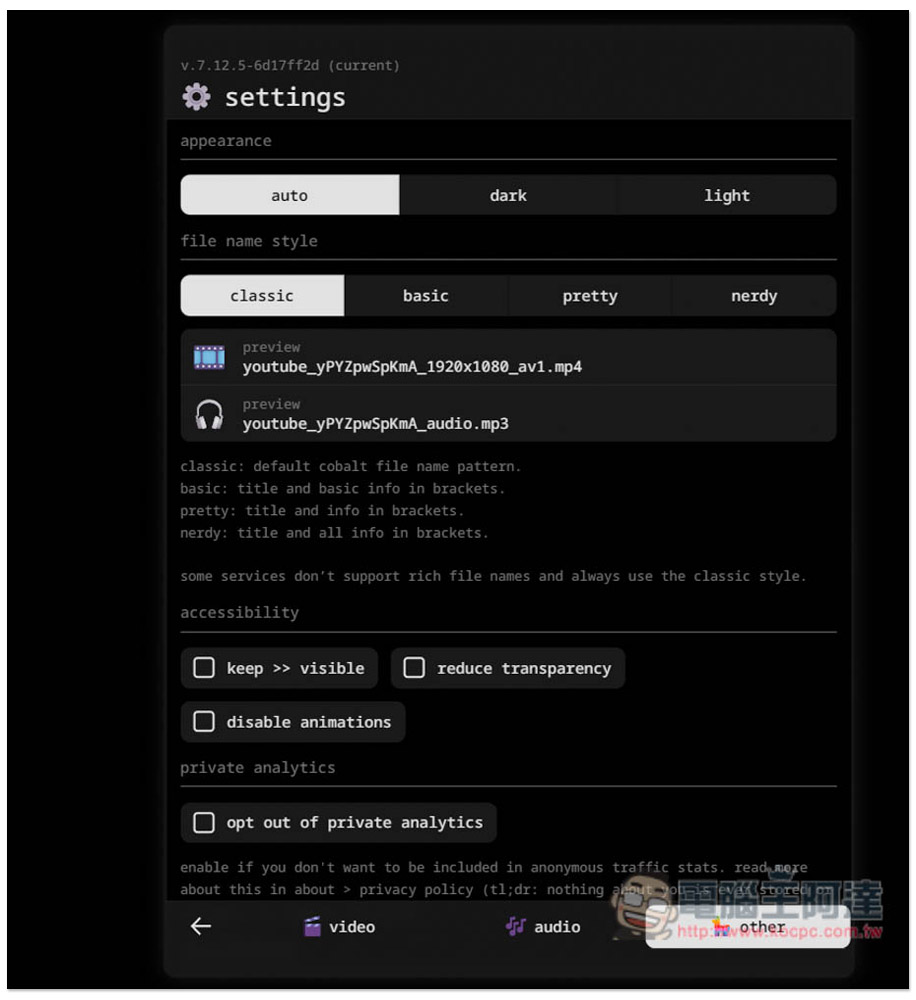
In the other menu, you can set the appearance of the screen and the file name style. If you don’t like the default file name, you can change it to something else:
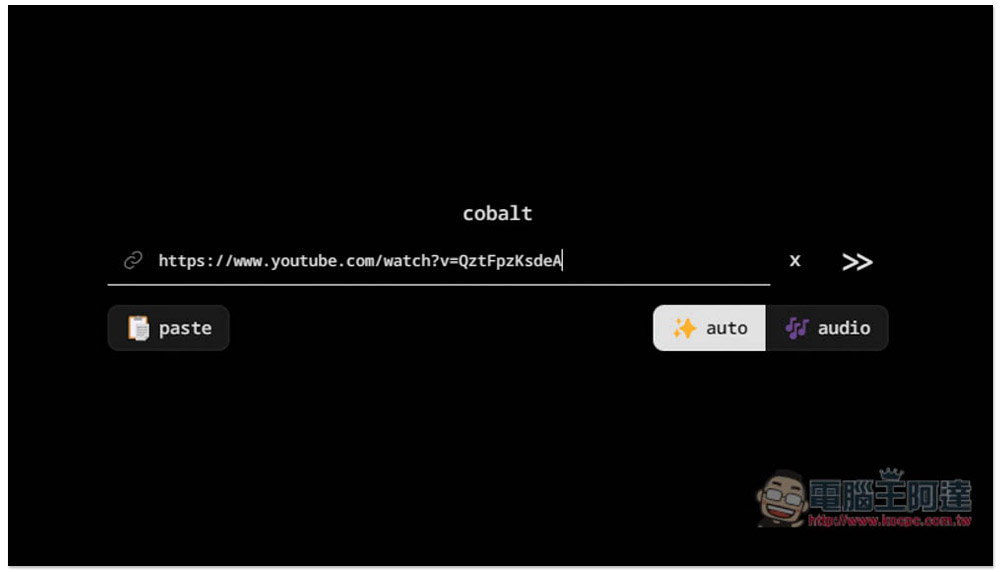
After everything is set up, you can paste the URL of the video you want to download. I tried the YouTube video first. After pasting it, click the send button next to it:
The video will then start downloading immediately, no need to click anything further:
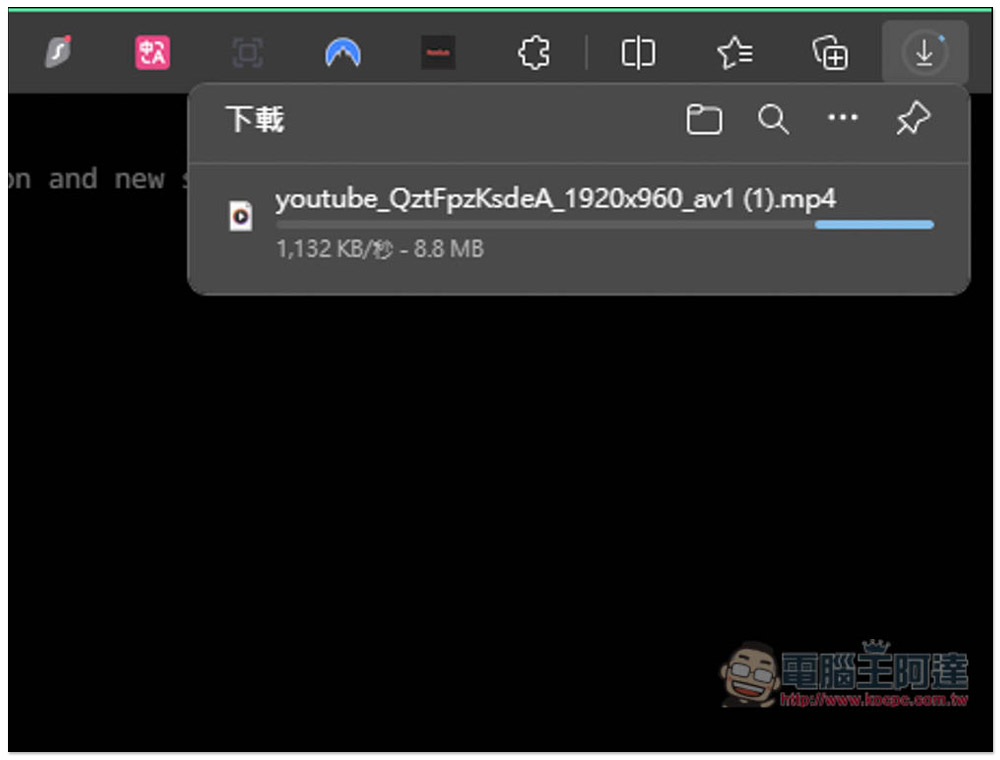
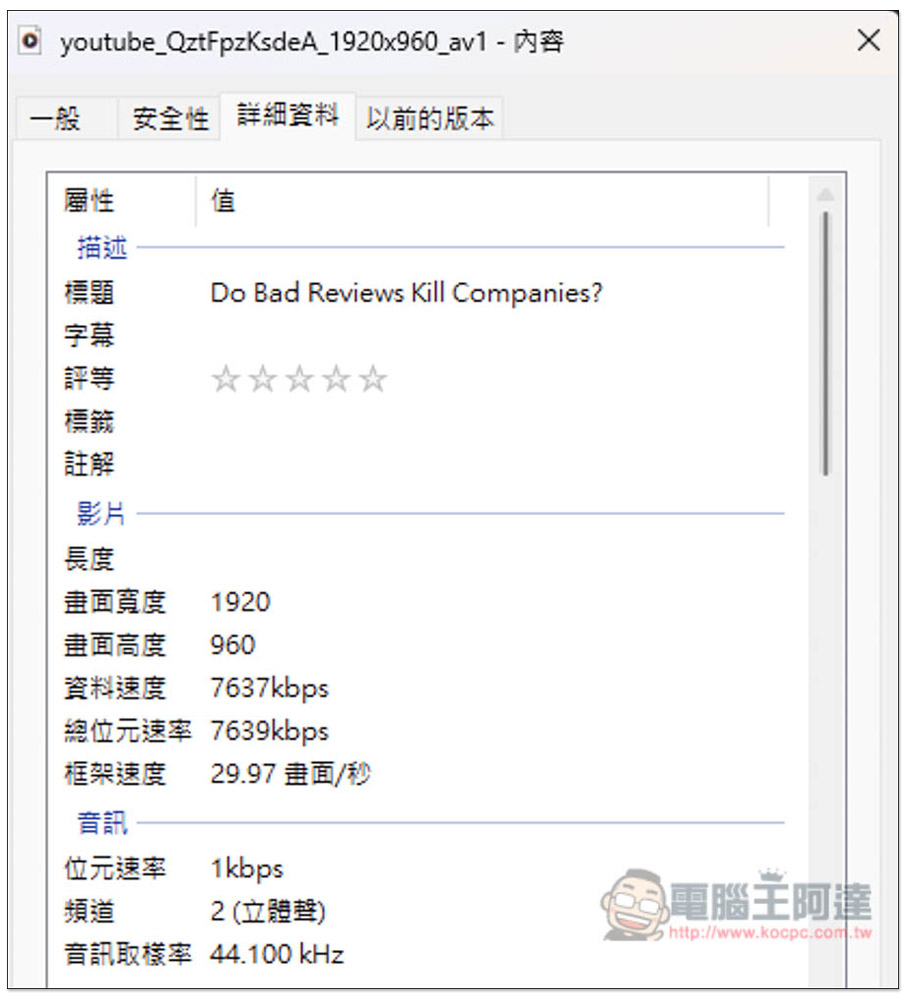
I checked that the resolution is indeed 1080p as I set it:
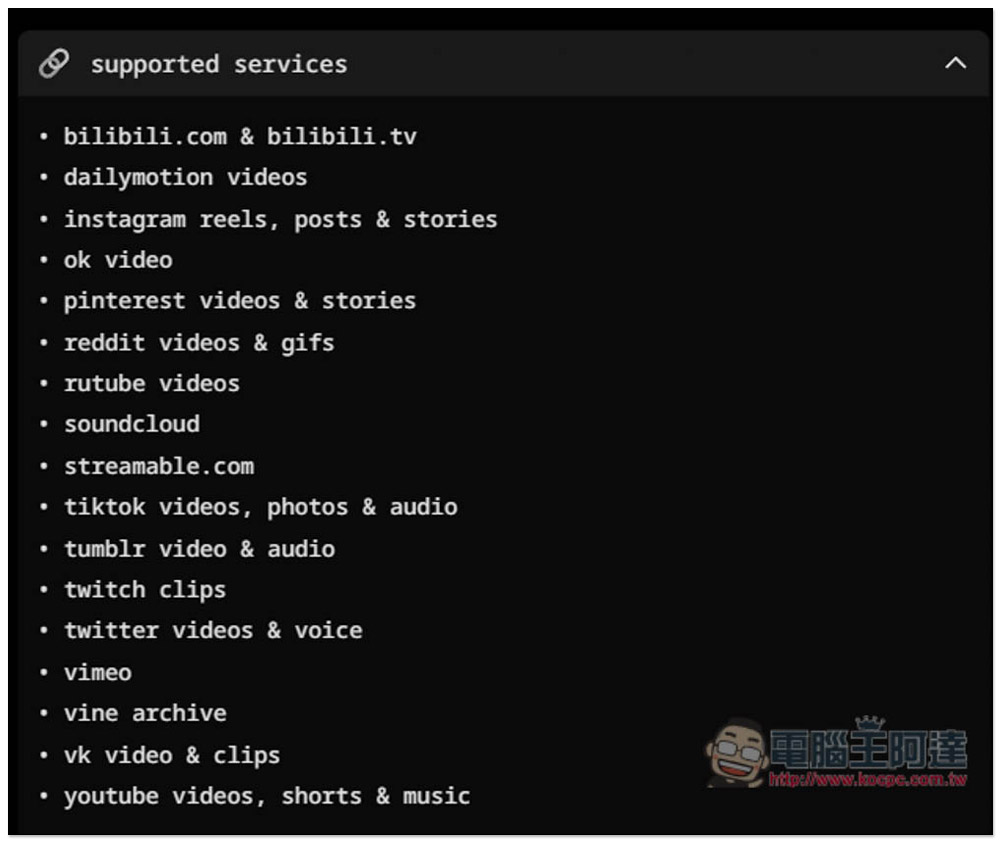
This online tool supports many websites. In addition to YouTube, there are also Bilibili, Dailymotion, Instagram, Pinterest, Reddit, SoundCloud, Vimeo, Twitter, TikTok, etc. The only pity is that Facebook is not on the list:
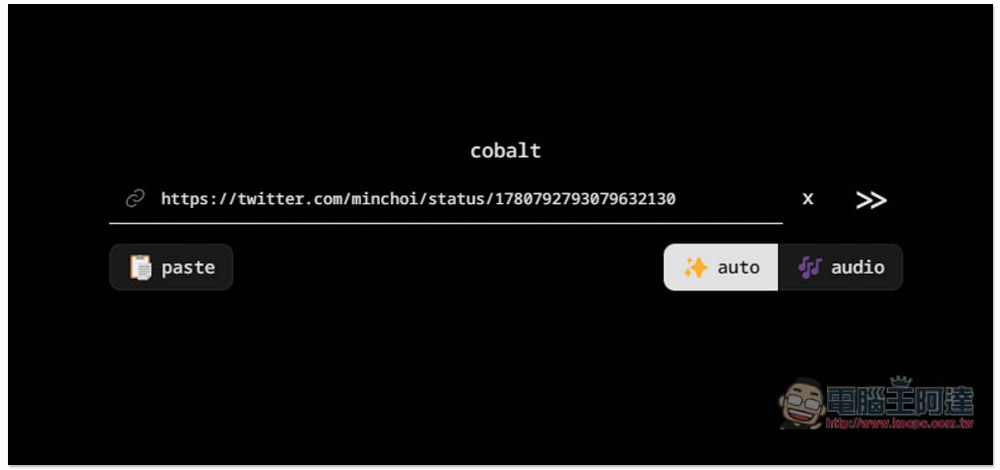
Let me test it again X (formerly Twitter):
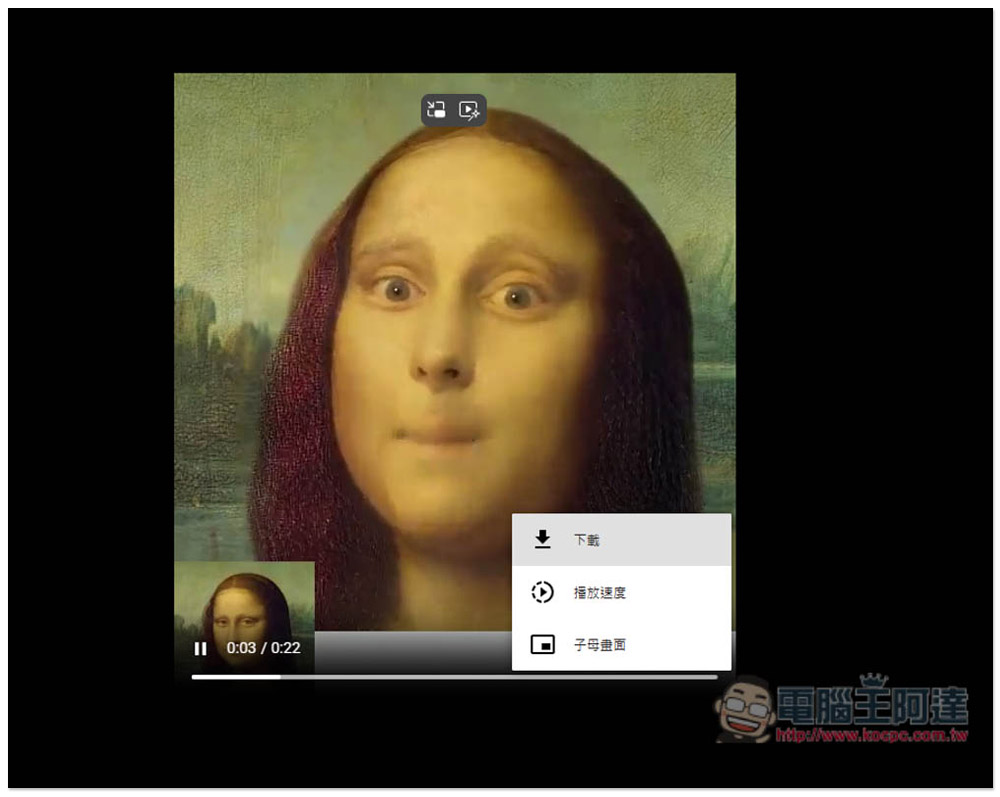
X will not download directly. You need to open the menu in the lower right corner and click on it to start the download:
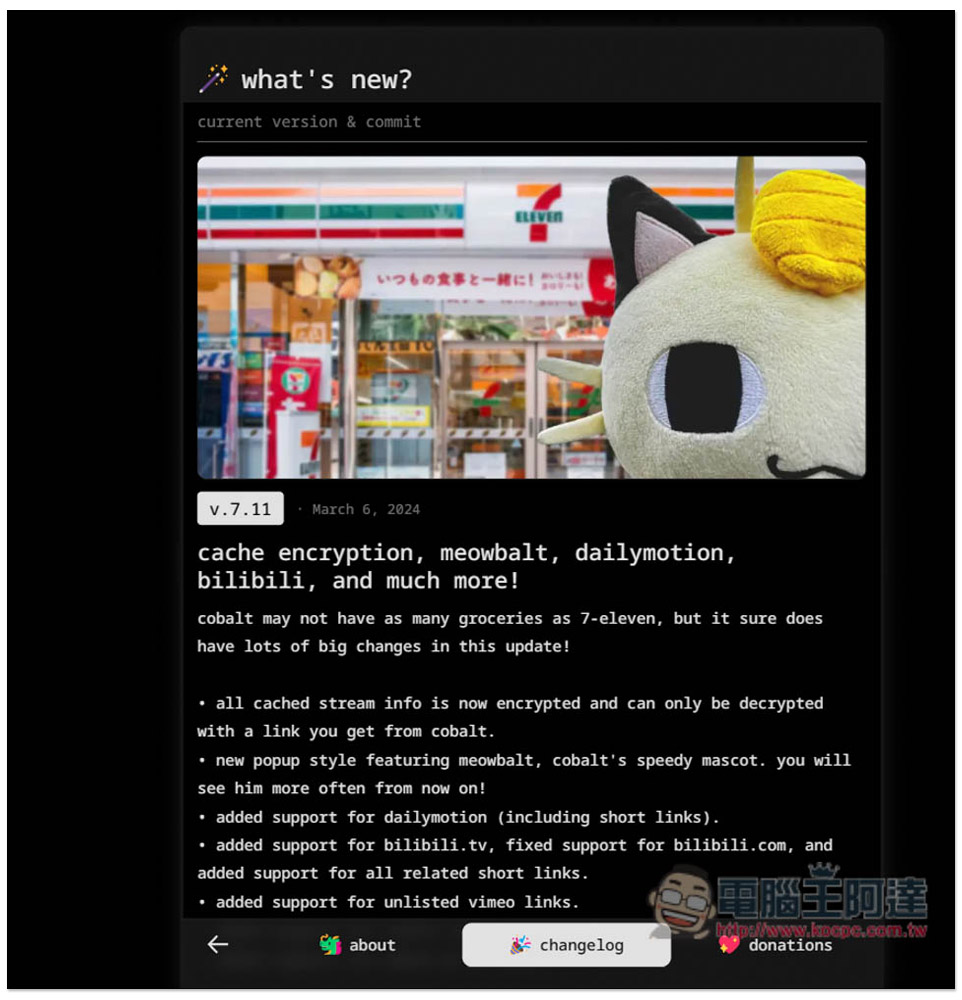
Click on the top to read the update log. The latest update is on March 6, 2024. It is updated almost every once in a while. This is really good and makes people trustworthy:
Source: KOCPC Chinese