


Although Sora 2 Just need simpleprompt, you can generate pretty decent onesFilmHowever, the way the video is presented may not be what you expected, so how to write detailed prompts is quite important. But not everyone knows how to write them. To help users quickly get the videos they want, recently OpenAI The official has released the “Sora 2 Prompt Guide”, which provides some example formats for your reference.
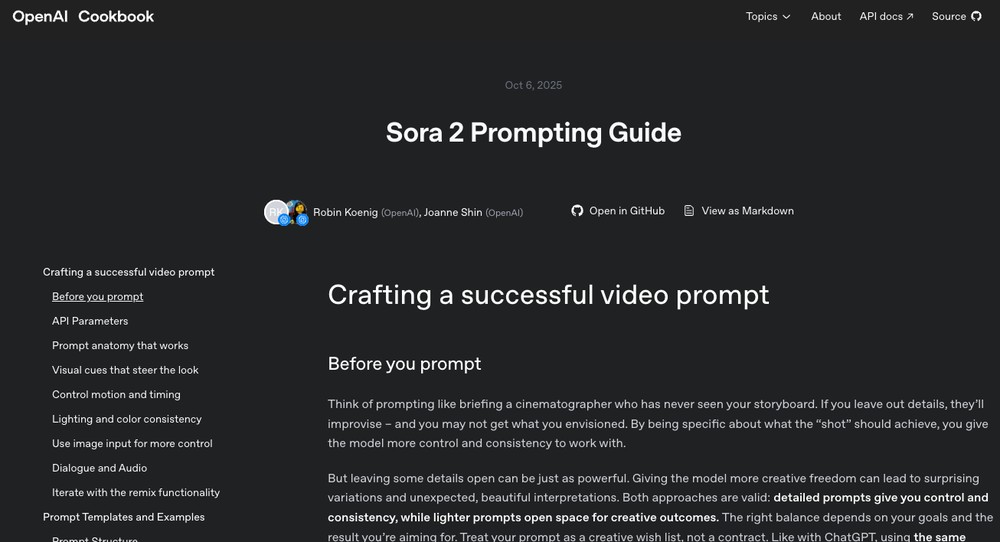
OpenAI releases official “Sora 2 Prompt Guide,” providing two template formats
OpenAI emphasizes at the very start of this “Sora 2 Prompt Guide” that you can think of video generation as communicating with “a cinematographer who hasn’t seen a storyboard.” This also means that the clearer your details, the more controllable and stable your results will be. The more room you leave for interpretation, the more likely you are to get some unexpected variations.
In practice, you need to find a balance between “control” and “creativity,” then make multiple small adjustments and iterations—such as adding camera angles, lighting, motion, and so on—to gradually arrive at the ideal result. So don’t expect to generate the exact video you want in one go; instead, keep refining and expanding your original prompts, then try generating again.
- Short prompts = more creative freedom, but less control; long prompts = more control and consistency, but not always perfectly precise.
- Continue making minor adjustments to the prompt until you achieve satisfactory results.
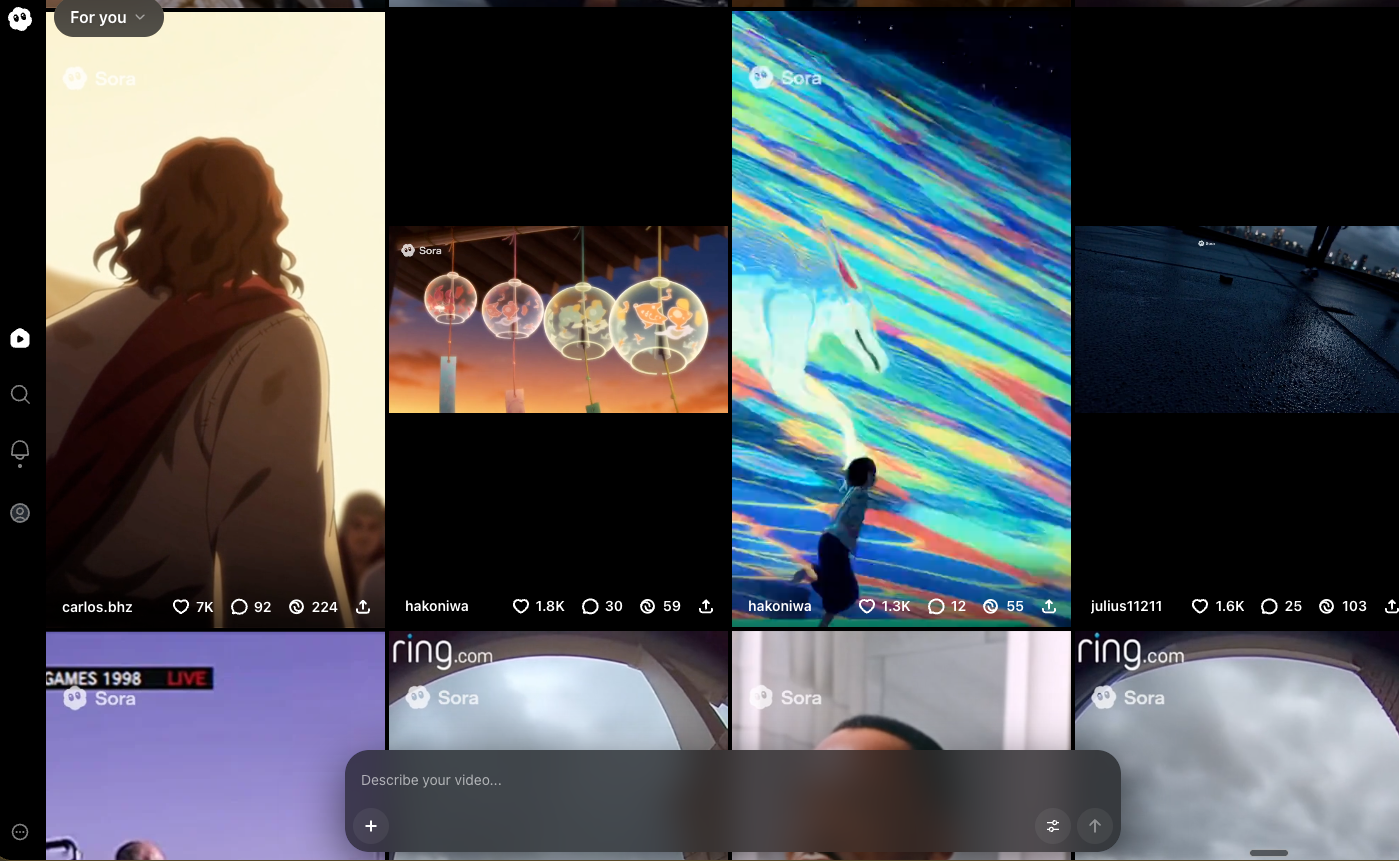
This approach, for those with video credit limits,ToolThat said, it seems a bit difficult. The good news is that Sora 2 is now free to generate, meaning you don’t have to worry about running out of quota (though reportedly there is still a daily limit).
Regarding the prompt section, OpenAI stated that video resolution, duration, which model is used, etc., can only be API Parameter settings cannot be changed through text descriptions; rather, the lens, scenery, subject behavior, lighting, and style are the core of the prompt.
In terms of writing style, first establish a specific “visual style” and “camera language,” then break down the subject and action into individual parts, using concrete nouns to describe the lighting and color palette.
- Prompt definition: camera and shooting angle, depth of field, subject and scene, action beats, lighting and color palette.
- Multiple shots can use the same prompt, but each shot must be independent (one camera angle, one action, one lighting setup) to facilitate post-production stitching or generating continuous segments in one pass.
- Each shot contains only one clear camera movement plus one clear subject action.
OpenAI gives examples: a simple “walk to the window” can be changed to a more detailed “take four steps, pause, and pull open the curtains at the last second”; “bright room” can be changed to “soft light from the window side + warm desk lamp fill light + cool edge from the hallway; color palette: amber, off-white, walnut brown”.
In terms of dialogue, it needs to be mentioned separately in the prompt. Remember that sentences should not be too long. If different characters are speaking, clearly label the characters as well. A 4-second segment can fit 1–2 short lines, and an 8-second segment can fit a bit more.
The article mentions that OpenAI provides two templates for everyone. The first is a general-purpose one, with slightly simpler content.
[以自然語言撰寫場景描述。描述角色、服裝、場景、天氣與其他細節。盡量具體一點,讓生成出的影片更貼近你想像。]
- Cinematography(攝影)
- Camera shot(鏡頭)
- Mood(情緒氛圍)
- Actions(動作節拍)
- Dialogue(對白,可選)
This is an example format:
Style:手繪感 2D/3D 混合動畫,柔和筆觸與暖鎢絲照明,帶有可觸感的定格質地。整體風格近 2000 年代中期繪本動畫——溫馨、不完美、充滿機械魅力。淡淡水彩洗染與畫布質感;調色在暖/冷之間取得平衡;以電影式動態模糊增添動畫寫實感。
在雜亂的工作坊裡,層層書架擠滿齒輪、螺栓與泛黃藍圖。中央的木製長凳上,坐著一台圓滾滾的小機器人,鈑金凹痕處被不同比例的補片與舊漆覆蓋。它的大眼微微發出淡藍光,緊張地把玩一顆嗡嗡作響的燈泡。空氣裡充滿細微的機械運轉聲;窗外雨聲拍打;背景的時鐘穩定嘀嗒。
Cinematography:
Camera:中近景,緩慢推近;吊掛工具形成輕微視差
Lens:虛擬 35 mm;淺景深柔化後景雜物
Lighting:頂部實景燈為暖主光;窗側冷溢光做對比
Mood:溫柔、奇趣,帶一點懸念Actions:
– 機器人輕彈燈泡,冒出些許火花。
– 它一驚,手滑落下燈泡,雙眼睜大。
– 燈泡慢動作下墜;它在最後一刻接住。
– 胸口噴出一小縷蒸汽——鬆口氣又有點得意。
– 機器人小聲說:「差點掉了……但我接住了!」Background Sound:
雨聲、時鐘滴答、柔和機械嗡鳴、燈泡細微滋滋聲。
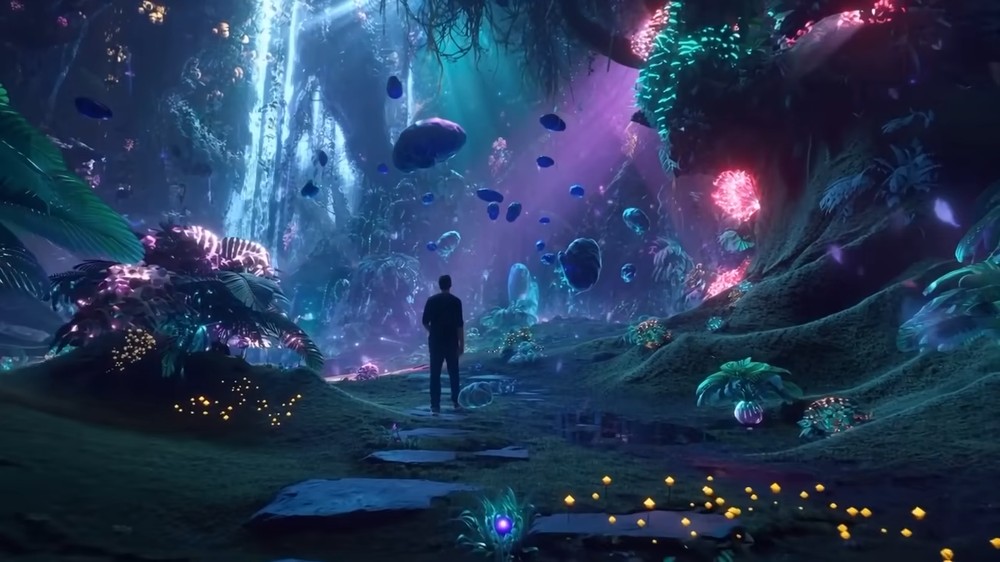
The video I generated with this prompt:
Next is a richer, more comprehensive professional prompt template.
- Format & Look
- Lenses & Filtration
- Grade / Palette (Light Adjustment and Color Palette)
- Lighting and Atmosphere
- Location & Framing (Scene and Composition)
- Wardrobe / Props / Extras
- Sound
- Optimized Shot List (Optimized storyboard, N shots / total length)
- Camera Notes (Readability Notes)
- Finishing (final footage processing)
This is an example format:
Format & Look
時長 4s;180° 快門;數位拍攝,模擬 65 mm 膠片對比;細緻顆粒;高光處輕微暈染;無 gate weave。Lenses & Filtration
32 mm/50 mm 球面定焦;Black Pro-Mist 1/4;輕微調整偏光鏡角度以控制列車車窗的反射。Grade / Palette
高光:乾淨的晨光並帶有琥珀色提升。
中間調:中性平衡,陰影略帶青綠。
黑位:柔和中性,略微抬升以保留薄霧。Lighting & Atmosphere
主自然光自左側、低角度射入(07:30 AM)。
反光:月光銀 4×4 反射板於軌道側。
對側負補光。
實景:站台鈉燈微弱漸亮。
氛圍:輕霧;列車尾氣穿過光束。Location & Framing
都市通勤月台,黎明。
前景:黃色安全線、長椅上的咖啡杯。
中景:在薄霧中剪影的等車乘客。
遠景:進站減速的列車。
避免任何標識或企業品牌。Wardrobe / Props / Extras
主角:三十多歲旅人,海軍藍大衣,單肩揹後背包,手邊鬆握手機。
群演:低飽和通勤風;一位推車的單車騎士。
道具:紙杯咖啡、行李箱、LED 出發資訊板(通用目的地)。Sound
僅場景聲:輕微鋼軌摩擦聲、列車剎車氣聲、遠處廣播被壓低至 −20 LUFS、低頻環境嗡鳴。
腳步與紙張摩擦;無配樂與額外擬音。Optimized Shot List(共 2 鏡/4 s)
0.00–2.40 —「到站漂移」(32 mm,肩扛機,慢速左向移動)
鏡頭從站牌邊緣滑過;淺景深顯露中框旅人望向軌道。晨光在鏡面綻放;列車頭燈於薄霧中柔和炫光。目的:建立場景與基調,營造將至的期待。2.40–4.00 —「轉身停頓」(50 mm,慢速弧形內推)
切到較緊的過肩弧移;列車停下時,旅人微轉向鏡頭,臉頰出現陽光邊緣光與手機螢幕反射。眼神上移看向未示之物。目的:以最小運動創造人性焦點瞬間。Camera Notes(可讀性)
視線保持低且靠近鏡頭軸以強化親密感。
允許列車玻璃的小炫光作為美學質感。
保留細微手持不完美以增寫實。
避免過曝炫光破壞剪影清晰;維持皮膚高光的平順滾降。Finishing
覆蓋細顆粒與輕微彩色雜訊以增真實;對實景燈採節制暈染;以暖/冷分離色調呈現清晨對比。
混音:優先呈現列車與環境細節,壓低腳步瞬態。
海報幀:旅人轉身中,金色邊緣光,後景進站列車在薄霧中柔焦。
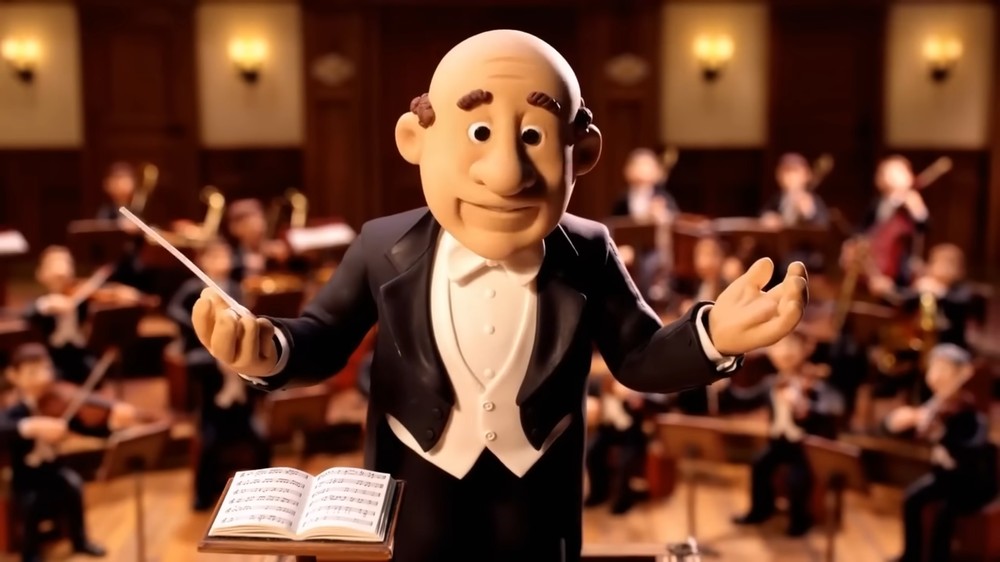
The video generated using this prompt:
If the generated video still fails after using the above prompts and doesn’t meet your expectations, then simplify first, then gradually add complexity.
OpenAI in this article, “Sora 2 Prompt Guide」It also mentioned many details; those interested can take some time to read.
Source: KOCPC Chinese