


Although the price of YouTube Premium is not said to be super expensive, not everyone can afford it. If you have an Android phone and mainly use YouTube Music to listen to music, then this article will recommend a good alternative: “SimpMusic”, an app that allows you to listen to YouTube Music in the background without a YouTube Premium account, and also supports offline downloads.
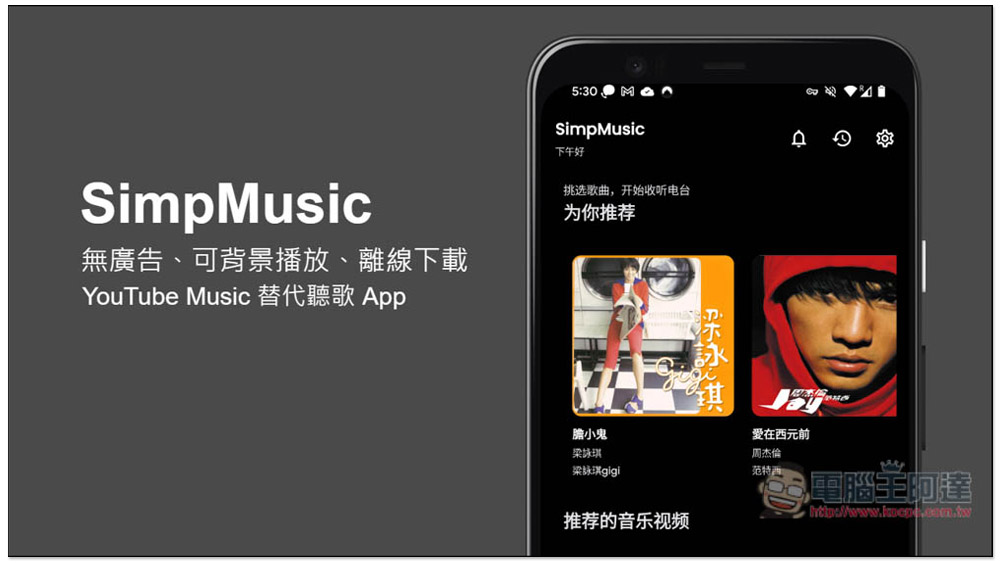
SimpMusic is an ad-free, background-playable, and offline downloadable alternative to YouTube Music.
SimpMusic is an open source app that shares its source code on GitHub. As for this app, which can make YouTube Music ad-free and have offline download capabilities, it is impossible for Google to make it available online, so you need to manually install the APK file.
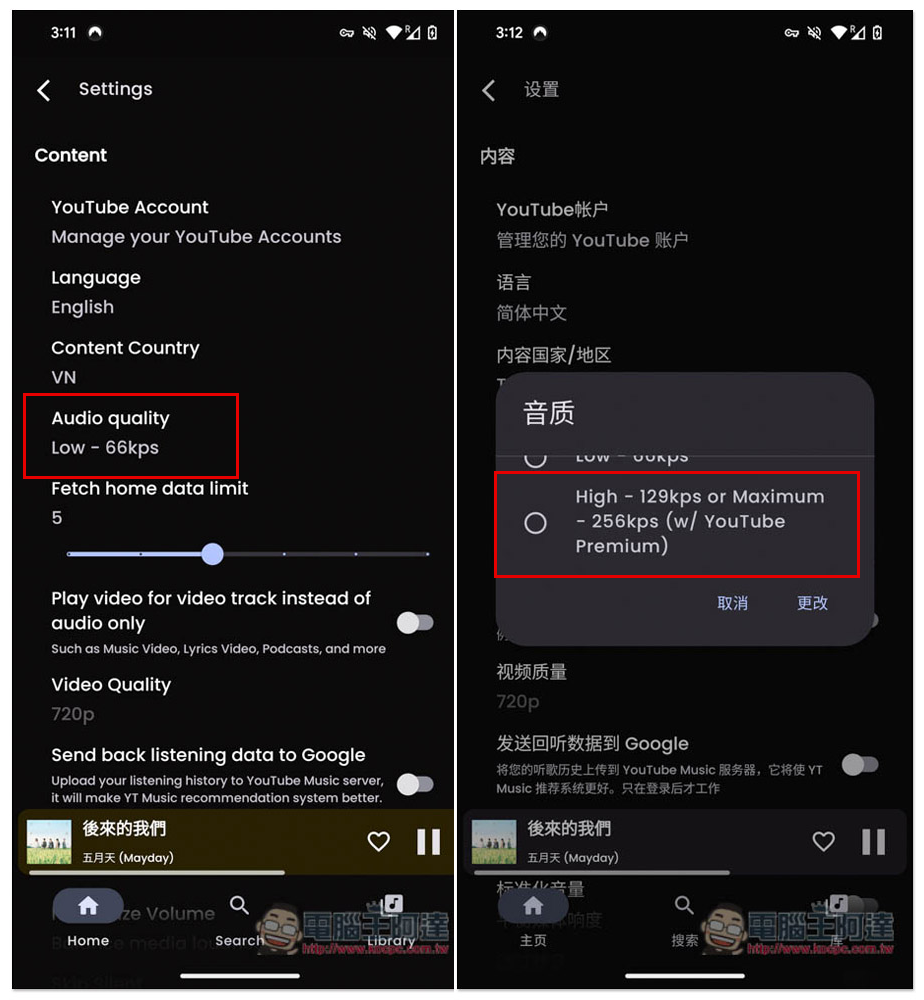
This one has a Chinese interface, so you don’t have to worry about not being able to understand the functions. I will also introduce how to switch there later. Another thing to note is that SimpMusic can only be used to listen to music, not to watch YouTube videos. It also supports 256kps high-quality music, but it requires logging into your YouTube Premium account, which is pointless.
I encountered a small problem during the test. Sometimes the music loading was slightly stuck for a few seconds and then continued to play. I am not sure if it is a problem with my network or if it is currently unstable. It’s still a beta version, so you may encounter some bugs.
According to the developer’s instructions, this product also supports Spotify Canvas, AI recommended songs, synchronization with YouTube Music, etc. I have not tried these, but those who are interested can play with it.
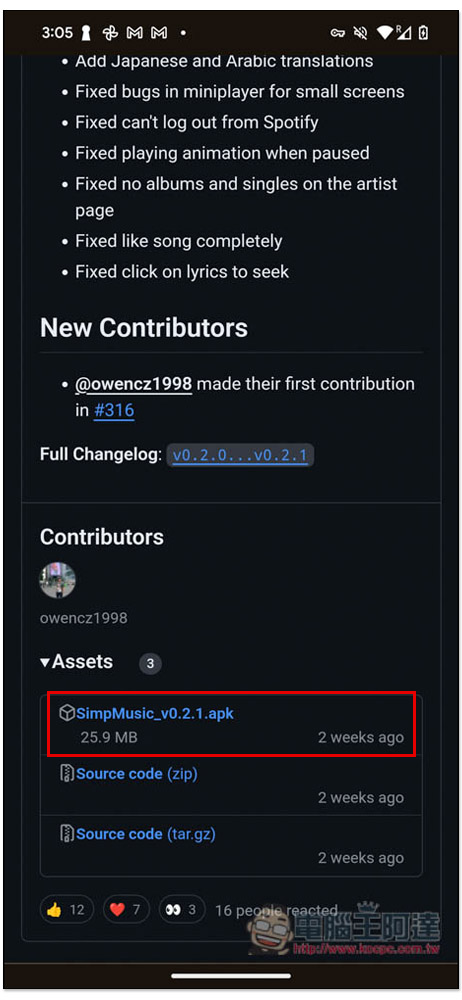
After clicking the link above to enter the GitHub download page, download the one with the file extension .apk:
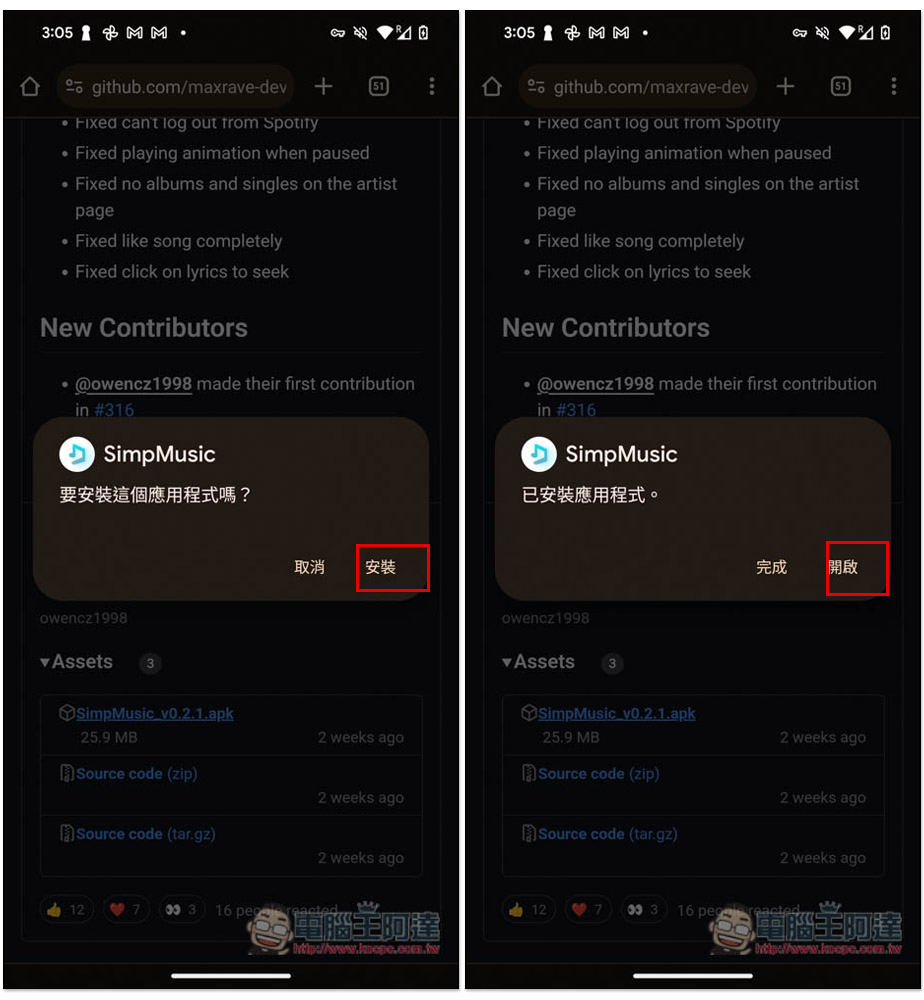
Follow the instructions on the screen to install, and after installation, open:
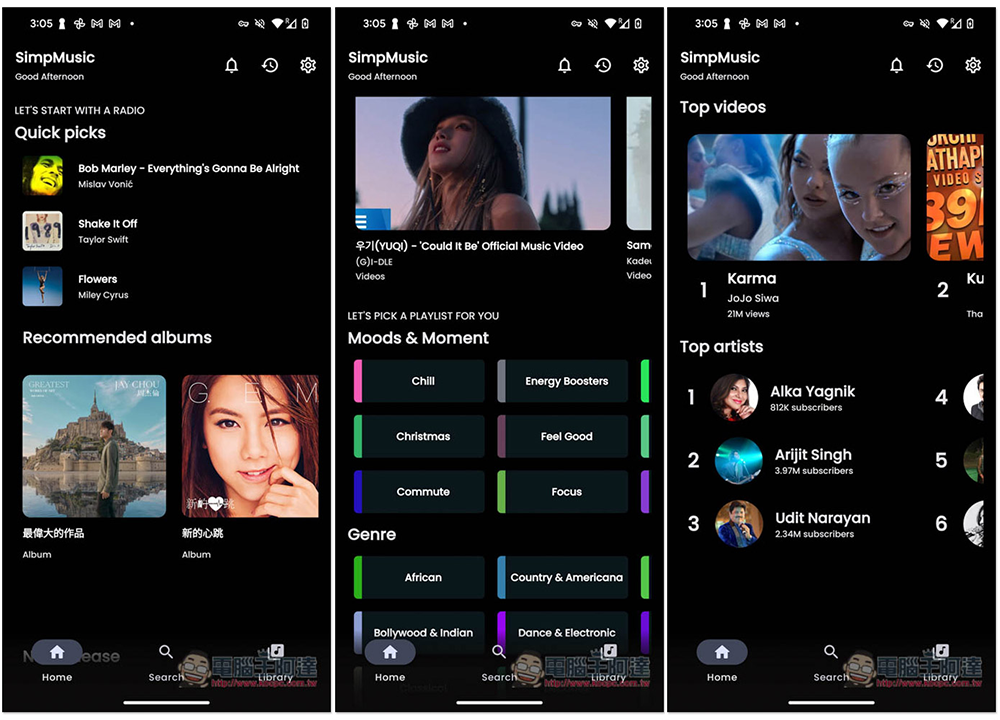
The homepage will have recommended music, genres, singer lists, etc. It is quite complete and can be used without registration:
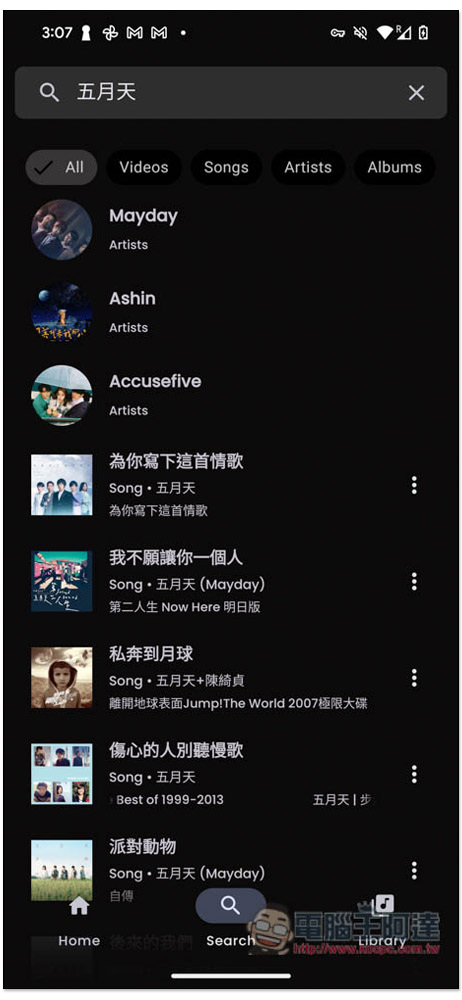
There is also a search function. Although there is a Videos video in the upper row, the video will not actually be displayed during playback, only music:
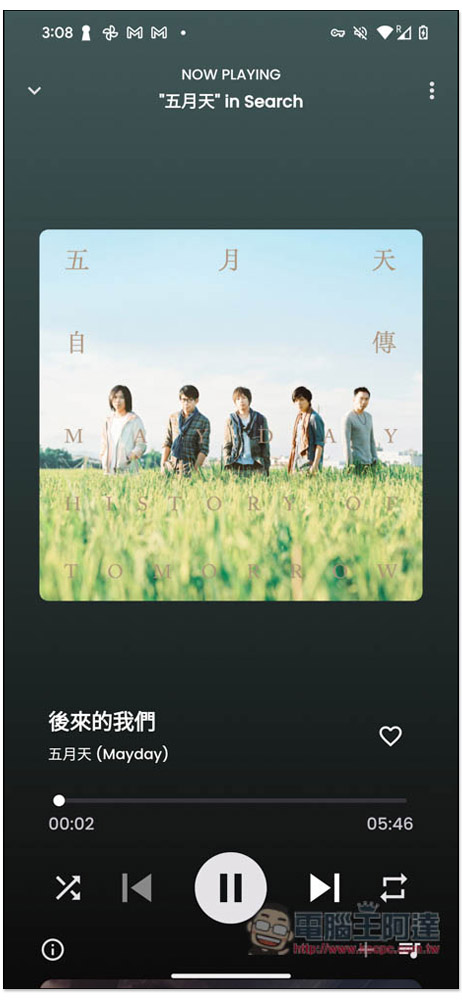
The playback interface is the same as other music-listening software. The menu is located in the… menu on the upper right:
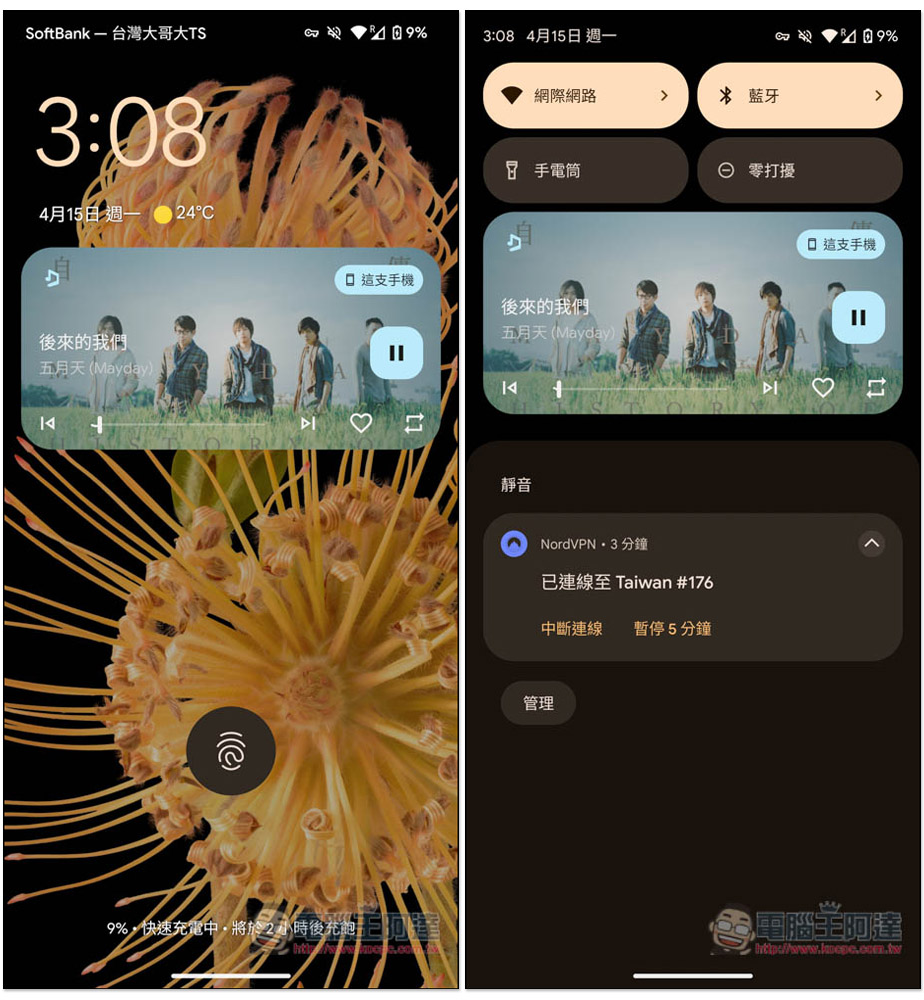
The measured background playback and standby playback were both successful:
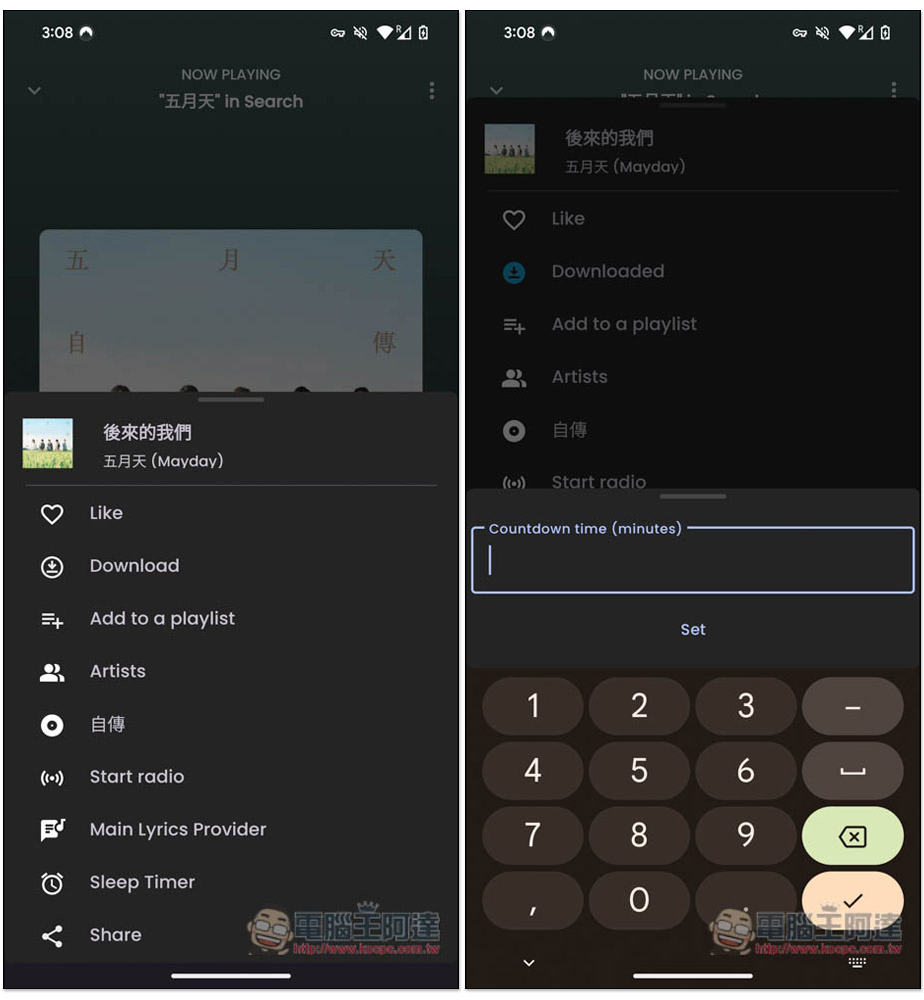
The download function is hidden in the upper right corner… In the menu, there is a Download option. If you press it, it will download. In addition, practical functions such as playlist, start broadcast, and sleep timer are provided. The minutes of the sleep timer must be entered manually:
Historically played music will be displayed in the Recently Added section of Library:
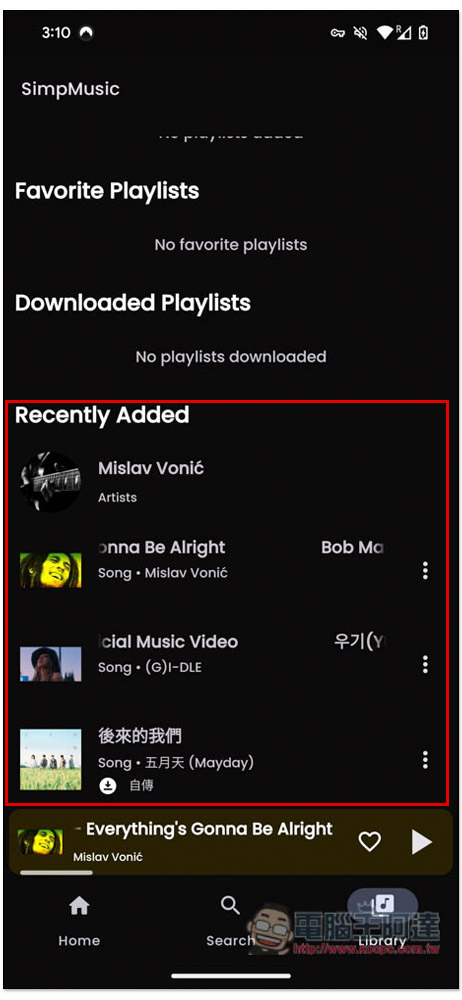
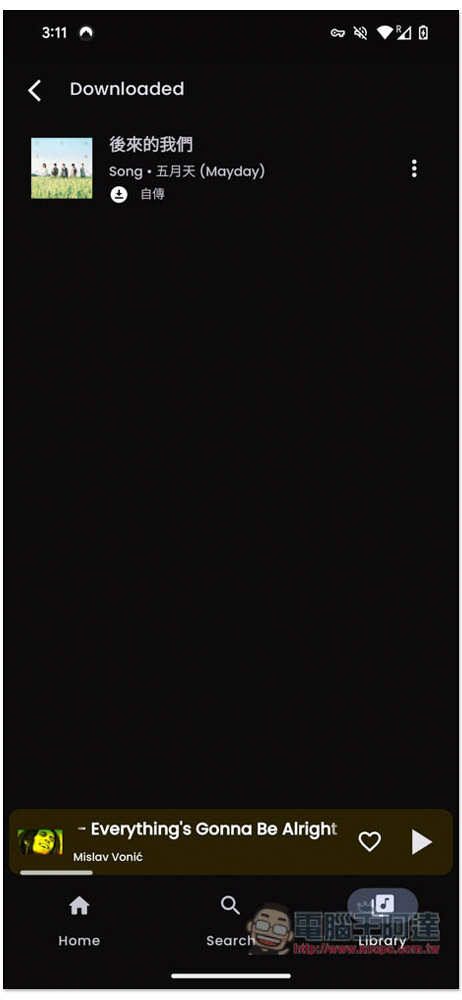
Library Swipe up to find downloaded music:
If you want to listen to higher-quality music, you can adjust the Audio quality to 256kbps in the settings, but you must log in to a YouTube Premium account:
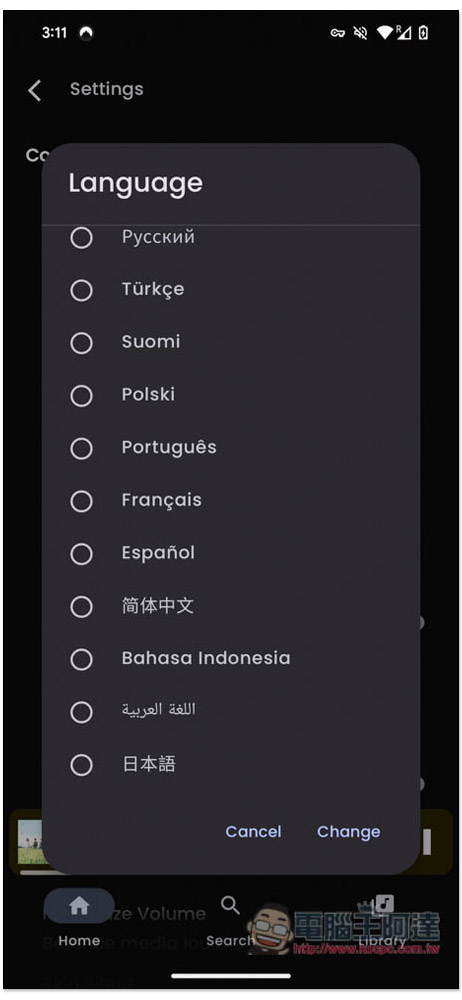
The language menu can also be found in the settings, only Simplified Chinese:
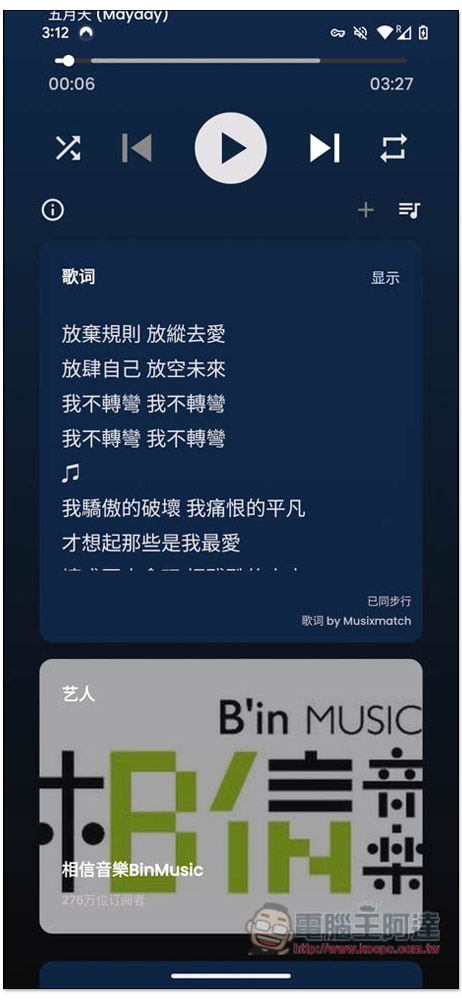
It also supports the lyrics function, which can be found at the bottom of the playback interface:
Source: KOCPC Chinese