


Although RAM is one of the smaller components in a computer, it has a significant impact on the operation of the computer. RAM is responsible in some way for almost every task you do, whether you want to be more productive, enjoy gaming, or just browse the web, the right RAM can make the experience more enjoyable. Now that we’re talking about RAM, it’s helpful to know a few things before you start worrying too much, and this time we’ve put together the key points you need to know.
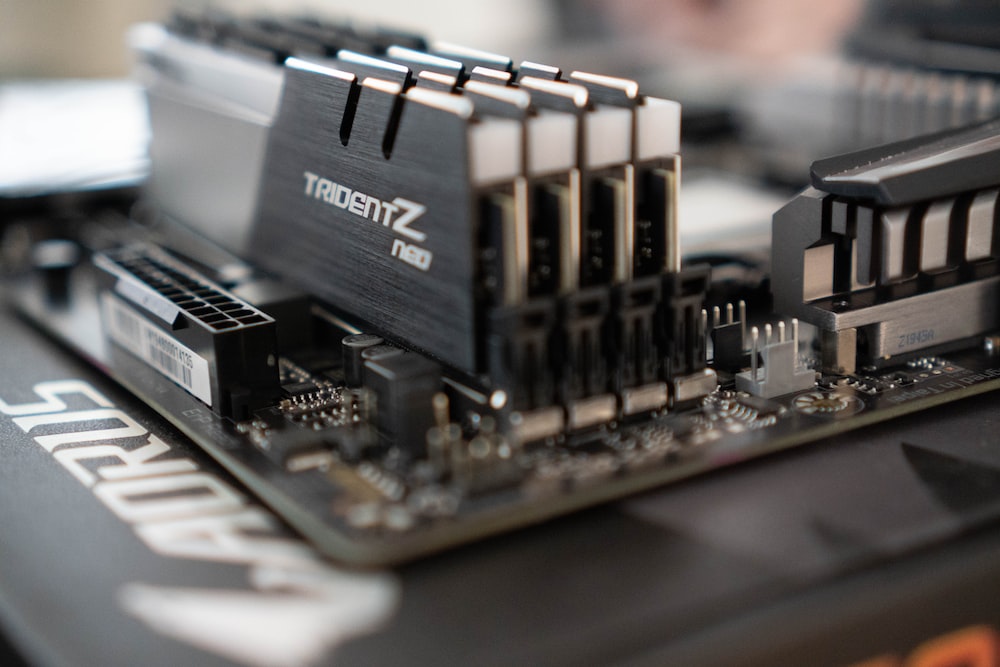
5 reasons to pay special attention to specs when buying computer RAM
First understand the terms that need attention and their meanings
- Speed (MHz or MT/s)
Both MHz and MT/s are used to measure the data rate (speed) of RAM. Simply put, the higher the MHz or MT/s, the more data transfers the RAM can perform per second, making the overall processing faster. As long as you have enough RAM capacity, you can complete more tasks faster. - Capacity (GB)
Although there has been a recent trend toward higher and higher RAM capacities, modern RAM is most commonly 8GB or 16GB per DIMM. Simply put, the higher the overall RAM capacity, the more files the processor can read simultaneously without having to read from the hard drive. If you notice that your computer starts to slow down when multitasking, you may have used up all your RAM and must consider upgrading to more memory capacity. - CAS Latency (CL, CAS Latency)
When it comes to CL, generally speaking, the lower the number, the better. The larger the number, the longer the delay time required. But generally speaking, the smaller the CL value, the more advanced the process used, and the higher the requirements for the motherboard. CL is the number of clock cycles required for RAM to read a set of data. For example, the CL16 requires 16 clock cycles to begin accessing data, while the CL14 only requires 14 clock cycles.
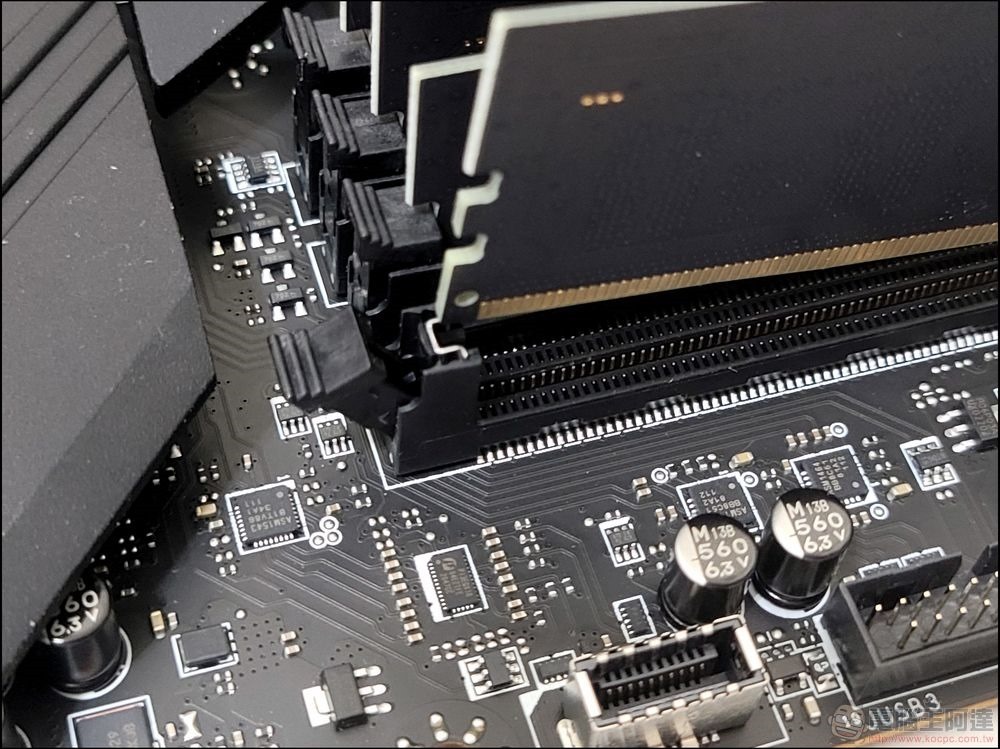
5 Reasons Why You Must Pay Attention to RAM Specs
1. Computer startup time
When you press the startup button of your computer, quite a few programs are usually loaded at the same time. Although you can disable the startup function of some applications, even if there are no other special circumstances, the computer still needs to load the operating system. If you don’t like waiting and want to be able to get into the situation and start processing work more immediately, it is crucial to ensure that the RAM has enough capacity to support your needs. The faster the memory, the better.
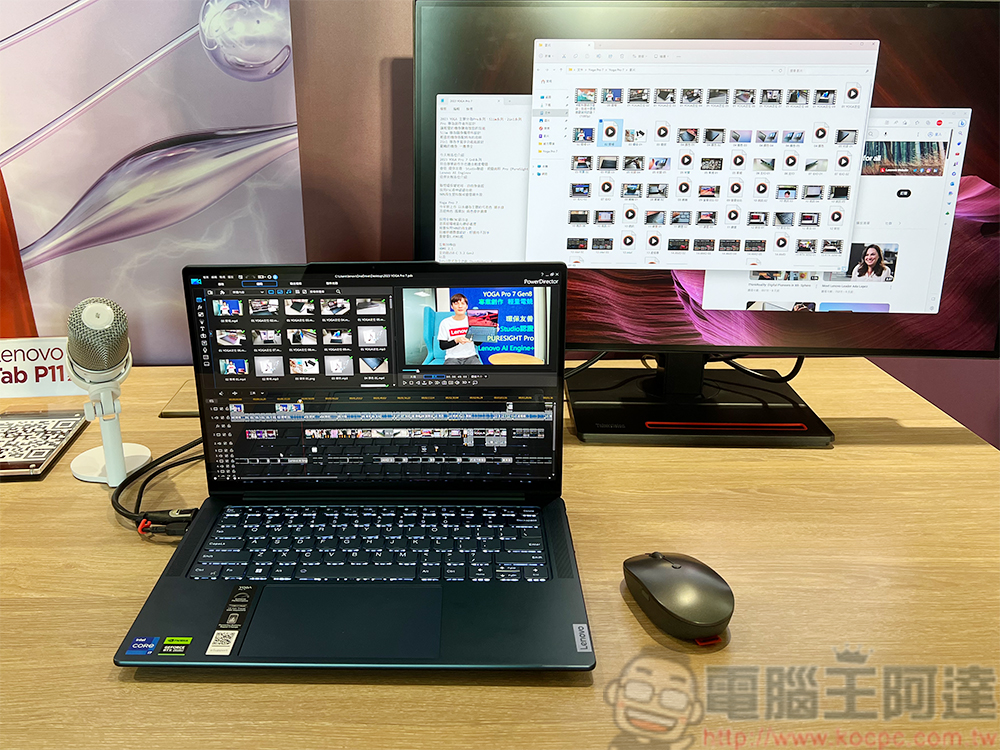
2. Photo and video editing
Photo and video editing puts a strain on other components such as RAM, CPU, and GPU. Higher total RAM capacity will allow users to store more image assets and files for faster access. There are a lot of factors at play, but if you want to edit multiple 4K clips into one movie or edit higher-resolution photos, it’s going to be a big tax on RAM. 16GB is probably the most standard choice, but for more complex workloads, you might want to go for at least 32GB.
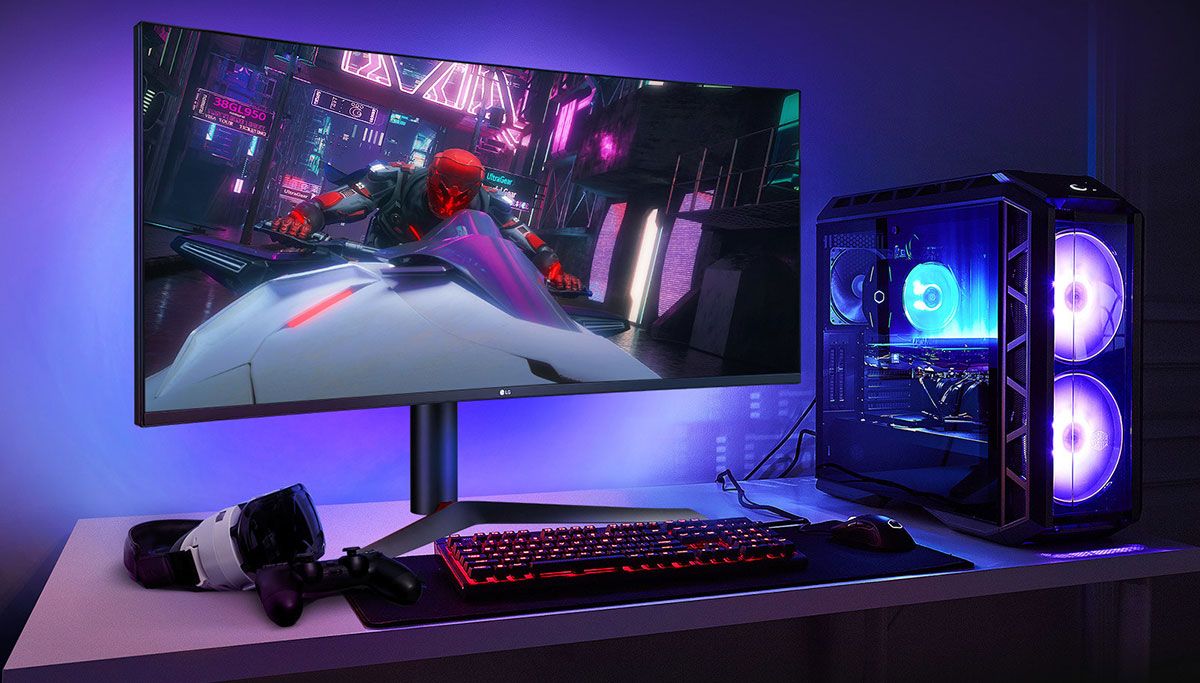
3. Games
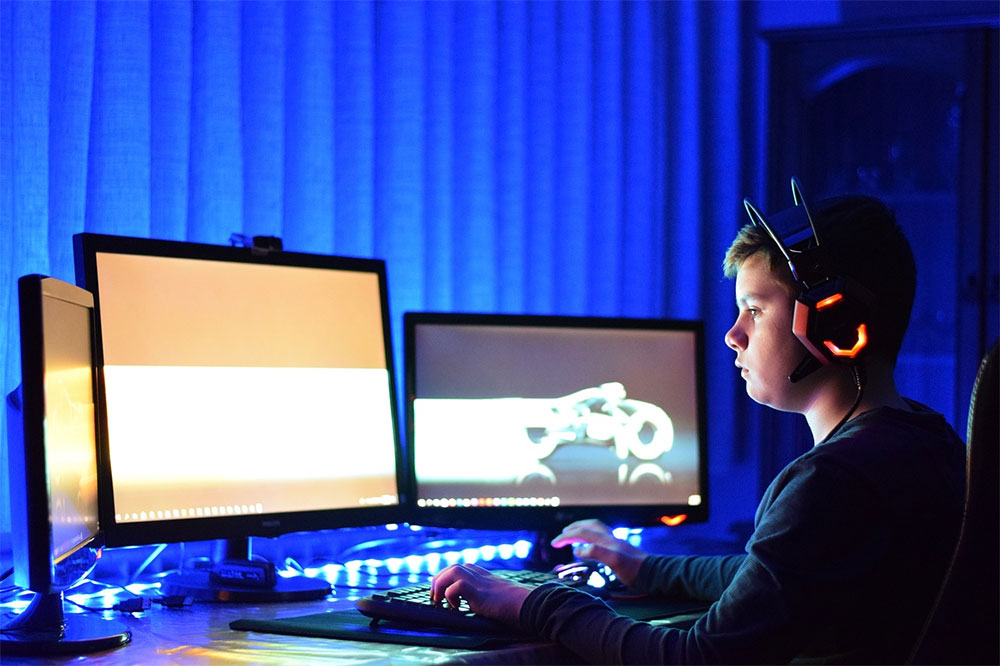
Similar to turning on a computer, opening a game will load many different contents at the same time, including textures, lights, environments and other game contents. As long as you are playing the game, these game resources will be continuously loaded and read on RAM. The faster your computer can complete these operations, the smoother your game play will feel. While you need to ensure that you have enough total RAM, you also need to ensure that the speed is fast enough and the latency is low enough.
4. Better web browsing experience
Nowadays, almost everyone loads multiple tabs when browsing the web, and having more RAM allows you to easily switch between tabs or even use other applications like Computer or Notepad, so you want to be able to switch between all those windows and tabs as quickly as possible. Again, how much RAM you need depends on your personal needs, but a larger capacity will allow you to keep more RAM for emergencies at the same time. After all, web browsers such as Chrome, Microsoft Edge, etc. are known to be RAM-hungry.

5. Multitasking
Assuming you want to do most of the above at the same time, this will require as much RAM as possible to store the many temporary files created by all the different applications you are using. You’ll also want to make sure that all of these temporary files can be accessed as quickly as possible, which means requiring as much RAM capacity as possible, typically 16 – 32GB for most users. You also need a PC that has the fastest clock speed (MHz or MT/s) and the lowest CL you can find on the market. Combining all three will ensure that multitasking is as seamless as possible, so it’s important to understand the terminology and specifications at the outset!
Make the most of your computer’s RAM!
In a dream state, you’d probably want to have 64GB+ of RAM in your computer, run at over 9000MHz, and have a CL10. However, the reality is that current computers cannot run this ideal RAM, and every computer has different requirements for RAM. If you’re using a Windows PC, you’ll need to check which motherboard and CPU are used in your computer to determine which RAM is best for it. If you’re using a laptop or Mac, you’ll need to check the RAM specifications your system is compatible with based on your model.
Not everyone needs to buy the highest-end RAM for their computer system, as long as you have enough RAM and it runs fast enough for your needs, that’s all. However, if you want more performance and want to run more complex tasks more smoothly and faster, then upgrading your RAM is a great place to start.
Further reading:
Memory upgrade, how much RAM does your computer need?
How to check if your Windows computer can upgrade RAM? Everything you need to know is here
Source: KOCPC Chinese