


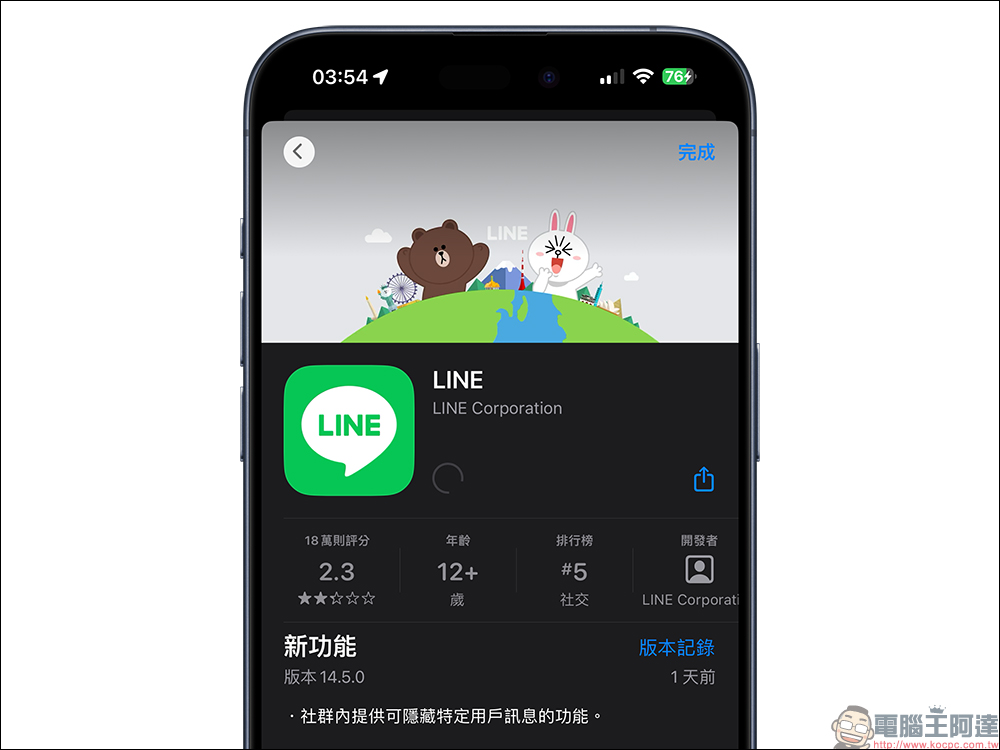
Since the launch of the LINE community, many like-minded netizens can gather in the LINE community to discuss topics of common interest. However, sometimes some members of the LINE community may not want to see the content of their comments. If you do not want to see his or her messages, all members will have to see these messages unless the administrator kicks them out of the community. Earlier, LINE version 14.5.0 was updated, allowing users to directly hide the messages of specific users in the community. Continue reading this article to learn how to set it up!
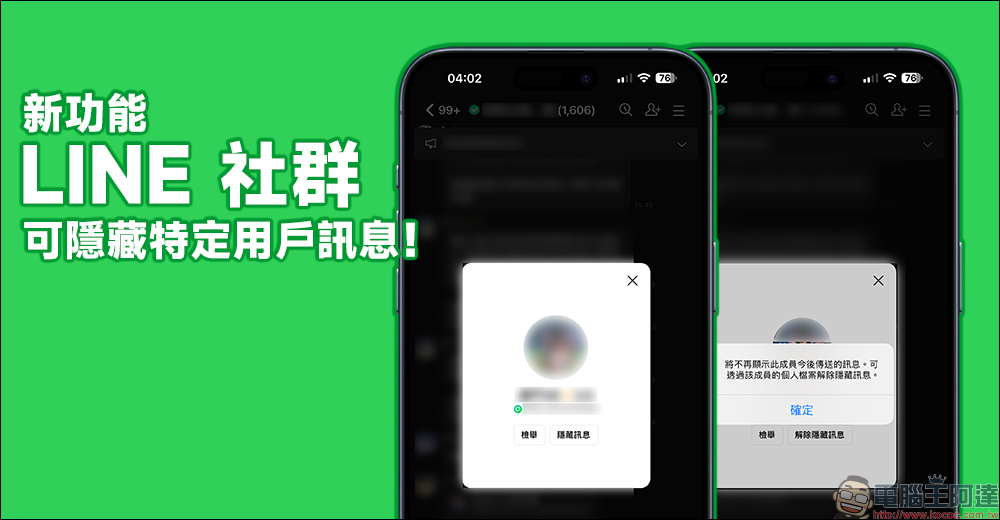
LINE 14.5.0 updated! LINE communities have launched a useful new feature that can hide community-specific user messages!
Recently, LINE quietly released version 14.5.0 update. Although this update contains only one item, it is a very useful feature for the majority of users. The LINE community finally provides the function to hide messages from specific users! As long as after the update, the user encounters some messages that he or she does not want to see in the LINE community, he or she can hide all future messages with just one click. There is no need to spend time setting off one pen war after another in the LINE community, allowing the community to maintain a harmonious atmosphere.
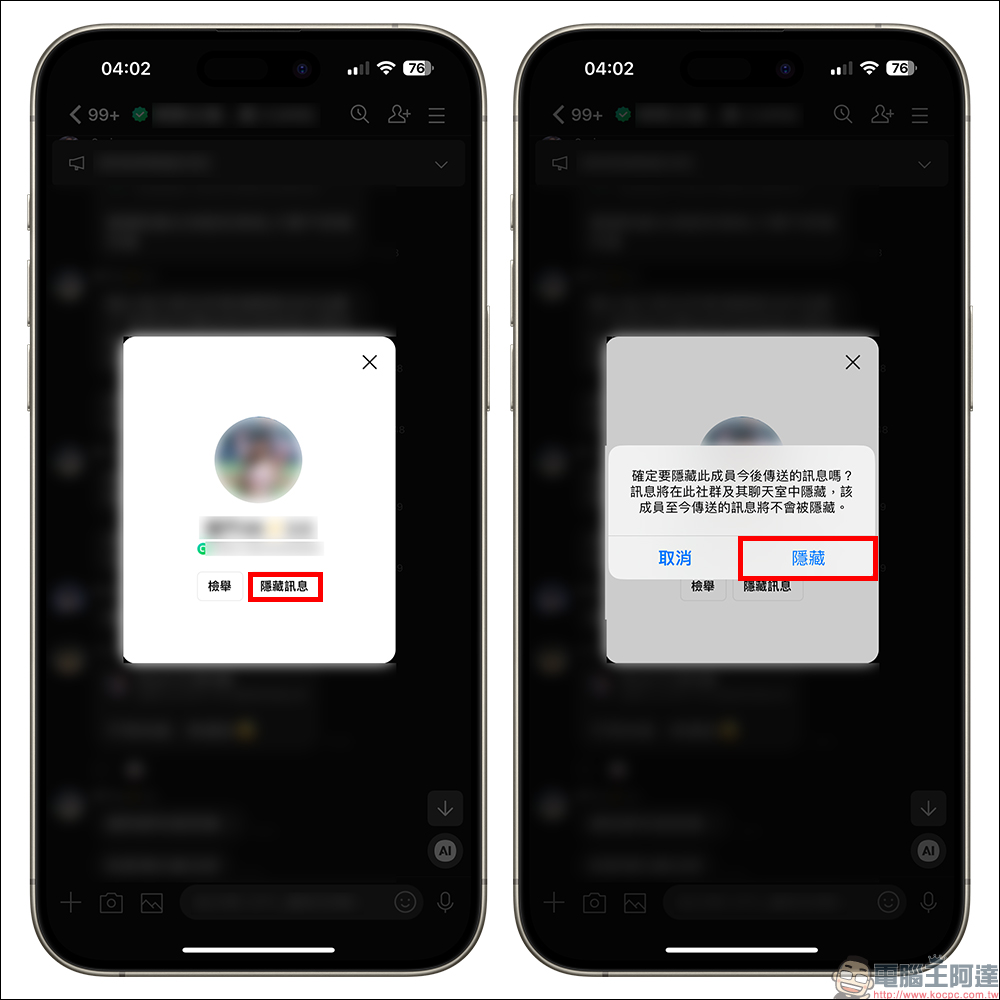
After LINE is updated to version 14.5.0, if there are messages from some members that you no longer want to see in the LINE community, just click on the member’s avatar. In addition to the original “Report” button, there is also a new “Hide Message” function. Once a user confirms that they want to hide this member’s messages, all future messages this member sends to the community will be hidden in the community and its chat rooms. However, all messages sent so far before hiding will not be hidden.
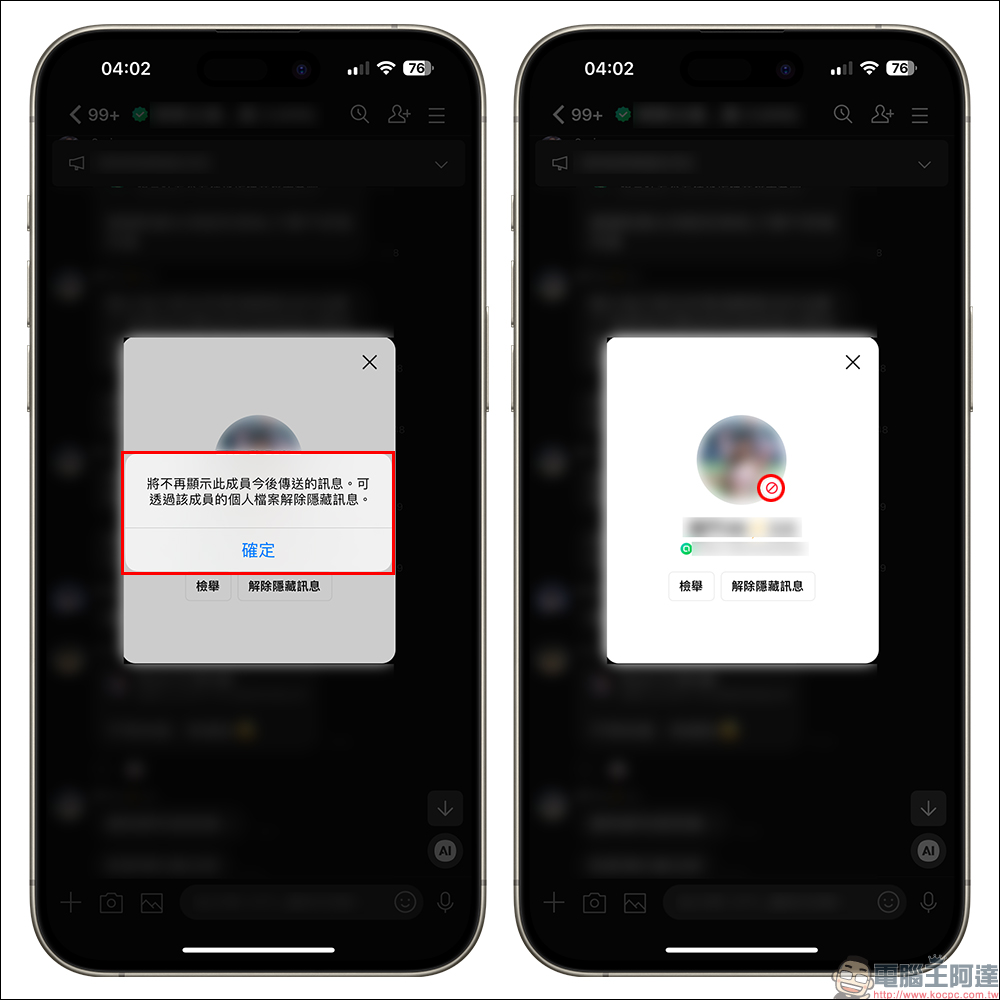
After clicking the “Hide” button, a window will remind you that future messages sent by this member will no longer be displayed. A “Ban” icon will also be added to the lower right corner of the member’s avatar in the LINE community. If you want to unhide it later, you only need to follow the same steps by clicking on the member’s avatar, and then click “Unhide Message” to unhide it.
In addition, it should be noted that if the object’s information has been hidden, even if you unhide it later, you will not be able to see all the messages during the previous hiding period!
Finally, I would like to remind everyone that although the LINE community is an anonymous space, everyone must still speak carefully and abide by the community rules!
A must see! These are the prohibited items
- It is prohibited to reveal personal LINE ID in chat content (it doesn’t matter if it is the ID of an official account).
- All conversations with “intention to meet alone” in LINE communities are prohibited.
- Discussions related to direct marketing are prohibited.
- Discussions and content related to pornography, violence, gore, horror, etc. that are “harmful to children’s physical and mental health” are prohibited.
- Discussion of cigarettes (including cigars, heated cigarettes, cigarette-like products such as e-cigarettes, etc.), alcohol, or low-contact items prohibited or listed by law must comply with the law.
- Discussions related to gambling (including mahjong, poker) and sports betting are prohibited.
- Any illegal activities (including but not limited to prohibiting the sale of counterfeit goods) are prohibited.
Please avoid disclosing personal information and sending negative or unverified messages
Not only in the LINE community, but basically in any online platform, it is recommended not to easily disclose any information such as phone numbers, addresses, or finances that is not suitable for disclosure on the Internet.
In addition, in order to prevent false information, and please be more careful when chatting in the LINE community and do not send negative or unverified information. If you are not sure whether the content you want to share is fake news, you can first “forward” the suspicious message to the official LINE message verification account (ID: @factchecker) for inquiry or reporting.
Be a respectful member of the community
Don’t forget basic courtesy! The purpose here is to exchange topics and share interests. If we can maintain a pleasant atmosphere, I believe it will be very helpful! In order for everyone to have fun using the LINE community, please remain polite, respect others’ speech, and prohibit the use of the LINE community.
In addition to the above, the most important thing is that there must be no violations“LINE Terms of Service” (click here to view),and“LINE Community Terms of Use” (click here to view)behavior!
Further reading:
LINE free sticker collection: 13 LINE stickers available for free download for a limited time
Source: KOCPC Chinese