


As Google (finally wants to open) secretly tests Features related to Pixel 8 external monitor, it can be expected that more friendly features will be launched in the Android system in the future. Foreign media Android Authority discovered that in the latest Android 15 Developer Preview 2 developer test version, Google has added quite a few new keyboard-friendly input options. Continue reading for more advanced physical keyboard support, and the Android 15 preview version adds more user-friendly keyboard-related settings.
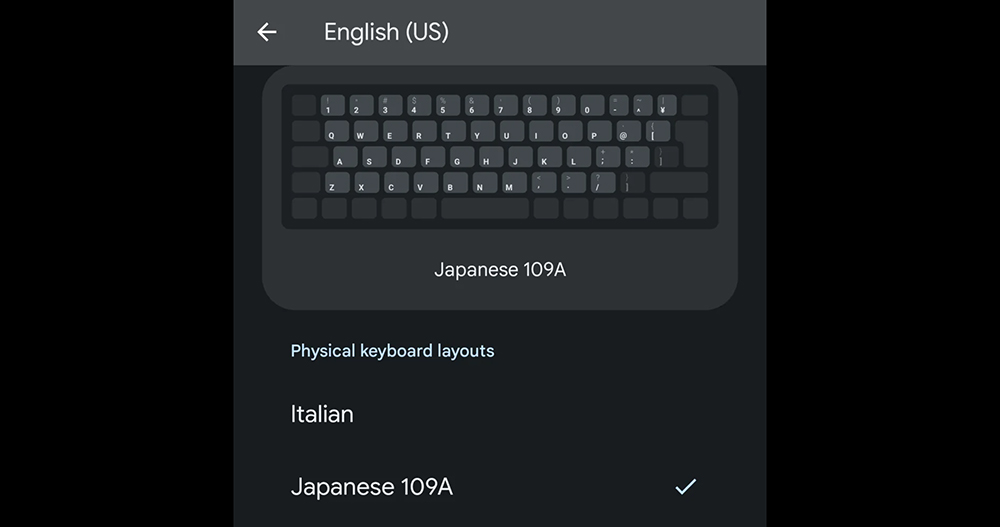
▲Image source: Android Authority
More advanced physical keyboard support, Android 15 preview version adds more friendly keyboard-related settings
Basically, the Android system has already provided the use of external physical keyboards. But overall, it is basically usable and does not provide advanced function settings like those provided by desktop computer system locks.
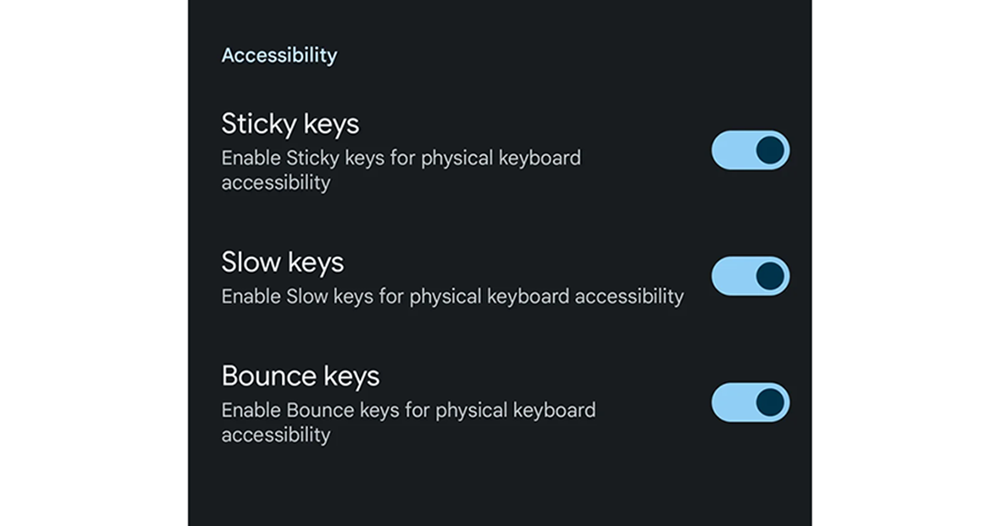
The latest option unearthed by foreign media this time in Android 15 Developer Preview 2 allows us to see that Google has gone one step further to provide physical keyboard control options for “desktop-like systems.” Introduced at one time include sticky keys (called “dwell keys” on macOS), slow keys and bounce keys.
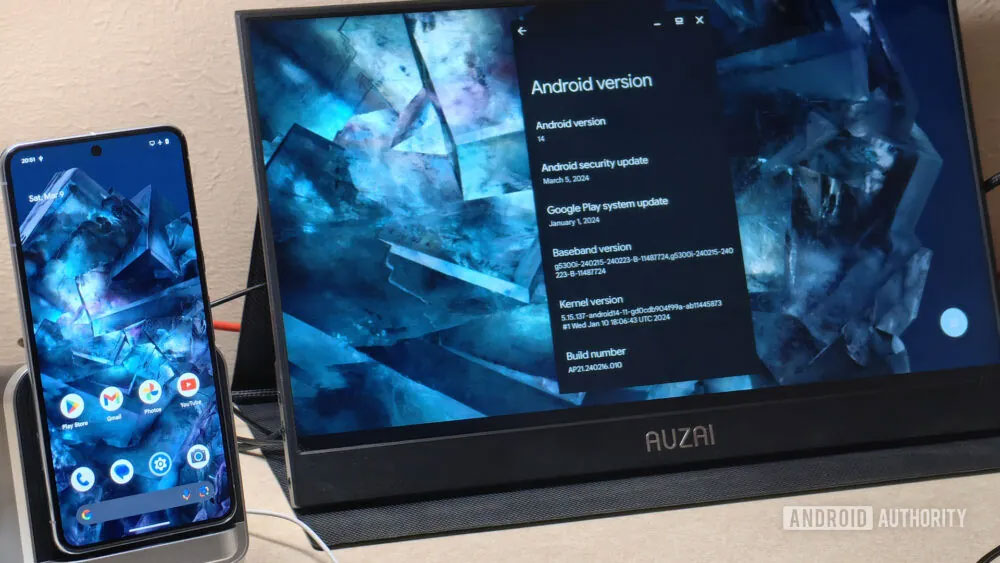
▲Image source: Android Authority
That is to say, based on the official function description, the translation is as follows:
- 黏滯鍵(Sticky Keys):啟用實體鍵盤輔助功能的「黏滯鍵」
- 慢速鍵(Slow Keys):啟用實體鍵盤輔助功能的「慢速鍵」
- 彈跳鍵(Bounce Keys):啟用實體鍵盤輔助功能的「彈跳鍵」
The above seems to explain nothing (laughs). But from the instructions seen on macOS. “Sticky/Persistent Keys” allows you to change keys without pressing them; “Slow Keys” can adjust the time between pressing a key and starting to take effect, and the editor found a description of the bouncing key that “allows you to ignore repeated input of a key when you press it.”
Basically, we can know that the three new physical keyboard connection options added this time are mainly intended to allow people who may have a little difficulty operating on physical keyboards to enable normal use of computers through physical keyboards by turning on these functions… This refers to Android phones.
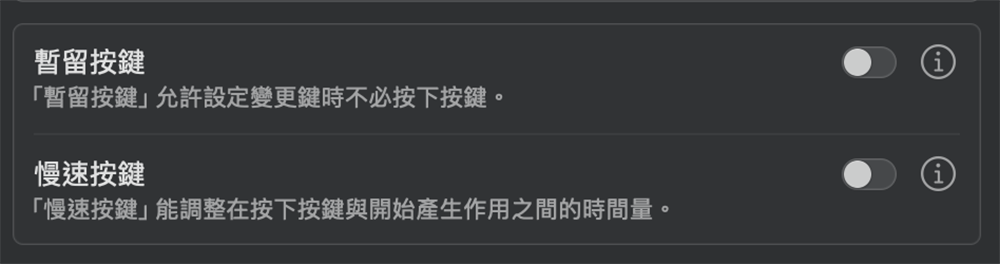
For example, slow keys can help people with limited mobility or slow typing speed use computers more easily. Then, with sticky keys, people who may have difficulty operating key combinations that must be pressed continuously can keep the key pressed while pressing the button.
In short, it is a function for “assisted use”. And this function setting is actually placed in the “Accessibility” item of the “Physical Keyboard” setting in the Android 15 test system. In addition, this update also brings the ability to preview different keyboard arrangement configurations through the virtual keyboard.
▲Image source: Android Authority
To put it simply, although this function update seems to be more oriented towards auxiliary functions, it seems that most people do not use it very much. However, this further step allows Android to become closer to the functional development direction of desktop computers using physical keyboards. It also makes people look forward to whether Google can provide more productivity-related functions for this mobile system when connecting screens, keyboards and mice.
Further reading:

Source: KOCPC Chinese