


I believe the importance of Windows data backup should go without saying. Although you can manually back up, people are forgetful, and sometimes they will forget. The professional version of AOMEI Backupper Professional, which has always been our most recommended, has recently launched a limited-free promotion. It is still the latest version, which means that people who are using the old version can also take advantage of this time to upgrade to the latest version. Don’t miss it if you haven’t got it yet.
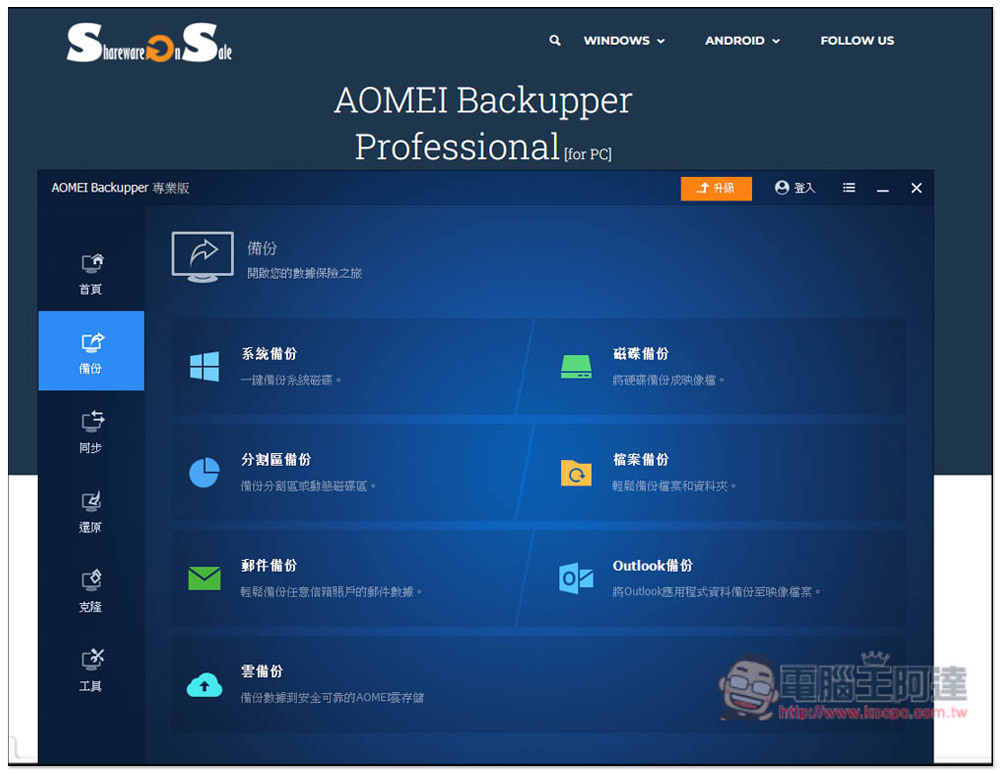
The most recommended Windows system backup and restore software is free again! Get the latest version of AOMEI Backupper Professional for free
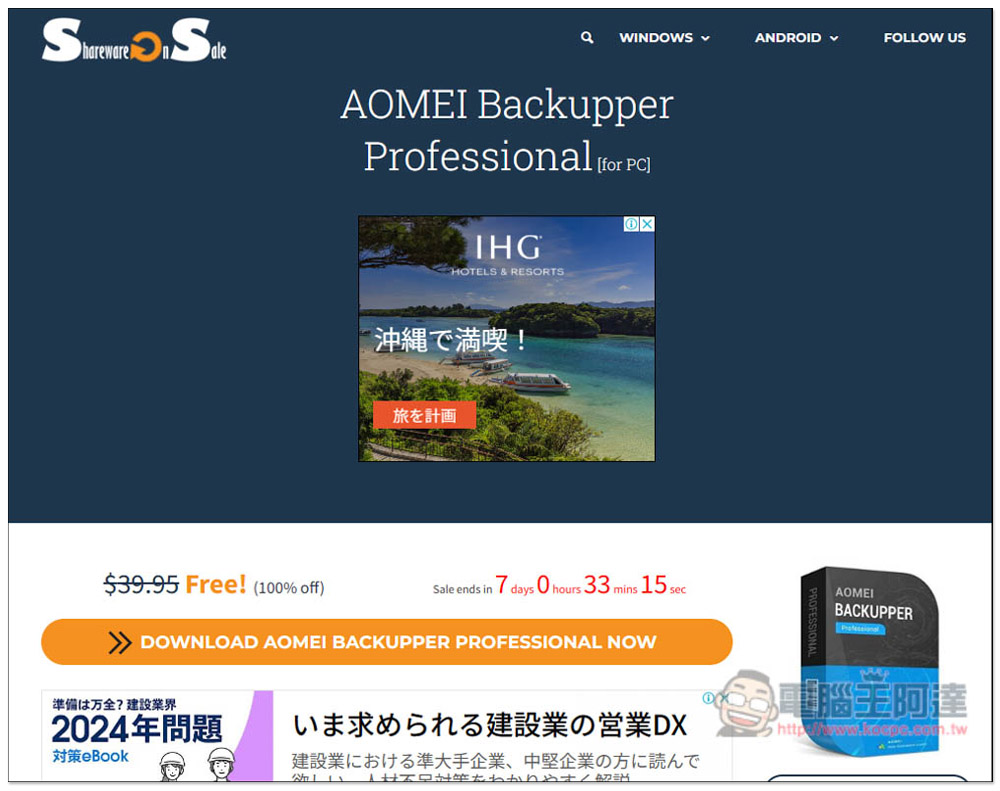
The website that launches AOMEI Backupper Professional for free this time is SharewareOnSale, which everyone is familiar with. After clicking the link above to enter the event page, click the Download Now button. There are still a little more than 7 days left to write the article. In addition, I would like to remind you that the free serial number given this time is for one year, which can be used for commercial and personal use. Although one year is a bit short, this product often has limited free activities, so you can wait until it expires soon to get it:
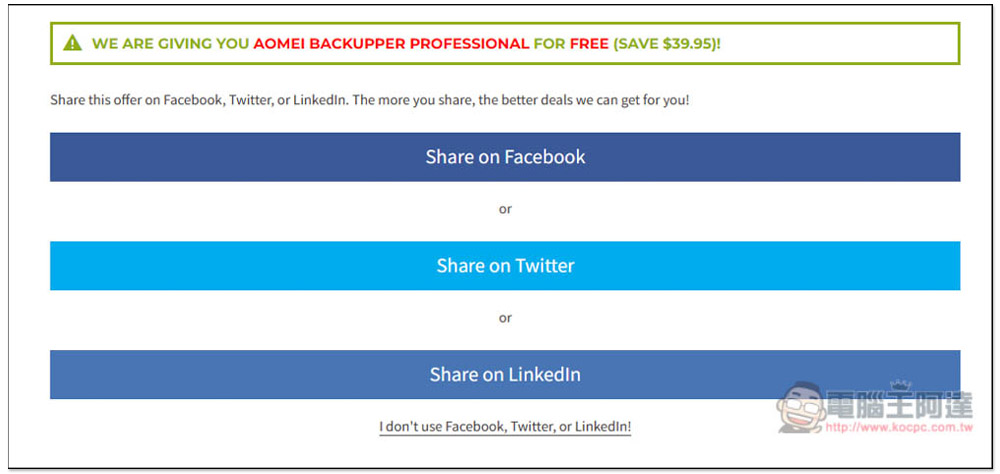
Then choose how you want to share, including Facebook, Twitter, and Linkedln. If you don’t want to share, you can also click I don’t use… below and fill in the E-Mail information instead:
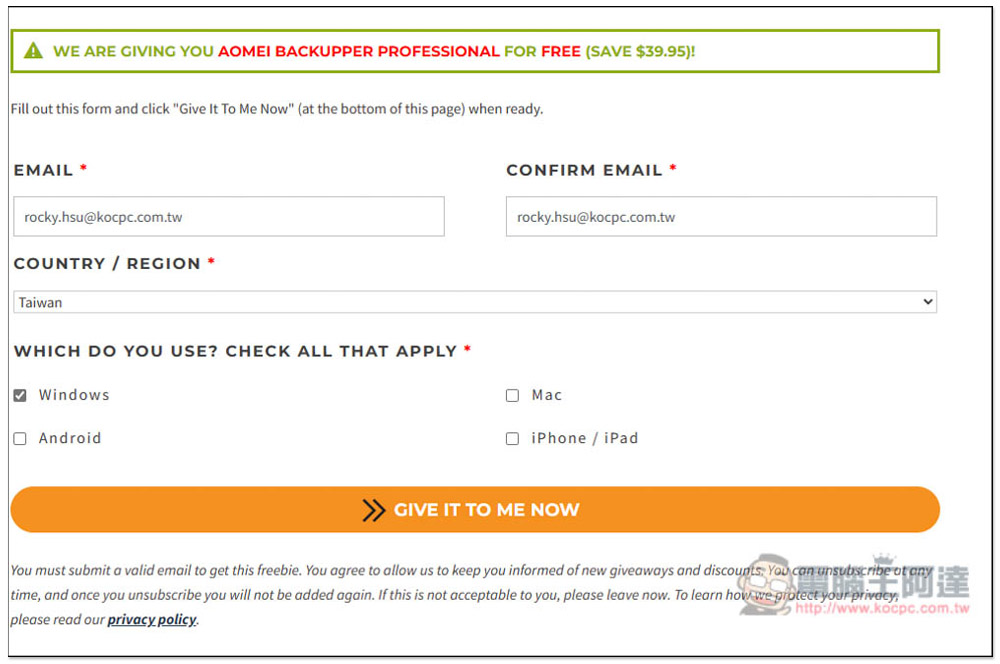
Fill in your email, country and operating system:
Then you will get the installation file download point and registration serial number:
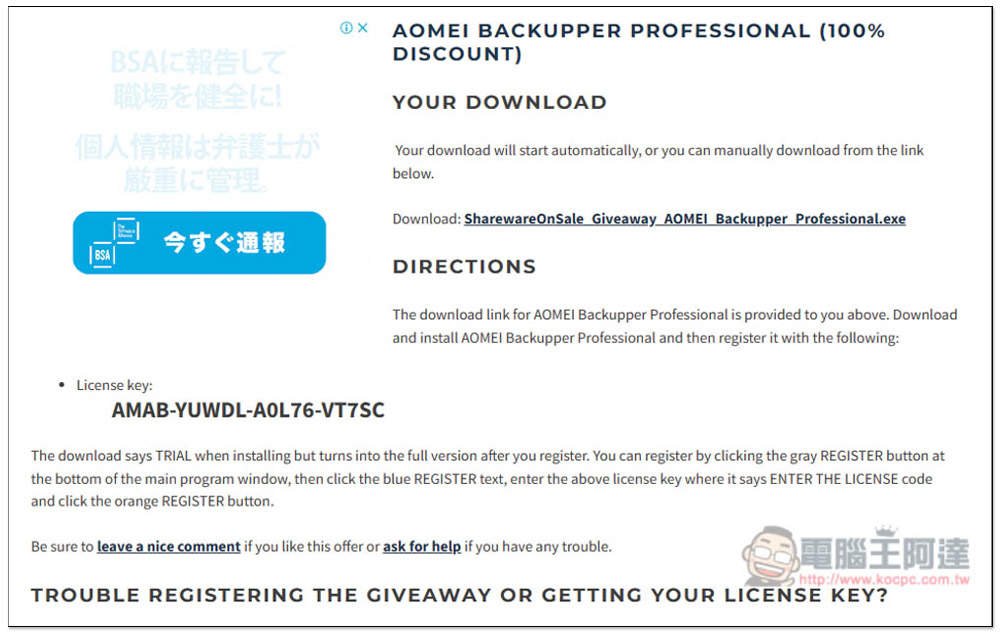
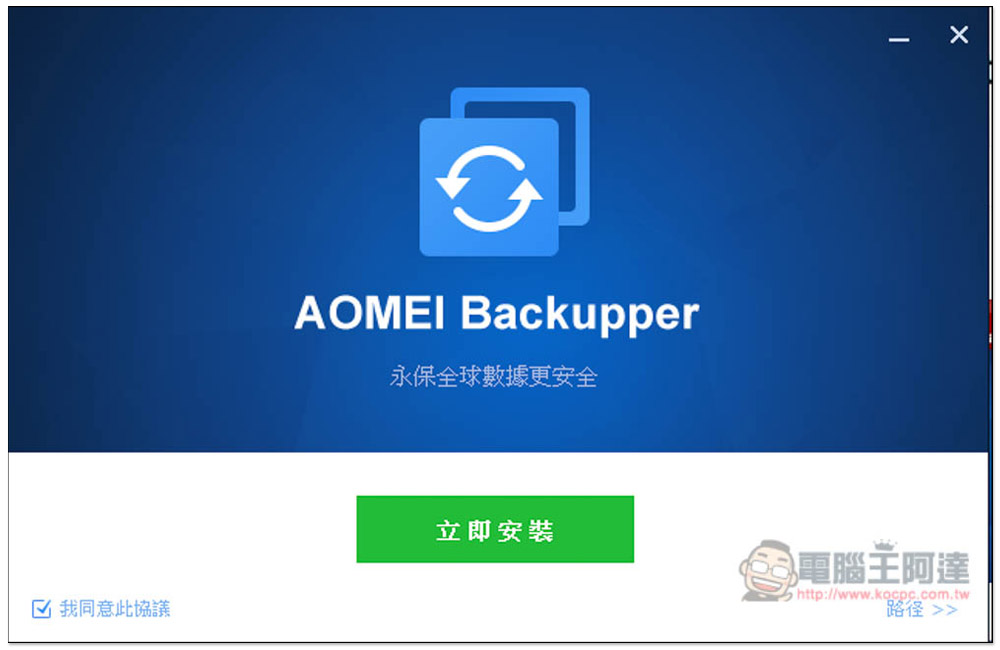
If there are no special requirements during the installation process, just keep pressing Next:
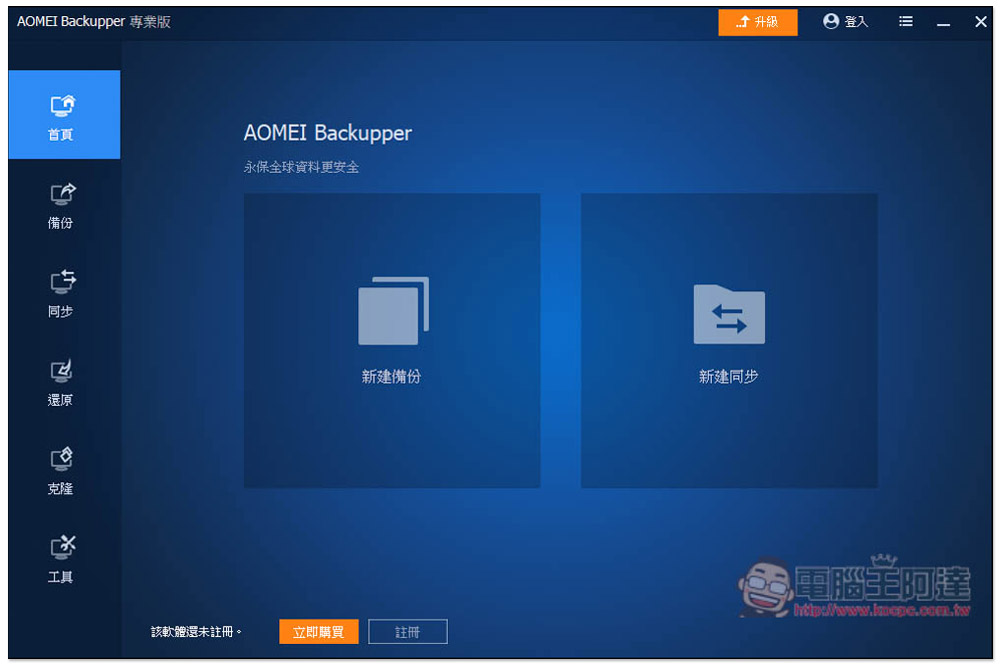
After installation, open it and click “Register” below:
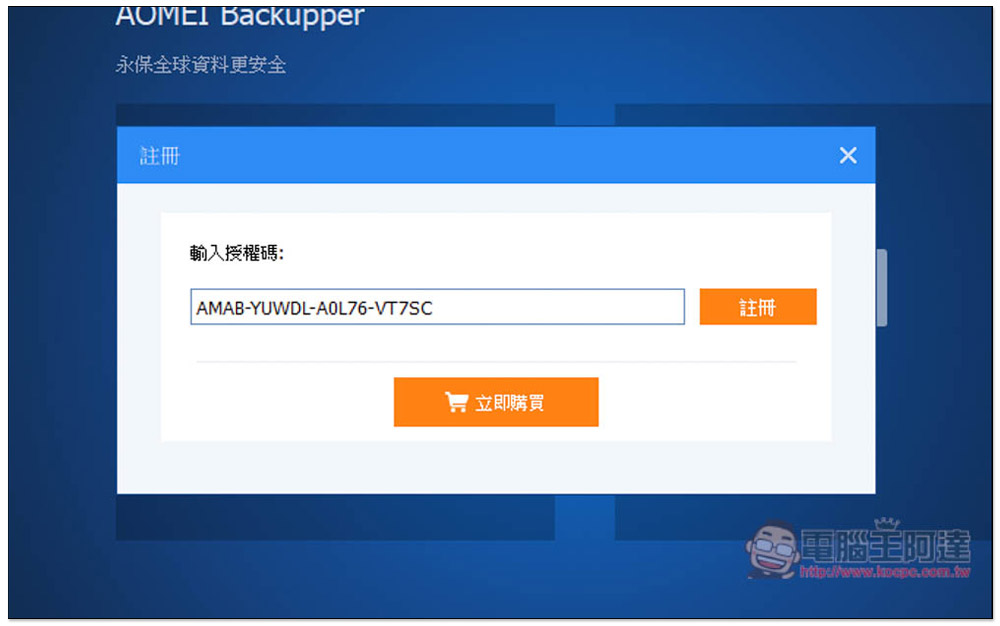
Fill in the serial number you just obtained:
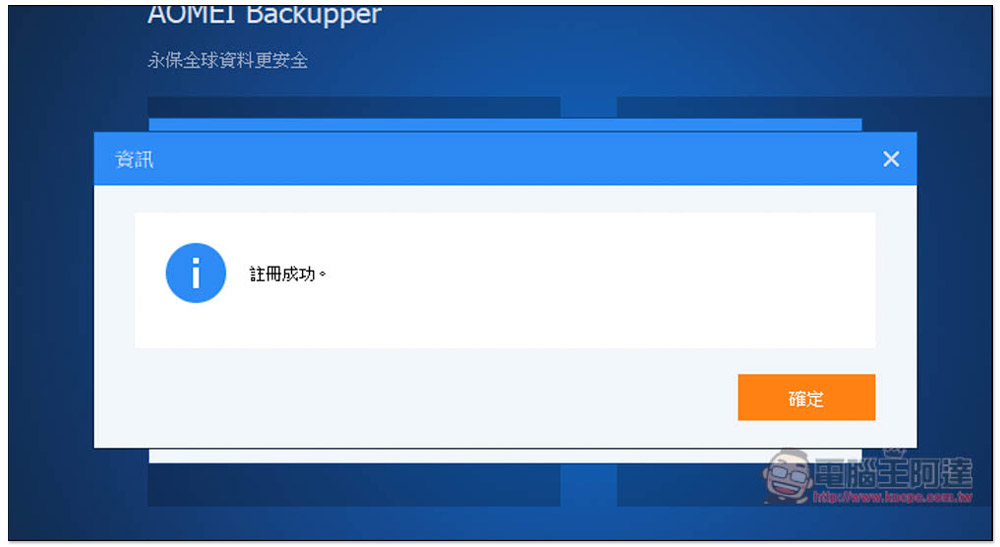
This completes the registration:
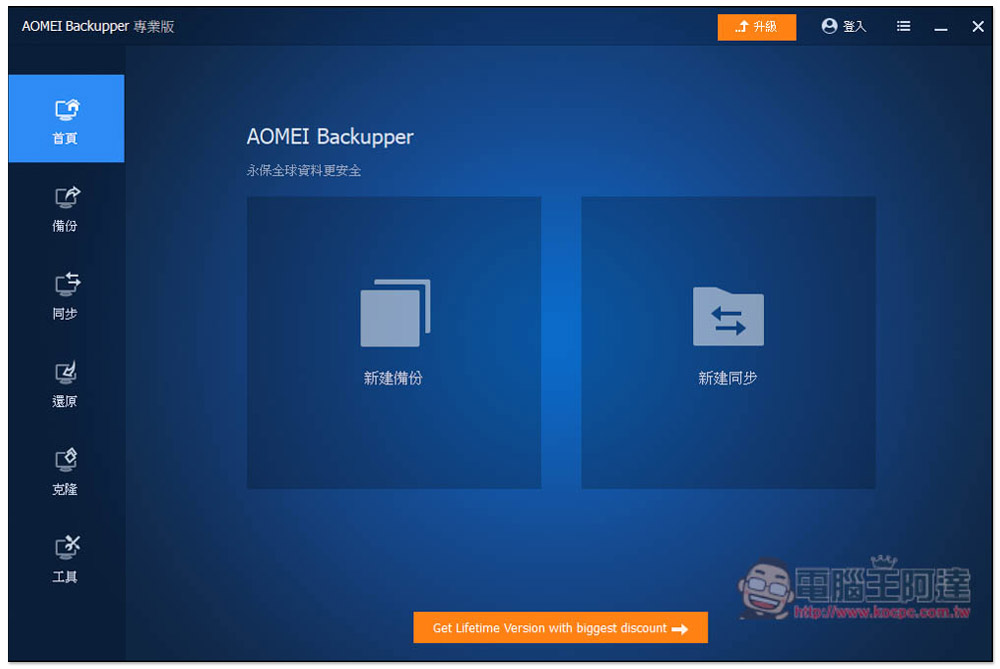
The registration and purchase buttons in the lower left corner will disappear, and you can use it for free for one year. However, because it is a limited-free version, the discount for upgrading to the lifetime version will be displayed at the bottom, which cannot be eliminated. It is also very simple to use, providing two functions: “backup” and “synchronization”:
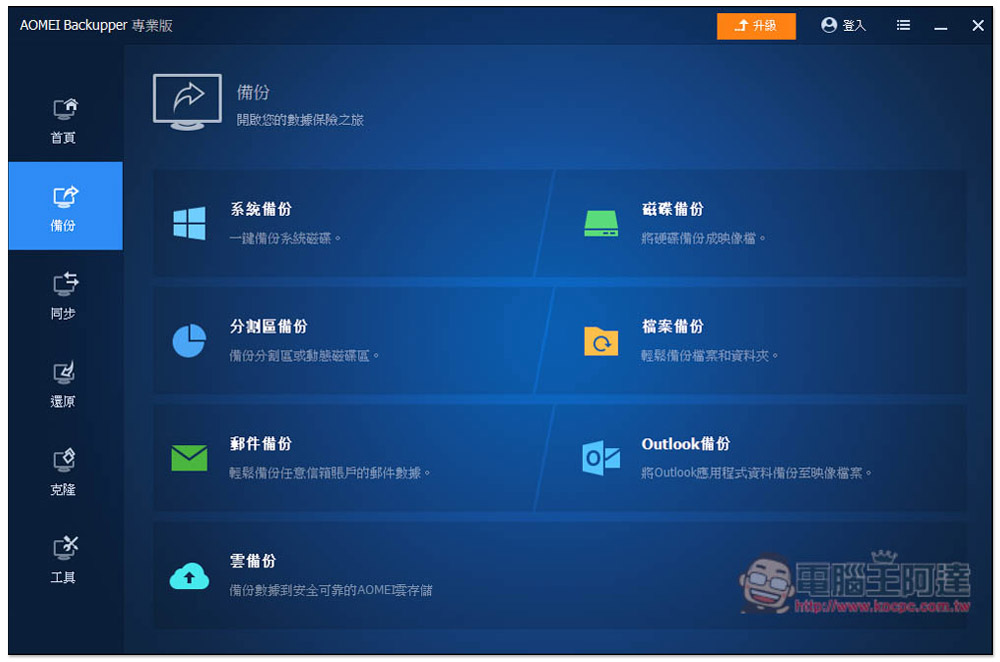
The backup part supports seven modes: “System Backup”, “Disk Backup”, “Partition Backup”, “File Backup”, “Email Backup”, “Outlook Backup” and “Cloud Backup”. Generally speaking, system backup is used, so that if there is a problem with the system in the future, this backup can be restored with one click:
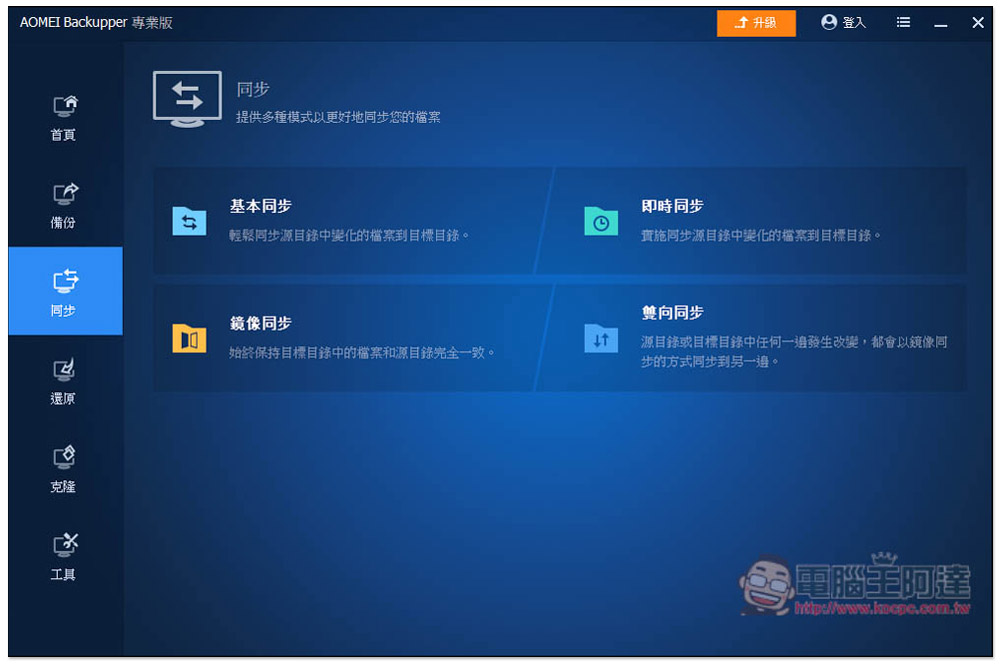
The synchronization part includes “basic synchronization”, “real-time synchronization”, “mirror synchronization” and “two-way synchronization”. They are mainly used to back up your important files. For example, if you store important files in a folder in the C slot, you can set a synchronization action to synchronize the files in this folder to a folder in the D slot in real time. This way you don’t have to worry about forgetting. It will perform synchronization operations in the background at any time:
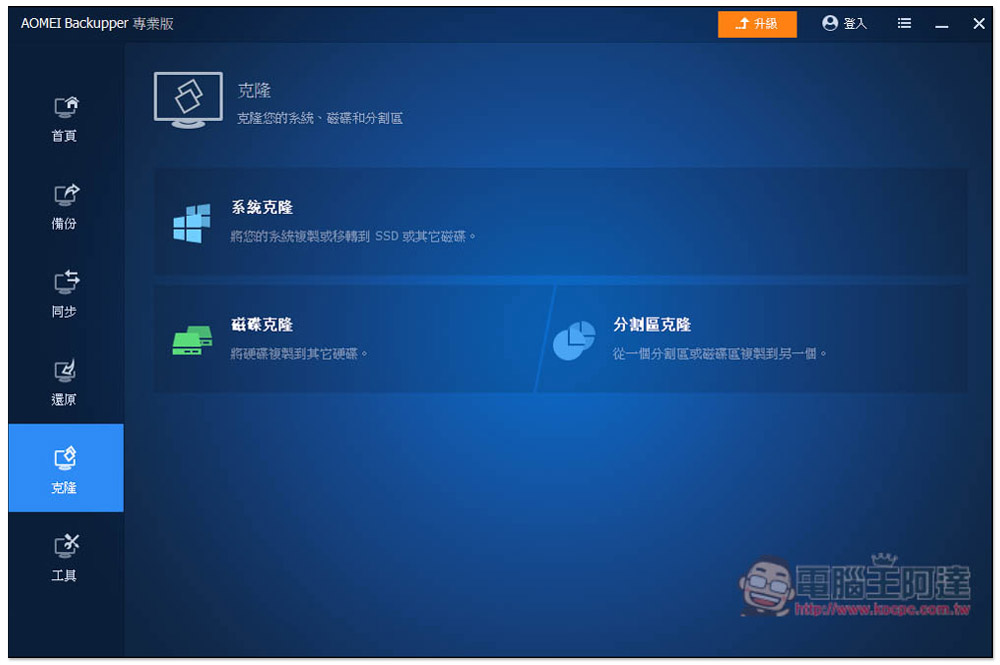
Cloning is also a very useful function, especially when you want to change the system disk. After buying a new hard disk, you can use this “System Clone” function to copy the old one, and then directly install the new hard disk to continue using it. There is no need to reinstall the system, software, and drivers:
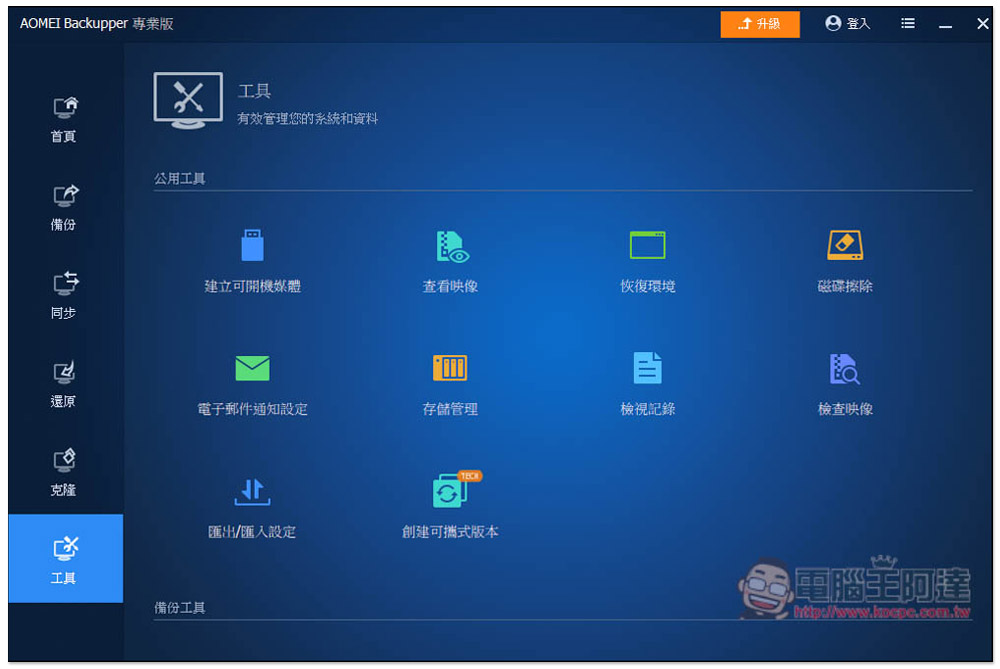
The tools menu also has some additional functions, such as creating bootable media, disk erasing, creating portable versions, etc.:
Source: KOCPC Chinese