


Google’s voice assistant is the platform used with many smart home products. Gemini for Home does more than just replace Google Assistant on smart speakers and displays; it adopts a rebuilt new Home architecture, adds intelligence to cameras, and enables a redesigned Home app on Android and iOS.
Gemini for Home and the redesigned Home app start rolling out today.
Compared to the mobile experience, Gemini for Home is optimized for ambient environments and has spatial awareness capabilities. On the voice side, 10 new options have been added to make conversations more natural, with more realistic rhythm and intonation. These new voices complement the responses powered by Gemini and large language models, with improvements starting from the command itself—no longer requiring a specific structure to work, which greatly benefits smart home use cases. You also don’t have to remember device names, and Gemini can now understand the context in your speech. For example, if you’re upstairs and say, “Hey Google, I’m going to cook, can you turn on the lights?” it will naturally know to turn on the kitchen lights downstairs.

You can also chain multiple commands together, and Gemini will handle all of them. The LLM can also tackle complex requests. Google says you can talk to Gemini like you would with a real person, and it retains context for back-and-forth exchanges, so you don’t have to restate the topic. At the same time, you can change what you want mid-sentence, and Gemini will still continue the conversation with you.
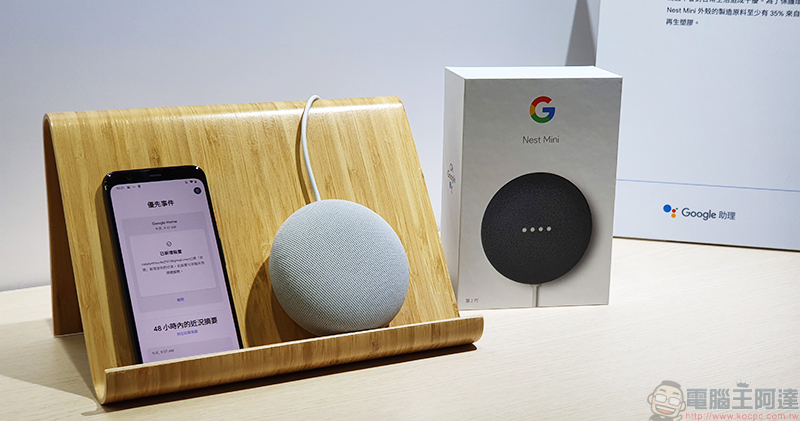
Gemini for Home can improve everyday actions like playing audio. You can request a song in any way you like, such as reciting lyrics you remember or describing a scene: “Hey Google, play that song from dancing at the campfire,” and so on. Calendar, reminders, lists, and timers have also been improved, unlocking more complex commands like “Remind me to order my costume a month before Halloween,” “Add the ingredients for pad thai to my shopping list,” and “Set a timer for cooking my ribeye steak.”
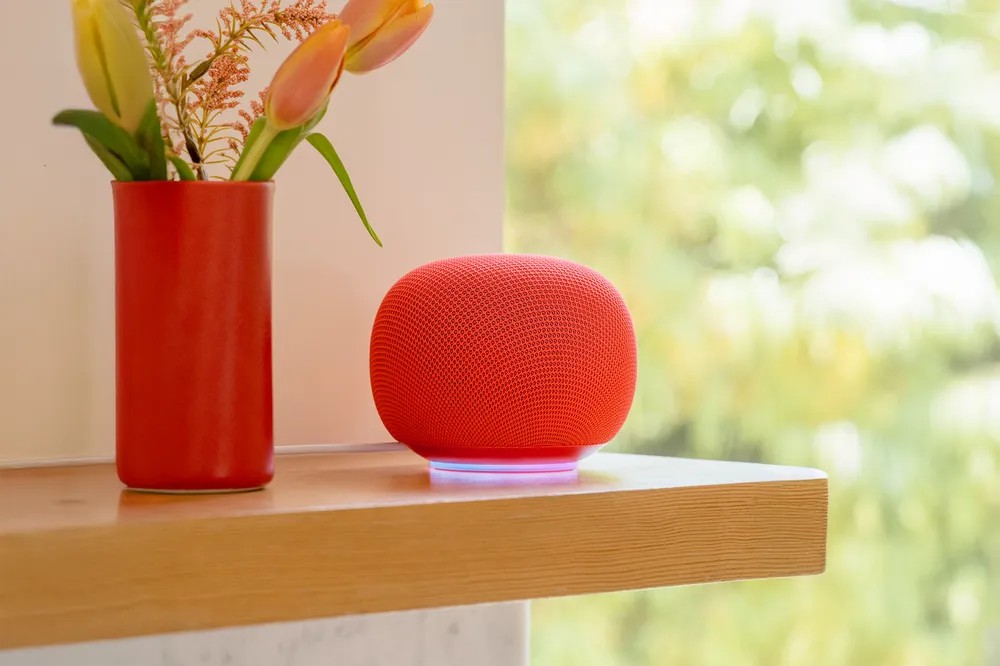
Gemini will be available on every Google smart speaker and display released since 2016. Just like the Gemini you use on your mobile device and computer, you can have deeper conversations on any topic. Reminders and replies will not appear in your Gemini app history. For a more immersive conversation, say “Ok Google, let’s chat” to enable Gemini Live, which allows you to have continuous conversations without needing to say the wake word. That said, when Standard mode asks you a question, it will automatically re-open the microphone, allowing you to pause, interrupt Gemini, and ask follow-ups at any time.
HOME App Redesign
Meanwhile, the redesigned Google Home app is your gateway to new features on mobile devices. Google rebuilt it to make everything faster, more reliable, and more complete. In 2025, Google made around 100 improvements to the Home app, with launch speed up 70% and crash rates down 80%. Other structural upgrades include reduced power consumption and memory improvements. This new foundation will allow Google to roll out a range of new features in the years ahead.
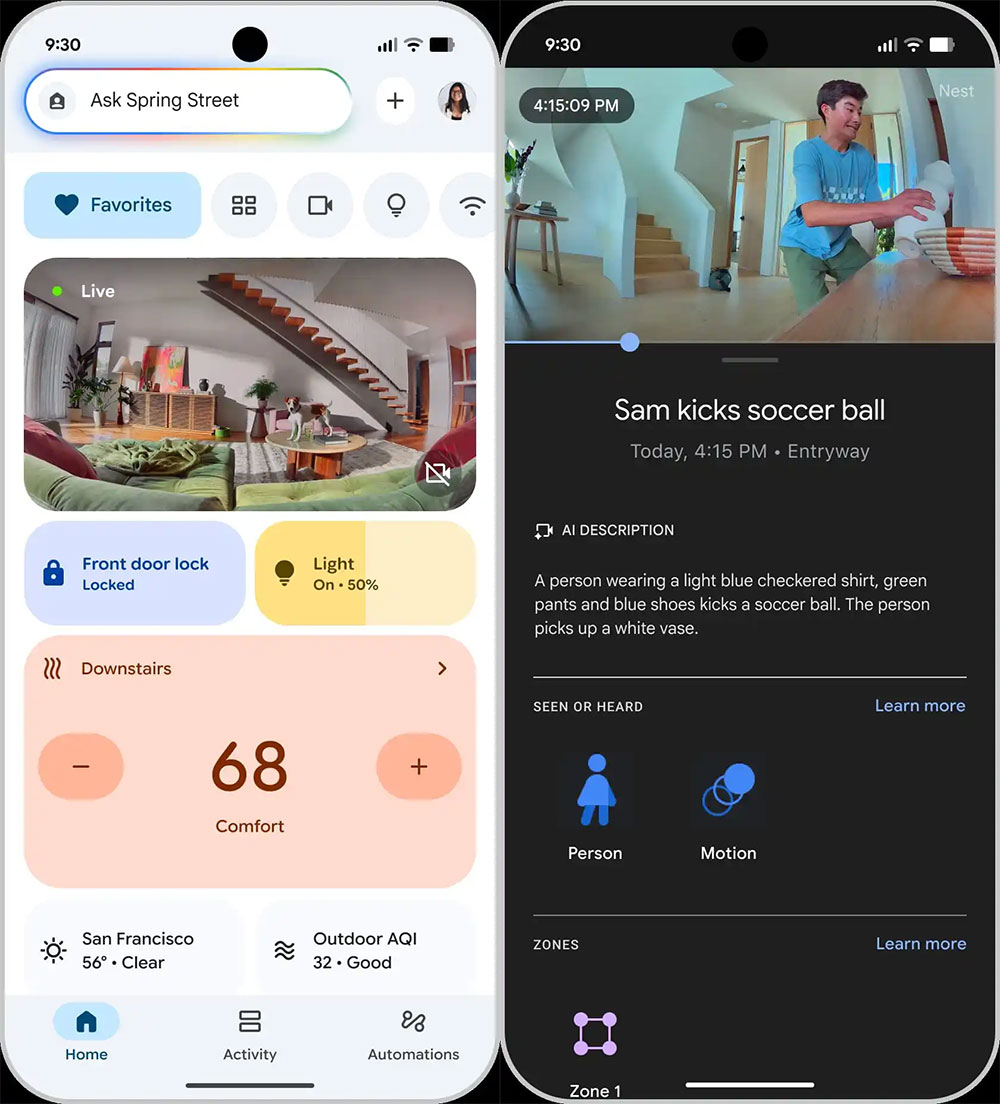
The core of this redesign is the conversational “Ask Home” text chat at the top of every screen. This is how you access the new Gemini for Home commands and features from your phone, smart displays, or speakers. In the future, the Home extension in the Gemini app will get the same Ask Home feature, while also serving as a search for devices and automations.
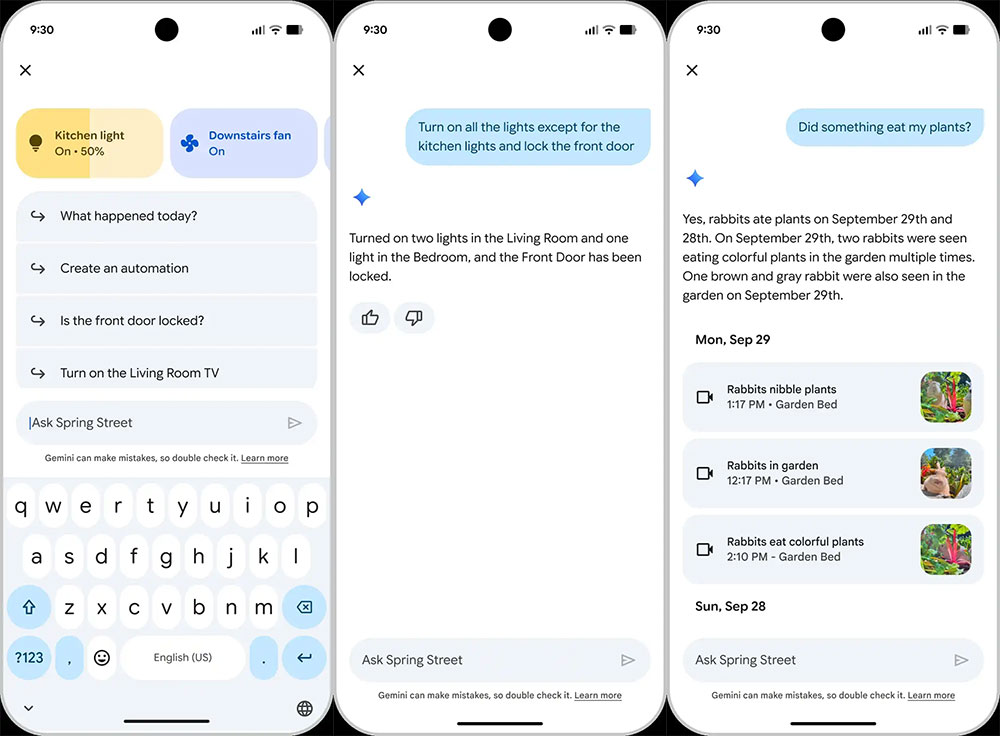
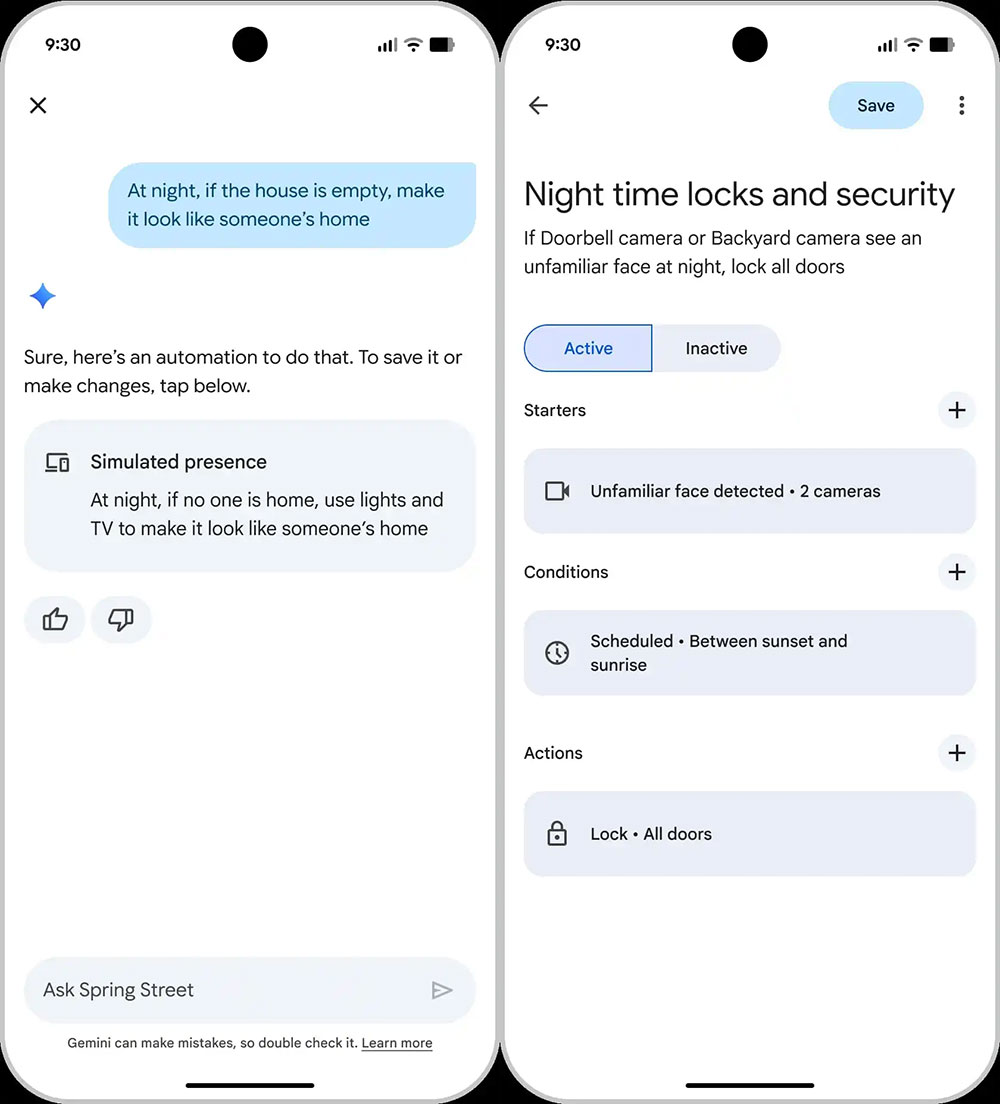
In addition to asking about what’s happening at home, you can also send device commands, such as turning devices on/off and making adjustments. Even without cameras, you can quickly check device statistics and insights, like how long the AC or TV was on last week. You can also create automations based on natural language requests, such as “if the house is empty at night, make it look like someone’s home,” and Google will suggest using lights and the TV to simulate it.
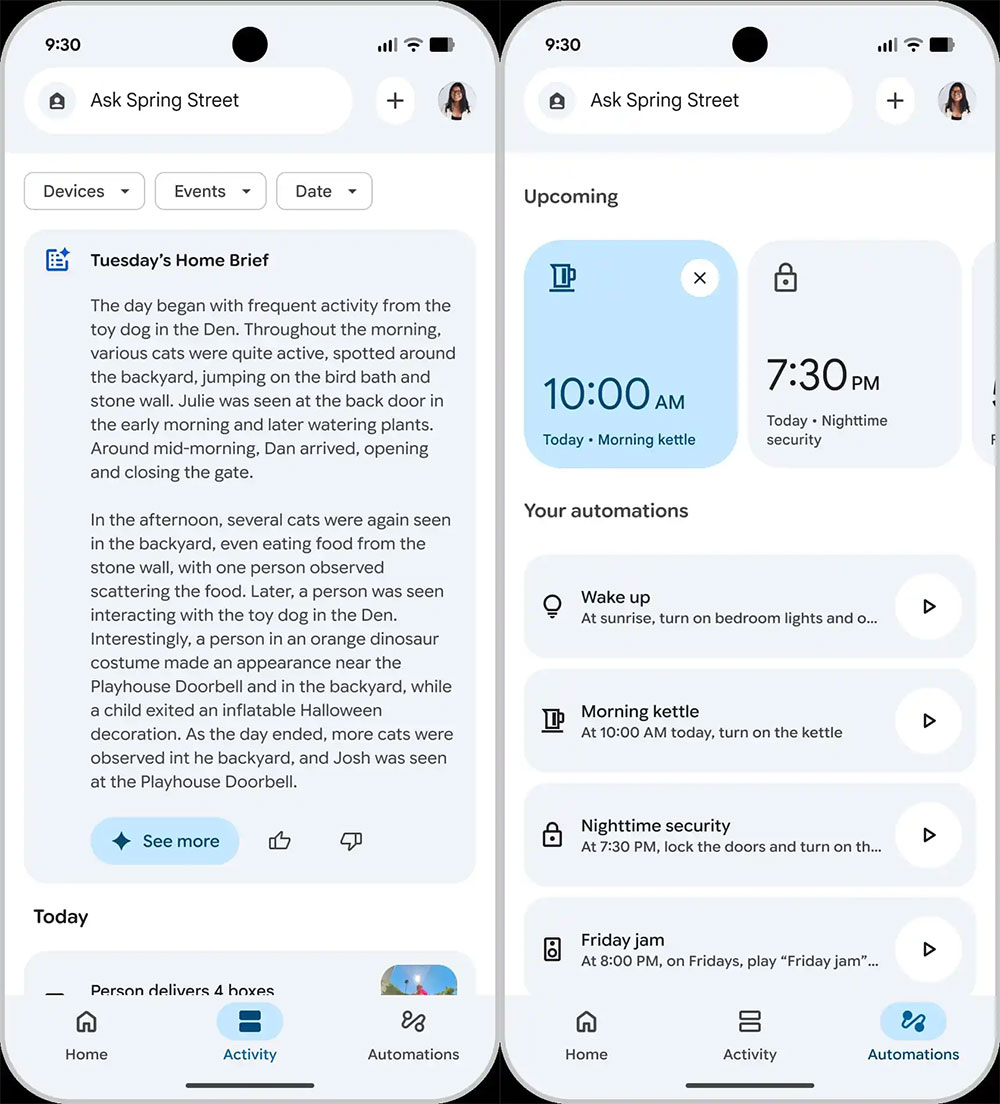
The app’s bottom bar has been reduced from five tabs to three. The “Home” tab is where you can find all your devices, and the block layout remains unchanged. It consists of summaries for Favorites, Devices, Cameras, Lighting, Wi-Fi, and Temperature, which you can quickly swipe between. Meanwhile, the “Activity” tab’s design stays largely the same, but alerts from both first-party and third-party devices will now appear here. You’ll also get a Home overview at the top. Automations has a new icon, and an “Upcoming” section has been added that previews what’s about to run, followed by your “Your Automations” list, which remains unchanged.
The redesigned app comes with a new gradient icon, starting today at. Android and iOS Launching globally, you can register in the app for early access.
Source: KOCPC Chinese