


When you are buying a mobile phone or tablet, various models will be marked with memory capacity, but the iPad does not, and most people who buy an iPad will not consider how much RAM the tablet is equipped with. After all, it is only used for running. But, like any computer, RAM can have a big impact on your experience depending on how you use it. So, have you ever wondered how much RAM you have in your iPad?
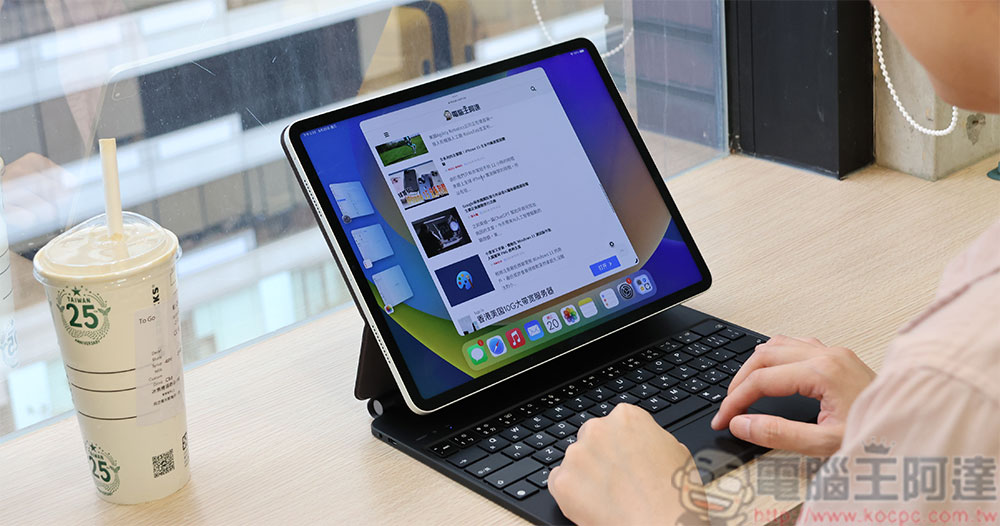
How much RAM is in each iPad? Why didn’t Apple label it?
How RAM works
RAM, or Random Access Memory, is a fast temporary storage space used between a (relatively) slow SSD or HDD and the system’s CPU. The operating system you are currently using, open applications, and data are all stored in RAM. The more RAM you have in your device, the faster you can switch between apps, the larger files and data you can work with, and the more apps you can multi-task without running into performance issues.
When a modern computer runs out of RAM, it uses a portion of the SSD (or HDD in older computers) as alternate space. This is often a cause of slow performance, but modern SSDs are so fast that certain types of operations (such as loading a suspended app or web browser page into RAM) happen so quickly that the user doesn’t notice. On the other hand, if there isn’t enough RAM to run your active applications, such as games or video editing apps, then the system may slow to a snail’s pace.
How much RAM does your iPad need?
On iPad, the above situations are usually common. However, Apple designed the memory management system of the iPad operating system to be very special and efficient, and combined with ultra-fast integrated storage, your typical iPad can be equipped with significantly less RAM than a comparable Android device. For example, the past iPad Pro 12.9-inch model had 4GB of RAM, but it was no problem to use LumaFusion to smoothly edit 4K videos on it. Games ran faster on the iPad than on any other mobile device at the time, so while 4GB doesn’t sound like much, it never felt limiting.
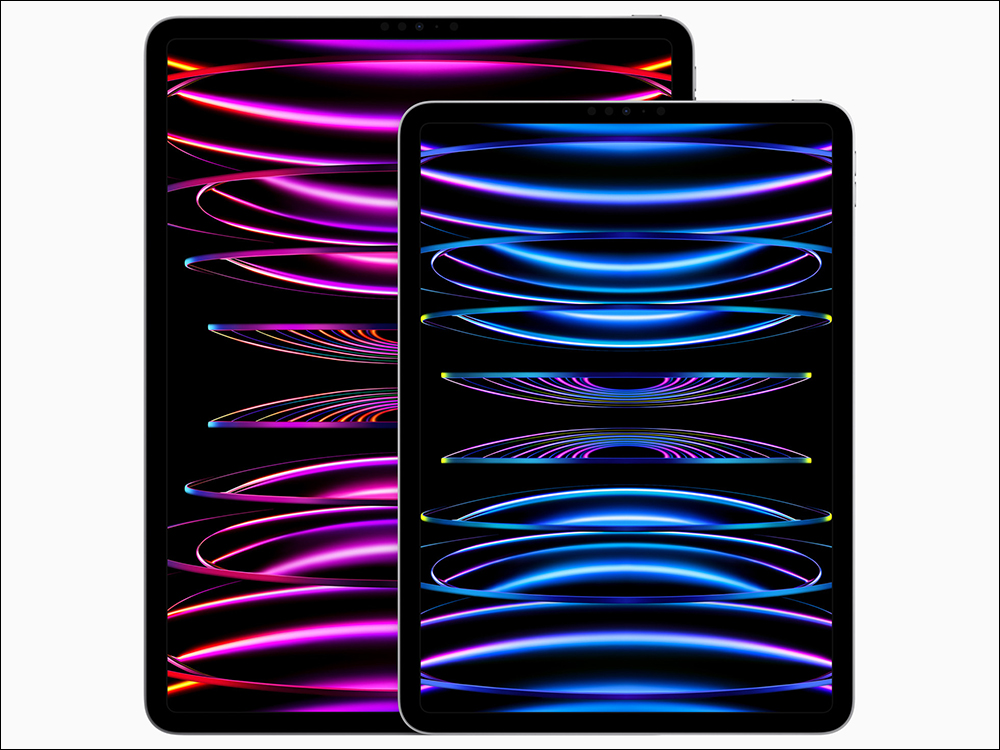
But times have changed, and the iPad is now more versatile than ever. If your iPad is equipped with an M1 chip or newer and is running the latest iPadOS version, it can run in dual-screen mode, which means you can run two different apps on each screen, or even more apps, all thanks to on-screen scheduling. Even if you don’t have an iPad with this feature yet, all current iPads support running two apps side-by-side on the screen. Starting with iPadOS 16, the iPad has a feature called “Virtual Memory Swapping” that can expand the iPad’s RAM to 16GB by utilizing SSD storage space, further solidifying the concept of the iPad as a primary PC in its own right and not just an accessory.
Recently, the iPad has also been able to play console-quality games, such as the iPad version of Castlevania 8 . Since RAM in the iPad is shared between the CPU and GPU, this means that having more RAM allows for more graphics memory, which can lead to games with better textures, higher resolution, and better geometric detail. On the other hand, if you use your iPad for web browsing, reading books, listening to music, casual gaming, and light productivity, then you don’t need to pay attention to the amount of RAM in your system at all. All iPads handle mainstream tasks effortlessly, and you won’t notice any issues until your iPad is too old to run the latest apps well.
How much RAM does an iPad have?
Now that you have a good idea of how important RAM is in an iPad, let’s take a look at how much RAM there actually is on a modern iPad. Since the first iPad product shipped from Apple factories, there have been many iPad models. However, in order to give you a little help when buying your next iPad, we will not mention the past models here.
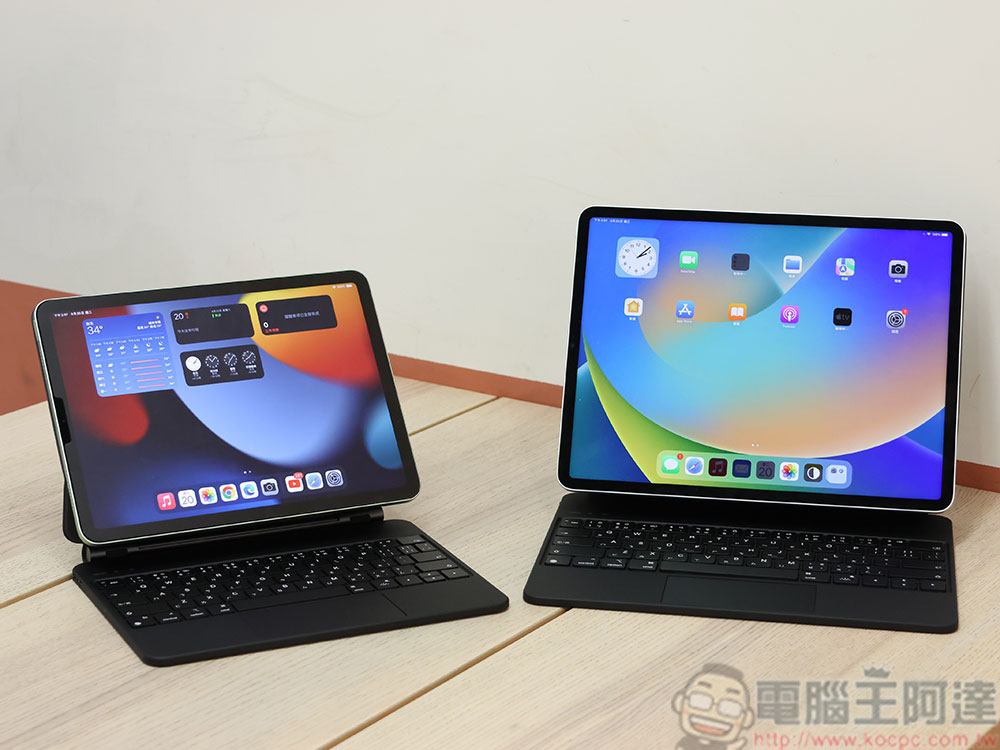
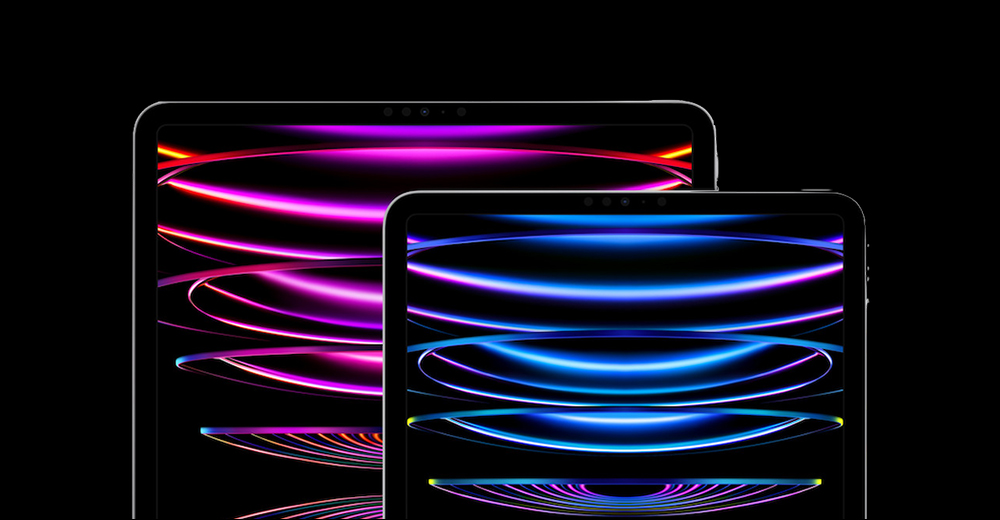
iPad Pro 11-inch and 12.9-inch (with M2 chip)
These models come with 16GB RAM for 1TB or 2TB storage versions and 8GB RAM for 128GB, 256GB or 512GB models. Unfortunately, the 16GB model only starts with an expensive 1TB of storage, but if you want to play the best current and future games, or want to do complex professional work, such as large 4K AV projects or 3D modeling, then the 16GB model is well worth it. For everyone else, the 8GB version will crush just about any advanced single-tasking, external monitor, or multiple mainstream apps on the iPad’s home screen.
iPad Air (5th generation with M1 chip)
The iPad Air comes with 8GB of RAM and is the iPad model that most people should buy. If you’re into high-end gaming, multimedia production, or are interested in using your iPad as a laptop replacement, there’s more than enough RAM to keep you entertained across generations of iPads.
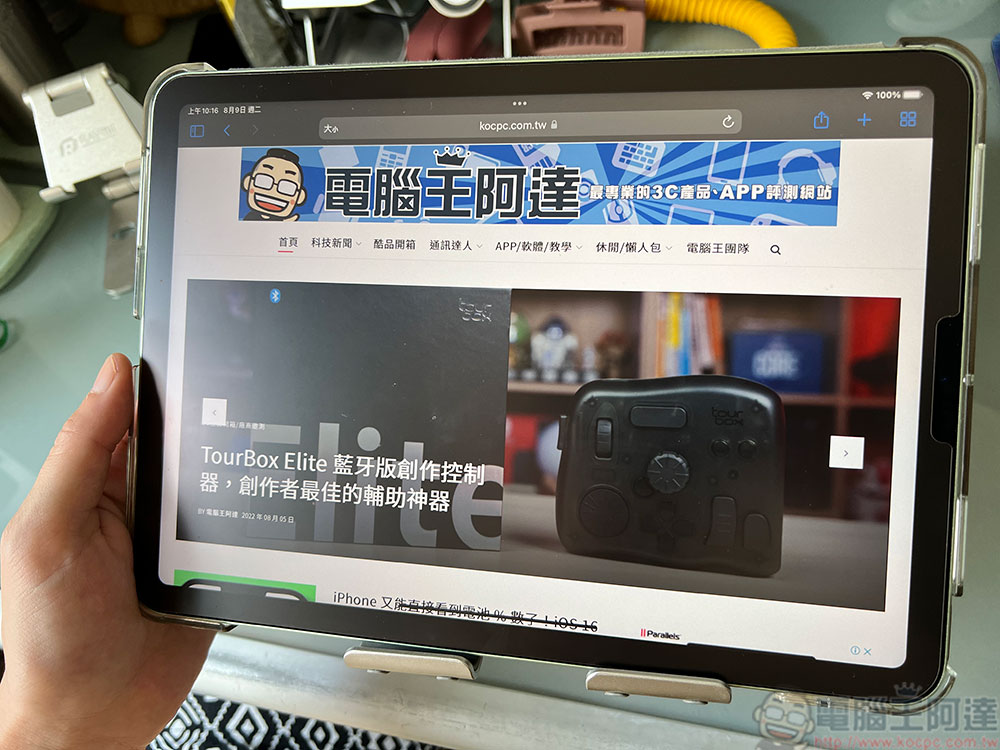
iPad 10th generation (powered by A14 Bionic chip)
The standard iPad comes with 4GB of RAM, which is the entry-level iPad for educational use. 4GB of RAM is more than enough for mainstream educational games, high-quality video playback, educational apps, and web browsing.
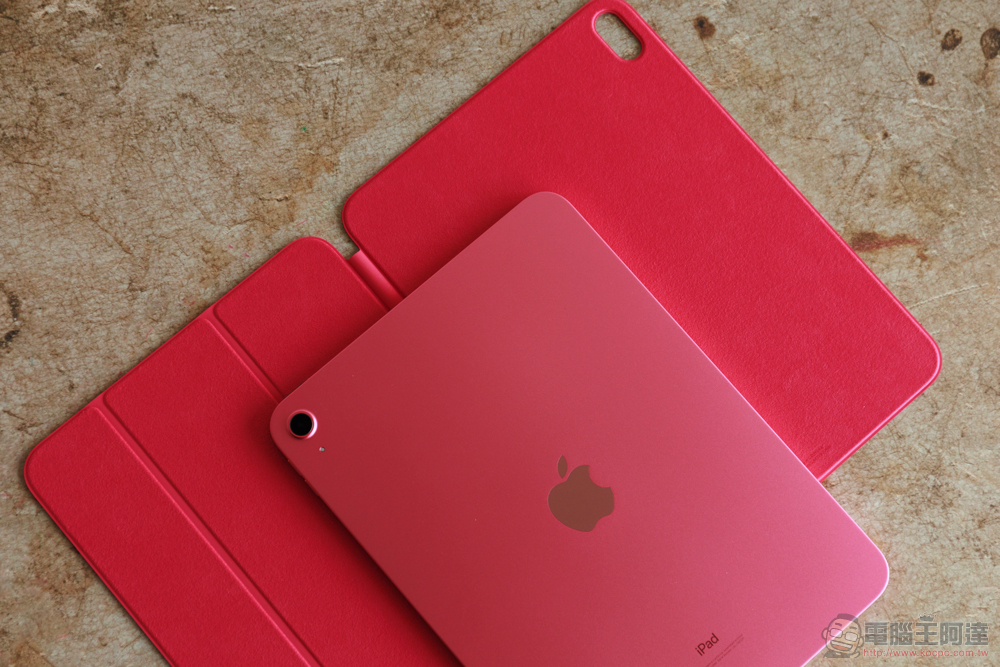
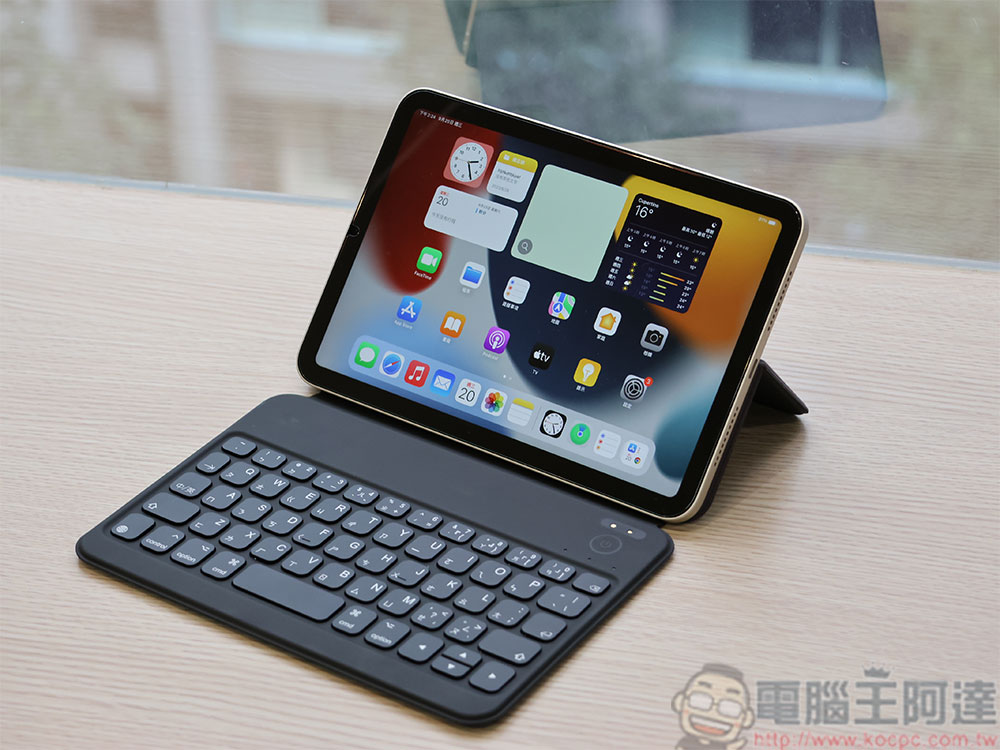
iPad Mini (6th generation with A15 Bionic chip)
Apple’s smallest iPad only has 4GB of RAM. The mini isn’t the most popular iPad, but the 15th-generation model is more than capable for mainstream use thanks to the A6 chip, and while the 4GB of RAM is plenty for single-app use, the smaller screen is less suitable for multitasking anyway.
While iPads improve every year, and even if RAM capacity goes up a notch with future models, the relative usage paradigms for each iPad should remain more or less the same, as each type of app becomes more memory-intensive with new features and better picture quality.
Should you care about your iPad’s RAM?
If you take a look at the specs on the official iPad website, except for the iPad Pro, you will notice that RAM is not even mentioned, this is not an official oversight but it is not important to most iPad users, the iPad will function as expected and all the memory management will happen behind the scenes. However, iPads are very long-lived devices, and if you buy a good iPad today, you’ll probably be using it for five years or more, and if you have the option of buying a model with more RAM, that will only increase its lifespan.
Source: KOCPC Chinese