


In daily life, many document applications require uploading electronic images of important documents such as your ID card, dual IDs, and bankbooks. At this time, you will inevitably worry that your information will be leaked or used by malicious people, causing trouble to yourself and others. Therefore, everyone who is worried about the security of Internet use should know that when applying for documents, you should add a certificate or a watermark on the picture to prove the purpose of the application. How to easily create neat watermark pictures on iPhone? Today I will share with you the iPhone ID Watermark APP, a limited-time free ID watermark artifact.
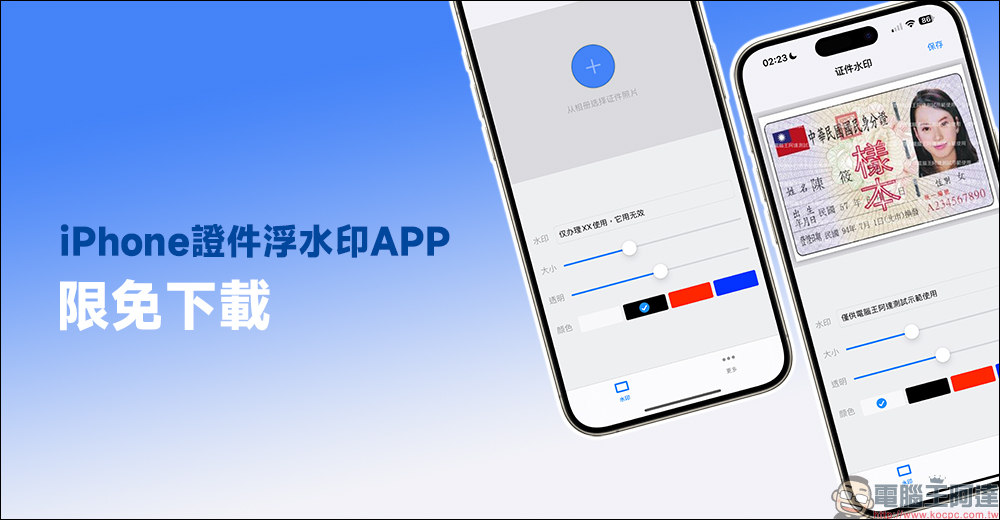
The iPhone ID Watermark APP is free to download and supports offline storage of watermark ID photos!
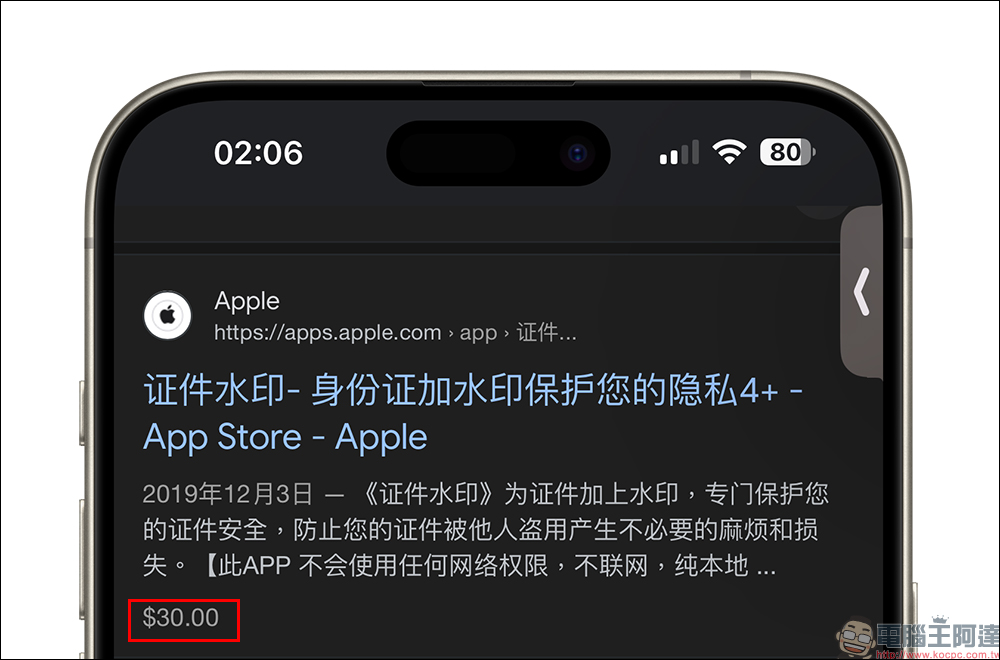
How to add a watermark to important documents to ensure that the data will not be used for other improper purposes by malicious persons? Today I will introduce a document photo watermark APP with a very simple operation process and an original price of NT$30. It has recently been released for free on the App Store for a limited time, allowing users who need to protect files in this area to have a quick and easy way.
How to use this document watermark APP?
After successfully downloading this ID watermark APP, you need to click the blue “+” button to open the photo album when opening it for the first time. Then the user can choose which picture to use as the material for creating a watermark file. Users can not only edit the desired watermark text directly on the APP, but also select the color and size of the watermark text.
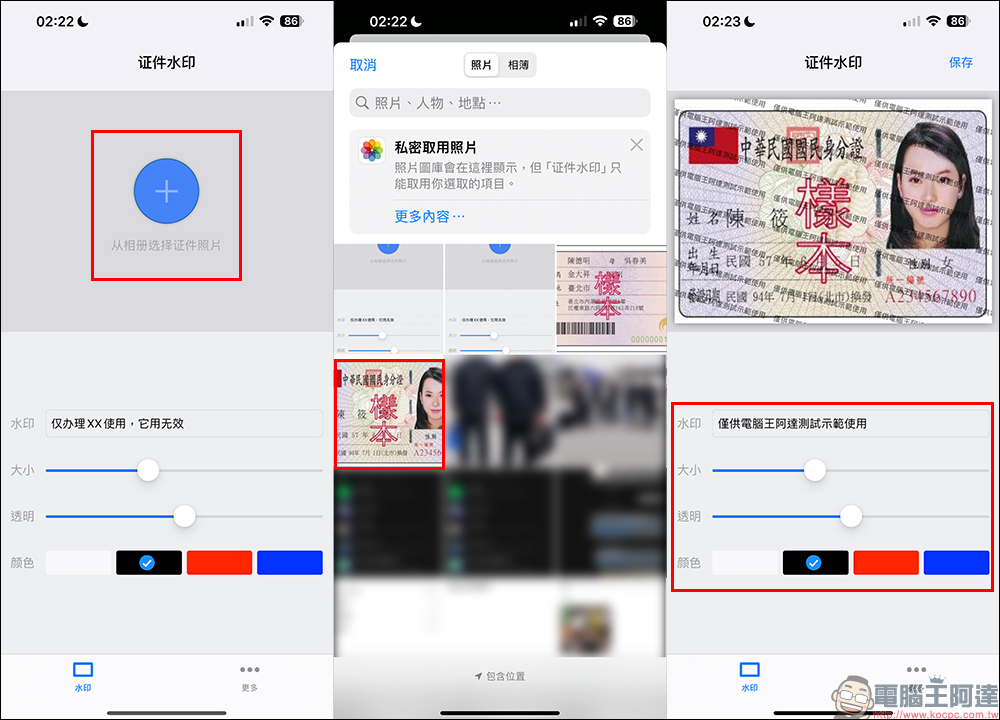
The size, color, and transparency of the watermark text can be adjusted by yourself, and the preview at the top of the screen will be updated immediately after each adjustment. Finally, after the settings are completed, click “Save” in the upper right corner of the screen to prepare to save it to your iPhone! The first time you save this important document, you need to allow access permissions.
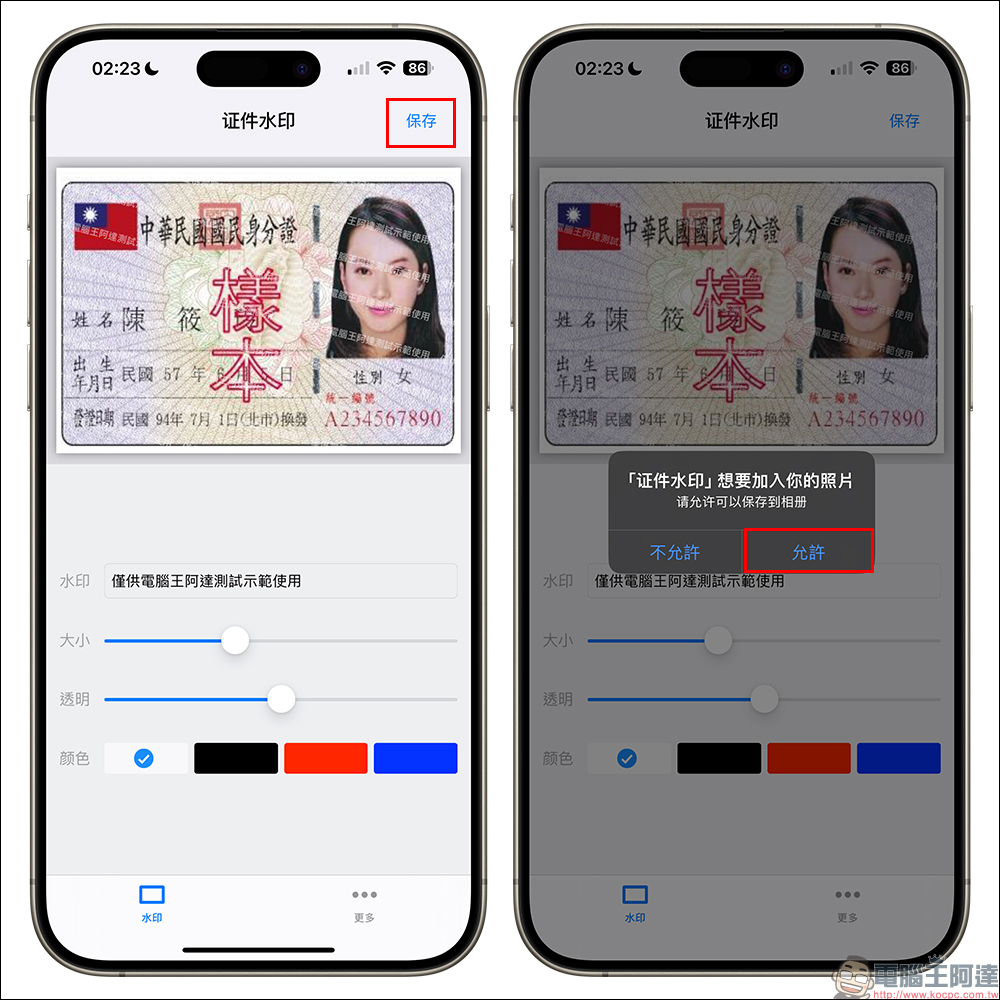
The final image of the certificate is as follows. If there is a watermark on both the front and back sides, it can be produced in two steps.

When this APP is switched to airplane mode and not connected to the Internet, the ID watermark function can be directly turned on to read and store ID photos with added watermarks. As for what everyone is worried about, is it possible that this ID watermarking APP will steal important ID photos in the background and send them to a remote server? The author explains in the APP that this APP is specially designed to add watermarks to documents and ensure the security of users’ documents. He also emphasizes that this APP will not use any network permissions and is not connected to the Internet. He hopes that users can rest assured that this APP will not have any risk of uploading data and can fully support offline operations during the photo processing process.
Document watermark APP download: Click here to go (App Store)
*Tips: The original price of this APP is NT$30. It is currently free for a limited time. Please seize the time to download it.
If after reading these introductions, you still have concerns about the data security of this APP, you can still learn from our teachings many years ago.You can also add a watermark to your ID photo on your iPhone. Just use a shortcut script to do it with just one click! Watermark Shortcut iPhone can also use ID photos to add watermarks. Just use the shortcut script to do it with one click! ”, using shortcuts to create ID photos with watermarks is also a way!
Further reading:
LINE Keep’s free cloud space will end its service on July 31st. Please back up important data as soon as possible!

Source: KOCPC Chinese