


Nowadays, there are many free tools on the Internet that can meet various basic editing, converting, photo retouching and other needs. However, most of them only focus on a single category. The “A Little Help” I want to recommend in this article is very good. It can be said to be a treasure toolbox that collects hundreds of commonly used tools, ranging from pictures, converting, PDF, videos, to development tools, etc. Basically, you only need to bookmark this website. If you have any editing needs in the future, you should be able to find suitable tools here, and it is free to use, and there are no annoying ads.
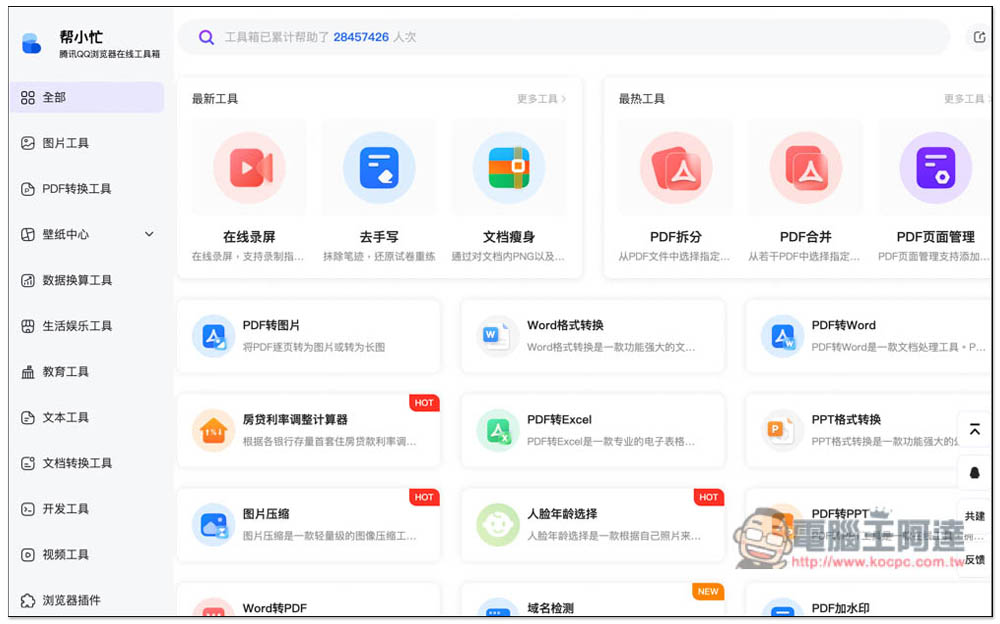
“A Little Help” online toolbox integrates hundreds of commonly used tools, all of which are free to use
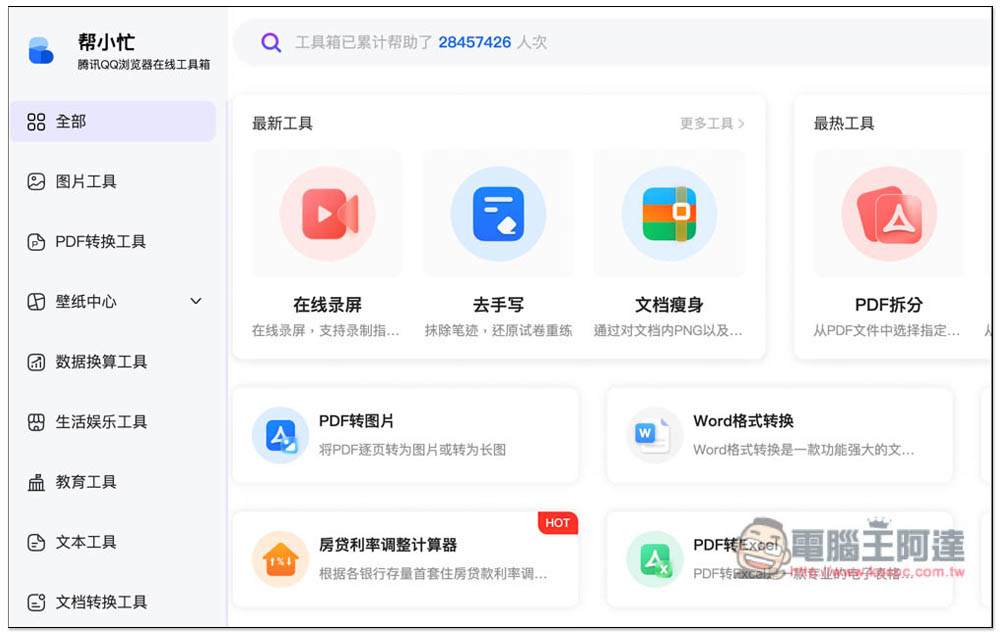
This “little help” online tool is launched by Tencent QQ. After clicking the link above to enter the website, there is a list of all tools on the right, and a complete classification on the left. There are image tools, PDF conversion tools, wallpaper center, data conversion tools, life and entertainment tools, educational tools, text tools, document conversion tools, development tools, video tools, and browser plug-ins. I roughly calculated that there are at least more than 100 tools:
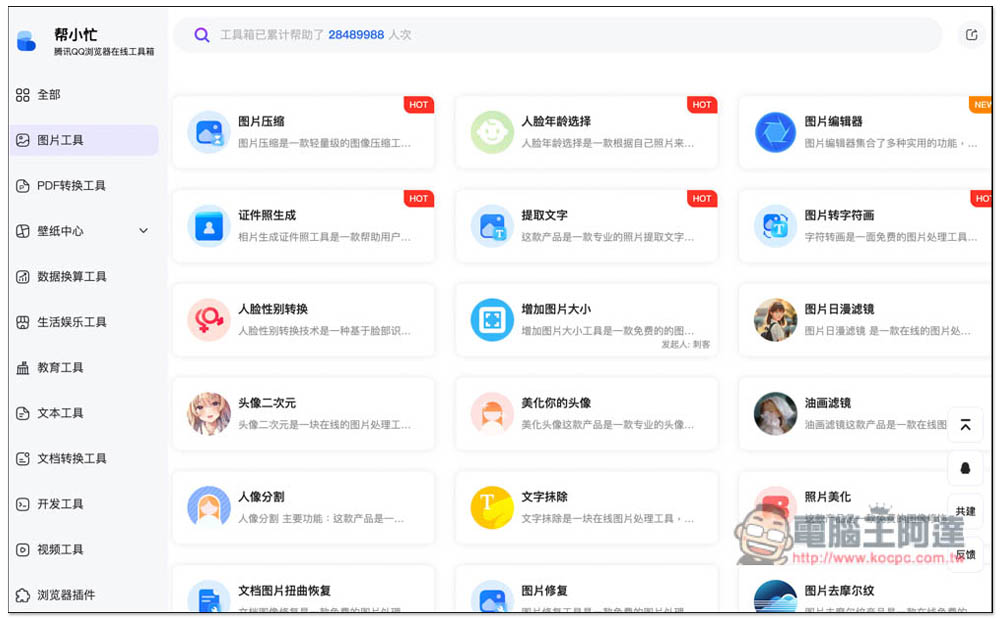
It’s easier to find the tools you want to use from the categories. There are many very practical tools in the picture tool, such as “picture compression” used by many business websites and designers. When you need to apply for a certificate, you can use “ID photo generation”. In addition, there are portrait segmentation, text erasure, picture Japanese filter, photo beautification, etc.:
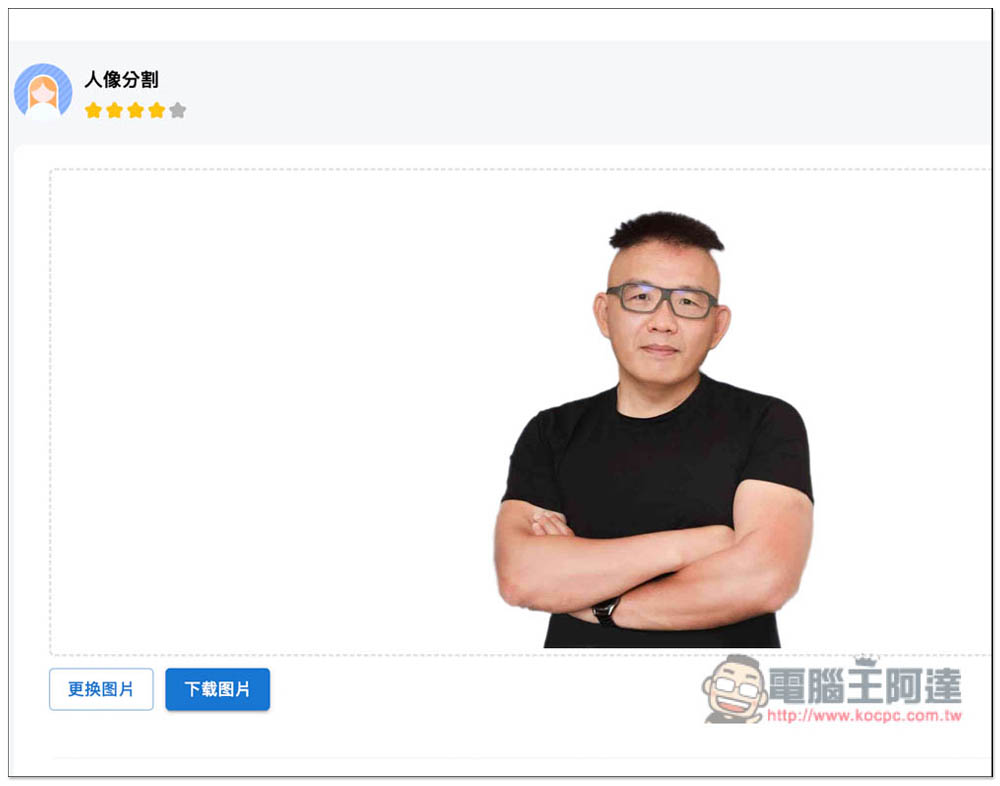
Portrait segmentation is to remove the back, and the effect of back removal is also very good, and after the back is removed, the image can be downloaded directly without registering an account:
PDF conversion tools are also commonly used by many people. This website has almost all tools, from editing to converting. For example, in the editing section, you can find “PDF split”, “PDF merge”, “PDF encryption and decryption”, “PDF slimming”, and for conversion, you can convert to pictures, Word, Excel, PPT, HTML, etc.:
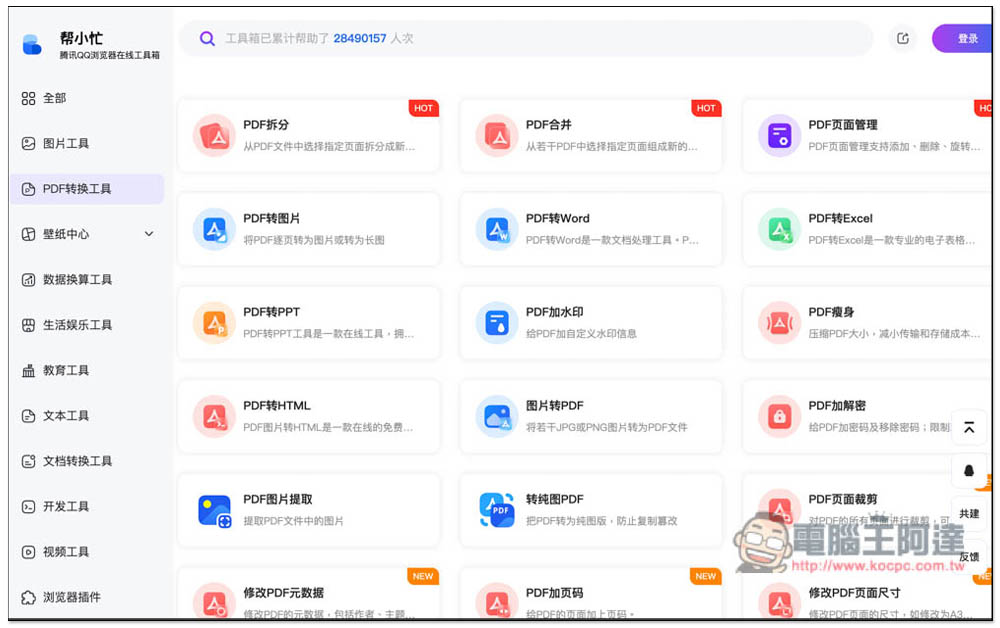
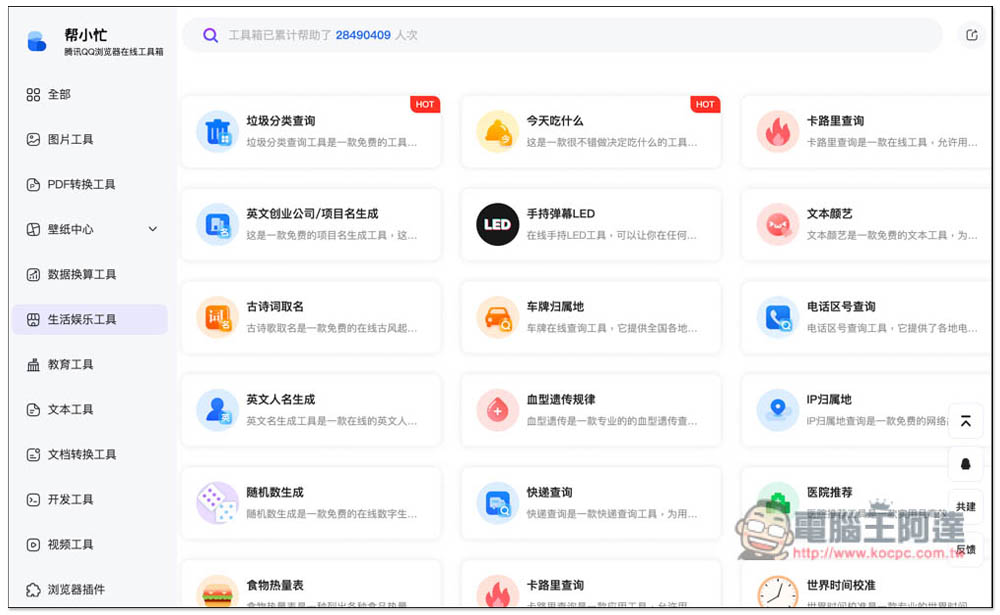
There are also many lifestyle and entertainment tools, many of which are quite interesting. For example, if you don’t know what to eat, you can use the “What to eat today” tool (but most of the recommendations here are Chinese food). People who want to lose weight can try “Calorie Checker” and “Food Calorie Chart”. In addition, IP can also be checked, as well as blood type genetic rules:
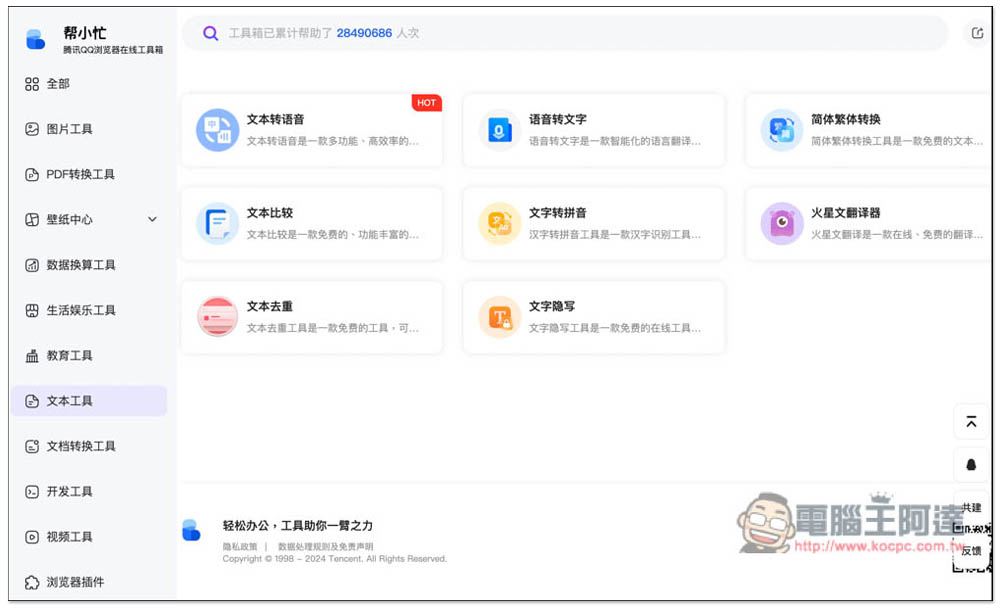
There are slightly fewer text tools, including “Text to Speech”, “Speech to Text”, “Simplified to Traditional Chinese Conversion”, “Text Comparison”, “Text to Pinyin”, “Mars Translator”, “Text Deduplication”, and “Text Writing”. If you don’t know what this tool does, there is a description on the inner page to tell you what it can do:
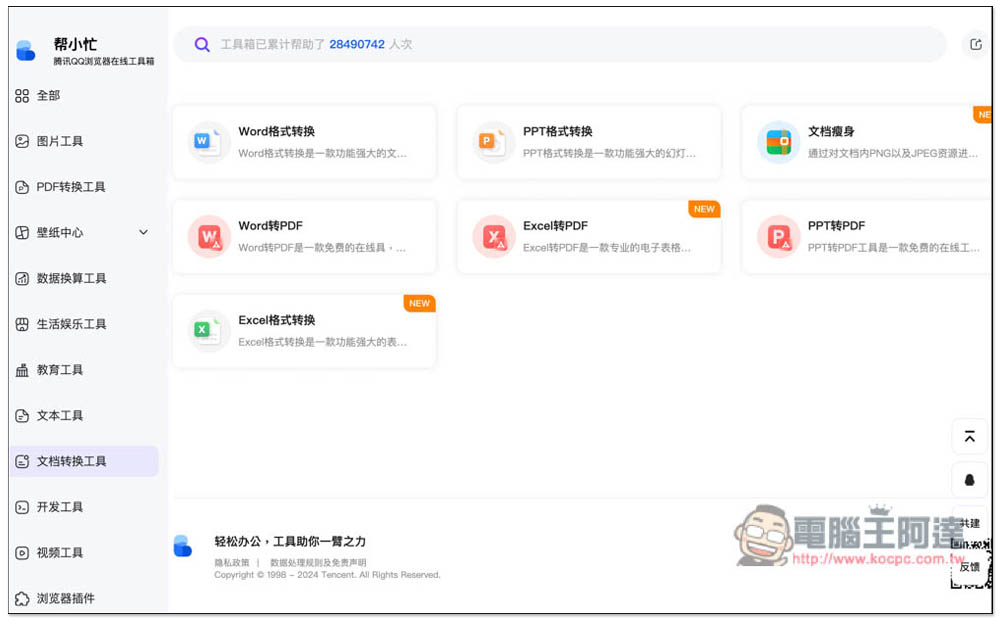
There are also Office file conversion tools that support Word, PPT, and Excel, and also provide document slimming functions:
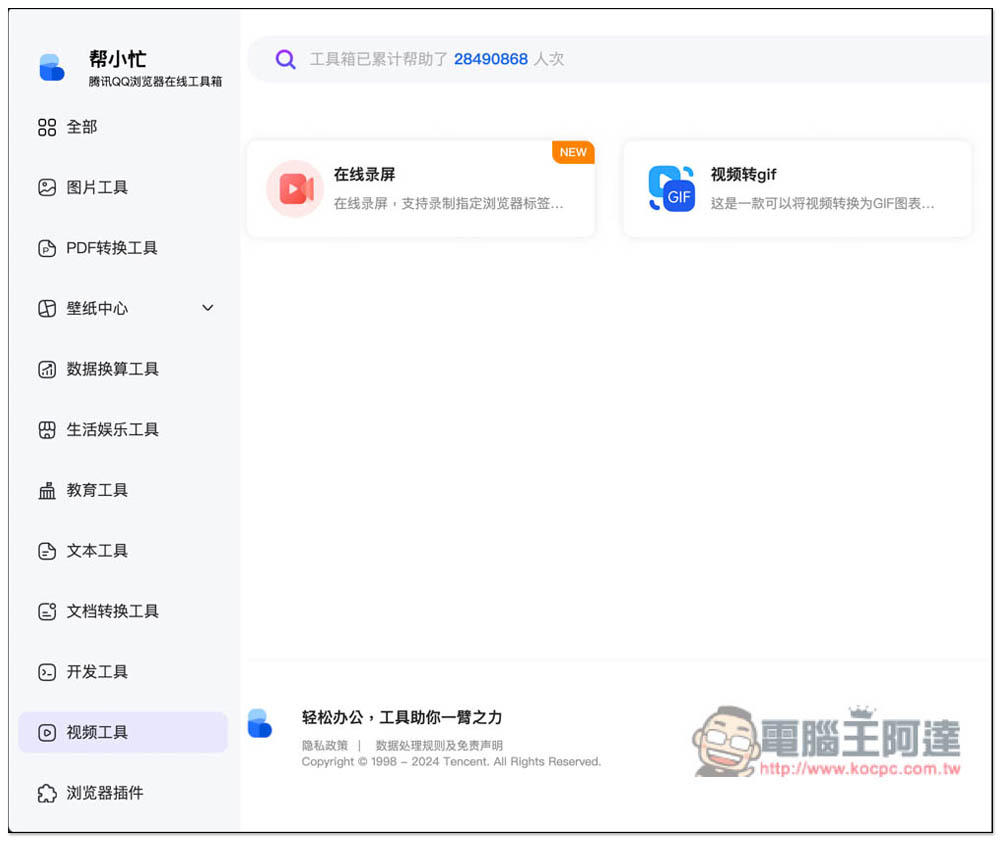
There are only two video tools, online screen recording and video to gif conversion:
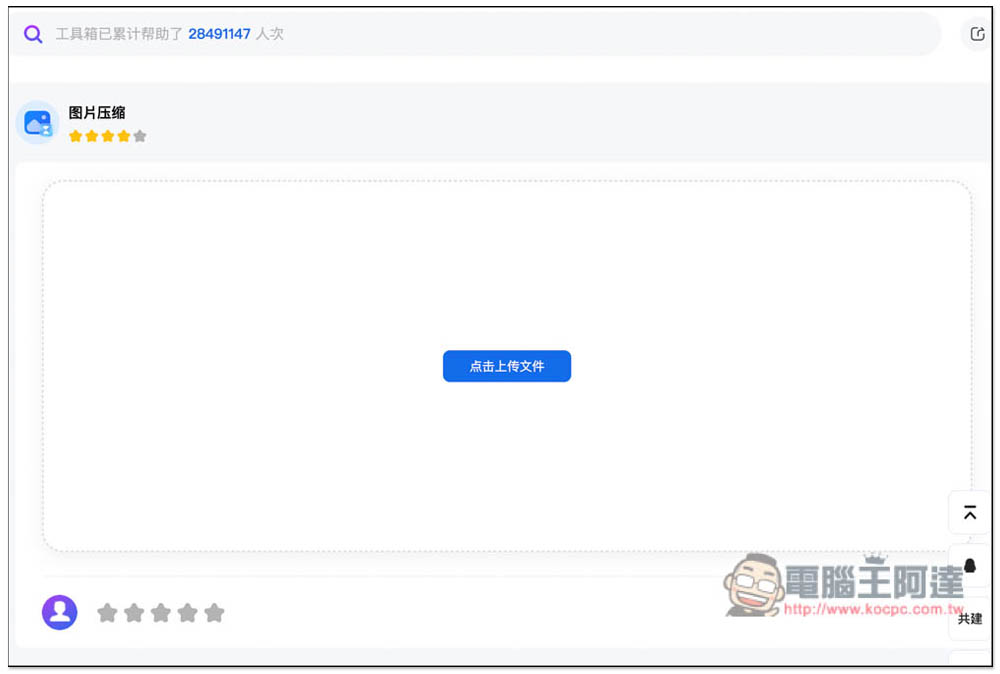
Each tool is used in the same way. After entering the inner page, click the screen button to upload your file, then click the processing below, and you are done. Unfortunately, dragging files to upload is not currently supported, so you need to manually select:
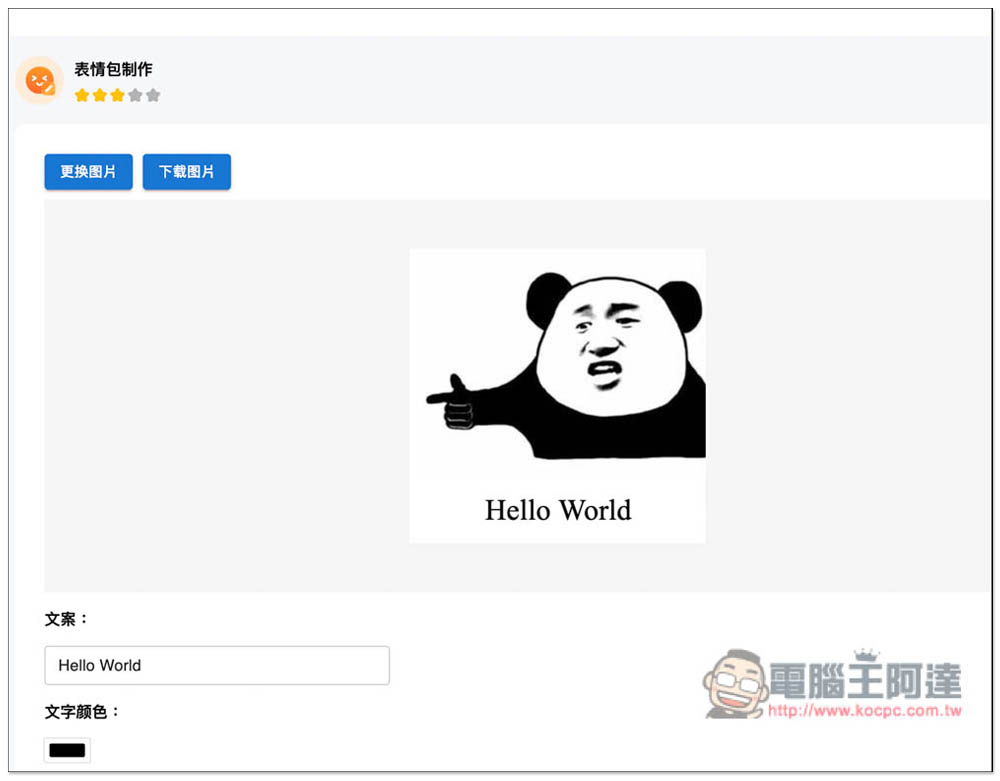
There are even tools for making emoticons like this, but they don’t provide free pictures, only this preset one:
Finally, I would like to remind you that the files will be uploaded to the server of this website for processing, so if you have security concerns, it is recommended not to use it. It will be safer to use software or apps.
Source: KOCPC Chinese