


Microsoft seems to have quietly made changes to the problem that Windows systems cannot uninstall the OneDrive app service. Quietly in the Windows 10 description page, the possibility of uninstalling this service is mentioned and even thoughtful instructions on how to perform it are mentioned. Continue reading the text of the report that Microsoft quietly provides freedom to uninstall the built-in OneDrive function of Windows 11 / Windows 10.
▲Image source: Microsoft
Microsoft quietly offers freedom to uninstall OneDrive feature built into Windows 11 / Windows 10
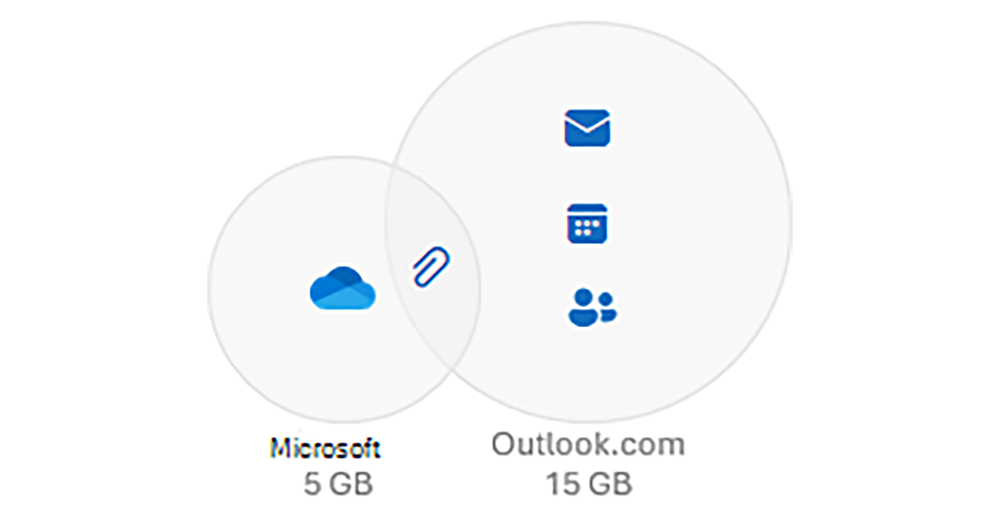
Compared with other cloud storage spaces that persist like a virus and continue to urge you to buy “really the last offer”. Although Microsoft’s OneDrive once caused dissatisfaction a while ago due to a new policy that counts photos towards the free 5GB limit. But overall, this cloud space is closely integrated with Windows and Microsoft services and seems to be relatively reliable. In fact, there is no reason to cancel it.
However, as Microsoft has previously made it somewhat technical to make it difficult to turn off the OneDrive synchronization service, even when people finally figured out how to pause cloud storage synchronization in Windows,They also force users to answer questions.Only then are they willing to let people implement this option. Some people also find that not only is it difficult to pause OneDrive synchronization on Windows, but even uninstalling the service seems impossible.
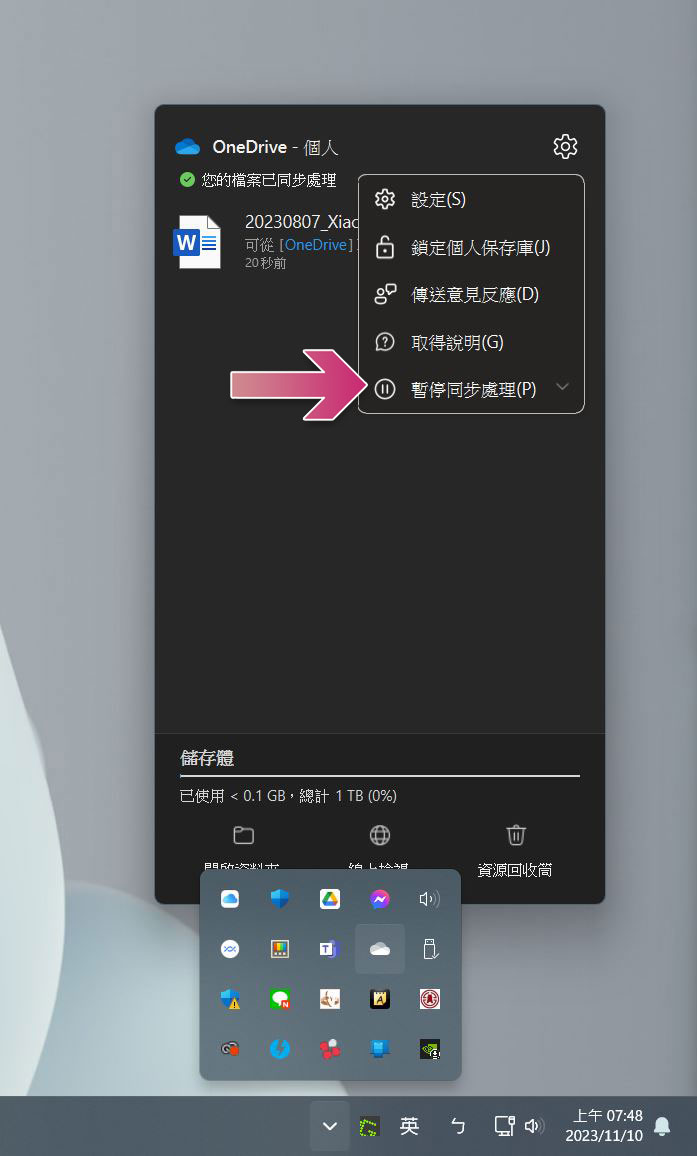
Recently, some foreign media discovered that Microsoft seems to have quietly made changes to the fact that Windows systems cannot uninstall the OneDrive application service. Quietly in the Windows 10 description page, the possibility of uninstalling this service is mentioned and even thoughtful instructions on how to perform it are mentioned.
「如果您不想使用 OneDrive,最簡單的方法是將它取消連結。 請依照 關閉、停用或卸載 OneDrive 中的步驟進行,瞭解如何從您的電腦取消連結、隱藏和卸載 OneDrive。 」
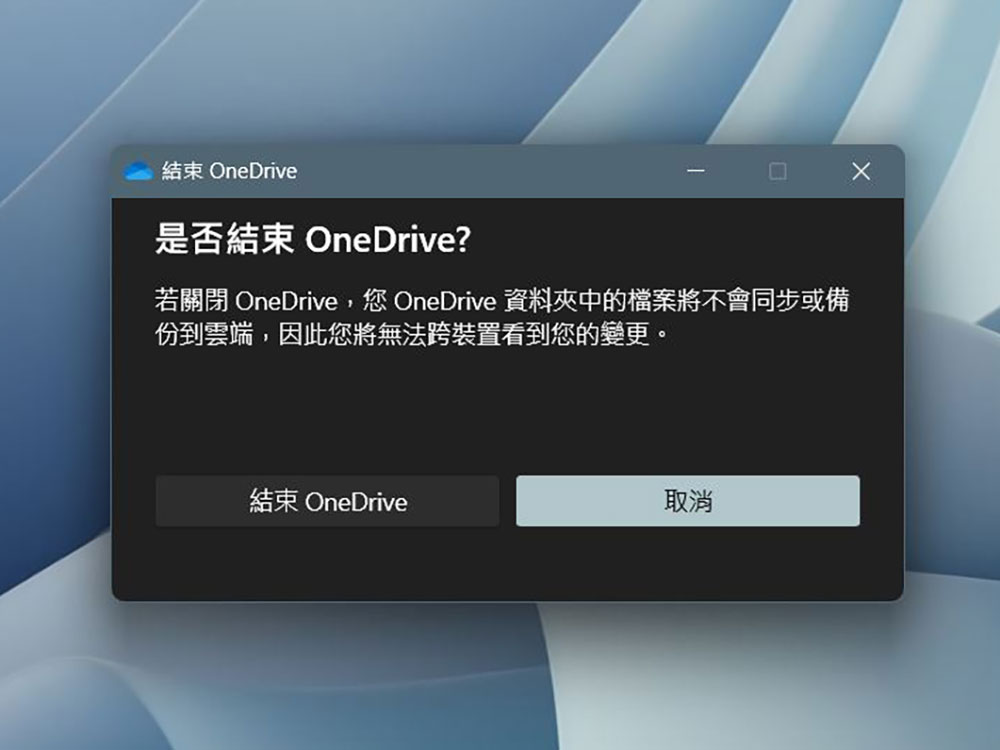
From now on, you can directly select the Microsoft OneDrive application to remove the application service through the familiar “Add or Remove Programs” function. And this feature can support Windows 10 and Windows 11 systems without any problems:
- 選取 [開始] 按鈕並在搜尋框中輸入「程式」,然後選取結果清單中的 [新增或移除程式]。
- 開啟已安裝的應用程式
- 在 [應用程式與功能] 底下,找出並選取 [Microsoft OneDrive],然後選取 [解除安裝]。 如果系統提示您輸入系統管理員密碼或進行確認,請輸入密碼或提供確認。
▲Image source: Microsoft
In the description page, Microsoft also mentioned that removing this application will not lose the files or data stored in the OneDrive cloud space. All files can be continued to be accessed after logging in to OneDrive.com – of course, if you are worried about data errors that may occur after removing the application, you can also log in with a browser first to see if the files have been updated normally in the OneDrive service.

This time Microsoft will choose to build the OneDrive integration service that has been fully built into every corner of the system for generations of systems and is basically irremovable. Option rarely offers the option of complete removal in Windows 10 / Windows 11. The speculation by foreign media is likely to be related to the EU’s DMA Digital Market Act to a certain extent – should it be a corresponding action related to antitrust and competition? It can only be said that although it seems that the EU’s biggest target should be Apple, there are still many brands that are within the scope of the EU’s “concerns”. It can be said that no one can really stay out of the matter.
Citing sources|via|Reference materials:Microsoft
Further reading:
Teardown shows M3 MacBook Air basic model “returns” to dual SSD chip specifications

Source: KOCPC Chinese