


The Gboard input method, which used to be relatively stable, has recently begun to report on the Internet that the font size displayed on the keyboard has a UI display problem where the font size is so small that it cannot be seen clearly. The point is, this dumbfounding situation was originally thought by these people that Google should solve it soon. As a result, someone reported it in November last year until now. It has also been heatedly discussed in overseas Reddit forums today. Continue reading An eye test after a disagreement? Text of the Gboard input method’s ultra-small keyboard font bug report.
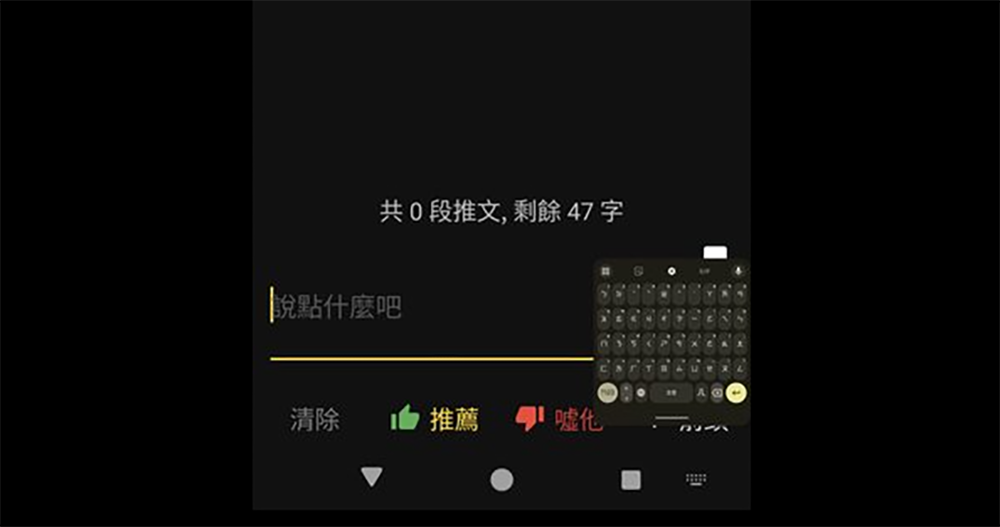
▲Image source: lndex34 (PTT)
An eye test after a disagreement? Super small keyboard font bug breaks out in Gboard input method
Although some people (including the editor) still miss the Google Zhuyin input method that no longer exists. However, as the Gboard input method has continued to improve in recent years, including its interface and even friendly functions such as converting images to text, more and more people have gradually accepted this new generation of original input method applications.
However, the Gboard input method, which used to be relatively stable, has recently begun to report on the Internet that the font size displayed on the keyboard is so small that it is difficult to see the UI display problem – Taiwan also has it (like the picture above, maybe typing on it is also a big challenge?)
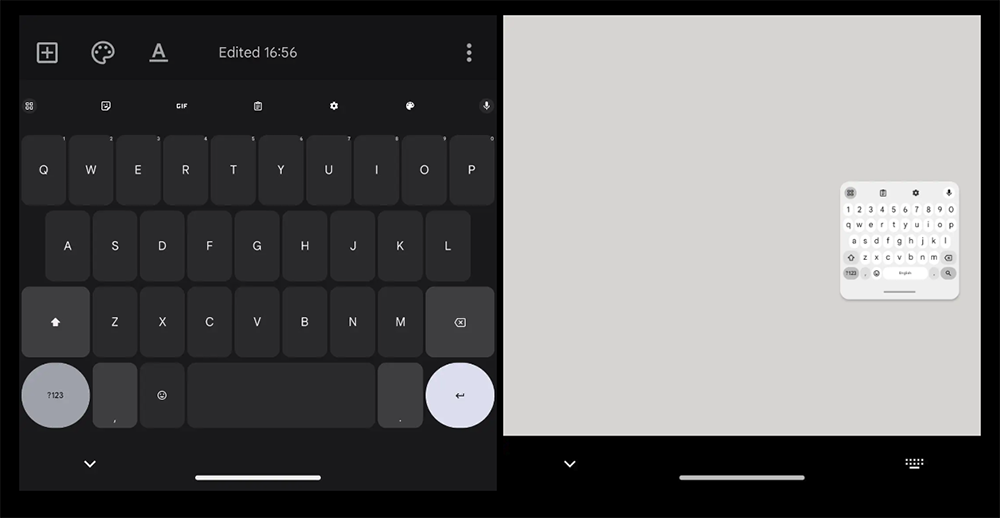
▲Image source: u/corrmaan, u/matturl
And even better is that in some cases, the entire virtual keyboard will be directly reduced to an extremely small size that looks like a floating window. A whole Google Easter egg that makes people think it triggers some kind of eye test or is a trick.
The point is, this was a dumbfounding situation that these people thought Google would resolve soon. As a result, from November last year when I saw someone reporting it, to the past two days, there are still follow-up problem reports on PTT. Today, it has even spread to overseas Reddit forums and is being discussed heatedly.
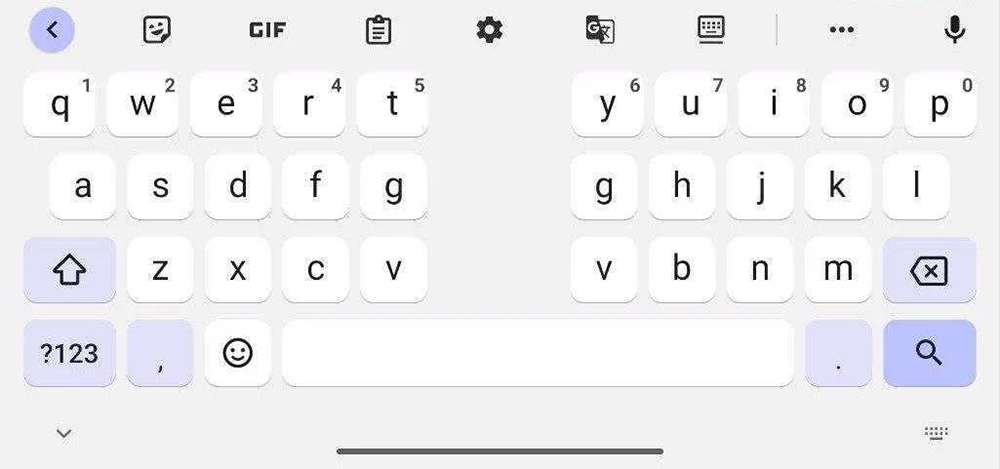
▲Picture: Gboard’s input interface for foldable phones (Source: 9to5Google)
Basically, it is speculated that this situation is due to a problem with the DPI settings of the Gboard input method corresponding to the screen and system interface – it may also be due to subsequent errors in the recent update in order to cope with the folding screen/tablet interface.
Trigger condition part. Currently, many users of Pixel phones have reported this problem, but some people have also mentioned that it has happened to both Galaxy S23 and S24. Some people also pointed out that this error basically occurs after connecting to Android Auto in the car – it seems that there is an interface switching error?
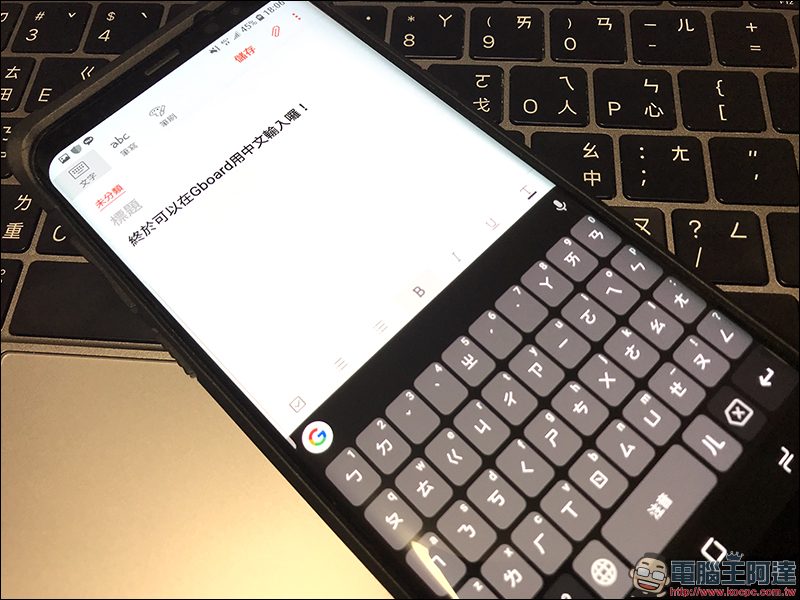
If you also encounter such a problem, in addition to forcefully ending the Gboard input method, some people have also mentioned that you can restart the phone, or try clicking the microphone icon on the input method, and it will return to normal after switching the interface – although the interface will really shrink to the point where it is too small to be seen clearly, but the microphone is basically in the upper right corner…
That is to say, since this dumbfounding and exaggerated situation has been moved to the well-known forum Reddit for discussion, I believe Google will deal with it more actively in the future, right? If you have met anyone, please wait for the update…
Citing sources|via|Reference materials:PTT
Further reading:
Microsoft announces the end of service support for running Android apps on Windows 11
Source: KOCPC Chinese