


There are a lot of software available for Windows, so for those who have difficulty in choosing, or who don’t know how to choose, they will definitely hope that there is a recommended list so that they can quickly find useful software without spending time trying. A few days ago, the well-known foreign media PCWorld announced 16 Windows software that you must not miss in 2024. They are compiled below for your reference.
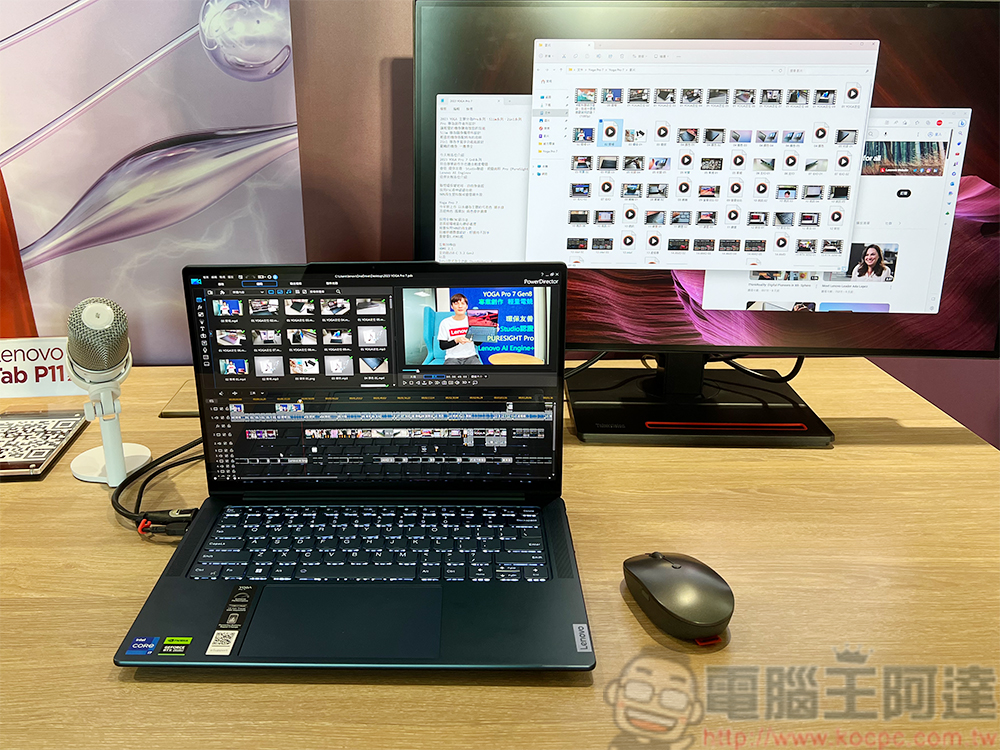
Foreign media: These 16 Windows software you must try in 2024
PCWorld This list covers a lot of usage needs, from AI artificial intelligence, Windows system optimization, power saving, security software, to Office applications, etc.
AI artificial intelligence
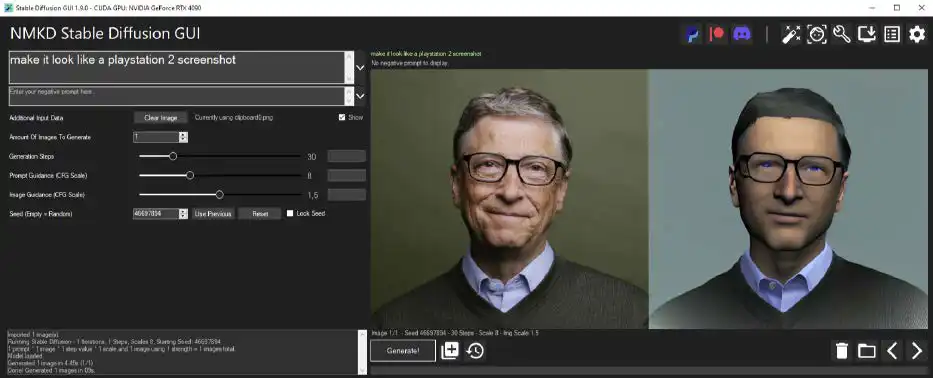
Image source: PCWorld
The first is AI artificial intelligence. You might think it is something like ChatGPT, right? No, ChatGPT, a tool that everyone knows, is not in the recommended list. There are three recommended by PCWorld, namely “NMKD Stable Diffusion GUI」、「Pinokio」、「Upscayl」。
NMKD Stable Diffusion GUI is software that can use the Stable Diffusion model to generate AI images. It has a GUI graphical interface, so the operation is intuitive and easy. Nowadays, the installation of many AI artificial intelligence tools is very troublesome. Pinokio simplifies this process and makes it easier for you to install. Upscayl is a software that uses AI to enlarge images. It can enlarge small-resolution images and use AI to add details, so the effect is much better than direct enlargement.
Windows system optimization
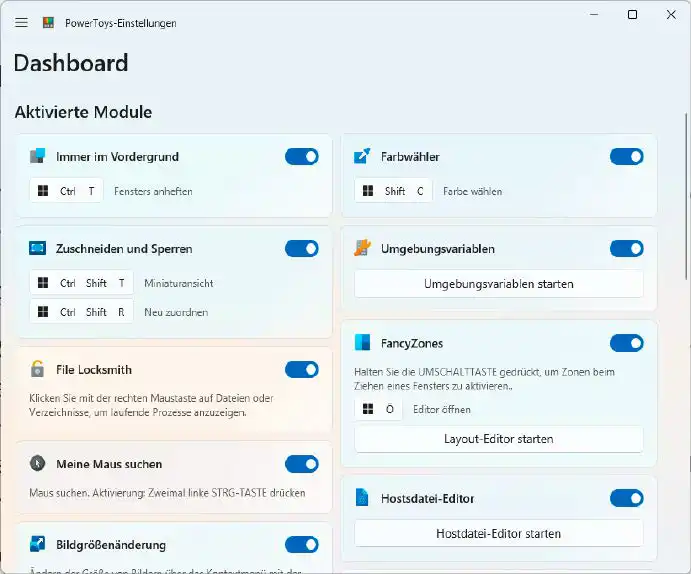
Image source: PCWorld
Next is Windows system optimization. There are four models in total, namely “Microsoft Powertoys“, which can easily change the appearance and settings of Windows”Winaero Tweaker”. A very well-known computer hardware information query tool “HWinfo”, you can use it to find out the CPU, RAM, hard disk and other information in the computer. 「Driver Easy“Software that can update each hardware driver with one click.
One important point when updating the driver is not to install it immediately when it is released. It is recommended to wait 2 to 3 months. In this way, if there are bugs in the update file, they will usually be fixed, so there is no need to rush. In addition, do not install the test version of the driver, as the stability is very poor.
Power saving
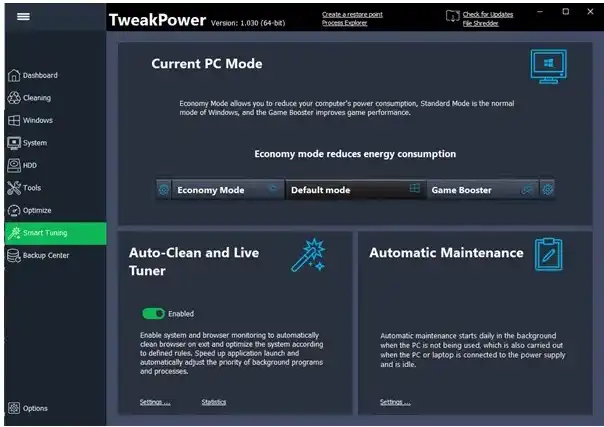
Image source: PCWorld
There are three models in the power-saving section, which can be tried by those with notebook computers or those who are very concerned about electricity bills. 「Monitorian“Easily change screen brightness and contrast. 「Tweak Power“It is a more professional control software than Windows’ built-in power options. You can adjust the details.”Wise Auto Shutdown“It is an automatic shutdown software. It will automatically shut down after setting the time. It can also automatically restart, log out, set energy-saving mode, or lock, etc.
Windows Security
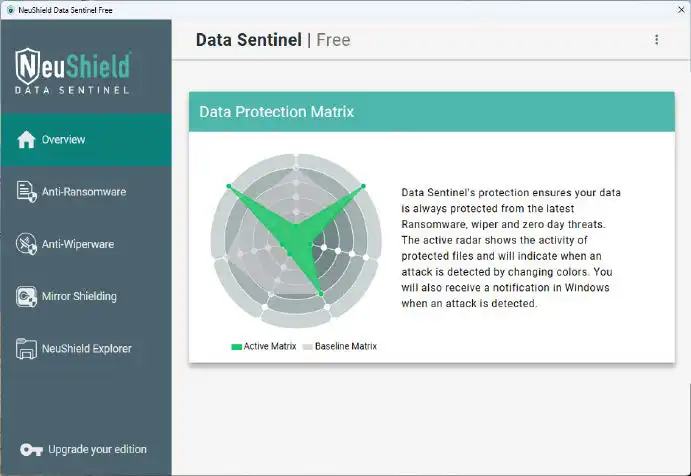
Image source: PCWorld
Although Windows already has Microsoft Defender security and anti-virus software, with the rapid development of AI, the number of phishing emails, ransomware and other attacks has continued to increase in recent years. Therefore, PCWorld recommends that other third-party software can be used to improve computer security.
For this reason, they also recommend three models, the first is “R-Drive Image”, this is a very good backup software that can regularly back up important information and data to external media such as USB hard drives. If you are accidentally infected, you can easily restore the data. 「Bitwarden” is an open source password management tool that provides browser extensions for Chrome, Firefox, Edge, etc., as well as Windows, Android and iOS applications, so it supports many platforms.
「Neushield Data Sentinel“It adds an extra layer of protection to existing antivirus software and will “prevent Windows and selected critical cloud storage folders from being encrypted by providing a mirrored version of the data to the ransomware.” Simply put, it makes the ransomware think it has encrypted the original file data, but it is actually a copied version.
In addition to the above three software, PCWorld also recommends enabling the two-factor authentication (2FA) function of major online services for an extra layer of protection. After activation, you will be asked to enter a code received by the authentication application or phone, which means that hackers will not be able to log in without your permission.
Office software
This part is not recommended too much, because PCWorld believes that Microsoft 365 and Libre Office are already very powerful, so only one additional tool is enough, which is “Docfetcher“The file search tool will index the selected folder and display the search results within a few seconds, which is easier to use and faster than the built-in search.
multimedia software
Multimedia depends on whether you need it, it is not a must.
「Cutout Pro“It is a software that allows you to easily remove objects in photos, both people and objects, and the operation is very simple and the effect is quite good. For those who are running TikTok or Instagram social platform videos, “Capcut ” is worth a try to make the video editing process easier. There is a mobile version and a Windows version.
Summarize
The above are the 16 Windows software recommended by foreign media. I roughly think that half of them are free, and the reviews are really good. It is indeed worth trying.
In addition to PC computer software, there are actually many useful free online tools that can be used without installation, such as the “Microsoft Designer AI tool portal」、「Photor that makes screenshots more beautiful」、「YTGoConverter downloads YouTube MP3, MP4 videos」、「Youtube Chinese dubbing」、「TTSMARKER Free text-to-speech online tool」、「One-click AI translation tool BallonTranslator“Wait, also provided for your reference.
Source: KOCPC Chinese