


Due to the rise of technology and social media, modern society is highly visual. It can be said that in addition to high security, it also maintains a high degree of transparency. Photos constitute the vast majority of social sharing. The photo albums on the device can record your life, hometown, hobbies, friends and family better than written autobiographies, completely laying out your life trajectory. Therefore, the security of digital photos is more important than ever, so what can you do to ensure digital security?

10 Ways to Keep Your Digital Photos Safe in 2024
The nature of digital imaging complicates matters, as does the prevalence of image dumping on Facebook and Instagram. It turns out that every photo you take has the potential to leak your private data to the world, and in the worst-case scenario, to hackers and other unscrupulous individuals. Securing your digital images isn’t just about setting a password on your smartphone or rejecting friend requests from unknown people on Facebook, before you capture a beautiful sunset or record your Instagram-worthy meal for posterity, think about how to keep your digital images secure in 2024.
Understand the EXIF data of an image
More than just a memory is collected in every photo you take, smartphones and cameras store vast amounts of data with every snap. Even if your photos are for personal use only, EXIF data is included with each photo. EXIF data contains information such as photo location, time and diary, device information and camera settings. No matter where the photo is placed, whether on social platforms, text messages or uploaded to the cloud, EXIF will accompany it.
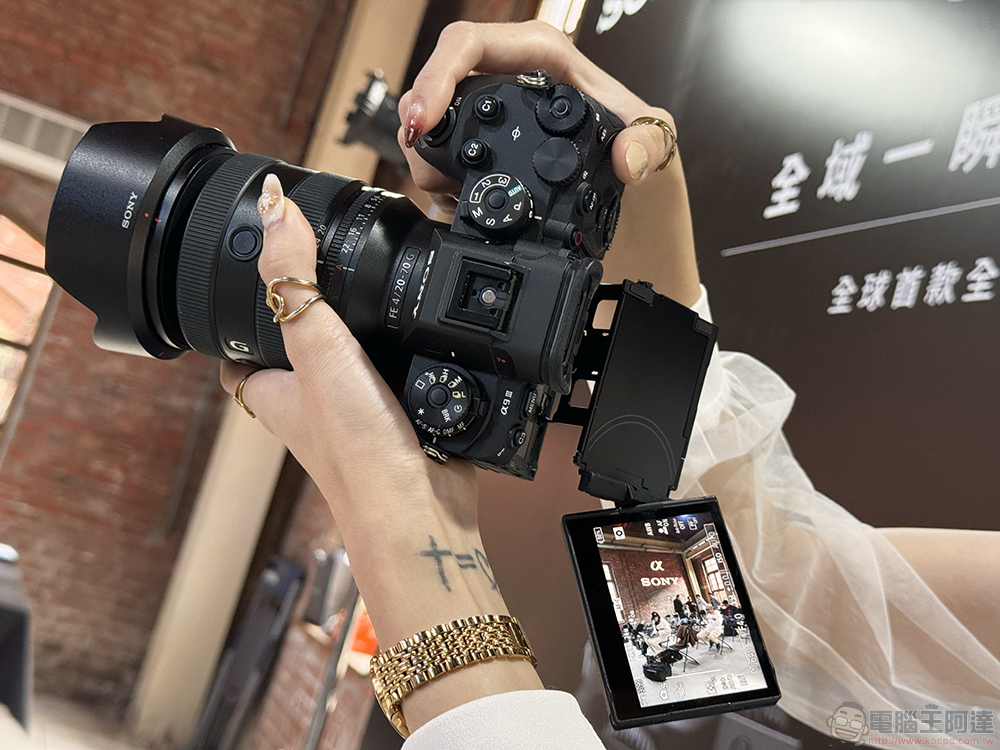
Another complicating factor is that many social platforms intentionally retain EXIF information. For example, Facebook may use EXIF information to tailor a user’s experience. Sites like Flickr give users control over their EXIF information, while various other sites including Facebook, Instagram, Twitter and WhatsApp hide the data from other users, but it’s unclear how the sites themselves use it.
If prevention is the goal rather than passively relying on the platform to clear your data for you, check out our past tutorial on viewing the raw data of your photos. Turning off camera positioning is the first step to keeping you and your images safe. Another simple solution is to use Google Photos or Apple Photos to share the image and choose the option to not save EXIF.
Further reading:How to view the original data (EXIF) of a photo?
Maintain reliable image backups
If you’ve ever accidentally taken your phone while swimming, or dropped it, then you already know the importance of off-device storage, and even with a digital SIM card and recovery process, photos are not data that most smartphone users want to risk losing. When it comes to photo security in your image library, reliable backup is the best way to protect your photos, and many devices have automatic sync services that back up your phone photo albums in the cloud. It’s worth using that option if you have it, but there are benefits to opting for an external backup as well.
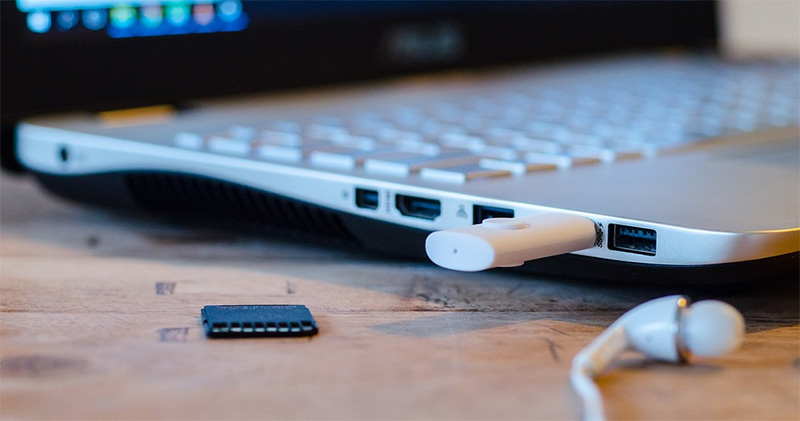
An external hard drive, memory card or USB flash drive allows you to make portable copies of your photo albums. Encryption (aka password protection) is another layer of security to keep your data safe, but if you keep your hard drive in a safe place, you may not need password protection. With cloud storage, your service provider can handle encryption and security. Although there is a history of hackers leaking personal information, cloud service providers have a legal responsibility to provide cloud security and protect your data from threats. To give yourself peace of mind, you may consider using hard drive backup and cloud backup to keep your images safe.
Further reading:Are your computer backups adequate? What you should know about backups
Deter potential image thieves
From phishing to industrial espionage, there are many reasons why bad actors might want to steal your images. To stop these digital thieves, prevention is always better than cure. Taking legal action against photo stealers is not easy, and taking action after someone uses AI to fake your photos is much harder than avoiding the scam in the first place. Even celebrities’ personal photos can be stolen directly from their devices, so sharing them online isn’t the only danger. While you can send a takedown request or sue the person who used the image without permission, it’s a complicated process and costly if you go the litigation route.
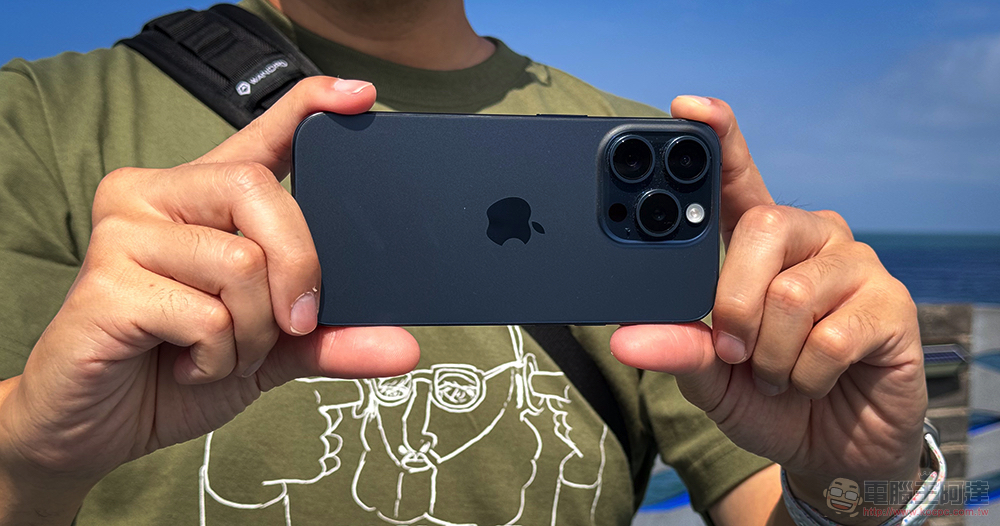
When it comes to device security, using passwords or biometric logins is crucial to avoid unnecessary storage. Identifying common viruses and scams so you can avoid them will also help protect you and the contents of your device, and making your photos harder to steal is the easiest way to keep your photos safe. One low-effort way to thwart online image thieves is to only publish low-quality photos so they are less attractive to scammers.
Alternatively, in addition to using all the security measures provided by the device, consider using a watermark on the image. Another option is to copyright the published image. Copyright is more common for professional photographers or those who allow their images to be licensed, but it’s a useful tool if you’re serious about protecting your images.
Choose cloud storage space carefully
Not all cloud storage services are created equal, and not all are cheap. You can launch free cloud services on your device or with a supplementary account, but this may not be the safest option.
Security may be the most important metric, but your selection should also include support, features, and storage capacity to get the most bang for your buck. If you want to pay for more security (and storage capacity), compare the terms and conditions of each cloud service before signing up. You can also review the vendor’s certifications and policies, and do a quick search to see if they’ve been involved in a data breach.

For DIY enthusiasts, building your own cloud storage is also an option, but it also means the responsibility for keeping your images safe rests squarely in your hands, which in some cases, depending on your technical prowess, can be a good thing.
Protect images using manual lock
Although film negatives are largely a thing of the past for most smartphone users, the strategy of locking away photos can still be a smart idea, even if they’re stored on a chip rather than in a can.
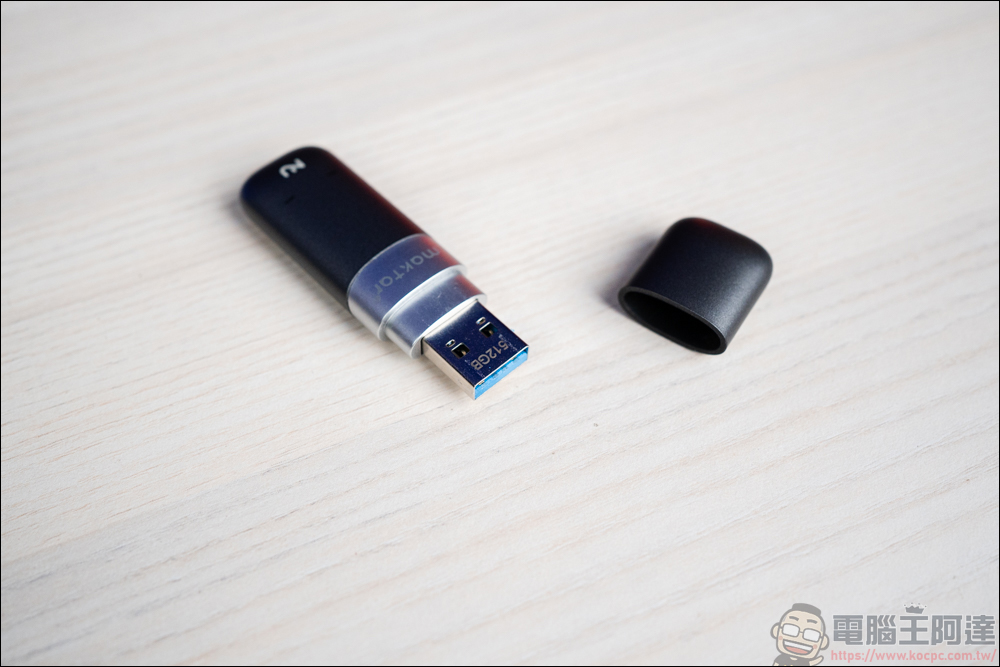
Placing a memory card, pen drive or external hard drive in a lockbox, safe or even a bank safe (if they are particularly valuable) may be the ideal solution for keeping your digital images safe. However, like printed photos, storage hardware is susceptible to heat, cold, and moisture, so choose your storage location carefully. Throwing a memory card full of images into a safe is one way to protect your photos, but there are more modern ways to protect your photo storage, such as locks on a thumb drive. A physical lock on a flash drive prevents unauthorized users from inserting the drive into the device, and many flash drives have locking options such as combination codes.
Further reading:Now that the cloud is so popular, do you still need to use DVDs to store data?
Don’t share photos publicly
Social platforms are a great tool for sharing your images, but do you know who will download your images after they are uploaded? If your profile is public or you have a large circle of friends, which could be just about anyone, reducing your friend list or avoiding public sharing is a good start for protecting your photos online. Most social platforms only allow you to send your profile and posts to friends, and some require your permission to let someone follow you or interact with a post. Why is this important? Almost every social platform allows users to share other people’s posts, including photos, without the original user’s knowledge.

For example, users can view an Instagram post and then copy the source code to embed the post wherever they want. Instagram notes that you can turn off embedding without making your profile private (only from the Instagram app), which is another way to protect your images without limiting who can interact with your content. Facebook also allows embedding of any public post, but Meta offers no advice on turning off embedding on the platform while maintaining a public page or profile.
Don’t rely entirely on external storage
Keeping multiple backups of your images is the best way to ensure longevity of your images, but don’t let those external hard drives sit idle for too long. Like other technologies, digital storage devices break sometimes, so they are not foolproof. Flash memory drives can last about 10 years or more, but lifespan depends on the quality and cost of the equipment. However, external hard drives last three to five years at most, and external factors can also compromise the integrity of the device. Magnetic fields can damage electronics, moisture can cause oxidation, and drops on hard surfaces can cause mechanical failure. Taking good care of your external storage will help extend its life, but keeping a cloud backup ensures your images are protected in the event of a failure. Also, who knows when USB flash drives will eventually become as obsolete as floppy disks?
Encrypt photos or folders
Encryption is one of the easiest ways to protect your images from prying eyes. Simply put, encryption means password protection, but security goes a little deeper, encryption effectively scrambles your data so even if you send an encrypted image via email and someone intercepts it, they won’t be able to view the file without proper decoding. You can choose to encrypt images individually, or you can save them into a folder and encrypt the entire folder. You can even encrypt your entire drive to protect all your data at once. When it comes to photos, especially any kind of sensitive photos, an encrypted folder can be a simple solution to the challenge of security of images on your computer.

For smartphones, encryption can be a bit complicated if you want a layer of protection beyond a lock code or biometric input. On most devices, you’ll need a cloud storage app or a separate encryption app to encrypt your images.
print out your photo
If you’re worried about photo lab employees stealing your photos, there are many self-service photo printing options available. However, photo printing services are still fraught with risks. If you walk into a photo processing center, you still need to connect your device or memory card at a kiosk. Online, you may upload images to a location where they are stored during processing (albeit only briefly).

In either case, there is still a chance that your photos may be seen or even lost during transfer. Printing photos at home eliminates third-party involvement, and you don’t need Polaroids. Mobile photo printers quickly print photos in seconds and involve no external processing. If you’ve ever lived through the Polaroid era, you can’t argue with the nostalgia of printing your photos as soon as you take them.
Clear image copyright
Whether you choose to add a watermark to your images or try other methods to deter would-be thieves, a copyright title can add another layer of protection. If unsavory people are searching the web for easy-to-steal photos, a simple copyright notice may cause them to skip your images.
The good news is that in most countries around the world, copyright protection is automatically flagged immediately after a photo is taken, and then it is as simple as including a copyright statement when publishing the image online. The copyright statement should include the word or symbol of copyright, the year of publication, and the name of the copyright owner. You can even go a step further and register your photos with copyright authorities for additional legal support. However, for most social media users, a copyright declaration may provide sufficient peace of mind and a starting point if legal action is necessary.
Source: KOCPC Chinese