


Nowadays, browsers have many useful extensions, such as being able to package images from a website, download videos and music from web pages, etc. However, most of them only target a single item, which means that if you want to download images, videos, music and other content, you must install multiple extensions. If you want to downsize and don’t want to install so many extensions, this article recommends an all-in-one “AIX Smart Downloader” that supports everything from pictures, videos, music to files, and is completely free.

Super all-round download expansion function, pictures, videos, music and files can be satisfied at once
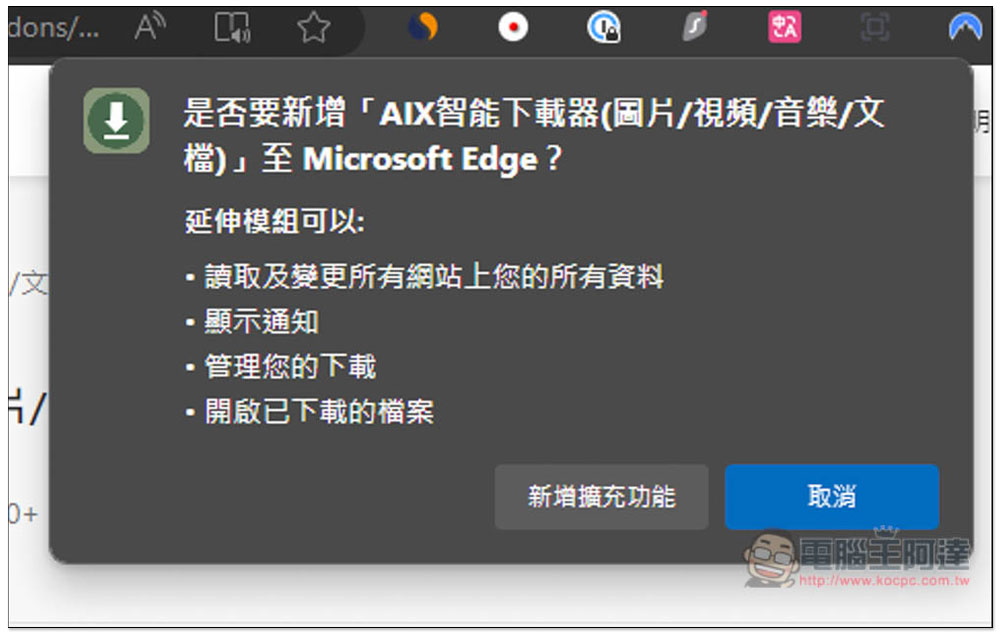
AIX Smart Downloader supports Chrome and Microsoft Edge browsers. After clicking the link above to enter the official website, select the browser you are using to install it. Mine is Microsoft Edge, so it will jump to the Edge Extension Store. Click on the upper right to get:

This message will pop up above, click on Add Extension Function:
After the installation is complete, this web page will pop up:

Now, by default, the browser will automatically hide the extension icon after installing the extension, so remember to open it in the puzzle icon on the far right so that it will be displayed in the upper right toolbar::

The method of use is very simple. After opening the webpage you want to download content, open this “AIX Smart Downloader” and you will see four function icons. From left to right, they are pictures, videos, music and files. The picture part is preset to automatically read all the pictures contained in the webpage, so there may be some you don’t need, such as website logos, advertising pictures, etc.:

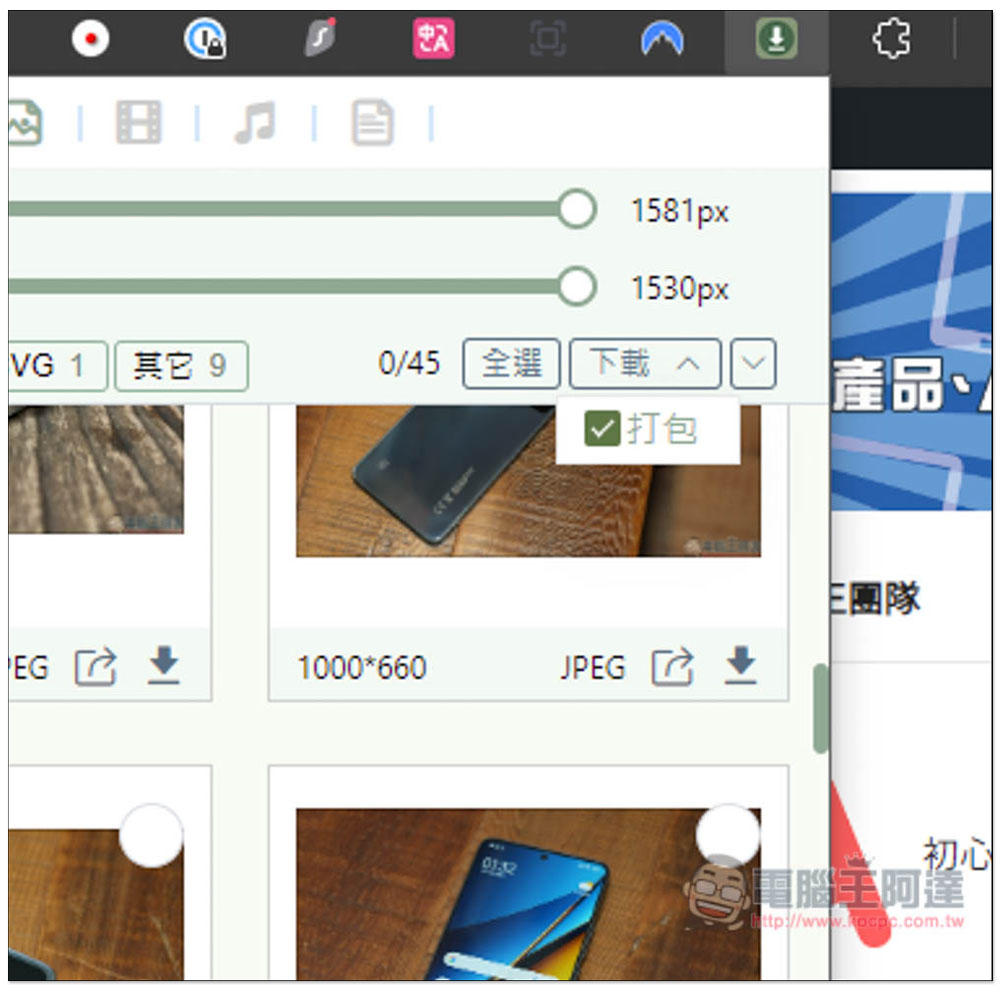
At this time, you can remove unnecessary images by changing the built-in filtering function. For example, what is the width and height of the image you want to download (above or below) and what format of the image? I set it to a width above 821px and a height above 622px, so that the website’s logo and some unimportant small images will disappear:

In addition to clicking the download icon of each image one by one, it also supports the packaging function, which can package and download all images at once. This is very useful for people who often collect web images:
If you feel that the expandable window is too small to browse pictures and settings, you can also expand it in a new tab and click “Open in new tab” in the lower left corner:

The extended function window will expand:

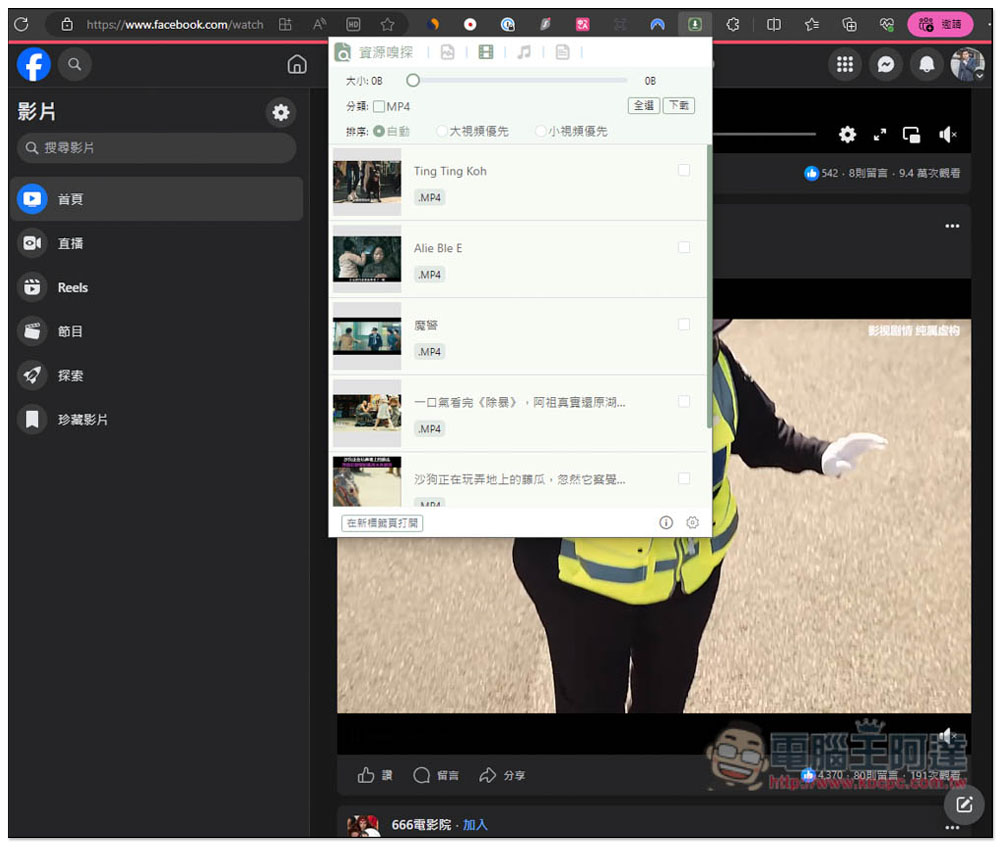
I also tested the video download function, and it works fine on Facebook. You can find it when you open the video page. However, YouTube does not support it, so Google will not make the extension available for downloading YouTube. If you want to download YouTube videos, you can refer to the free online tools we introduced before, such as:yt-downloaderz:
Bilibili also supports:

TikTok is also successful. However, most of the videos downloaded by this tool are not high resolution:

As for music and files, I don’t think music is very useful. Although the developer said it supports most online music platforms, my tests on Spotify, SoundCloud, etc. failed. The file is used to download some .css, .js and other files in the web page, which is more practical for developers.
Source: KOCPC Chinese