


When watching videos online, you will often see some videos that you want to download and collect. In the past, we have introduced many online download tools, such as GoDownloader、yt-downloaderz、YTGoConverter、Fodownloader、Myvid Wait, and this kind of tool sometimes fails suddenly, so it is safer to collect a few more, so that if you suddenly cannot download, there are other tools that can replace it. The anydownloader recommended in this article is also good. It is not only completely free, but also supports more than 50 popular websites. It is available on the audio and video platforms that many people watch every day. I will introduce it to you below.
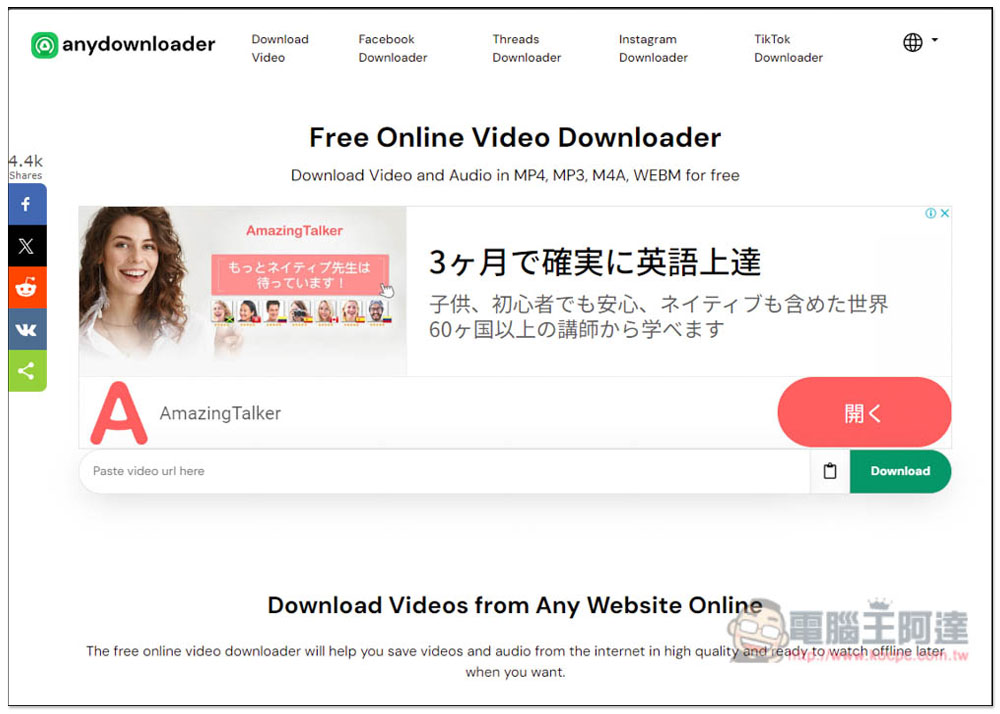
anydownloader is a registration-free, completely free online video download tool that supports more than 50 websites.
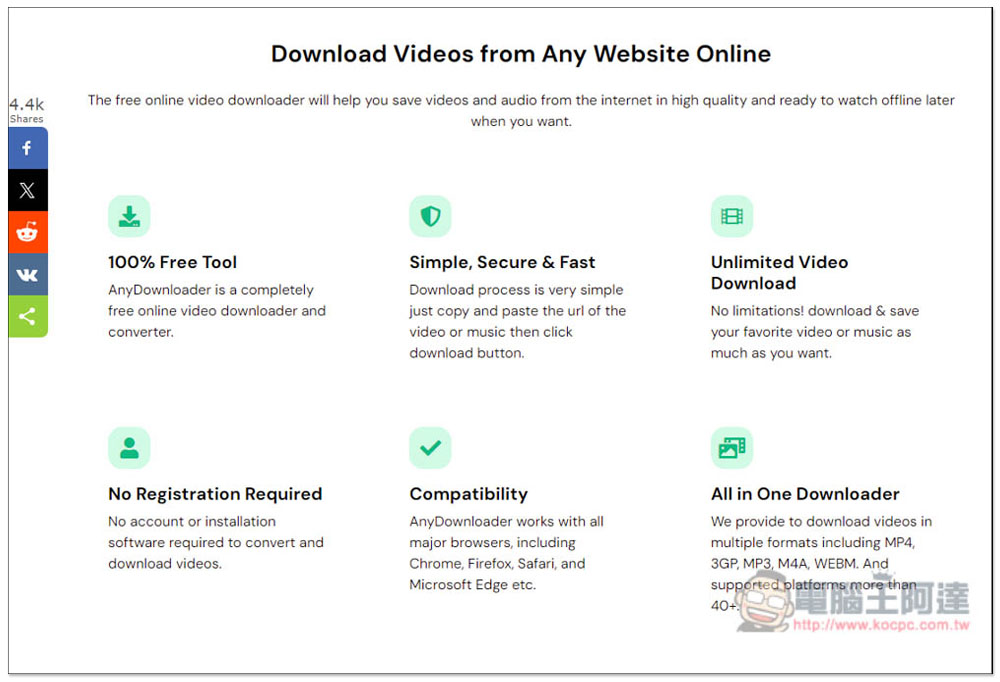
anydownloader has six major features. First, it is 100% free, which means there are no restrictions on paying to download high-quality images. The operation is also simple, there is no limit on the number of downloaded videos, no registration required, compatible with all browsers, and can be downloaded in a variety of video formats, including MP4, 3GP, MP3, M4A, and WEBM. The supported websites claim to be 40+, and I checked that there are now more than 50, which means they are constantly increasing:
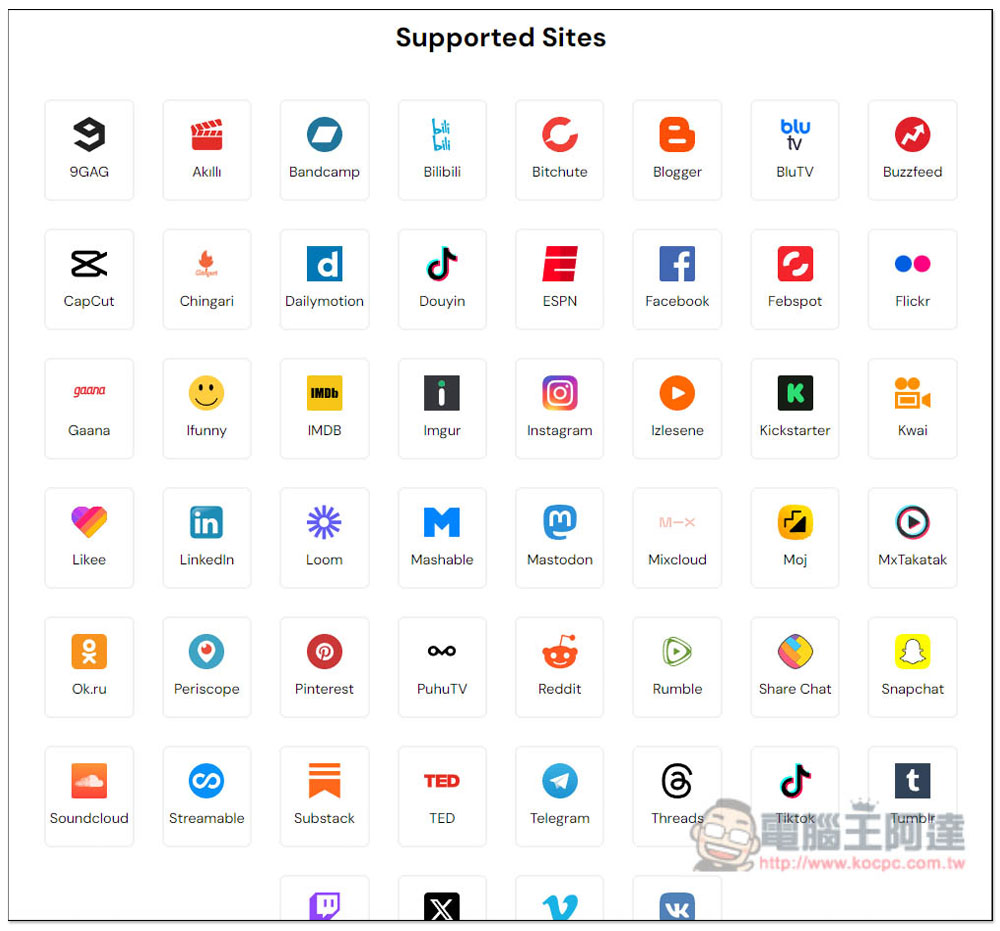
The following are all currently supported websites, including many popular websites, such as Bilibili, Facebook, Instagram, Pinterest, Reddit, Soundcloud, TED, Treads, TikTok, X (Twitter), etc. Unfortunately, YouTube does not support it. Not sure why:
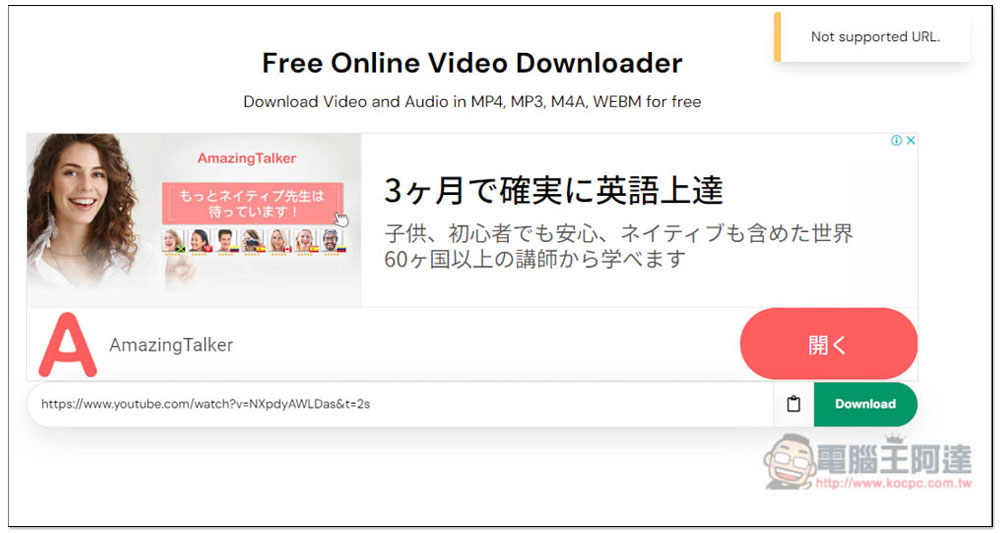
The usage is the same as other online video downloading tools. Just paste the video website you want to download and click Download to search for the download point. I tested whether YouTube is really unusable, and sure enough, a “Not supported URL notification” will appear in the upper right corner:
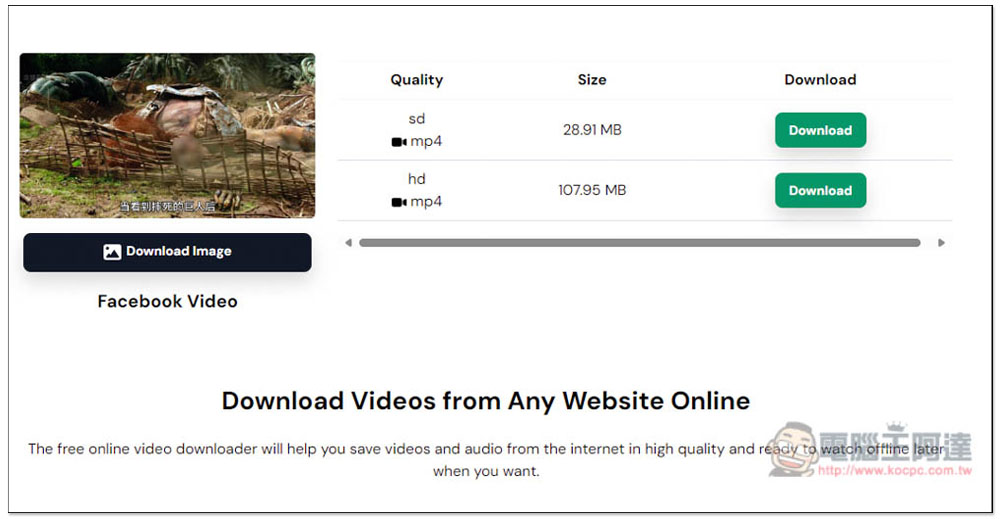
When I tested Facebook, there was no problem. It supports SD and HD image quality, both are in MP4 format, and the file size will be marked in advance. In addition to downloading videos, FB also supports downloading video covers:
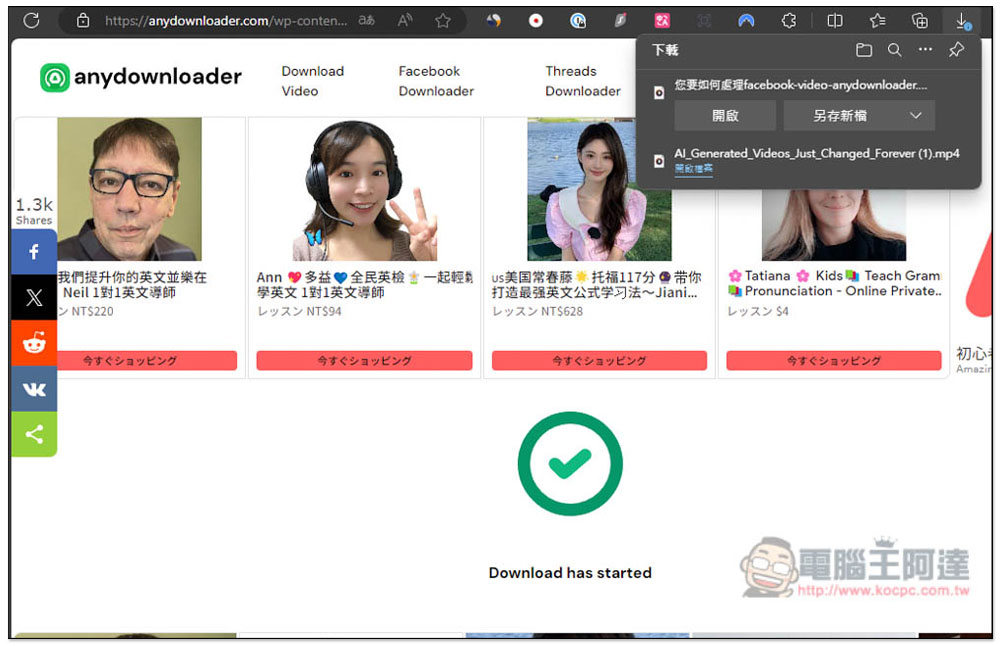
After clicking Download, a new webpage will be opened. The download will start when the countdown in the webpage runs out:
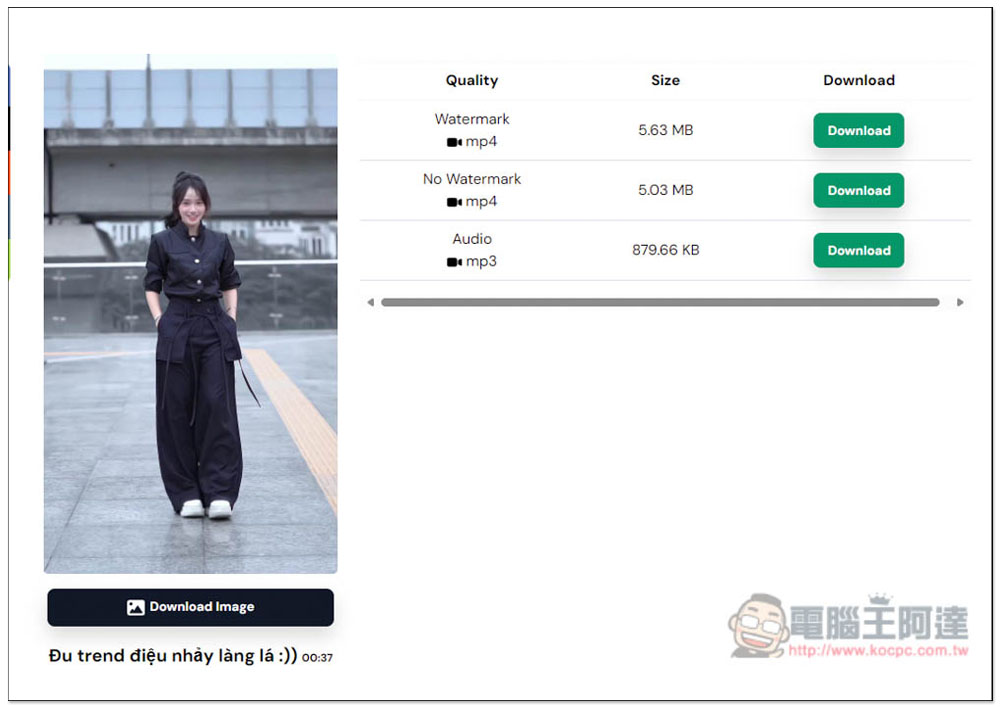
Next, I tested TikTok with the same success. There are three download points, including videos with watermarks, videos without watermarks (MP4), and pure music (MP3):
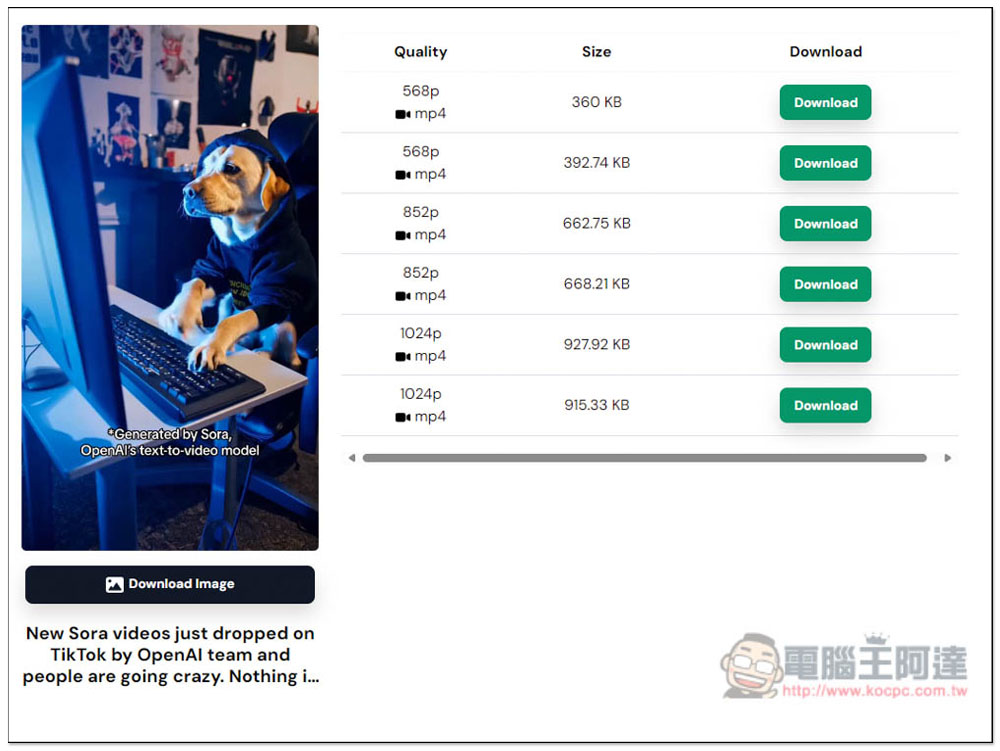
X (formerly Twitter) supports three resolutions, 568p, 852p and 1024p, and what’s special is that all three have two download points, and the file sizes are different. I’m not sure what the difference is:
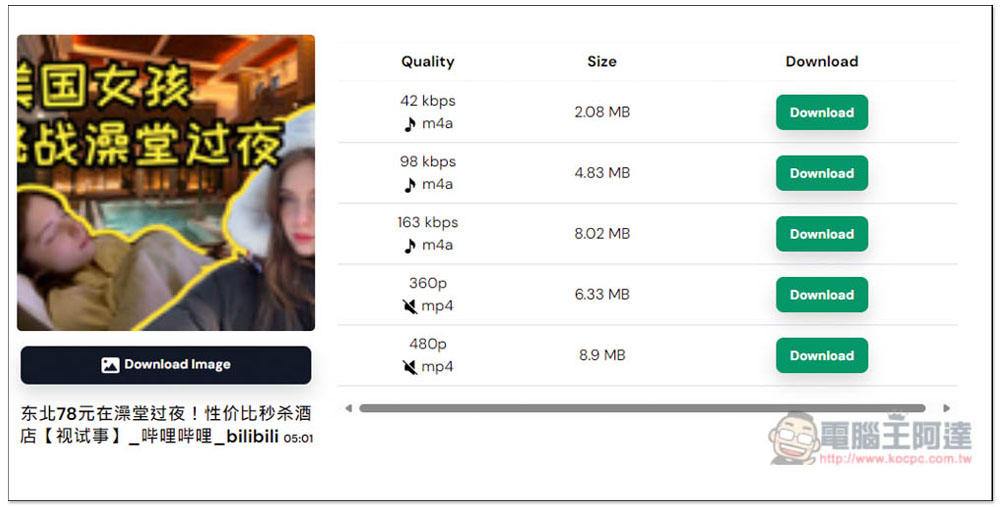
Finally, there are Bilibili videos. Although there is no problem, please note that the downloaded videos have no sound. You can see that the sounds below 360p and 480 are crossed out. Therefore, if you want to download Bilibili videos, it is recommended to use other tools, such as RipFrom This one is good:
Source: KOCPC Chinese