


This Saturday (2/24) is the annual Lantern Festival, which also symbolizes the arrival of spring. Are you ready to eat Lantern Festival, view lanterns and guess lantern riddles during the Lantern Festival? The LINE team has also prepared LINE Lantern Festival chat room special effects for Taiwanese users this year. As long as you enter the specified Lantern Festival chat room special effects keyword, you can see the cute Bear and Rabbit releasing sky lanterns together!
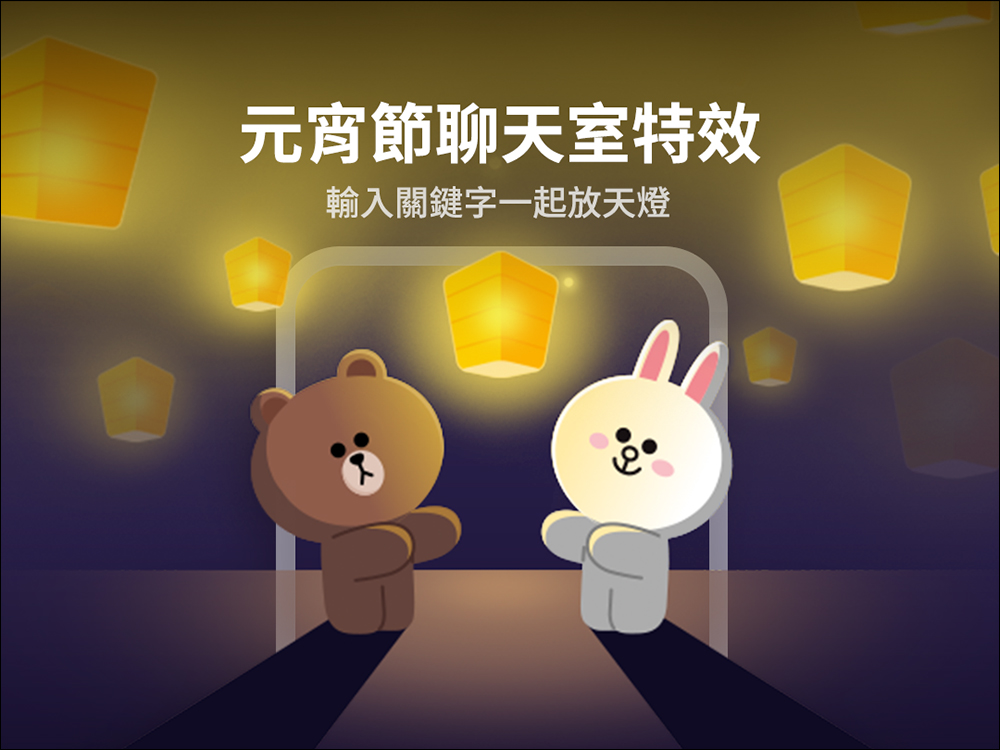
LINE Lantern Festival chat room special effects are here! Limited to Taiwan, enter these 3 sets of keywords to watch Bear and Rabbit put up sky lanterns together
LINE announced today (21st) the launch of the Lantern Festival chat room special effects that are only available in Taiwan. Taiwanese users only need to enter the chat room special effects keywords to wake up the background special effects of the chat room. This year’s Lantern Festival chat room special effects will last from the 21st to 10:00 on February 26, 2024. During this period, as long as you enter any set of keywords “Lantern Festival,” “Sky Lantern” or “Lantern Riddles”, you can have Xiong Da and Tutu appear in the chat room to release sky lanterns.
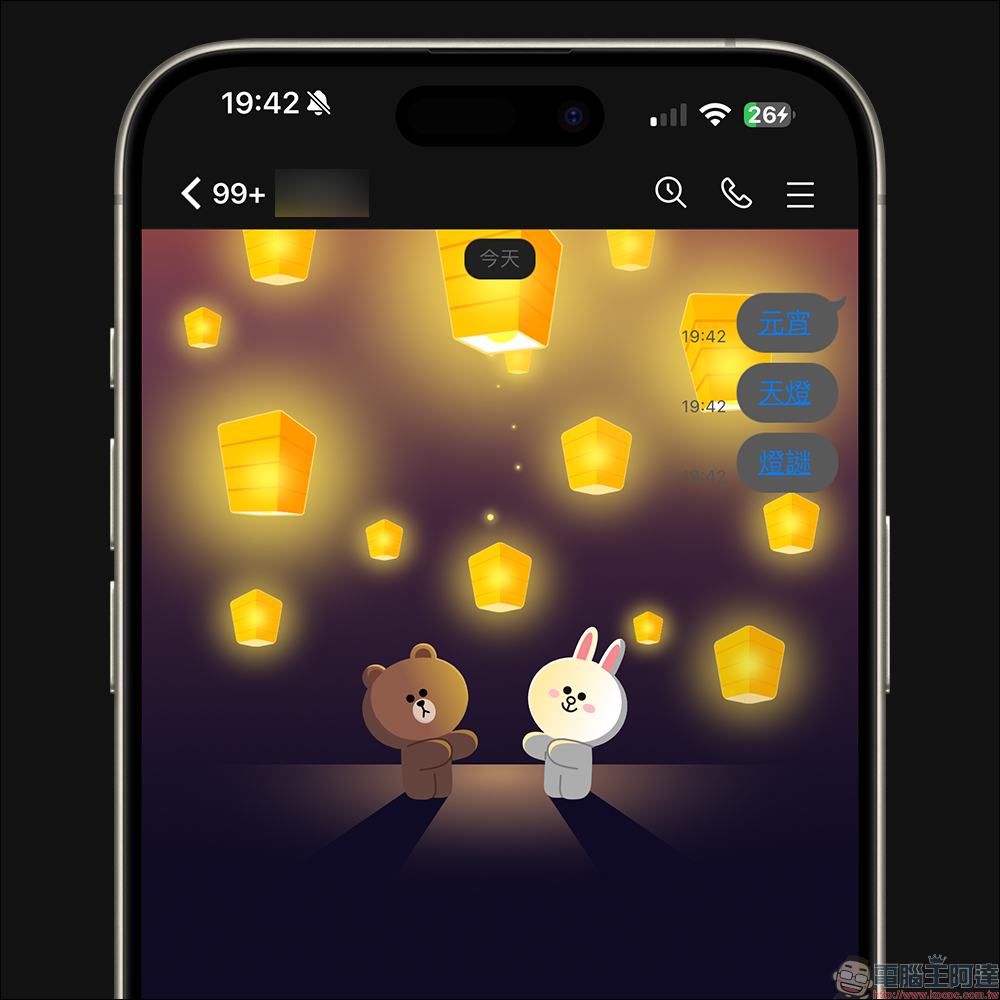
If your mobile phone’s LINE version is 12.0.0 (inclusive) or above, when you enter a keyword and a chat room effect appears, the keyword will be displayed in the form of a link. If you want to replay the Lantern Festival chat room special effects anytime later, just click on the keyword link! You don’t have to keep washing friends’ messages to watch the beautiful sky lanterns lighting up the night sky again and again.

Lantern Festival chat room special effects period
This year’s Lantern Festival chat room special effects will last from February 21, 2024 to 10 a.m. on February 26.
Applicable version for Lantern Festival chat room special effects
This year’s Lantern Festival special effects only support the mobile version. The applicable app versions are as follows:
- LINE iOS 10.17.0 (inclusive) and above
- LINE Android 10.17.0 (inclusive) or above, and Android OS 7.1 or above
How to turn on/off chat room effects?
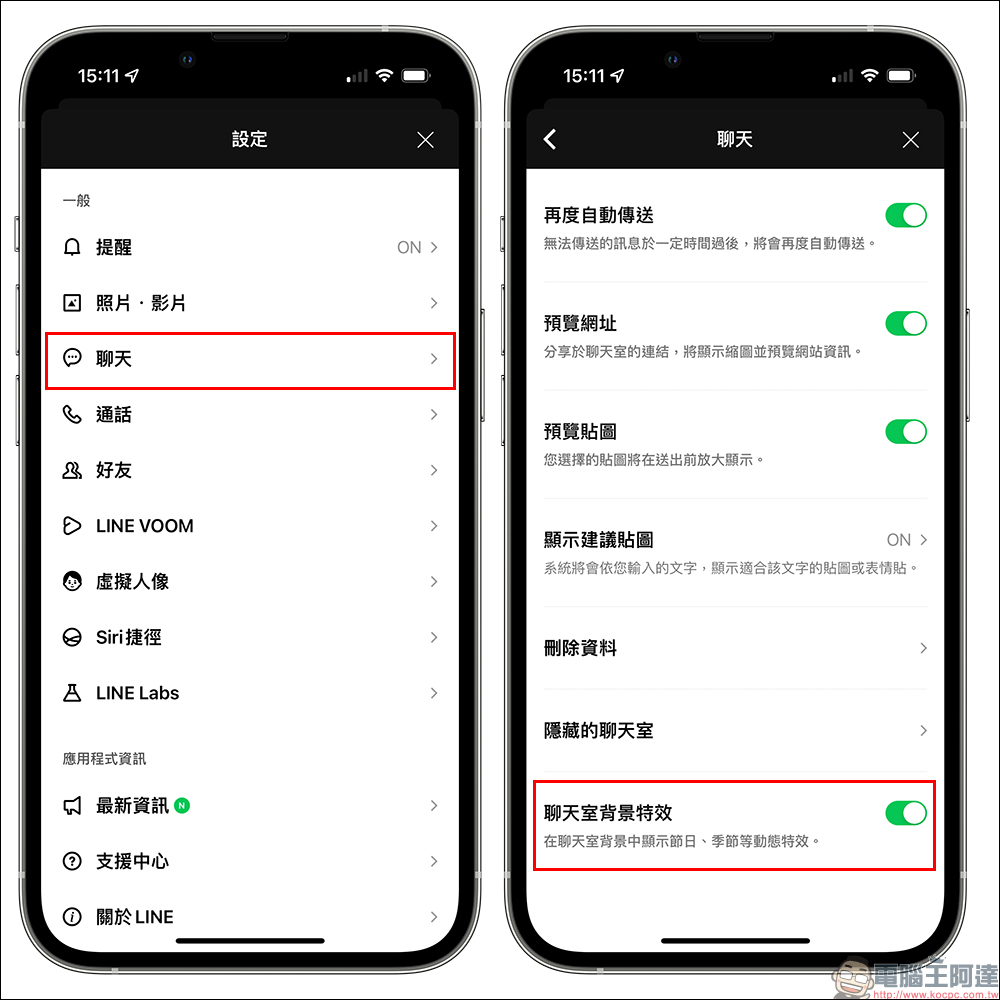
Chat room effects are all turned on by default, but if you enter the correct keywords during the event but do not see the chat room background effects, you can first try to completely close the LINE App and then reopen it, or go to “Settings” > “Chat” and confirm whether the chat room background effects are turned on.
Of course, if you don’t want to see the chat room background effects, you can also manually turn off the “chat room background effects” yourself.
More Lantern Festival related activities
- The 2024 Taiwan Lantern Festival is in Tainan. Here is the must-see, must-eat, and must-do information about the 2024 Taiwan Lantern Festival that is perfect for the occasion:Click here to go
- Users of the LINE sticker value plan can enjoy the Lantern Festival themed stickers that are perfect for the occasion:
- Big Bear Rabbit ❤︎ Happy New Year to celebrate the whole festival! – Sticker link (please click here, the original price is NT$60, users of LINE sticker value plan can download it directly)
- It’s obviously little glutinous rice balls – Sticky Kick – Sticker link (please click here, the original price is NT$30, users of LINE Sticker Value Plan can download it directly)
- Wufu Tangyuan—sticker link (please click here, original price is NT$30, users of LINE sticker value plan can download it directly)
- Small glutinous rice balls and spoons – sticker link (please click here, original price is NT$30, users of LINE sticker value plan can download it directly)

Source: KOCPC Chinese